Table of Contents
When they started running out of money and space for paper books, many people bought a Kindle instead. They used it for years, then sold it when they got an iPad. Now they don't use either one to read books, having found something that suits their reading habits better.
- Why should you ditch your iPad and use a Kindle to read books?
Get the Boox Note Air 4C - The perfect combination of both Kindle and iPad!
There was a time when some people couldn't leave the house without a book. They read several books in a day, even spending half a day at the library. The more addicted you are to reading, the more you realize how expensive physical books are and how much space they take up. Shelves are quickly filled up, and it's impossible to buy all the books you want to read.
That's why people buy Kindles, and for years it was the perfect solution for reading books. Then when they buy iPads, they think it can easily replace Kindle, so they end up selling their Kindles.
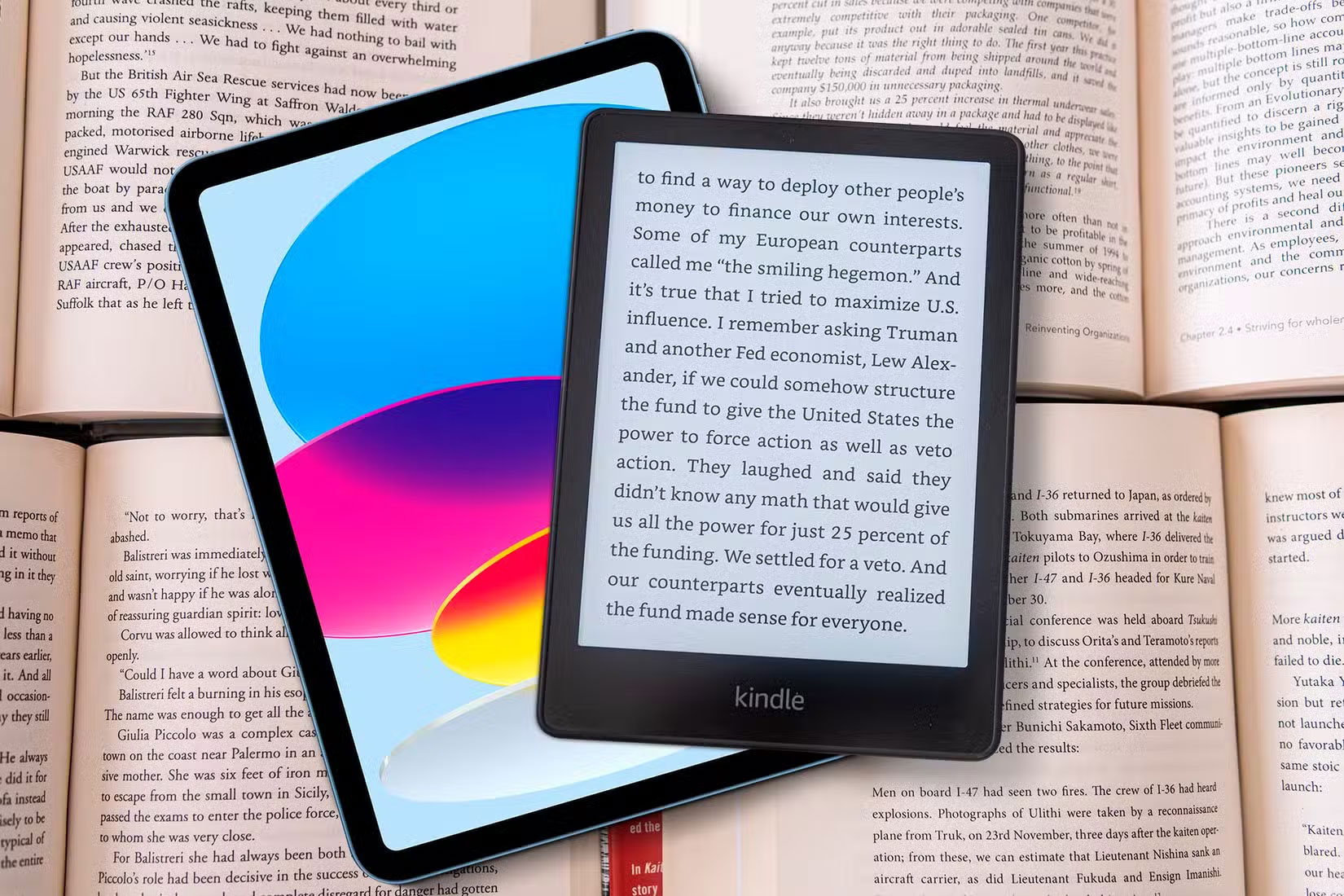
In order not to lose the habit of reading books, instead of going back to Kindle, many people have used Onyx Boox's Note Air 4C, and it has made a difference.
Boox Note Air 4C runs Android, so you're not limited to just reading apps
The Boox Note Air 4C is essentially a combination of an iPad and a Kindle. It has the Kindle's E-Ink display, which means it's not as harsh on the eyes, but it runs Android 13 like a tablet. This gives users the best of both worlds: a distraction-free reading experience when they need it, and the flexibility to install whatever apps they want when they don't.
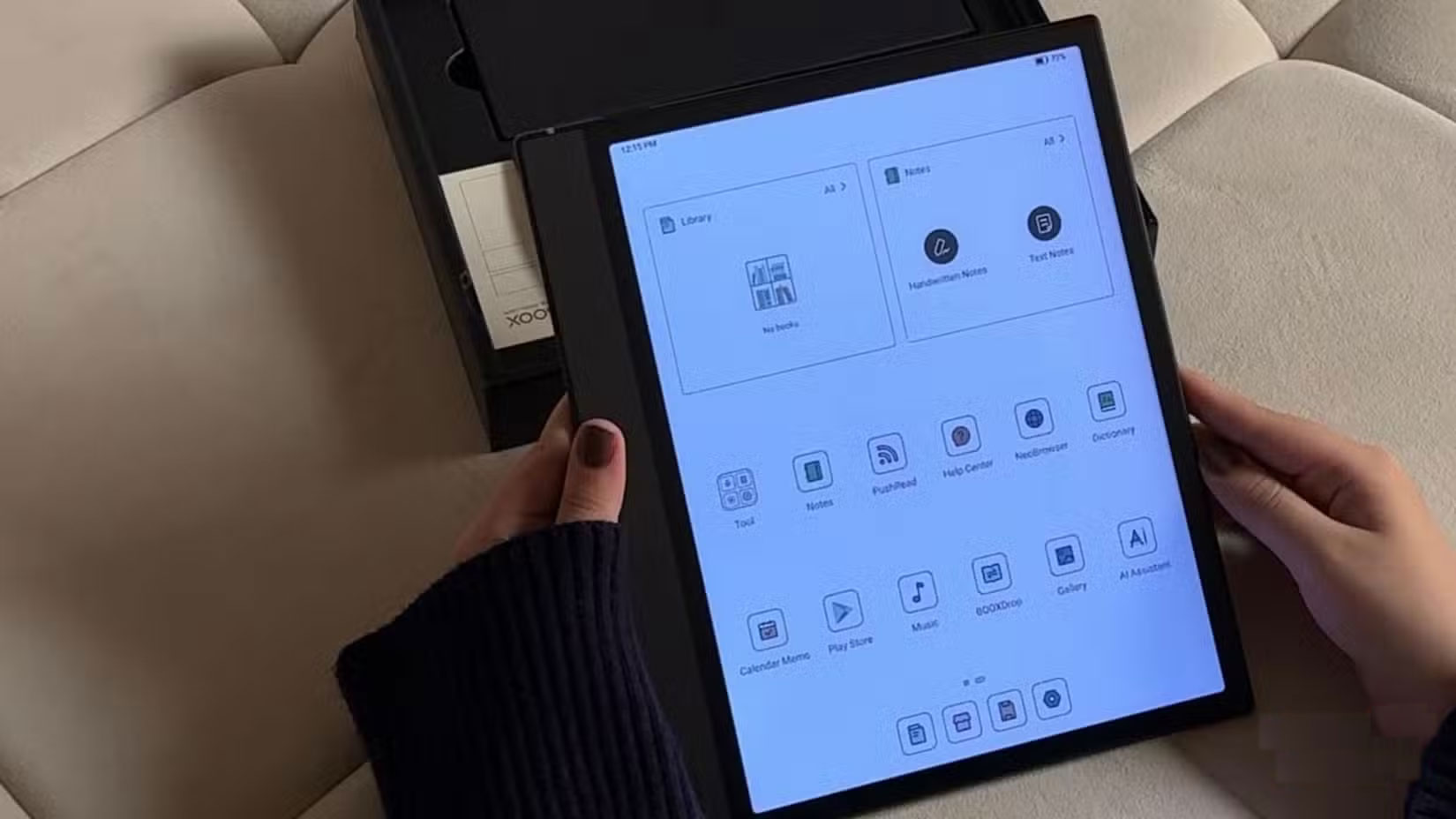
The device comes pre-installed with the Google Play Store, so you can download any app you want, just like on an Android tablet. And while the main purpose of owning an e-reader is to read, the Boox device gives you the freedom to customize that experience to your liking.
You can download all sorts of reading-related apps directly to your e-reader, like Wattpad, Goodreads, and Fable (a popular Goodreads alternative). You can even browse the web while you read, whether it's looking up words, checking book reviews, or searching for information, without having to switch devices.
This may not seem like a big deal, but for people who are constantly distracted by their phones when all they want to do is quickly check something, this makes a huge difference. Instead of picking up your phone and accidentally getting distracted by a text from your friend, you can focus on reading.
Of course, you're also free to download social media apps and anything else you'd normally use on a regular tablet.
A non-Amazon device means you're not stuck in the Kindle ecosystem
One of the biggest complaints people have about the Kindle is that they feel trapped in Amazon's ecosystem. On the Kindle (and most other e-readers), you can't install third-party reading apps, and you're essentially locked into Amazon's own system, whether it's buying books from the Kindle Store, using the built-in reader, or relying on Amazon's recommendation engine.

That's not a problem with the Boox Note Air 4C, as it runs Android 13, as mentioned above. You're not tied to any store or format, and that reading freedom is a total game changer.
Admittedly, I've always been a fan of the Kindle reading app, especially since it syncs seamlessly with the iPhone. But the difference now is that you choose to use it – not because there's no other option, but because you actually like it. With the Boox Note Air 4C, you can still use the Kindle app whenever you want, but you also have access to alternatives like Libby, Kobo, and even Scribd.
Stylus support for quick note taking and effective highlighting
What makes the Note Air 4C the perfect choice between the iPad and the Kindle is its stylus support. It comes with a stylus out of the box, and it also comes with Boox's default note-taking app, which has all the features you'd really need for note-taking.
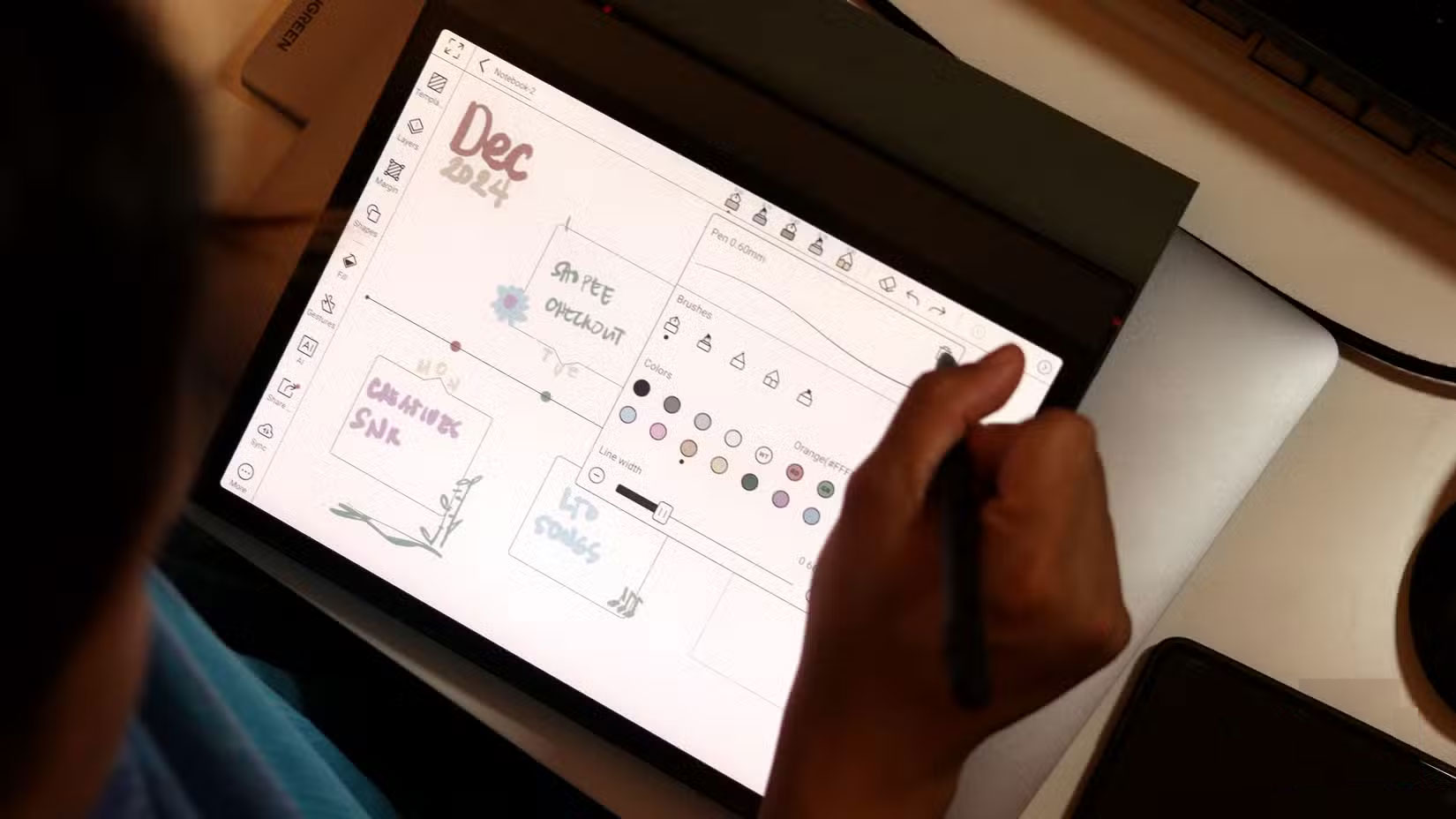
In practical terms, you can use the Note Air 4C as a fully functional device for book notes, journaling, and even taking notes while studying (which is what many people use their iPad for). Unlike the iPad, the Boox device also has a paper-like display, making it feel like you're writing on real paper rather than a glass screen.
In short, using the Boox Note Air 4C instead of an iPad or Kindle for reading and even taking notes is one of the smartest changes you can make in a long time. It does exactly what you need without being distracting. You will definitely wish you had made the switch sooner!
Final Thoughts
The key takeaway is that Why Should You Use Boox Note Air 4C Instead of iPad or Kindle is easier to evaluate when its benefits, limitations, and real-world use are considered together. Review the details above before applying the information to a specific situation.
FAQ
What is the main point of Why Should You Use Boox Note Air 4C Instead of iPad or Kindle?
When they started running out of money and space for paper books, many people bought a Kindle instead. They used it for years, then sold it when they got an iPad.
What should you know about Get the Boox Note Air 4C - The perfect combination of both Kindle and iPad!?
There was a time when some people couldn't leave the house without a book. They read several books in a day, even spending half a day at the library.
What limitations should readers keep in mind?
The answer can depend on the product version, source, use case, and date of publication. Review the article's context and confirm time-sensitive details before applying the information.
Related Articles
 How to Delete Books from Kindle?6 minutes read
 Guide to Buying Kindle and Audible Books on iPhone, iPad5 minutes read
 How to Read Books in Landscape Mode on Kindle3 minutes read
 How to Transfer Books to Kindle: Clear Instructions9 minutes read
 2 Easy Ways to Transfer Books to Kindle: What You Need to Know7 minutes read
 How to Set up Kindle to Update New Books Purchased in the4 minutes read
Reader Comments 0
Sign in with email or Google to join the discussion.