Table of Contents
Spending time in the menus and experimenting with different options will show you that these can do much more than you might expect.
Last year, I bought two TCL 75-inch Class S5 UHD 4K Smart LED TVs with Fire TV, expecting a simple setup – just plug it in and start watching the next great sci-fi movie on my watch list. How naive! Spending time in the menus and experimenting with the various options will show you that these things can do a lot more than expected.
Customize input names for instant recognition
Stop playing HDMI roulette
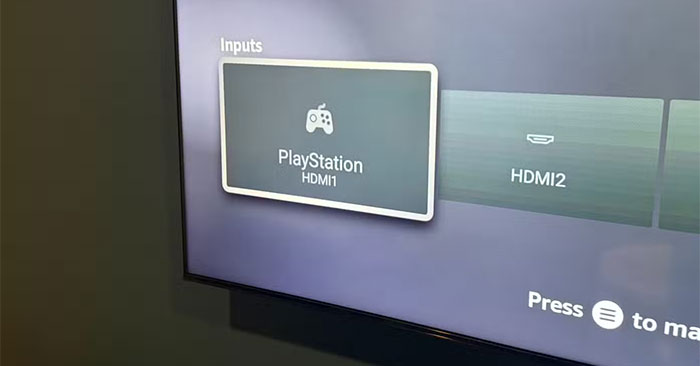
Have you ever sat there clicking "HDMI 1", "HDMI 2", "HDMI 3" wondering which one to connect to your PlayStation? This drives you crazy during setup with your PS5, Xbox Series X, and Nintendo Switch all connected. Constantly selecting the wrong input becomes an everyday annoyance.
Fire TV lets you replace those generic labels with actual device names. Go to 'Inputs' On the main navigation bar, select an input, then press the hamburger menu button on your remote. Next, select 'Edit Name.' Instead of numbers, you'll now see the actual console name when switching inputs.
Arrange the app bar for one-click access
Bypass Amazon's app preferences to set it up yourself
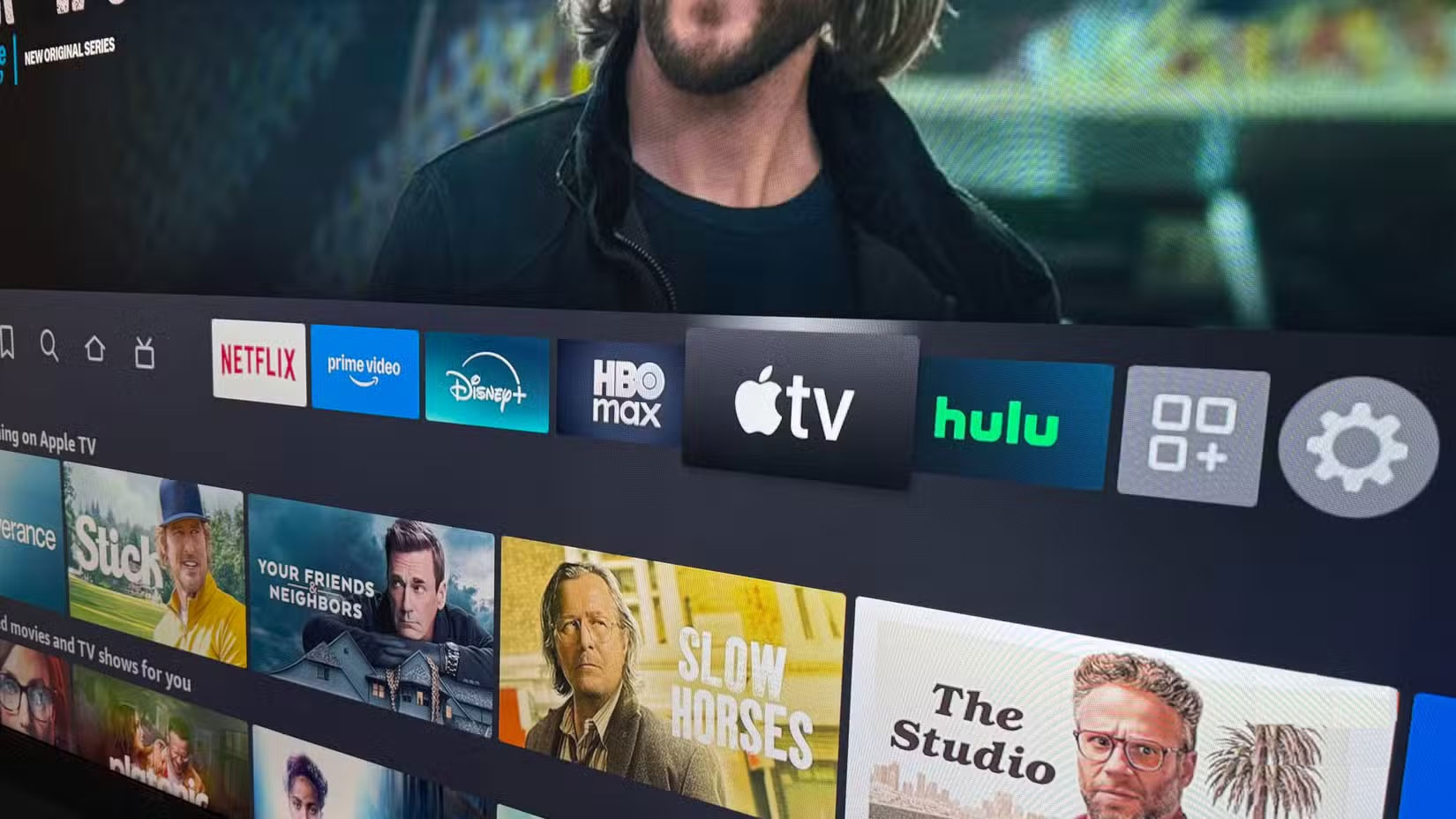
Amazon wants you to watch Prime Video and its other services first, but that's probably not how you actually watch TV. Set up different app layouts for each room based on what you actually use there.
Go to 'Your Apps and Channels' On the main navigation bar, then hover over the app you want to move. Press the hamburger menu button on your remote and select 'Move' Next to any app to rearrange it. You can also hide apps you never touch. This little tweak helps make Fire TV feel more personalized, rather than designed by Amazon's product team.
Connect your Ring doorbell to receive instant notifications
Never miss a visitor again
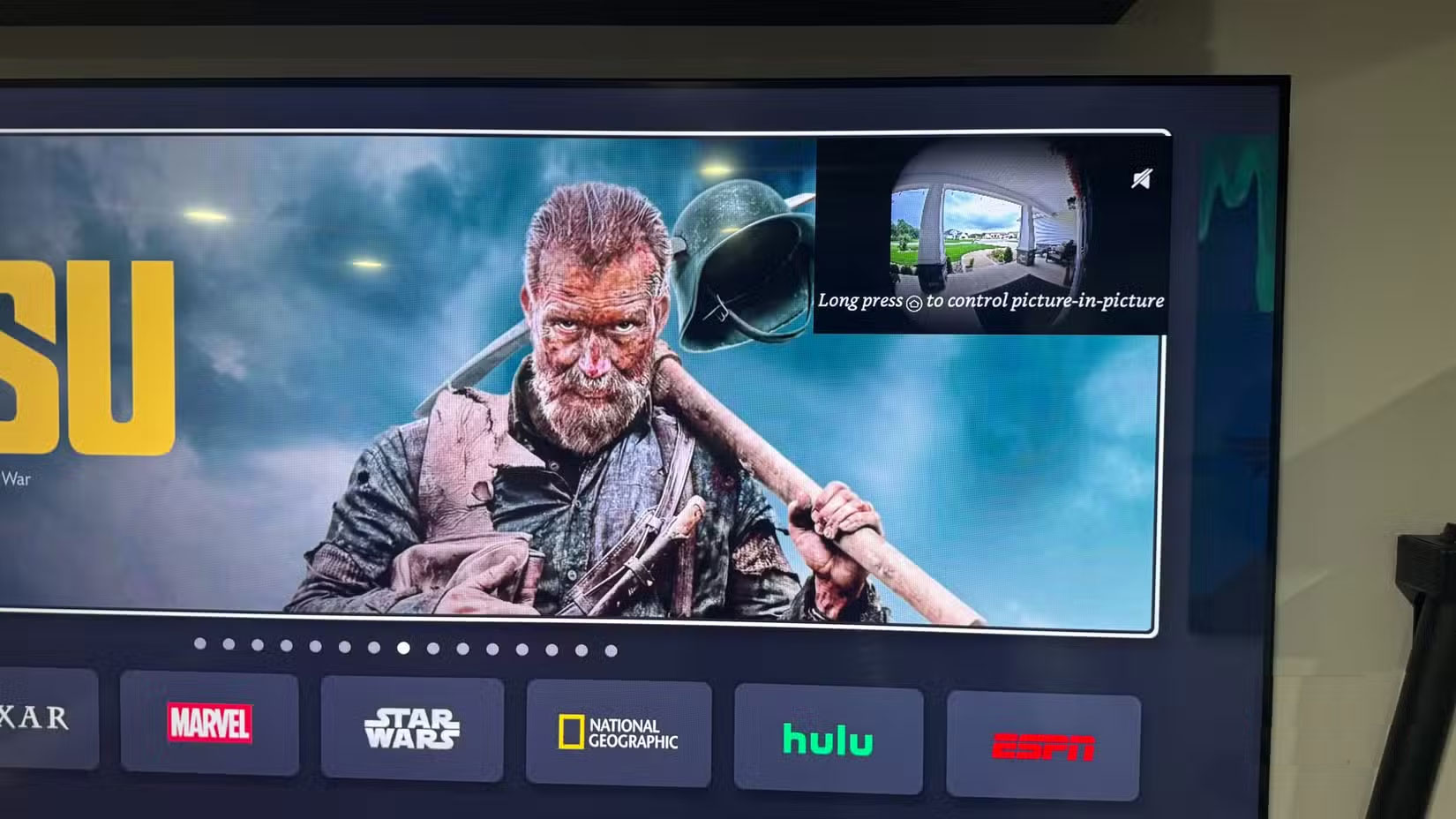
One of the coolest hidden features of Fire TV is Ring integration. Doorbell notifications will pop up as soon as you're watching anything, along with a live video feed.
All you have to do to set this up is sign in to your Amazon account. It's amazing how easy and built-in this feature is.
Pair Bluetooth devices for better sound
Truly effective wireless audio
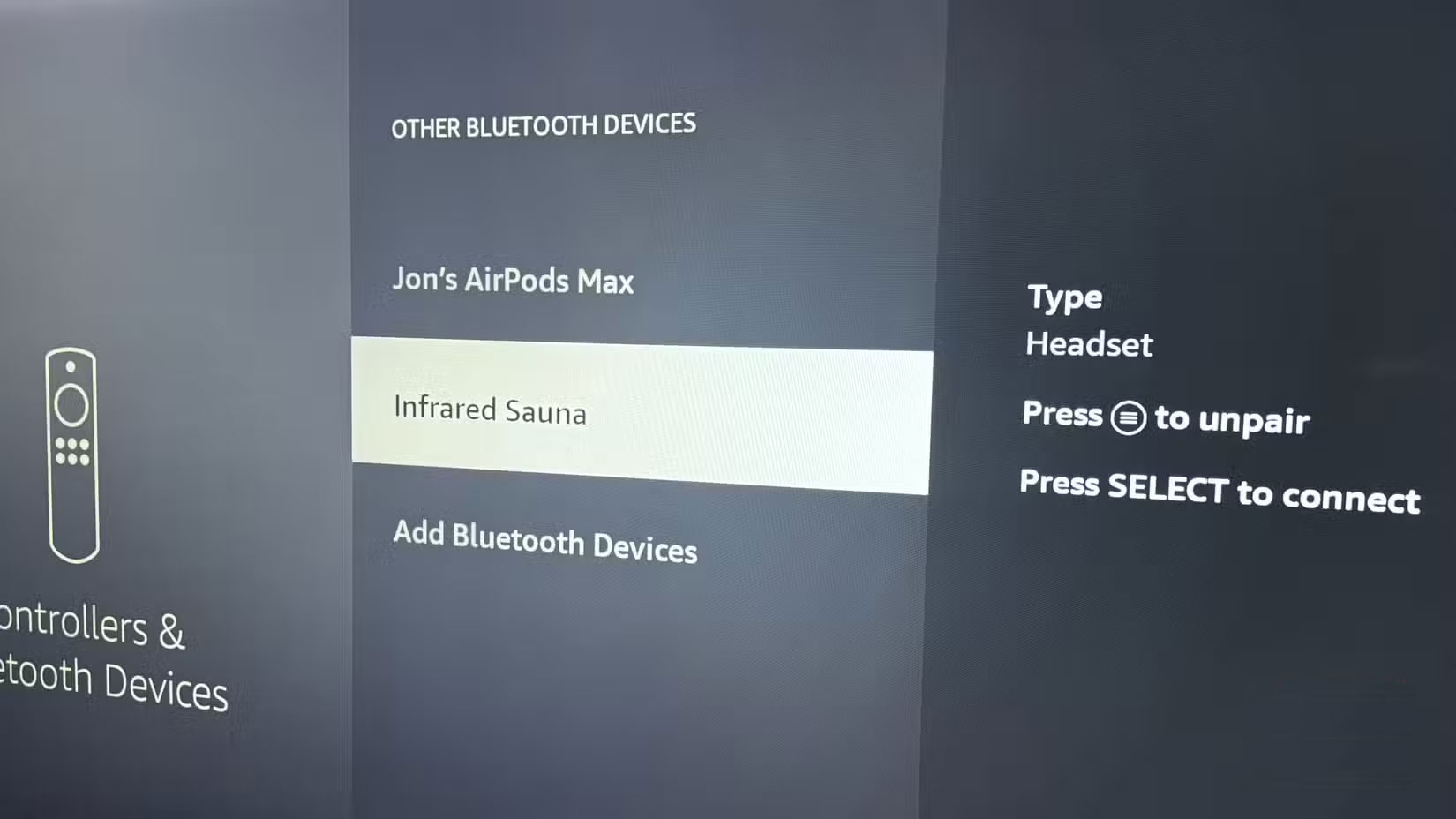
Many people never think much about Fire TV Bluetooth until they start needing to connect different speakers and headphones.
How to do it is straightforward: Go to Settings -> Controllers & Bluetooth Devices -> Other Bluetooth Devices And click "Add Bluetooth Devices" .
Optimize image and sound settings
Really adjust your display
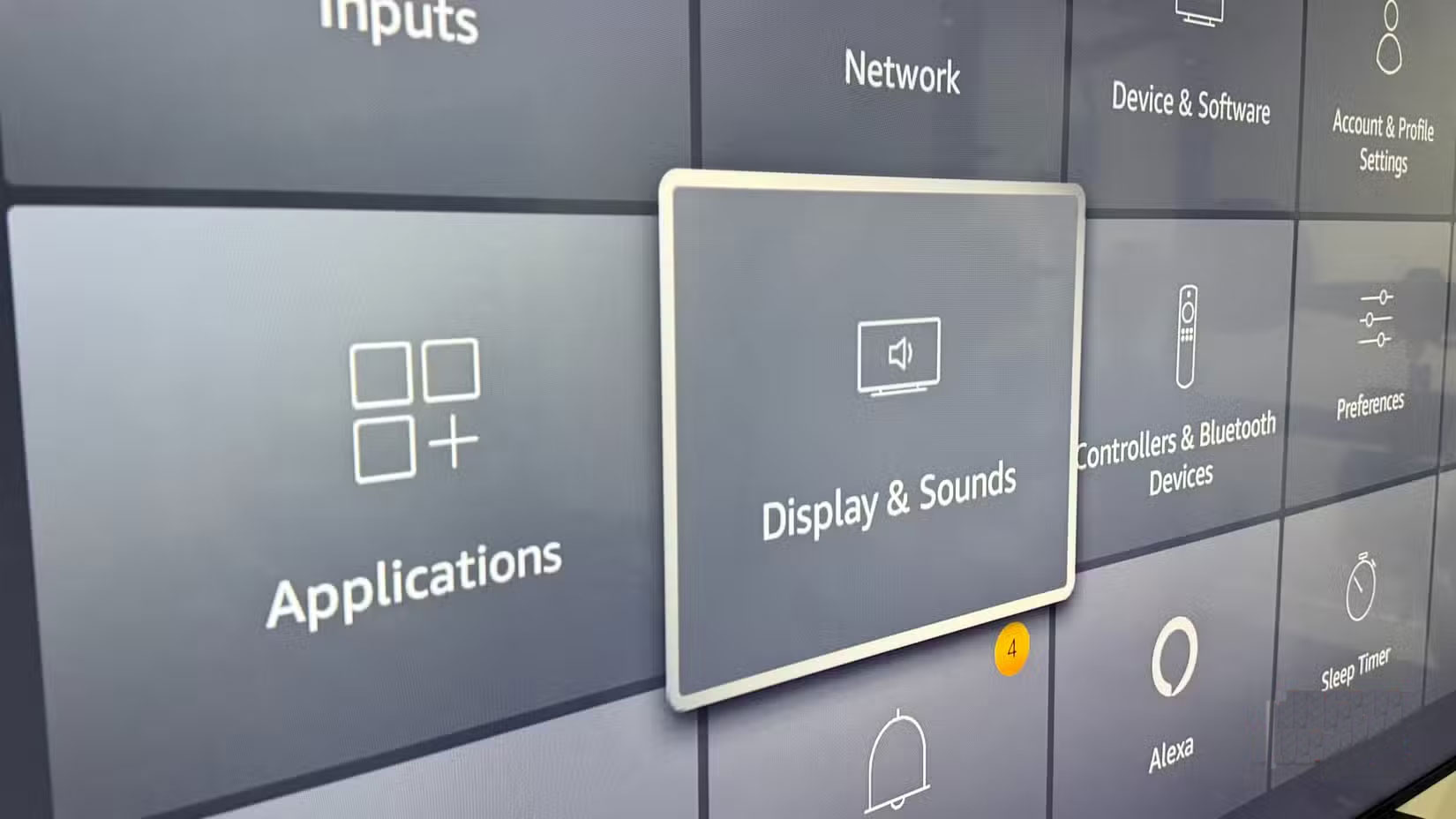
The default picture settings are fine, but some manual tweaking will make things look a lot better. Go to Settings -> Display & Sounds -> Display And tweak the brightness, contrast, and color until it suits your room.
For gaming, you'll want to enable "Game Mode" To reduce input lag. Also, enable HDR10 and Dolby Vision if you regularly watch 4K content.
Upgrade to Ethernet for stable streaming
Eliminate Wi-Fi difficulties
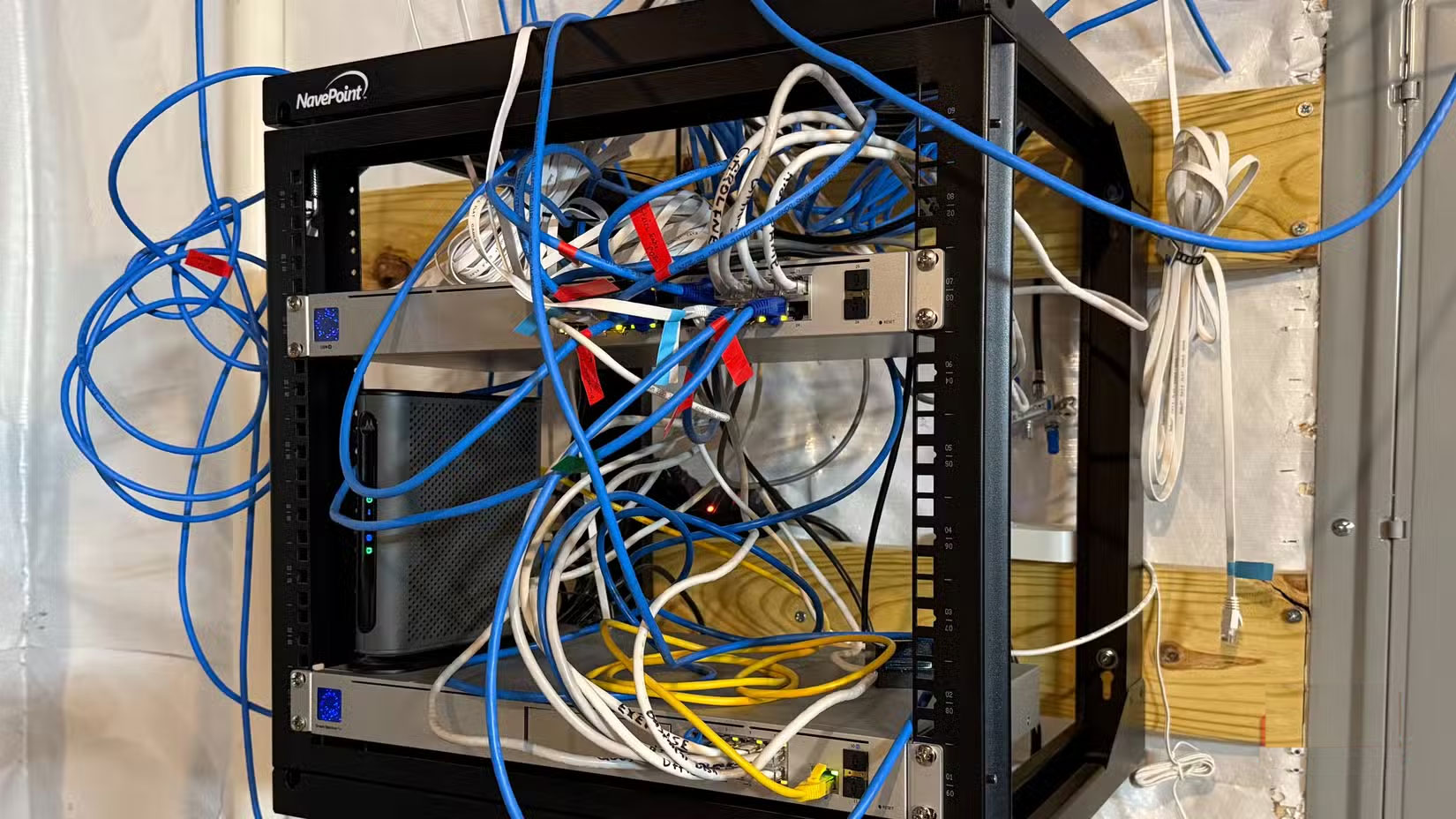
Wi-Fi is fine for most things, but 4K streaming and cloud gaming really need the stability of a wired connection.
Internet speed tests prove it – Ethernet delivers the maximum speed you pay for, while Wi-Fi typically only reaches about 80 – 90% of its speed. When people in the neighborhood are streaming movies at night, Ethernet is stable while Wi-Fi starts to falter.
Install the unit in the wall for a clean, professional setup
Eliminate cable clutter
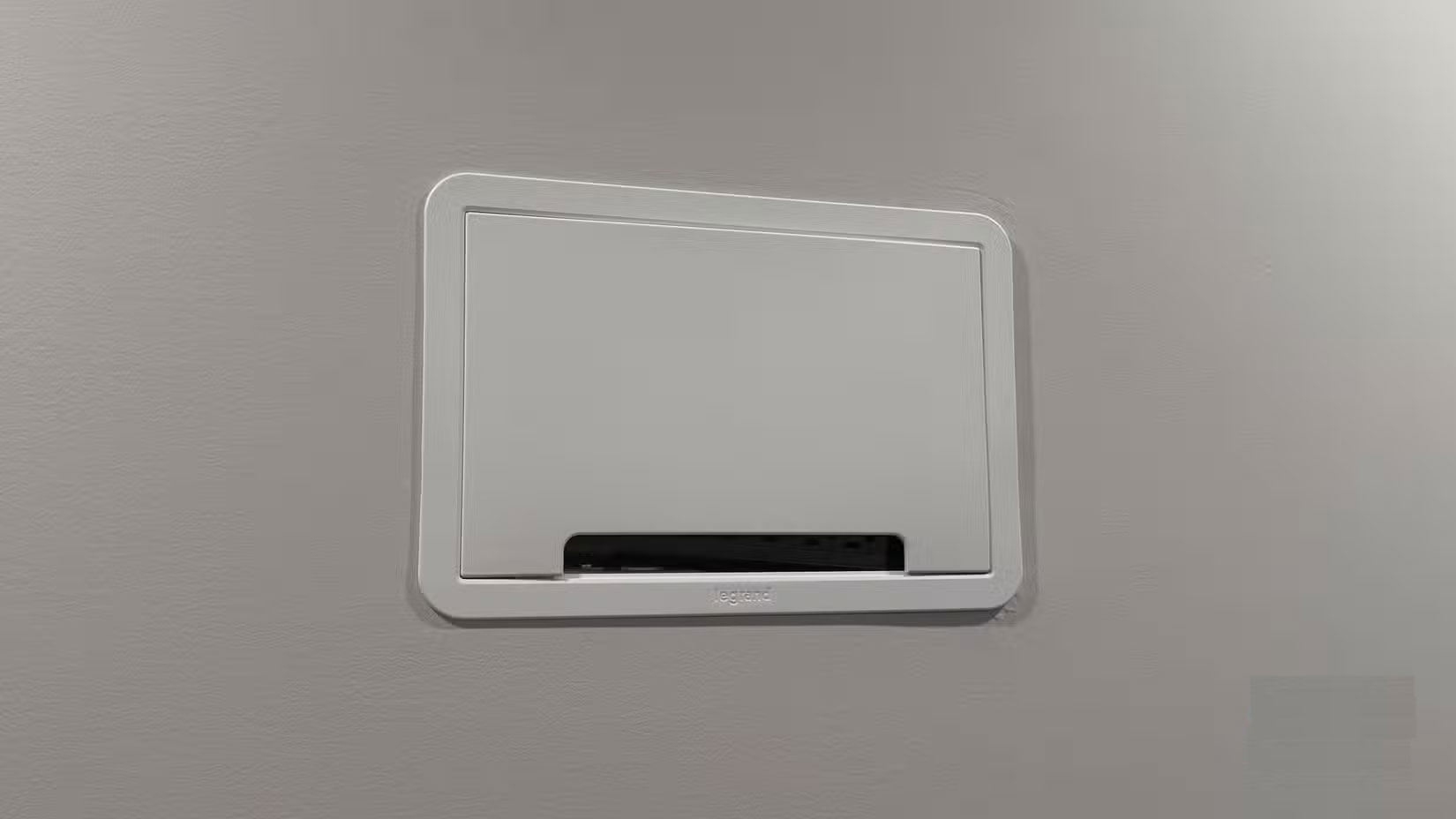
Cables hanging from the wall are a pain, no matter how beautiful your TV is. After months of living with that mess of cables, there's finally a way to hide all the cables in the wall.
Use the HOME VISION TV Fixed Wall Mount, rated to support up to 120kg, compatible with 48-120 inch TVs. Fire TV now appears to float without any visible cables. Not only does it look better, wall mounting also helps the screen reach the perfect viewing height.
FAQ
What should you know about the options in this guide?
In practical terms, spending time in the menus and experimenting with different options will show you that these can do much more than you might expect.
Which option is the best choice?
The best choice depends on your priorities, compatibility, budget, and the specific features discussed in the comparison.
What should you compare before deciding?
Compare core features, limitations, ease of use, compatibility, and long-term value before making a decision.
Related Articles
 Don't Miss These Roku TV and Streaming Stick Settings!8 minutes read
 5 Things You Can Do with Fire TV Without Ads: Explained7 minutes read
 These Settings Make Switching to Samsung So Much Better6 minutes read
 7 Fire TV Stick Apps You Shouldn't Miss6 minutes read
 Compare Chromecast Ultra, Apple TV 4K, Roku Ultra and Amazon Fire 4K12 minutes read
 How to Make Friends in the Game Garena Free Fire5 minutes read
Reader Comments 0
Sign in with email or Google to join the discussion.