Table of Contents
This guide organizes the entries in "7 Fire TV Stick Apps You Shouldn't Miss" and explains what each option, idea, or example offers. It also highlights practical details that matter when comparing the choices.
7. Tubi
If you find yourself constantly scrolling through apps like Netflix, Hulu, and Prime Video without finding anything worth watching, Tubi is a refreshing alternative. It's a free, ad-supported streaming service owned by Fox that offers a massive library of more than 50,000 movies and TV shows.
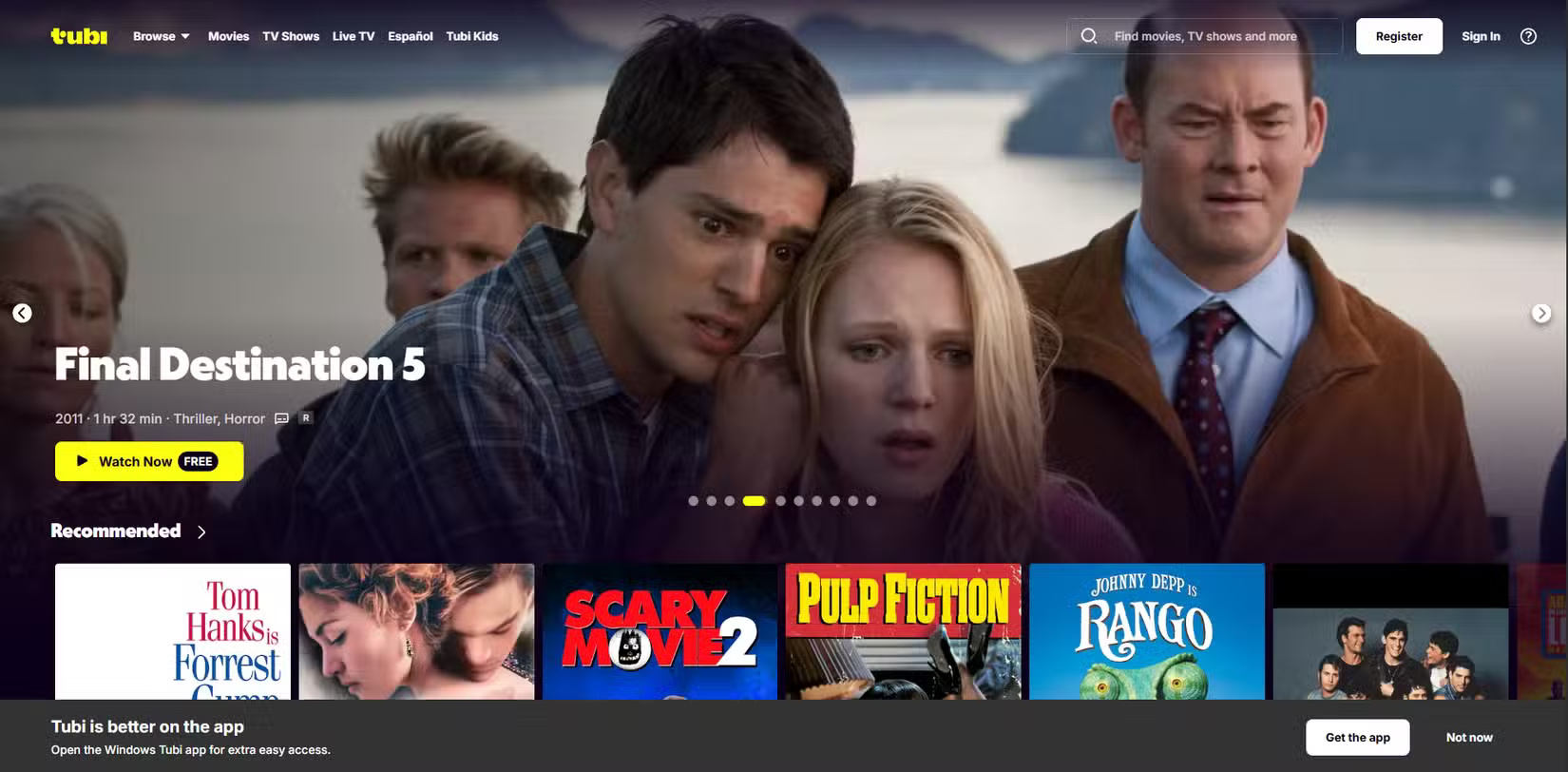
You don't even need to create an account to use Tubi, but if you skip this step, you'll miss out on features like watchlists and parental controls.
6. Plex
Plex doesn't try to compete with Netflix and similar services. Instead, it does something most other apps don't - lets you stream your own collection.
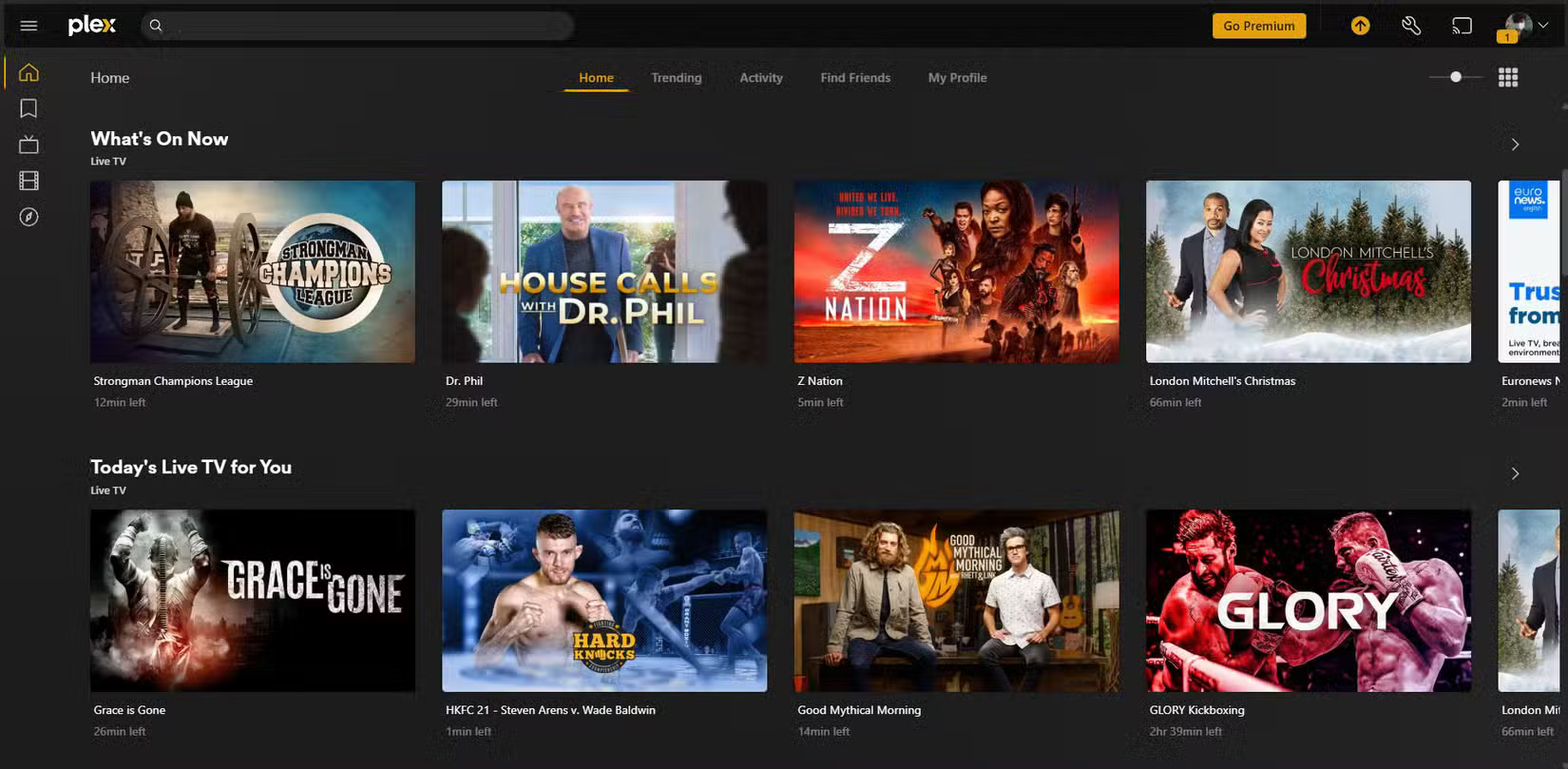
Finally, Plex can act as a hub for your streaming services. That way, instead of having to switch between apps wondering what show is hiding where, Plex will show you what show is playing where, all in one place.
5. The Roku Channel
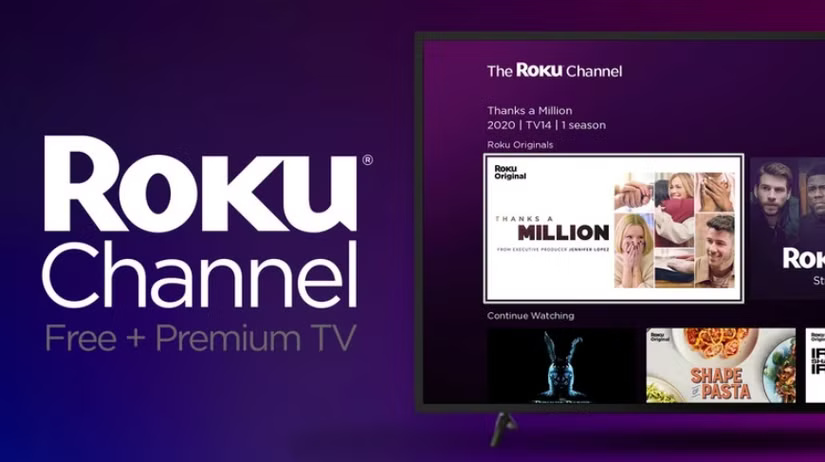
Don't let the name fool you! The Roku Channel isn't limited to just Roku devices. It also works on Fire TV, and with a huge selection of free movies and TV shows, it's definitely worth adding to your streaming list. Ads are part of the deal, of course, but they're relatively brief and unobtrusive.
4. Downloader
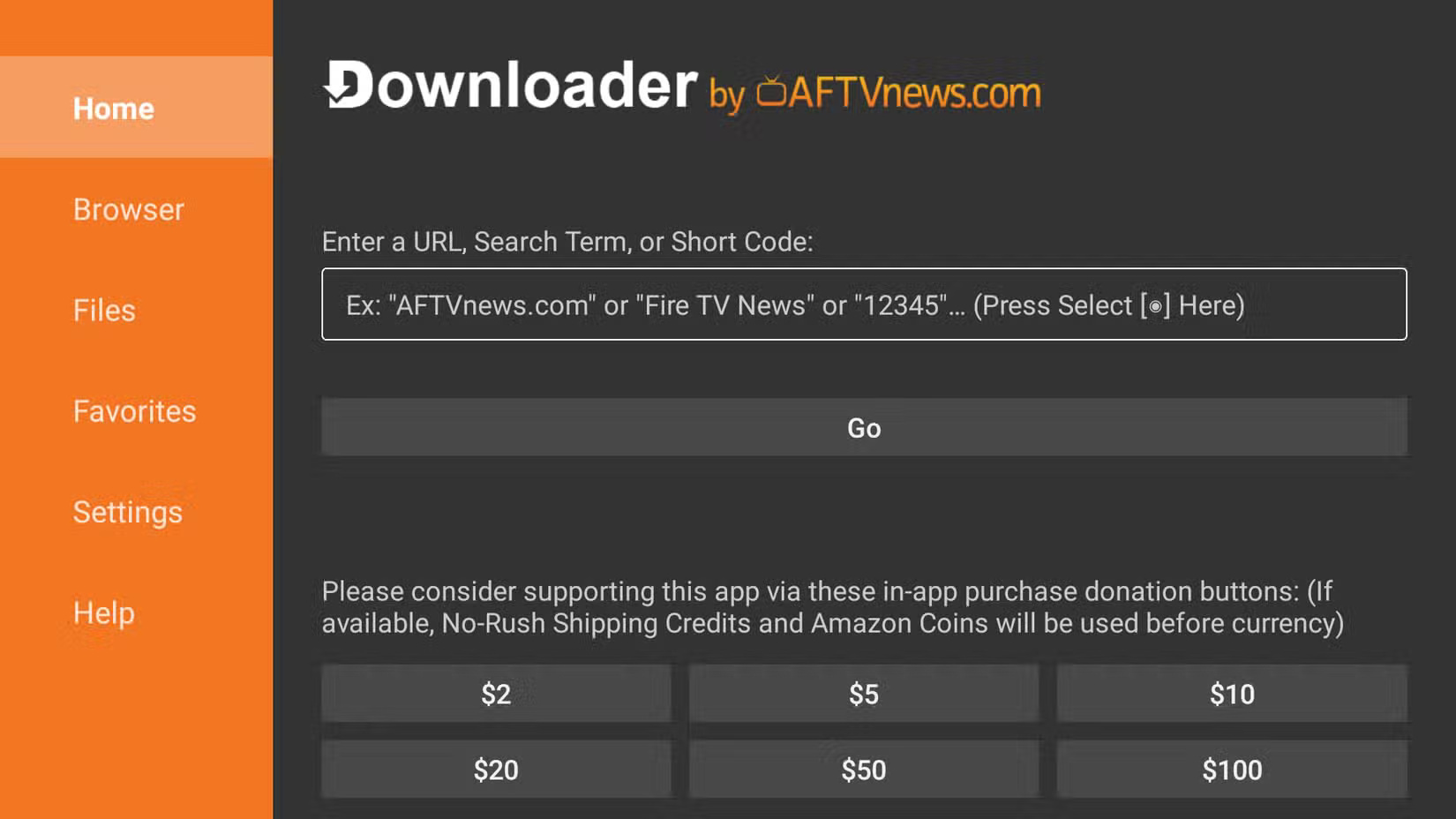
The Fire TV operating system is built on Android, so you're not limited to apps in the Amazon Appstore. You can easily sideload APK files, and an app called Downloader makes the process seamless.
The app includes a built-in browser, which allows you to search for trusted APK sites, download the files, and install them directly from your Fire TV. This way, you don't have to transfer the APK files from your computer or phone.
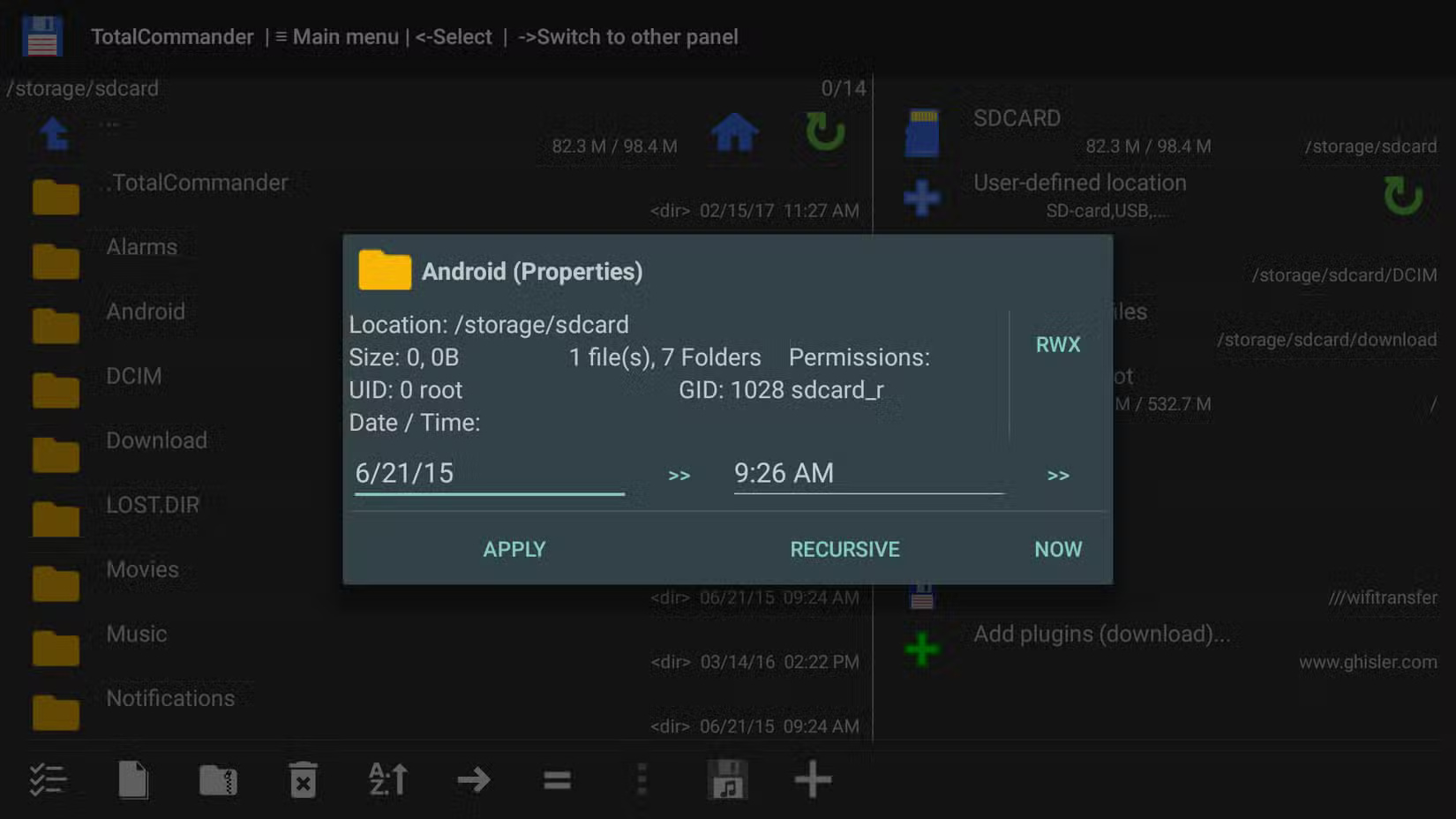
3. Total Commander
Fire TV devices typically only come with 8GB of internal storage. Once the system has used it up, you're left with about 5GB for apps, downloads, and everything else. That's not a lot—especially if you like to try out new apps or sideload APKs from outside sources. That makes having a reliable file browser like Total Commander essential.
2. VLC
If there's one app that deserves to be on pretty much every device you own—including your Fire TV—it's VLC. It plays just about every video file format imaginable, and is especially handy for watching movies from a USB stick or streaming content from your local network.
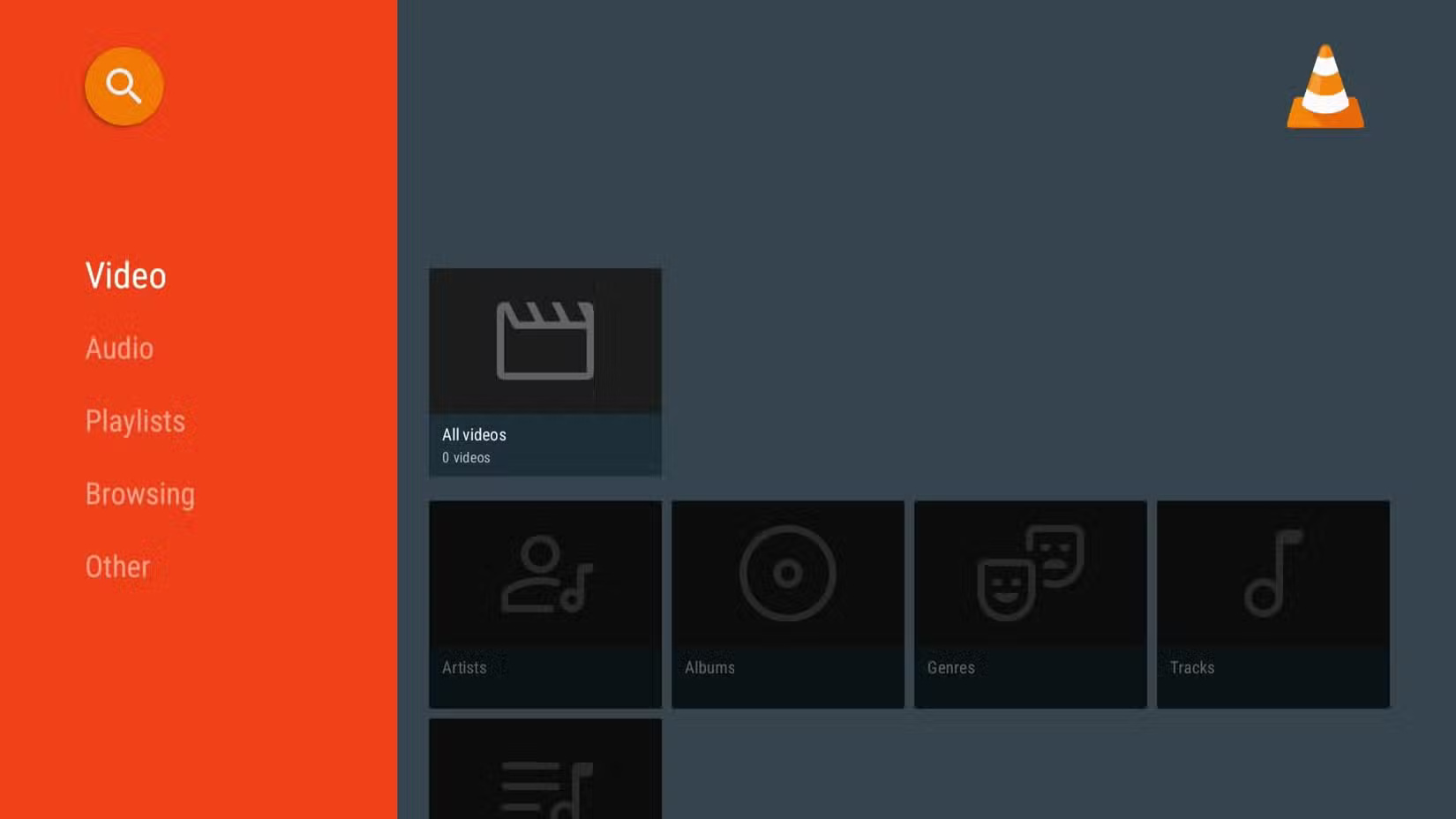
VLC also supports subtitles out of the box. You have options to load external subtitle files from local storage or even download them directly.
1. AirScreen
Fire TV supports native screen mirroring from Android phones and tablets, but if you're using an iPhone or iPad, you'll need the free AirScreen app. This app makes it easy to mirror your screen to Fire TV from almost any device, whether it's an iPhone, iPad, Mac, Android phone, or Windows PC.
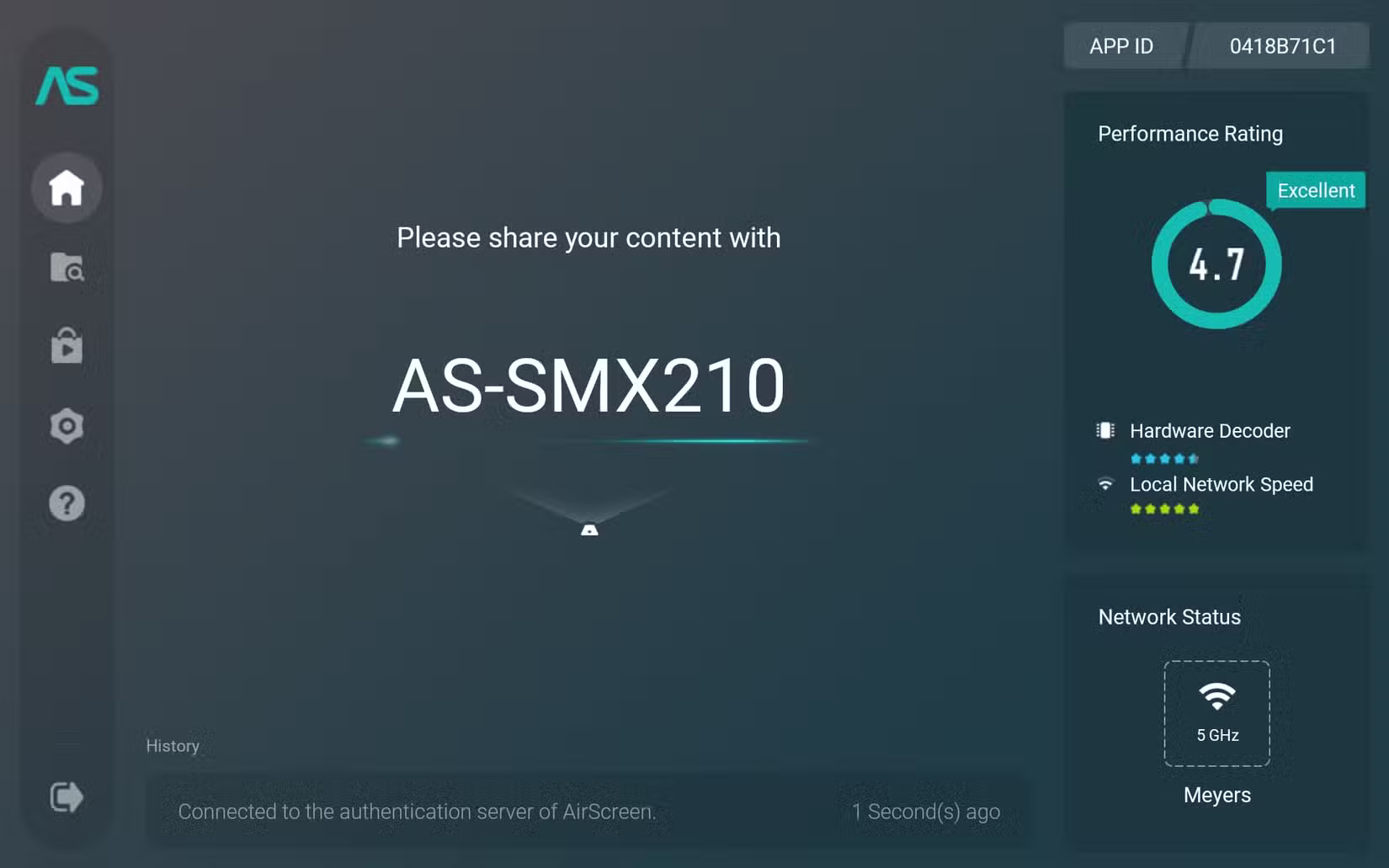
The app is especially handy for sharing content with a roomful of people on a much larger screen, whether it's a video from your phone's photo library or a vacation photo. To use it, you'll first need to install AirScreen on both your Fire TV and the device you want to mirror to.
FAQ
What should you know about 7. Tubi?
If you find yourself constantly scrolling through apps like Netflix, Hulu, and Prime Video without finding anything worth watching, Tubi is a refreshing alternative. It's a free, ad-supported streaming service owned by Fox that offers a massive library of more than 50,000 movies and TV shows.
What should you know about 6. Plex?
Plex doesn't try to compete with Netflix and similar services. Instead, it does something most other apps don't - lets you stream your own collection.
What should you know about 5. The Roku Channel?
Don't let the name fool you! The Roku Channel isn't limited to just Roku devices. It also works on Fire TV, and with a huge selection of free movies and TV shows, it's definitely worth adding to your streaming list. Ads are part of the deal, of course, but they're relatively brief and unobtrusive.
What should you know about 4. Downloader?
The Fire TV operating system is built on Android, so you're not limited to apps in the Amazon Appstore. You can easily sideload APK files, and an app called Downloader makes the process seamless.
Related Articles
 7 Apps to Enhance Your Fire TV Experience: Practical Guide5 minutes read
 How to Install Kodi on Amazon Fire Stick: Practical Guide6 minutes read
 How to Unlock the Full Potential of Your Fire TV Stick9 minutes read
 How to Access the Secret Developers Menu on Fire TV Stick4 minutes read
 How to Customize Fire TV Stick Wallpaper6 minutes read
 Why Is the Amazon Fire TV Stick 4K Better Than Chromecast in 2025?6 minutes read
Reader Comments 0
Sign in with email or Google to join the discussion.