Table of Contents
Switching music services involves more than comparing subscription prices. If Spotify already works with your devices, friends, playlists, and listening routines, replacing those conveniences can take effort. Five features help explain why a listener might stay, even when another service has an appealing offer.
These are practical reasons to compare, rather than proof that Spotify is better for everyone. Features and prices vary by market and plan. One older criticism also needs updating: Spotify now offers lossless music for Premium listeners on supported devices, so it is no longer accurate to describe high-quality streaming as an indefinitely unfulfilled promise.
1. Control playback across compatible devices
Spotify Connect lets one device control listening on another. For example, you can use your phone to choose a song or pause playback on a compatible computer or speaker. This is convenient when the playback device is across the room or being used for another task.
Open the device picker while something is playing and select the intended output. Check compatibility first; not every speaker, watch, television, or app supports the same controls. Spotify requires the same Wi-Fi network for an initial speaker connection, although some signed-in devices can remain visible across different networks.
TipsMake's Spotify Connect guide explains the basic setup. When comparing services, test the equipment you actually use rather than assuming that one platform controls every device.
2. Save and share discoveries through Instagram
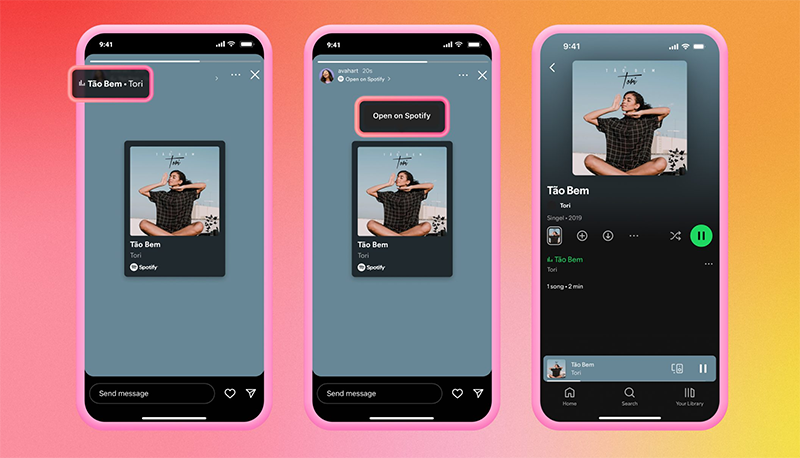
Spotify's Instagram integration reduces the steps between finding a song and saving it. From supported Instagram audio pages, linking the accounts lets you add a track to Liked Songs on Spotify. This is not the same as selecting any playlist as a destination.
Tracks shared from Spotify can also appear in Instagram Stories with an audio preview, and supported Notes integrations can share what you are listening to. Those features are useful when your friends already discover music through Instagram.
Review the audience and sharing options before enabling real-time listening Notes. Convenience depends on the apps and social features you use; a listener who rarely shares music may place little value on this integration.
3. Keep music, podcasts, and some audiobooks together
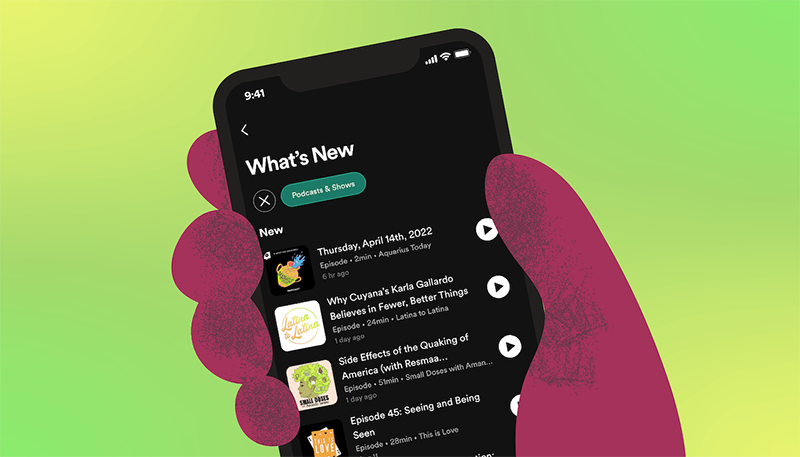
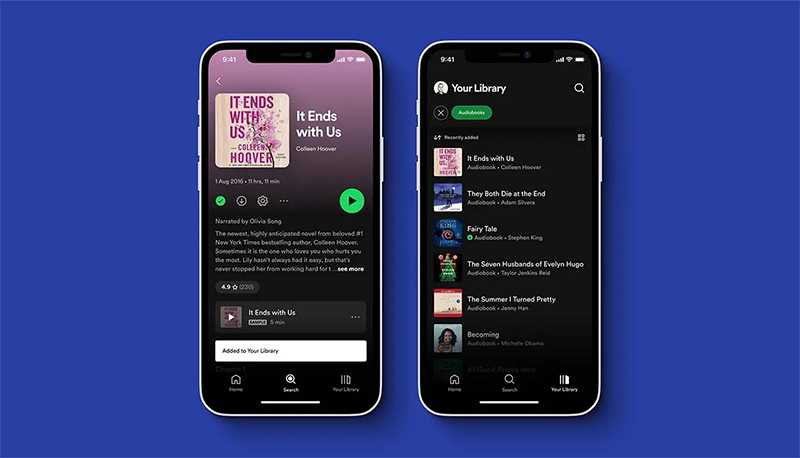
Spotify combines music and podcasts in one app and offers audiobooks in supported markets. That can reduce app switching if your day moves between songs, interviews, and books.
The breadth of one app does not guarantee that it has your favorite shows or books. Check specific titles, whether a show has a separate subscription, and the terms of any included audiobook access.
Some Premium plans include a monthly audiobook allowance, with the amount varying by country. Family and Duo benefits do not automatically give every member the plan manager's included listening time. Check your own plan before treating the audiobook catalog as unlimited.
4. Discover music with friends
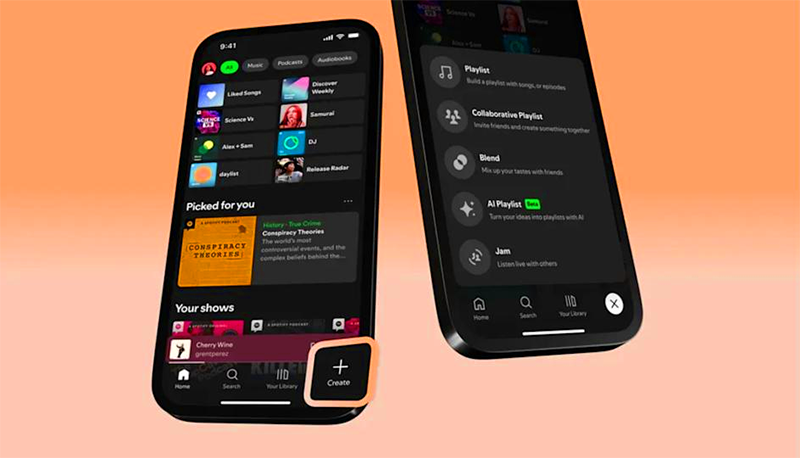
Blend creates a shared playlist from the participating listeners' activity and updates it over time. It can introduce you to a friend's favorites without requiring each person to add tracks manually.
This differs from a collaborative playlist, where invited people deliberately contribute songs. Blend is useful for shared discovery; collaboration is useful for building a specific collection together. TipsMake's Spotify playlist controls guide describes these related options.
Shared recommendation playlists reveal participating profiles and can reflect listening activity, so choose collaborators you are comfortable sharing with. Spotify Codes offer another way to point someone to a track or playlist: scanning a code opens the linked content rather than guaranteeing automatic playback.
5. Look back at your listening with Wrapped
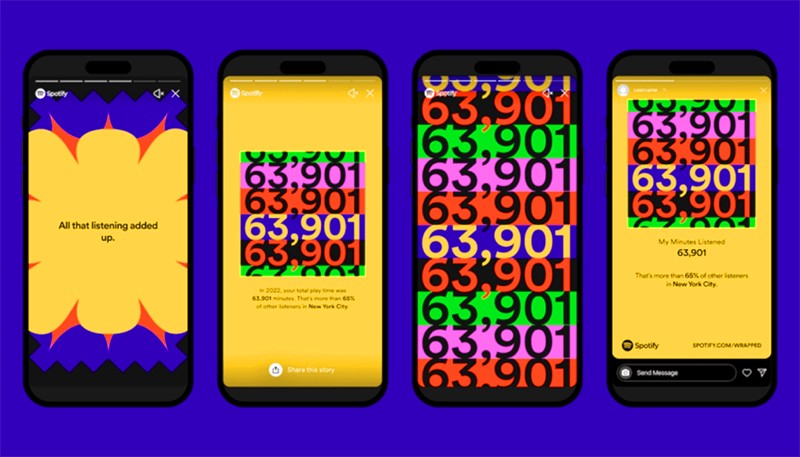
Wrapped turns a year's listening into a personalized recap that is easy to share. For listeners who enjoy comparing their music year with friends, it can become part of the routine of using Spotify.
Other services also offer listening recaps. Compare what their summaries show and how they fit your preferences, rather than assuming Spotify has the only option or that every listener cares about it.
If you want statistics between annual recaps, TipsMake's Spotify statistics overview covers several options. Availability can differ, and third-party statistics tools may require account permissions.
Decide whether those conveniences justify staying
List the devices, playlists, social features, and content you use each week. Then test the alternative against that list, including audio quality, offline listening, recommendations, and the current price in your region.
Check a few favorite albums and shows, try playback on your speakers, and inspect any playlist transfer for missing or mismatched tracks. Familiarity can make a change feel difficult, but the best choice is the service that meets your current needs at a price you accept.
Related Articles
 5 Reasons to Use Amazon Music Instead of Spotify
 Spotify is recording hundreds of gigabytes of garbage data into the user's hard drive
 Why do so many people still not cancel their Netflix subscription?
 Spotify raises prices higher than Apple Music
 How to install Spotify on Linux
 Get More Spotify Streams With These 6 Essential Tips
Reader Comments 0
Sign in with email or Google to join the discussion.