Table of Contents
Explore 5 new Linux apps users should install right from the start.
To help you get started on your Linux journey, here are five essential apps and tools that every new user should install on day one. These apps will help you customize the interface, improve performance, and integrate well with your daily work.
1. GNOME Tweaks and GNOME Extensions (for Ubuntu or Fedora)
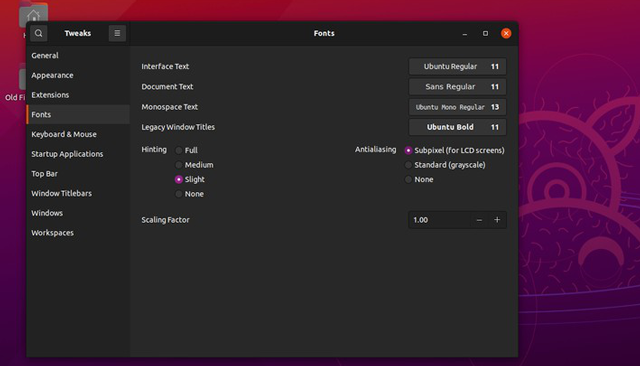
If you use a GNOME-based distribution like Ubuntu or Fedora, the first thing you should do is install GNOME Tweaks and GNOME Extensions. These are two indispensable tools if you want to customize your desktop experience and extend the functionality of GNOME.
You can install it from your distro's graphics software repository or via terminal:
sudo apt install gnome-tweaks gnome-shell-extensions # Ubuntu/Debian sudo dnf install gnome-tweaks gnome-shell-extensions # Fedora
Benefits of GNOME Tweaks
- Customize desktop interface: theme, icons, fonts
- Change the position of window buttons
- Manage applications that start with the system
- Enhance user experience with small but important tweaks
Benefits of GNOME Extensions
- Install community-developed extensions
- Add features like advanced window management, improved workflow, or desktop widgets
- There are dozens of great utilities that help turn GNOME into a powerful and highly personalized desktop.
Tip: GNOME Extensions and Tweaks combined will help you turn a minimalist desktop into a productive, beautiful, and convenient working environment.
2. KDE Connect (or GSConnect)
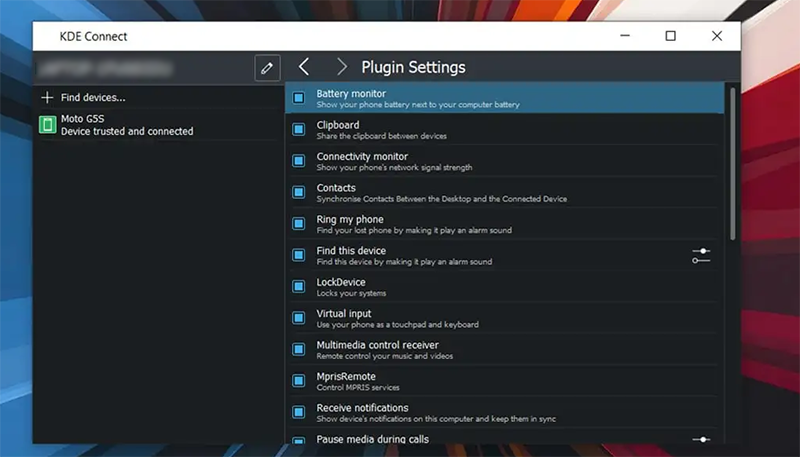
KDE Connect is a tool that connects your smartphone to your Linux machine, allowing the two devices to communicate and control each other.
Outstanding features
- Receive and sync notifications on both your phone and PC
- Send and receive files quickly between devices
- Remote media control
- Use your phone as a trackpad or remote keyboard
- Execute terminal commands from phone
On KDE Plasma distros, this application is usually pre-installed. If you use GNOME, install GSConnect, an equivalent GNOME extension.
- Download the app on your phone from Play Store (Android) or App Store (iPhone)
- Connect two devices and start using right away
Note: KDE Connect works best on Android, with iPhone some features like file sending and background notifications are limited.
3. Chromium-based browser
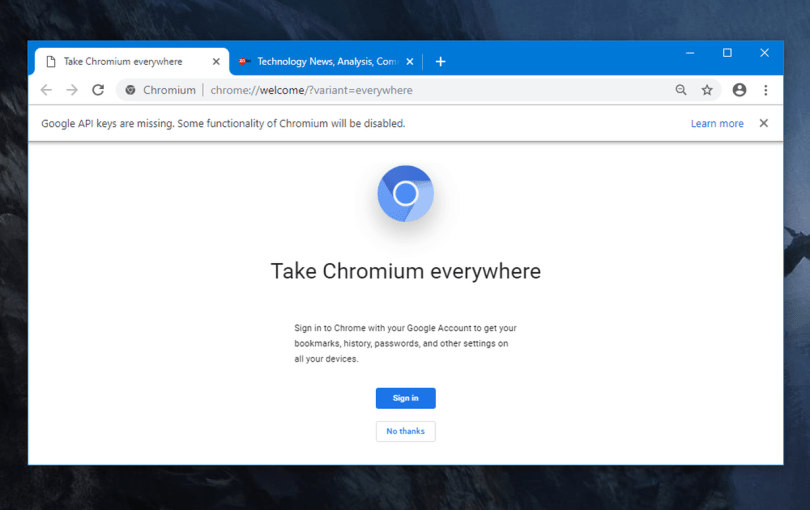
Linux usually installs Firefox by default, which is a good browser but sometimes incompatible with some web apps like Canva, Netflix, Notion, Google Meet.
You can install Google Chrome, but I recommend trying Chromium – Chrome's open source, fully supports extensions and is compatible with most web apps.
Other Chromium-based browsers worth trying:
- Brave – security, powerful ad blocking
- Opera – built-in VPN, smart tab manager
- Vivaldi – highly customizable interface and keyboard shortcuts
All of these browsers can be installed from the distro's official software repository, easily and safely.
4. OnlyOffice
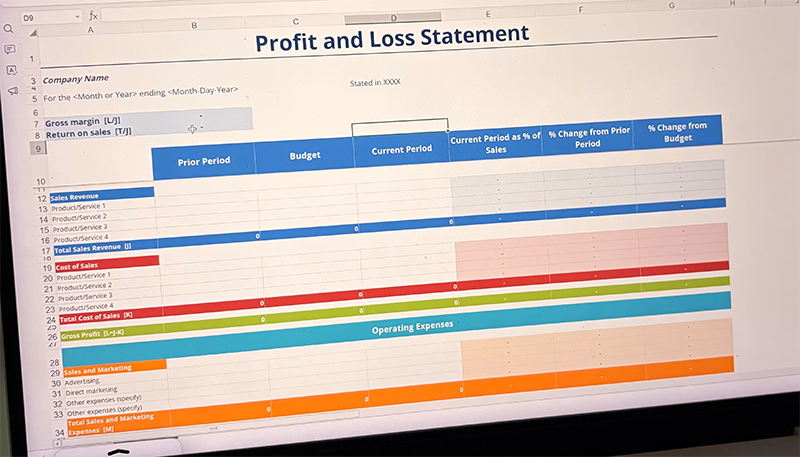
While LibreOffice is the default office suite on most Linux, OnlyOffice is a great choice if you're familiar with Microsoft Office.
OnlyOffice Advantages
- Modern interface, similar to MS Office
- Support opening DOCX, XLSX, PPTX with less formatting errors
- Includes word processor, spreadsheet, and presentation
- Support teamwork, collaborative document editing
LibreOffice can sometimes look dated and have a different layout than MS Office, making it difficult for newcomers to get used to. OnlyOffice offers a friendly, accessible experience, especially when working with complex documents.
5. Flatpak
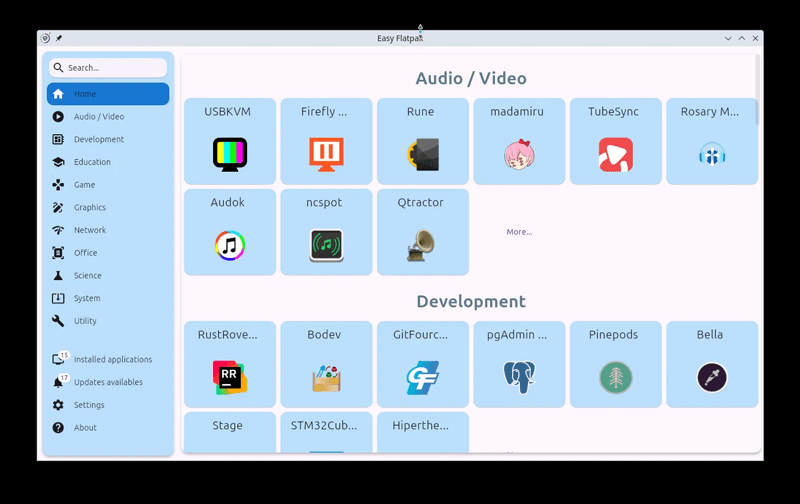
Flatpak is not an application, but a cross-platform software repository that helps install Linux applications regardless of the distro you use.
- Many modern apps are Flatpak only, not in the default software repositories
- Some distros come with Flatpak pre-installed; if not, you can quickly install it with a few terminal commands
Flatpak installation example:
flatpak install flathub io.github.kolunmi.Bazaar # Bazaar flatpak install flathub com.github.tchx84.Flatseal # Flatseal
Bazaar: a graphical software repository interface for finding and downloading Flatpaks
Flatseal: manage access permissions per Flatpak, more secure
Flatpak makes it easy to install and access all modern Linux apps, no matter what distro you're using.
These are the essential Linux apps and tools that beginners should install on day one. Obviously, Linux has a lot of other interesting apps to explore. Start with these apps and you will have a smooth, efficient and convenient experience from day one.
Final Thoughts
Use this guide as a practical checklist for 5 new linux apps users should install right from the start. Work through the steps in order, verify each result, and adjust the options to match your needs.
FAQ
What do you need before following this 5 New Linux Apps Users Should Install Right from the Start guide?
Review the required tools, accounts, settings, or materials mentioned in the article. Explore 5 new Linux apps users should install right from the start.
What are the main steps for 5 new linux apps users should install right from the start?
Follow the sections in order, especially 1. GNOME Tweaks and GNOME Extensions (for Ubuntu or Fedora), Benefits of GNOME Tweaks, Benefits of GNOME Extensions. Complete each step before continuing and verify the result as you go.
What should you do if the process does not work as expected?
Recheck the prerequisites, update the relevant app or service, review the settings, and repeat the step that caused the issue. Use any troubleshooting notes included in the guide.
Related Articles
 Install: How to Learn Linux9 minutes read
 How to Install Linux Apps on Chromebooks4 minutes read
 Install Linux Linux on Mac: How to Install Kali Linux on macOS12 minutes read
 Steps to Install Webex for Linux4 minutes read
 How to Install Software on Linux7 minutes read
 Hackers Start Using Sambacry to Attack Linux Computers5 minutes read
Reader Comments 0
Sign in with email or Google to join the discussion.