Table of Contents
Gmail is great for handling basic tasks, but once you start handling dozens of emails a day, limitations quickly appear — even with Gmail's incredibly powerful search bar.
Luckily, Google allows you to install add-ons for Gmail, which can be a huge time-saver. These small but powerful tools are built directly into Gmail to automate repetitive tasks, streamline workflows, and give you features that Google never built into it.
5. MailTracker
A Game Changer in Email Tracking
MailTracker is a free extension that tracks when emails are opened. Being able to track email read receipts can save you a lot of time and effort deciding whether or not to follow up on important emails.
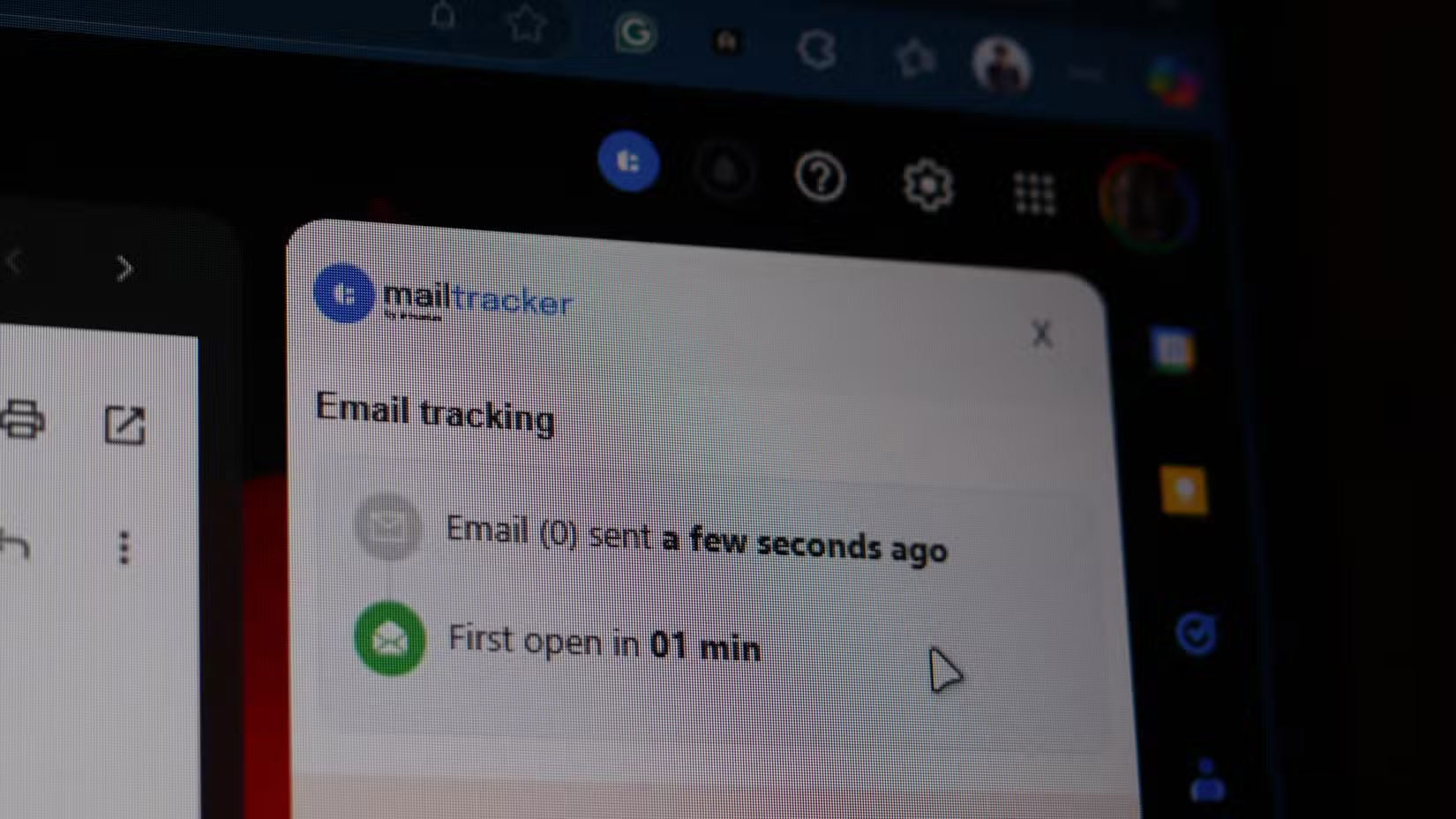
Before using MailTracker, you would constantly wonder if your email was read. Now, instead of spending days wondering if you should follow up or if the recipient is busy, you can send a follow-up when you need it.
4. Boomerang for Gmail
Never miss an important email again
Boomerang has quickly become one of the most important add-ons, helping you track, send, and receive important emails on time. With an increasingly crowded inbox, Boomerang helps you focus on what matters, when it matters.
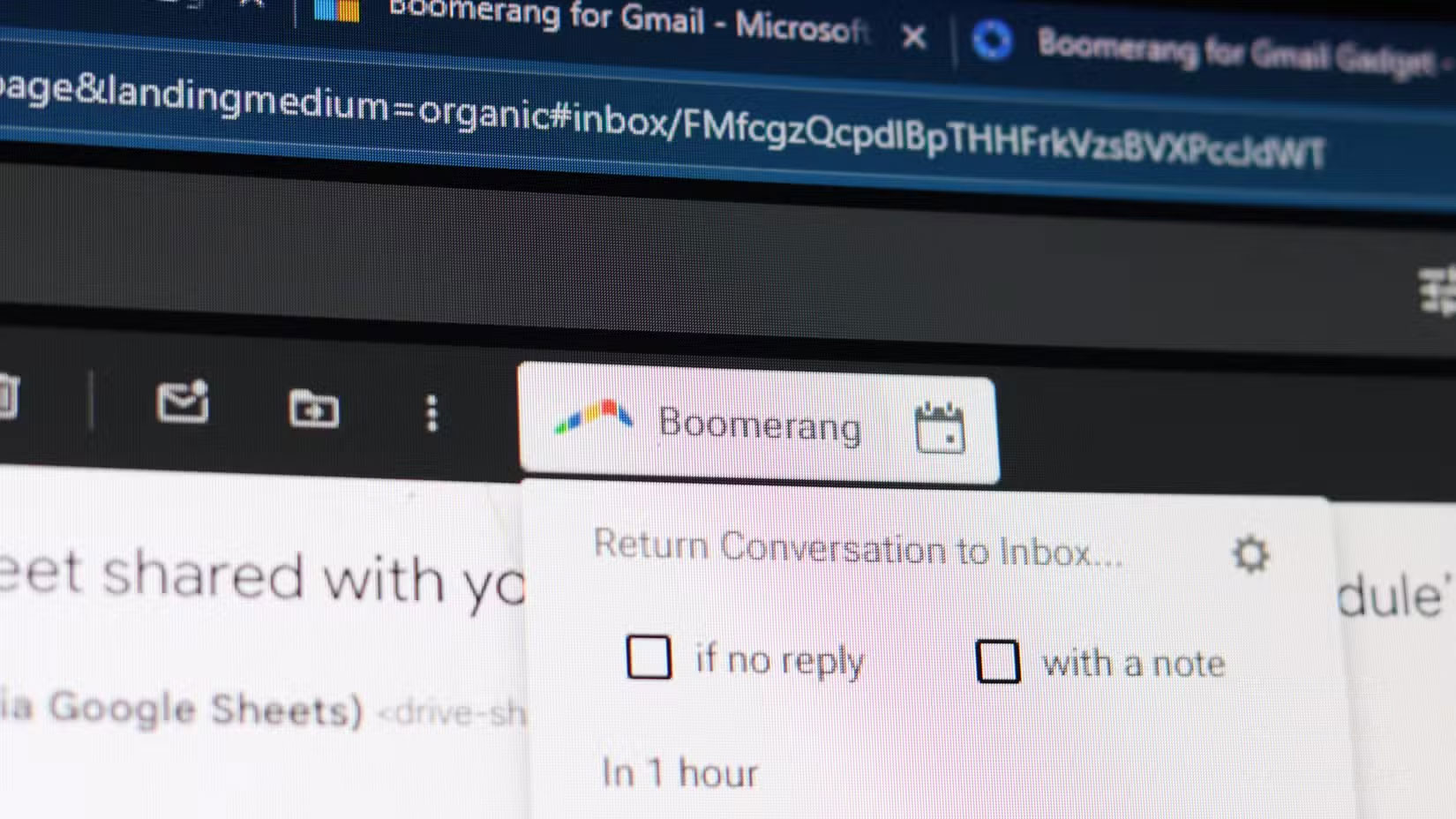
This add-on has 3 email features:
- Response Tracking : The extension reminds you to follow up with people if you don't hear back from them within a certain amount of time.
- Boomerang Reminders : Allows you to set reminders for important incoming emails to remember to reply later.
- Send Later : Allows you to schedule a message to be sent later. Works similar to Gmail's Schedule send feature.
3. DocuSign
Simple document signing
If you sign a lot of documents you receive via email, you know how cumbersome the process can be. You have to download the email attachment, print it out, scan it, and then email it back. Sure, there are some tools that can help you sign documents digitally, but being able to do it in Gmail is a lot easier.
DocuSign helps you solve that dilemma and save a lot of time on contracts and agreements with clients. Even if you don't sign documents every day, if you're a freelancer in many different fields, you'll often receive a lot of documents and invoices to sign.
2. Sortd
Organize your inbox effectively
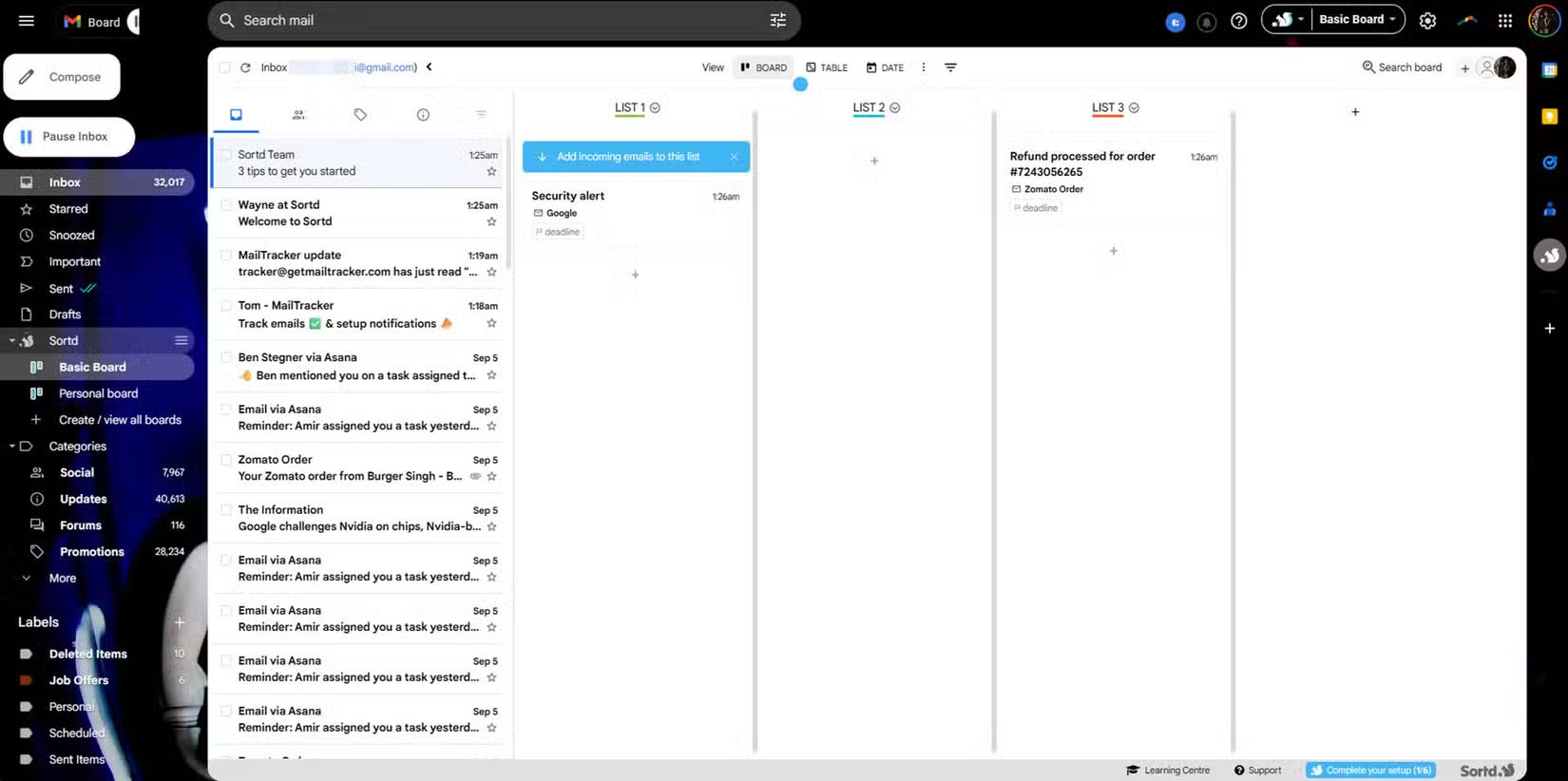
If your inbox is starting to get cluttered, Sortd can help. You can organize emails with drag and drop, create Trello -style Kanban boards, contextually chat with team members within email threads, share emails with teammates, set follow-up reminders, and get a unified email and task tracking system in one workspace, among other features.
1. InboxPurge
Email Cleanup Hero
Have you ever been tired of unwanted emails and tried to unsubscribe? You quickly realize how annoying it is to go through each individual email and click the unsubscribe button. InboxPurge takes care of that for you.
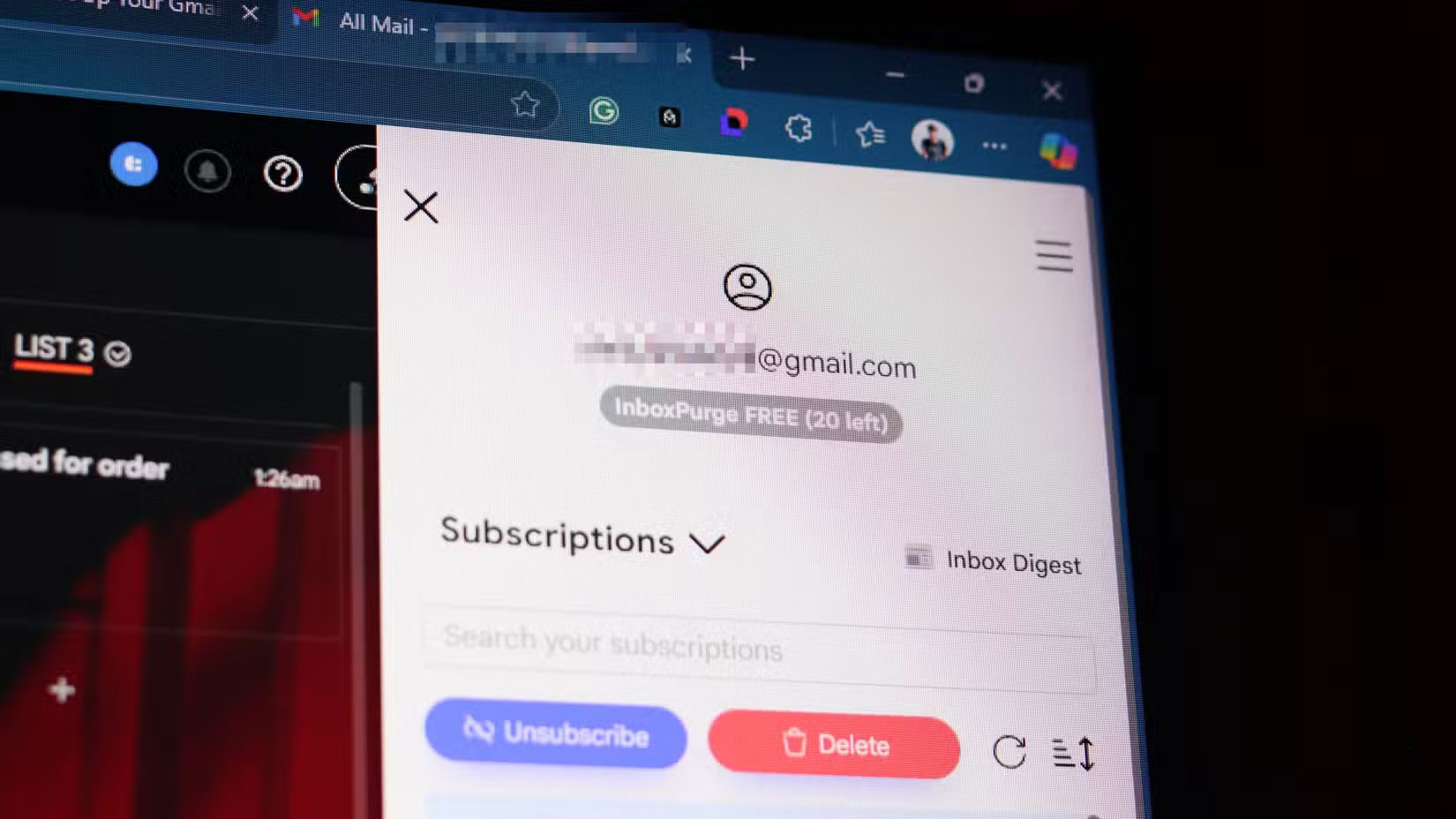
This is a bulk unsubscribe tool that also lets you delete any unwanted emails at once. It links multiple actions to a single button, meaning you can clear up the clutter in your Gmail inbox in seconds. It also keeps a record of all blocked senders so you can easily unblock specific senders.
InboxPurge can do more than just bulk unsubscribe and delete emails. It can also group your favorite newsletters by topic or interest for easy reading. You can create multiple custom email digests, combining newsletters based on your interests to provide information in a much more organized way.
Final Thoughts
Overall, The 5 Best Gmail Add-ons That Will Save You Hours Every Week is best understood by considering the main facts, practical context, and limitations together. Use the details above as a clear starting point and confirm time-sensitive information when necessary.
FAQ
What does this article explain about The 5 Best Gmail Add-ons That Will Save You Hours Every Week?
Gmail is great for handling basic tasks, but once you start handling dozens of emails a day, limitations quickly appear — even with Gmail's incredibly powerful search bar.
What should you know about A Game Changer in Email Tracking?
MailTracker is a free extension that tracks when emails are opened. Being able to track email read receipts can save you a lot of time and effort deciding whether or not to follow up on important emails.
Should time-sensitive details be verified?
Yes. Software features, game codes, product specifications, prices, and research findings can change. Confirm important details with an official or primary source when accuracy affects your decision.
Related Articles
 All Gmail Shortcuts Save Time You Should Know3 minutes read
 Automate Storage with Data Stratification Technology13 minutes read
 Become a Player Using Gmail with the Following 5 Tips6 minutes read
 How to Find Contacts in New Gmail3 minutes read
 This Is Why You Should Not Work More Than 8 Hours a Day7 minutes read
 14 Useful Tools for Gmail Should Not Be Ignored - P1: Gmail Tips8 minutes read
Reader Comments 0
Sign in with email or Google to join the discussion.