Table of Contents
Unless, you start using a private and encrypted email provider like Proton Mail, they basically go to great lengths to protect personal data from scammers and hackers.
Protecting your personal data is incredibly important, but it's not always easy. Wherever you go online, you're being tracked, and websites are constantly trying to collect your personal data. It's frustrating, and there's not always an easy solution.
Not just websites. Your email inbox too. Most free email providers use your inbox to scan for information and then serve you ads based on that information. You know, personal emails can contain private information. Unless you start using a private, encrypted email provider like Proton Mail, which basically does its best to protect personal data from scammers and hackers.
End-to-end encryption is important
No one but you can read your email
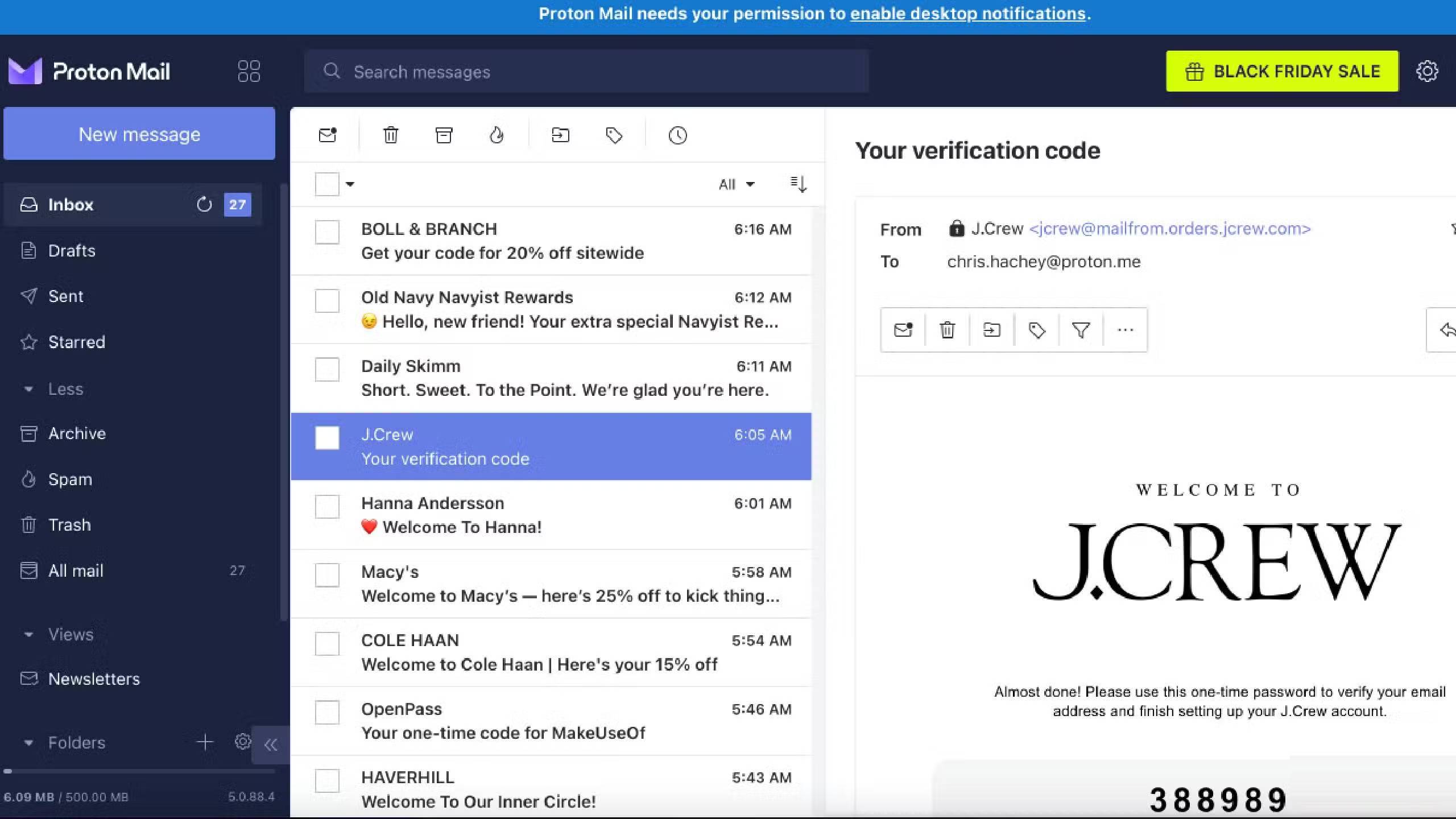
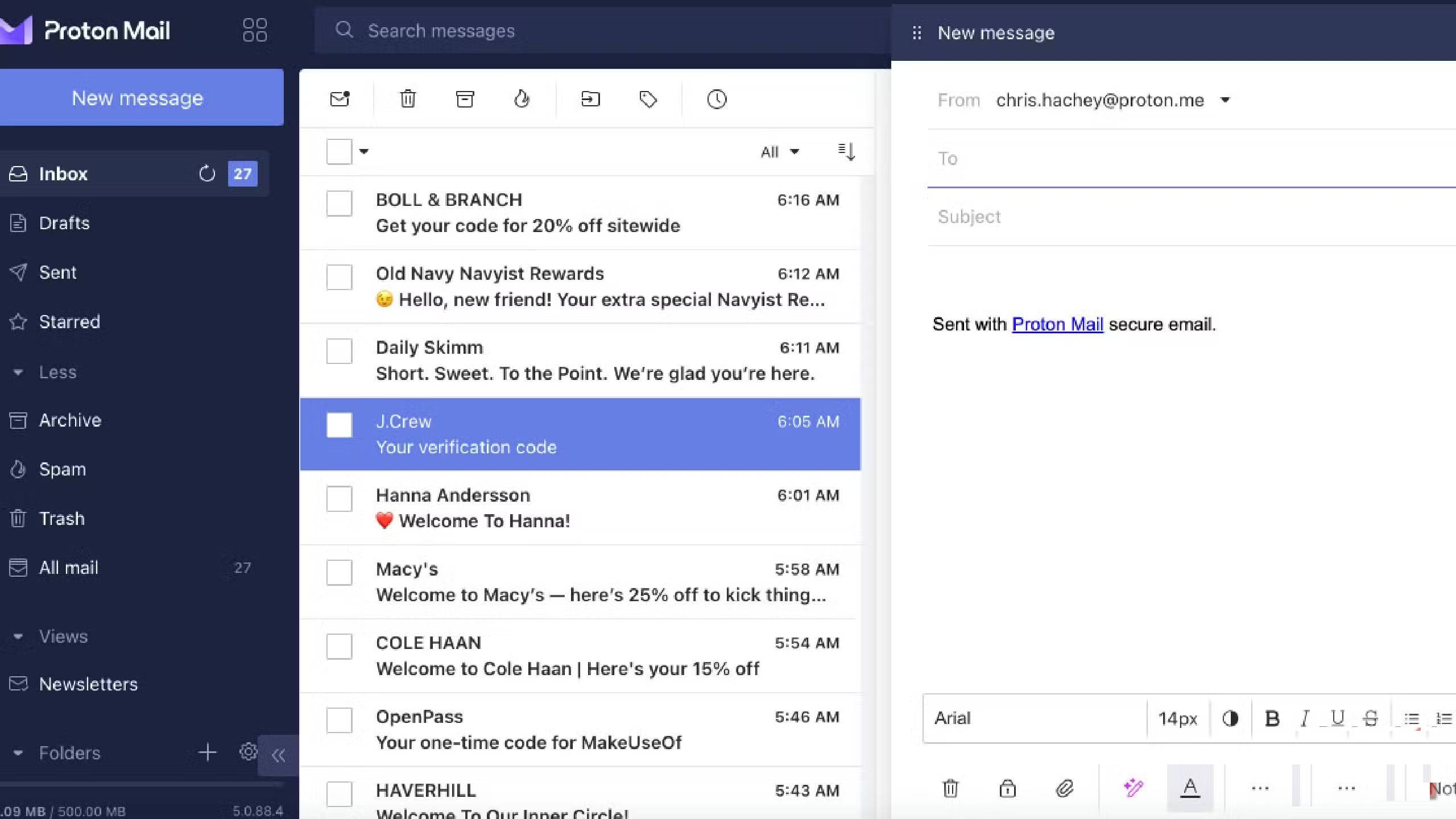
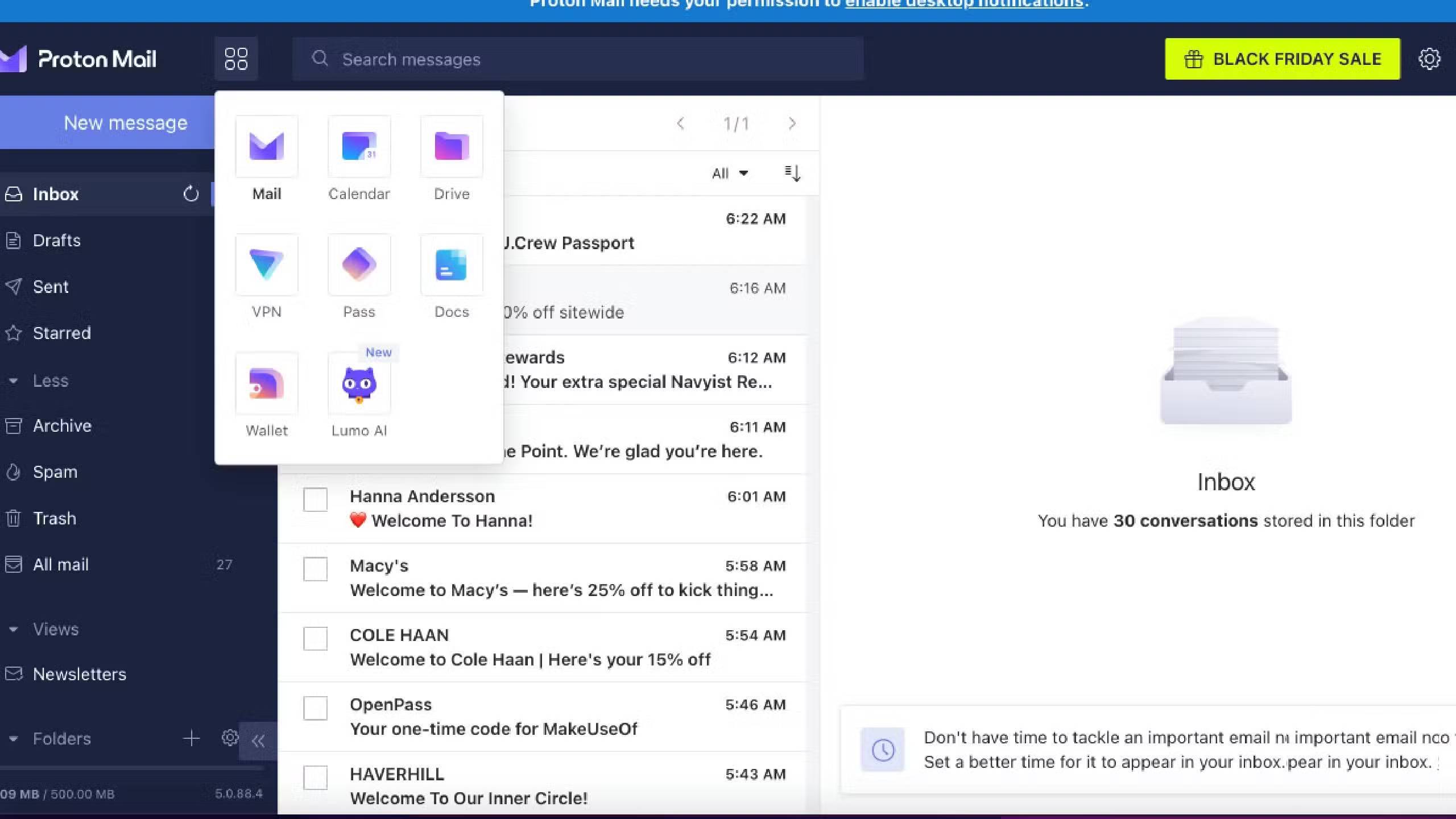
Proton has a suite of apps that focus on security and protection above all else. These services include Proton Mail, Proton Calendar, Proton Drive, Proton VPN, Proton Pass, Proton Docs, Proton Wallet, and Lumo AI, all of which emphasize encryption and security as their main advantages. Proton Mail has end-to-end encryption and zero-knowledge encryption, meaning that only the sender and recipient of the email can access it.
Proton doesn't even have access to your emails, meaning your personal information stays between you and the recipient. Proton is based in Switzerland, which has a strict non-disclosure policy. In practice, Proton Mail doesn't track your emails to generate advertising revenue for companies.
If you've ever used Gmail, you know how annoying targeted ads can be in your inbox. People have accidentally clicked on ads multiple times when they meant to click on an email, only to have to exit out in frustration before realizing what they were. You'll never see anything like that with Proton Mail.
Proton Mail's security stands out from other email providers
The promise of safety seems to be delivering more than that from Proton
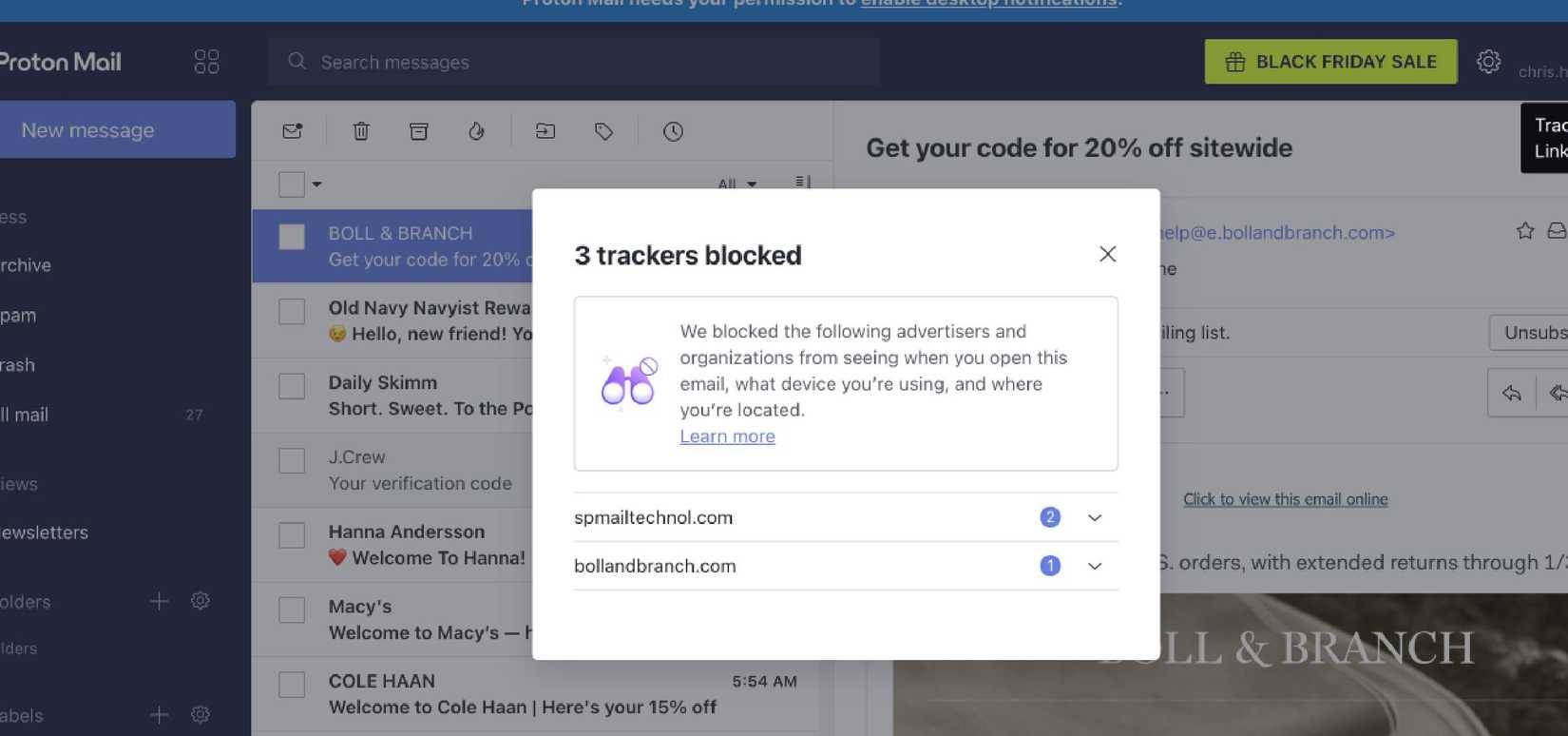
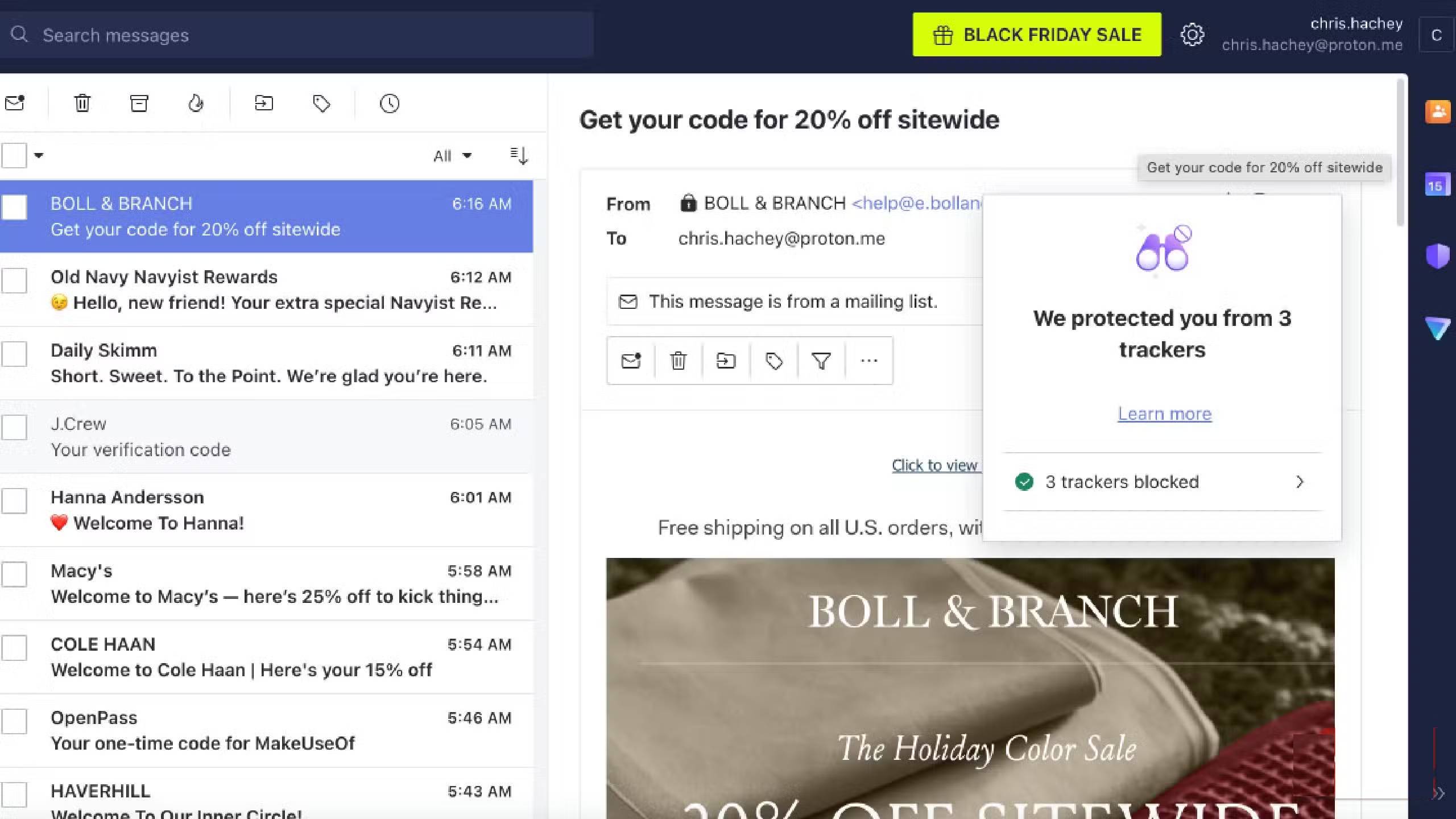
What many people like about Proton Mail right from the start is that it has security features right out of the box. One of the first emails you receive is from a clothing company's mailing list. When you open the email, you'll see a pop-up stating that trackers have been blocked. Proton Mail has gone to great lengths to not only prevent these trackers from trying to steal your information, but also to warn you that they're happening.
You can use two-factor authentication to log in to Proton Mail, which keeps your password safe and secure. But when sending emails, you can also easily encrypt them with a password. This feature requires the recipient of the email to enter a password to view the email, making it extremely secure. For example, you should use this method whenever you have to give anyone your tax documents.
This is impressive because you don't even have to provide any personal information when you sign up for a Proton Mail account. You just create an email address and start using it. If you share information from any other Proton app, end-to-end encryption is also applied. So if you add an email as an attachment to your calendar, you can password-protect it so that only people with access to the calendar can see it, not Proton itself.
You get more than just email with Proton Mail
All are free
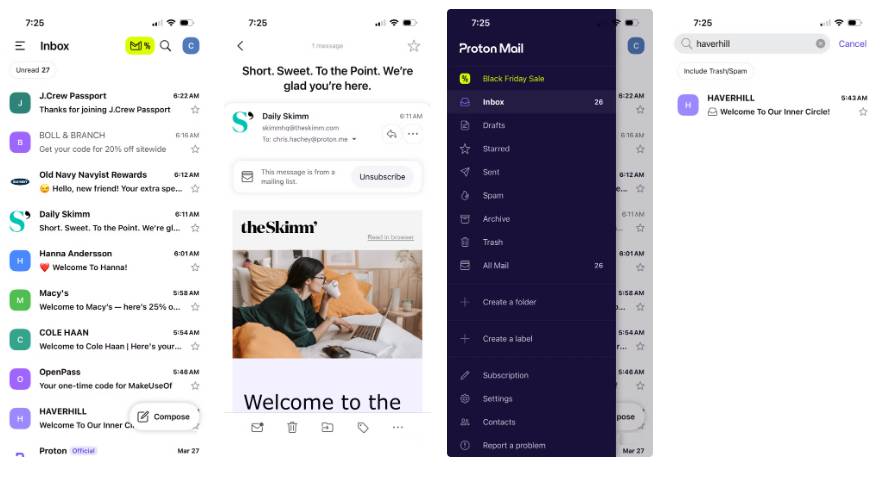
No matter which version of Proton Mail you use, you'll get the same experience. The interface is customizable and the interactivity is easy to get used to. Many people like both the browser and mobile apps, and there's a desktop version too. In 2025, Proton Mail upgraded its mobile version to make it a smoother experience. You get 500MB of free email storage from Proton Mail. If you manage your inbox carefully, you can keep it under control and stay within 500MB for quite some time.
That 500MB gets you a 2GB Proton Drive plan, which lets you store files in the cloud. If you find yourself reaching your limit and want to continue using Proton Mail, you can upgrade to a paid plan for $3.99/month, which gives you 15GB of storage, or $9.99/month for 500GB of storage. These options also offer more email address options, VPN connectivity, custom email domains, and additional features.
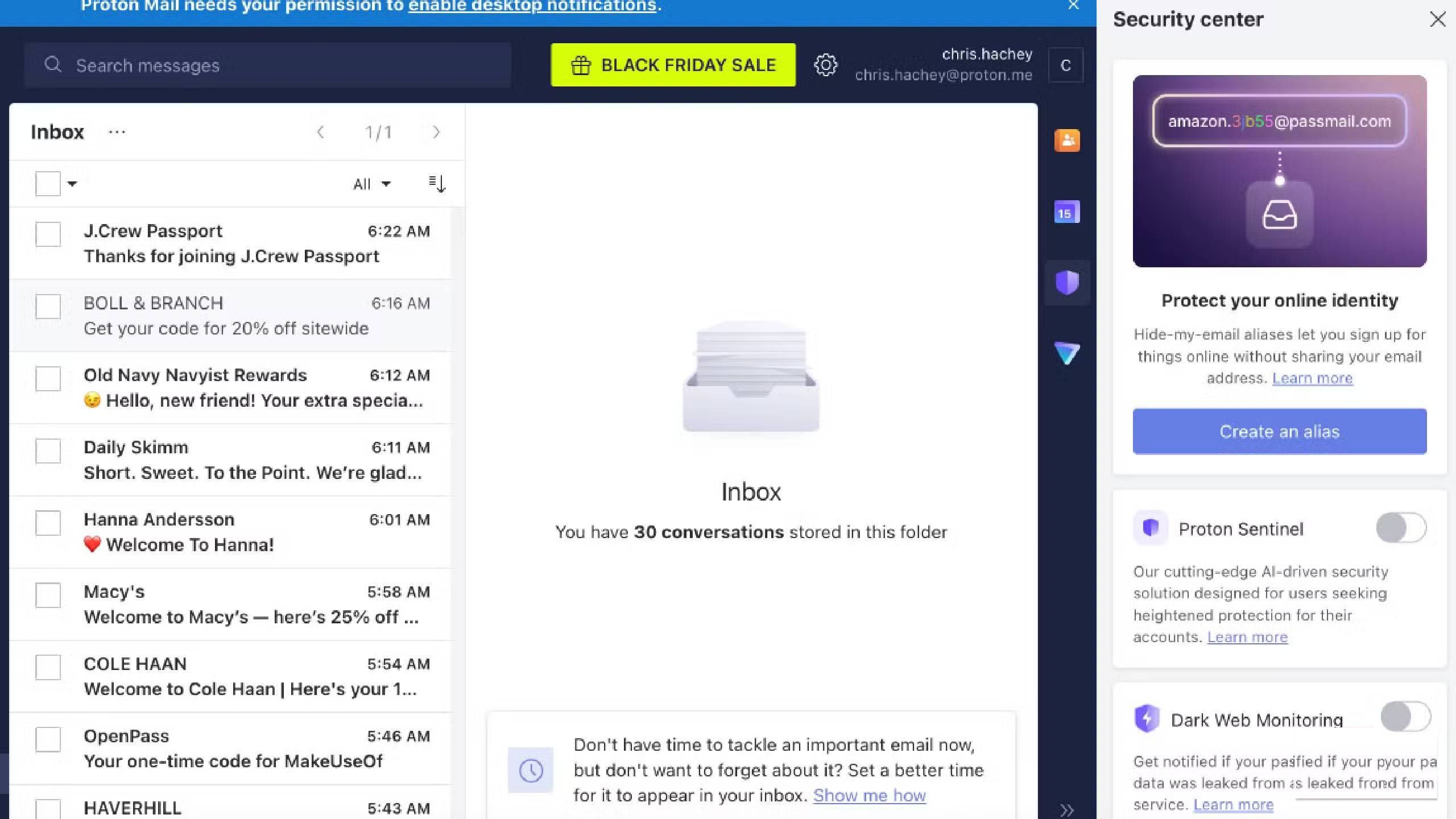
If you use the free version, you will get access to a Proton VPN connection, manage up to 3 calendars, and Proton Pass with 10 anonymous email aliases. Proton Pass is a password manager that can generate passwords for you. This is an added bonus on top of the other security features to protect your information.
FAQ
How do you encrypt email with proton mail: step-by-step guide?
In practical terms, unless, you start using a private and encrypted email provider like Proton Mail, they basically go to great lengths to protect personal data from scammers and hackers.
What should you check before getting started?
Review the requirements, compatible device or software version, and any warnings described in the guide before making changes.
What should you do if the steps do not work?
Repeat the steps in order, confirm that your app or system is up to date, and review the troubleshooting details provided above.
Related Articles
 Gmail or Proton Mail Is Better?11 minutes read
 Proton Mail Review: A Private Gmail Alternative10 minutes read
 Beloved VPN and Private Email App Proton Is Getting a Big Discount4 minutes read
 Microsoft Will Encrypt Email, Preventing Mail Forwarding in Outlook4 minutes read
 How to Encrypt Email on Microsoft Outlook10 minutes read
 How to Encrypt Email: Email Encryption10 minutes read
Reader Comments 0
Sign in with email or Google to join the discussion.