Table of Contents
Have you been using Linux for a while and wondering if you're making progress? Even if you're not an expert, you've probably noticed changes in the way you interact with the operating system. Here are four telltale signs that you're on your way to becoming a Linux power user.
1. The command line window (Terminal) is always open
If you're familiar with Windows, using the Command Prompt can be quite limiting. The traditional Windows command line interface lacks many basic utilities, doesn't support effective auto-completion, and working with paths is quite cumbersome.
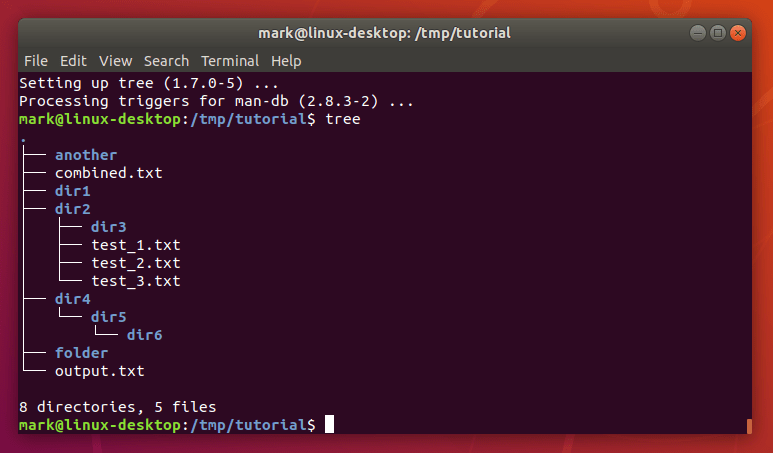
That said, with Linux, the story is completely different. Once you get used to it, you will find that installing software, managing your system, and performing complex tasks becomes much easier when using the terminal. Gradually, you will realize that you always have one or more terminal windows open, making it the first and most important tool after booting up your computer. Using the terminal becomes a natural habit, and you may even open it just to run a simple command.
2. Prefer using command line instead of graphical interface (GUI)
Operating systems like Windows and macOS are built primarily on GUIs to make it easier for users to navigate. However, GUIs sometimes limit customization and give users a lot of control over the system.
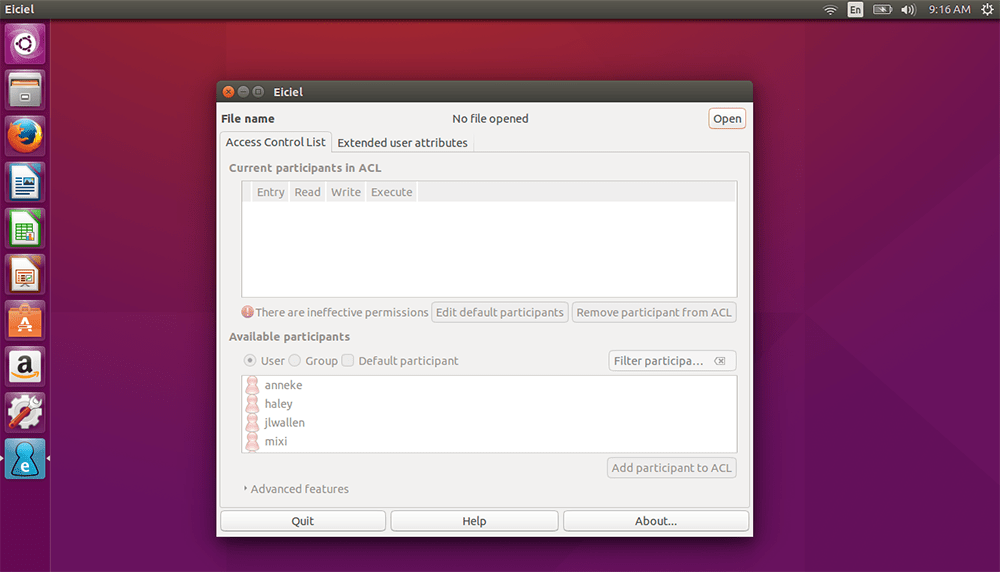
Once you reach a certain level of proficiency with Linux, you will realize the power and flexibility of the command line. Instead of following complicated instructions on a GUI, you can just type a single command line to get the job done. Commands in Linux are like building blocks; you can combine them to create any task you want. With powerful extensions, the terminal becomes the perfect tool, helping you manipulate directly, quickly and efficiently, much more than having to search and click through many menus.
3. Windows system configuration capabilities become "unfamiliar"
Once you've been with Linux long enough, you'll forget about the complex configuration processes of Windows. Searching through endless menus for settings, or fumbling around in the Command Prompt without the help of utilities, can become a frustrating and time-consuming experience.
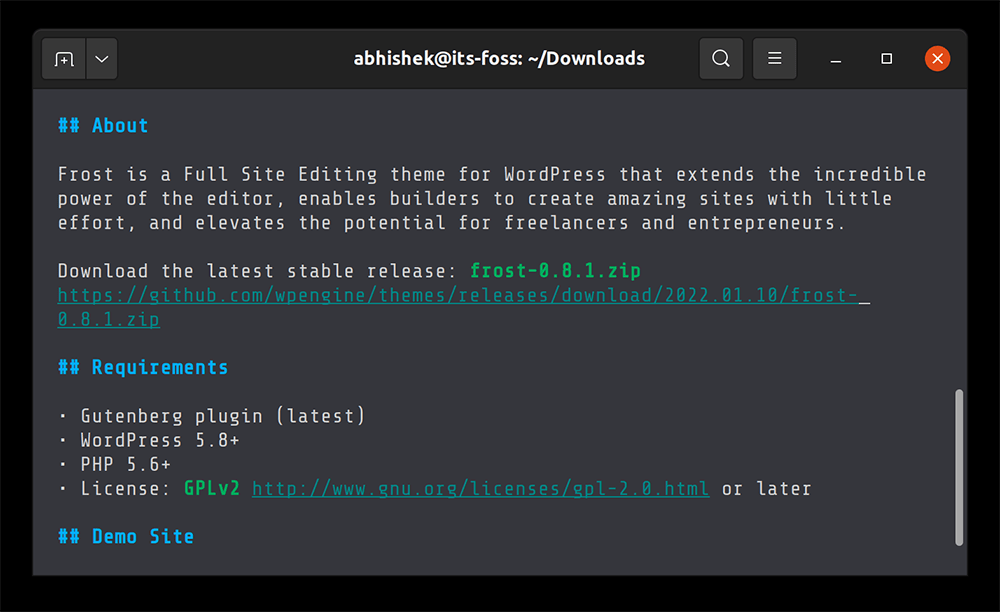
You'll find that the Linux approach, with its easily editable configuration files and consistent command line system, gives you more complete control over the system. Losing your memory of how to configure Windows isn't a bad thing, but rather a testament to your familiarity with a more efficient and powerful work environment.
4. No more creating shortcuts on the desktop
Desktop shortcuts are a fundamental feature of GUI operating systems, providing quick access to applications. However, when switching to Linux, you may find that creating shortcuts can be a hassle at first, requiring you to learn about links and configuration files.
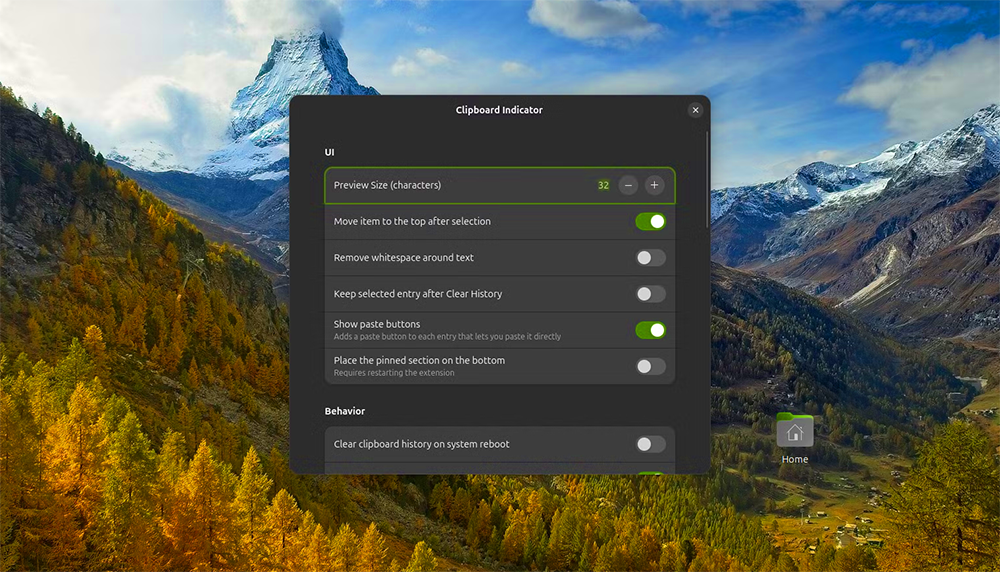
Once you get the hang of it, you'll realize that this is no longer necessary. Instead of creating and managing dozens of shortcuts, you can launch applications simply by typing their names in the terminal or a simple application launcher. This habit keeps your desktop cleaner, and more importantly, it shows that you've found a more direct, efficient, and optimized way to work.
These signs show that you are not just using Linux as a regular operating system, but are exploring and exploiting its full potential. The path to becoming a Linux "power user" is a natural progression, as there are no limitations that can prevent you from mastering your system.
Final Thoughts
Overall, 4 Signs You're Becoming a Linux Power User is best understood by considering the main facts, practical context, and limitations together. Use the details above as a clear starting point and confirm time-sensitive information when necessary.
FAQ
What does this article explain about 4 Signs You're Becoming a Linux Power User?
Have you been using Linux for a while and wondering if you're making progress? Even if you're not an expert, you've probably noticed changes in the way you interact with the operating system.
What should you know about 1. The command line window (Terminal) is always open?
If you're familiar with Windows, using the Command Prompt can be quite limiting. The traditional Windows command line interface lacks many basic utilities, doesn't support effective auto-completion, and working with paths is quite cumbersome.
Should time-sensitive details be verified?
Yes. Software features, game codes, product specifications, prices, and research findings can change. Confirm important details with an official or primary source when accuracy affects your decision.
Related Articles
 What Is the Power User Menu?6 minutes read
 What Are the Signs of a Weak Computer Power Source? How to Fix It?8 minutes read
 Memorize These 5 Commands So You Won't Be Afraid of Linux Terminal Anymore8 minutes read
 Check the Current User on Linux: What You Need to Know8 minutes read
 Power User Optimization Guide Windows 10 Menu5 minutes read
 5 Ways to Improve Linux User Account Security9 minutes read
Reader Comments 0
Sign in with email or Google to join the discussion.