Table of Contents
This guide organizes the entries in "4 Reasons Not to Watch YouTube on TV or Smartphone" and explains what each option, idea, or example offers. It also highlights practical details that matter when comparing the choices.
4. TVs don't multitask, and phones don't do it well either.
If you want to watch YouTube while doing other things on the same device—as people often do—you can't do that on a TV. And while multitasking is possible on mobile devices, it's not always convenient. Sure, you can use split-screen or Picture-in-Picture mode, but the video will be squeezed into a small corner of the screen, making it difficult to see details.
On your desktop or laptop, you can have YouTube open in one tab or window while you work in another. Many people especially like to use Picture-in-Picture mode so they can quickly see what's going on in a video while they work on something else.
3. Inaccurate video controls on TV and phone
Another big reason people stop watching YouTube on their TVs or smartphones is because the video controls are imprecise. On phones, you have to drag your finger along a tiny progress bar. Often, your thumb blocks the video.
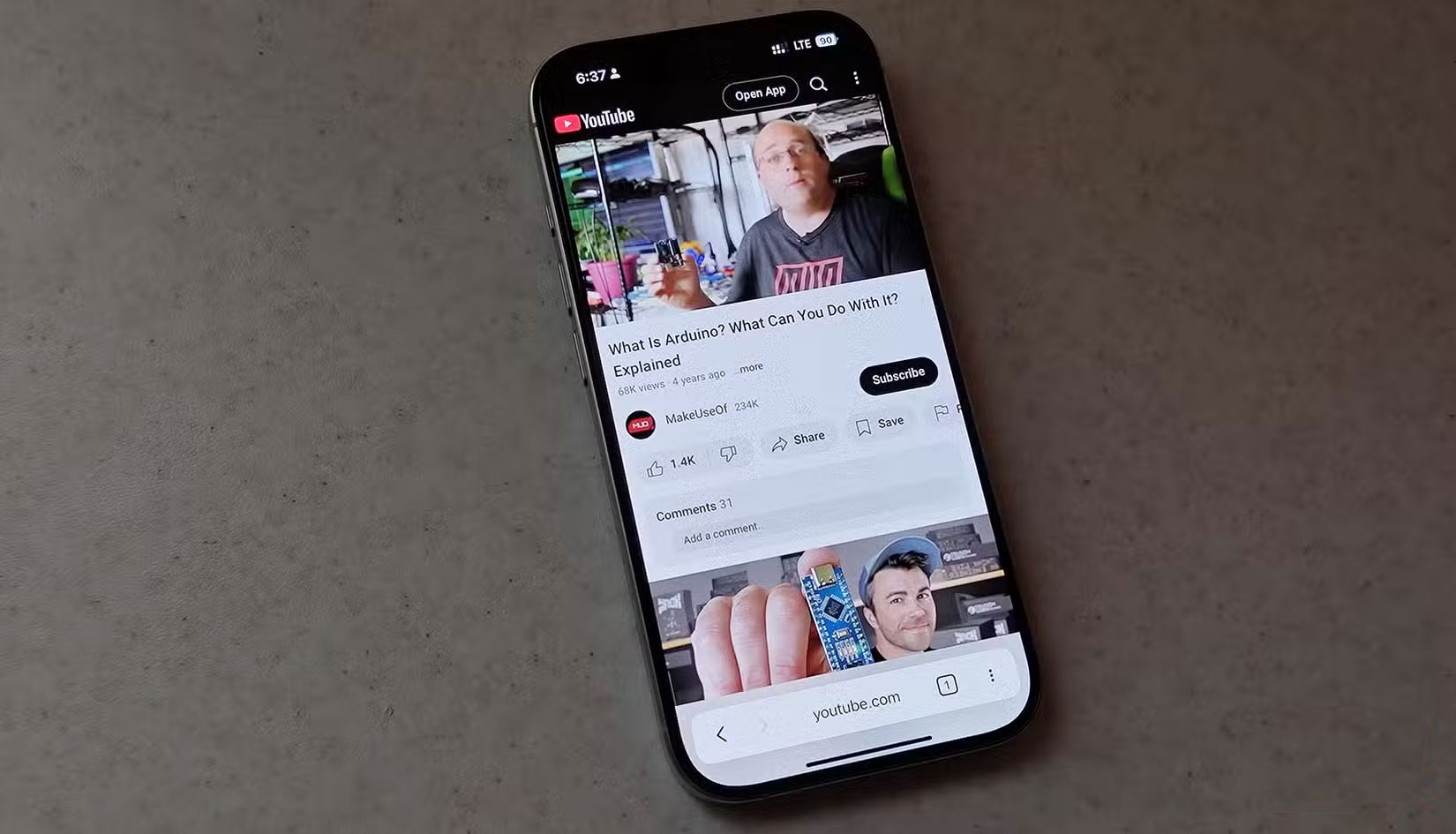
Another trick is to double-tap the left or right side of the video player to rewind or fast-forward, but this is also inaccurate. How many times have you accidentally tapped the forward or back button instead of fast-forwarding a video? The YouTube TV app isn't much better, as using the remote to fast-forward videos can be a pain, and you often find yourself going faster than you intended.
2. TV and phone ads are more annoying
People have been using YouTube for years, and recently noticed that without paying for Premium or Premium Lite, the ads have become overwhelming, especially on mobile and TV. There are dozens of posts from users complaining about the YouTube ad experience on Reddit's YouTube-related subreddit, r/YouTube.
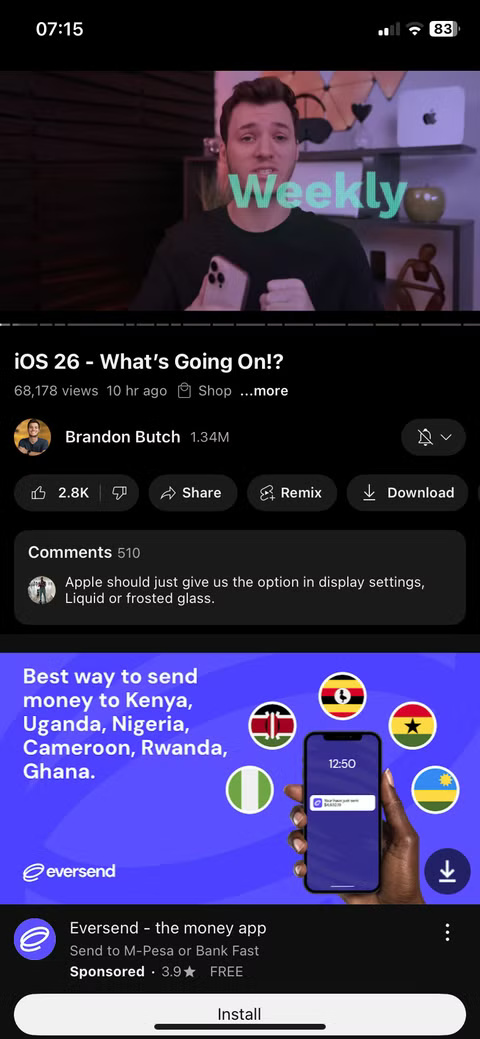
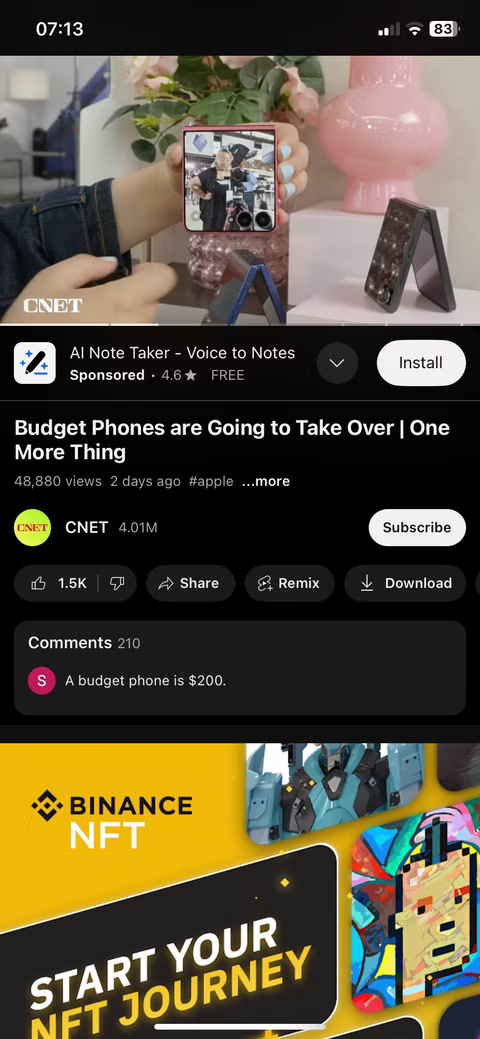
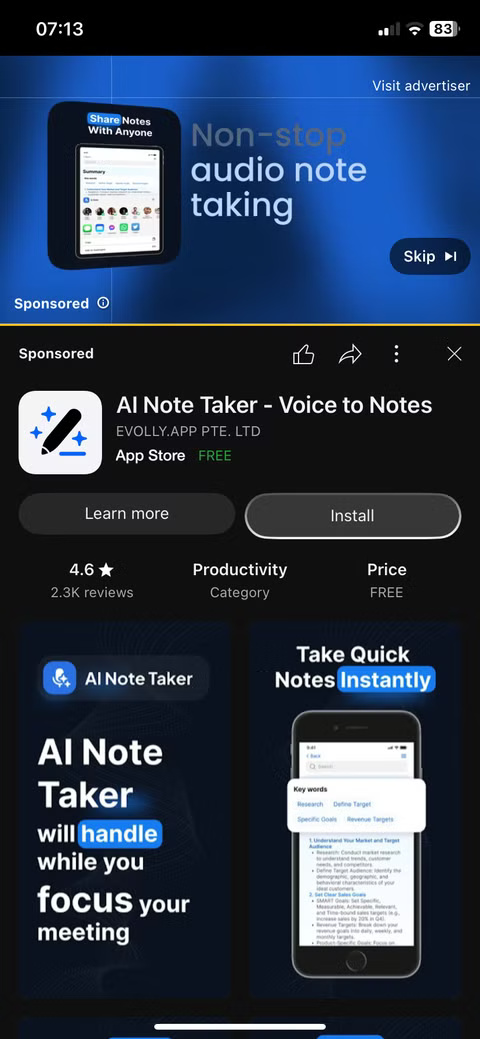
According to the Google Ads support page, if you watch YouTube on TV, expect to see some non-skippable ads that last between 30 and 60 seconds. On mobile, you'll encounter standard non-skippable in-video ads that run for 15 seconds or less.
1. Unable to customize experience
One of the biggest reasons people stop watching YouTube on their TVs or smartphones is because there is too little control. On smartphones and TVs, you can't customize the platform. The apps are essentially what you use to watch YouTube, and beyond the basic options the platform offers, there's not much you can do to improve the experience.
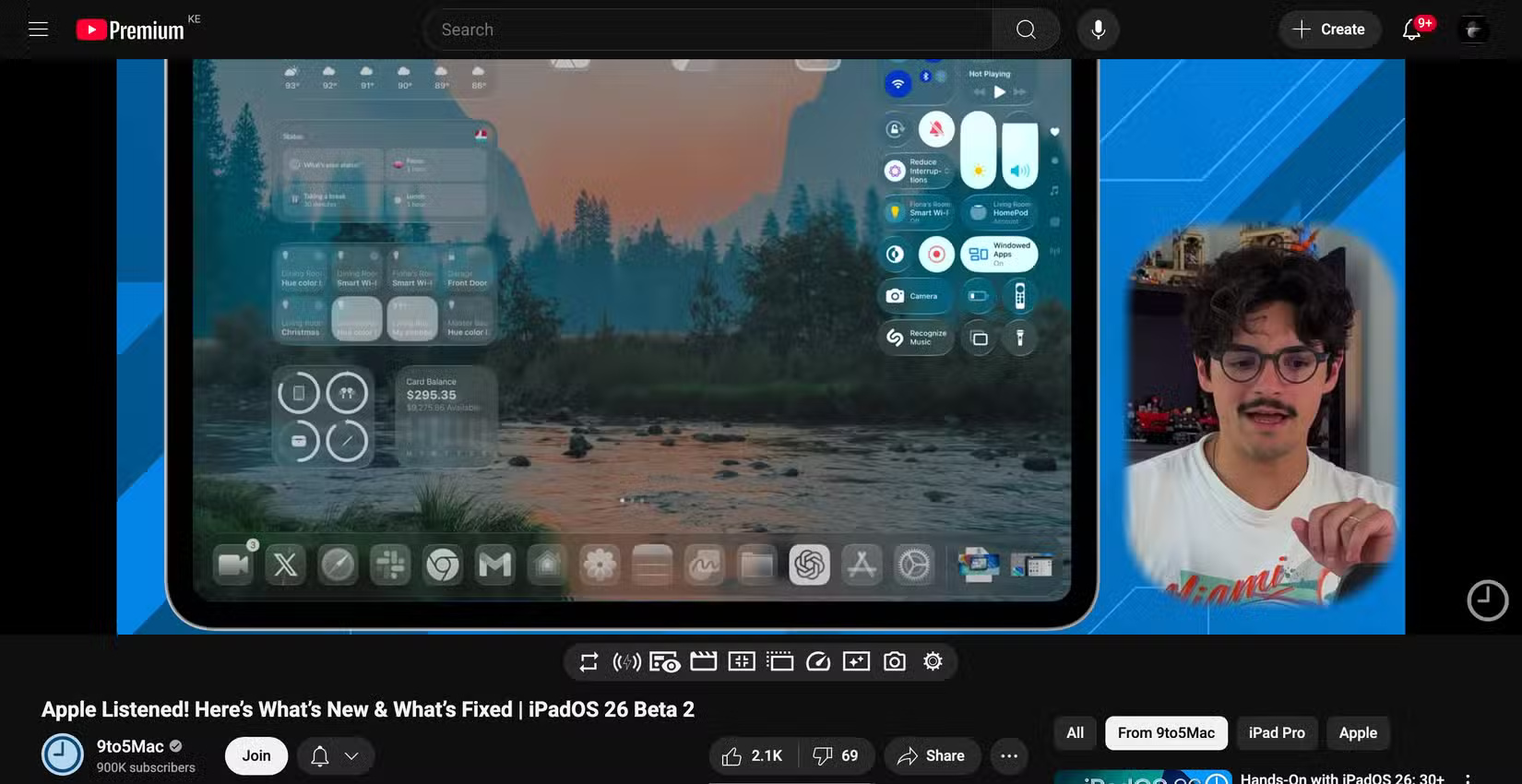
The YouTube app on TV and mobile is like a locked box, forcing you to accept whatever it thinks is best. But that's not the case on laptops. Thanks to the rich YouTube extension ecosystem, you can install different options to tailor your experience to your preferences.
FAQ
What should you know about 4. TVs don't multitask, and phones don't do it well either?
If you want to watch YouTube while doing other things on the same device—as people often do—you can't do that on a TV. And while multitasking is possible on mobile devices, it's not always convenient. Sure, you can use split-screen or Picture-in-Picture mode, but the video will be squeezed into a small corner of the screen.
What should you know about 3. Inaccurate video controls on TV and phone?
Another big reason people stop watching YouTube on their TVs or smartphones is because the video controls are imprecise. On phones, you have to drag your finger along a tiny progress bar. Often, your thumb blocks the video.
What should you know about 2. TV and phone ads are more annoying?
People have been using YouTube for years, and recently noticed that without paying for Premium or Premium Lite, the ads have become overwhelming, especially on mobile and TV. There are dozens of posts from users complaining about the YouTube ad experience on Reddit's YouTube-related subreddit, r/YouTube.
What should you know about 1. Unable to customize experience?
One of the biggest reasons people stop watching YouTube on their TVs or smartphones is because there is too little control. On smartphones and TVs, you can't customize the platform. The apps are essentially what you use to watch YouTube, and beyond the basic options the platform offers, there's not much you can do to improve.
Related Articles
 YouTube Is Building a Paid Channel to Watch Non-promotional Videos4 minutes read
 Why You Shouldn't Watch Netflix on Your Phone?6 minutes read
 Things to Know About YouTube TV10 minutes read
 The Best 3 Alternative YouTube Apps for Android: YouTube Adnroid4 minutes read
 Ignoring YouTube, Here Are 7 Reasons You Should Watch Videos on5 minutes read
 How to Turn on the Feature That Prompts You to Watch Videos Too Long3 minutes read
Reader Comments 0
Sign in with email or Google to join the discussion.