Table of Contents
Gemini can help you find public YouTube videos from a description of what you want to watch. Ask for a topic, format, channel, or approximate length, then open the suggested videos on YouTube to check they match. You can ask follow-up questions about a result, but verify details such as timestamps against the video itself.
Search for videos with a specific request
Gemini is useful when you remember an idea but not an exact title. For example, ask: “Find beginner tutorials on repairing a bicycle puncture that demonstrate the patching steps.” If the results are too broad, refine the same conversation with “Show shorter videos that explain how to check the patch for leaks.” A precise request makes it easier to judge the results than a vague keyword alone.
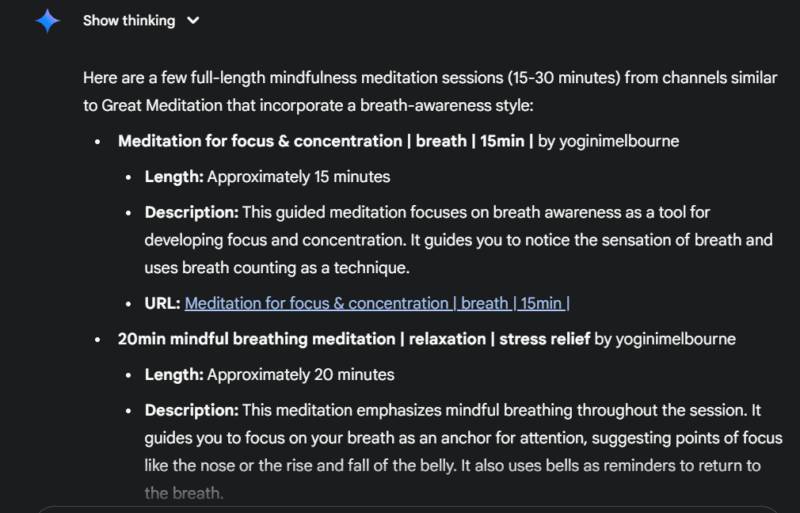
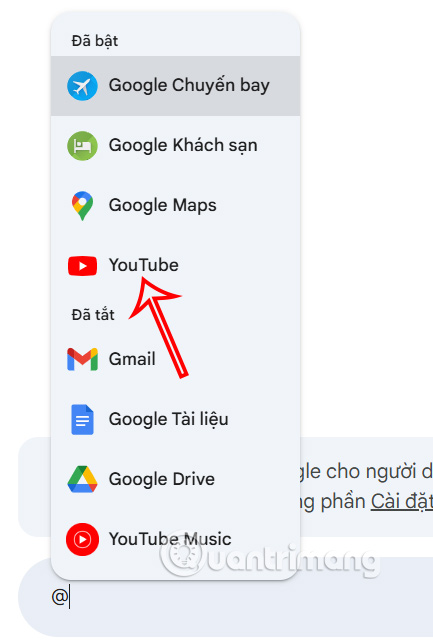
- Go to gemini.google.com and sign in to your Google account. Google says this YouTube feature requires Keep Activity to be on. In interfaces that offer connected app mentions, you can type @YouTube and select it; otherwise, simply ask Gemini to find videos on YouTube.
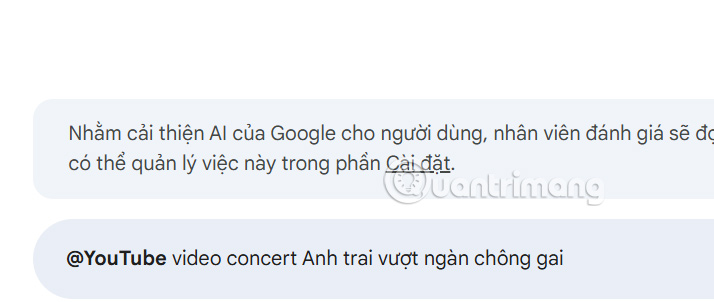
- Describe the content you want: subject, intended audience, and a constraint that matters, such as a particular technique or video length. Submit the prompt.
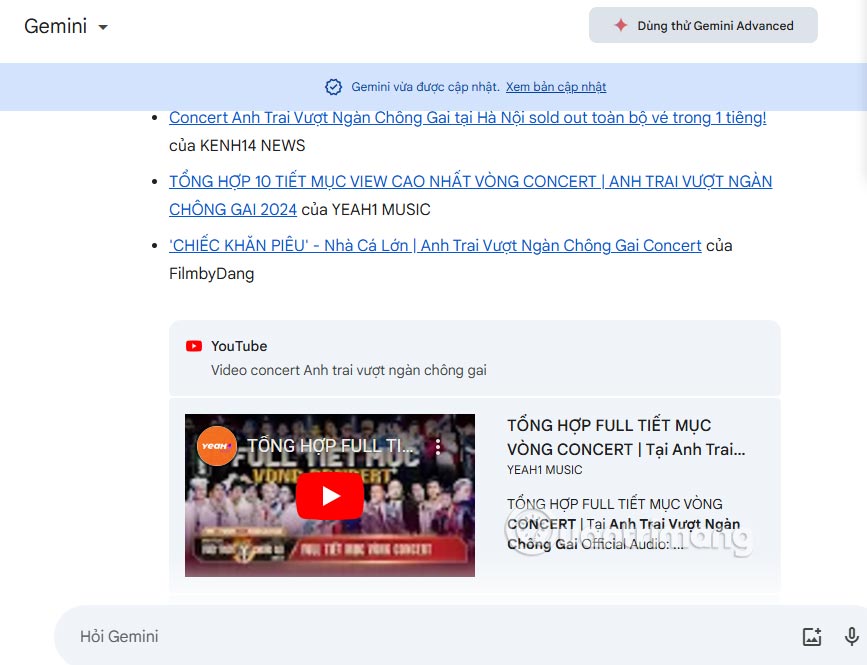
- Review the video cards or links Gemini returns. Open promising videos on YouTube and check the channel, duration, upload information, and actual content. If the suggestions miss the point, tell Gemini what to change in a follow-up prompt.
Ask about a video you found
Once Gemini identifies a video, ask it to summarize the main steps or answer a narrow question about that result. You can refer to the video in the current conversation or supply its YouTube link if needed. For example: “In the second video, what tool does the presenter use to remove the tire?”

If you need a timestamp, ask for one, then watch that portion yourself. Gemini may not have enough public information to answer every question accurately, and a summary is no substitute for watching a critical demonstration.
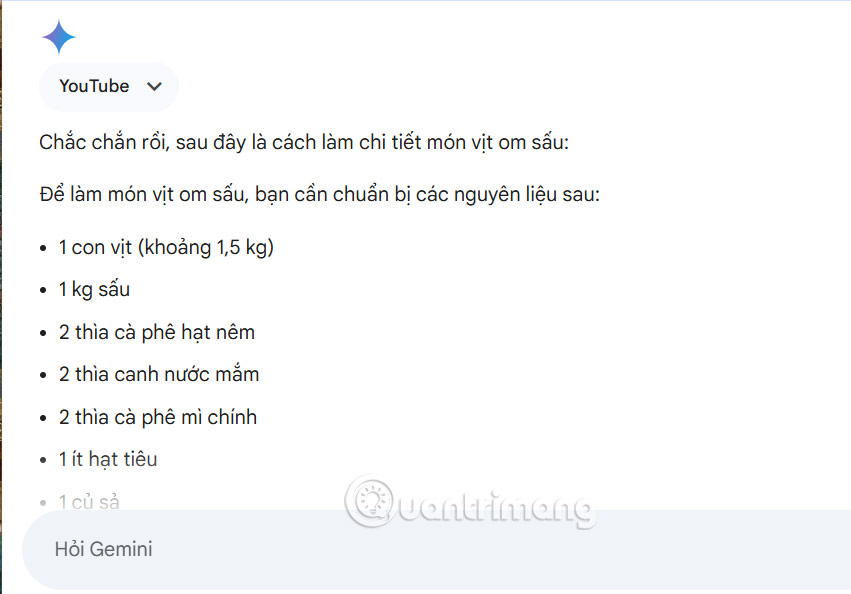
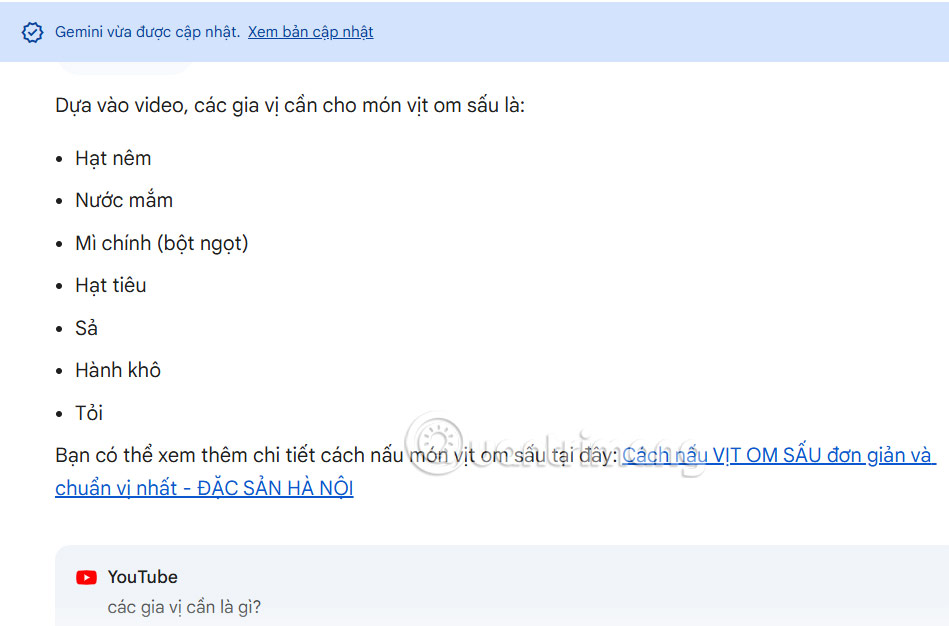
Gemini’s YouTube feature uses public information; connecting the YouTube app can add personalization, but it does not provide a complete list of your watch history or let Gemini save videos to playlists. Google’s Gemini YouTube help explains the current requirements. For a focused summary workflow, see how to summarize YouTube videos with Gemini. For direct search controls, see YouTube search tips and filters.
Related Articles
 How to Summarize YouTube Videos Using Gemini: Complete Guide4 minutes read
 Gemini AI Can Now Watch YouTube Videos for You, Saving Hours of Time3 minutes read
 Instructions for Finding YouTube Music Songs in Gemini3 minutes read
 How to Designing Ideas and Structuring Outlines Using Gemini3 minutes read
 How to Project YouTube Videos from Your Phone to the TV8 minutes read
 Instructions for Deleting a Video on YouTube3 minutes read
Reader Comments 0
Sign in with email or Google to join the discussion.