Table of Contents
Explore simple tips to help you stop using incognito mode on YouTube.
However, people have recently discovered a YouTube feature that's making them reconsider using incognito mode. It does the same job, and sometimes even better, without forcing you to use a separate browsing mode. Once you know about this feature, you won't want to go back to incognito mode. And this shift reflects how people use YouTube's search feature these days.
Why are people no longer using incognito mode on YouTube?
How did a single search end up taking up your entire feed?
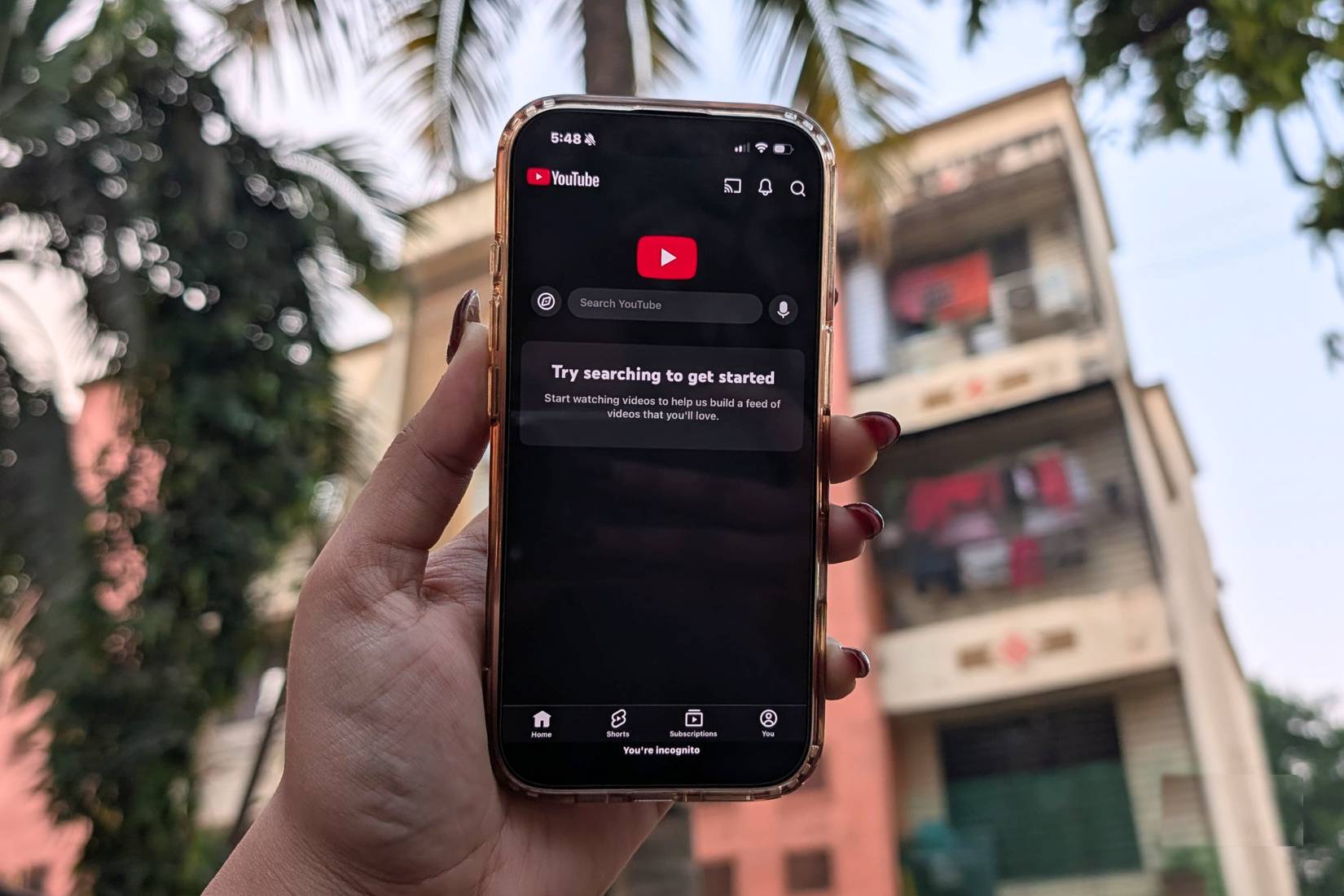
Whenever you focus on something or plan a trip, your YouTube feed quickly gets flooded with related videos. When looking to buy a car, you're overwhelmed with content like "cars you should buy in 2025." Before a trip abroad, it's all travel vlogs and food content. Even today, the feed continues to reflect what you're watching most often.
To prevent this from affecting key recommendations, people started using incognito mode on YouTube. The problem is that incognito mode also has its own limitations. You lose the benefits of YouTube Premium, and ads quickly become annoying.
After becoming completely fed up, you need a better solution. So, some people delved deep into YouTube's settings and stumbled upon a feature that completely changed the way people use the app. Additionally, there are other useful YouTube features worth checking out.
What is that feature?
Your secret space on YouTube
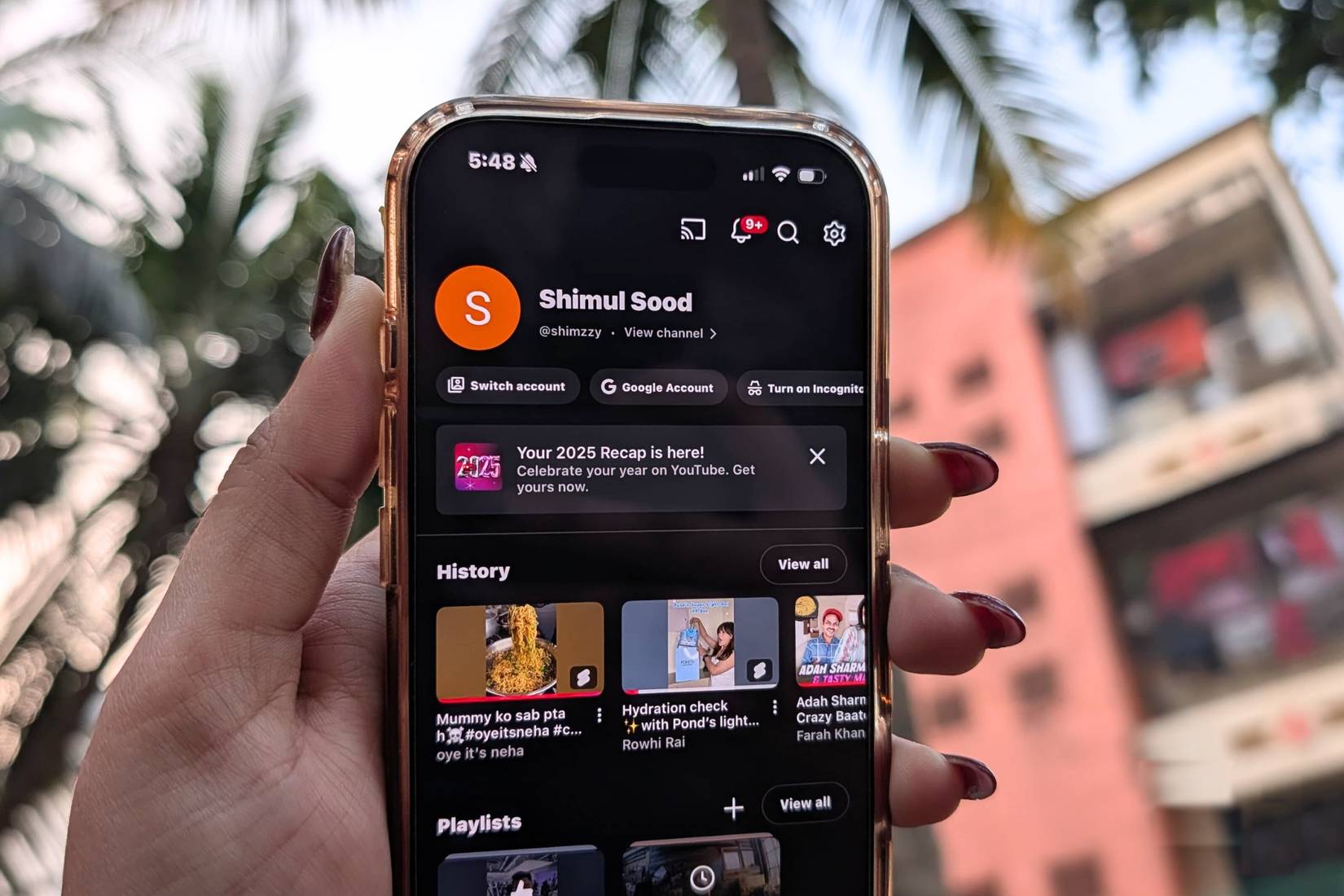
Instead of relying on incognito mode, you can now use YouTube's multi-channel feature. This doesn't mean you have to create a completely new email address and manage multiple accounts. You can do this entirely within your existing account.
All you need to do is create a new channel using the same email address as your main account. Once set up, you can switch between channels whenever you want. Each channel functions as a separate environment: perfect for searches or videos where you don't want them to interfere with your main recommendations. And the best part is you can create as many channels as you like, each dedicated to a different interest or topic.
Note : Unlike incognito mode, this method does not negate the benefits of YouTube Premium. This means you can watch videos without ads and also download them offline.
Set up multiple channels on YouTube
A playground for channels, suitable for all tastes
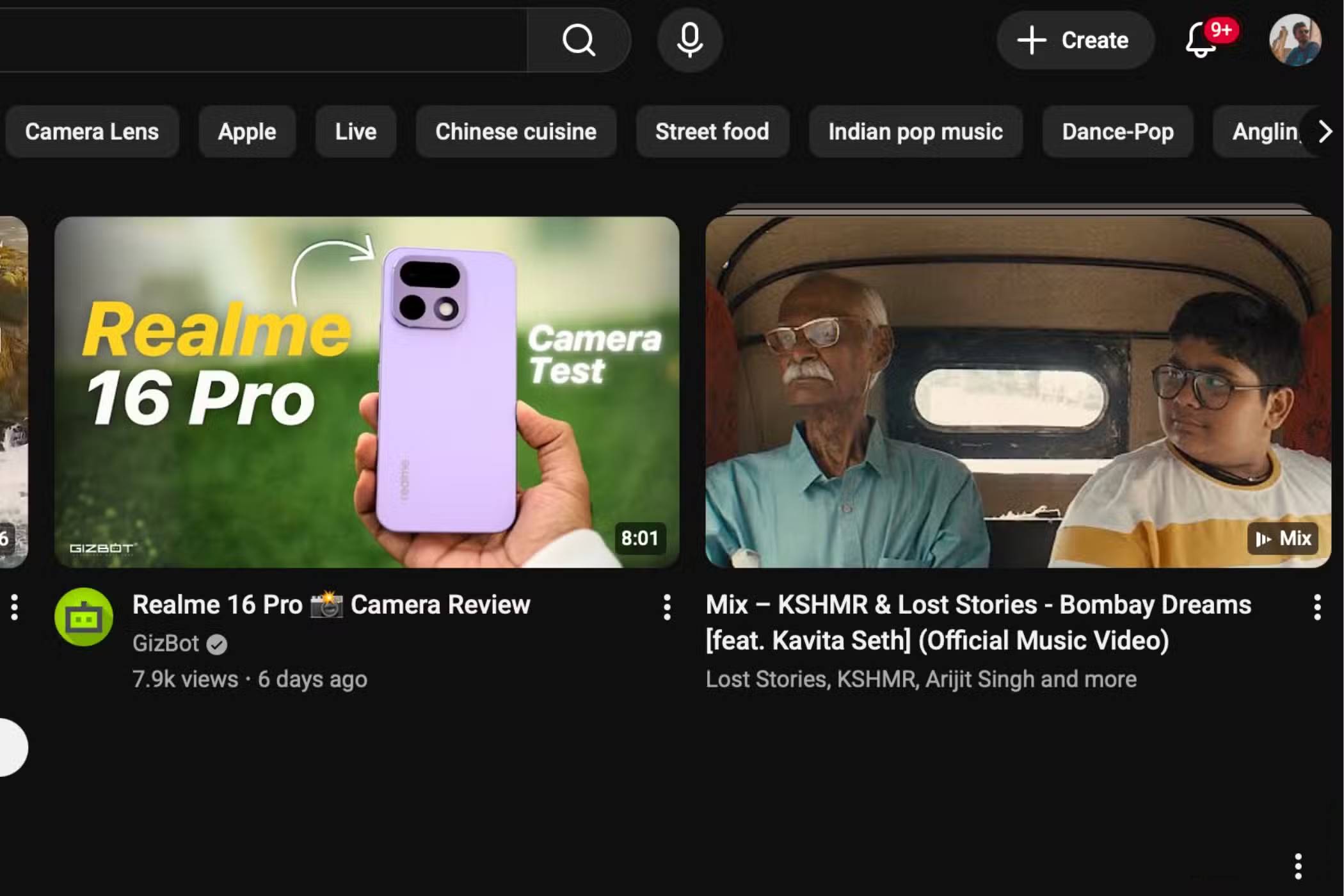
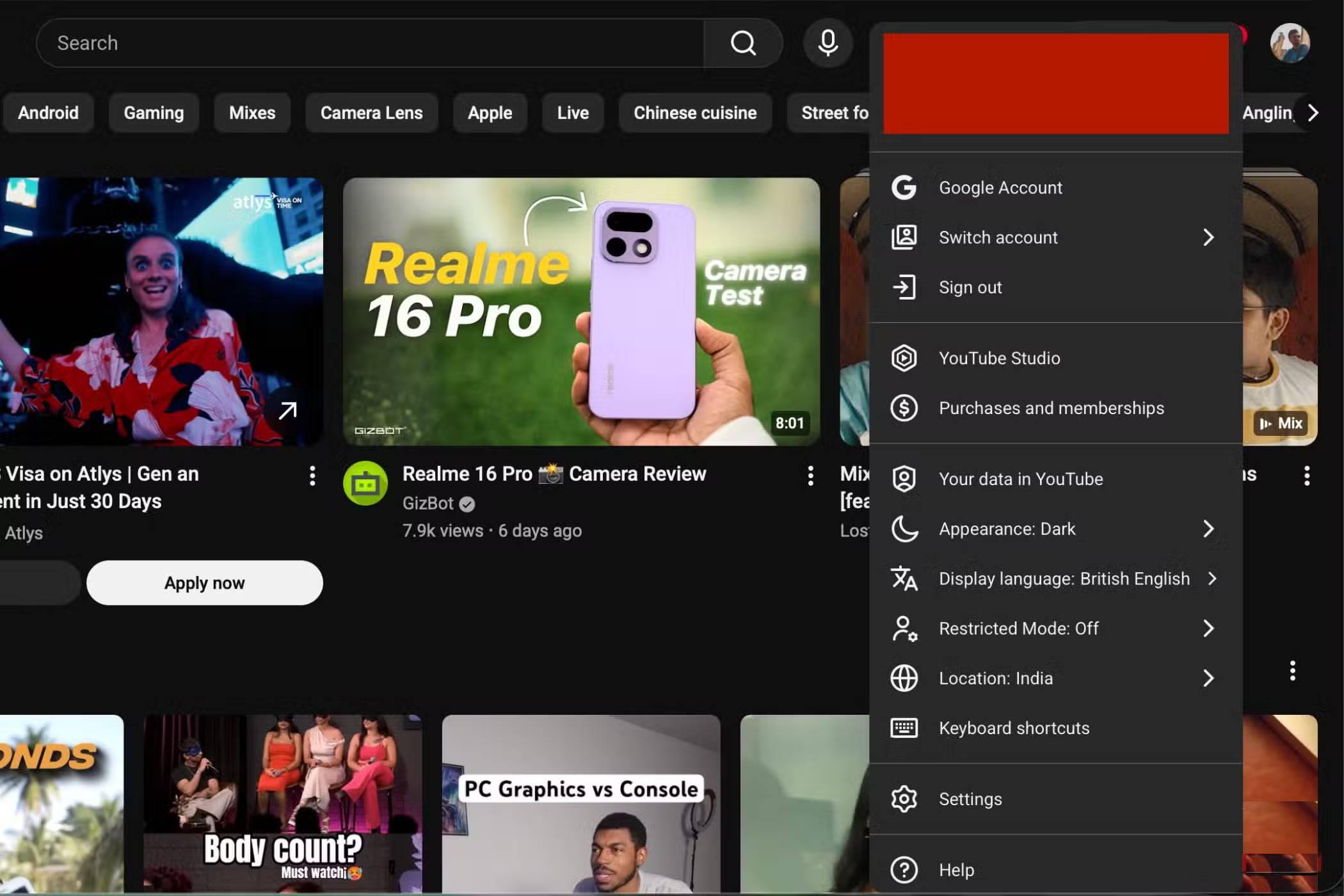
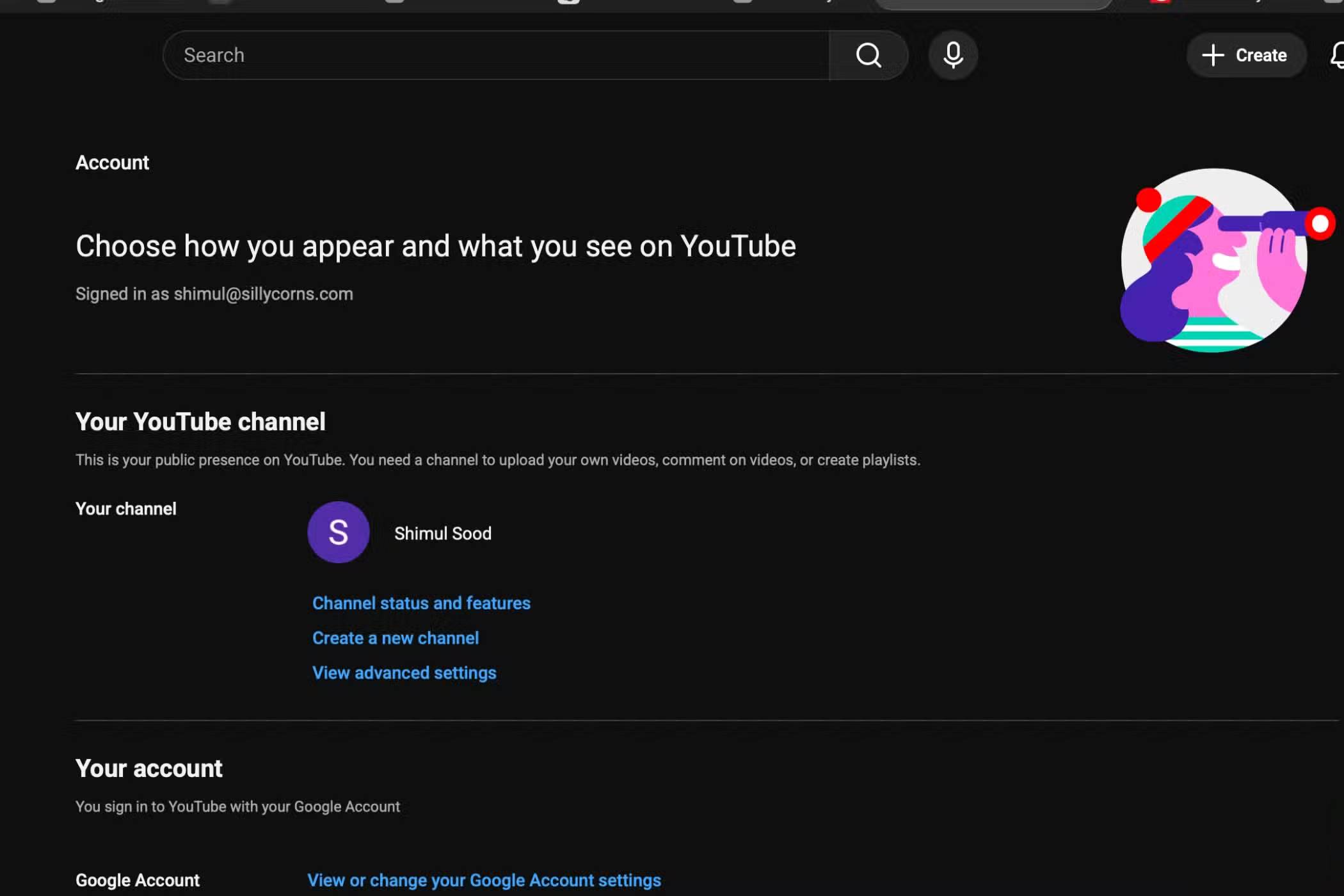
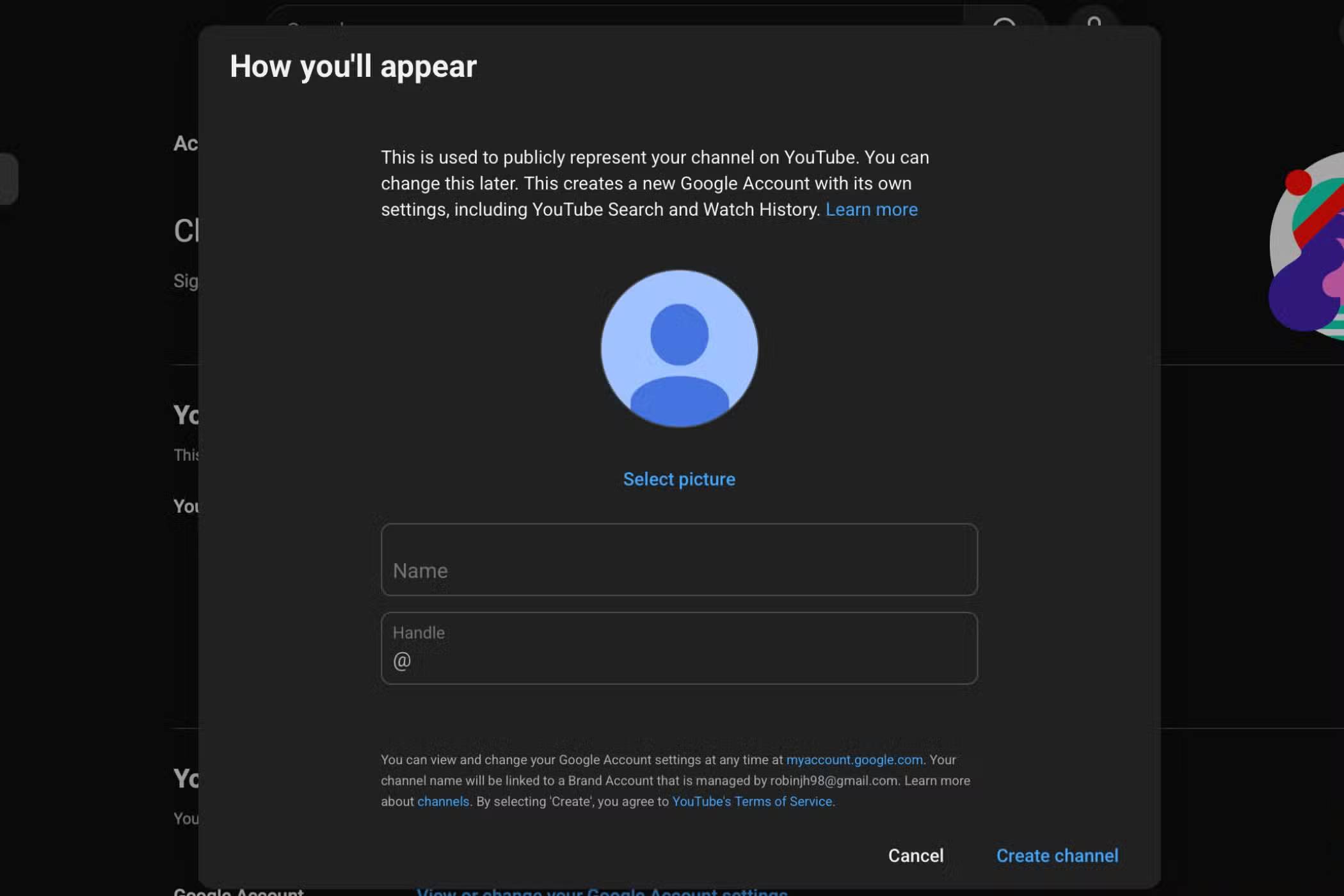
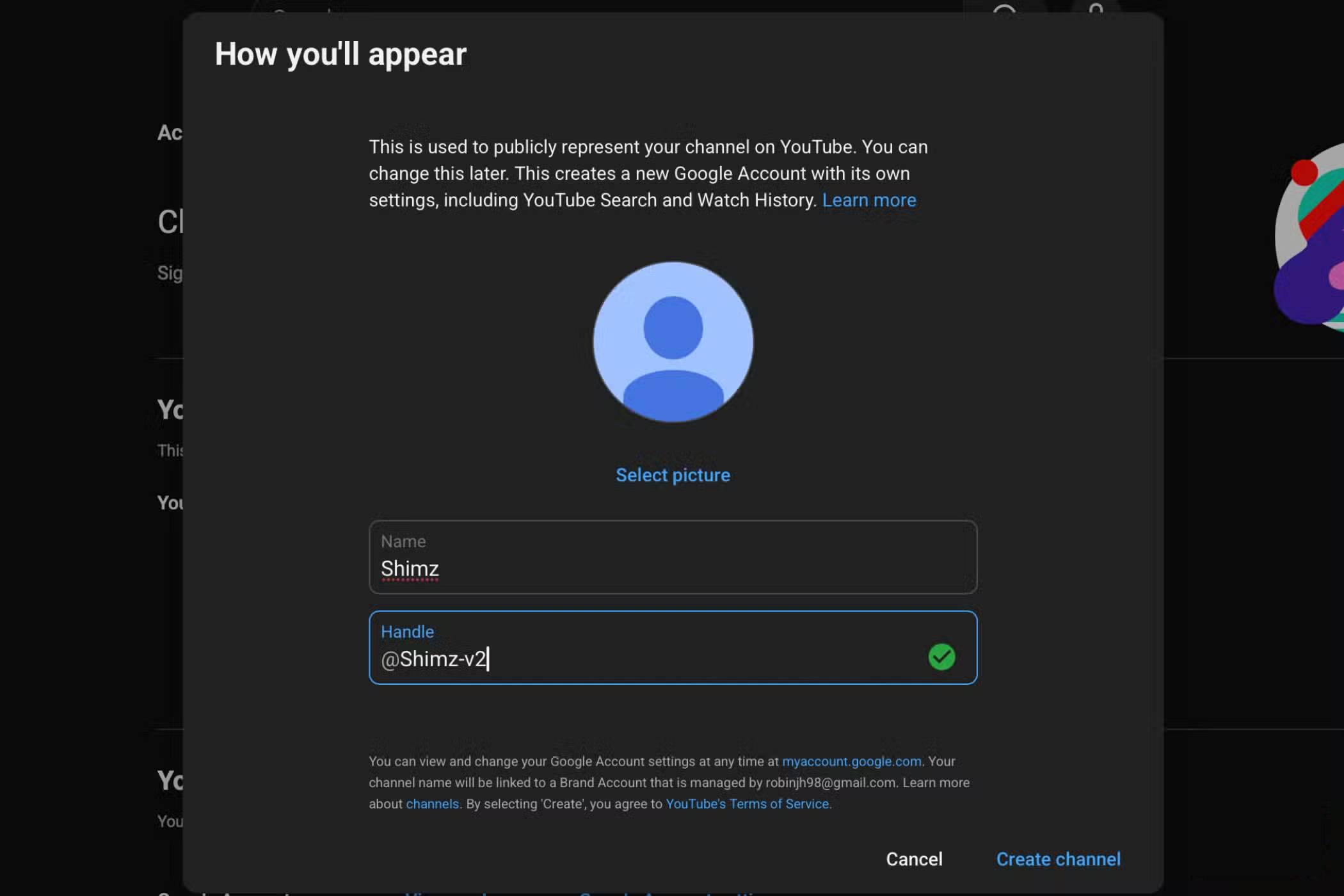
You don't need a separate email address to set up multiple YouTube channels. All you need is the main channel linked to your existing email. Once that's ready, creating additional channels is simple. Just follow these steps:
- Open YouTube on your computer and make sure you're signed in.
- Click on your profile icon in the upper right corner.
- From the drop-down menu, select Settings .
- In the settings, click on Create a new channel .
- Fill in your channel details: Add a profile picture (optional), choose a name, and select a username.
- Wait a few seconds for the channel to load completely, then your new channel will be ready.
Tip : You can repeat these steps to create as many channels as you like, each dedicated to different topics, without needing new email IDs.
Many people use YouTube's multi-channel feature whenever they want to do private research, explore a new topic, or watch travel-related content without affecting their main feed. This keeps your main channel clean and free of distractions, while allowing you to research detailed content on whatever interests you at the time. This has truly changed how people use YouTube, allowing them to maintain privacy without sacrificing any of the benefits of a Premium plan.
Keep your feed clean and your secrets more secure
People absolutely love this YouTube feature. They no longer have to rely on incognito mode, but still keep their YouTube searches safer. With multiple channels, you can freely explore anything without affecting your main feed. Create separate channels for travel content, food videos, new hobbies, and one channel just for research!
Final Thoughts
Understanding simple tips to help you stop using incognito mode on youtube makes it easier to evaluate the information and apply the most relevant recommendations. Focus on the key points above and verify details that may change over time.
FAQ
What is simple tips to help you stop using incognito mode on youtube?
Explore simple tips to help you stop using incognito mode on YouTube.
What key points does this article cover?
The article focuses on Why are people no longer using incognito mode on YouTube?, How did a single search end up taking up your entire feed?, What is that feature?, with practical explanations and examples.
How can you use this information in practice?
Use the explanations to compare options, verify important details, and make a more informed decision. Apply the recommendations that best match your goals and situation.
Related Articles
 How to Enable Anonymous Video Viewing on YouTube4 minutes read
 The Mobile YouTube Application Is About to Be Incognito3 minutes read
 6 Threats That Incognito Mode Can't Protect You from8 minutes read
 Incognito Mode and What You Need to Know: Complete Guide5 minutes read
 How to Enable Incognito Mode: Step-by-Step Guide9 minutes read
 Incognito Mode in the Browser Is Not as Safe as You Think8 minutes read
Reader Comments 0
Sign in with email or Google to join the discussion.