Table of Contents
For every Windows feature that becomes a daily necessity, there's always another that seems exciting at first but then falls by the wayside. Over the years, Microsoft has been quietly killing off these ineffective features — sometimes announcing their disappearance with great fanfare, other times hiding them so well that most people don't even notice.
You probably never used these features. But Microsoft decided it was time to remove them (for reasons that aren't hard to understand).
7. Live Tiles
Live Tiles arrived with Windows 8 as Microsoft's bold move into the touchscreen future, turning the Start menu into a mosaic of vibrant, living tiles. The idea was clever: App icons double as little widgets, showing emails, weather updates, calendar events, and stock prices at a glance.
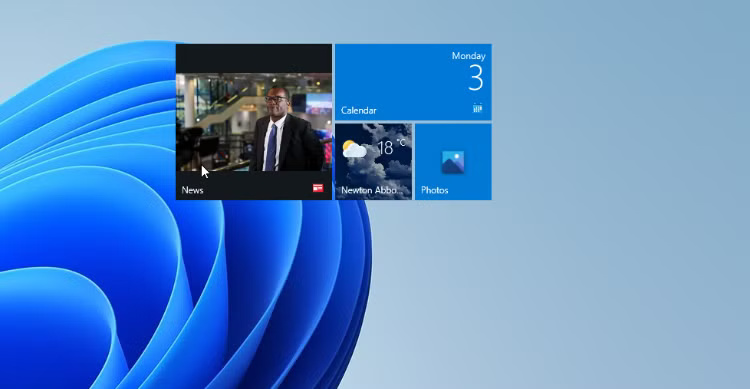
That said, this was more of a hassle than it was worth. Microsoft kept Live Tiles around throughout Windows 10, but they were gone when Windows 11 launched.
6. Timeline
Timeline comes with Windows 10 and lets you scroll through recent activities, like documents you've edited, websites you've visited, and apps you've opened. Even better, it syncs across devices, so you can start writing a report on your laptop and seamlessly continue working on your desktop.
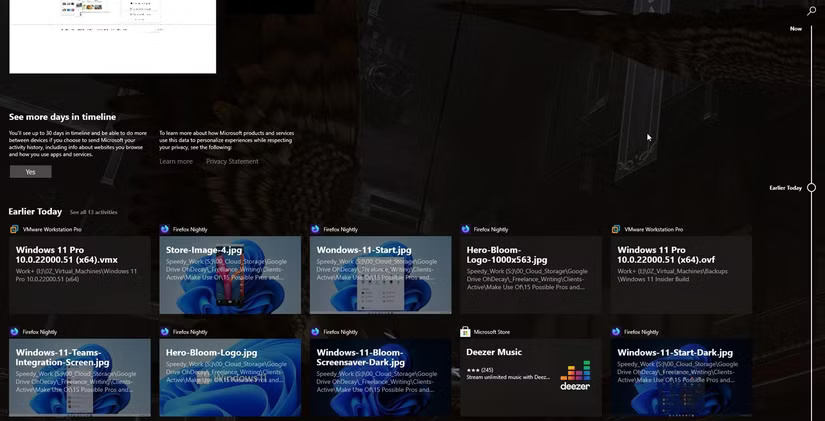
By 2021, cross-device syncing was gone, and when Windows 11 launched, Timeline quietly disappeared altogether.
5. My People
Keep in mind that little two-headed icon on the taskbar, just to the left of the system tray? That's My People, a Windows 10 feature designed as a hub for your top contacts across Skype, Mail, and the People app. You can pin up to three people for quick access, essentially for integration with those three apps.
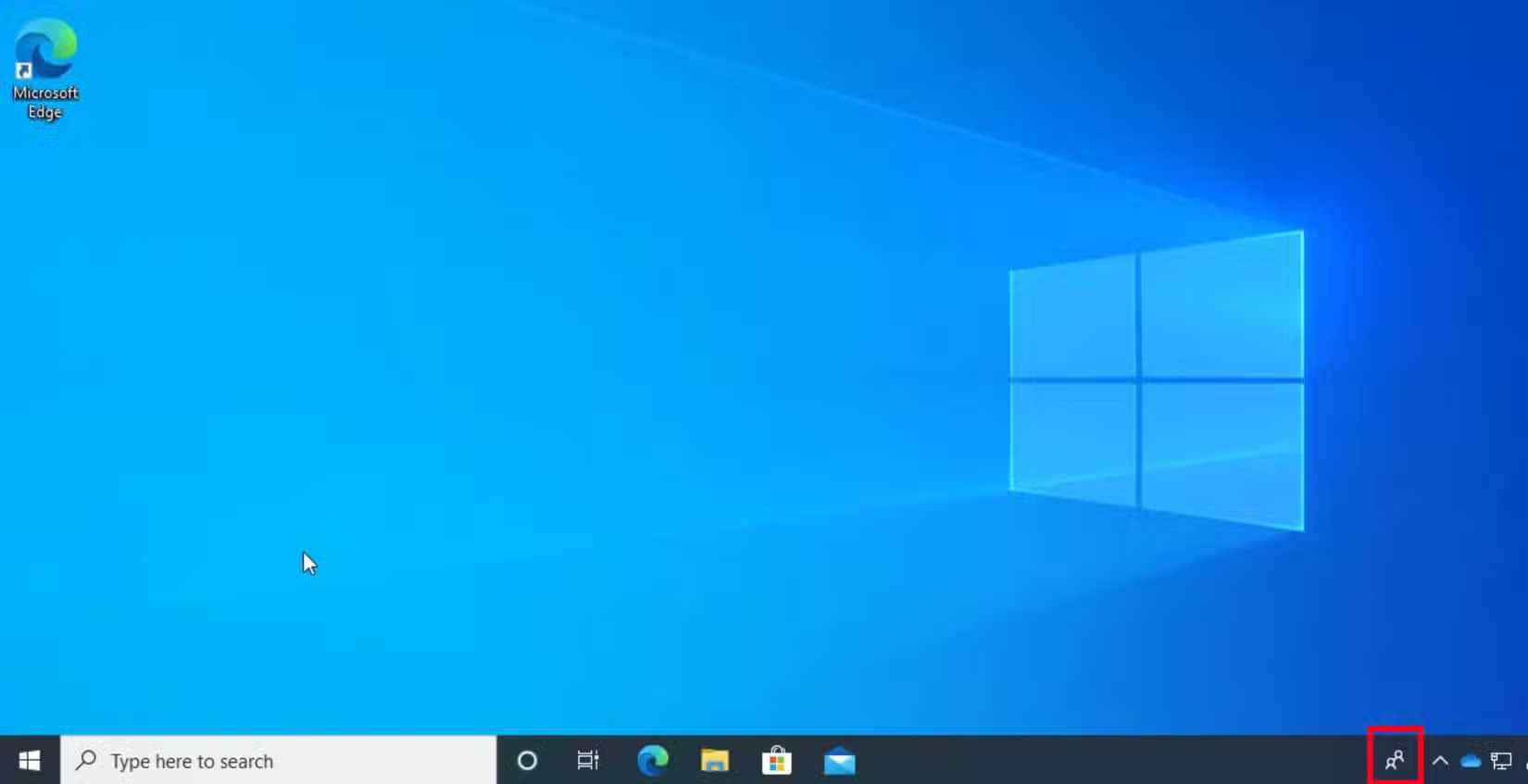
In late 2019, Microsoft quietly began removing it in Windows 10 updates. And when Windows 11 launched, My People was mercilessly gone.
4. Cortana
In what seemed like a Windows-only answer to Siri and Alexa, Cortana debuted on Windows 10 in 2015. And to be fair, it's come a long way. Initially, Cortana could do some really impressive things, like set reminders based on your location, open apps and settings, and even offer helpful suggestions right from a taskbar search.
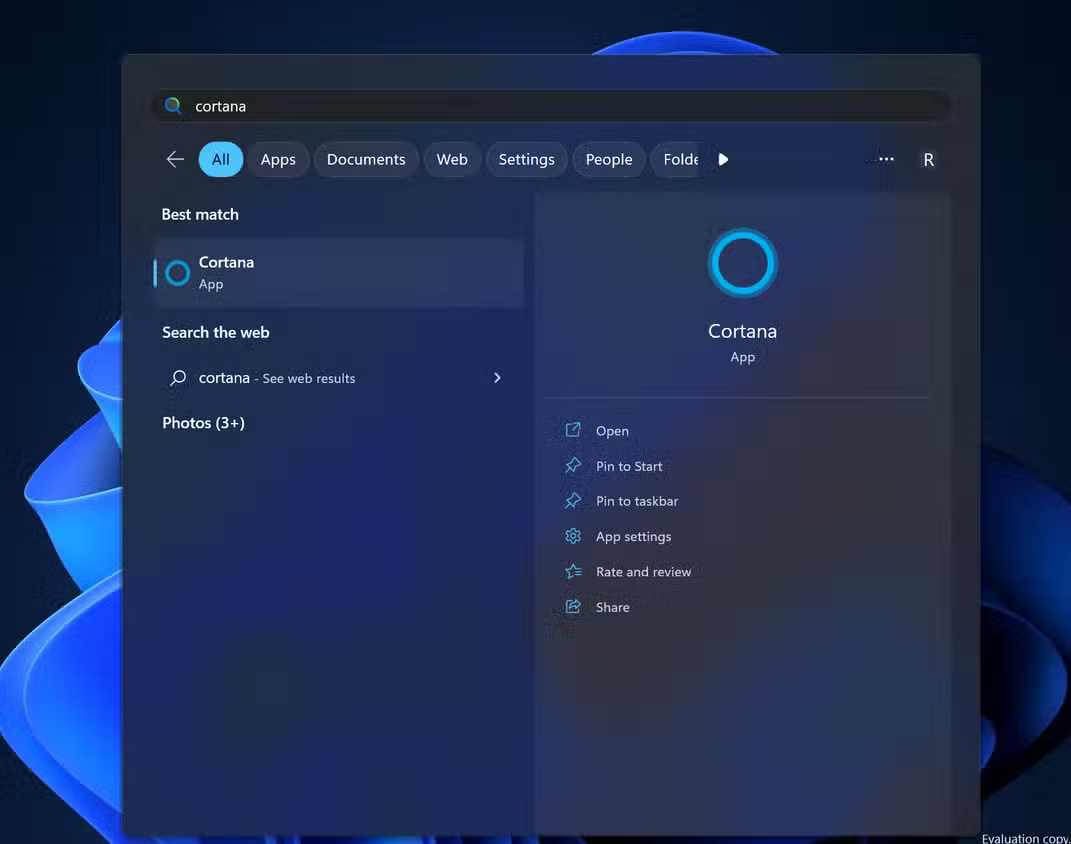
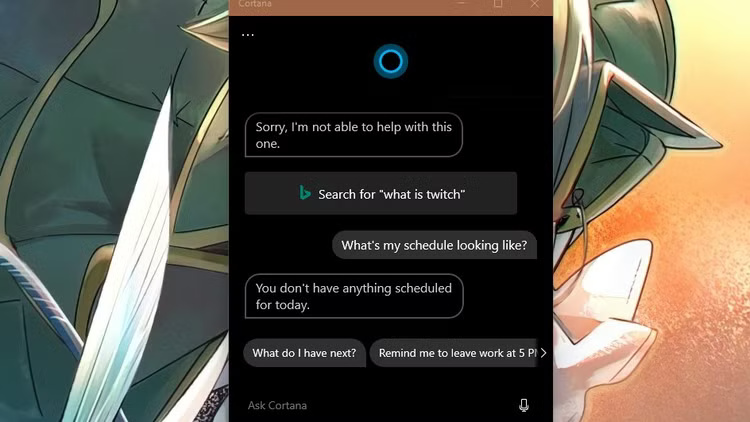
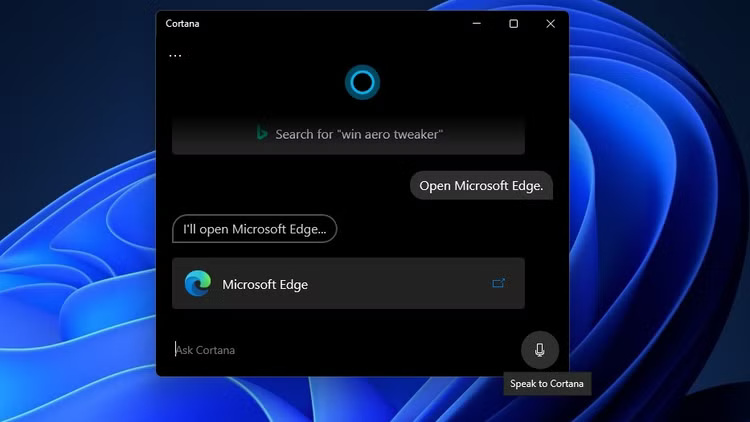
Finally, in 2023, Microsoft will officially stop supporting Cortana, shifting its focus to newer AI tools like Windows Copilot. If you haven't used it yet, you won't be missing out on much.
3. Windows Mixed Reality
Windows Mixed Reality is Microsoft's virtual and augmented reality platform for PCs, launched in 2017 alongside headsets from Acer, HP, and Lenovo. It's designed to compete with Oculus and HTC Vive, with support built into Windows. Once installed, you can launch apps, browse the web, and play games.
Microsoft will stop supporting the feature in December 2023, then remove it from Windows 11 version 24H2 in 2024. The Portal app, SteamVR integration, and everything else will be gone. If you still own one of those Windows Mixed Reality headsets, they'll work with Steam until November 2026. But after that, updates, support, and basic functionality will be gone.
Meta and Valve currently dominate PC VR, and Microsoft has officially exited the consumer VR market.
2. Tips
The Tips app comes pre-installed on Windows 10, and it's Microsoft's attempt to teach users how to use the operating system's endless list of features. Yet hardly anyone actually uses it. Most people either Google the solution or fumble around until they figure it out through trial and error.
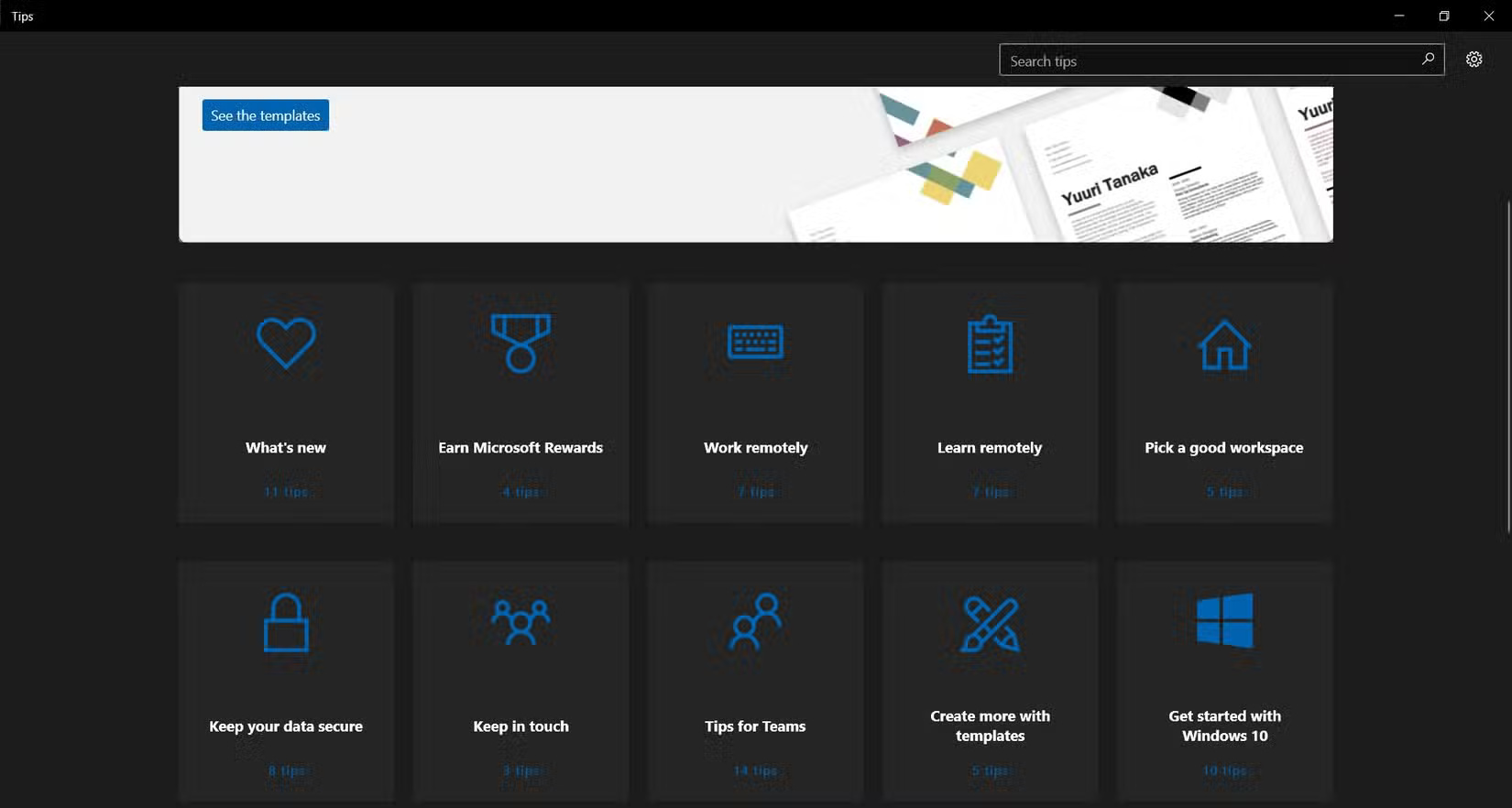
Eventually, Microsoft seemed to realize that the app was taking up space for no good reason, so it quietly stopped supporting it on Windows 11.
1. Maps
The Maps app is Microsoft's attempt to bring Windows its own built-in navigation experience — like a Google Maps alternative on the desktop. It also comes with some surprising features, like offline downloads, 3D city visualizations, and even Cortana integration back when Cortana was still part of the OS.
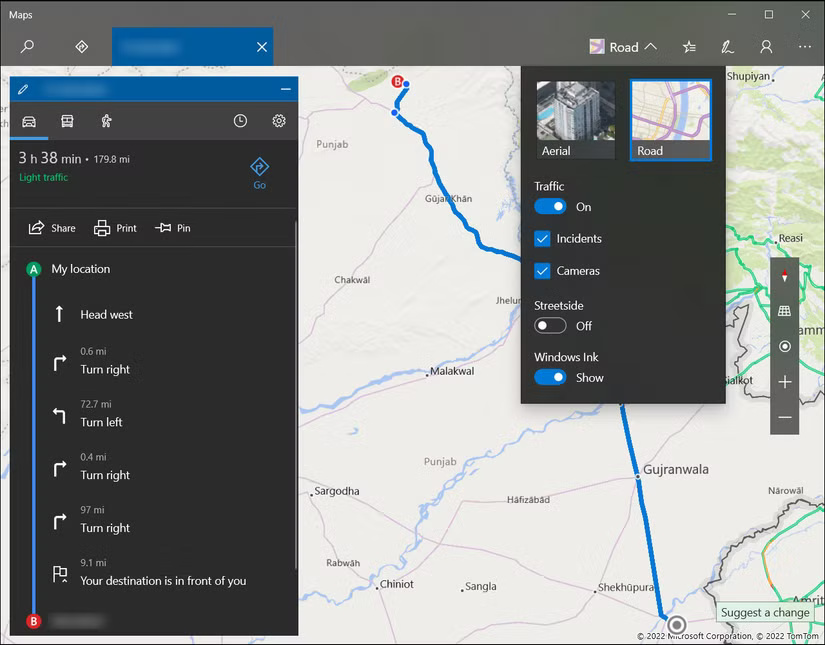
As of Windows 11 version 24H2, Maps is no longer pre-installed. In April 2025, Microsoft officially stopped supporting the app, and in July 2025, they released a final update that broke the functionality and removed the app from the Microsoft Store. After that, users can no longer reinstall it.
Final Thoughts
The development covered in this article is worth following, but specifications, dates, and feature details may change until the relevant company or organization publishes an official confirmation.
FAQ
What is the main development covered in this article?
For every Windows feature that becomes a daily necessity, there's always another that seems exciting at first but then falls by the wayside.
What should you know about 7. Live Tiles?
Live Tiles arrived with Windows 8 as Microsoft's bold move into the touchscreen future, turning the Start menu into a mosaic of vibrant, living tiles.
Is every reported detail officially confirmed?
Not necessarily. Product leaks, preview builds, research reports, and early announcements can change. Confirm important specifications, dates, and availability through an official source before making a decision.
Related Articles
 8 Windows Features You Wish You Knew About Sooner: Practical Guide7 minutes read
 Useful AI Features in Windows 118 minutes read
 7 Windows 11 Features That Should Be Used More Often5 minutes read
 8 Features You May Not Know Even Though You Have Used Windows7 minutes read
 8 New Features Users Want to See in Windows 127 minutes read
 Windows 10 Redstone 4: New Features and Changes Are Waiting for You?13 minutes read
Reader Comments 0
Sign in with email or Google to join the discussion.