Table of Contents
Microsoft added a new rule to Windows 10 Extended Security Updates: users must sign in to their Microsoft account at least once every 60 days to maintain security patches.
Windows 10 ESU Overview
Microsoft's Windows 10 Extended Security Updates (ESU) program has been free for users with a Microsoft account. However, the company recently added an important condition: users must log back into their account at least once every 60 days, otherwise the security update will expire and cannot be renewed.
Windows 10 officially ends support on October 14, 2025, so ESU becomes the only way to continue receiving important security patches. Microsoft says You can re-enroll, but only as long as the program remains active. If you miss the 60-day mark and Microsoft stops allowing re-enrollment, you will lose access to updates.
Signing in isn't as simple as entering an account name and password. In the US, users must sign in and sync settings with OneDrive. In the European Economic Area (EEA), however, linking a Microsoft account is required without enabling sync. If the device is already signed in with a Microsoft account, ESU is activated for free as long as you stay signed in with that account.
Some users may think of logging in to activate ESU and then quickly switching to a local account to 'avoid' the Microsoft ecosystem. However, the company has blocked this method. Microsoft asserts that to maintain benefits, users are required to log in to a Microsoft account at least once every 60 days. The system will automatically scan periodically to confirm the condition.
For those who only want to use a local account, Microsoft also has a paid alternative. You can purchase an ESU for a one-time fee of $30, which will keep them updated with security patches until October 13, 2026, without having to sign in to a Microsoft account regularly. The license will still be tied to the account used for payment, but You can continue to use a local account after that.
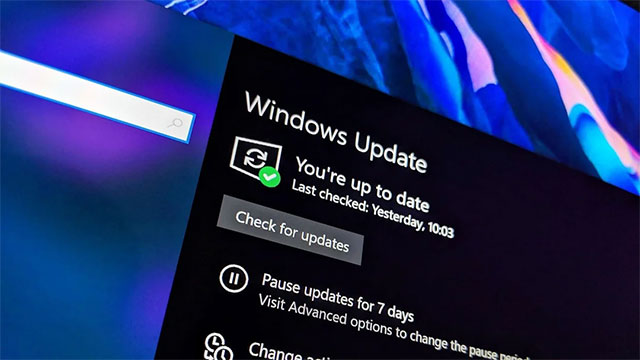
Note that ESU only provides critical security fixes, not new features or technical support. If your device meets the requirements—for example, if it's running Windows 10 version 22H2 and has the latest updates installed—you can enable ESU now through Windows Update.
This is essentially the only option for those who still want to stay on Windows 10 but can't or don't want to upgrade to Windows 11. Of course, there are other solutions like switching to macOS or Linux, but continuing to use Windows 10 without security patches is very risky.
FAQ
What should you know about Windows 10 users will need to sign in to their Microsoft account continuously?
In practical terms, Microsoft added a new rule to Windows 10 Extended Security Updates: users must sign in to their Microsoft account at least once every 60 days to maintain security patches.
Why does Windows 10 users will need to sign in to their Microsoft account continuously matter?
The article highlights that some users may think of logging in to activate ESU and then quickly switching to a local account to 'avoid' the Microsoft ecosystem.
What is the main takeaway?
The main takeaway is that users can purchase an ESU for a one-time fee of $30, which will keep them updated with security patches until October 13, 2026, without having to sign in to a Microsoft account regularly.
Related Articles
 How to Fix 'We Can't Sign into Your Account' Error on Windows 103 minutes read
 How to Log Out of Your Microsoft Account in Windows 114 minutes read
 How to Log in to Windows 11 Without a Microsoft Account4 minutes read
 Privacy Control on Windows 10 Computers with the Following 5 Tips8 minutes read
 Tutorial: Secure Your Windows Live Account with Sign-in3 minutes read
 How to Sign up for Email Sending on Your Computer5 minutes read
Reader Comments 0
Sign in with email or Google to join the discussion.