Table of Contents
The debate between cloud and offline password managers is real, so some people have tried switching to KeePassXC.
Password managers are one of the most important pieces of software anyone with a computer needs. Many people have been using them for ages, but somehow they always stick with the popular cloud options: LastPass, 1Password, Dashlane, and Bitwarden. The cloud vs. offline password manager debate is real, so some people have tried switching to KeePassXC.
Data control
Complete control over where and how your data is stored
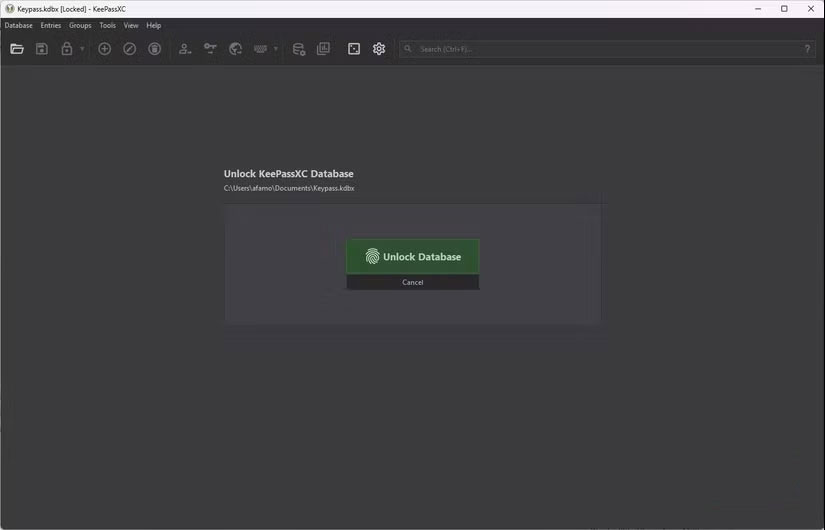
With most popular password managers, you are responsible for how your data is managed. Your data is often stored on their servers. While the data is always encrypted, the trust has shifted to the password manager's infrastructure.
An offline password manager, however, is built on the same principle: Your data is stored on your computer, external hard drive, or USB. In KeePassXC's case, your entire database is a.kdbx file, and you can store it anywhere you like.
Offline reliability
The always-connected model is very fragile.
Cloud password managers require an internet connection. This is due to the pings sent when you log in using the mobile app or web browser. The always-connected framework is great because your passwords are synced and updated in real time.
That said, the always-online model comes at a cost. If you've ever traveled to a remote area with poor internet connectivity, and suddenly found yourself disconnected, unable to access apps and services because your password manager is inaccessible.
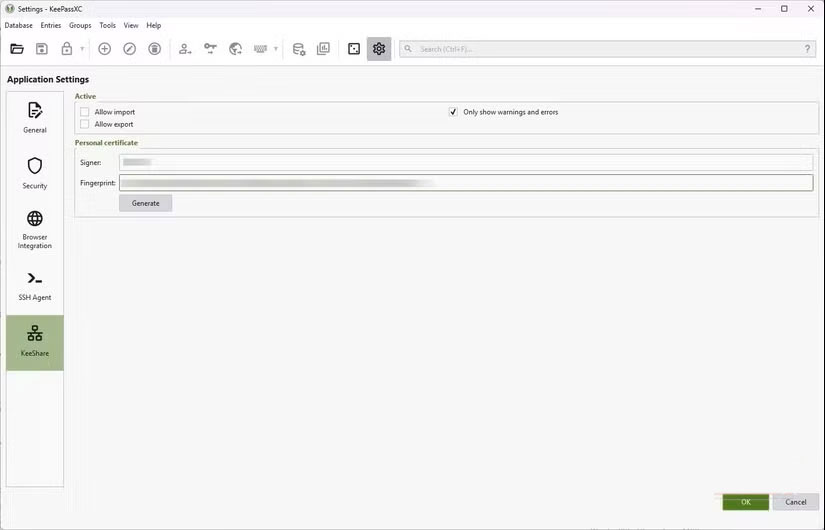
One of the biggest changes is that after switching to KeePassXC, access is no longer dependent on the Internet. You can be behind a strict firewall, on a train, or in a remote location, and you still have full access to your database without being locked out of the app. This is the highlight of the first offline mode.
Customize
A password manager should fit into your workflow.
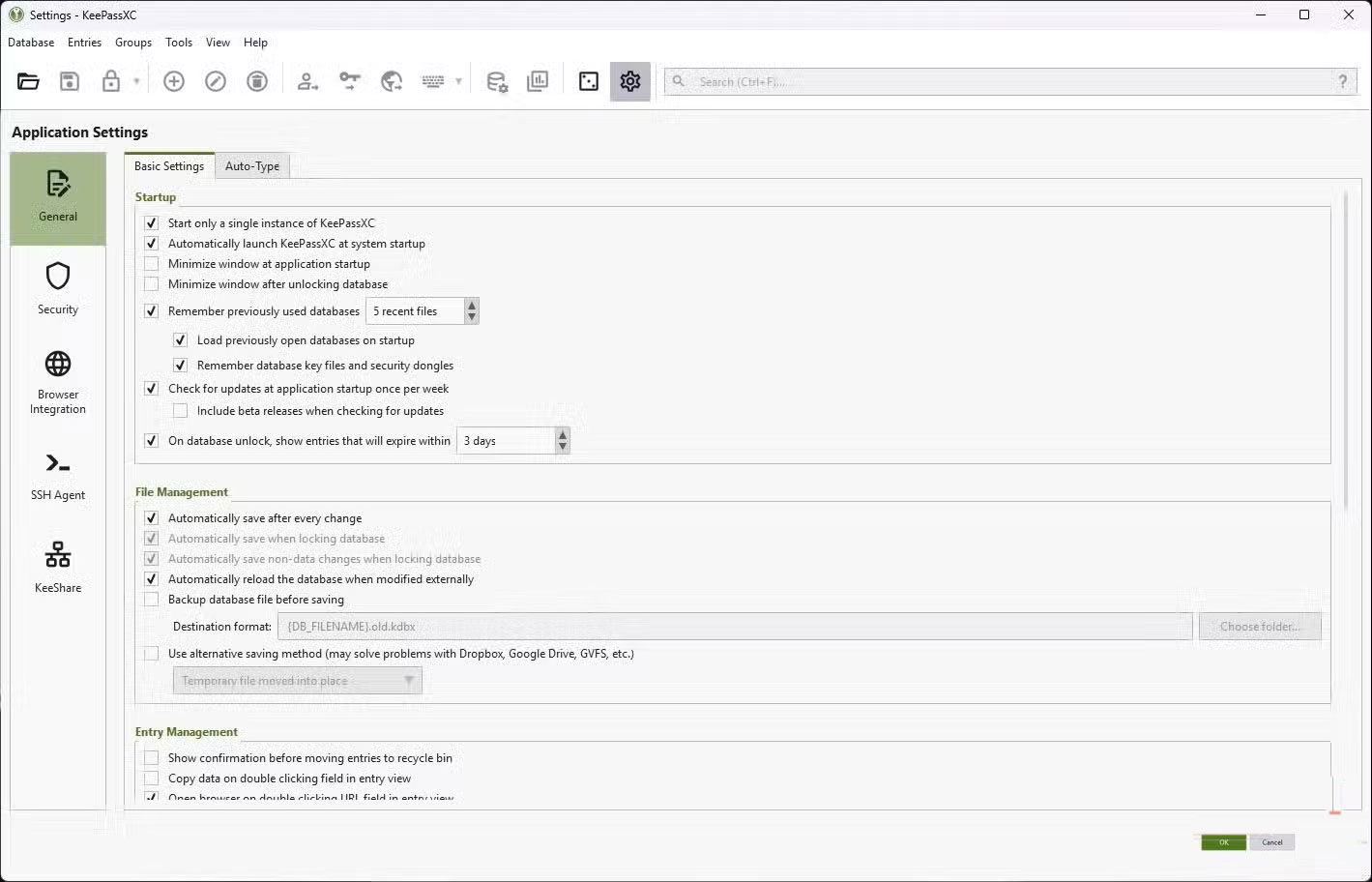
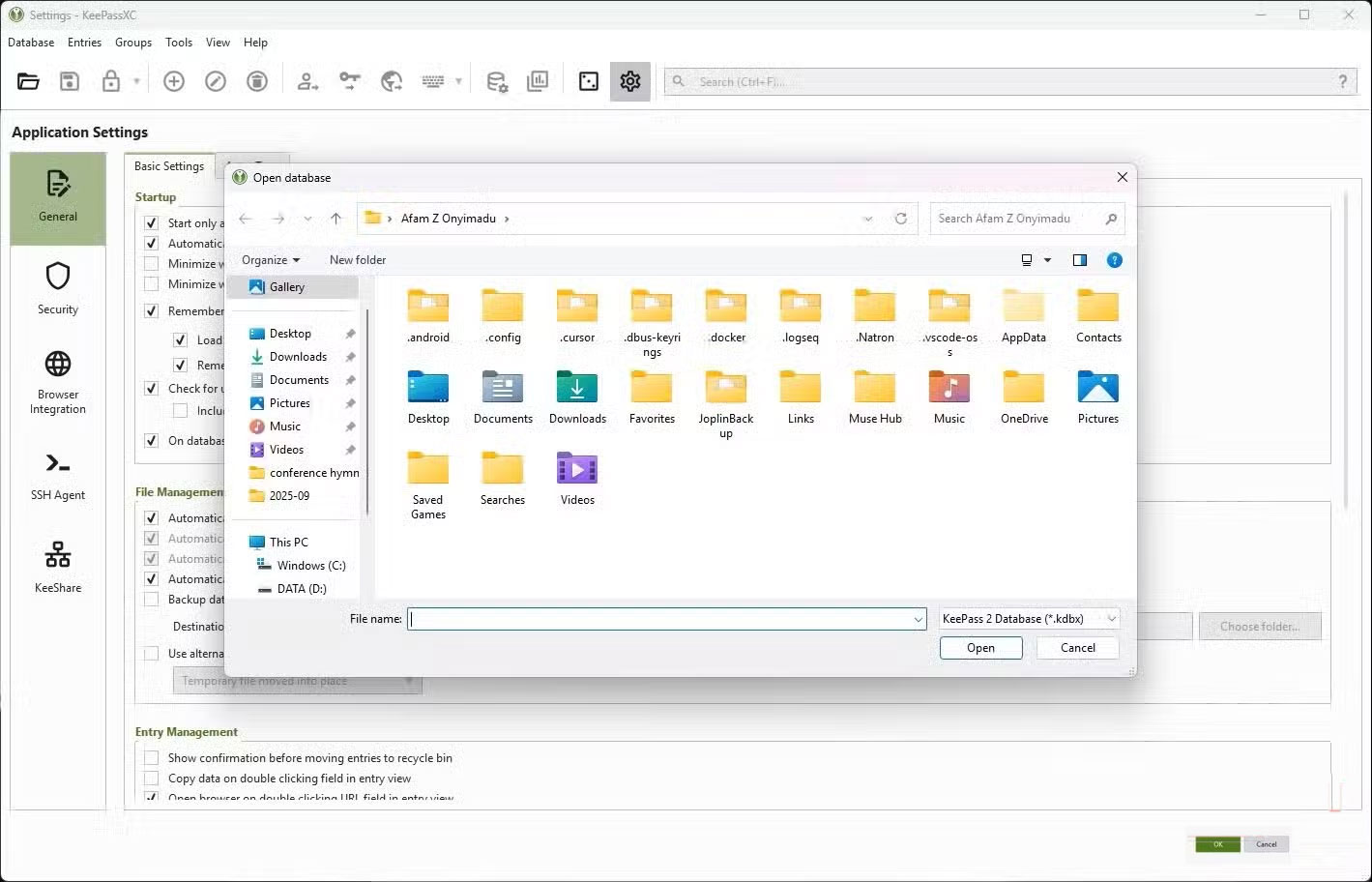
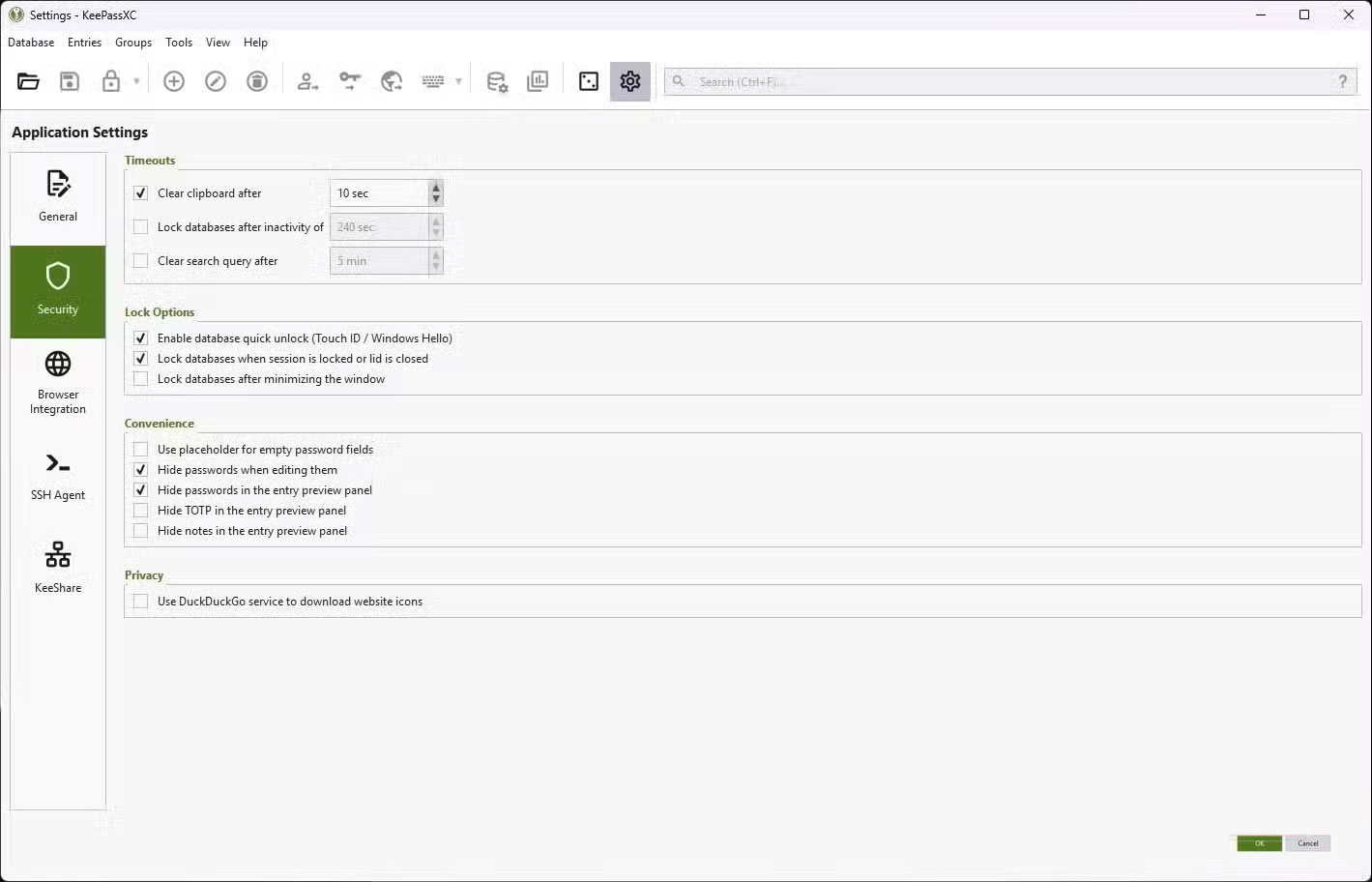
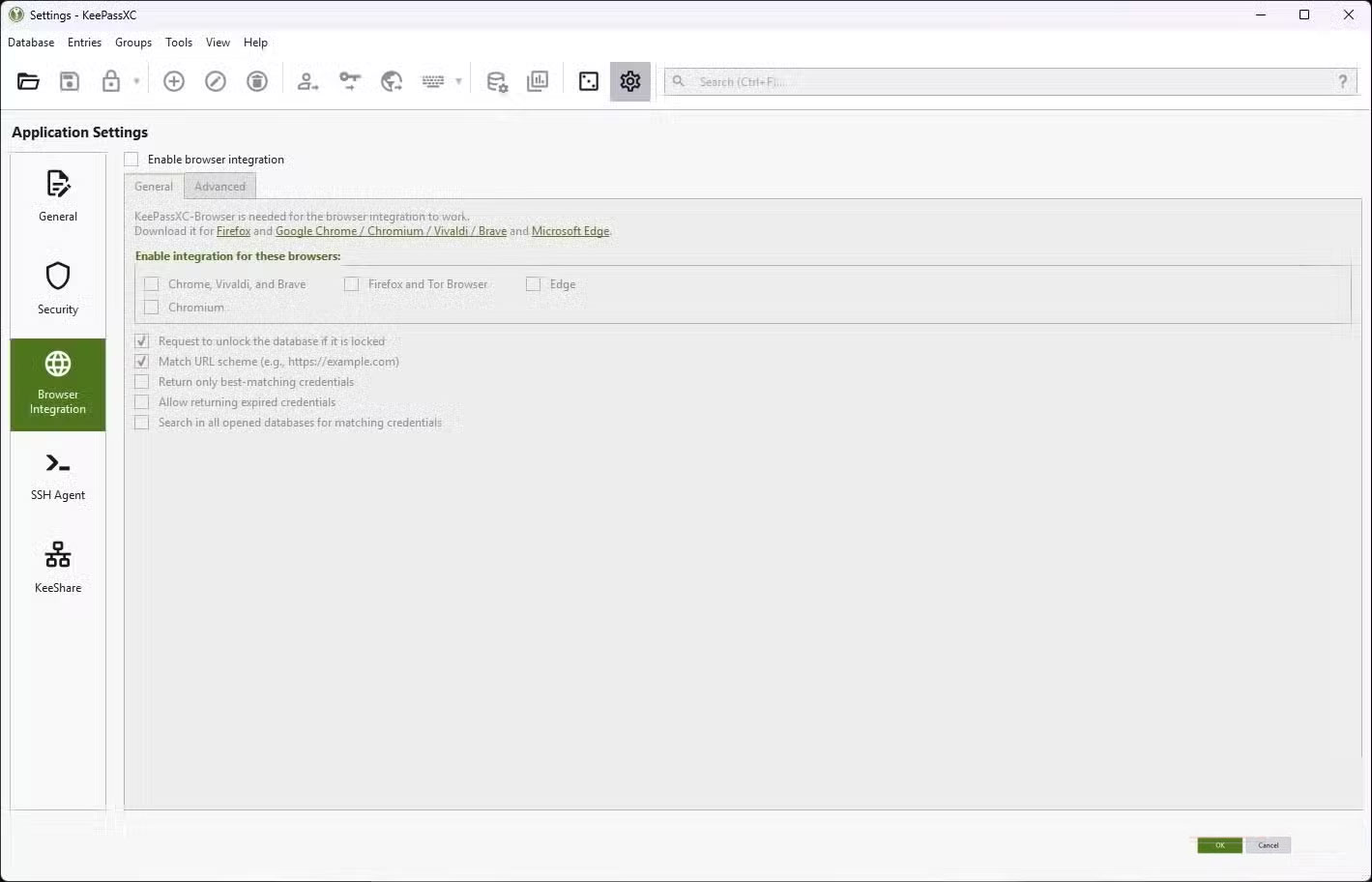
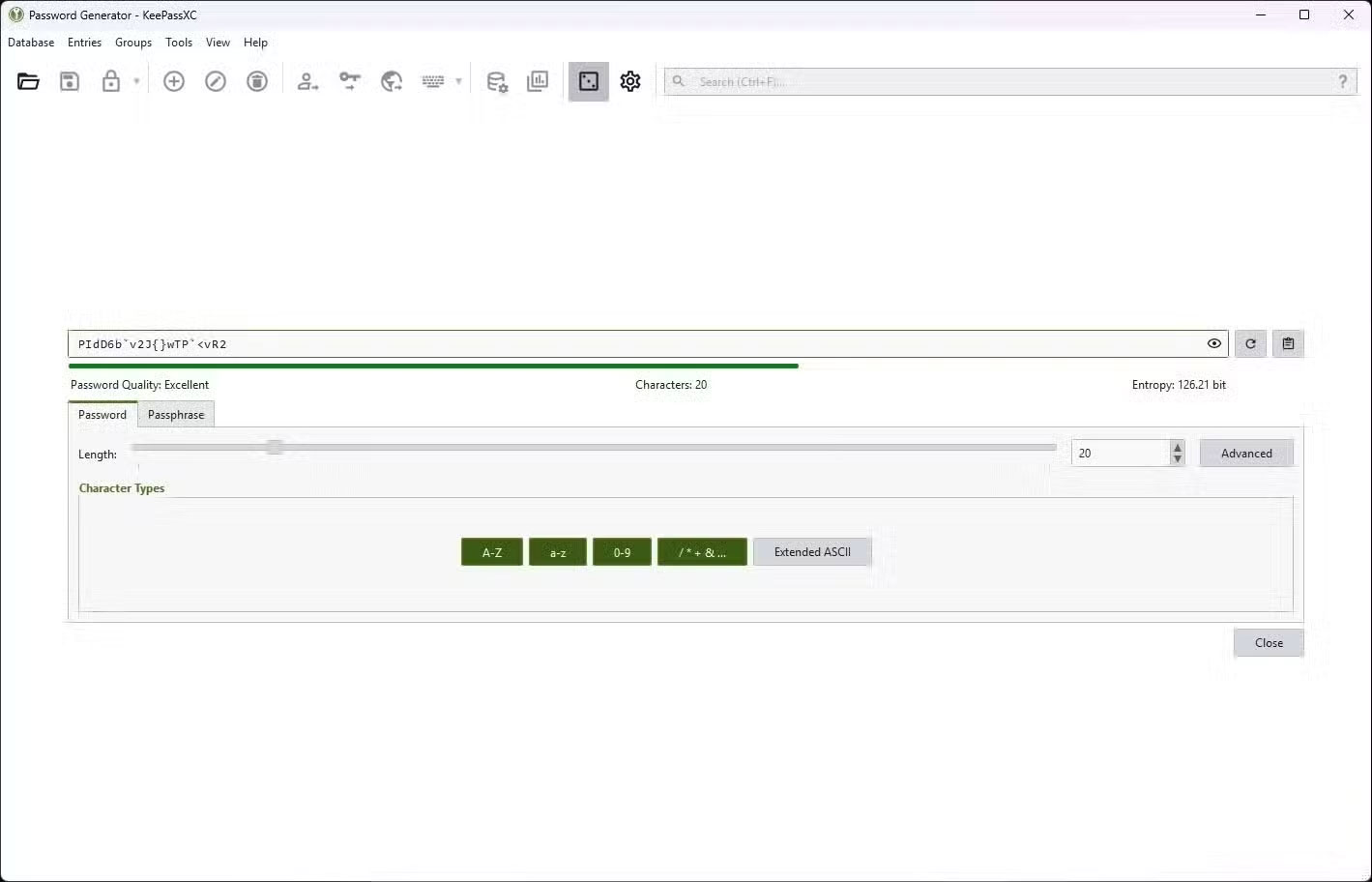
Cloud-based password managers often have a more polished user experience. However, they tend to be very conservative. Importing and exporting are done the way they are. The same goes for sorting, autofill, and other essential features. There's no room for customization; you can't tweak it to fit your specific workflow.
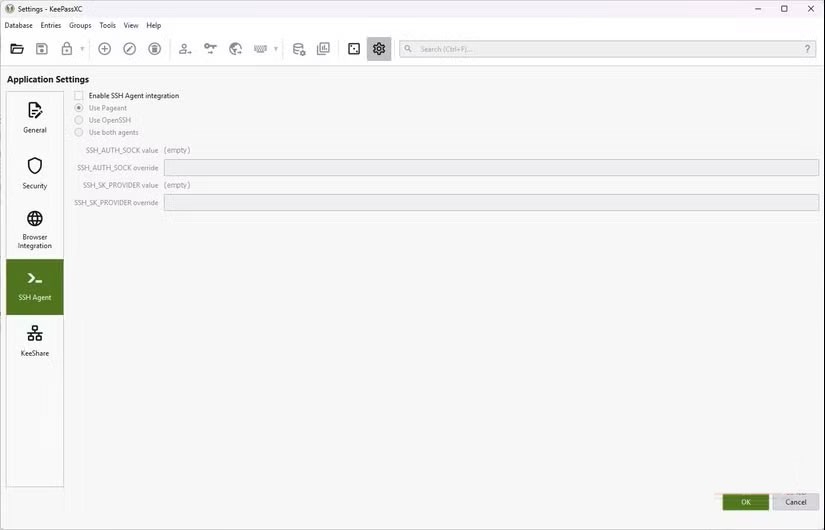
For those who value freedom, this is a big deal. Offline-first solutions like KeePassXC give you the flexibility to create your own setup. This could include custom fields, new plugins, mobile installation options, or even scripts that help you integrate an SSH agent.
Trust is the key factor
Open source transparency trumps corporate promises
In 2022, the major password manager LastPass suffered a major security breach. Although LastPass's security blog described the breach as affecting only the developer, it was eventually discovered that user password vaults were vulnerable to brute -force attacks.
This series of events is a reminder that you can't trust the promises companies often make. KeePassXC's model is open source and ensures there's no centralized service waiting to be compromised. Your vault files are encrypted and stored locally, the only person You should trust is yourself.
KeePassXC hands over the responsibility of password management to you
There's a password manager for everyone. However, after using an offline password manager for a few months, it's clear that it's not for everyone. Some people need a little guidance, and that's okay. KeePassXC puts the onus on you, and your mistakes can be costly, but you have no one to blame but yourself. Offline password managers aren't the most convenient option. So the real question is, how much convenience are you willing to sacrifice for real control?
FAQ
Why Switch to Keepassxc Offline Password Manager: Explained?
In practical terms, the debate between cloud and offline password managers is real, so some people have tried switching to KeePassXC.
What factors are most important?
The article highlights that an offline password manager, however, is built on the same principle: Your data is stored on your computer, external hard drive, or USB.
What is the main takeaway?
The main takeaway is that keePassXC hands over the responsibility of password management to you There's a password manager for everyone.
Related Articles
 Password Manager: How Does Password Management Software Work?8 minutes read
 Review the Cyclonis Password Manager Password Manager6 minutes read
 Why Ditch Your Expensive Password Manager for the Free KeePass?7 minutes read
 How to Safely Backup Your Password Manager9 minutes read
 Fake Password Manager Highlights Download Security Risks5 minutes read
 9 Awesome Things You Can Store in a Password Manager7 minutes read
Reader Comments 0
Sign in with email or Google to join the discussion.