Table of Contents
Anyone who has used four monitors will tell you those extra screens don't do much for your productivity.
You've probably seen impressive setups with 3, 4, or even more monitors spread out across someone's desk, like the mission control center at NASA. They certainly look great in photos, but anyone who's used 4 monitors will tell you those extra screens don't do much for your productivity.
In fact, adding more than two monitors can actually decrease your productivity. A well-designed dual monitor setup is all You should increase your productivity.
Why choose a dual monitor setup?
You can find two big problems with a 4-monitor setup. First, because all the monitors have been around for a while, they come in different sizes, resolutions, and connection types. For example, someone might have a 24-inch primary monitor with DisplayPort, a 24-inch secondary monitor with HDMI, an 18-inch third monitor with VGA, and a laptop monitor as the fourth monitor.
For anyone who uses all wireless technology and hates wires, having a tangle of cables running across their desk is unsightly. You have limited cable management options when dealing with all sorts of adapters and cable lengths. People use laptops for portability, but with so many cables connected, moving a laptop off the desk becomes a series of unplugging and replugging at least three cables just for the monitor.
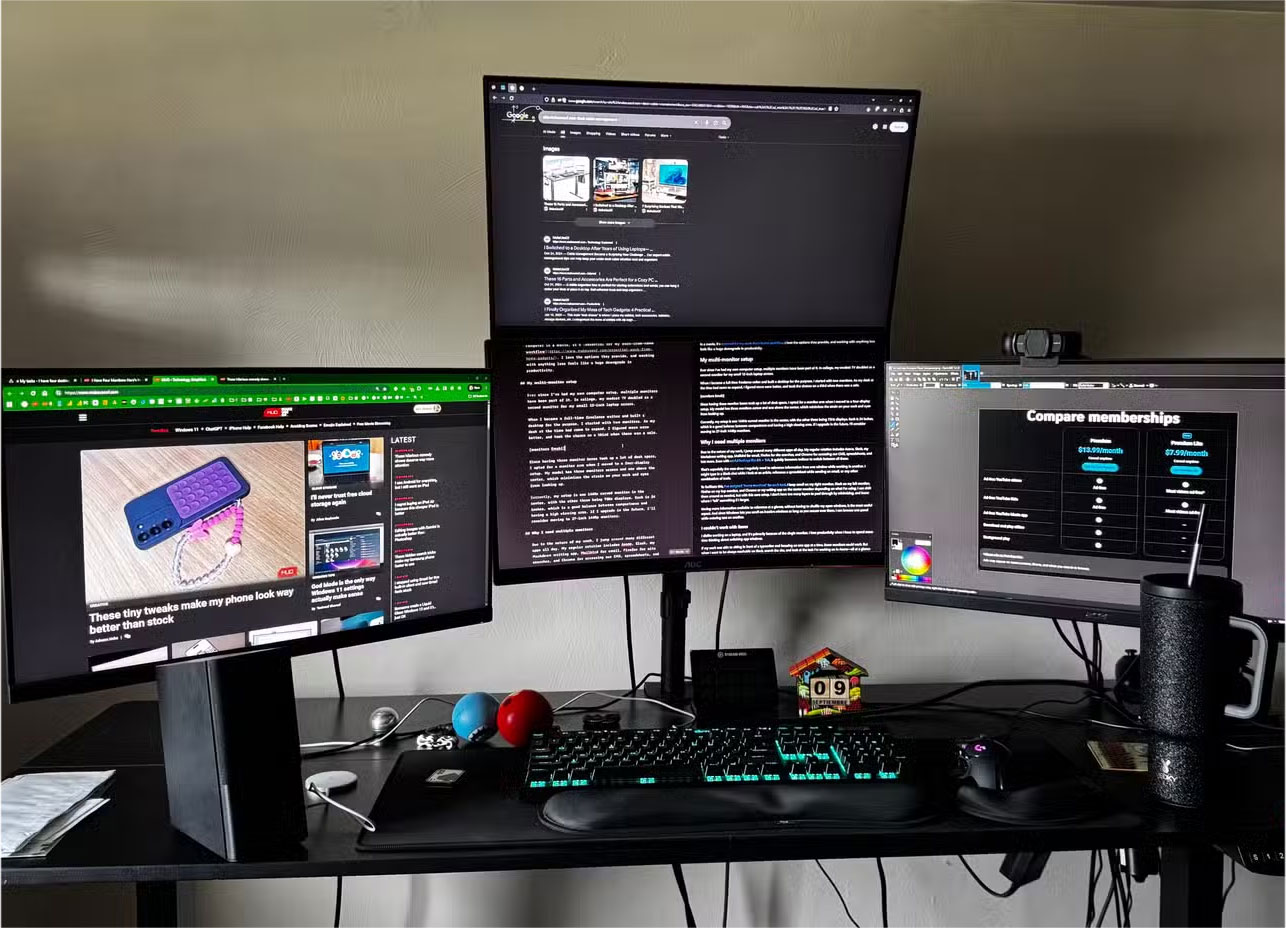
The next issue is space. Many people spend years building the optimal home office setup. Even with a larger standing desk that's 63 inches long and 27 inches wide, four monitors take up too much space. Soon, you're not only swamped with cables, but you're running out of room for other peripherals.
The ergonomics of a 4-monitor setup can also be an issue. While it largely depends on how you set up your monitors, most of the time you'll find yourself having to tilt your neck from side to side to see the screen. Over long periods of time, this can lead to neck pain.
Using more than 2 monitors is counterproductive.
Numerous studies from universities and private organizations have clearly documented the productivity benefits of using multiple monitors. Most of these studies show that productivity typically levels off after using two monitors.
A study from the University of Utah found that 98% of users prefer a dual-monitor setup over a single monitor, with significant improvements in efficiency, comfort, and speed of getting work done. A similar study from Microsoft Research found productivity increases of 9% to 50% when switching from one to two monitors.
Another study from Jon Peddie Research consistently found an average 42% increase in productivity when using two monitors. However, this study did not show any significant benefits beyond two monitors for most users.

The general trend here is that the more screen space you have, the more productive you are. However, there is a certain point where productivity gains are capped. Whether that point is two or four monitors is up to the individual. What you can be sure of is that for the average computer user, two monitors are almost always better than one.
The magic of dual monitors isn't about having more screen space, but about having the right amount of screen real estate. With dual monitors, you can dedicate one screen to your primary work and the other to supporting tasks. This creates a natural workflow split that fits the way most of us work.
Some people have been using setups with three or more monitors for years. Most of the time, only the main and closest monitors do the most work. The third and fourth screens are usually reserved for YouTube Music or messaging apps like Discord or WhatsApp. These programs don't need to be in the background most of the time, especially since YouTube Music can be controlled from the Stream Deck.
What ends up happening is that the secondary screens are almost always blank. They quickly become a blank space, just waiting in your peripheral vision for the perfect moment. All it takes is a notification or visual alert to distract you.
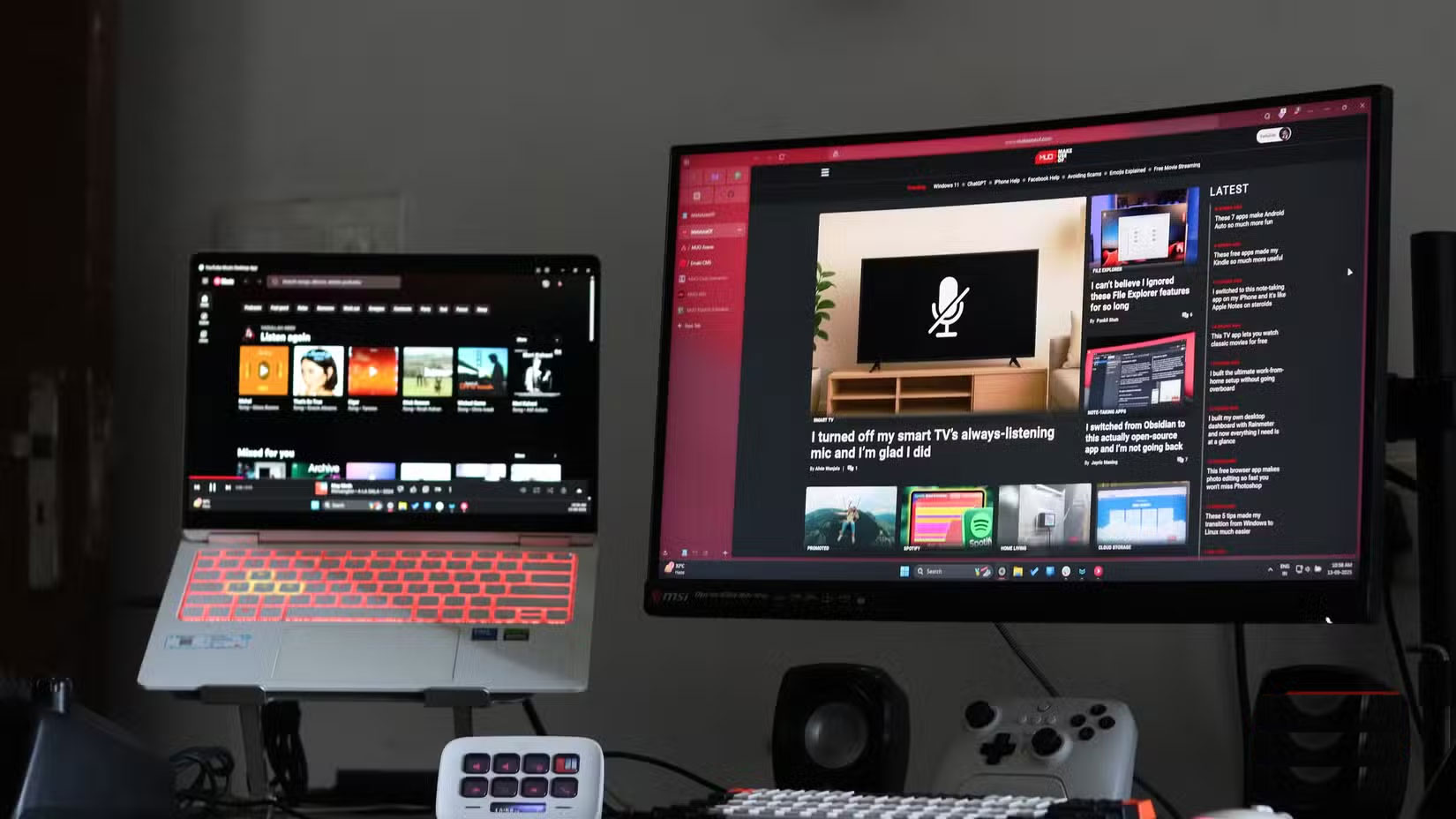
Of course, you can benefit from using more than two monitors. However, unless you have a clear need for a third or fourth monitor, there's no point in adding more monitors. Most of the time, two monitors are all you need.
A dual-monitor setup is also easy on the eyes and cost-effective. It's easier to set up, doesn't take up too much desk space, and doesn't require you to spend hundreds of dollars on monitors, stands, and a larger desk to mount all those extra monitors.
So if you don't have a dual monitor setup, you should definitely give it a try. Just set up your monitors correctly and you'll be surprised at how much more efficient you can get, even if they're not identical.
FAQ
Why Only 2 Monitors Are Needed to Increase Work Productivity: Explained?
In practical terms, anyone who has used four monitors will tell you those extra screens don't do much for your productivity.
What factors are most important?
The article highlights that with dual monitors, you can dedicate one screen to your primary work and the other to supporting tasks.
What is the main takeaway?
The main takeaway is that most of the time, only the main and closest monitors do the most work.
Related Articles
 5 Practical Ways to Use AI for Better Productivity8 minutes read
 10 Tips to Increase Productivity on Windows 1012 minutes read
 7 Simple Tips to Increase Productivity in the Afternoon9 minutes read
 11 Ways to Increase Productivity for Your Life: Work Productivity9 minutes read
 6 Tips to Work Effectively from Talented Ceos: Work Efficiency8 minutes read
 5 Types of Music Help Increase Productivity so Listen Every Day6 minutes read
Reader Comments 0
Sign in with email or Google to join the discussion.