Table of Contents
Keep your ISP’s router if it still receives updates, covers your home, and gives you the settings you need. Consider a replacement if the model has lost support, the rental fee adds up, or you need specific networking features. If the router is also your modem or handles phone service, check compatibility with the provider before swapping hardware.
Check who installs firmware updates
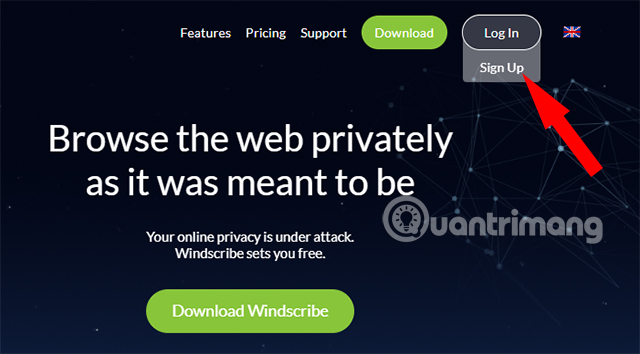
Find the router’s model and firmware version in its status page or management app. Ask your ISP whether it still supports that model and whether it pushes updates automatically. For a router you own, check the manufacturer’s support lifecycle and how to install updates before buying.
Understand remote management
Providers may manage their gateways remotely to troubleshoot connections and install firmware. Ask which settings the provider controls and which controls you can access yourself. On a router you manage, use a unique admin password and leave internet-facing administration off if you have no need for it.
Test whether the router is the source of slow Wi-Fi
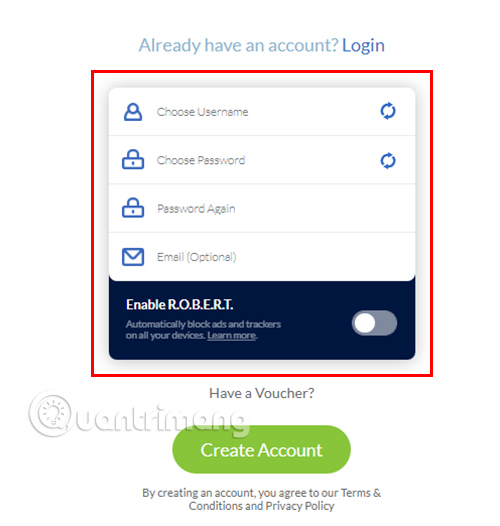
Run a speed test over Ethernet if possible, then test Wi-Fi near the router and again in the room with poor coverage. If Ethernet is also slow, investigate the connection or plan before replacing the Wi-Fi hardware. If speed drops only in distant rooms, placement, an access point, or a mesh system may address the issue.
List the settings you actually need
Check for the specific features you want, such as a guest network, parental controls, or custom DNS. If you only want better coverage, an access point can often work alongside the ISP gateway. If you want your own router to handle routing, ask whether the gateway supports bridge or passthrough mode. Google’s bridge-mode guide explains when two routers can cause double NAT. The exact steps vary by model, as this Linksys bridge-mode walkthrough shows.
Compare the fee, compatibility, and support
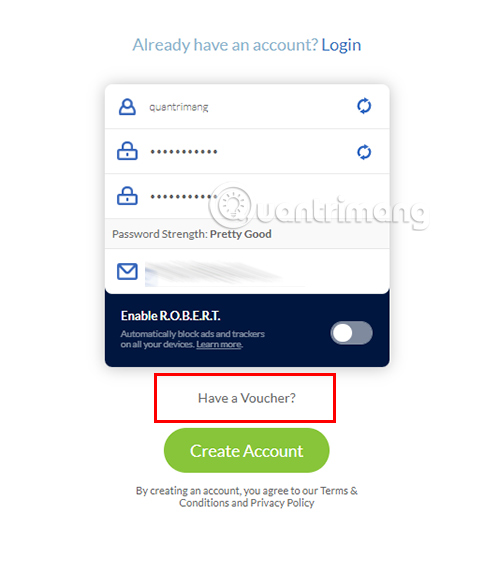
Check your bill for a separate router rental charge. If you replace the device, ask whether the fee goes away and whether you need to return the gateway. Confirm how the change affects bundled phone or TV service and which equipment the ISP will troubleshoot.




Reader Comments 0
Sign in with email or Google to join the discussion.