Table of Contents
A laptop that accepts USB-C charging from either side lets you use the nearest outlet and keep cables away from your mouse hand or workspace. It also gives you a second charging input if one port or its connector fails. The benefit depends on both ports actually supporting power input.
Check each port’s capabilities
USB-C describes the connector. A specific port may support different combinations of charging input, accessory power, external displays and high-speed data. The USB Power Delivery standard supports several power levels. The wattage you get depends on the laptop, adapter and cable. See what a USB-C laptop port can do for more on the connector.
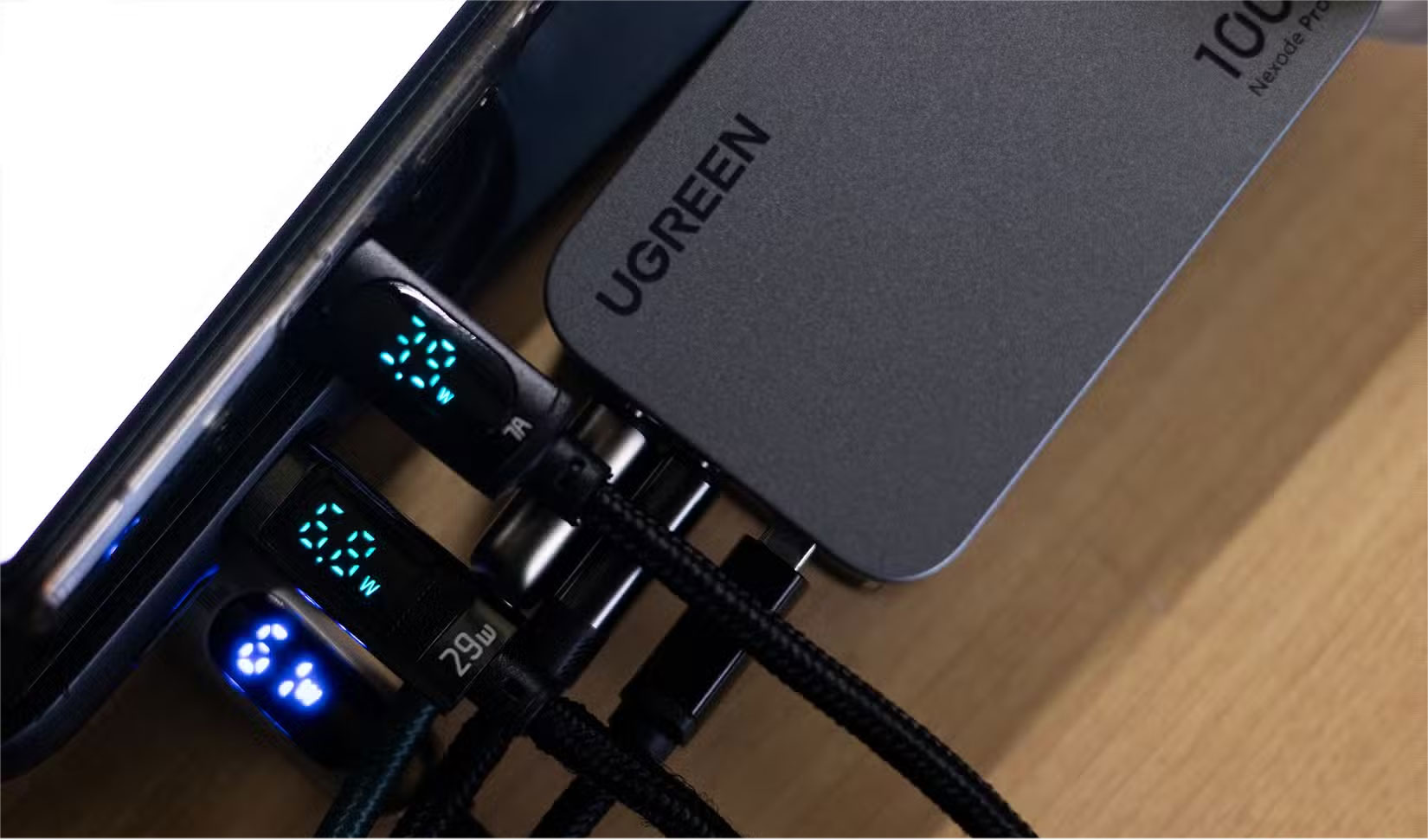
Where a second charging input helps
- At a desk: Run the power cable toward the outlet or dock and keep it away from your work area.
- When traveling: Connect from the side with the most room so the cable doesn’t cross your lap or pull sideways at the plug.
- If a port stops working: A second power input can keep the laptop usable when the fault is limited to one port. A shared charging circuit can still affect both.
How to compare laptops before buying
Find the port diagram for the exact model. Verify that a port on each side can charge the laptop at the power it needs. If you use a single-cable dock, also check whether your chosen port supports the display mode and data speed you need. Ask the manufacturer when the diagram only lists “USB-C.”
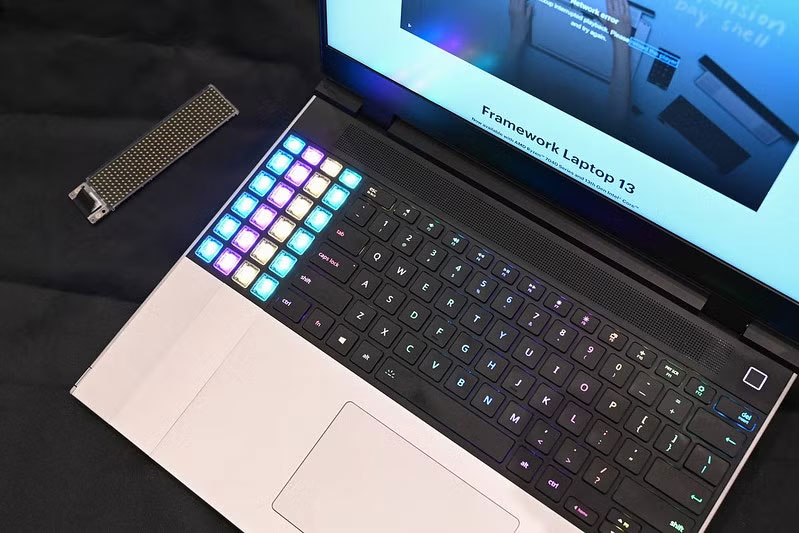
Modular designs can offer more placement choices. For example, Framework’s Laptop 13 port matrix documents slot capabilities by model. If you’re buying a used laptop, include both charging ports in your hands-on inspection.
Related Articles
 6 Common Connection Ports on Laptops and Computers
 How to identify USB 3.0 ports on a laptop or PC
 What do you know about ports on laptops?
 Learn to use lesson 3 computer - Basic buttons and ports on the computer
 How to Put Pictures on a Flash Drive
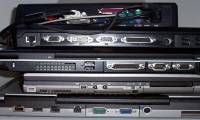 16 connection ports are commonly found on computers and their functions
Reader Comments 0
Sign in with email or Google to join the discussion.