Table of Contents
Explore 3 reasons why you shouldn't use your router's usb port to back up data.
The problem is that while router USB ports are designed for convenience, they don't always offer the same level of security, redundancy, or overall capability as a dedicated NAS or other dedicated backup device.
Therefore, although there are many ways to use your router's USB port, you shouldn't use it as your only data backup option.
Pay attention to security!
Plugging a 1TB hard drive into a USB port is not "safe" at all
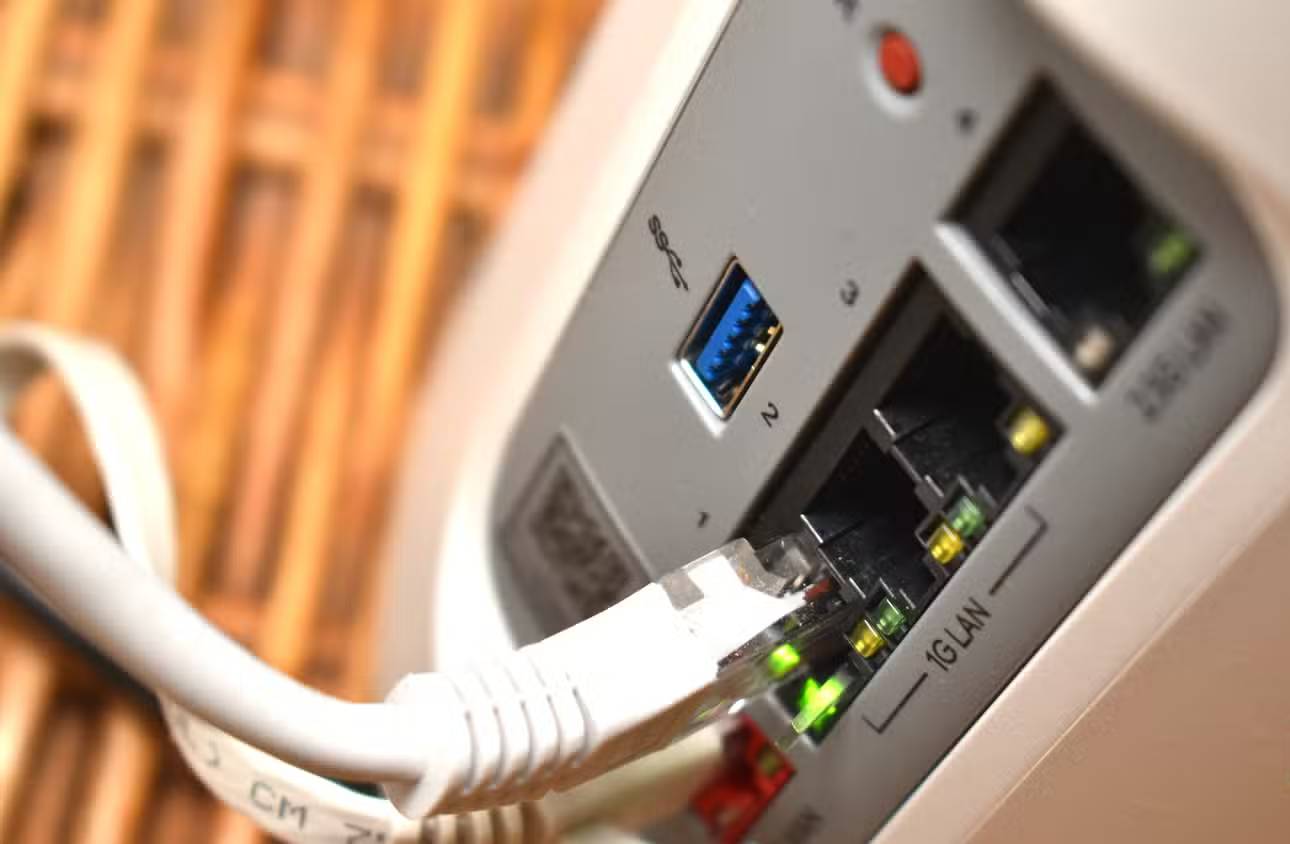
One of the main reasons for backing up data is to keep it safe and secure, but security is one of the first risks overlooked when people talk about using routers in this way.
Your router has a very specific job: It acts as the "gateway" to your digital home. It stands between your private devices and the chaotic, risky public internet, routing traffic where it needs to go. But when you plug a hard drive containing your private data into the device responsible for securing your network, you're essentially storing your valuables in a security lock instead of a safe inside your house.
Typically, routers need to enable some additional technologies to be useful as backup tools. The problem is that some of these services and protocols may be outdated, running older versions, and cannot be upgraded to modern, secure versions.
For example, while most modern routers now use Server Message Block v3 (SMBv3) for secure network communication, older routers may use SMBv2, which lacks end-to-end encryption (though generally secure), or worse, SMBv1, first released 30 years ago and riddled with security vulnerabilities. Although Microsoft removed official support for SMBv1 in 2022, there are still ways to enable it, potentially exposing your data.
Simply put, most routers (especially older ones) don't receive enough specific security updates to keep your data safe. If a router is compromised—and consumer routers are a common target—it's not just your internet connection that's at risk. An attacker could access anything stored on that connected drive: personal documents, family photos, scanned IDs, financial records, work files, etc.
The router may not have been designed to work efficiently
You will face extremely slow transmission speeds
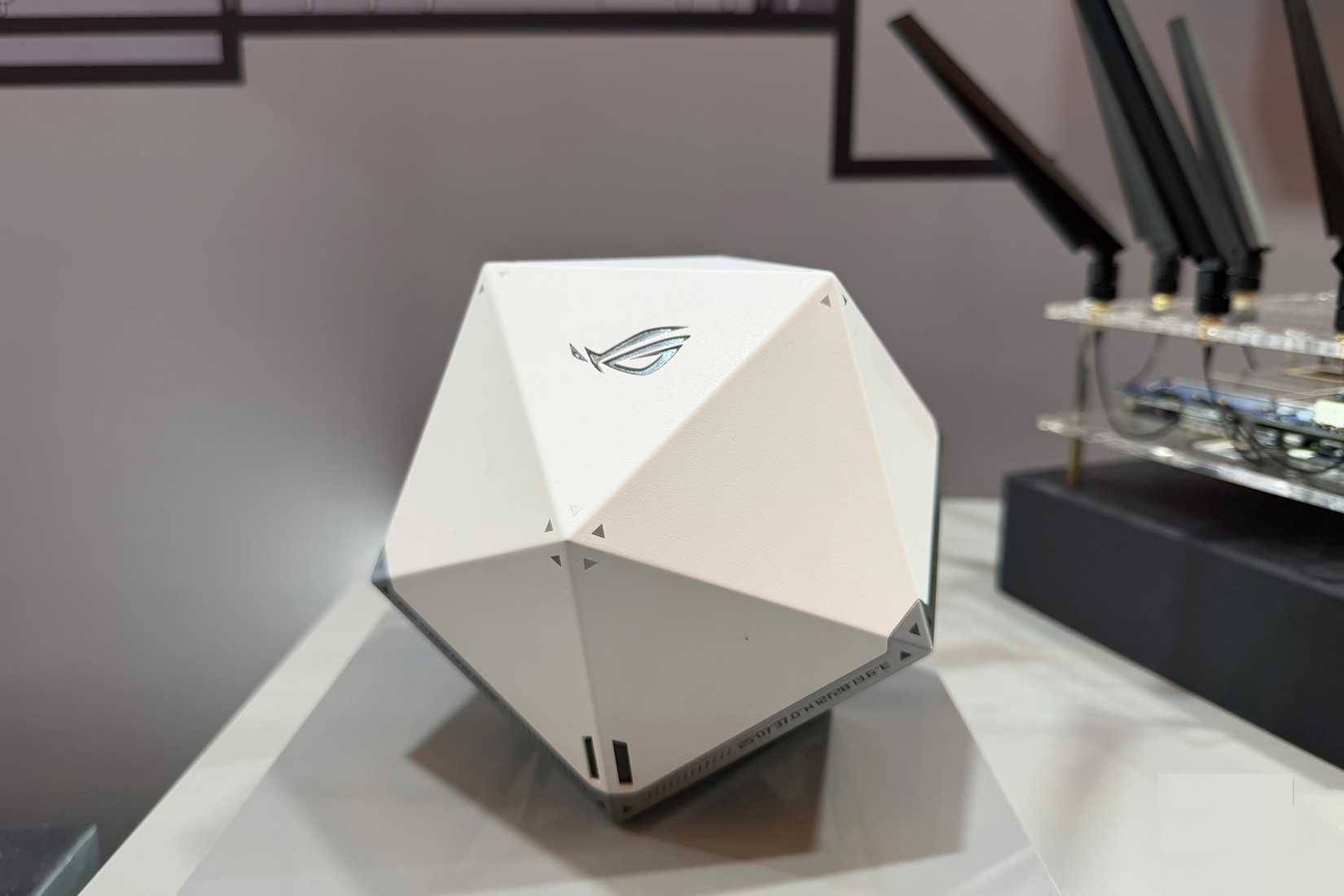
Most consumer routers are built on low-power System-on-Chip (SoC) architectures designed for efficient traffic routing, not storage handling. Even when routers boast about USB 3.0 ports, actual performance is often disappointing, as USB drivers, internal buses, CPUs, and firmware all become bottlenecks before the drive reaches its full potential.
This speed trade-off is the main reason your router isn't the best choice for data backup. Cheap routers often struggle to achieve double-digit megabytes per second speeds, mid-range models can range from 10-30 MB/second, and even high-end consumer routers rarely deliver truly fast speeds. That's only a fraction of what even a cheap external SSD can achieve when plugged directly into your computer, and nowhere near the experience of a dedicated NAS device.
Your router will become even slower under heavy load because that's not its primary role—data routing is. So, if the network is busy with many connected devices, the router's CPU will have to handle both wireless traffic and storage tasks simultaneously, slowing everything down to accommodate.
Backups need to be reliable
And the router's USB port doesn't meet that requirement
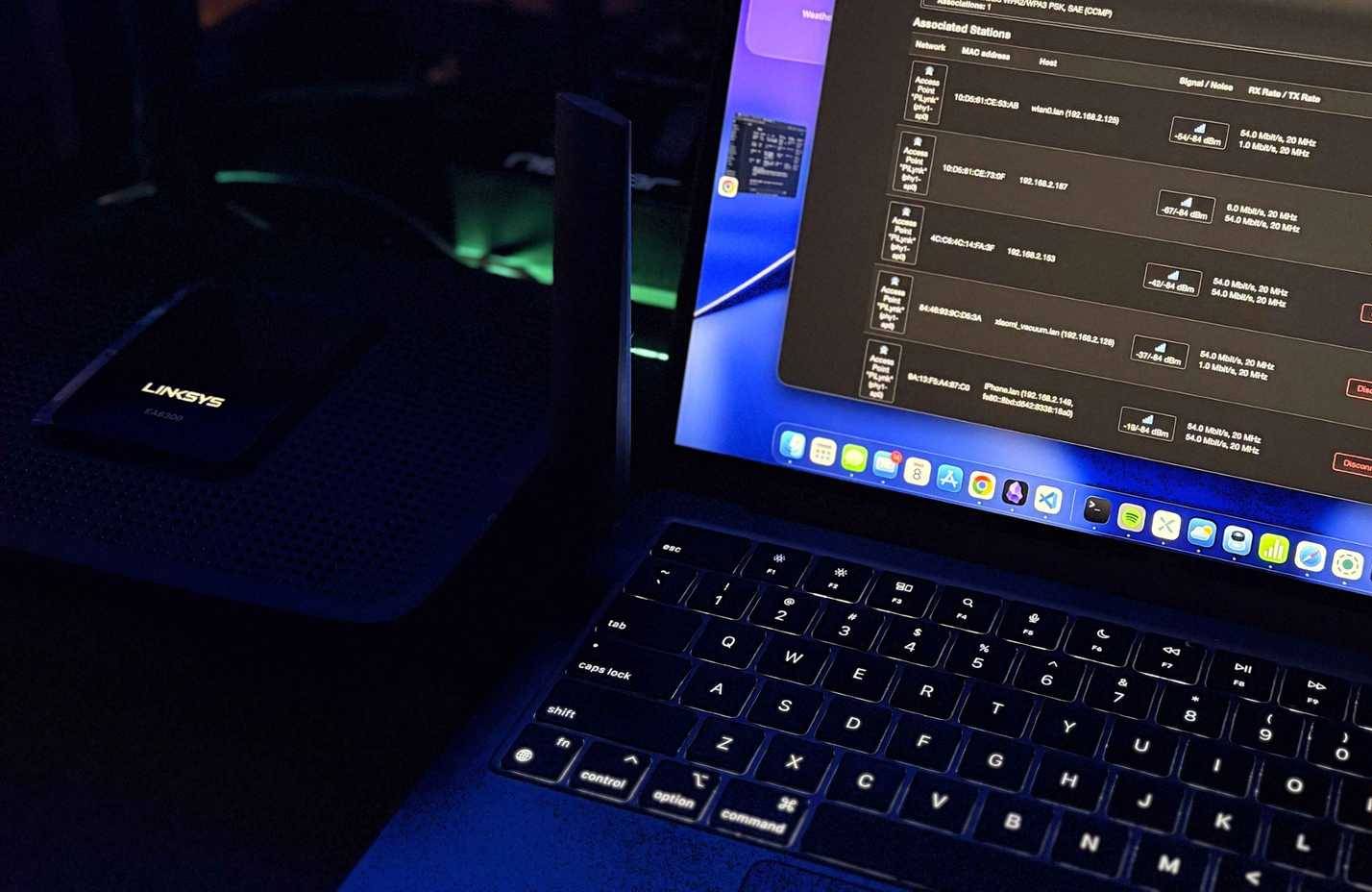
The ultimate goal of a backup is insurance. You want to be 100% sure that if your computer fails, your data will still be safe. In short, most consumer routers aren't designed to handle the continuous read/write workloads of a NAS or even a dedicated external hard drive.
This is another case of hardware not being designed for the job you want it to do, meaning you could encounter numerous problems that could corrupt your data. Some issues related to router hardware problems are detailed in the previous section; if your router is overloaded with connection requests and operating at full capacity, you might see file transfers fail, drives disconnecting randomly midway, file systems corrupting, and shared folders disappearing over the network.
Another thing to consider is that some routers don't even have enough power to run your external hard drive. The amount of power supplied to the USB port on a router depends on the manufacturer, which can cause further problems if you try to use it as a backup option.
One of the main reasons to use dedicated backup hardware like a NAS is that the system has built-in redundancy to protect your data. With a USB drive plugged into a router, it's highly unlikely you'll have any backups or snapshots to restore. If the hard drive fails or malfunctions while connected to the router, you'll lose all your data.
Final Thoughts
Use this guide as a practical checklist for 3 reasons why you shouldn't use your router's usb port to back up data. Work through the steps in order, verify each result, and adjust the options to match your needs.
FAQ
What do you need before following this 3 Reasons Why You Shouldn't Use Your Router's USB Port to Back up Data guide?
Review the required tools, accounts, settings, or materials mentioned in the article. Explore 3 reasons why you shouldn't use your router's usb port to back up data.
What are the main steps for 3 reasons why you shouldn't use your router's usb port to back up data?
Follow the sections in order, especially Pay attention to security!, Plugging a 1TB hard drive into a USB port is not "safe" at all, The router may not have been designed to work efficiently. Complete each step before continuing and verify the result as you go.
What should you do if the process does not work as expected?
Recheck the prerequisites, update the relevant app or service, review the settings, and repeat the step that caused the issue. Use any troubleshooting notes included in the guide.
Related Articles
 How USB Ports Turn Your Router into the Ultimate Backup Hub7 minutes read
 3 Ways Hackers Can Attack Home Routers6 minutes read
 Why Does the Router Have a USB Port?5 minutes read
 What Do the Symbols on the USB Ports Mean: Explained7 minutes read
 Summary of Some Simple Ways to Disable USB Ports on Windows6 minutes read
 What Is Type C Charging Port? Should I Use It or Not?8 minutes read
Reader Comments 0
Sign in with email or Google to join the discussion.