back tap
-
 Why does Back Tap keep accidentally activating the flashlight on iPhone?
back tap lets you tap the back of your phone to perform quick actions, including turning on the flashlight.
Why does Back Tap keep accidentally activating the flashlight on iPhone?
back tap lets you tap the back of your phone to perform quick actions, including turning on the flashlight.
-
13 Useful iPhone Accessibility Features People Often Overlook
from adjusting text size and controlling the device with just your eyes to unlocking a hidden button on the back, this menu offers tools that can really change the way you use your iphone for the better.
-
How to Set Up the Back Tap Gesture on iPhone
many people only recently discovered back tap, a hidden gesture that can run shortcuts, open apps, or take screenshots.
-
How to turn on dark mode by tapping on the back of iPhone
on ios 14, apple introduced an extremely useful new feature called back tap. as the name suggests, this feature allows iphone users to simply tap 2 or 3 times on the back of the device to use shortcuts, accessibility utilities, and many other system operations on ios.
-
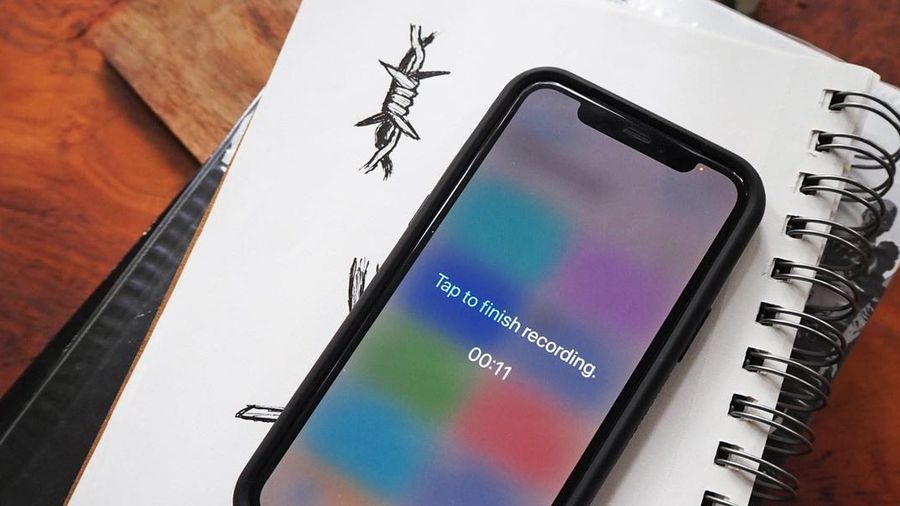
How to secretly record with iPhone
when you want to secretly record a conversation, using voice memos on the iphone will be easy to detect.
-
Instructions on turning on the back of iPhone
have you ever wanted to take a screenshot of a fleeting moment on your iphone, but couldn't keep your finger in the correct buttons? that situation explains why users need back tap, the new back-facing typing feature available on ios 14.
-
How to enable Back Tap on iOS 14, how to use Back Tap
back tap is a feature to touch the back of the iphone 2 or 3 times to perform certain actions that have just been added by apple on the ios 14 operating system version.
-
How to control iPhone without touching the screen in iOS 14
a hidden feature in ios 14 allows users to perform many tasks on the iphone without touching the screen.
 Home
Home
 Wifi Tips
 Fix Computer
 Windows 10
 Windows 11
 Artificial Intelligence
 Space Science
 Strange story