Table of Contents
Buying used computer parts serves as a gamble. There's no way around it.
Buying used computer parts is a gamble. There's no way around it. But there are some computer hardware components that are better bought used.
Some computer hardware components, like CPUs, are extremely durable. Others, like power supplies ( PSUs ), should really just be bought new. It's all about the expected wear and tear of the hardware and what you can reasonably check before you buy, and some components just have to endure the wear and tear day in and day out.
But that doesn't mean you should avoid buying used computer parts. With a little calculated risk, there are some good computer parts that you can save money on if you buy used. You just have to know what you're looking for.
You can buy these used computer components
But still need to check them before using
Buying used computer parts always comes with some risks. This is understandable; you might be spending many money on something you can't fully verify, especially when buying online. However, there are a few parts that, with a little luck and knowledge, you can find some great deals.
CPU
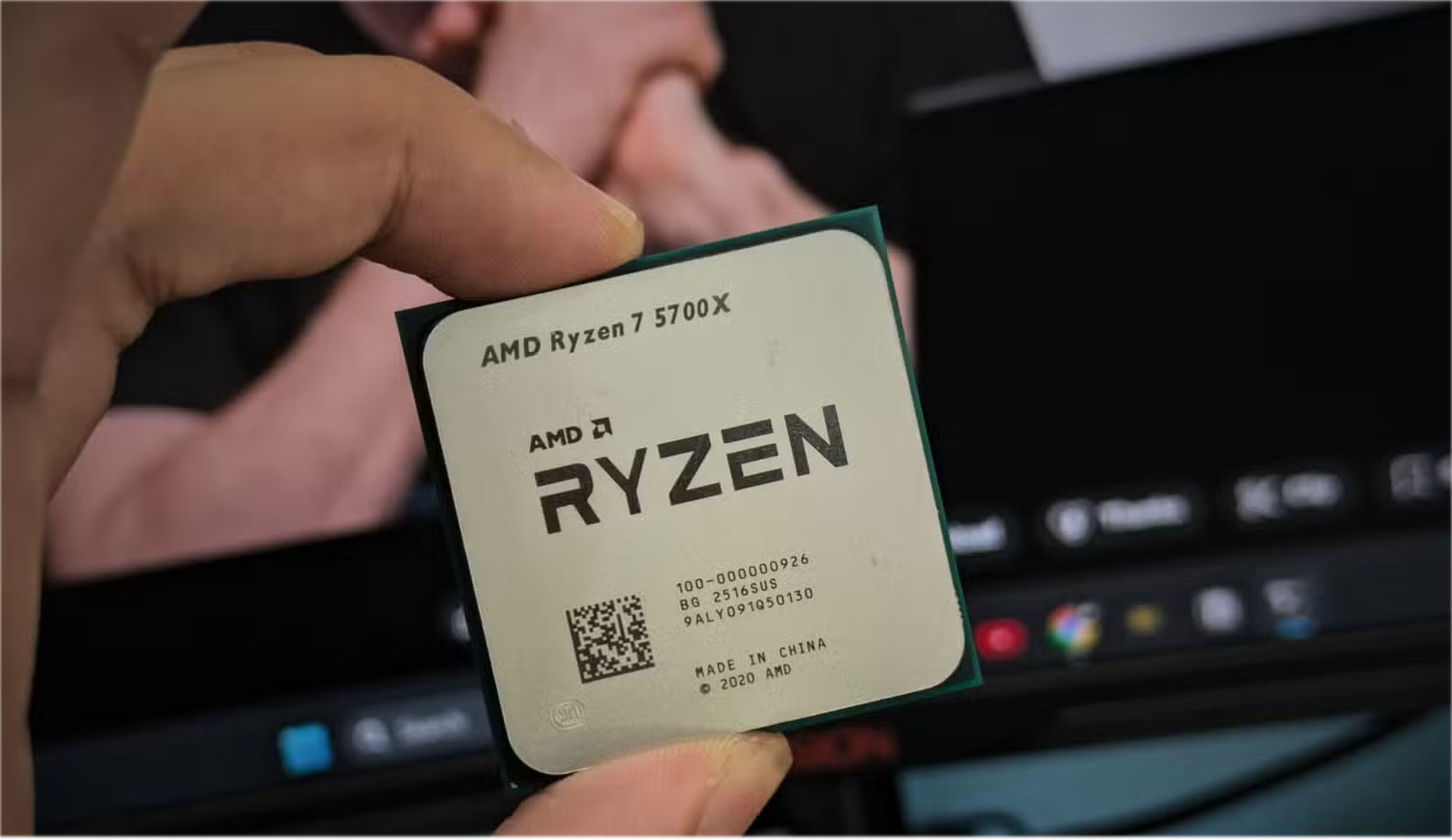
If there's one part you can safely buy used, it's the CPU. Processors are designed to last for years, and they don't 'wear out' like mechanical parts. Unless the chip is overclocked or overheated, it should run like new. Look for bent pins on older CPUs, check for scratches on the heatsink, and if you can, run a benchmark or stress test to confirm it's performing as expected.
RAM
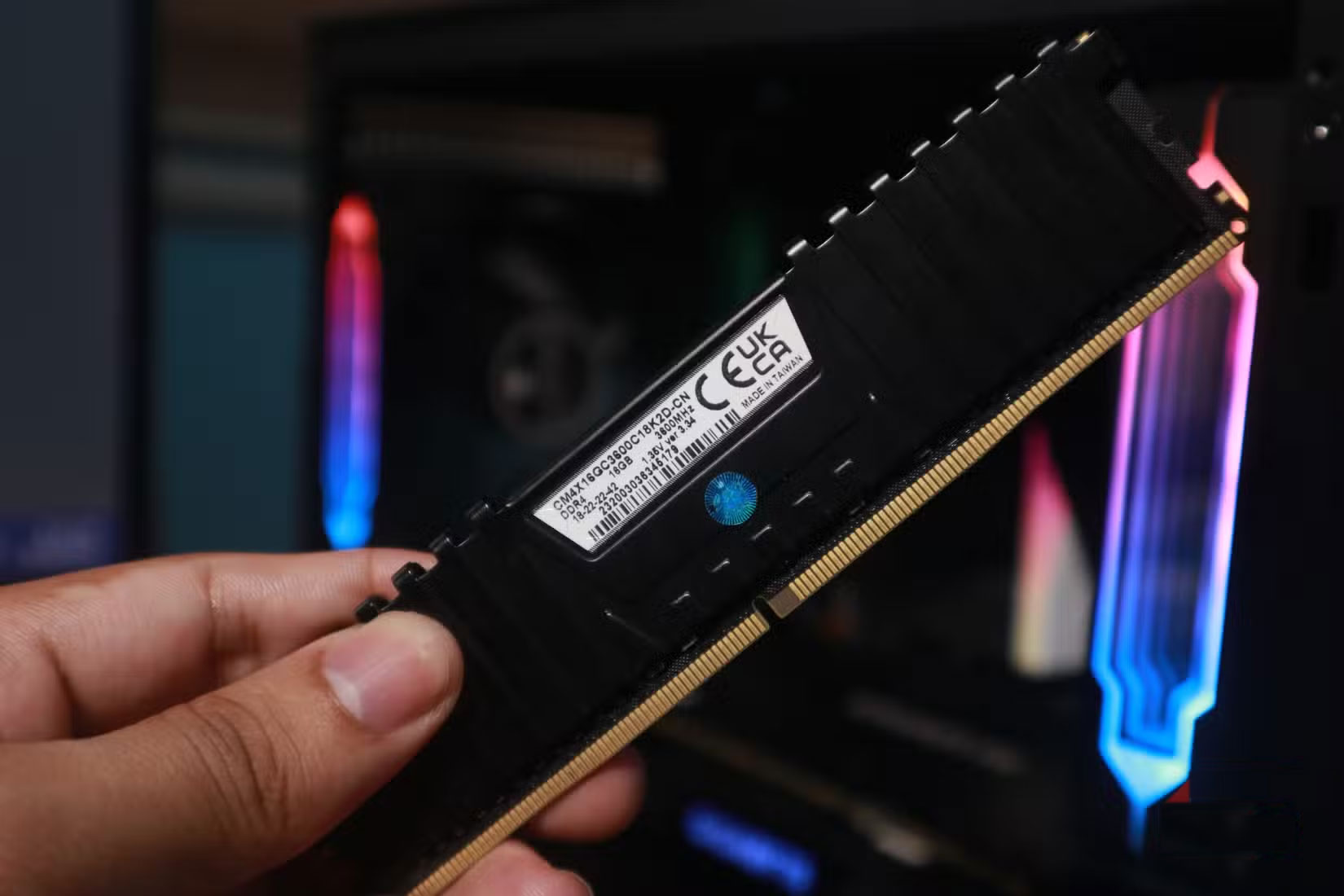
Computer memory modules (random access memory - RAM) are another safe option. RAM has no moving parts, and rarely fails completely.
You can find a few ways you can test your memory to make sure it is working properly and stable, which is convenient. MemTest86 is one of the easiest ways to do this.
Furthermore, even if the RAM is overclocked or set to a different XMP/AMP setting, everything will be reset when you install the modules. However, there are some easy ways to fix the "RAM not detected" error if your modules don't immediately appear in the BIOS.
PC Case
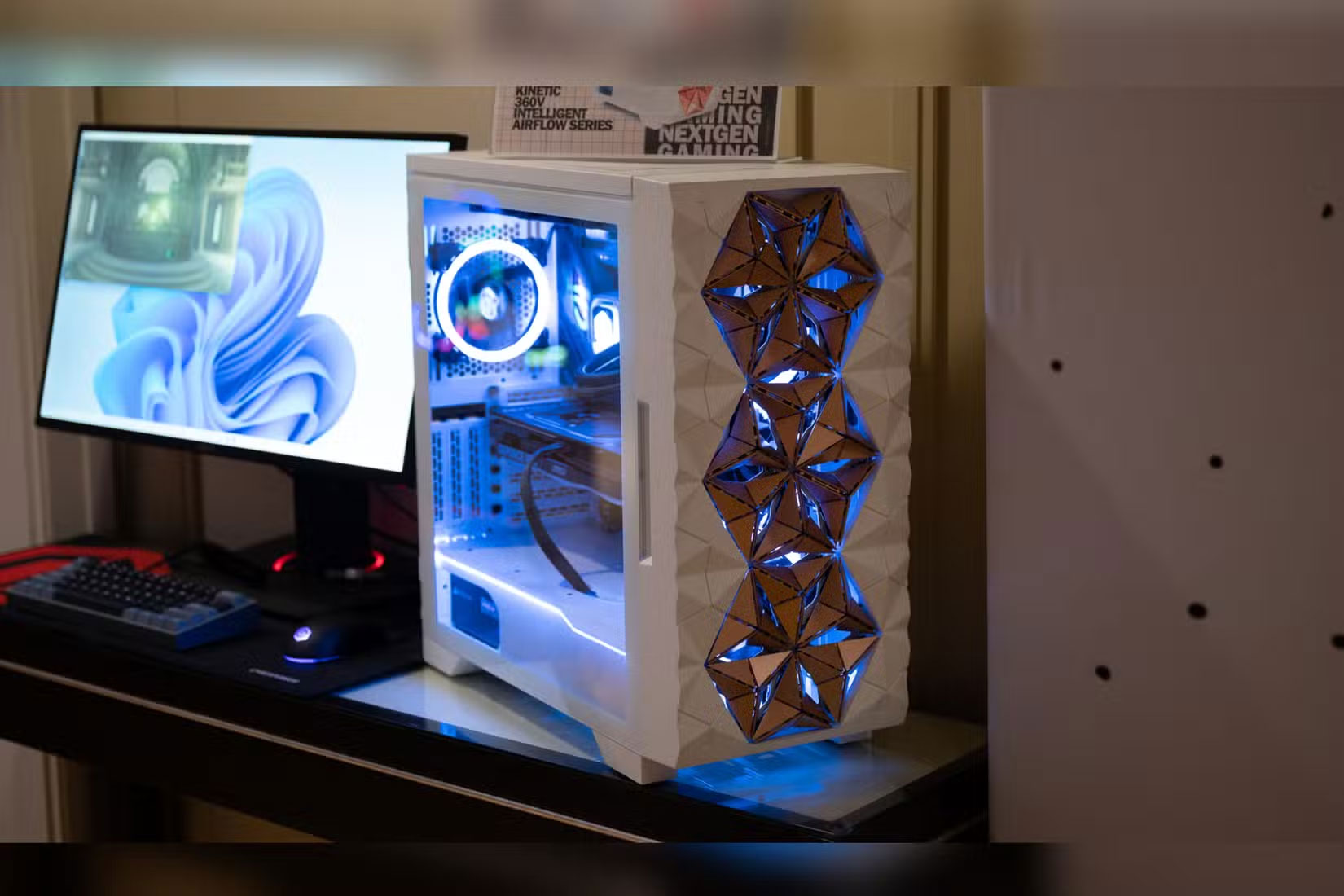
This is one of the easiest pieces of computer hardware to buy secondhand. A well-maintained case is just that: Mostly metal and plastic, with only minor electronics like USB ports or LEDs.
Be sure to check around the case for cosmetic issues, cracked or rusted backplates if it's older, and check that the legs are straight. Don't forget to check that the brackets and screws are included.
Air Cooling & Heatsink
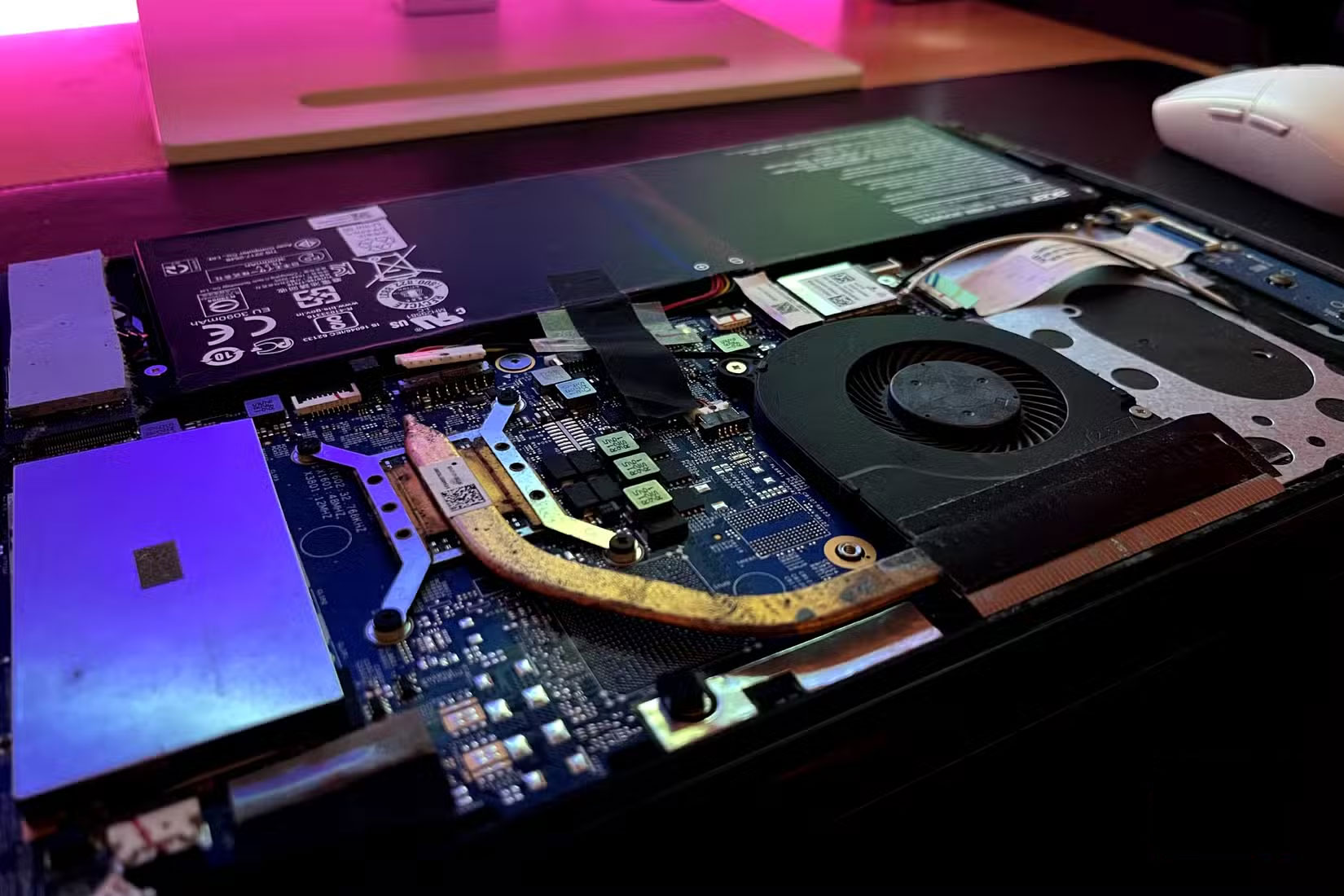
Another old piece of hardware that you can't go wrong with is the heatsink. It's basically just a hunk of metal with a fan attached, which means there's very little that can go wrong with the hardware.
You'll need to clean and apply new thermal paste, and make sure the fan is working properly, spinning smoothly, and not making any noise. But other than that, an old cooler can perform almost as well as a new one, especially if you buy a high-end model at a discount.
GPU (be careful)
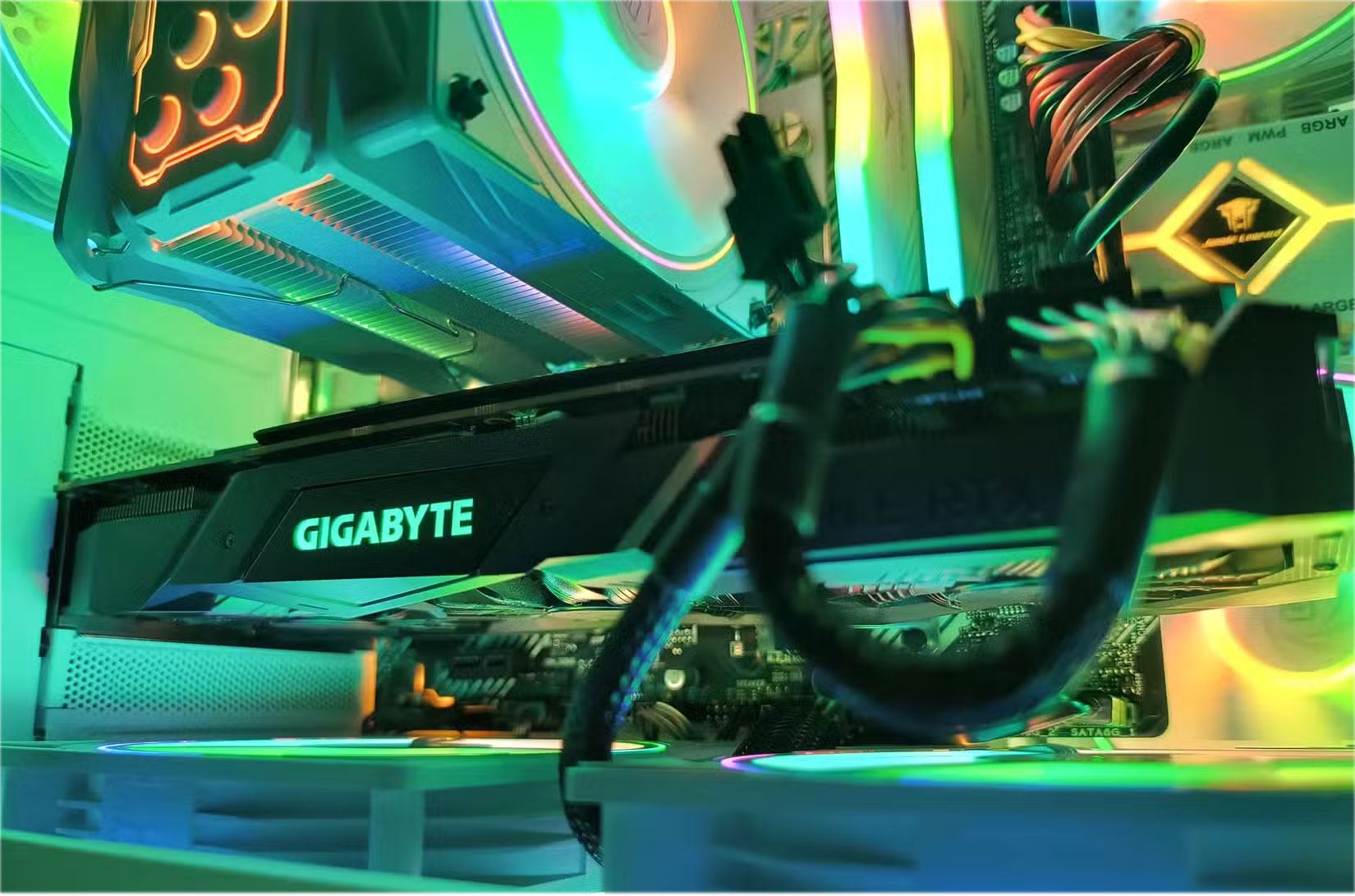
Buying a used GPU is a better option than you think. Just be careful!
Since many gamers upgrade hardware generation by generation (or even within the same generation), buying a used GPU is completely feasible.
In this case, buying locally is often the best option, as it helps you avoid buying GPUs that have been used for cryptocurrency mining or other purposes. These GPUs may have hidden defects that you cannot see at first glance, or that cannot be detected by visual inspection or even a quick check.
It's not just computer hardware that can be bought used.
Don't forget the other hardware you'll need
When it comes to building a PC, the components inside the case aren't the only things that come into play. There's also the monitor, mouse, keyboard, cables, headset, and everything else. And the good news is that almost all of those components can be bought secondhand—as long as you give them a good cleaning before using them.
Screen
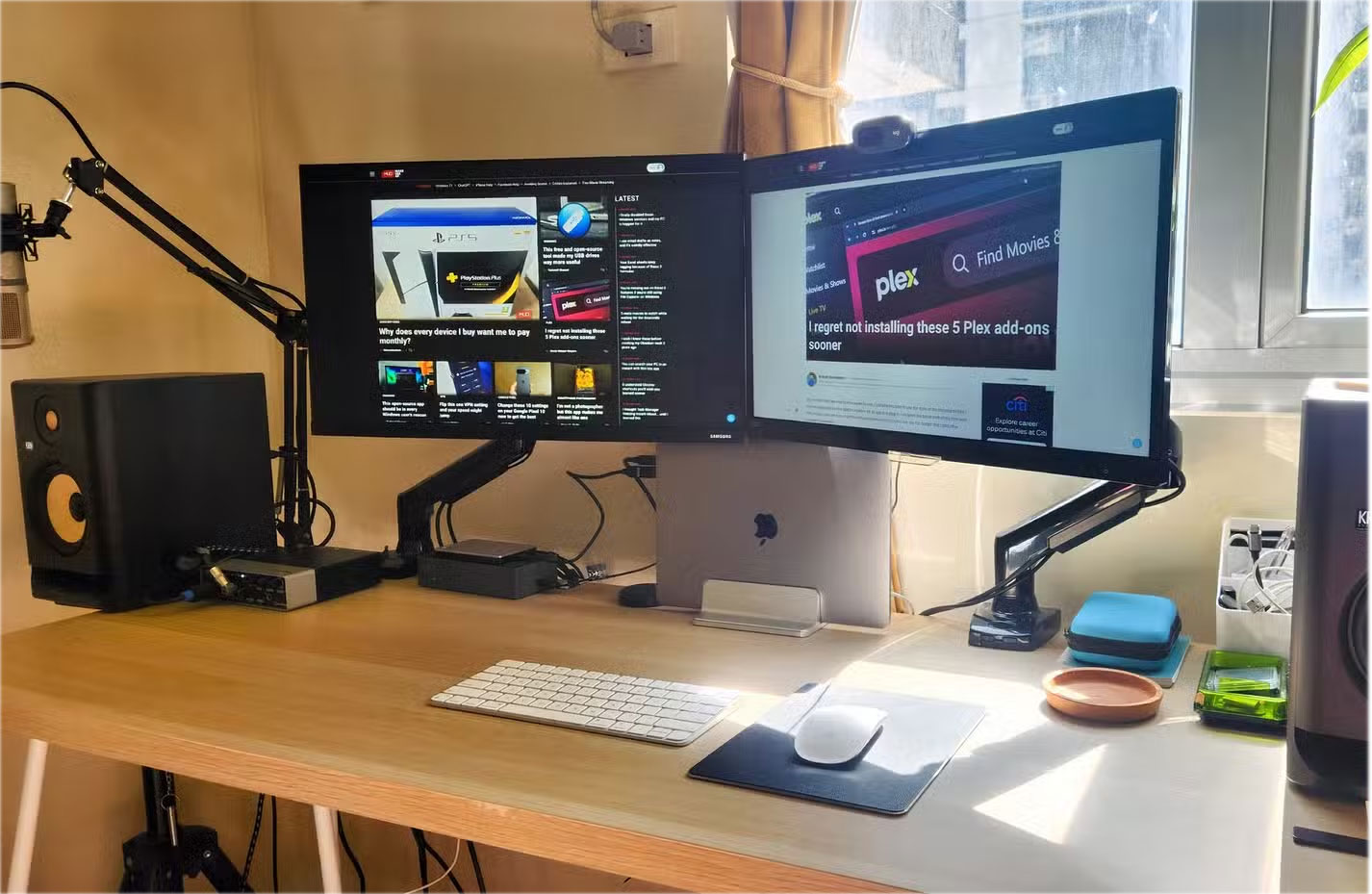
New monitors are expensive, but buying used can save you thousands. It's important to inspect them thoroughly: Look for dead pixels, check for brightness and backlight leakage, and check all the connections. With OLED panels, keep an eye out for burn-in. If everything is in order, a used monitor can last for years.
Keyboard & Mouse
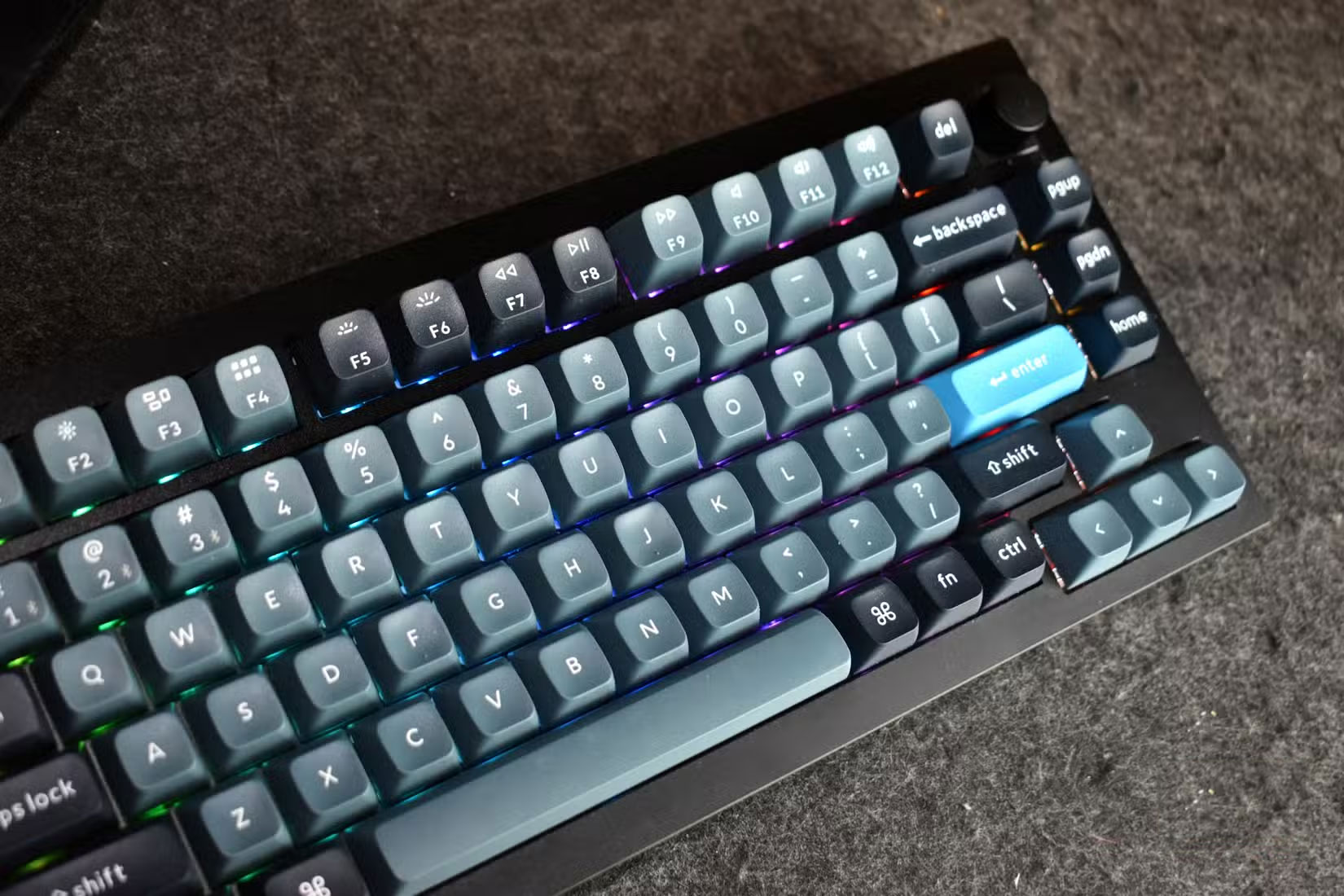
Mechanical keyboards are especially safe to buy used. The switches are rated to last tens of millions of keystrokes, and you can usually replace the keycaps or switches if needed. Gaming mice can also last for years if the buttons and scroll wheel are still responsive. The only real risk is buying a cheap membrane keyboard or a cheap mouse that's worn out—it's best to throw those away.
Speakers & Headphones
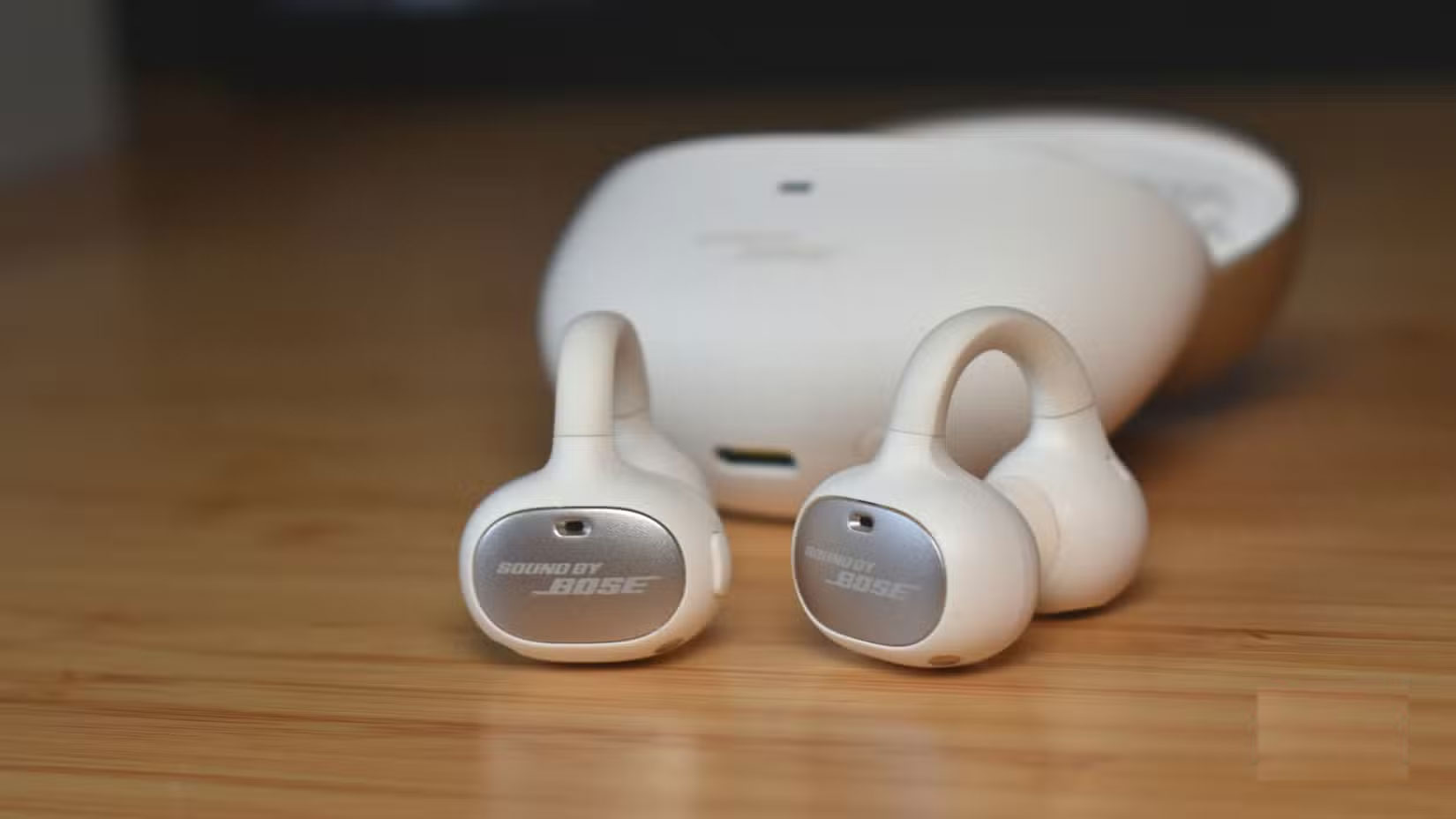
High-end speakers and headphones often make great secondhand. Just check for burned-out drivers, buzzing, or distortion. With headphones, check the condition of the cables and replace the ear pads if they are worn. Wireless headphones and earbuds are riskier, as battery life decreases over time. If you buy used headphones, go for wired.
FAQ
What should you know about PC components that can be bought used to save costs?
In practical terms, buying used computer parts is a gamble. There's no way around it.
Why does PC components that can be bought used to save costs matter?
The article highlights that don't forget the other hardware you'll need When it comes to building a PC, the components inside the case aren't the only things that come into play.
What is the main takeaway?
The main takeaway is that and the good news is that almost all of those components can be bought secondhand—as long as you give them a good cleaning before using them.
Related Articles
 6 Necessary Components of LAN13 minutes read
 Global Laptop Market: the Risk of Missing Components!4 minutes read
 How to Rename MacBook: Step-by-Step Guide3 minutes read
 Try These Wi-Fi Tips While on Vacation to Reduce Roaming Costs!8 minutes read
 Close-up Video of iPhone 15 Components with 7000 Times Magnification Explained5 minutes read
 Prices of DRAM and NAND Flash Have Skyrocketed5 minutes read
Reader Comments 0
Sign in with email or Google to join the discussion.