Table of Contents
Learn how to learn about librewolf.
Recently, some people have discovered a browser called LibreWolf. It's not just another version of Firefox, but a refined web browser focused on privacy, assuming by default that you don't want anyone tracking your digital footprint. Here are the reasons why you should use LibreWolf.
The security shield requires no configuration
Privacy and security protection mechanisms are enabled by default
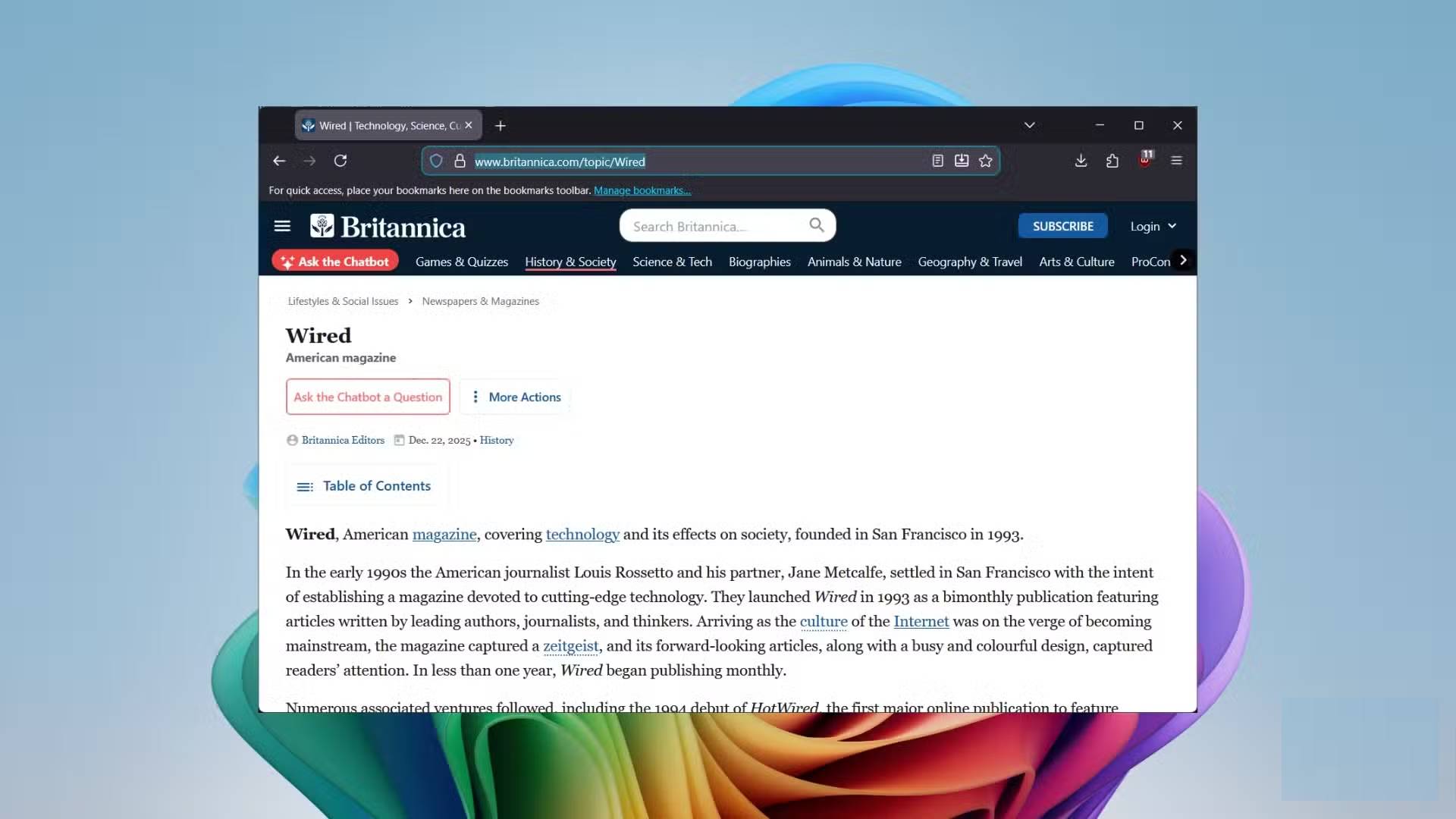
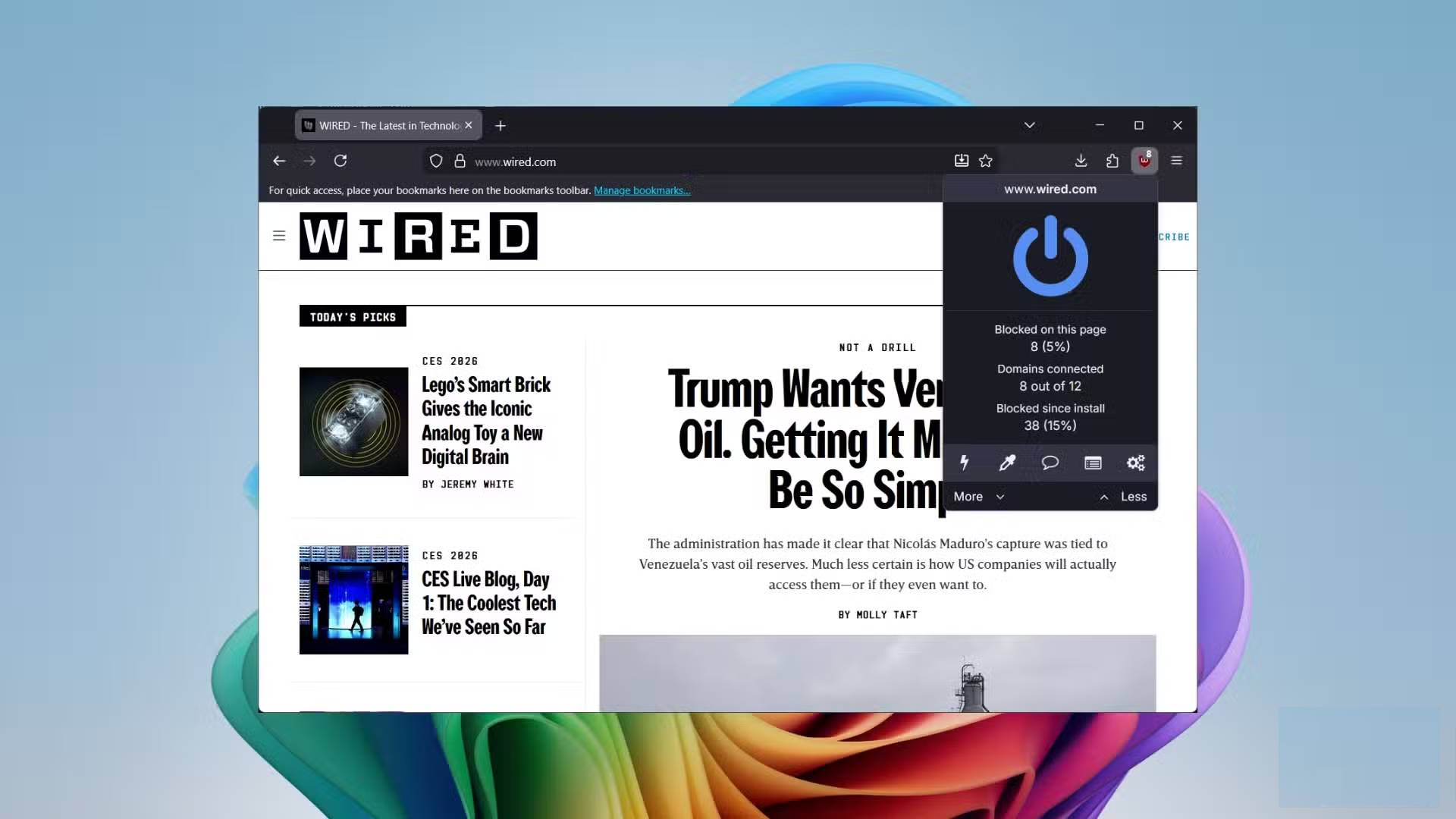
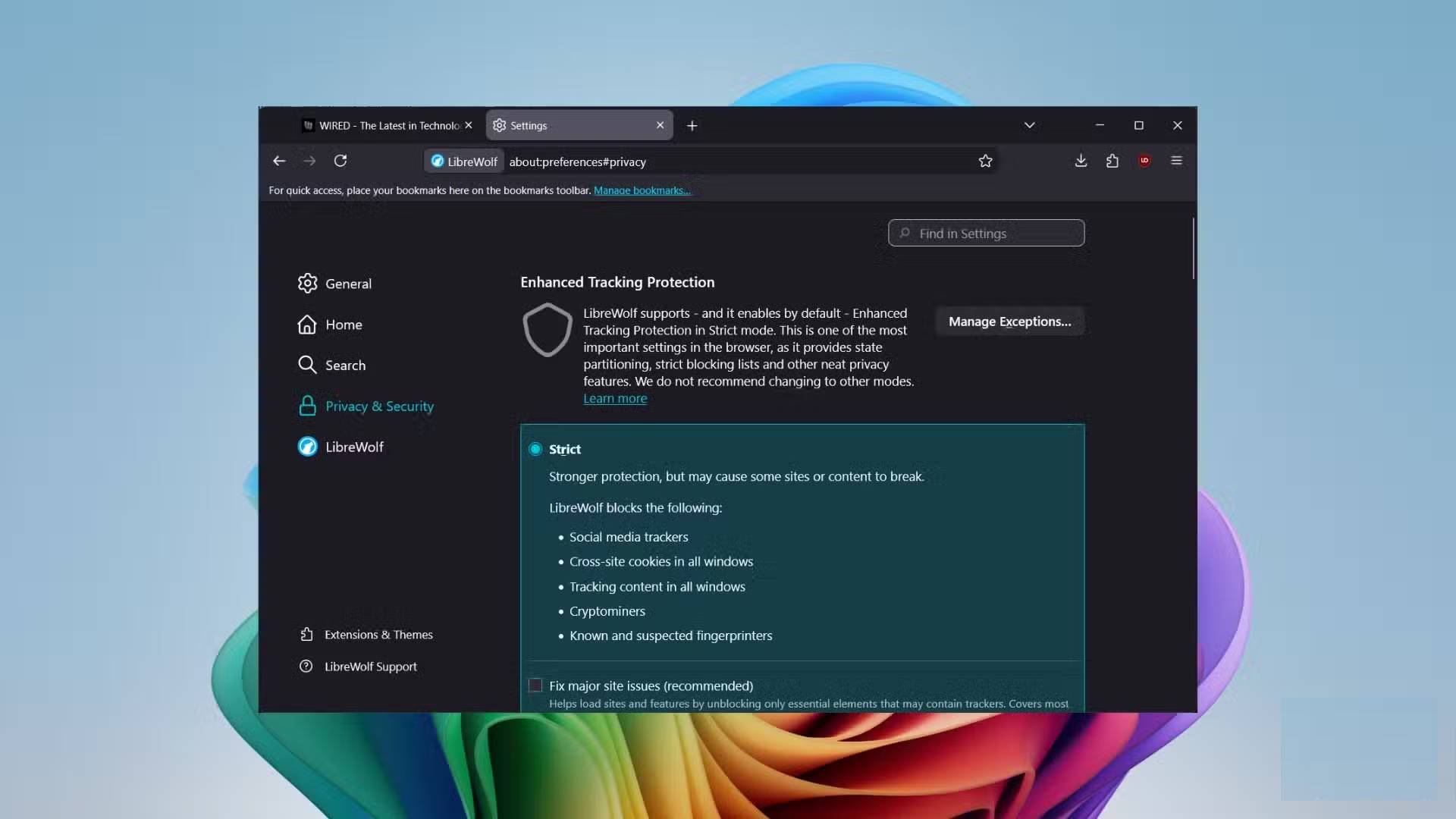
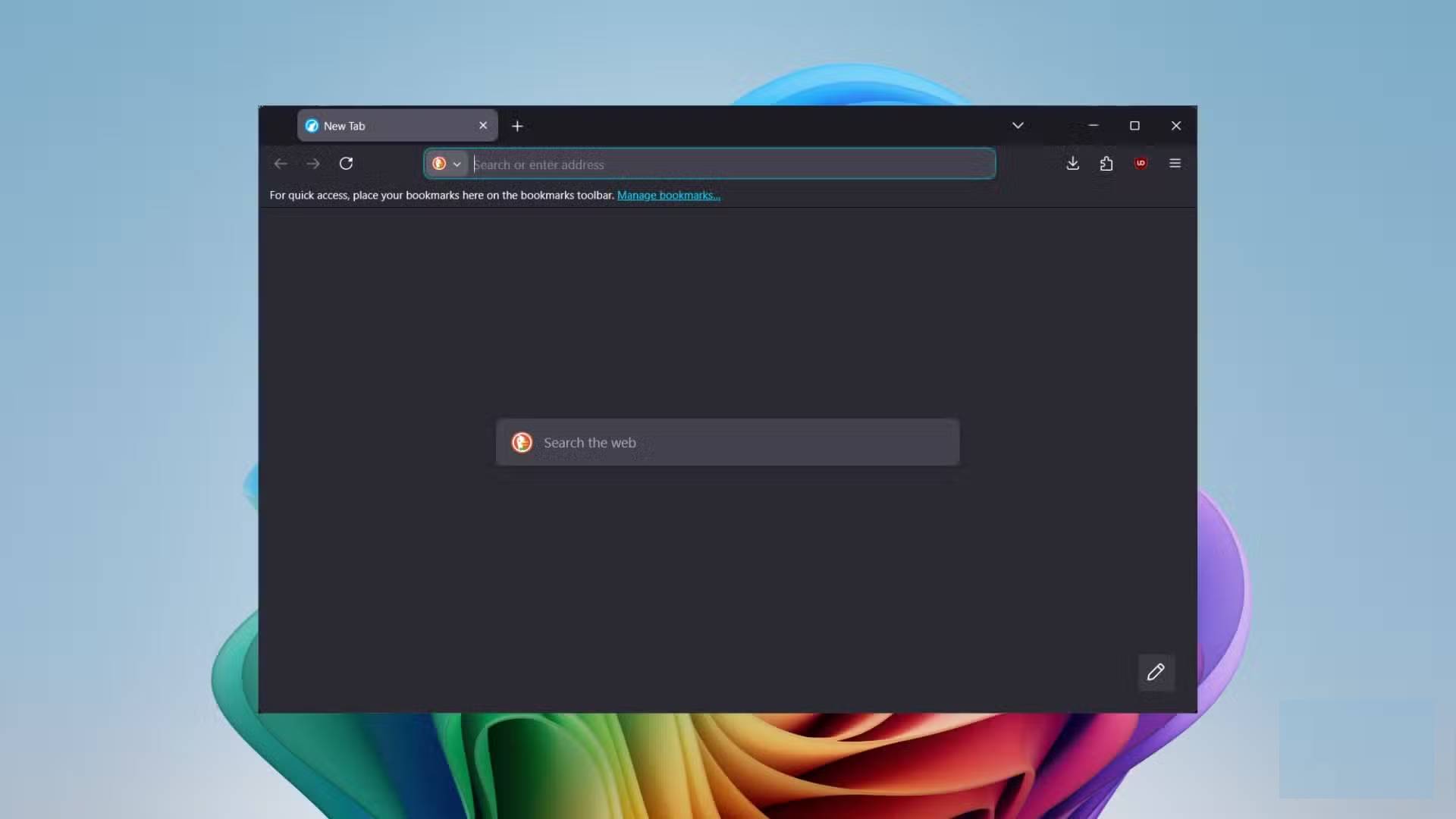
When installing Google Chrome or Firefox, you have to go into settings to manually enable privacy and security settings. But with LibreWolf, it's completely the opposite. This privacy-focused browser respects your time and provides you with all the security and privacy features right from the start. It comes with built-in uBlock Origin, which not only blocks ads but also acts as a bandwidth and CPU resource saver by blocking trackers even before they load.
LibreWolf also enables dFPI, or Total Cookie Protection, to isolate cookies on the websites where they are created. So, for example, if you log into Facebook and shop on Amazon, Facebook won't be able to see what you're buying, because the cookies will be blocked. To enhance privacy while browsing, this browser integrates search engines like DuckDuckGo by default, but you also have the option to switch to MetaGer or Mojeek, some of the best privacy search engines. It automatically removes tracking elements from URLs.
While features like form autofill, search, and form history are great for quickly accessing your most visited websites, LibreWolf disables them for better security. After you close the browser, disk cache, temporary files, cookies, and website data are automatically deleted.
Beat Mozilla
Pages load and respond faster
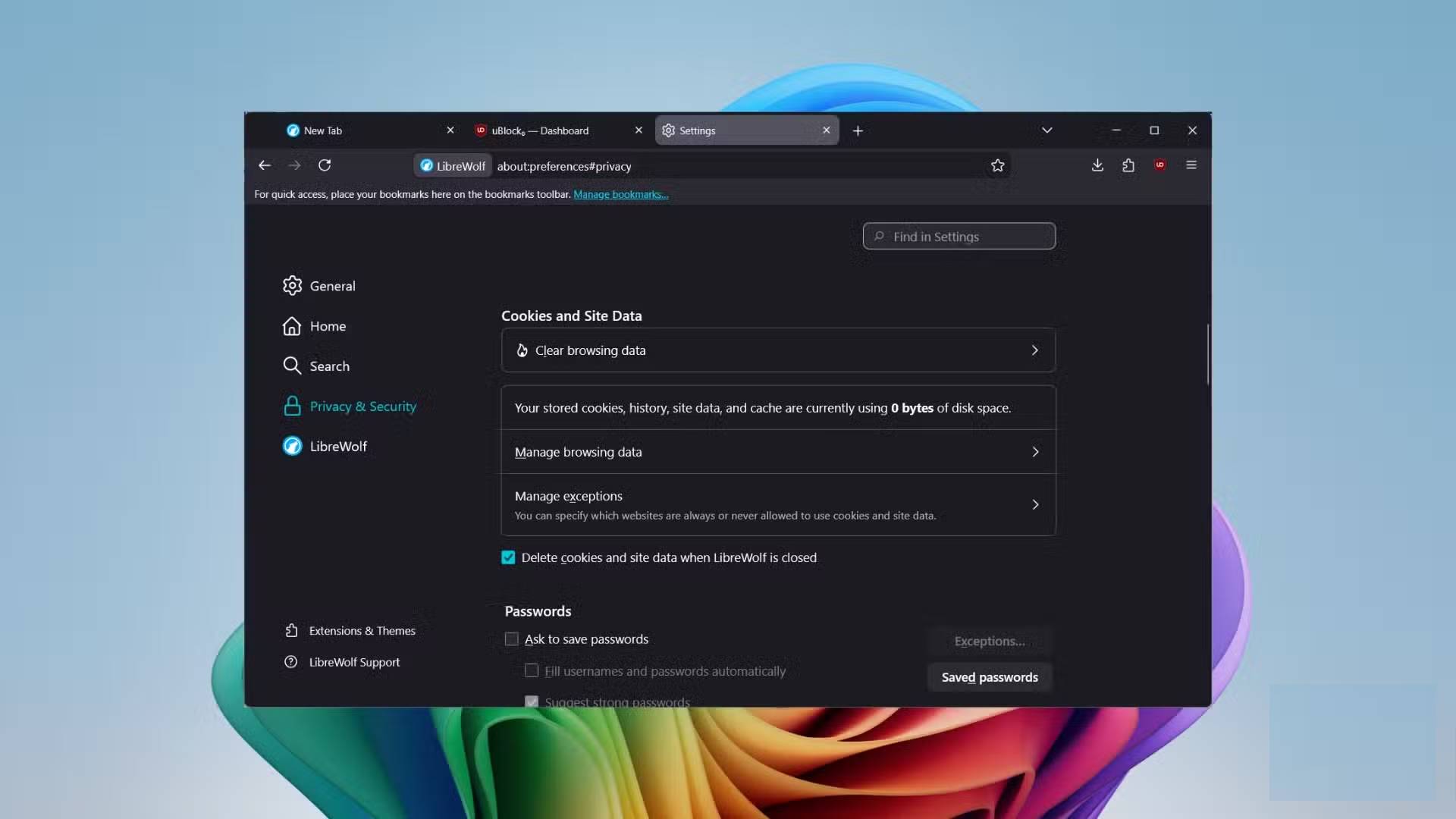
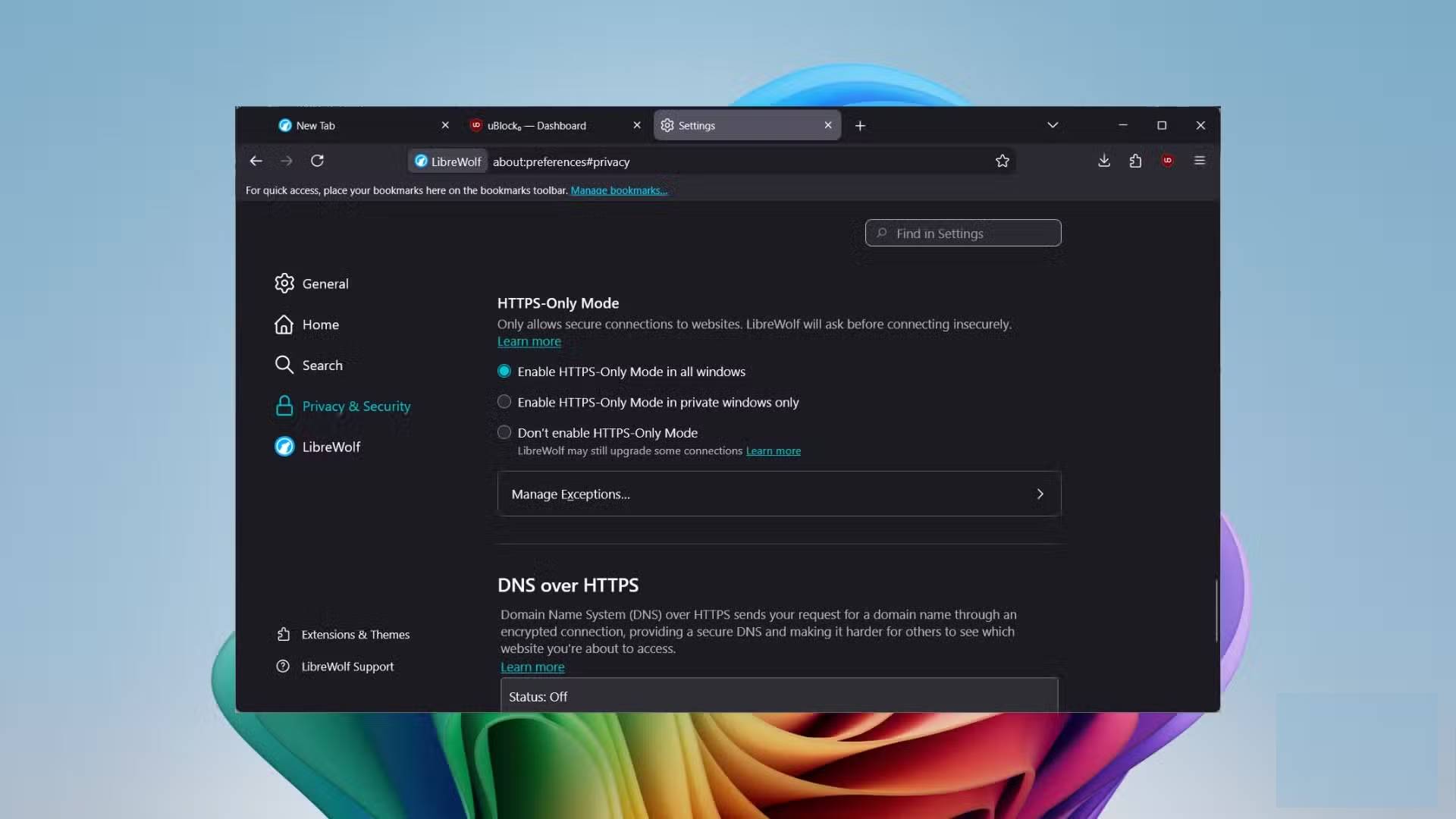
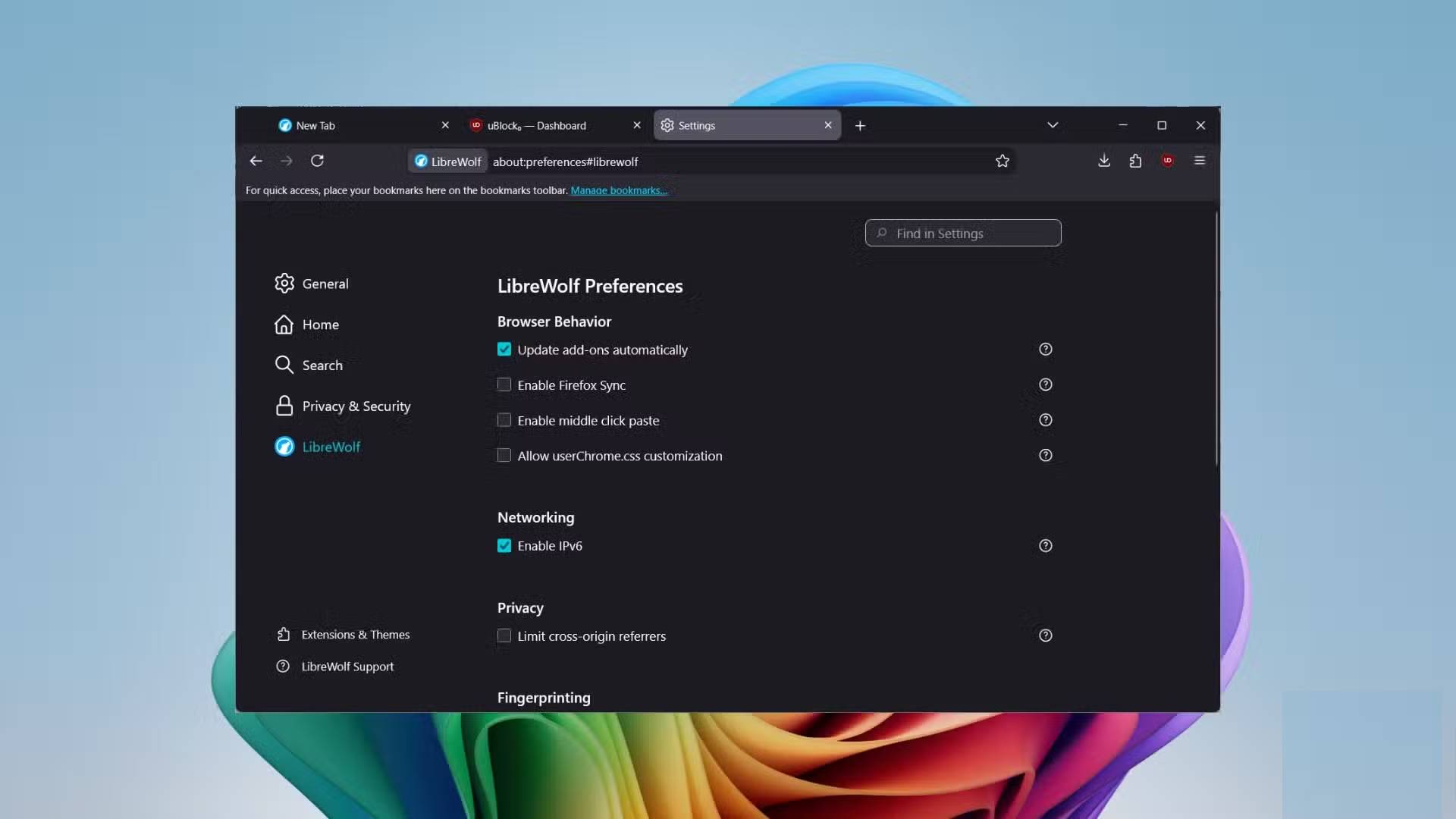
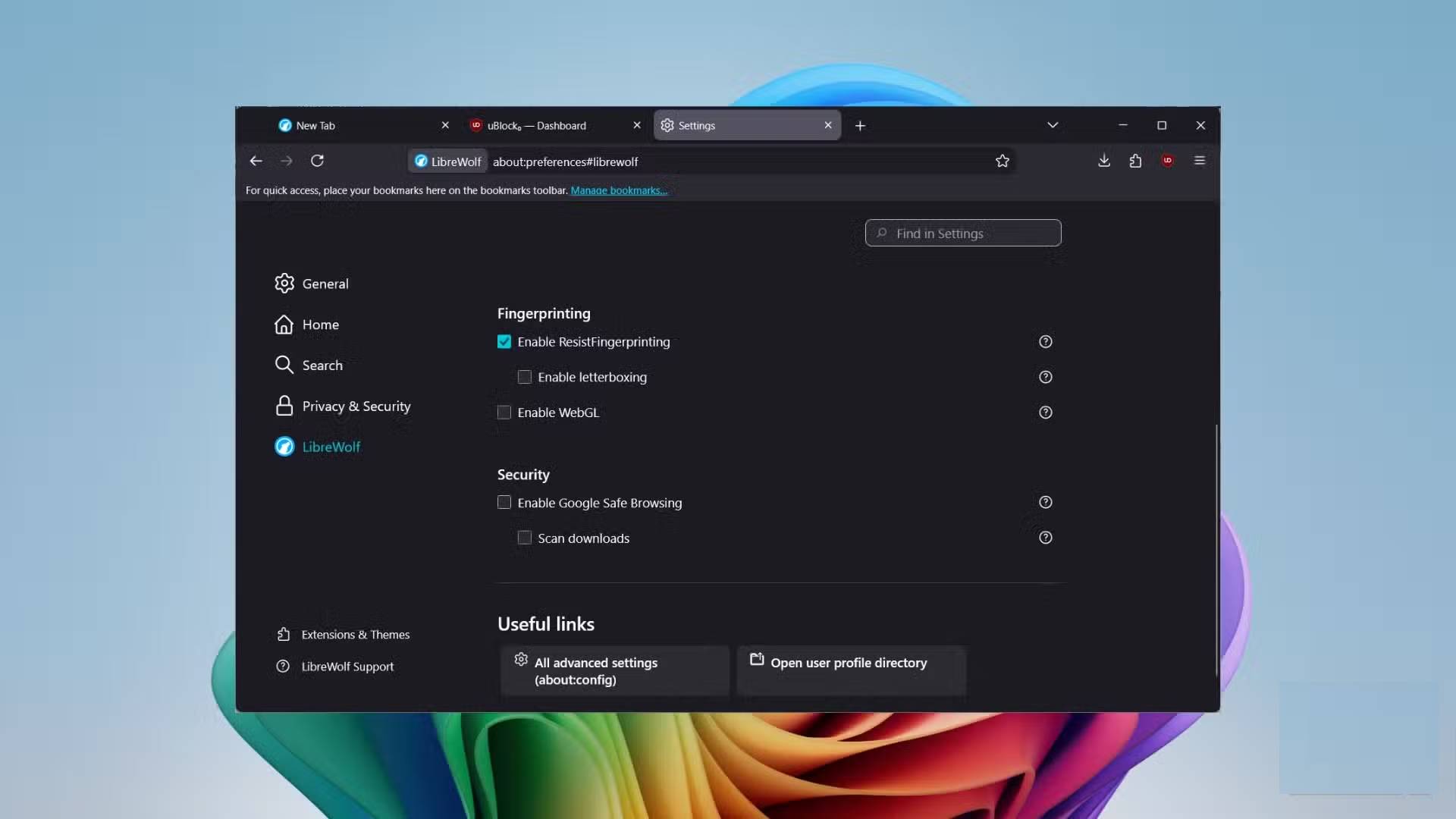
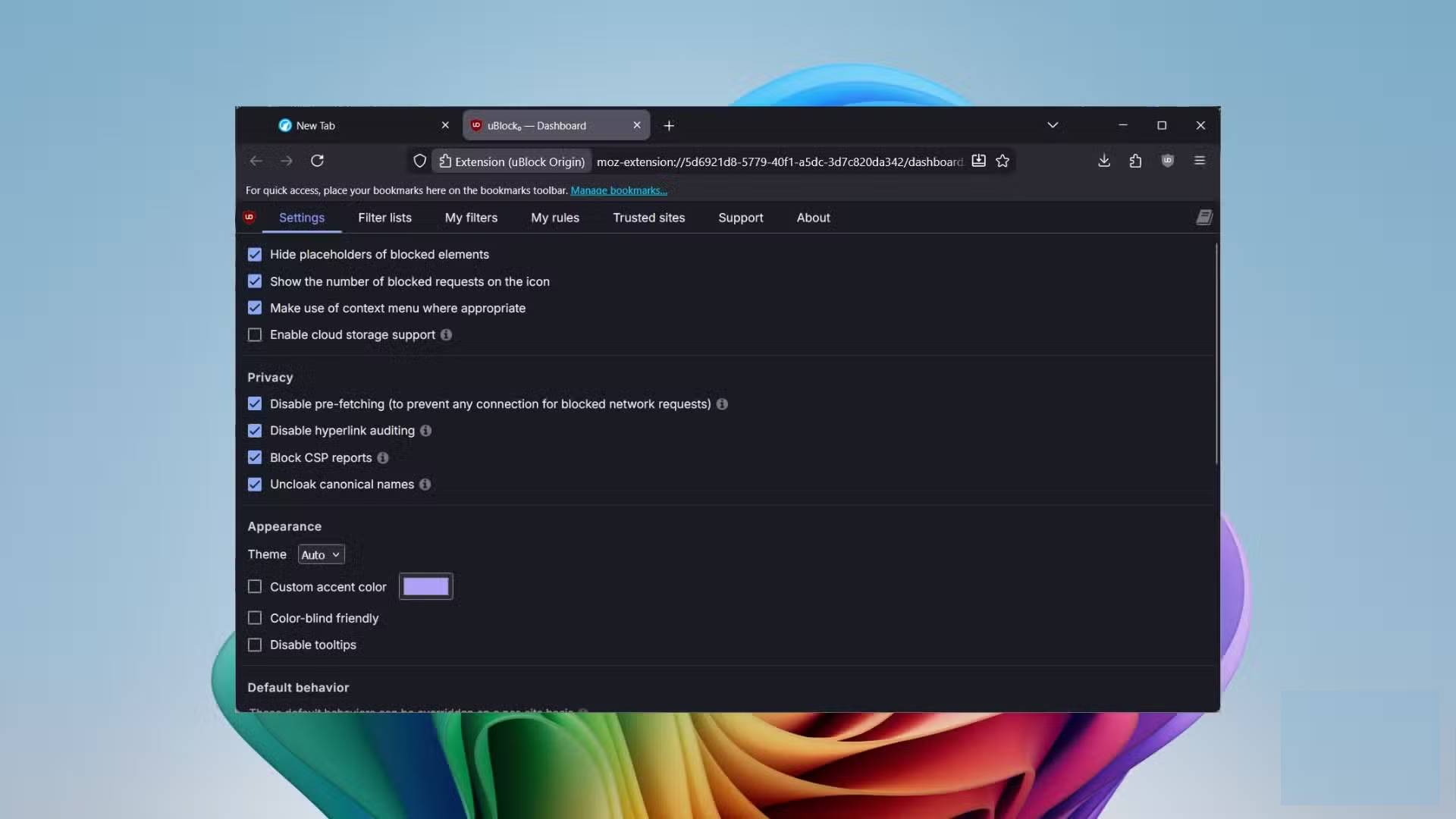
As soon as you start using LibreWolf, you'll immediately notice the difference. There are no background processes or preloaded sponsored content; pages load faster. LibreWolf allows HTTPS -only mode and disables WebGL fingerprinting, so websites can't profile or track your online activity. This means you're getting greater security and privacy, especially when accessing sensitive websites like banking or financial sites.
LibreWolf is a version developed from Firefox, but retains most of Firefox's features. For example, it completely disables data collection, meaning no unnecessary crash reports are sent to the server, no unusual ping signals, and no background research runs. You are protected from data collection and its default annoyances, allowing you to focus entirely on what you really want to do.
The new tab page is empty. Another good feature of LibreWolf is that it doesn't bloat the browser with unnecessary AI features. There are no AI agents, no built-in ChatGPT or Gemini. You decide what you want to use.
You gain one thing, you lose another
There are a few drawbacks to using LibreWolf that you can overlook
One of the key features that makes LibreWolf stand out is its fingerprint-blocking capability, which it inherits from the Tor Project. While the average user worries about cookies, the real threat is digital fingerprint identification. Other browsers allow websites to identify you based on screen resolution, installed fonts, battery level, graphics card, etc. Thanks to LibreWolf, this is blocked, and for all websites, you appear as a normal user.
Essentially, it represents you as a generic user, normalizes your time to UTC (Coordinated Universal Time), and disables WebGL from spoofing your identity. You become virtually unidentifiable in a crowd. The downside is that without WebGL, some websites and interactive maps, such as Google Earth, might not load.
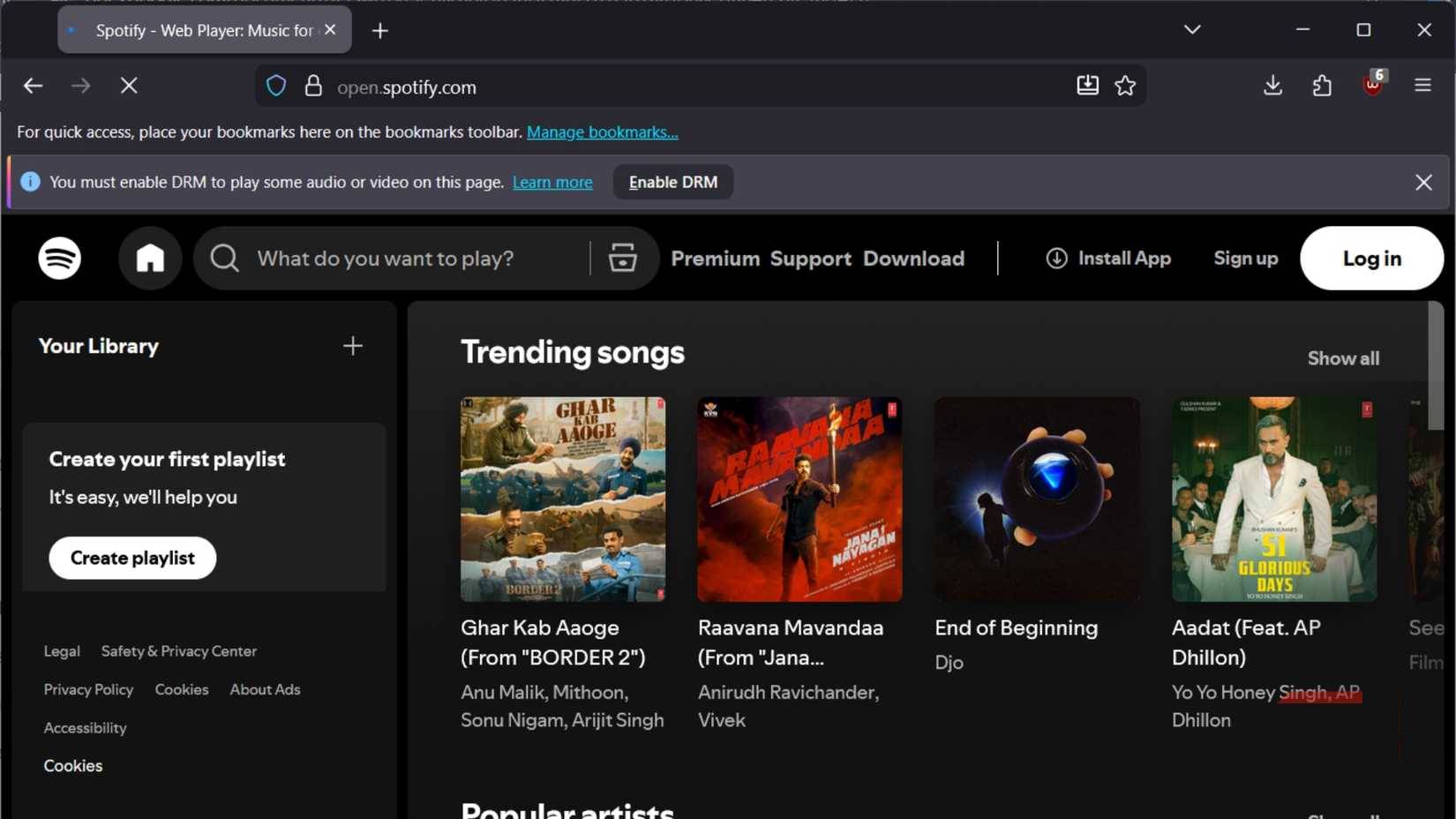
LibreWolf also disables DRM (Digital Rights Management) by default. This means you won't be able to watch online content from Netflix, Amazon Prime, or Spotify. But you can enable it with just a few clicks. Because there's no link with Mozilla, you won't be able to sync data from the browser unless you enable this feature. Again, this can be overcome by using a password manager.
Final Thoughts
Use this guide as a practical checklist for how to learn about librewolf. Work through the steps in order, verify each result, and adjust the options to match your needs.
FAQ
What do you need before following this How to Learn About LibreWolf guide?
Review the required tools, accounts, settings, or materials mentioned in the article. Learn how to learn about librewolf.
What are the main steps for how to learn about librewolf?
Follow the sections in order, especially The security shield requires no configuration, Privacy and security protection mechanisms are enabled by default, Beat Mozilla. Complete each step before continuing and verify the result as you go.
What should you do if the process does not work as expected?
Recheck the prerequisites, update the relevant app or service, review the settings, and repeat the step that caused the issue. Use any troubleshooting notes included in the guide.
Related Articles
 3 Browsers That Respect User Privacy More Than Chrome: Practical Guide4 minutes read
 7 Best Firefox-Based Web Browsers7 minutes read
 Deleting Cookies Is Pointless: This Is the Real Way to Stop Tracking8 minutes read
 Learn Brave Search, a Formidable Competitor of Google4 minutes read
 4 Privacy - Focused Apps You Should Switch To6 minutes read
 7 Browser Extensions to Make the New School Year Easier7 minutes read
Reader Comments 0
Sign in with email or Google to join the discussion.