Table of Contents
Explore 5 exclusive pixel features that can be used on older and cheaper phones.
Top Shot
Let Pixel choose the best photo
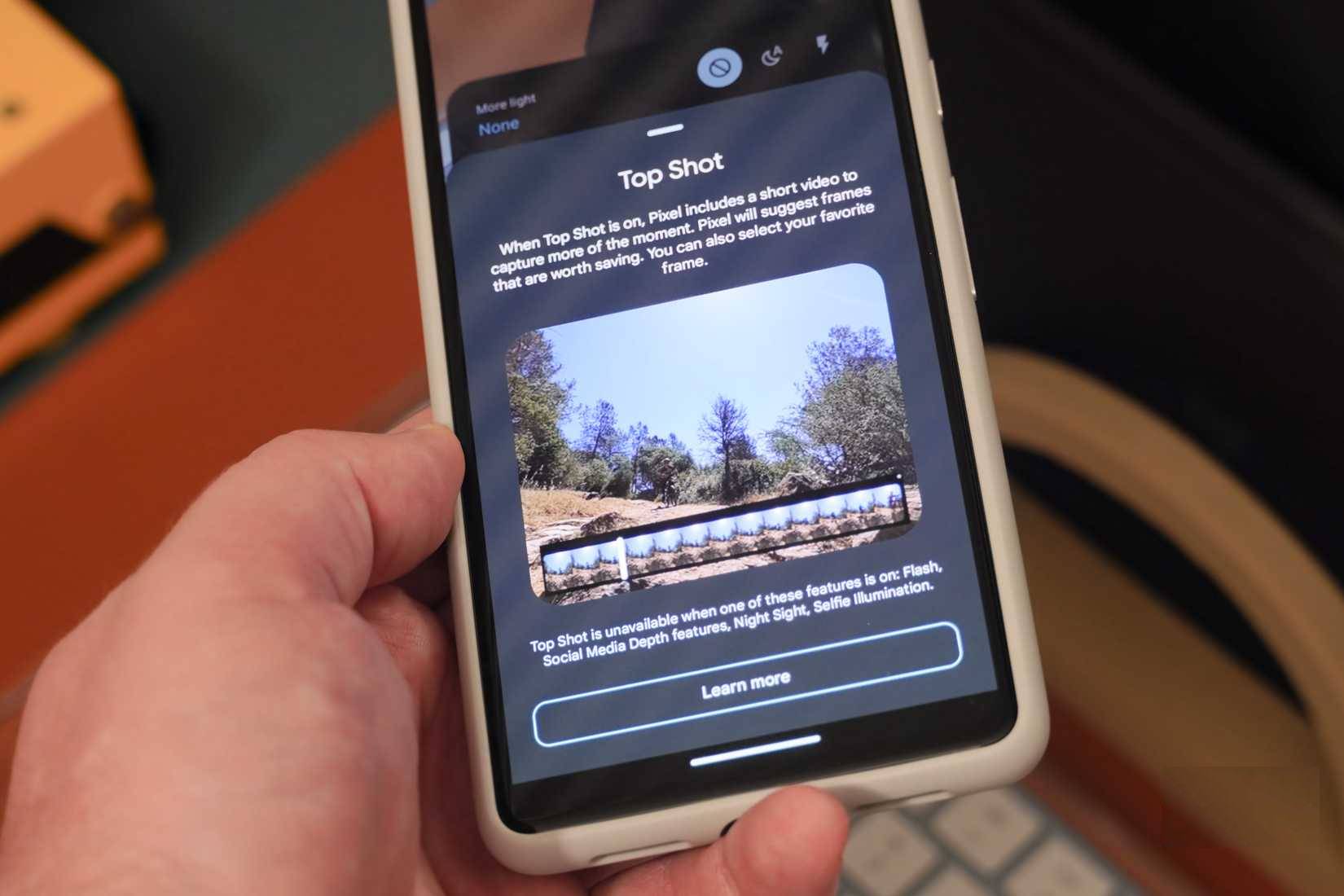
Before Camera Coach, Auto Best Take, or Add Me existed, there was Top Shot. This is one of the Pixel camera features that started it all, making Google phones the top choice for smart photography tools. Top Shot works by taking a series of photos simultaneously and automatically selecting the best one. This feature studies the frames captured before and after you press the shutter button. That's right – Top Shot turns back time, saving the frames that occurred before you pressed the shutter button.
Astrophotography
Capture stunning photos of the night sky with an older Pixel phone
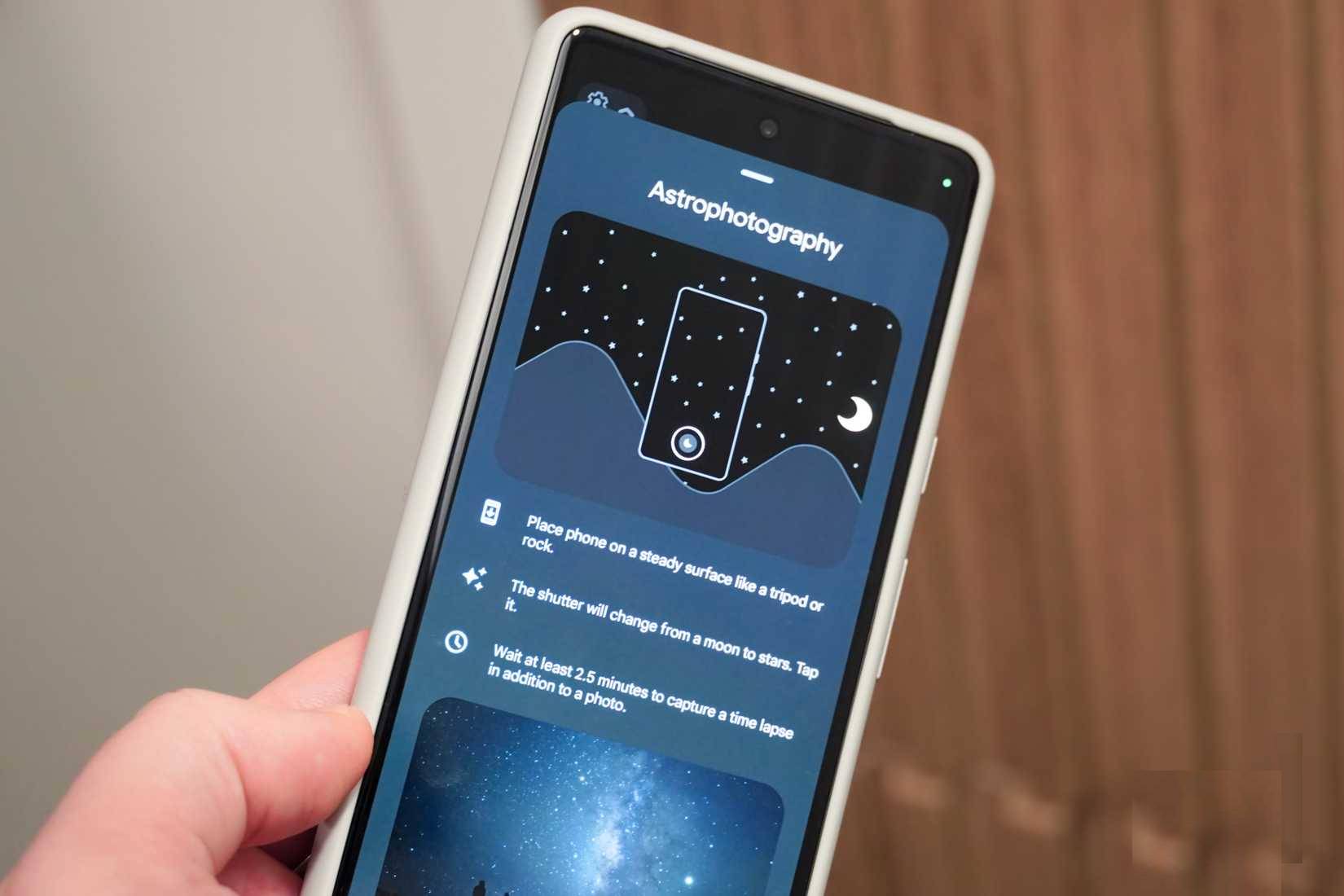
Starting with the Google Pixel 3, Pixel phones can take dedicated night sky photos using the built-in Astrophotography mode.
The Astrophotography mode on Pixel phones works by taking 16 photos, each lasting 16 seconds, when you press the shutter button. After taking the photos, your phone will stitch them together using software. This simulates the long exposure techniques that professional photographers use for astrophotography. You can try it yourself by opening the Camera app and navigating to Night Sight → Controls → Astro → Shutter . After pressing the shutter button, a 5-second timer will start before the astrophotography process begins.
Car collision detected
Hopefully you'll never need it, but it's always here to help you
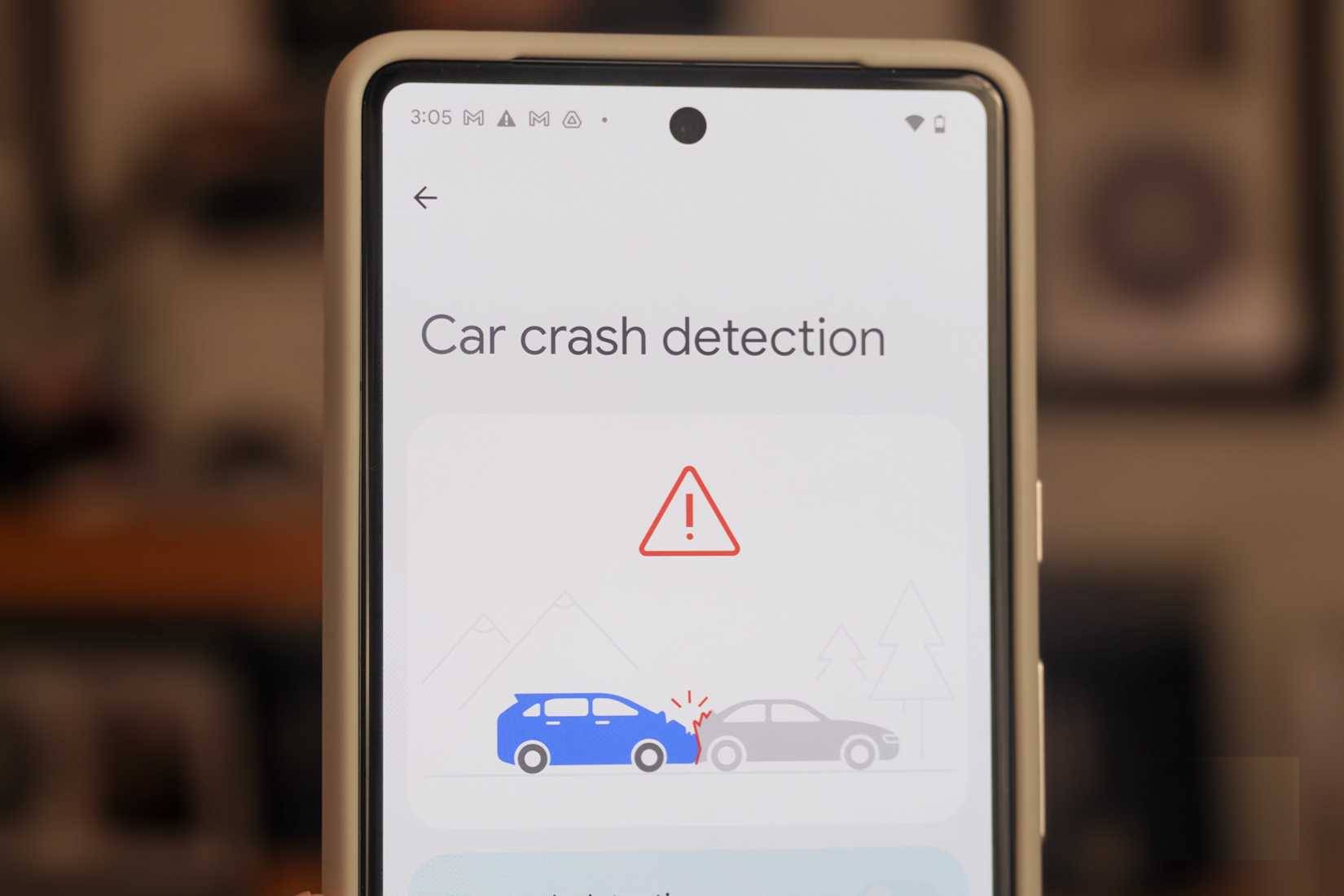
Google Pixel phones offer the Personal Safety app with many useful tools for emergencies. Car crash detection is one feature you'll hopefully never need, but it can become a crucial Pixel tool in dangerous situations. To get started, open the Personal Safety app on your Pixel and sign in with your Google account. Enter your personal information and set up emergency contacts.
Next, navigate to Settings → Safety & emergency → Car crash detection and toggle the switch next to the feature to activate it. The feature will run in the background to determine if you've been involved in a serious car crash.
Now playing
Instantly identify and save songs currently playing in your surroundings
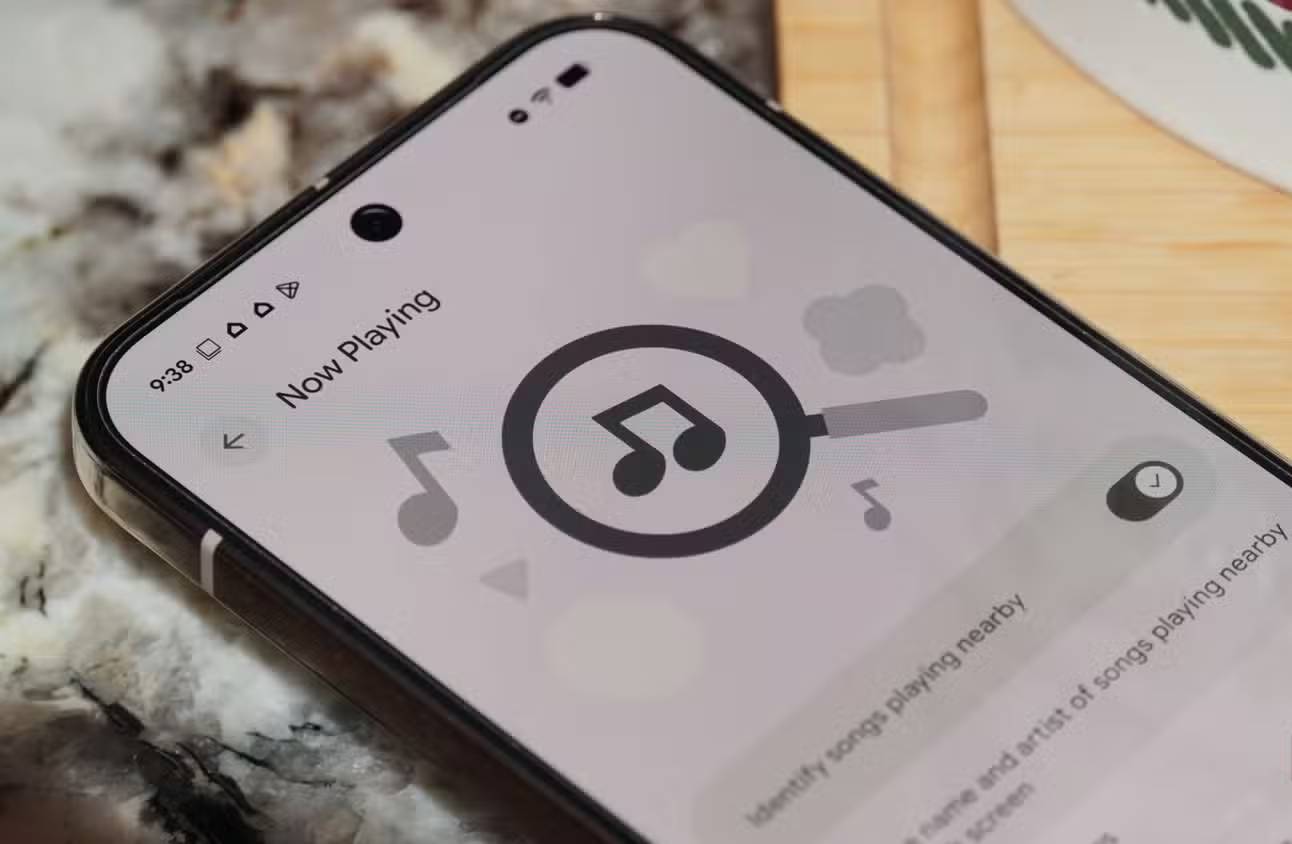
A classic Pixel feature is Now Playing, first introduced on the Google Pixel 2. Every model since then has supported this music recognition tool, making it the most compatible exclusive Pixel feature mentioned. When enabled, Now Playing downloads your music library to your device to compare songs. It doesn't use the internet for recognition unless you enable the Enhance Now Playing option in the Settings app. Otherwise, your Pixel will attempt to recognize tracks securely and privately using only the device's processor.
Hold for Me
Wasting time waiting at the machine is a thing of the past decade
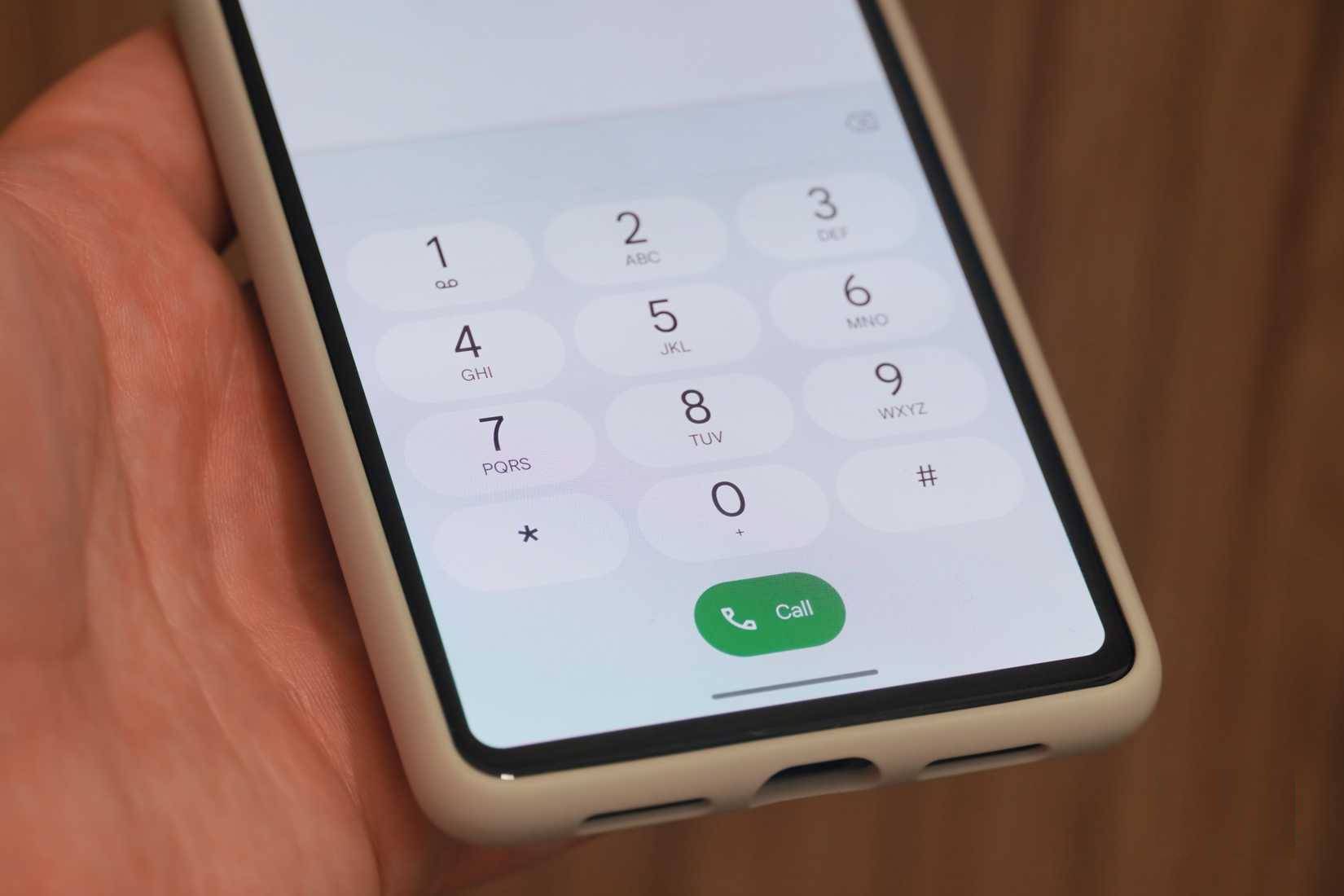
"Hold for Me" is another great exclusive Pixel feature, available on Google Pixel 3 and later. This feature leverages Call Assist, allowing the virtual assistant to wait on your call. When your waiting time ends and a real person is available to speak with you, your Pixel phone will notify you that it's time to return to the call. After enabling "Hold for Me" in the Settings app, you'll see the Hold for Me → Start process appear when you're on hold.
Final Thoughts
Understanding 5 exclusive pixel features that can be used on older and cheaper phones makes it easier to evaluate the information and apply the most relevant recommendations. Focus on the key points above and verify details that may change over time.
FAQ
What is 5 exclusive pixel features that can be used on older and cheaper phones?
Explore 5 exclusive pixel features that can be used on older and cheaper phones.
What key points does this article cover?
The article focuses on Top Shot, Let Pixel choose the best photo, Astrophotography, with practical explanations and examples.
How can you use this information in practice?
Use the explanations to compare options, verify important details, and make a more informed decision. Apply the recommendations that best match your goals and situation.
Related Articles
 6 Pixel-Exclusive Features You Can Transfer to Any Android Phone7 minutes read
 Pixel 9's New AI Features Could Soon Expand to Older Models: What You Need to Know5 minutes read
 4 Google Pixel Tricks That Changed the Way People Use Their Phones7 minutes read
 Google Has Just Revealed the Price of Pixel 4a and Pixel 5, Surprisingly3 minutes read
 Google Is About to Launch Pixel 3 in October, the XL Version Will Have Rabbit Ears5 minutes read
 6 Pixel 9 Pro Features to Expect8 minutes read
Reader Comments 0
Sign in with email or Google to join the discussion.