Table of Contents
The USB port on your Smart TV is not a universal charger as advertised. Improper use may result in damage to the drive, fire, or failure of the TV to turn on.
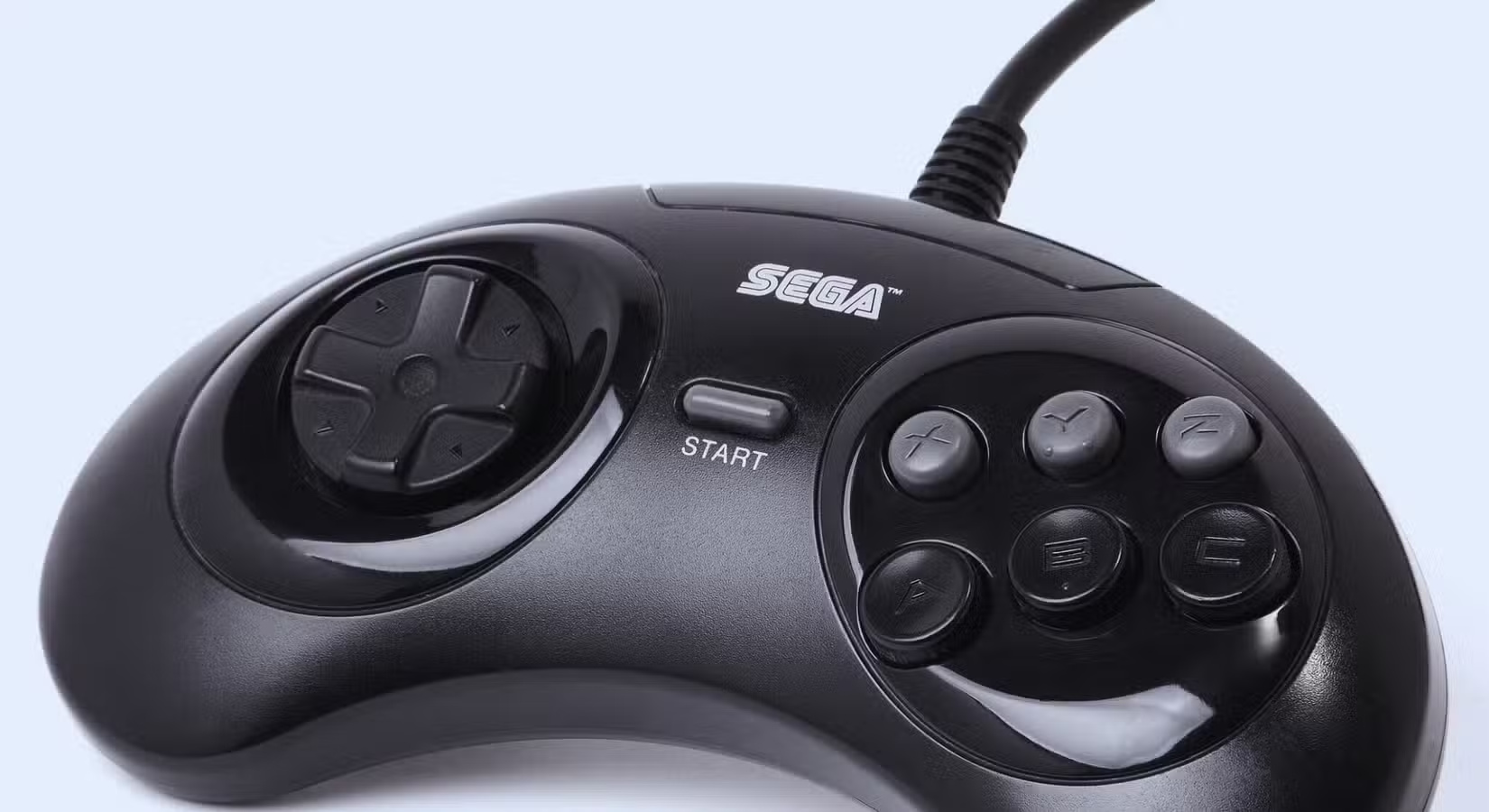
8. Old game consoles do not have power adapters
Older game consoles were never designed to draw power from the USB ports of modern TVs. Many of them draw more current than the port can safely provide, or they may fail to power up, or worse, the overload can damage the components inside the TV.
7. Pirated HDMI Converters and Adapters
Some cheap HDMI adapters or streaming devices come with a USB cable for power. They plug into your TV's HDMI port to transmit the image, and then draw power from the USB port to operate. The problem is that many of these aftermarket devices are poorly made and draw more current than your TV's USB port can safely provide. Over time, that extra stress can cause the USB port to overheat or fail.
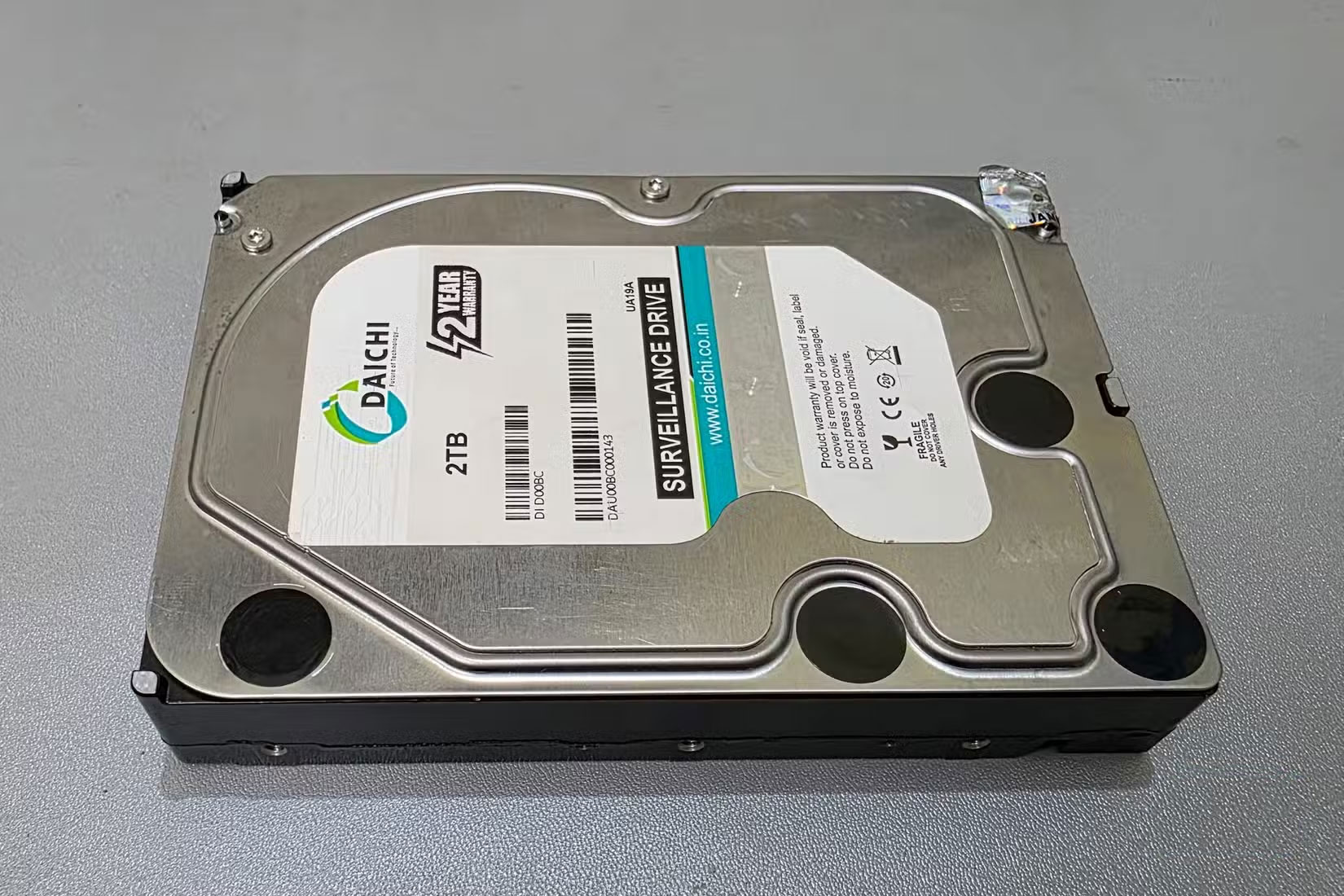
6. Large capacity external hard drive
A Smart TV's USB port can usually handle a small flash drive, but a large external hard drive is different. These drives often require more power than the port can provide, especially if they don't have their own power supply. When the TV struggles to keep up, the drive can disconnect midstream, corrupting files or failing to record.
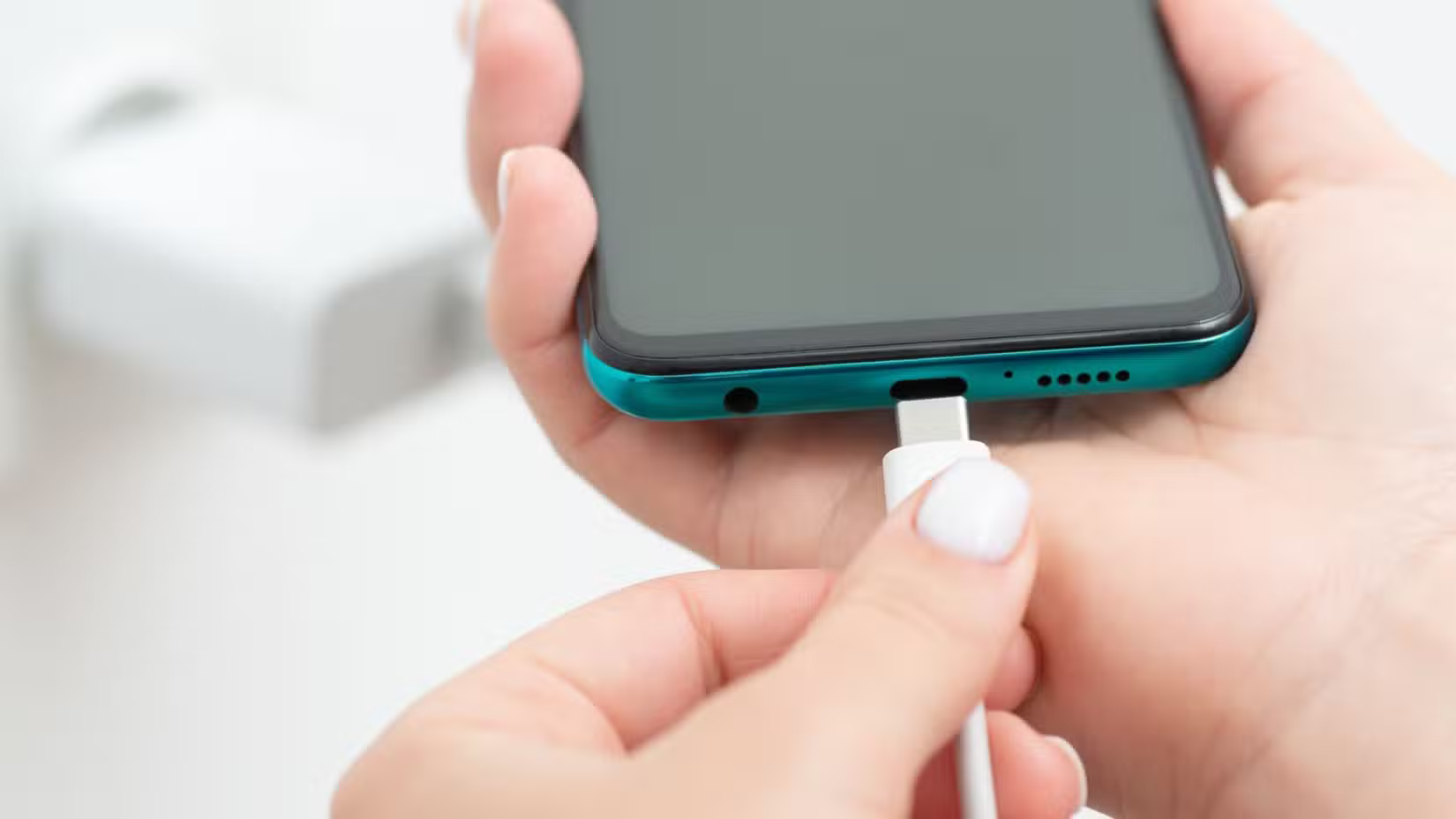
5. Smartphone and tablet for charging
Plugging your phone or tablet into your TV while you're watching a show is convenient, but that convenience comes at a cost. TV USB ports aren't designed for charging. They typically provide much less power than a wall charger, which means charging is slower and puts more strain on both the device and the port. In some cases, your phone may constantly connect and disconnect, causing unnecessary wear and tear on your TV's hardware.
4. USB powered devices such as fans and lights
USB fans, LED strips, and other novelty devices may seem harmless, but they draw more power than your TV's USB port can safely handle over long periods of time. Even though they may be on, constantly drawing power can cause the port to overheat or weaken over time.
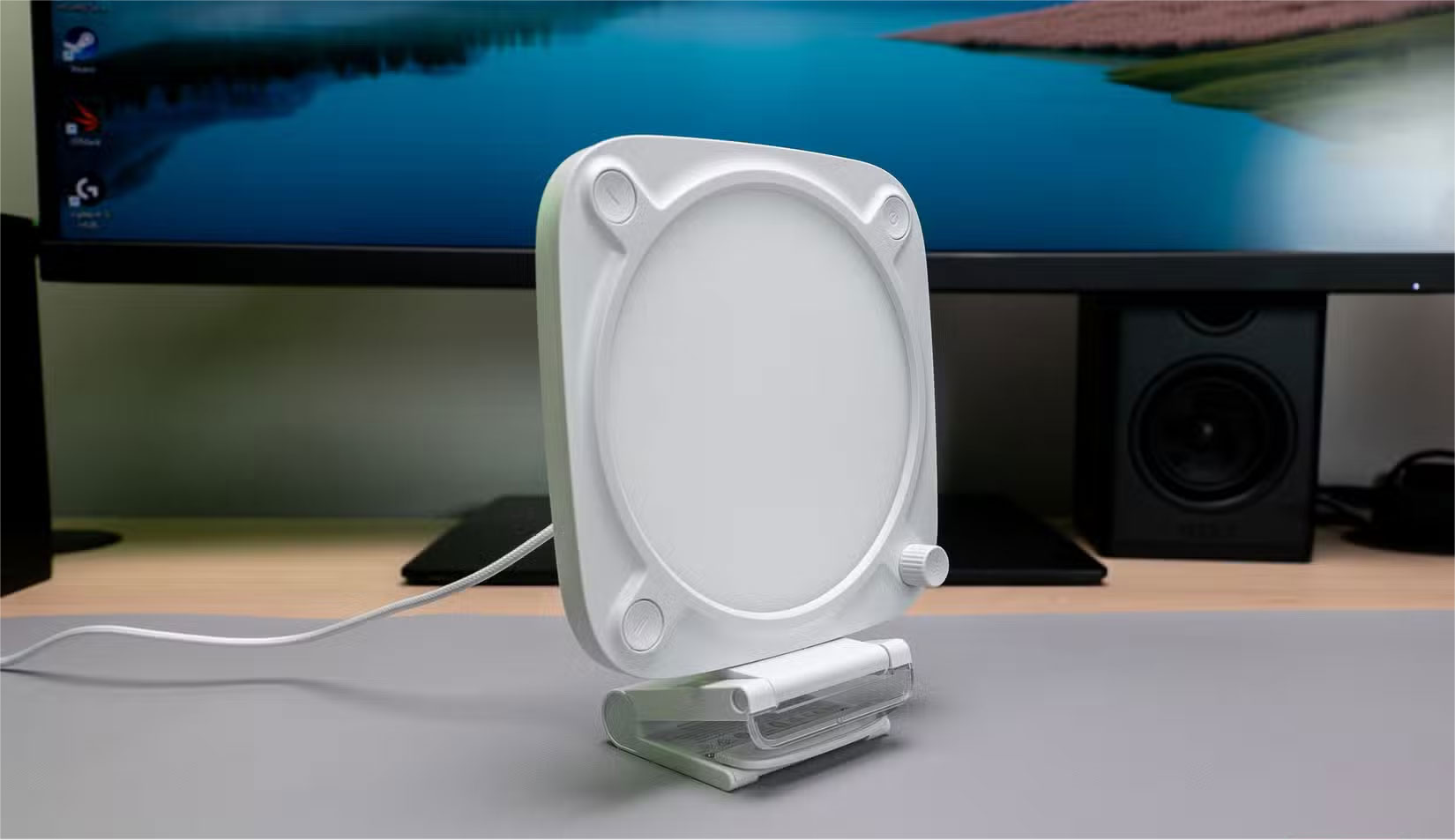
Some of these accessories are also cheaply made with little to no safety regulations, increasing the risk of short circuits or malfunctions that could affect the TV itself. If you want to use a backlight or cooling fan around your set, make sure they are plugged into a suitable power source.
3. Serial power socket
Some USB-powered power strips promise to expand one port into multiple ports, allowing you to plug in multiple devices at once. While this may sound efficient, using one on your TV's USB port is risky. Each additional device draws power, and the total demand can easily exceed the port's safe capacity. The result is often overheating, unstable performance, or the port shutting down altogether.
2. Random USB drive you find or receive
Plugging an unfamiliar USB drive into your Smart TV is like letting a stranger into your home without asking. Aside from the obvious risk of file corruption, USB drives are a popular way to spread malware.
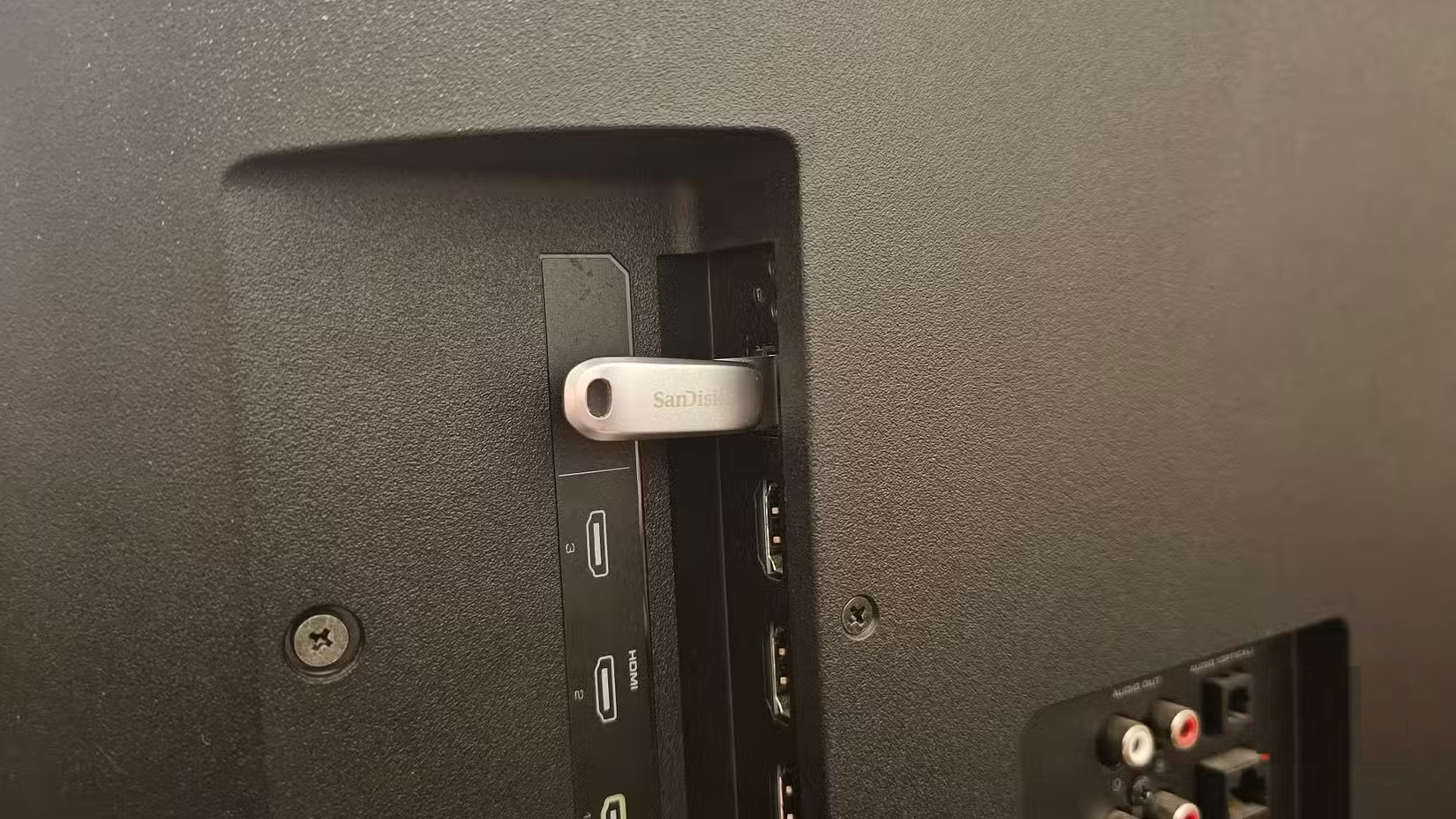
While TVs aren't as vulnerable to attacks as computers, many Smart TVs still run operating systems that can be exploited. A faulty drive can cause your TV to crash, slow down, or in rare cases, expose your home network.
1. Anything in a Storm
During a thunderstorm, your Smart TV is already at risk of power surges and power surges. Plugging anything into your TV's USB port at that time will only add to the path of that power surge.
Even a small shock can damage connected devices, corrupt memory, or in some cases permanently damage your TV's ports. Surge protectors can help, but they don't completely protect against direct lightning strikes or unstable power lines. The safest option is to avoid connecting or charging anything to your TV until the storm has passed.
Final Thoughts
Overall, Never Plug These 8 Devices into Your Smart TV's USB Port! is best understood by considering the main facts, practical context, and limitations together. Use the details above as a clear starting point and confirm time-sensitive information when necessary.
FAQ
What does this article explain about Never Plug These 8 Devices into Your Smart TV's USB Port!?
The USB port on your Smart TV is not a universal charger as advertised. Improper use may result in damage to the drive, fire, or failure of the TV to turn on.
What should you know about 8. Old game consoles do not have power adapters?
Older game consoles were never designed to draw power from the USB ports of modern TVs. Many of them draw more current than the port can safely provide, or they may fail to power up, or worse, the overload can damage the components inside the TV.
Should time-sensitive details be verified?
Yes. Software features, game codes, product specifications, prices, and research findings can change. Confirm important details with an official or primary source when accuracy affects your decision.
Related Articles
 10 Devices You Can Plug into the HDMI Port on Your Smart TV7 minutes read
 5 Ways to Use USB Ports on Smart TV8 minutes read
 Surprising Devices You Can Plug into Your Smart TV7 minutes read
 Do These 5 Things to Get the Most Out of Your Phone's USB-C Port8 minutes read
 10 Accessories That Can Plug into Your Car's USB Port8 minutes read
 Review of PoE 8 Port TP-Link Switch TL-SG1008P6 minutes read
Reader Comments 0
Sign in with email or Google to join the discussion.