Table of Contents
A car’s USB port can play music, connect a phone or power small accessories, depending on how the port is wired. Check the owner’s manual for the port’s power rating, data support and whether it stays on after you turn off the ignition. A port marked for phone projection can behave differently from a charging-only port.
Accessories that may need USB data
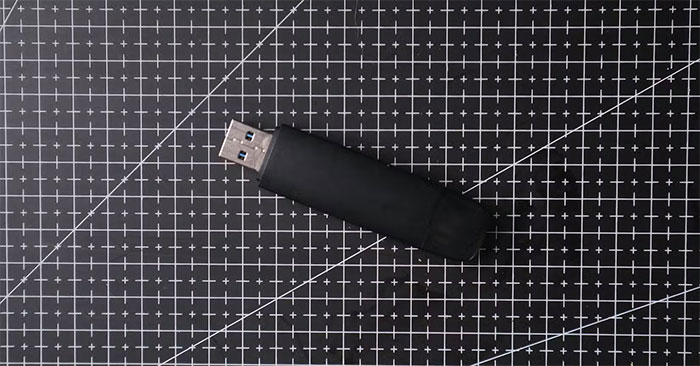
1. USB flash drive
For local music or podcasts, check which file systems, drive capacities and audio formats your stereo supports. Start with a small folder of MP3s before copying your library. Select the USB source and browse folders while parked.
2. USB-A to USB-C cable or adapter
Use a cable or adapter that supports data if you want wired phone projection. A connector adapter alone cannot add data to a charging-only port or increase its charging power. If your phone charges but the dashboard doesn’t recognize it, check these Android Auto connection fixes.
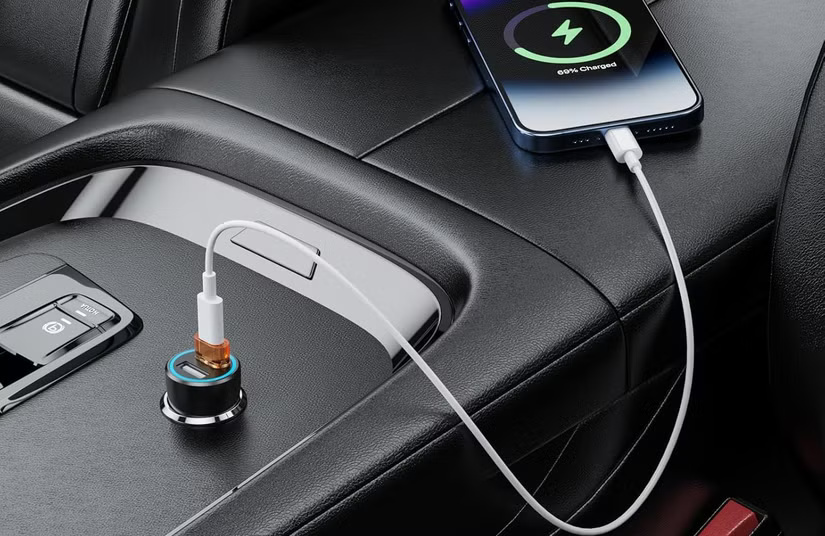
Accessories that draw power
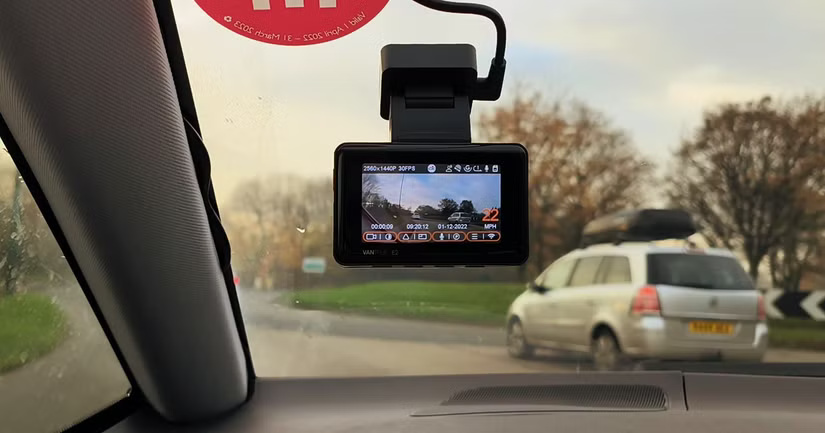
3. Dash cam
Use the supplied power adapter unless the camera maker confirms that its model can run from your car’s USB port. Some camera models need a dedicated power kit for parking mode. With the car parked, confirm that recording starts and stops when expected.
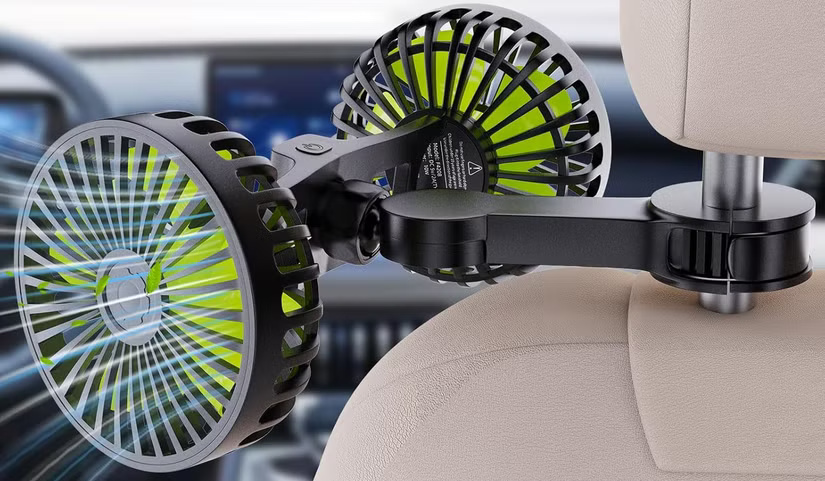
4. Small USB fan
Check the fan’s current requirement and secure the mount where it cannot obstruct your view, controls or airbags. A fan moves cabin air and may improve comfort, but it does not cool the cabin like air conditioning.
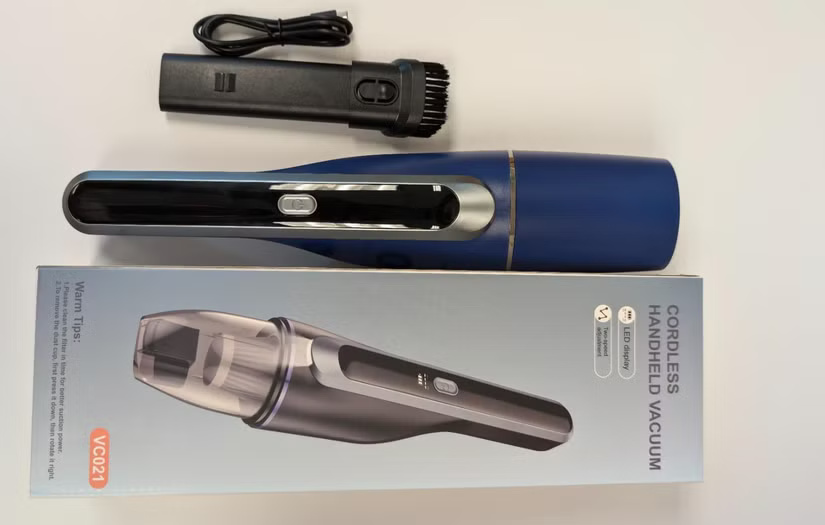
5. USB-charged handheld vacuum
Compare the input on the vacuum or its charger with the port rating. Some vacuums charge over USB but cannot run while charging. Use the vacuum while parked, and follow the manufacturer’s storage limits for its battery.
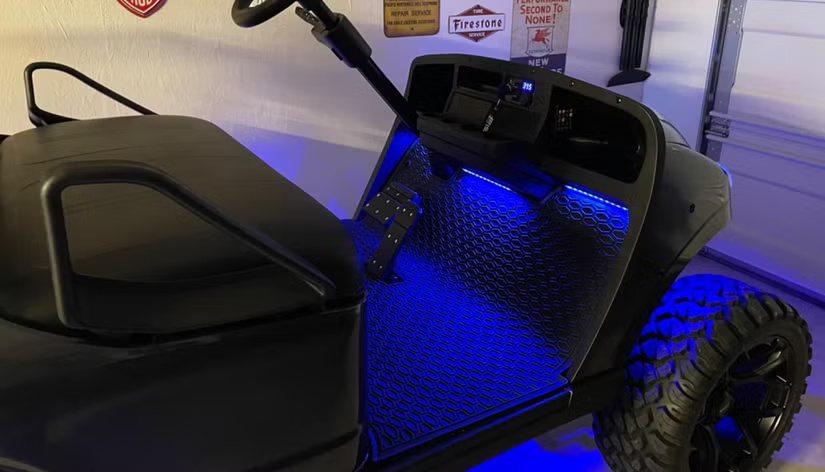
6. Interior LED lights
Use lights that can be dimmed or switched off. Secure strips and cables clear of pedals, airbags and seat tracks. Switch off any lighting that reflects in the windshield or distracts you at night.
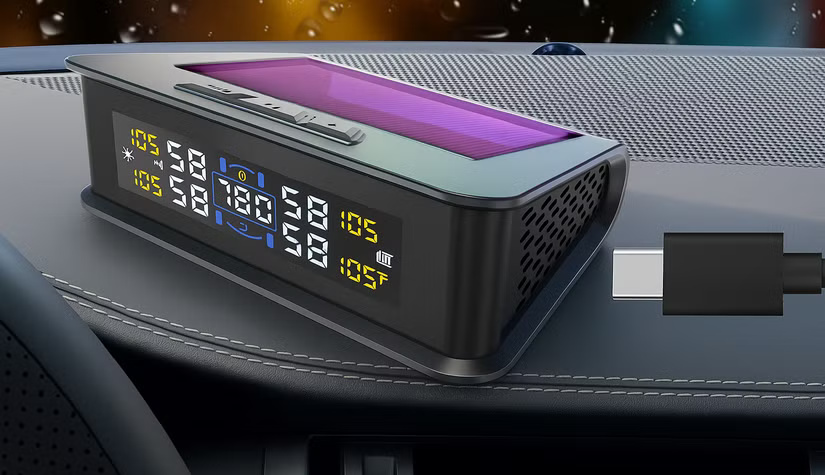
7. Aftermarket tire-pressure display
Some aftermarket kits use a USB-powered display paired with their own valve-stem sensors. Confirm compatibility and use a pressure gauge when you need to check readings. If the factory tire-pressure system shows a fault, have it diagnosed rather than relying on the accessory alone.
Accessories to evaluate before using in a cabin
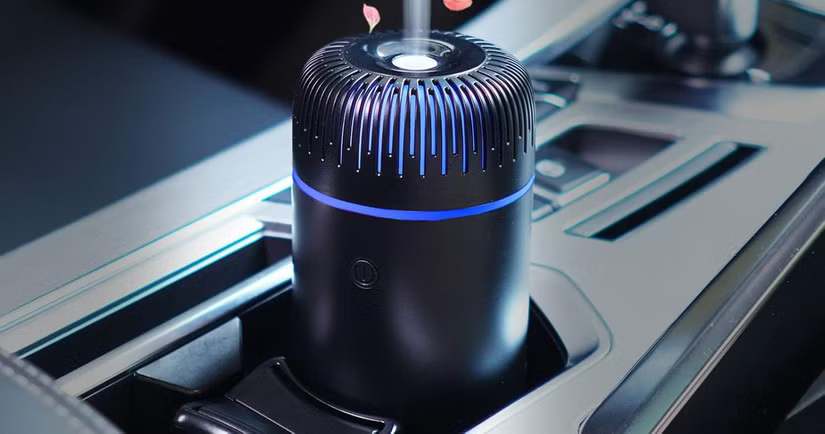
8. Humidifier or diffuser
Check the instructions for vehicle use, spill protection and mounting. Turn a misting device off if it affects visibility. Skip fragrance if a passenger finds it irritating.
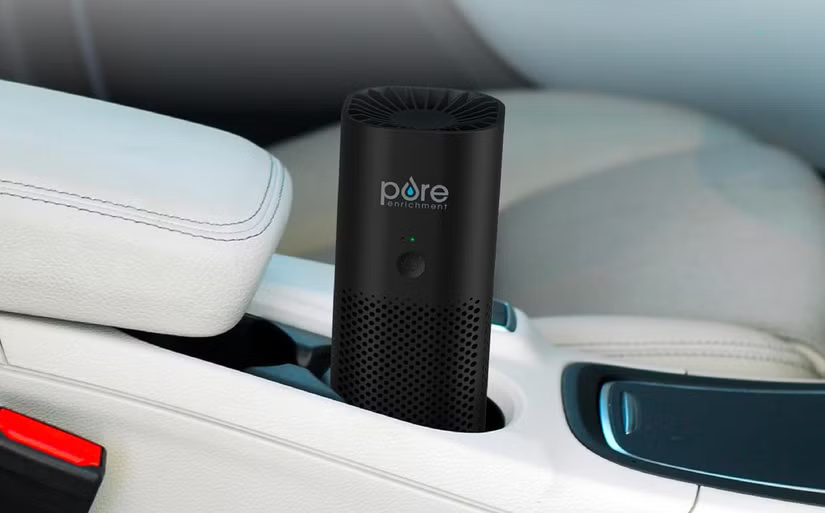
9. Cabin air cleaner
Check what type of filter the device uses and whether replacements are available. Look at the car’s cabin filter first and avoid devices that intentionally generate ozone. The EPA’s air-cleaner guide explains the differences among filtration technologies.
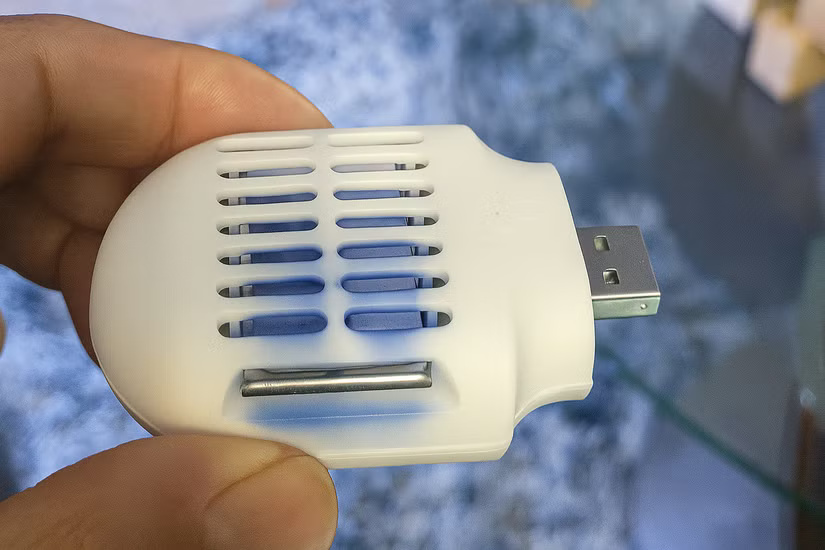
10. Powered mosquito repellent
Check the product label for where it can be used. Use a powered repellent inside a vehicle only if the label explicitly permits that setting, and follow all ventilation and clearance directions.
Related Articles
 This is Realme Band: Heart rate monitor, color screen, compete with Xiaomi Mi Band 4
 5 Useful Ways to Use Your Phone’s USB-C Port
 Never plug these 8 devices into your Smart TV's USB port!
 Accessories that help laptops become professional
 How to use Cars 4D + automotive screenings and 4D car kits
 10 Devices You Can Plug into the HDMI Port on Your Smart TV
Reader Comments 0
Sign in with email or Google to join the discussion.