Table of Contents
To get through the bike chase in Brother Hai's Pho Restaurant, use A and D to steer, look ahead for clear space, and use the displayed attack control when a pursuer approaches. Small corrections are easier to control than holding a direction until the bike reaches the opposite side.
This is the later action sequence involving pursuers, rather than the earlier event in which dog thieves threaten Cau Vang. Some story spoilers and chase screenshots follow.
Check the controls before the chase starts
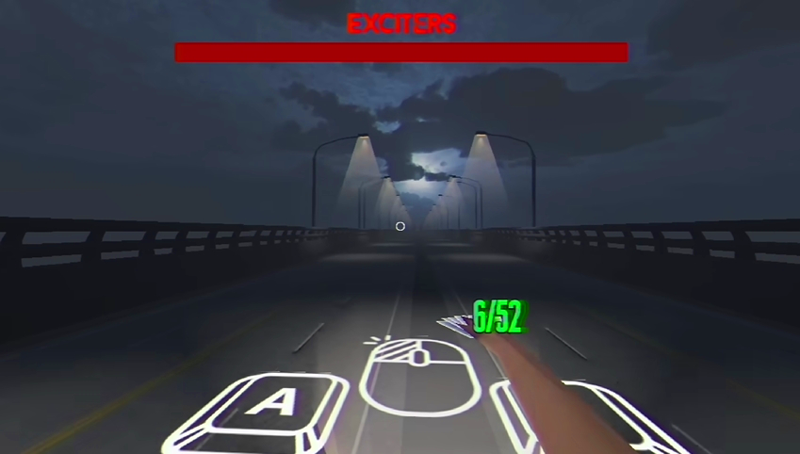
The developer's controls list identifies A/D as the bike controls. Use the on-screen prompts in your version for attack and other scene-specific actions. The older desktop sequence uses left-click to throw a card.
| Action | Desktop control or check |
|---|---|
| Steer left | A |
| Steer right | D |
| Throw a card | Left-click in the older chase sequence; confirm the current prompt. |
| Other actions | Use the control shown for the current scene. |
Shift is listed as a running control for normal movement. Do not rely on it as a bike boost or dodge unless your build explicitly shows that function. Changing mouse sensitivity should not be assumed to change keyboard steering.
If you are still learning the regular controls, see our Brother Hai beginner guide. Android touch controls and desktop keyboard controls may differ.
Keep your eyes ahead of the bike
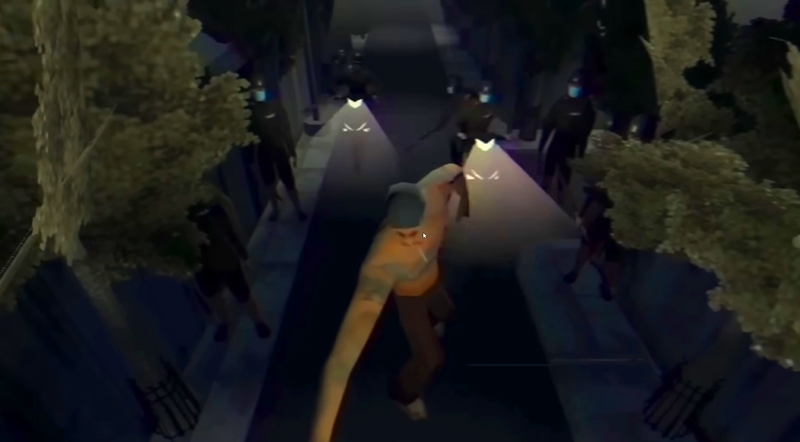
Look at the path you will reach next, not only the obstacle immediately beside you. Identify an open gap early and move toward it before you need an emergency correction.
After clearing an obstacle, check the next gap before moving back. Repeatedly crossing the whole screen can turn one successful dodge into a collision with the following obstacle.
Use short inputs, then adjust
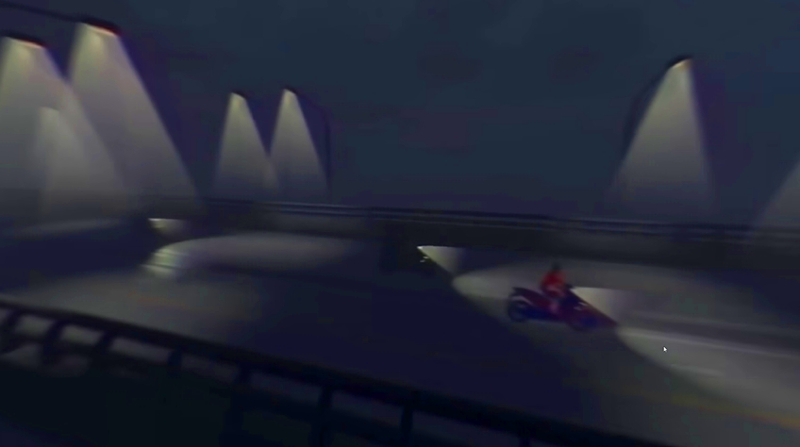
- Tap A or D for a small correction. Release the key and watch how far the bike moves.
- Hold only as long as the gap requires. A wide obstacle may need a larger movement; tapping is a technique, not a rule that forbids holding.
- Stop correcting when aligned. Avoid immediately steering back just because you have cleared one object.
- Plan the next move. Leave enough room to respond to the next visible hazard.
On a retry, practise the section that causes trouble. If obstacles repeat in your build, remembering a recognizable sequence can help. Still use what you see on screen; do not assume every release or attempt has an identical layout.
Time card throws around the attack cue
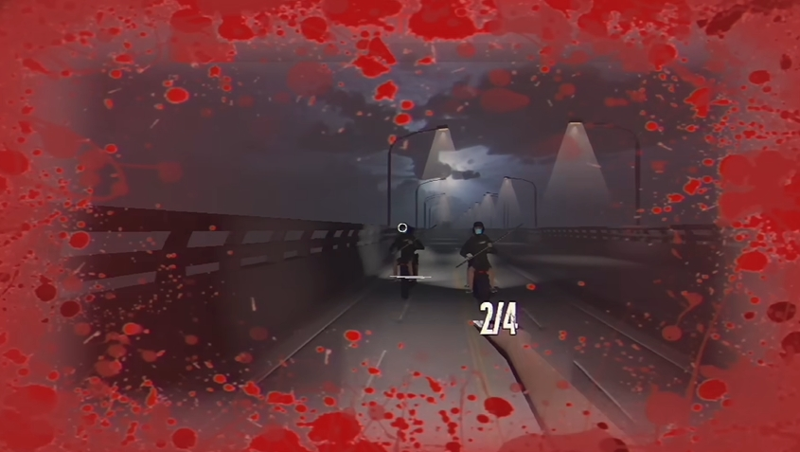
Watch the pursuer as well as the road. When the scene presents a card-throwing opportunity, use the displayed attack control and observe whether the hit connects. An attack attempt is not automatically a successful interruption.
If repeated clicking is not helping, focus on the target and the visible timing cue. Keep steering under control while attacking rather than abandoning the road to watch only the enemy.
Work out why an attempt failed
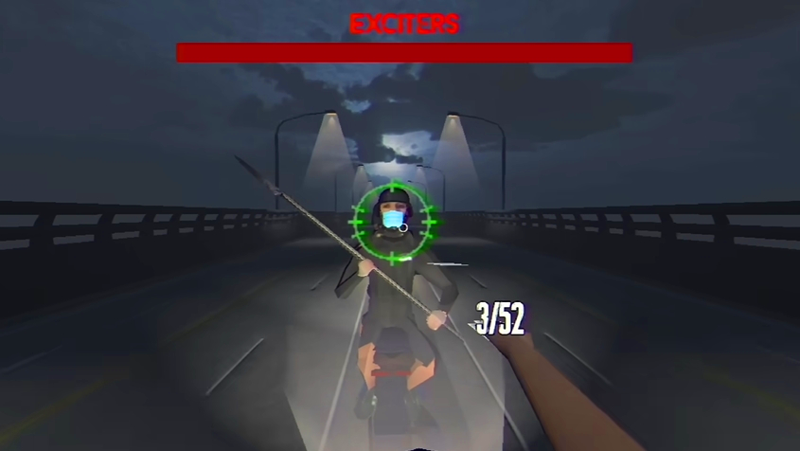
- Collision after crossing a gap: try releasing the steering key earlier and looking for the next obstacle before returning.
- Hit by a pursuer: check whether the attack cue appeared and whether your card hit the intended target.
- Controls seem unresponsive: confirm the game window has focus and that your current build uses those inputs.
- Picture stutters: separate a frame-rate problem from a timing mistake. Close unnecessary applications and check the game's graphics options and requirements.
Retry using the option the game actually offers. Do not assume that a pause menu supports remapping, or that every failure sends you to a specific named ending. Those behaviors need checking in your version.
After completing the sequence
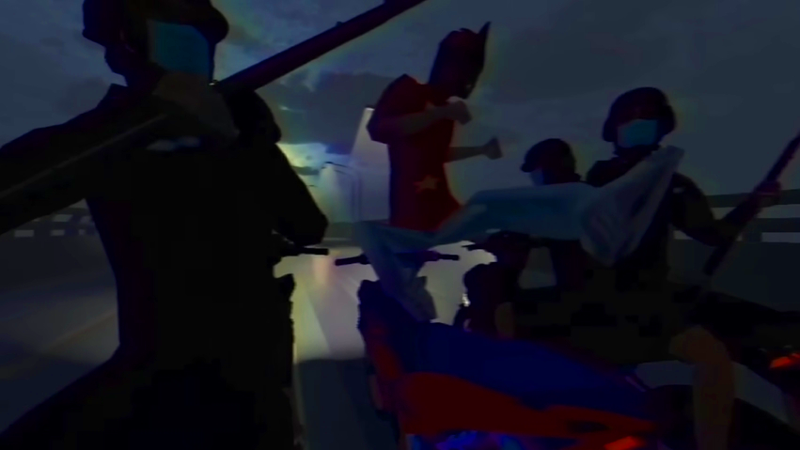
Continue through the next dialogue or cutscene to confirm that you passed the chase. Surviving this action section is part of progressing through the story; the eventual outcome also depends on the route you took.
For the ending branches, use our four-ending overview. It contains major story spoilers, so read it after your first attempt if you prefer to discover the conclusion yourself.
Related Articles
 Pillow Chase Home App: Android Launcher Features and Setup
 Light Shop: Evaluating the pros and cons of a film that is expected to be as successful as Moving
 12 tips for chasing ants away from home simply and safely for health
 Instructions for checking shopping cart on TikTok Shop
 Register to play the Tom and Jerry Chase SEA game in advance
 Hanging a water balloon bag to chase flies, is this really effective? See how science is evaluated
Reader Comments 0
Sign in with email or Google to join the discussion.