Table of Contents
Brother Hai's Pho Restaurant is a first-person, story-driven horror game in which ordinary restaurant work gives way to a village mystery. To play on PC, install the developer's Steam release or download the appropriate desktop build from marisa0704's itch.io page.
This guide covers installation and the opening controls and tasks. The game contains horror and threatening events: read the content notice before starting rather than assuming the restaurant theme makes it suitable for every player.
Download the desktop game
Option 1: install through Steam
Open the developer-linked Steam listing, check the system requirements, and use the play/install option. The game is listed as free to play. Launch it from your Steam library after installation.
Option 2: use the itch.io download
- Open the developer's itch.io page and select its download option.
- If itch.io displays an optional donation prompt, you can choose No thanks, just take me to the downloads when offered. A donation is optional for a free download.
- Select the file for your operating system. The page lists Windows, Linux, and macOS builds; filenames and archive formats can change.
- Wait until the download finishes before extracting it.
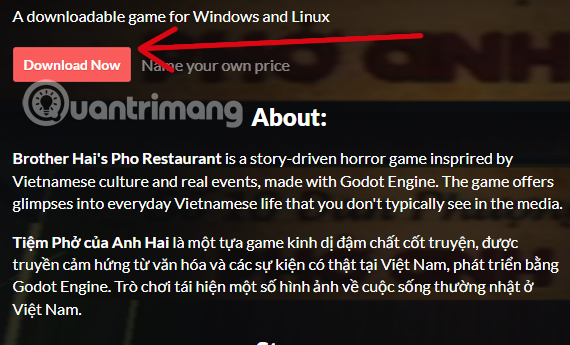
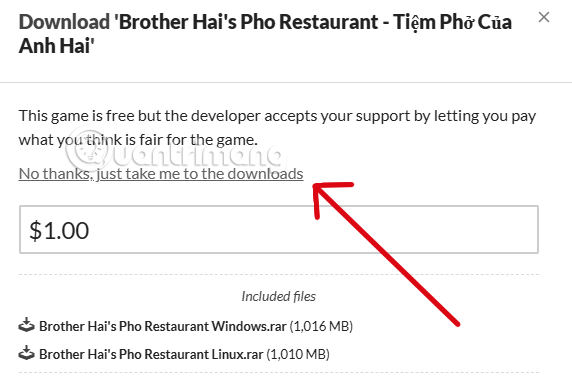
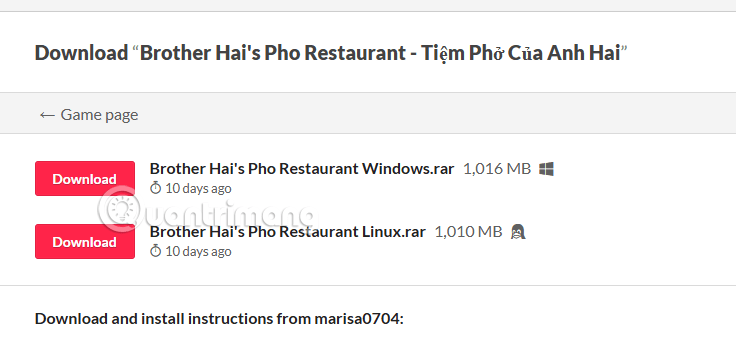
The screenshots show an earlier download flow. Use the platform labels on the current page rather than assuming the first file shown is right for your computer.
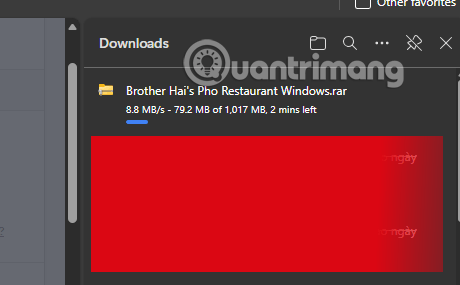
Extract the complete game folder
Use an archive tool that supports the downloaded format, such as RAR or 7z. Extract the entire archive into a dedicated folder. Keep the executable and the accompanying .pck resource file together; running or moving the executable alone may leave it unable to find the game data.
Open the extracted folder and launch its game executable. In the older Windows build pictured below, it is named pho_anh_hai. Your download may use a different filename. Do not run a separate “download manager” or unrelated installer obtained from another site.
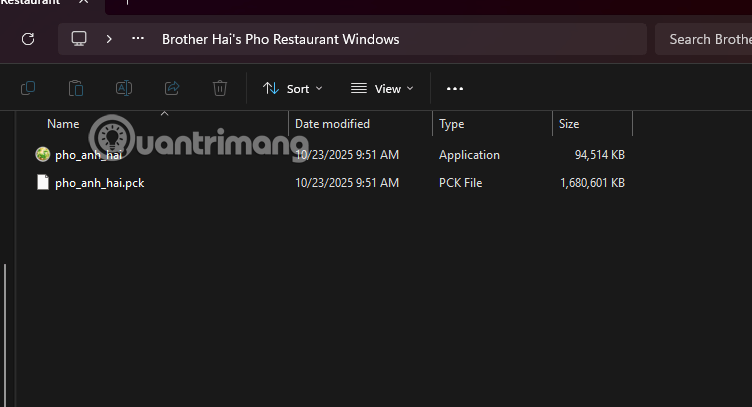
If the desktop build has a compatibility edition for lower-end systems, read its description before choosing it. Do not infer that retro-looking graphics will run well on every computer. An Android emulator is unnecessary for the native PC version; see our platform-specific Pho Anh Hai download guide if you are using a phone instead.
Start the game and choose a language
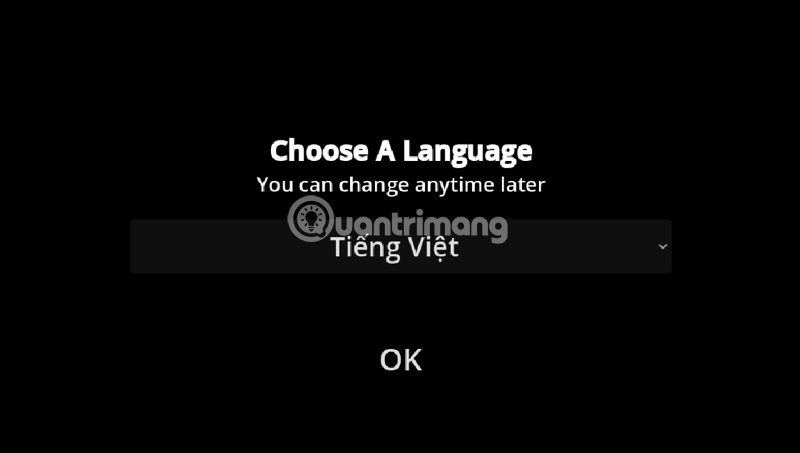
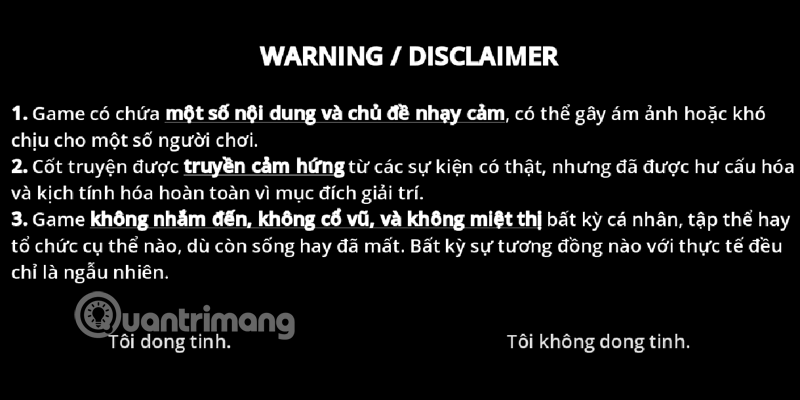
Select a language offered by your build. The older screenshots show Vietnamese selection; the Steam listing includes English and Vietnamese support. Read the displayed content warning and decide whether you want to continue.
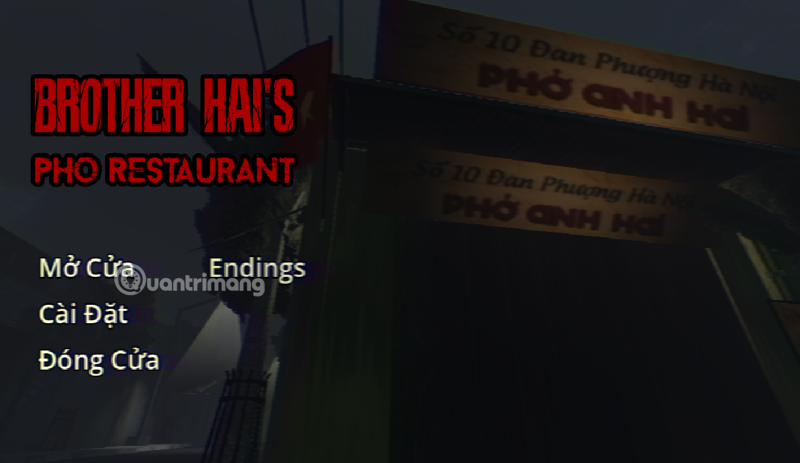
At the main menu, choose the option to start or open the restaurant. If you have already played, confirm whether you want to continue an existing session or start again before selecting a new-game option.
Desktop controls
| Action | Control listed by the developer |
|---|---|
| Look around | Mouse |
| Move | W, A, S, D |
| Run | Shift |
| Interact | Left mouse button |
| Zoom | Right mouse button |
| Pause | Tab |
| Bike steering | A / D |
| Teleport function | Esc |
Check on-screen prompts for the current scene and build. In particular, do not assume Esc acts as a universal escape from every dangerous event.
Complete the opening restaurant tasks
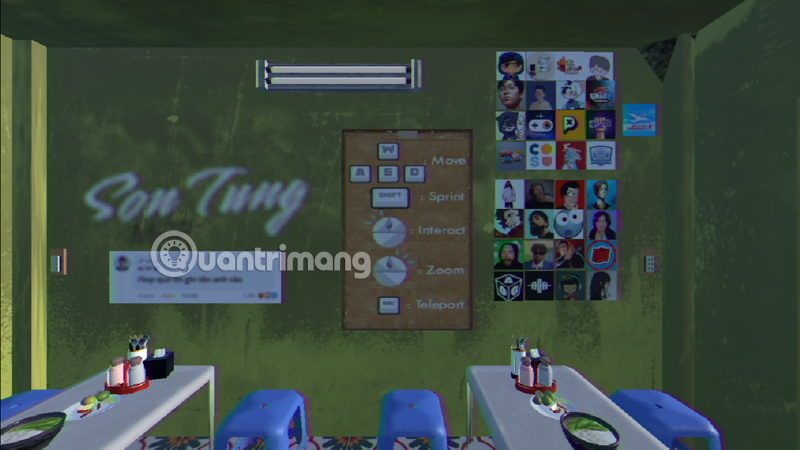
Read each customer's request before interacting with ingredients. Follow the displayed preparation order and add the requested items. Check the order before serving; repeated clicking without reading the prompt can make it harder to identify a mistake.
After serving, listen to dialogue and look for the next interaction prompt. The game advances through conversations and events as well as cooking. If progress seems stalled, revisit the person or object associated with the current task rather than assuming the next event will start automatically.
Cau Vang, Anh Hai's dog, is part of the story. Pay attention when the game directs you toward the dog or an unusual event. Avoid relying on an unexplained walkthrough shortcut before you understand what the scene asks you to do.
Explore without spoiling the story
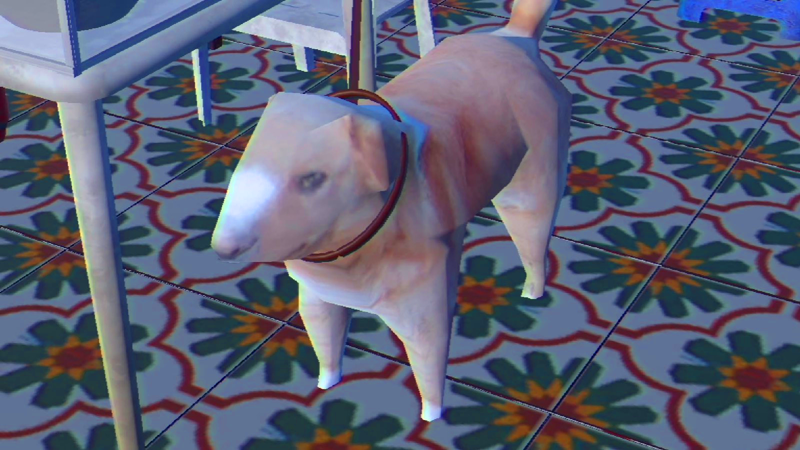
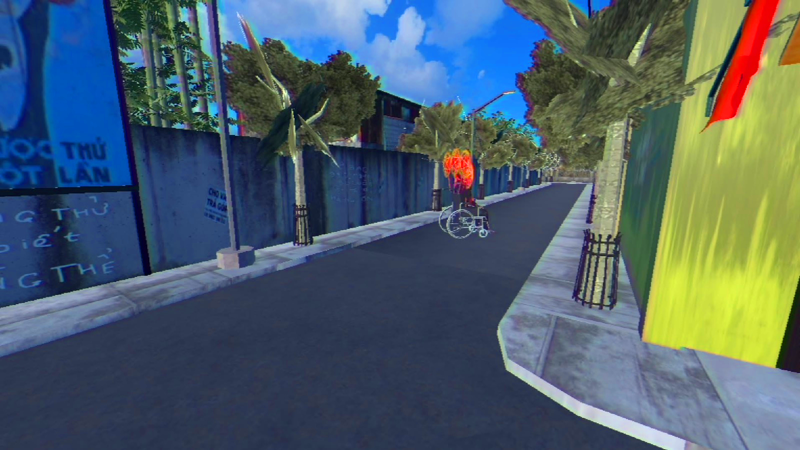
The game mixes Vietnamese everyday-life details, humor, and horror. Observe your surroundings, read dialogue, and investigate objects with visible interaction cues. Changes in sound or the scene can signal that an event has begun, but not every decorative object contains a clue.
Choices and later events lead to multiple endings. Exact content can differ between releases, so a walkthrough for an older build may not match yours. For a specific action section, our Brother Hai chase guide provides further help; read it only when you reach that sequence if you want to avoid spoilers.
If the game will not launch
Confirm that you downloaded the right platform build, extraction finished, and the resource file remains next to the executable. Check the current requirements and developer updates. On Steam, verify the installed files through the game's properties.
Record the exact error, build, operating system, and when the failure occurs before seeking support. Investigate security warnings rather than disabling antivirus or other protections just to make a file run.
Related Articles
 Meet the Characters in Brother Hai’s Pho Restaurant
 How to Pass the Chase in Brother Hai’s Pho Restaurant
 Code Animal Restaurant - The newest Pet Restaurant
 4 Tips To Help You Manage Your Restaurant Business Better
 Tips for playing Ravenous Devils - horror restaurant management game
 Top Tips on How to Profit More of Your Restaurant Business
Reader Comments 0
Sign in with email or Google to join the discussion.