Table of Contents
This updated guide explains how to take stunning long exposure photos with your phone with clear steps, practical tips, and useful context. Taking long exposure photos with just your phone may seem like a pipe dream. But with a cheap portable tripod and some creative editing, you'll be well on your way to making this type of photography work. You do not need a fancy camera to take amazing photos.
1. Use iPhone's Live Photos Feature
People are used to carrying around their heavy DSLR or mirrorless cameras to take creative shots like long exposure shots. If you are familiar with the exposure triangle in photography, you will know that we can adjust the aperture, shutter speed and ISO in the camera. For long exposure shots, it is ideal to use a very slow shutter speed.
The problem with mobile photography is that you cannot adjust the shutter speed. The built-in camera does not have that option. Some phones may have a night mode that gives you some control over the shutter speed, but it is still not enough to get the creative effect you get from the camera. Use a professional camera for creative projects like this.
Still, there is another way to take long exposure photos on iPhone: with Live Photos. When you take a live photo with iPhone, it records 1.5 seconds before and after you take the photo. Photo editors have the option to convert live photos into long exposure photos.
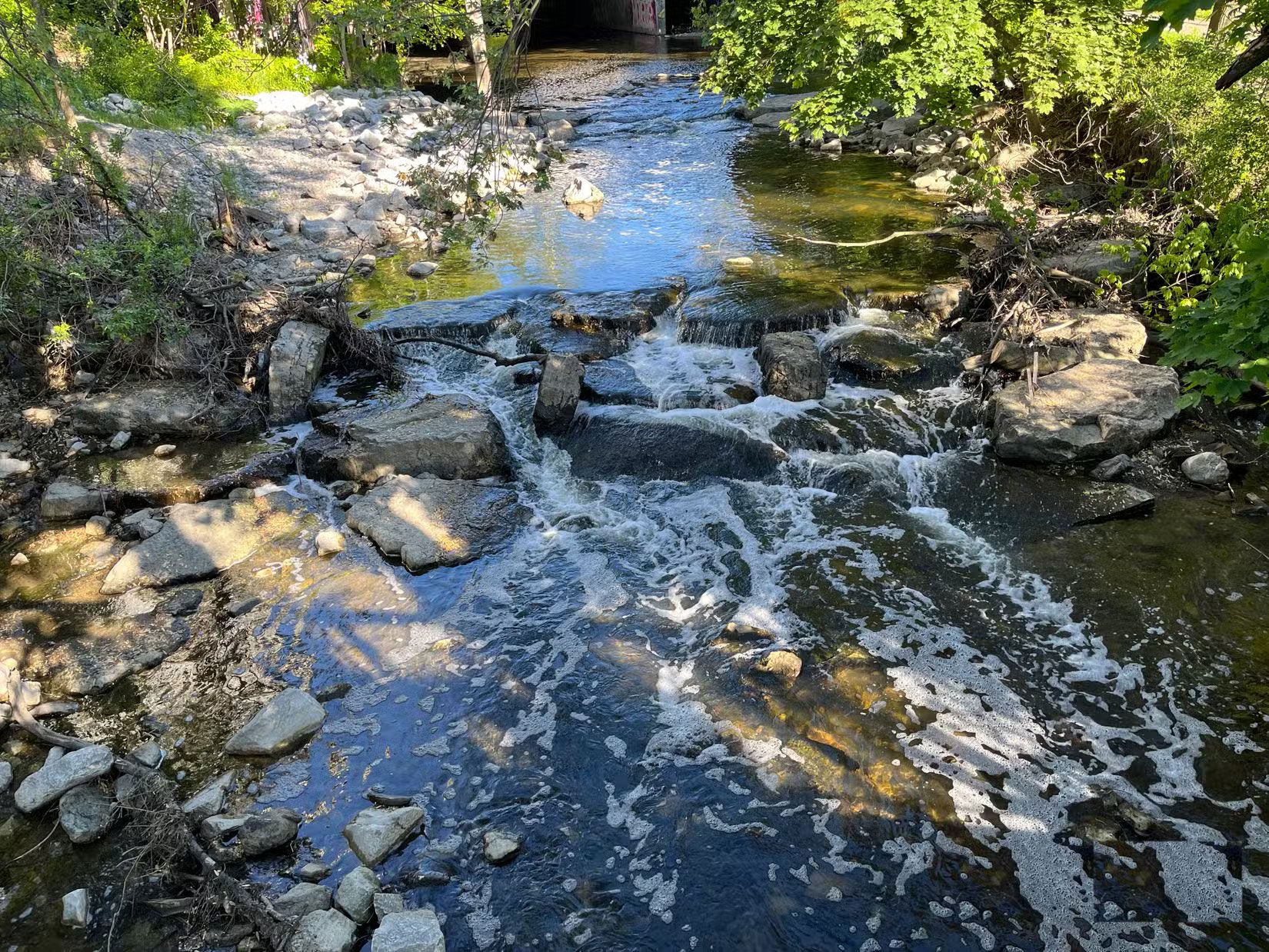
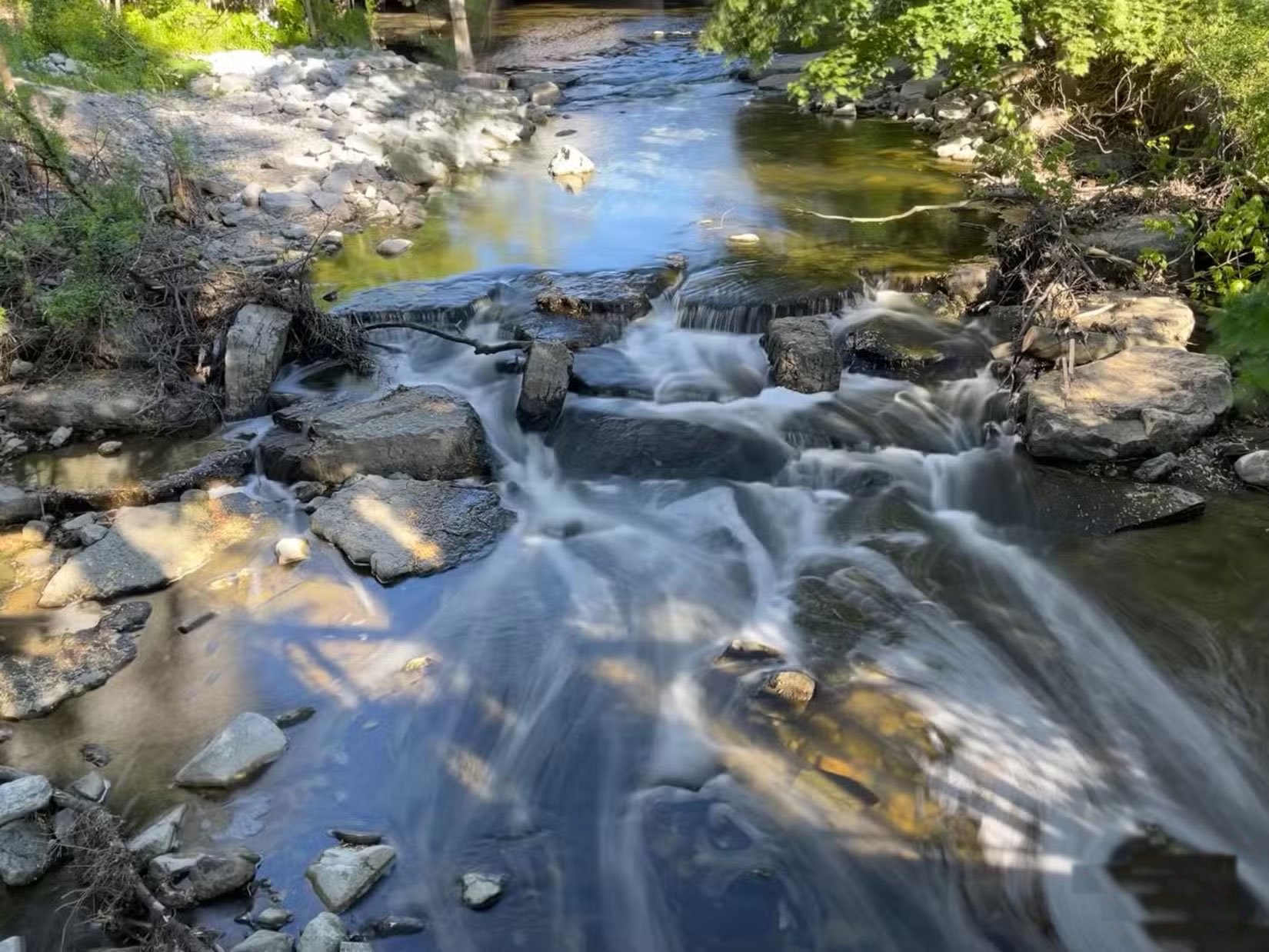
2. Use the Slow Shutter Cam App
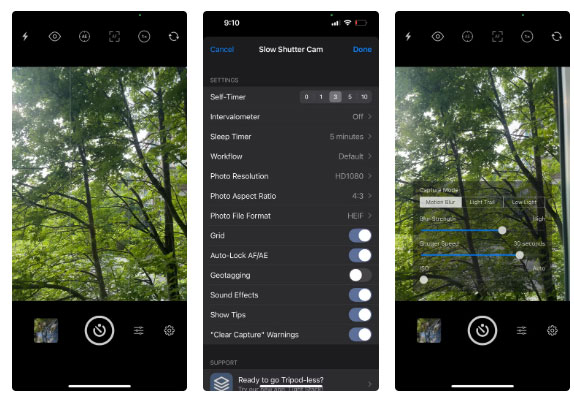
No matter how much you love your camera, you cannot carry it everywhere with you. So, Slow Shutter Cam can be a great tool for long exposure photography.
Overall, the app is pretty simple to use. You have three options: Long Exposure, Light Trails, and Low Light. You can lock exposure and focus, which is handy when lighting conditions change and the subject moves.
3. Find a Creative Subject
Once you have figured out how to control your shutter speed, you need to choose an interesting subject. For long exposures, your subject should move to get that dreamy look. The most common subjects are water, vehicles, and clouds.
As a wildlife photographer accustomed to seeing the world through a zoomed-out, narrow lens, composing with the iPhone's wide-angle lens is a challenge. Even with the app and all the gadgets that come with the device, it still takes patience and a trained eye to see and compose a scene creatively.
4. Tripod Is a Must
When shooting at slow shutter speeds, a tripod is essential to avoid camera shake. Even small movements can result in blurry images when hand-holding your device. A good tripod also gives you more control to adjust your angle and perspective. You can use a cheap phone tripod that doubles as a selfie stick.
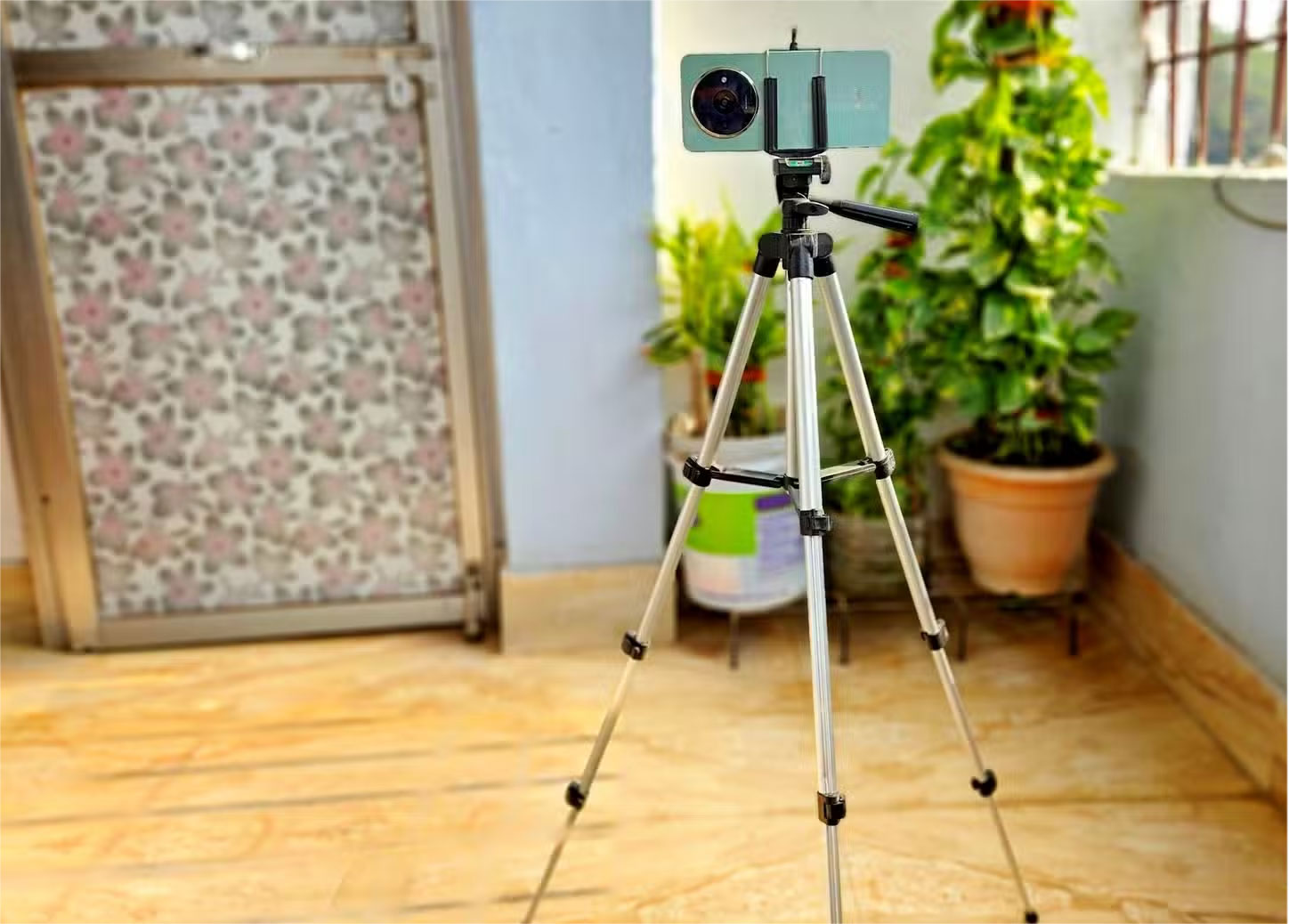
If you do not have a tripod, do not worry. You can get creative and use structures like bridges and railings to prop your phone up. Just ensure it is safe and you do not accidentally knock your phone over. You can use things like backpacks or rocks to prop your phone up. The most important thing is to keep your phone supported without holding or touching it.
5. A Wireless Shutter Release Would Be Helpful
Another useful item for long exposure photography is a wireless shutter release. Again, you'll need a wireless shutter release to keep your phone hands-free. You can use headphones or AirPods to control your camera's shutter. There are plenty of videos online that explain the steps if you're not sure how to do it.
Alternatively, you can use a simpler option like the timer on the Slow Shutter Cam to take the photo. The only downside to this method is that you have to wait a few seconds, but that is not a big deal.
6. Adjust Shutter Speed for Different Effects
You can adjust the shutter speed and blur in the Slow Shutter Cam app. Take your time experimenting with different settings until you get the effect you want.
to expose your image for longer than 30 seconds, you can try bulb mode, which keeps the shutter open as long as you keep pressing it. Note that you need a remote shutter button to make it work. With the timer option, you have to touch the phone's shutter, which can cause blur.
7. Editing Is Key
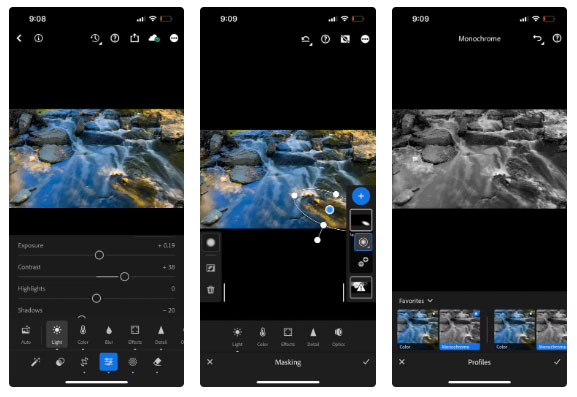
A great iPhone and a great app aren't enough to take great photos. You need to unleash the power of photo editing to take your photos to the next level. The preferred photo editing tool is Lightroom on mobile.
When it comes to photo editing, people tend to take a minimalist approach. Make conscious efforts to enhance color and quality in subtle ways. Many people dislike HDR, which creates super-sharp or oversaturated images. Even with diligence and careful composition, your photos will still need some editing.
FAQ
What should I prepare before I take stunning long exposure photos with your phone?
Review the requirements and options in the guide first. Having the correct device, app version, account access, or materials ready helps prevent avoidable errors.
How long does it take to take stunning long exposure photos with your phone?
The time depends on the task and your setup. Most basic steps can be completed quickly, while downloads, updates, scans, or troubleshooting may take longer.
What should I do if the steps do not work?
Repeat the instructions in order, confirm that your software or device is supported, and check permissions, connectivity, and available updates before trying again.
Related Articles
 Admire 10+ Virtual Long Exposure Images of the World Around Us5 minutes read
 Turn on the Secret of Long Exposures in Photography6 minutes read
 What Is Exposure and Exposure Triangle in Photography?11 minutes read
 The Secret of Creating Unique Photos with Long Exposure7 minutes read
 How to Use Photoshop CS6 (Part 3) - Create Manipulation Artwork with15 minutes read
 Admire the Beautiful Dual Exposure Wallpapers3 minutes read
Reader Comments 0
Sign in with email or Google to join the discussion.