Table of Contents
This practical guide explains how to Decide Whether to Buy a Console or Not through clear, ordered steps. It also covers useful settings, common mistakes, and checks that can improve the final result.
Have you ever had your eye on a new console, but were both excited and skeptical about its value? The following tips will help you make an informed decision when buying a console.
Prices of Consoles, Games and Accessories
Most consoles come in various versions, such as a standard version, a digital version, and a performance version, which can have a significant impact on price. If you're considering a premium model, like the newly released PS5 Pro, for improved performance or more storage, you'll need to evaluate whether those extra features justify the higher price.
The costs don't stop at the console, either. The money spent on games can add up efficiently, especially if you want to buy new releases at launch. Then there are the accessories. Controllers, charging docks, headsets, and storage expansion all add to the total cost.
Some accessories are optional, but others, like additional controllers, may be necessary for multiplayer games. Always factor these additional costs into your total investment.
Specifications and Lifespan

When it comes to console specs, focus on aspects like CPU power, GPU performance, and RAM, as these factors determine how well the console can handle demanding games, game smoothness, and load times, not just for current titles; but also for the future.
Design and Style
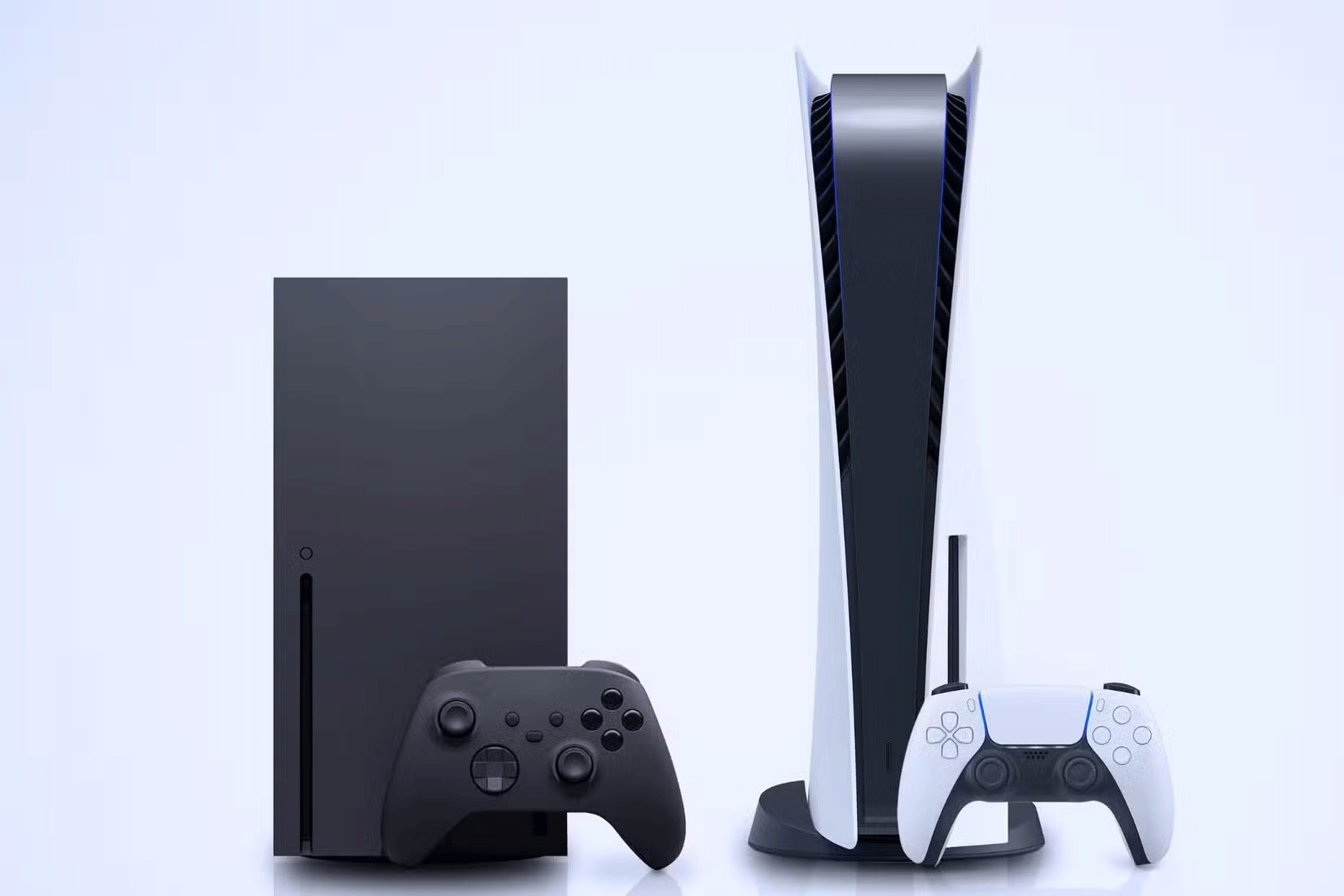
A console isn't just about performance or a game library; it's a physical device that integrates into your living space. As such, the design and size of the machine are essential considerations, both aesthetically and practically.
Another essential factor is portability. If you frequently move your console around—whether to another room or to a friend's house to play games—then weight and compactness become essential considerations. The more portable a console is, the more versatile it is for various gaming scenarios.
Registration Costs and Outstanding Features
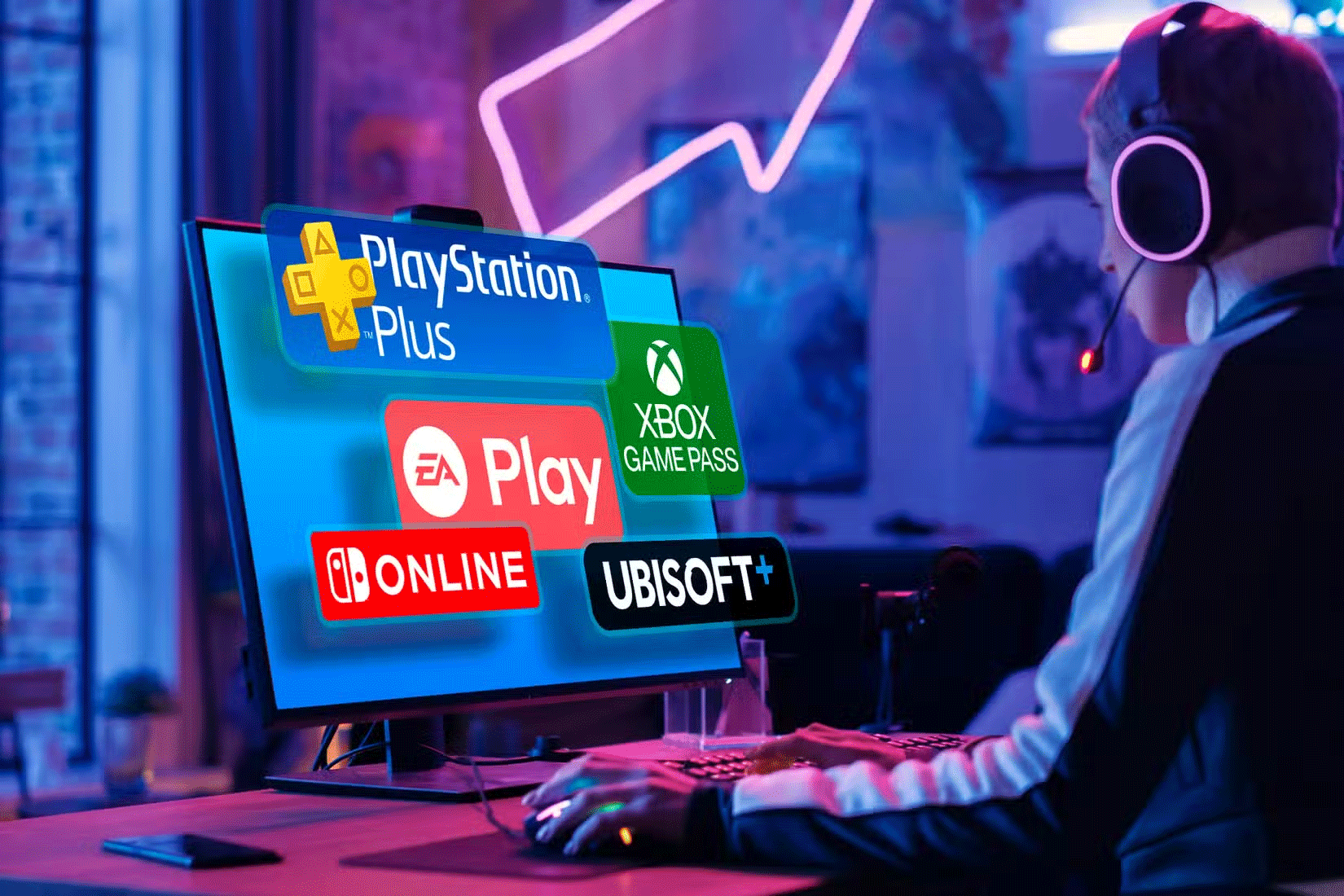
Owning a console these days is rarely a one-time purchase; ongoing costs can add up significantly. Most consoles offer some form of paid subscription service that unlocks online multiplayer, offers free monthly games, and grants access to ever-expanding game libraries. These subscriptions vary in price and often come in multiple tiers, each with its own set of benefits.
Availability of Exclusive Titles
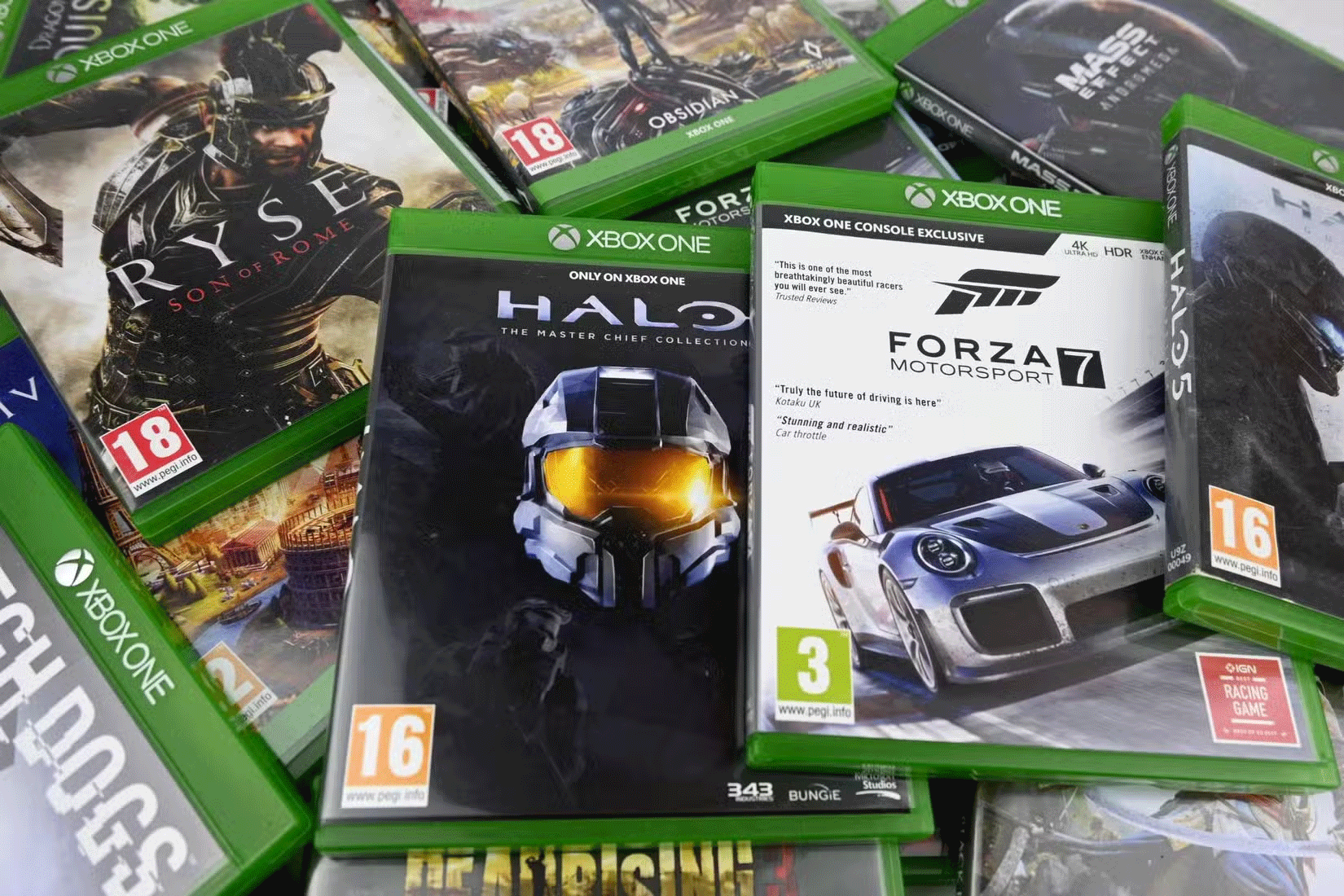
Exclusive games give a console its identity and can sometimes be the reason for its high price tag. These are games that you can't play anywhere else - there's no PC version or cross-platform release.
If the console's exclusive game lineup is strong, both at launch and in the near future, that's a significant advantage. After all, you're buying a console for the games, and if it's a game you can only experience on the platform, it's hard to say no.
Backward Compatibility
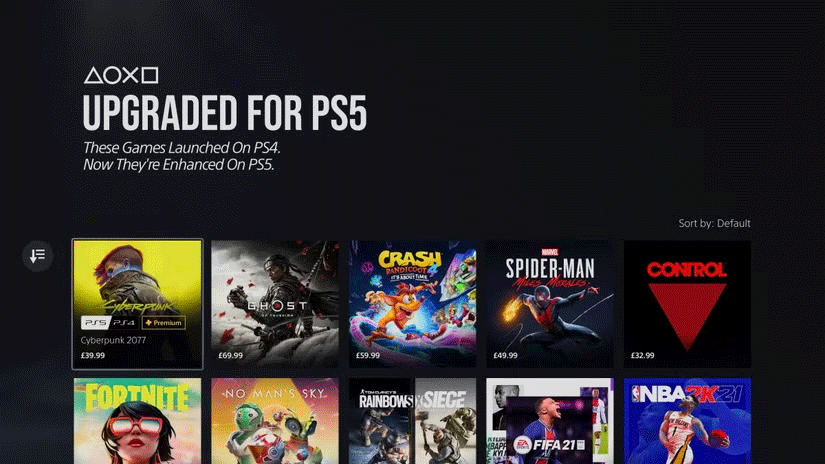
It's not just about having access to the latest and greatest games; it's also about the value you get from your existing library. After investing time and money into your previous console collection, you want to make sure you can continue without having to start over.
A backward compatible console lets you play your favorite games from previous generations without having to set up multiple devices or repurchase titles you already own.
Reviews from Other Users
It's best to avoid buying a console right after launch. Instead, wait for early reviews to come in. These reviews provide valuable insights from real users who have experienced the console firsthand, providing a perspective that marketing materials can't match.
Here are some tips to help you decide whether a new console is worth the investment. By carefully considering these factors, you can confirm that your investment fits your preferences and will provide you with long-term enjoyment. It's best to take your time, explore your options, and find the console that's right for you.
FAQ
How do I Decide Whether to Buy a Console or Not?
Follow the steps in this guide in order, verify each setting before continuing, and check the result after every major change.
What should I prepare before I Decide Whether to Buy a Console or Not?
Confirm compatibility, install current updates, save important work, and back up data before changing system or application settings.
What can I do if decide Whether to Buy a Console or Not does not work?
Review permissions and requirements, restart the relevant device or app, repeat the steps carefully, and use official support resources when the issue continues.
Related Articles
 What Is Microsoft Management Console (MMC)? Steps to Use8 minutes read
 How to Import Recovery Console in Windows XP?5 minutes read
 Top 7 Sup Handheld Game Consoles for Extremely Engaging Gaming10 minutes read
 Install and Use Recovery Console in Win XP14 minutes read
 Why Is Nex Playground the New Favorite Console Game: Key Reasons Explained7 minutes read
 How to Turn Your PC into the Ultimate All-in-One Gaming Console9 minutes read
Reader Comments 0
Sign in with email or Google to join the discussion.