Table of Contents
Nex Playground is a TV-connected motion gaming system that uses a built-in camera to follow players' movements. Instead of holding a controller during gameplay, you move your body to interact with sports, rhythm, and party games. It is aimed at families who want active play together in the living room.
Its appeal is the simple way players join in, but the room layout, game selection, and cost of extra games matter as much as the hardware. It is already an available product, rather than a console awaiting a future launch.
How controller-free play works
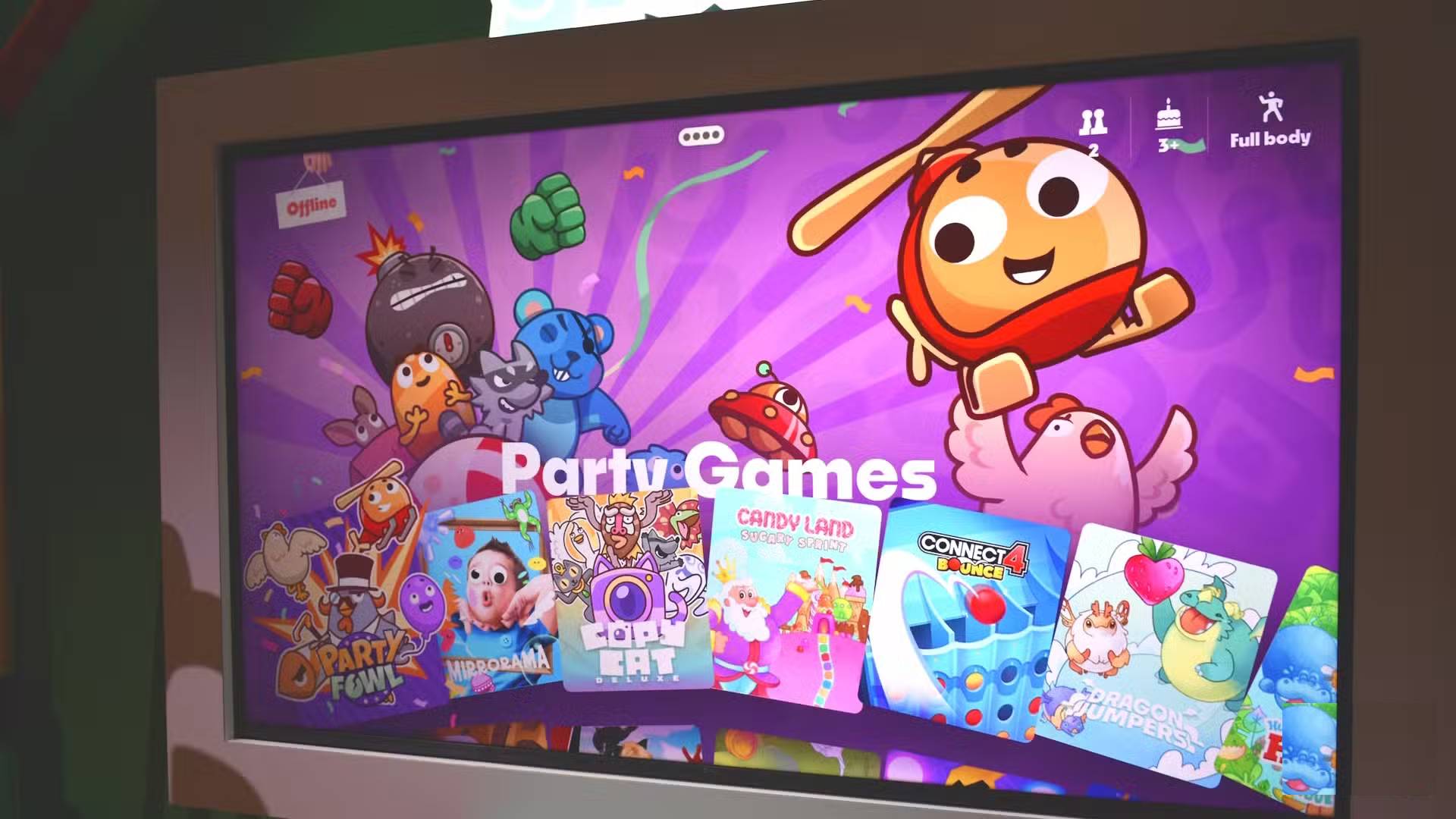
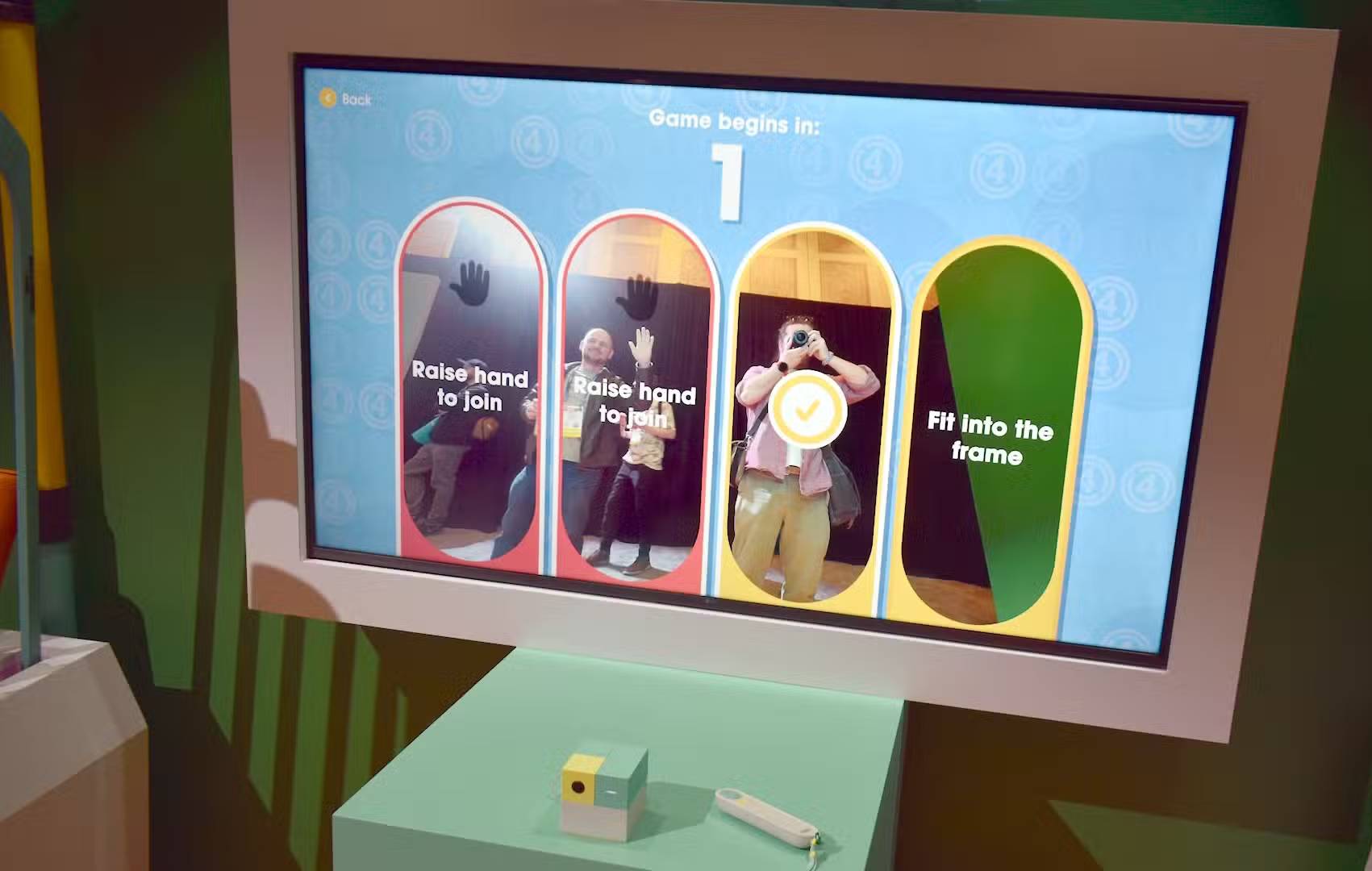
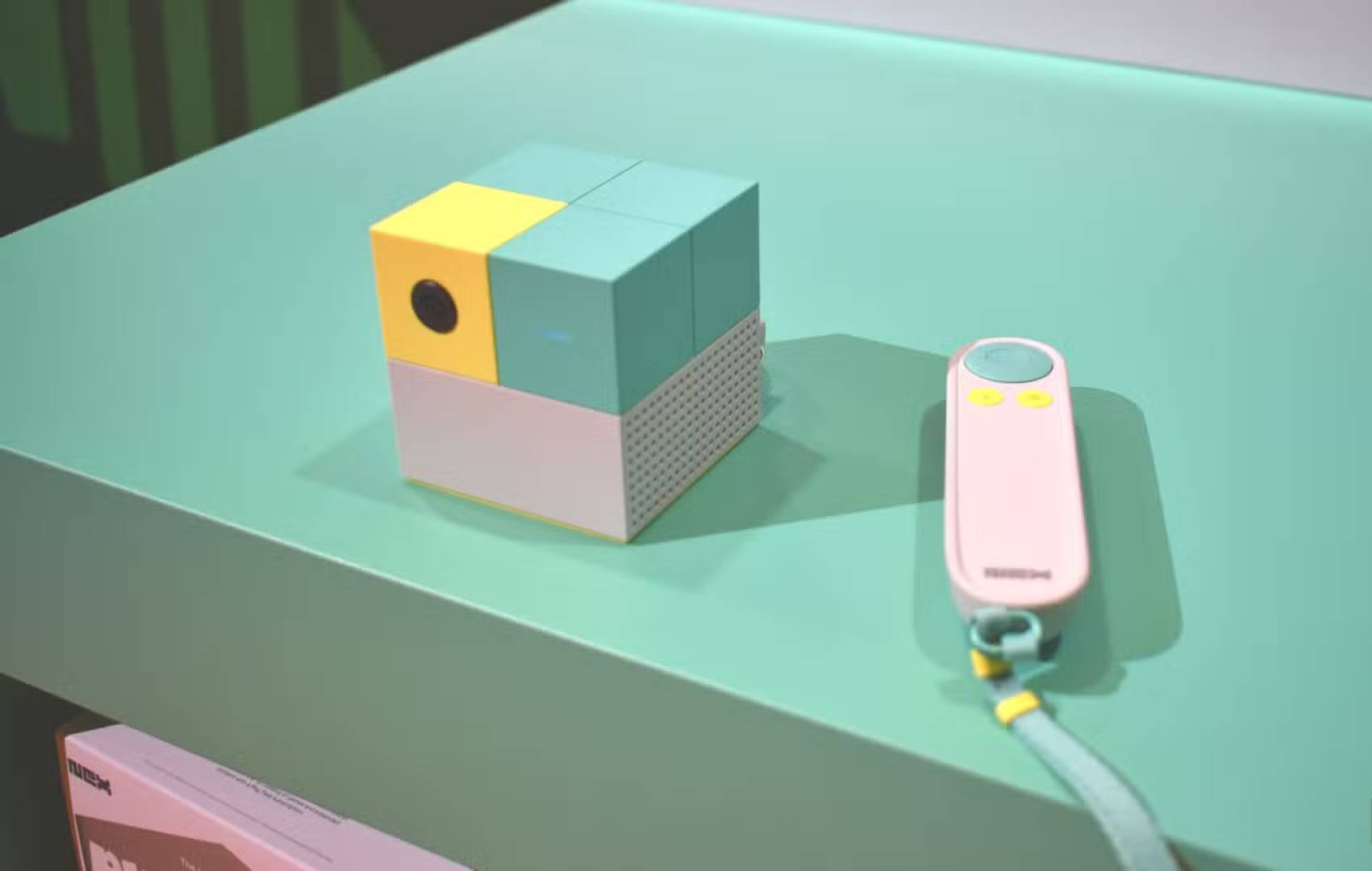
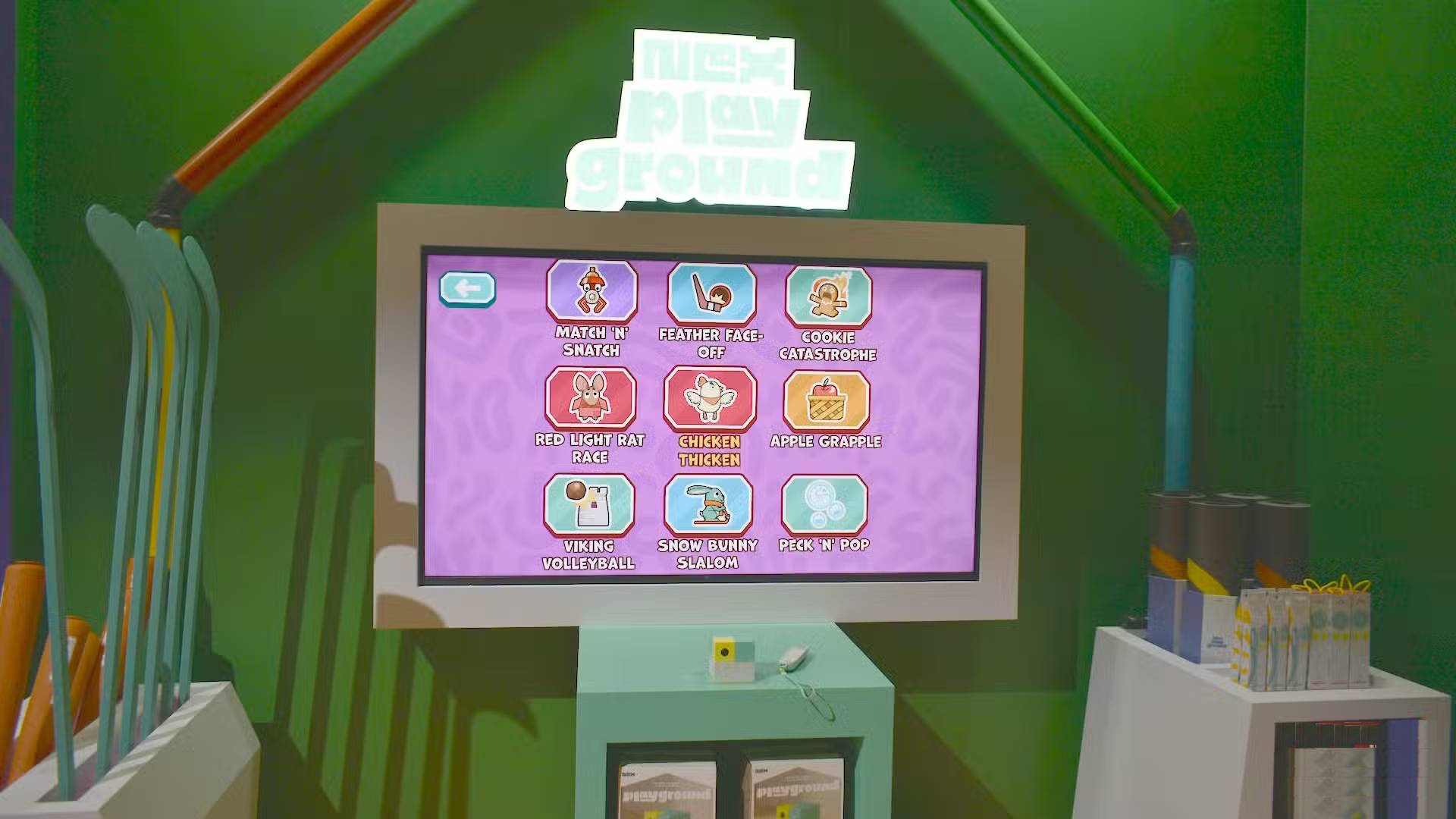
The system connects to a television through HDMI and uses its camera for gameplay input. A remote is included for setup and menu navigation; “no controllers” refers to playing the motion games, not every interaction with the device.
The hardware supports up to four players at once, although the player limit depends on the game. Camera tracking also depends on being able to see the people playing, so do not assume every game will work equally well in every room.
Check your play space first
Nex recommends a clear play area of roughly 6 feet by 6 feet. Center the device in front of or below the television and keep its camera view unobstructed. Follow the on-screen setup instructions to confirm that players are visible before starting.
Move furniture and loose objects out of the movement area, leave space between players, and choose activities that suit their abilities. You do not need foam bats or other props to make the camera recognize normal gameplay movements.
Included games and the optional Play Pass
The five starter games are Fruit Ninja, Starri, Whack-a-Mole Deluxe, Party Fowl, and Go Keeper. They offer a starting selection of motion-based activities without requiring Play Pass.
Play Pass adds access to the wider catalog, which includes sports, dance, party games, and character-based activities. An active pass is required for games in that catalog. Check individual game descriptions for player count and the type of movement involved.
At the time of review, Nex's official Play Pass page lists US prices of $49 for three months and $89 for twelve months. Hardware costs are separate. Prices, purchase terms, and the catalog can change, so confirm them before buying.
Try the included games before deciding whether the additional library fits your family. A larger catalog is useful only if it includes activities people will actually want to play.
Camera privacy and Connected Play
Nex says motion tracking is processed locally on the device. Its privacy and security guidance describes a camera activity light and an included magnetic privacy cover. Downloaded games can be played offline. Local camera processing should not be confused with a claim that the service collects no account or technical data.
Nex has also described Connected Play, including a Playdate feature for sessions between trusted Playgrounds. Its published design uses adult-controlled pairing and mutual approval; the announcement does not justify assuming unrestricted online play is available on every device.
Check the current software and feature availability before purchasing for remote play. Review the pairing controls and subscription requirements, and enable connections only with people your family knows. Avoid treating an online feature as automatically risk-free.
Who is it best suited to?
Playground fits short, active group sessions where people want to join without learning button combinations. It is less suited to someone looking for a broad library of traditional controller-based games or long story-driven adventures.
If you already own a Switch, compare the activities you want with its motion-based options, such as Super Mario Party Jamboree's Motion Island modes. For a different style of play on an existing phone, see how to connect a controller to an Android phone. These are alternatives with different controls and game libraries, rather than interchangeable versions of Playground.
Related Articles
 Top 7 Sup handheld game consoles for extremely engaging gaming
 How to connect T3 game controller for beginners
 Are the game consoles infected with viruses?
 Valve's Steam Deck handheld game console, $400, can play PC games
 How to Turn Your PC Into the Ultimate All-in-One Gaming Console
 How to use Apple Intelligence's Image Playground to create AI images
Reader Comments 0
Sign in with email or Google to join the discussion.