Table of Contents
Explore deleting cookies is pointless.
Today, that simply isn't enough to protect privacy.
Modern tracking technology has evolved. Cookies are just one part of how websites identify you, display ads, and track you online. So, while deleting cookies doesn't actually create a problem, if you really want to minimize online tracking, you need to stop chasing cookies and start limiting the data your browser leaks in the first place.
Cookies are just one part of the privacy picture
Other tracking methods need to be addressed
Cookies have always been around. But they aren't the only privacy tracking tools that monitor you online. After all, there are several other ways your data is being collected, whether you want it to or not.
Browser fingerprinting
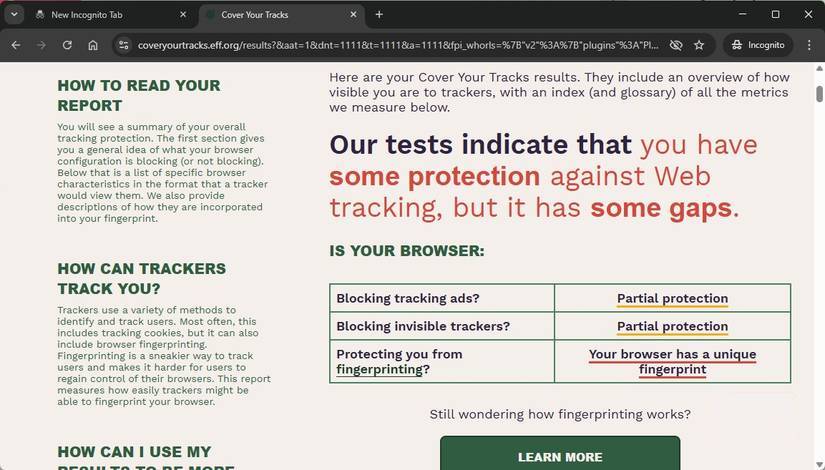
Browser fingerprinting works by observing the characteristics of a device instead of storing anything there. Screen resolution, operating system, installed fonts, graphics hardware, time zone, and even how your browser displays certain elements can be combined into a surprisingly unique profile.
However, this is something they don't tell you about cookies. Deleting them doesn't protect against fingerprint retention, and it doesn't erase fingerprints either. The same story applies to incognito browsing; while they offer privacy, they aren't very effective.
IP address and network level tracking
You've probably noticed that when you go to a new place, the ads change. Even just a few hours on the road can bring up more localized ads, and when you arrive in a new country, it changes completely.
That's because advertisers can use geolocation and network configuration to target ads to your specific location. It doesn't matter if the ad is actually easy for you to understand, but most of the time, geolocation and network data are combined with other information to display the most accurate ads wherever you are.
You've probably seen this many times on your devices. It's important to remember that this tracking can occur in many different places, far beyond the website you're visiting. Content delivery networks, analytics providers, and advertising exchanges can all detect behavioral patterns, even if cookies are regularly deleted.
Track the account
Your accounts are also doing their best to track you on the internet. Since most major platforms, like Google, Facebook, and Instagram, are simply advertising tools, this is understandable.
Cookies are part of the problem. But these giant publishers have many other tools as well, such as tracking pixels, embedded scripts, login buttons, etc. Each of these different tracking tools helps build a profile, even if you've deleted your cookies.
The core issue is preventing data collection in the first place
You need a multifaceted approach to protecting privacy
Like many things in life, protecting your privacy is a multi-layered process. Unfortunately, there isn't a single, one-size-fits-all button you can press to solve every problem. However, don't despair, because enhancing your privacy isn't difficult; it just requires a little thought.
Use a privacy-focused browser
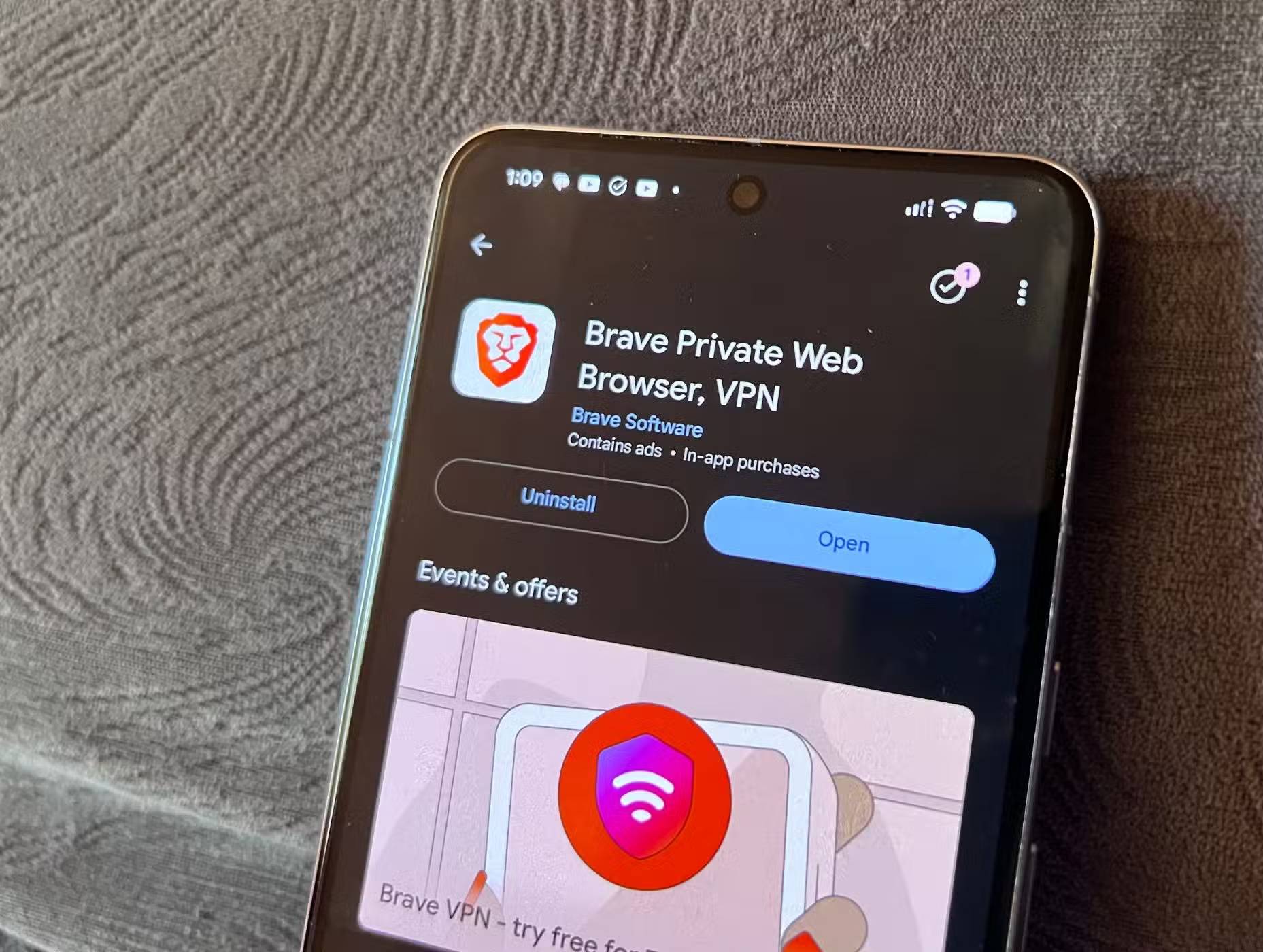


Google Chrome is currently the most popular browser in the world. But it's not the most privacy-focused browser. Given that Google's primary business focus is selling advertising, that's almost self-evident.
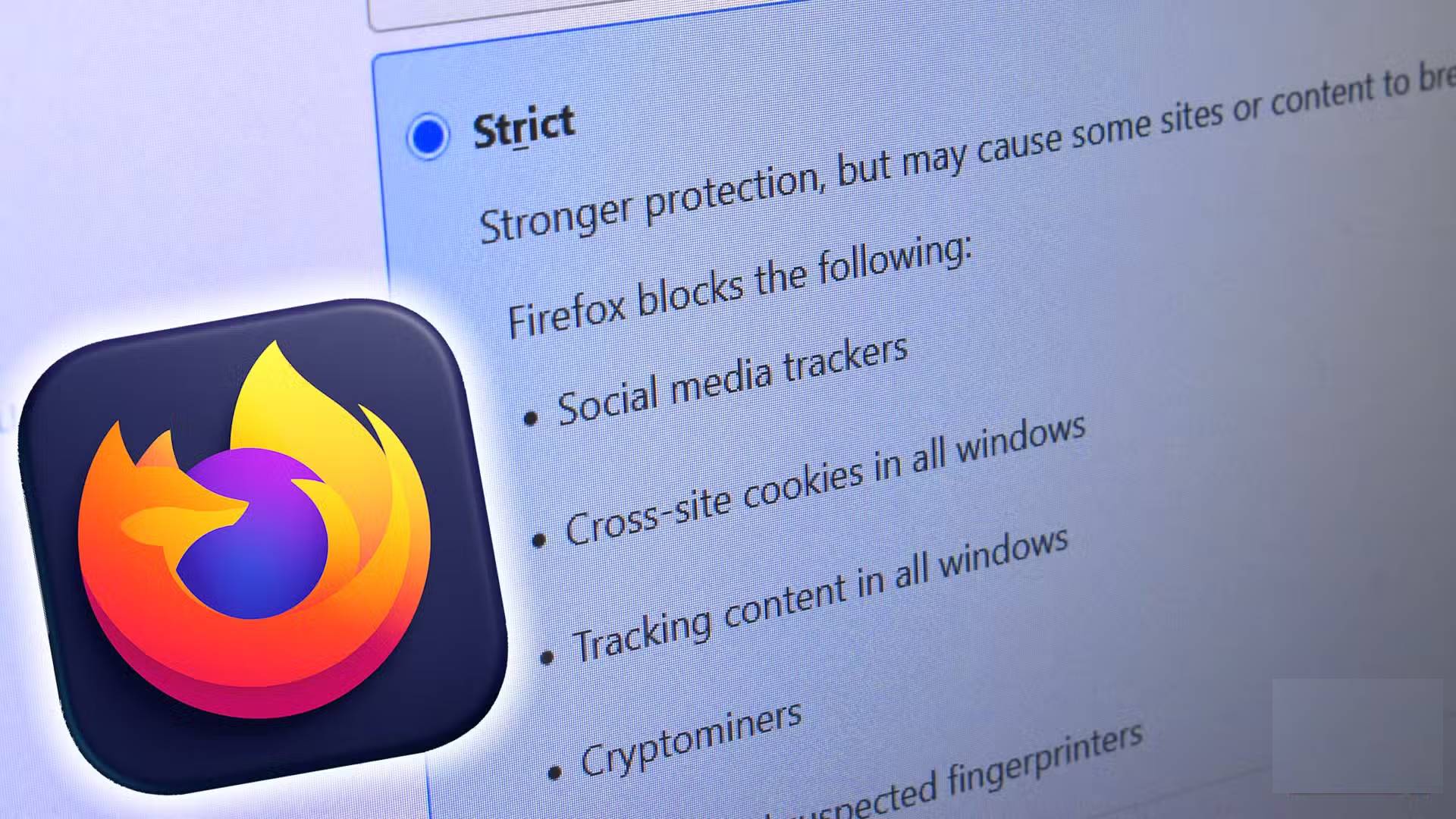
There are several browsers specifically designed to protect privacy, such as Brave and Firefox, without compromising your browsing experience. (Although Firefox's focus on artificial intelligence has raised some concerns about its security!)
Both browsers include privacy-focused safeguards such as cookie partitioning, script isolation, and automatic blocking of known fingerprint identification.
Use a privacy-focused DNS provider
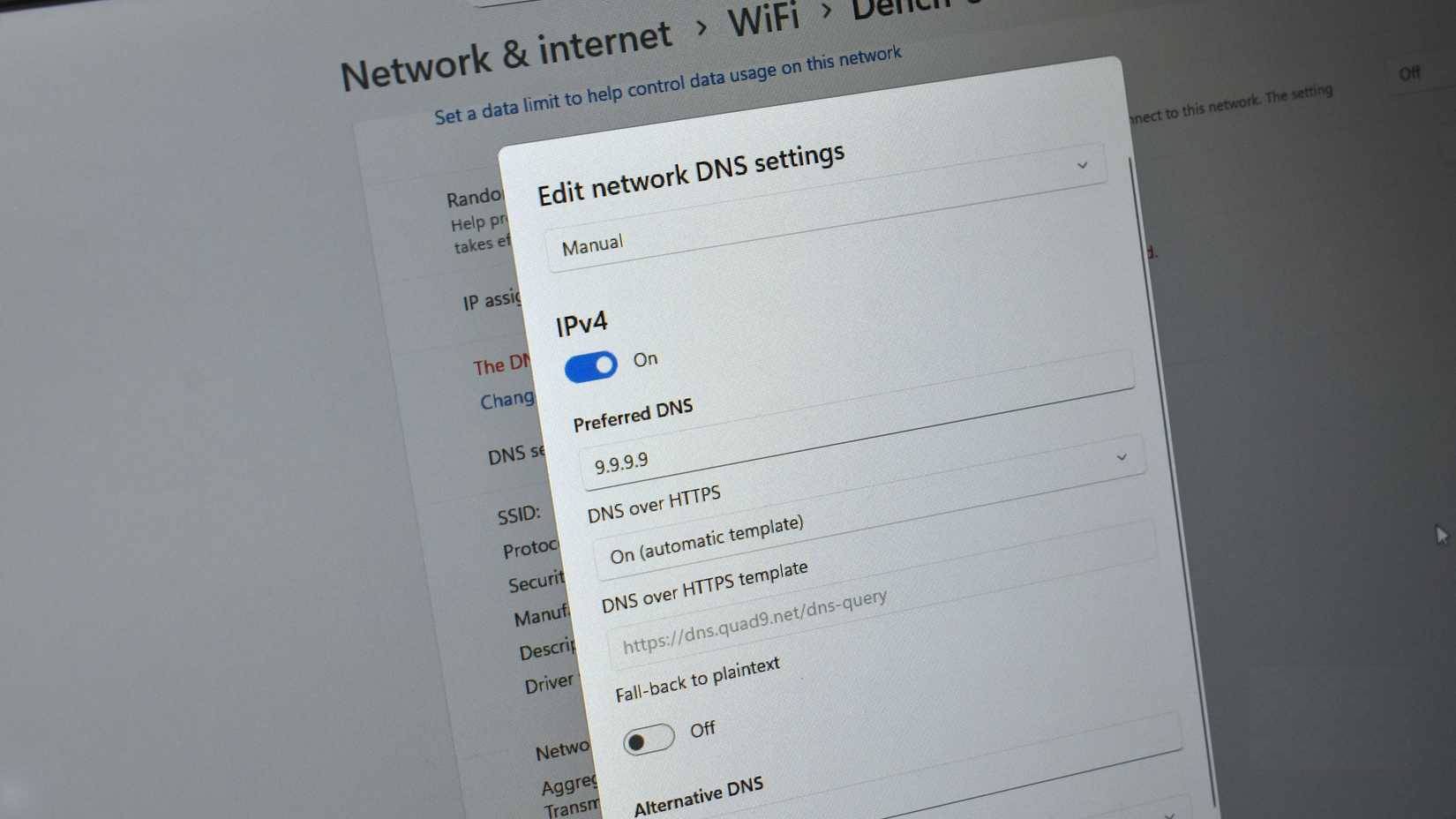
Another convenient and easy privacy enhancement measure is to change your DNS provider.
The Domain Name System (DNS) is essentially the backbone of the Internet, converting the text we type into the address bar into numerical IP addresses to find data, websites, or other information. Each time you do this, you make a DNS request to find the data you need.
However, most of these DNS requests are sent as plain text, meaning your Internet service provider (ISP), network administrator, or similar authority can view your requests and figure out what you're doing. And that's why an encrypted DNS provider is necessary.
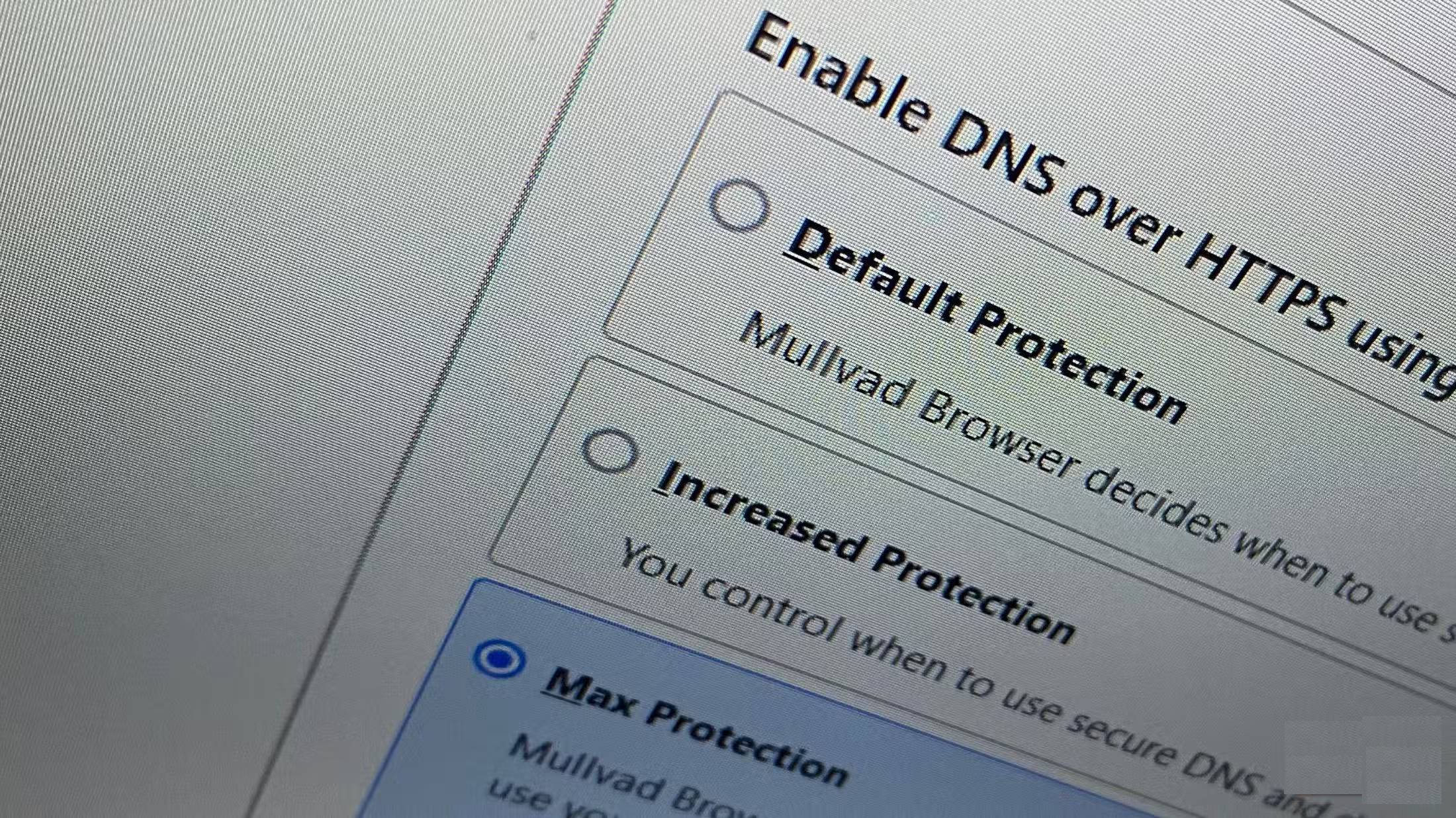
You can also enable DNS over HTTPS in your browser, or even better, for your entire operating system, to better protect data sent and received on your system.
Change browser settings
If changing browsers isn't possible, you can take some additional steps to protect your privacy by adjusting certain settings.
For example, there are many settings you can change in Microsoft Edge to enhance your privacy, whereas if you have to use Google Chrome, there are several browser extensions that will protect you.
It's helpful to remember that none of these measures will make you completely invisible online. But taking some extra steps will enhance your privacy, reduce your surface area exposed, and provide fewer distinct signals from your devices.
Automatically reject cookies if possible
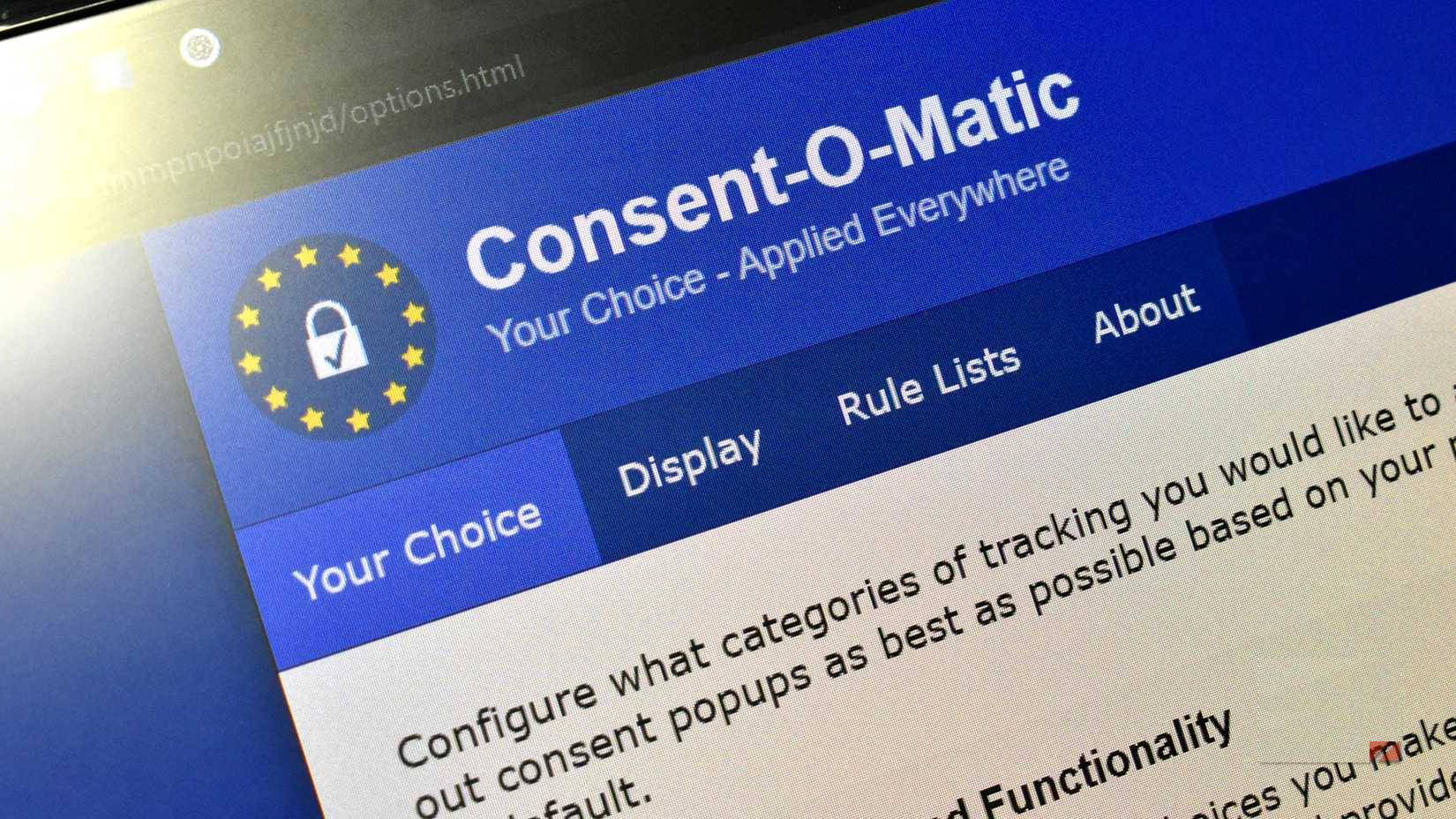
Cookie pop-up windows are really persistent, aren't they? They're certainly a nuisance in everyone's life, as people spend around 8 to 10 hours a day online researching, writing, etc.
That's why they started using a small browser extension to automatically reject cookies, which helps push back some of those pop-up windows.
Final Thoughts
Understanding deleting cookies is pointless makes it easier to evaluate the information and apply the most relevant recommendations. Focus on the key points above and verify details that may change over time.
FAQ
What is deleting cookies is pointless?
Explore deleting cookies is pointless.
What key points does this article cover?
The article focuses on Cookies are just one part of the privacy picture, Other tracking methods need to be addressed, Browser fingerprinting, with practical explanations and examples.
How can you use this information in practice?
Use the explanations to compare options, verify important details, and make a more informed decision. Apply the recommendations that best match your goals and situation.
Related Articles
 Google Plans to 'Purge' Third-party Tracking Cookies3 minutes read
 7 Kinds of Browser Cookies You Need to Know9 minutes read
 What Are Supercookies, Zombie Cookies and Evercookies and Are9 minutes read
 5 Tweaks to Stop Your Smart TV from Tracking You7 minutes read
 How to Block Tracking Cookies on Firefox: Block Browser Cookies4 minutes read
 Tracking Email and Privacy Infringement -- Old Problems That Are14 minutes read
Reader Comments 0
Sign in with email or Google to join the discussion.