Table of Contents
Choose a privacy app according to the data you want to protect. SimpleLogin hides your main email address from individual sites, Proton Pass manages passwords, Joplin gives you control over note sync, and Proton VPN protects the connection between your device and the VPN server.
SimpleLogin for email aliases
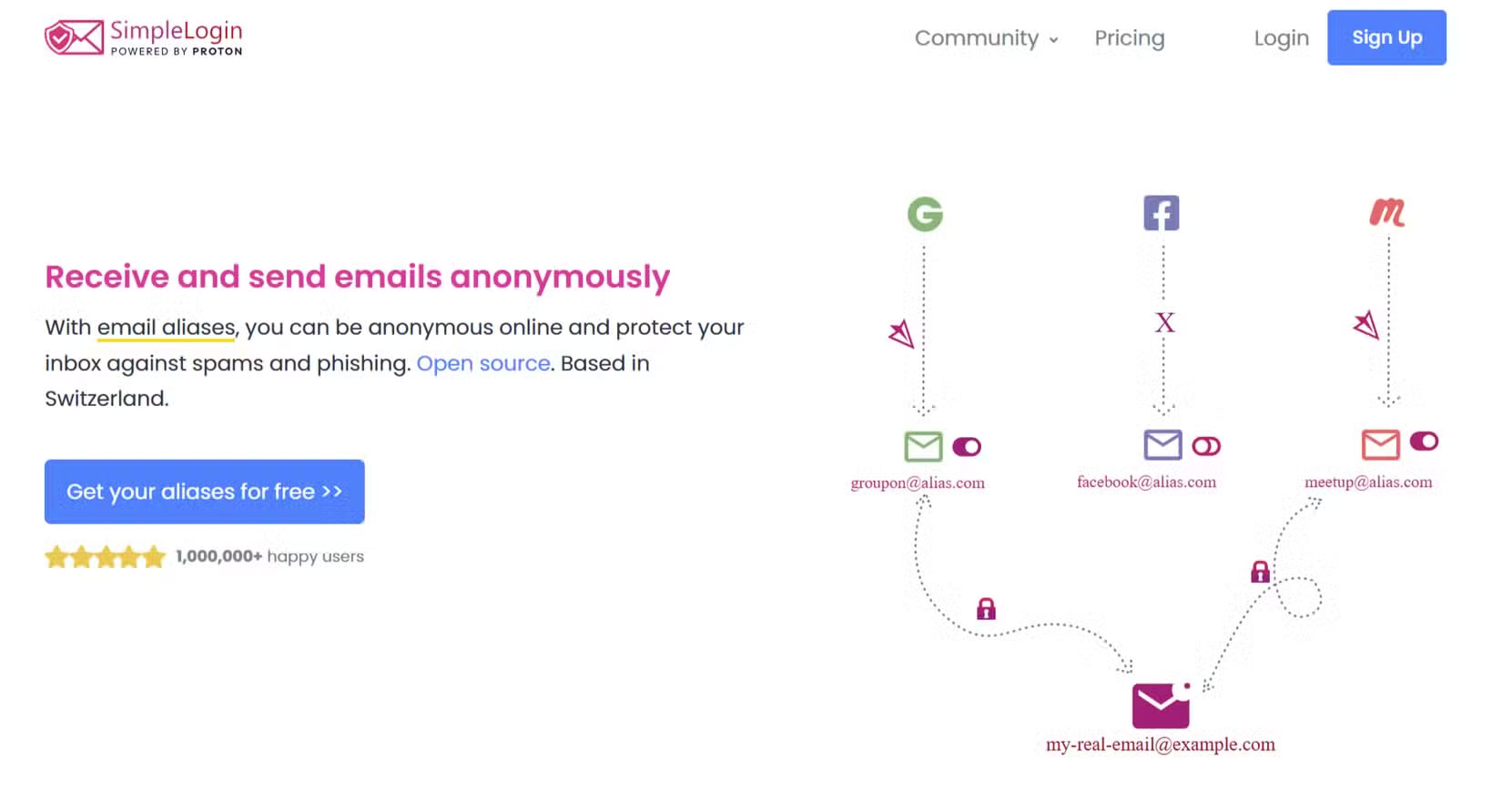
Create a different alias for each service and have messages forwarded to your inbox. If one alias starts receiving spam, you can disable it. Before disabling or deleting one, update the email address on any account that still uses it for sign-in or recovery. See how to set up SimpleLogin aliases.
Proton Pass for saved passwords
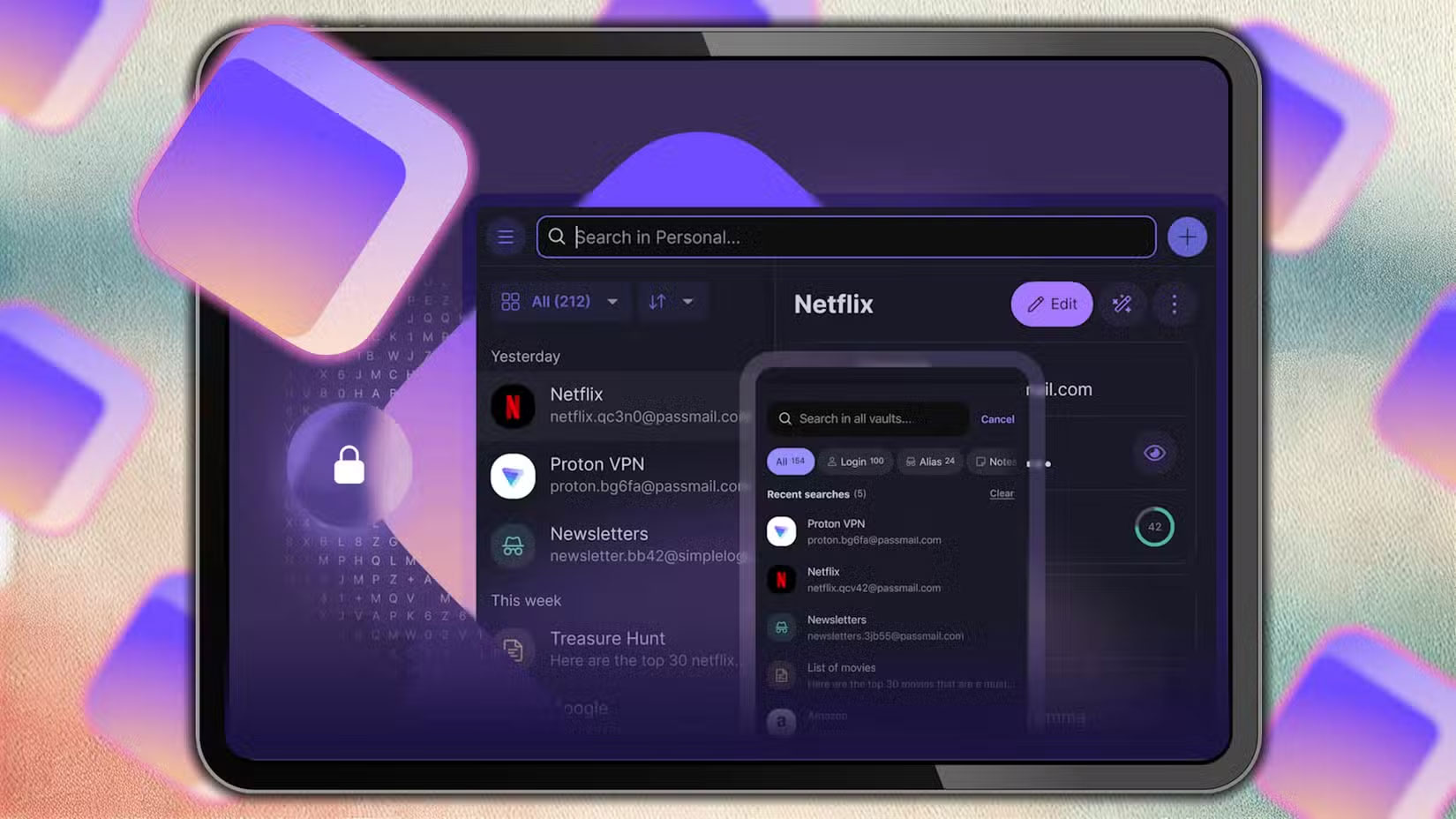
Proton Pass encrypts vault contents such as passwords and notes before syncing. If you’re moving from another password manager, test the import and autofill on each device. Treat any exported passwords file as sensitive and check your recovery options before depending on the new vault.
Joplin for notes you can keep locally or sync
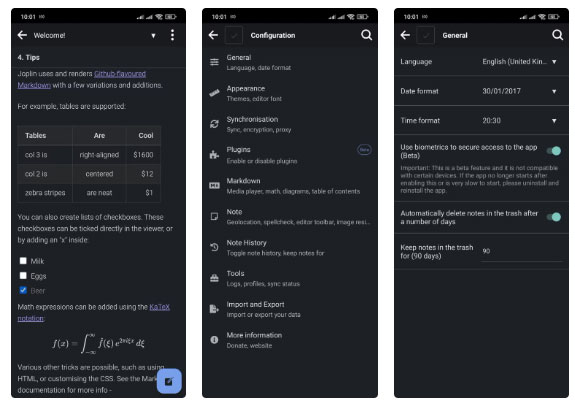
Joplin supports Markdown and lets you choose where to sync. If you want encrypted sync, follow Joplin’s setup instructions, starting on one device before adding others. Sync encryption protects the synced data. Use your device’s own lock and storage encryption for copies on the device.
Proton VPN for your network connection
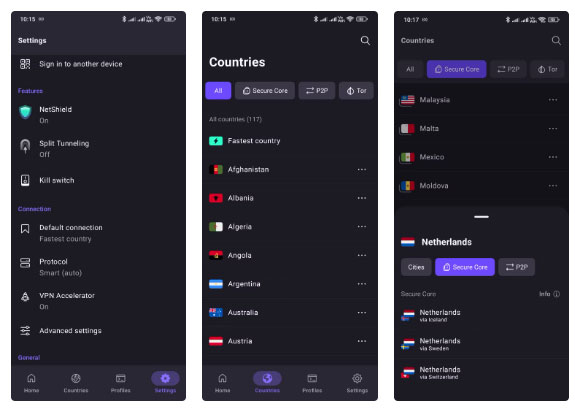
A VPN replaces the IP address websites see with the VPN server’s IP address and encrypts traffic to that server. Websites can still recognize you when you sign in or through cookies and other tracking. If you use split tunneling, check which apps are excluded, since those connections use the regular network. See Proton’s explanation of VPN tracking limits.
Related Articles
 Signal and Telegram: Where is the privacy-focused cross-platform chat app better?
 4 Privacy-Focused Google Photos Alternatives
 LibreWolf browser: privacy features and practical trade-offs
 Why Deleting Cookies Helps but Does Not Stop All Online Tracking
 The 6 best Nintendo Switch apps
 10 Android Apps You Should Delete Immediately to Protect Your Privacy
Reader Comments 0
Sign in with email or Google to join the discussion.