Table of Contents
Alternative Solutions When Losing Smart TV Remote Control is easier to approach with a clear overview and reliable steps. This guide organizes the essential information, highlights practical details, and explains what to check along the way.
Key Takeaways
- Learn how to use your smartphone as a remote control.
- Explore try using a universal remote control.
- Learn how to use a smart speaker or voice assistant.
6. Use Your Smartphone as a Remote Control
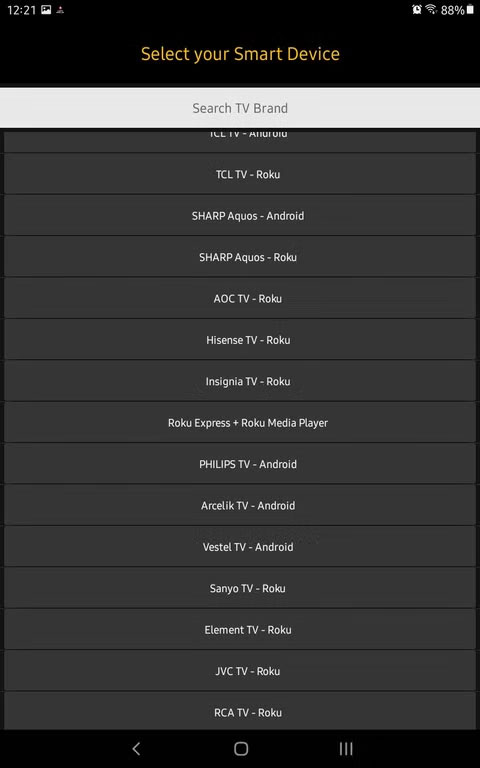
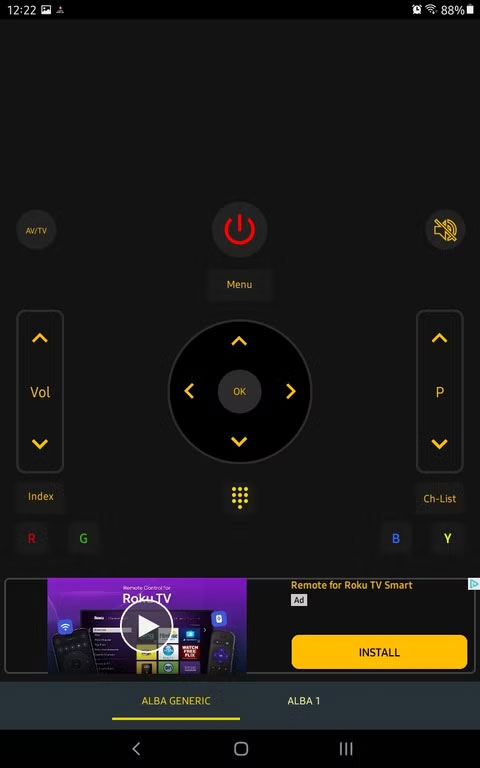
An easy way to control your Smart TV if you lose the remote is to use your smartphone. The Google TV app works on every device if you have an Android TV. Most Smart TVs have official remote control apps, like SmartThings for Samsung, LG ThinQ, and Roku Remote. Just connect your phone to the same Wi-Fi network as your TV and you're good to go.
If your TV brand doesn't offer a dedicated app, don't worry. Third-party universal remote control apps, like Vsray Universal Remote or CodeMatics, work with many Smart TVs as long as your phone and TV are connected to the same Wi-Fi network.
5. Try Using a Universal Remote Control
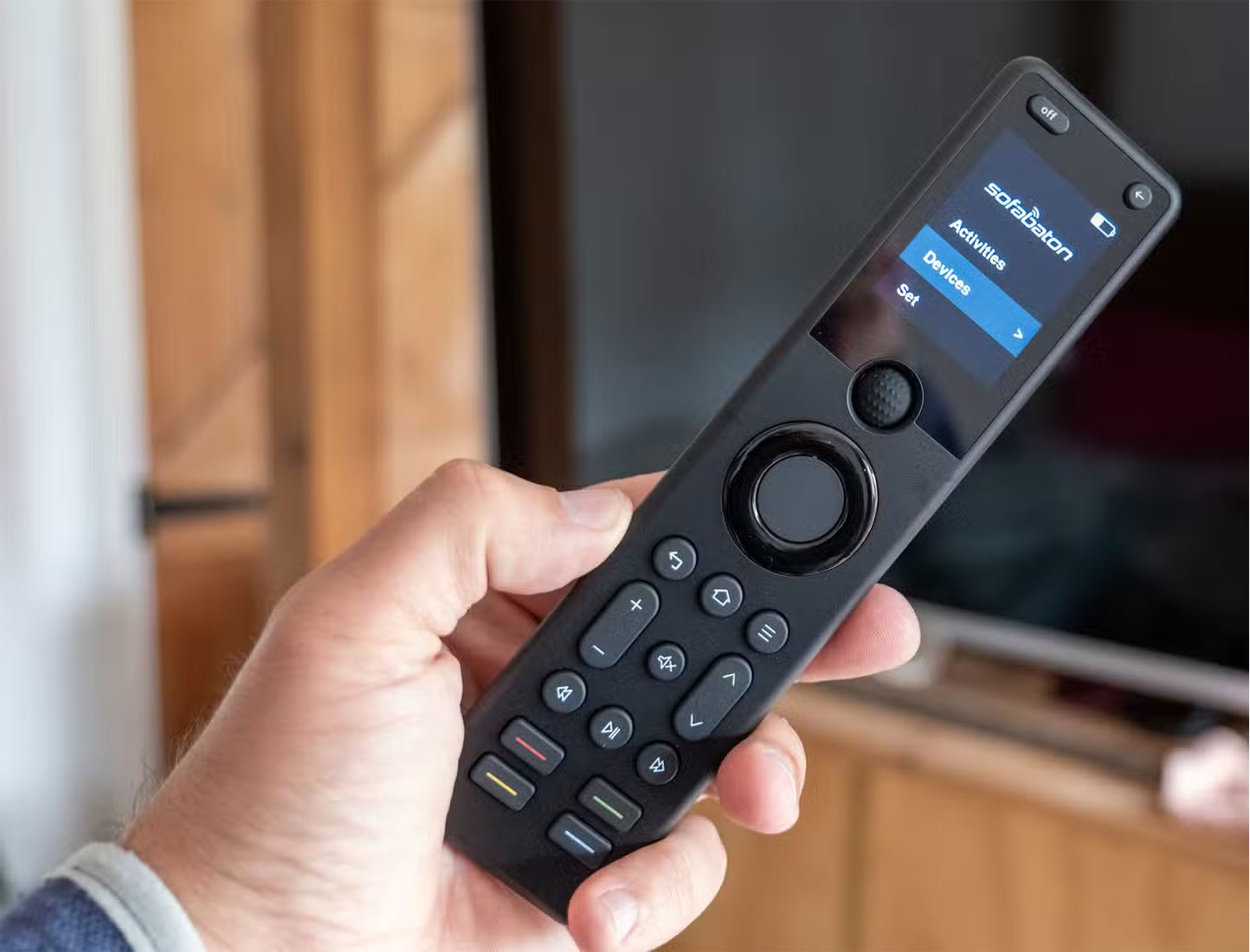
A universal remote can be a great long-term solution if your original remote is permanently lost. These remotes are designed to work with multiple TV brands and other home entertainment devices like soundbars, streaming boxes, and Blu-ray players.
The simplest universal remotes, like the GE Universal Remote, let you program them manually using a manufacturer code. Meanwhile, more advanced options allow for app-based setup and even support custom macros. The Sofabaton X1 is one such option. The Logitech Harmony Elite is another. These advanced remotes let you control multiple devices with a single press of a button.
4. Use a Smart Speaker or Voice Assistant
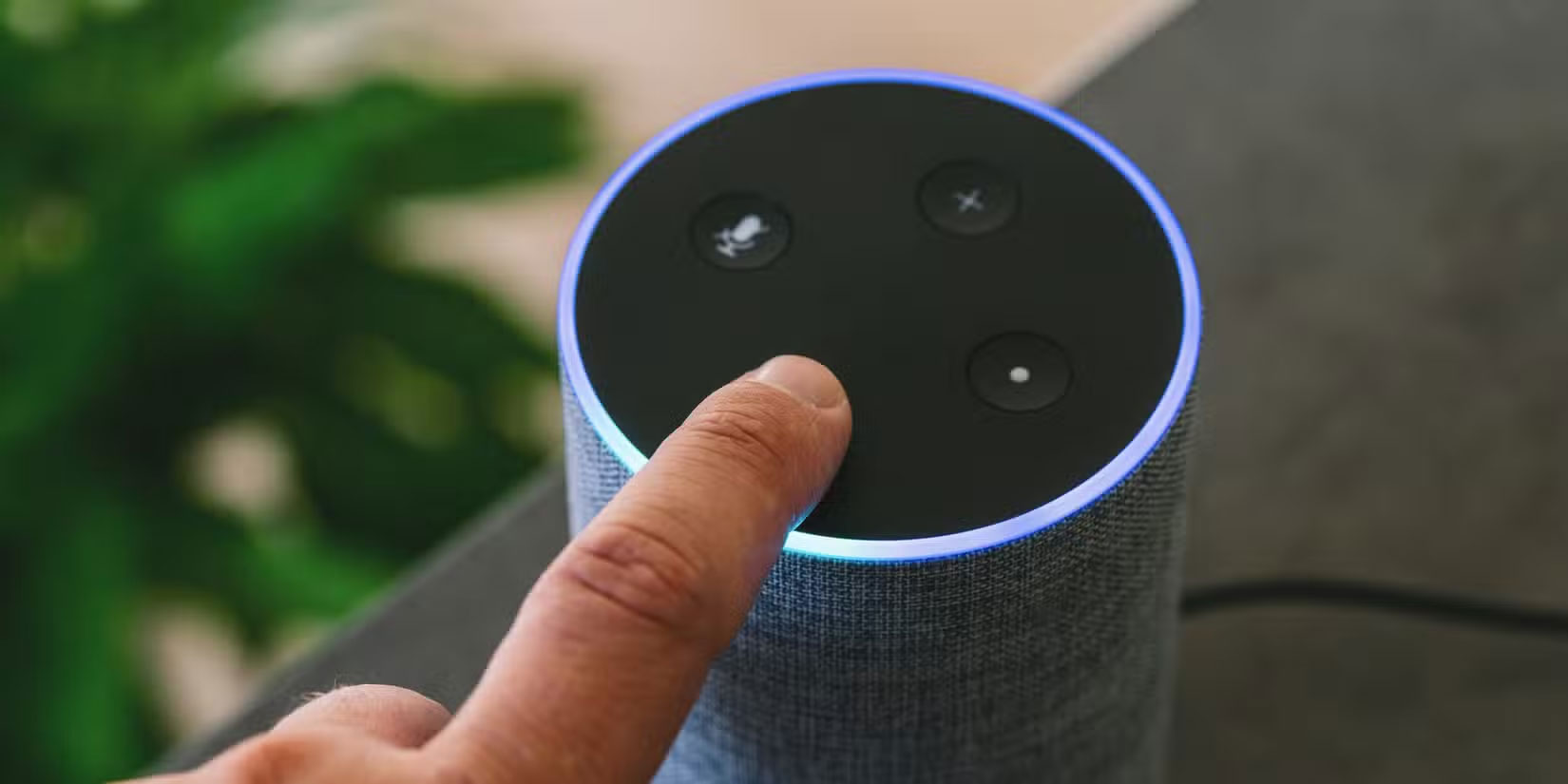
With a smart speaker or voice assistant like Amazon Alexa, Google Assistant, or Apple Siri, you may not need a physical remote to control your TV. Many Smart TVs and streaming devices support voice commands, allowing you to control your TV hands-free.
Saying 'Alexa, turn on the TV' or 'Alexa, play Stranger Things on Netflix' will get the job done if you have a Fire TV. Google Assistant works similarly with Chromecast and Android TV, allowing for commands like 'Google, pause TV.' If you're in the Apple ecosystem, Siri can control Apple TV via HomeKit.
Even if your TV doesn't have built-in voice support, some smart speakers can act as a bridge. For instance, the Amazon Echo with Fire TV or the Google Nest speaker with Chromecast allow for full voice control.
Voice commands won't replace every function of a traditional remote, but they're a quick, convenient way to regain control without buying a new remote.
3. Enable HDMI-CEC to Use Other Device's Remote Control
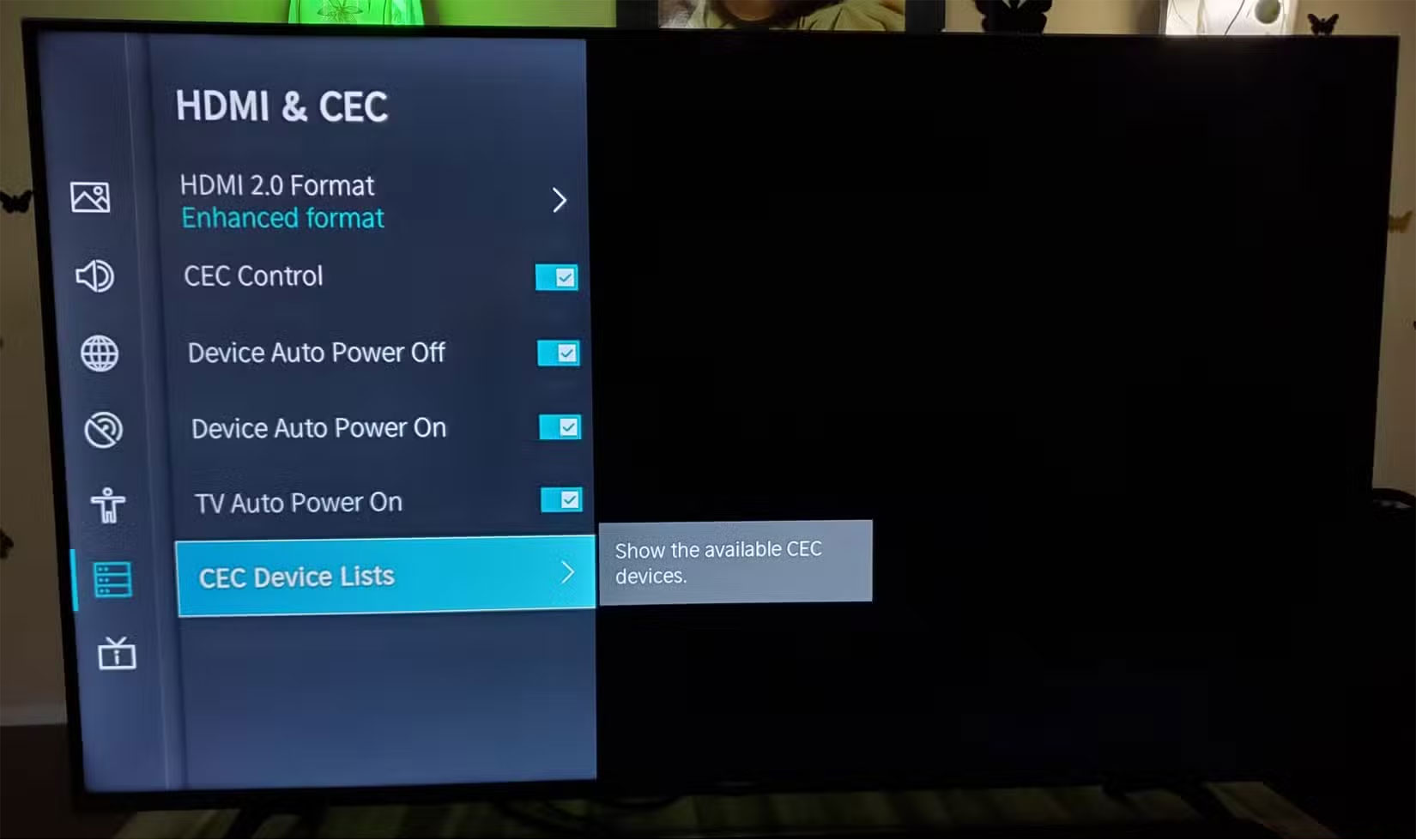
Blu-ray player, or streaming device connected to your TV, you may have a spare remote without even realizing it if you have a game console. Most Smart TVs support HDMI-CEC (Consumer Electronics Control), a feature that allows one remote to control multiple connected devices.
For instance, if you have a PlayStation or Xbox, you can navigate streaming apps on your TV with your game controller. Likewise, if you have a Roku, Apple TV, or Fire Stick, their remotes can often control the TV's volume and power.
Go into your TV's settings menu (it may be called Anynet+ (Samsung), BRAVIA Sync (Sony), SimpLink (LG), or CEC on other brands). This helps you enable HDMI-CEC. Once enabled, your streaming or gaming device's remote can take over basic TV controls.
This isn't a perfect replacement for all the features, but if you just need to turn on your TV and start streaming, this trick can save the day.
2. Buy Tracking Devices
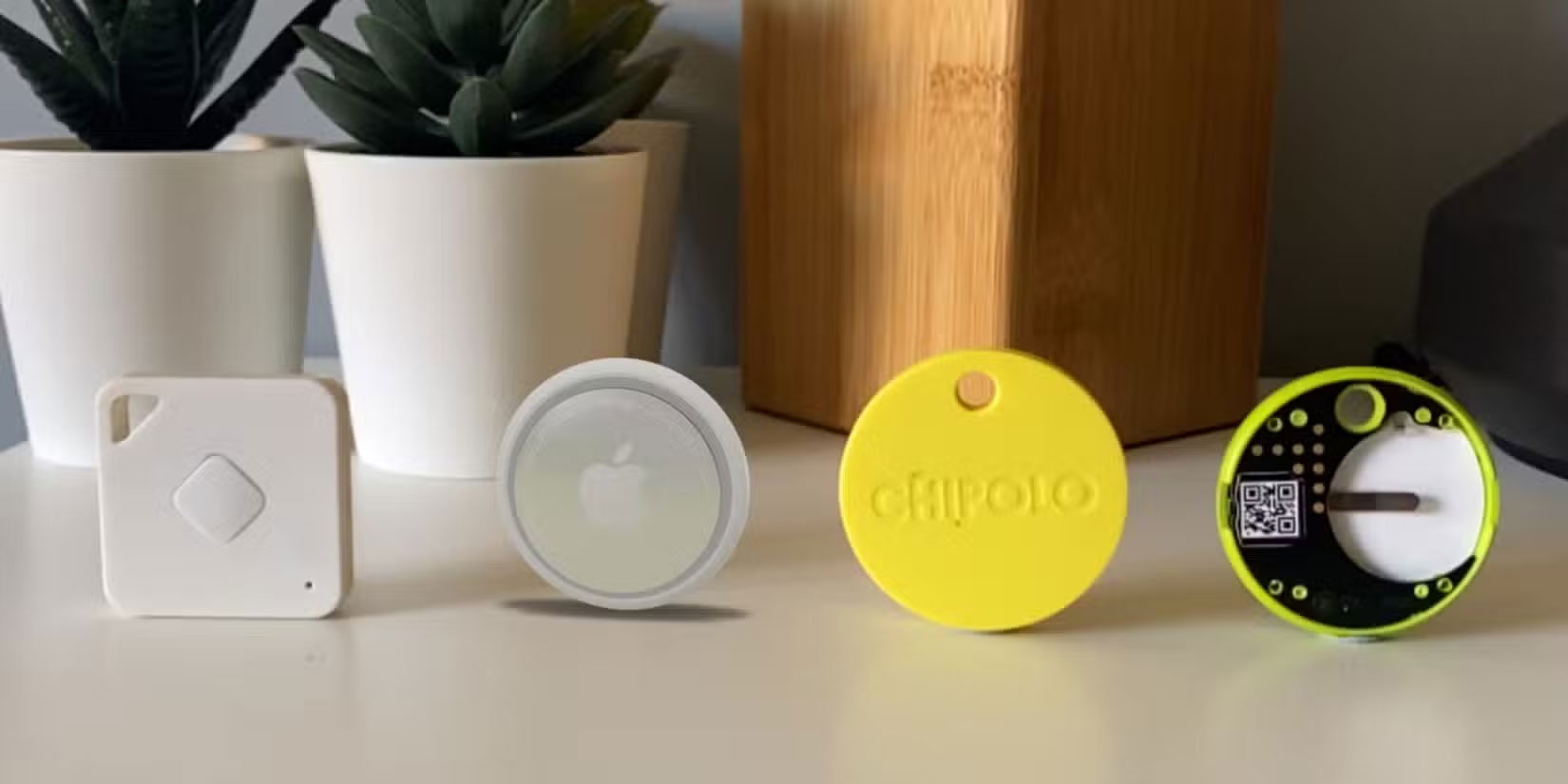
Remotes can disappear at the worst times. Instead of flipping over your sofa every time, attach a Bluetooth tracker to it. These small, lightweight gadgets let you track your remote with your phone, saving you the trouble of fumbling around looking for it.
With Tile Mate, Apple AirTag, or Samsung SmartTag, you can use your phone to make a remote that will emit a sound when it's nearby. You'll find it in seconds if it's hidden under a blanket or nestled between couch cushions. Some trackers also show the last known location on a map, which is useful if your remote tends to wander to unexpected places (like the refrigerator).
A tracking device is an easy way to keep it from disappearing forever if your remote control is prone to loss.
1. Create a Dedicated Remote Control Storage Area
One of the easiest ways to avoid losing your remote is to designate a permanent home for it. Whether it's a remote control case, a wall mount, or a specific spot on your coffee table, having a dedicated place makes it easier to keep track of it.
Consider using Velcro or a magnetic holder to attach it to a fixed location when not in use if you tend to leave your remote between the sofa cushions. Some people even use decorative bowls or trays near the seating area to keep all of their remotes in one place.
For households with multiple people, a family rule can also be helpful—something as simple as 'always put the remote back on the shelf' can cut down on chaos.
Having a designated remote control storage area will reduce the chance of the remote disappearing into the comforter, mattress, or kitchen while this solution won't prevent the occasional forgetfulness.
Losing your TV remote is one of those small but annoying inconveniences that always seems to happen at the worst possible times. But instead of cluttering up your living room every time the remote goes missing, you now have some clever solutions for controlling your TV.
Final Thoughts
The most reliable way to handle alternative solutions when losing smart TV remote control is to follow the process in order, verify each important setting, and test the result before moving on. Use the guidance above as a practical reference, then adjust the details for your device, software version, or specific goal.
FAQ
What should I know first about Alternative Solutions When Losing Smart TV Remote Control?
Maybe it got stuck between cushions, lost in a pile of laundry, or just disappeared.
How do I get the best results with Alternative Solutions When Losing Smart TV Remote Control?
Use current software or equipment, follow the steps in order, review the recommended settings, and test one change at a time so you can identify what improves the result.
What should I do if Alternative Solutions When Losing Smart TV Remote Control doesn't work as expected?
Check compatibility, permissions, connectivity, and version-specific settings. Restart the relevant device or app, then repeat the process carefully before trying a more advanced fix.
Related Articles
 8 Best Ways to Control Kodia Remotely11 minutes read
 Where to Buy TV Control, How to Buy It Well?8 minutes read
 Manual Samsung TV Remote Most Detailed11 minutes read
 Control Applications Controlled by Android Smartphones6 minutes read
 TV Control Applications on the Phone6 minutes read
 How to Set up a Kodi Remote Control10 minutes read
Reader Comments 0
Sign in with email or Google to join the discussion.