Table of Contents
Improved large language models (LLMs) appear regularly, and while cloud-based solutions offer convenience, running LLMs locally offers several advantages.
Improved large language models (LLMs) are appearing regularly, and while cloud-based solutions offer convenience, running LLMs locally offers several advantages, including improved privacy, offline accessibility, and better control over data and model customization.
1. AnythingLLM
AnythingLLM is an open-source AI application that brings the power of LLM locally to your computer. This free platform gives users a simple way to talk to documents, run AI agents, and handle a variety of AI tasks, all while keeping their data safe on their computers.
The system's strength comes from its flexible architecture. Three components work together: a React-based interface for smooth interactions, a NodeJS Express server that handles the heavy lifting of vector databases and LLM communication, and a dedicated server for document processing. You can choose their preferred AI models, whether they run open-source options locally or connect to services from OpenAI, Azure, AWS, or others. The platform works with a wide range of documents—from PDFs and Word files to entire code databases—making it adaptable to a wide range of needs.
2. GPT4All
GPT4All also runs large language models directly on your device. The platform puts AI processing on your own hardware, leaving no data on the system. The free version gives users access to over 1,000 open-source models, including LLaMa and Mistral.
The system runs on standard consumer hardware – Mac M Series, AMD and NVIDIA. No internet connection is required to operate, making it ideal for offline use. Through the LocalDocs feature, You can analyze personal files and build a knowledge base entirely on their computers. The platform supports both CPU and GPU processing, adapting to the available hardware resources.
3. Ollama
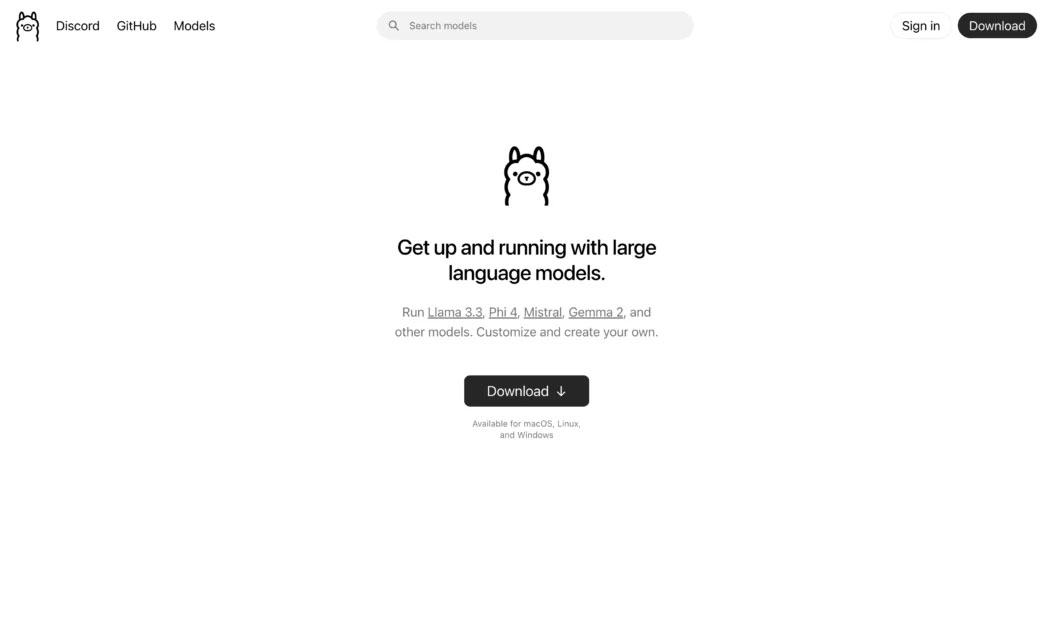
Ollama downloads, manages, and runs LLM directly on your computer. This open-source tool creates an isolated environment that contains all the model components—weights, configuration, and dependencies—allowing you to run AI without the need for cloud services.
The system operates via both a command-line and graphical interface, and supports macOS, Linux, and Windows. Users draw models from Ollama's library, which includes Llama 3.2 for text tasks, Mistral for code generation, Code Llama for programming, LLaVA for image processing, and Phi-3 for scientific work. Each model runs in its own environment, making it easy to switch between different AI tools for specific tasks.
4. LM Studio
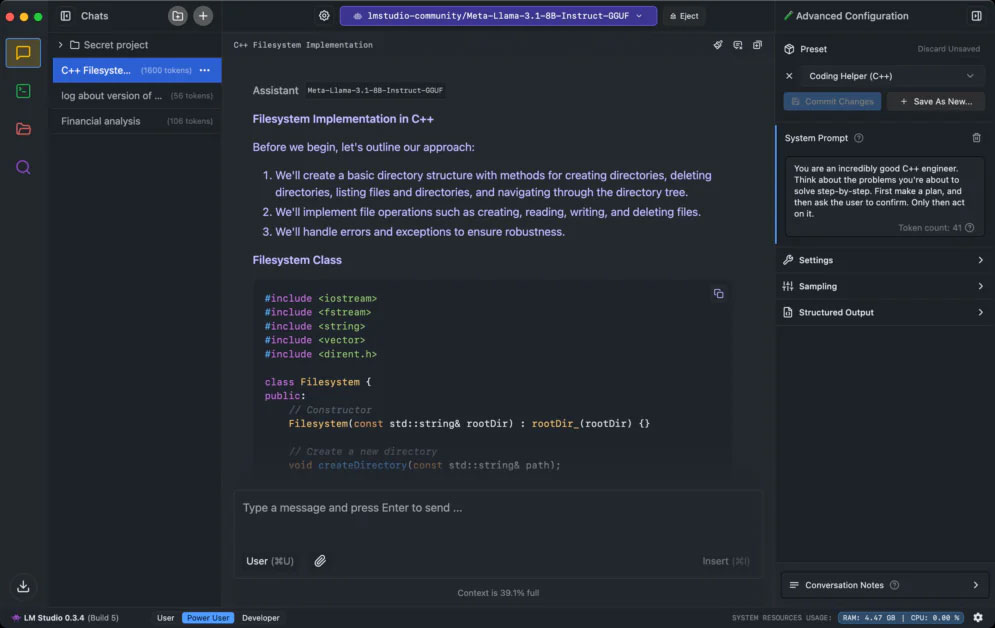
LM Studio is a desktop application that lets you run AI language models directly on your computer. Through the interface, You can find, download, and run models from Hugging Face while keeping all data and processing intact.
The system functions as a complete AI workspace. Its built-in server emulates OpenAI's API, allowing you to connect your local AI to any tool that works with OpenAI. The platform supports major model types such as Llama 3.2, Mistral, Phi, Gemma, DeepSeek, and Qwen 2.5. Users drag and drop documents to talk to them via RAG (Retrieval Augmented Generation), with all document processing stored on their machine. The interface lets you tweak how models run, including GPU usage and system prompts.
January 5
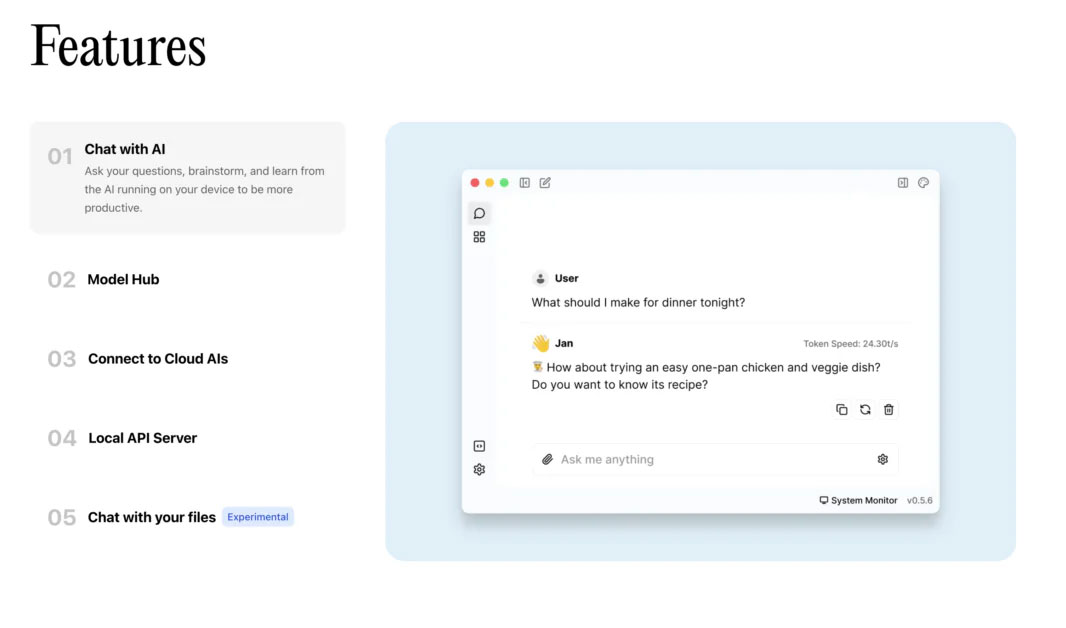
Jan offers you a free, open-source alternative to ChatGPT that runs completely offline. This desktop platform lets you download popular AI models like Llama 3, Gemma, and Mistral to run on your computer or connect to cloud services like OpenAI and Anthropic when needed.
The system focuses on giving control to the user. Its local Cortex server matches OpenAI's API, allowing it to work with tools like Continue.dev and Open Interpreter. Users store all their data in a local "Jan Data Folder," with nothing leaving their device unless they opt to use a cloud service. The platform functions similarly to VSCode or Obsidian —you can extend it with custom plugins to suit your needs. It runs on Mac, Windows, and Linux, and supports NVIDIA (CUDA), AMD (Vulkan), and Intel Arc GPUs.
6. Llamafile

Llamafile converts AI models into single executable files. This Mozilla Builders project combines llama.cpp with Cosmopolitan Libc to create standalone programs that run AI without any installation or setup.
The model weight alignment system is an uncompressed ZIP file for direct access to the GPU. It detects your CPU capabilities at runtime for optimal performance, and works on Intel and AMD processors. The code compiles GPU-specific parts as needed using the system's compiler. The design runs on macOS, Windows, Linux, and BSD, and supports AMD64 and ARM64 processors.
7. NextChat
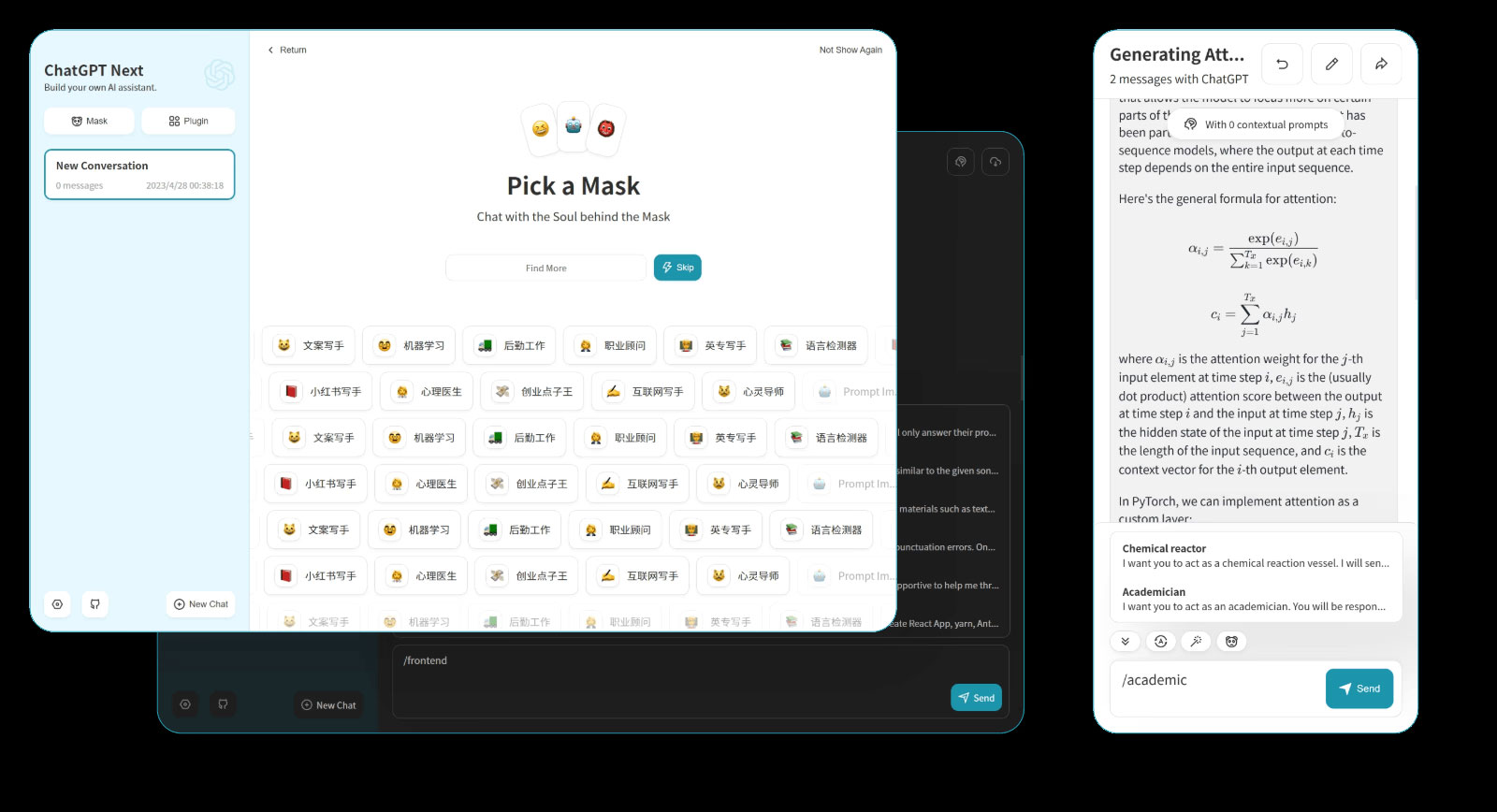
NextChat integrates ChatGPT's features into an open-source package that you control. The web and desktop application connects to multiple AI services – OpenAI, Google AI, and Claude – and stores all data locally in your browser.
The system adds key features missing from the standard ChatGPT. Users create 'Masks' (similar to GPT) to build custom AI tools with specific contexts and settings. The platform automatically compresses chat histories for longer conversations, supports markdown formatting, and streams responses in real time. It works with multiple languages including English, Chinese, Japanese, French, Spanish, and Italian.
FAQ
What should you know about the options in this guide?
In practical terms, improved large language models (LLMs) appear regularly, and while cloud-based solutions offer convenience, running LLMs locally offers several advantages.
Which option is the best choice?
The best choice depends on your priorities, compatibility, budget, and the specific features discussed in the comparison.
What should you compare before deciding?
Compare core features, limitations, ease of use, compatibility, and long-term value before making a decision.
Related Articles
 How to Run Qwen 3.5 Locally on a Single GPU: Step-by-Step Guide15 minutes read
 Best Tools for Running LLM Models on a Computer8 minutes read
 Is It Possible to Run AI Chatbots Locally on Legacy Hardware?7 minutes read
 5 Tasks Where Local Gemma 4 Can Beat Paid AI Services9 minutes read
 How to Setup and Run Qwen 3 Locally with Ollama9 minutes read
 Top 5 AI Models That Write Compact Code and Can Run Locally9 minutes read
Reader Comments 0
Sign in with email or Google to join the discussion.