Table of Contents
Ask Gemini to create an image of a collectible figure on a desk, with a matching box and a monitor in the background. This produces a 2D concept image, not a physical toy, CAD file, or print-ready 3D model.
Set up the request
Use Gemini’s image-generation feature if it is available for your account. For a likeness-based image, upload a photo you have permission to use and refer to it explicitly in the prompt. Google’s image-generation help explains current availability and editing options.
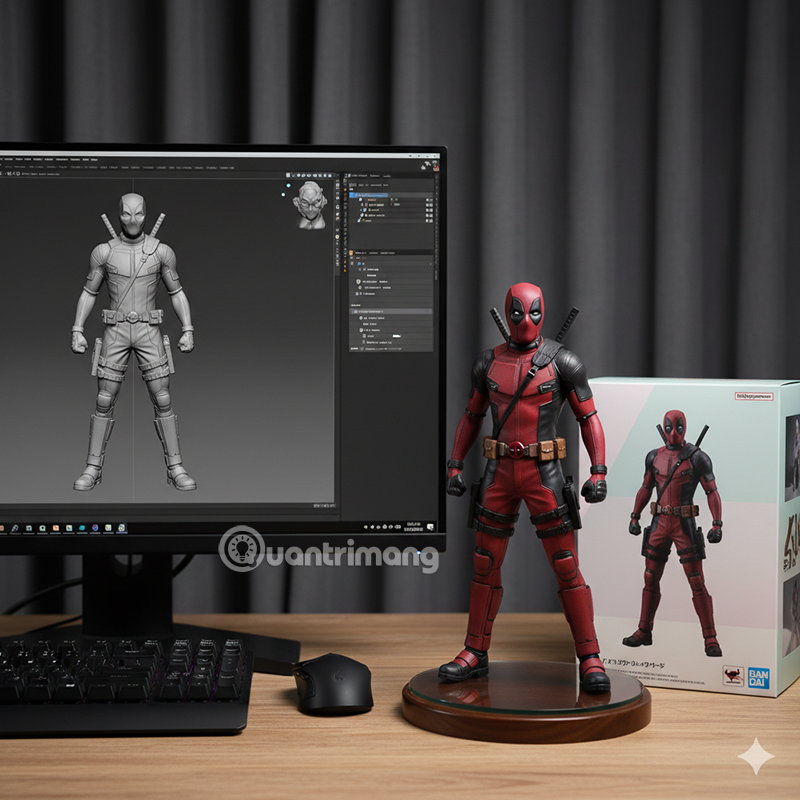
Prompt 1: an original character
Replace the bracketed description with your own character. Specify clothing, pose, and distinctive features instead of leaving the model to invent them.
Create a realistic product-concept image of a collectible toy figure of [CHARACTER DESCRIPTION]. Place the figure on a round display base on a wooden desk. Behind it, show a computer monitor displaying a gray 3D sculpt of the same character in the same pose. Add a pastel collector box beside the figure with a matching character illustration. Use original packaging without real company logos or claims that the product is officially licensed. Soft studio light, natural shadows, clear material textures, and a slightly blurred dark-gray curtain background. Keep the figure as the main subject.Prompt 2: use an uploaded reference
Using the uploaded reference photo, create a toy-figure concept image that preserves the person's recognizable facial features, hairstyle, and outfit. Show one figure on a simple round base, a matching collector box, and a background monitor with a gray sculpt of the same design. Give the figure a molded collectible appearance rather than making it look like a full-size person. Use soft studio lighting and original, unbranded packaging. Do not add accessories, people, or readable labels unless requested.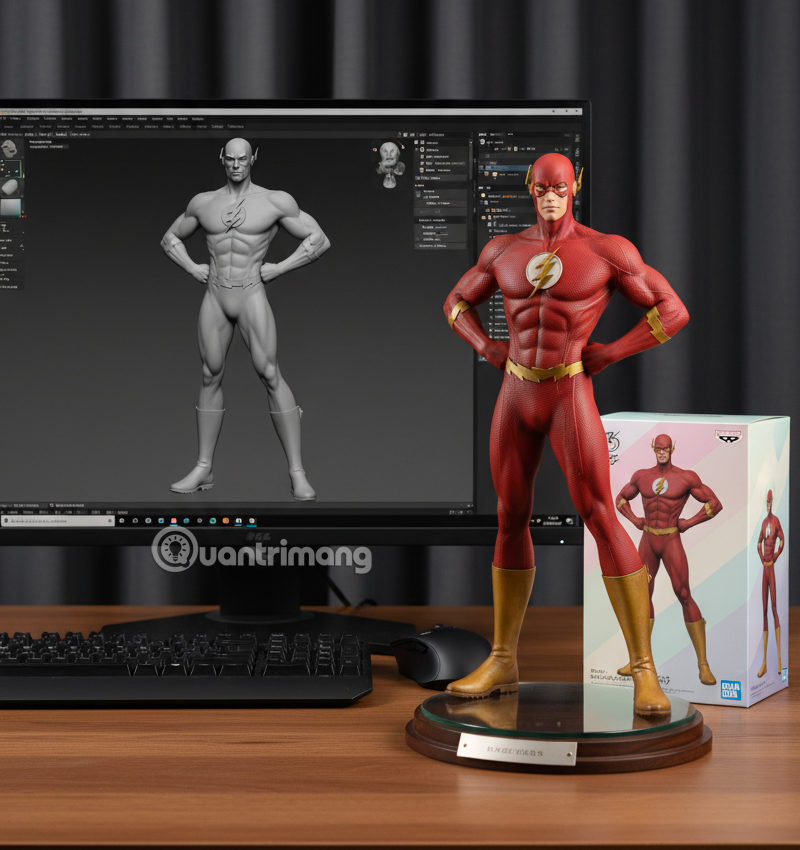
Refine one problem at a time
- Wrong likeness: identify the specific feature to preserve and provide a clearer reference if needed.
- Inconsistent design: ask for the figure, monitor sculpt, and box illustration to use the same outfit and pose.
- Garbled lettering: request blank packaging and add text afterward.
- Cluttered composition: remove extra props and specify one clear focal subject.
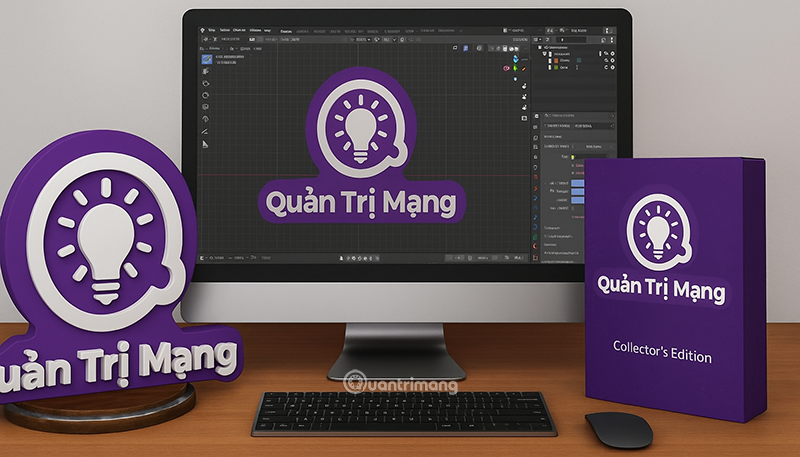
Inspect the face, hands, accessories, reflections, and any labels before sharing. Generated packaging is a mockup, not proof that a real product exists or that it can be manufactured as shown.
For finishing work, use the TipsMake image tools directory for tasks such as cropping and text overlays. Keep source photos and chosen outputs separately using backup principles.
Related Articles
 5 Gemini Prompts for Black-and-White Film Noir Images
 How to Make a Caricature from a Photo with Gemini
 How to Create Illustrated Worksheets with Gemini
 How to Build Interactive Visual Lessons in Gemini Canvas
 How to Create Stranger Things-Inspired Fan Art with Gemini
 10 Gemini Prompts for Vintage Portrait Photos
Reader Comments 0
Sign in with email or Google to join the discussion.