Table of Contents
Unlike the apps that Microsoft has quietly retired over the years, these old favorites seem to be the backbone of what still makes Windows feel special.
Unlike the apps Microsoft has quietly retired over the years, these old favorites seem to be the backbone of what still makes Windows feel special. It's as if Microsoft can't bring itself to remove them. Or maybe they just know that these stubborn, simple little programs are what hold the operating system together.
Notepad
Simplicity outlasts alternatives
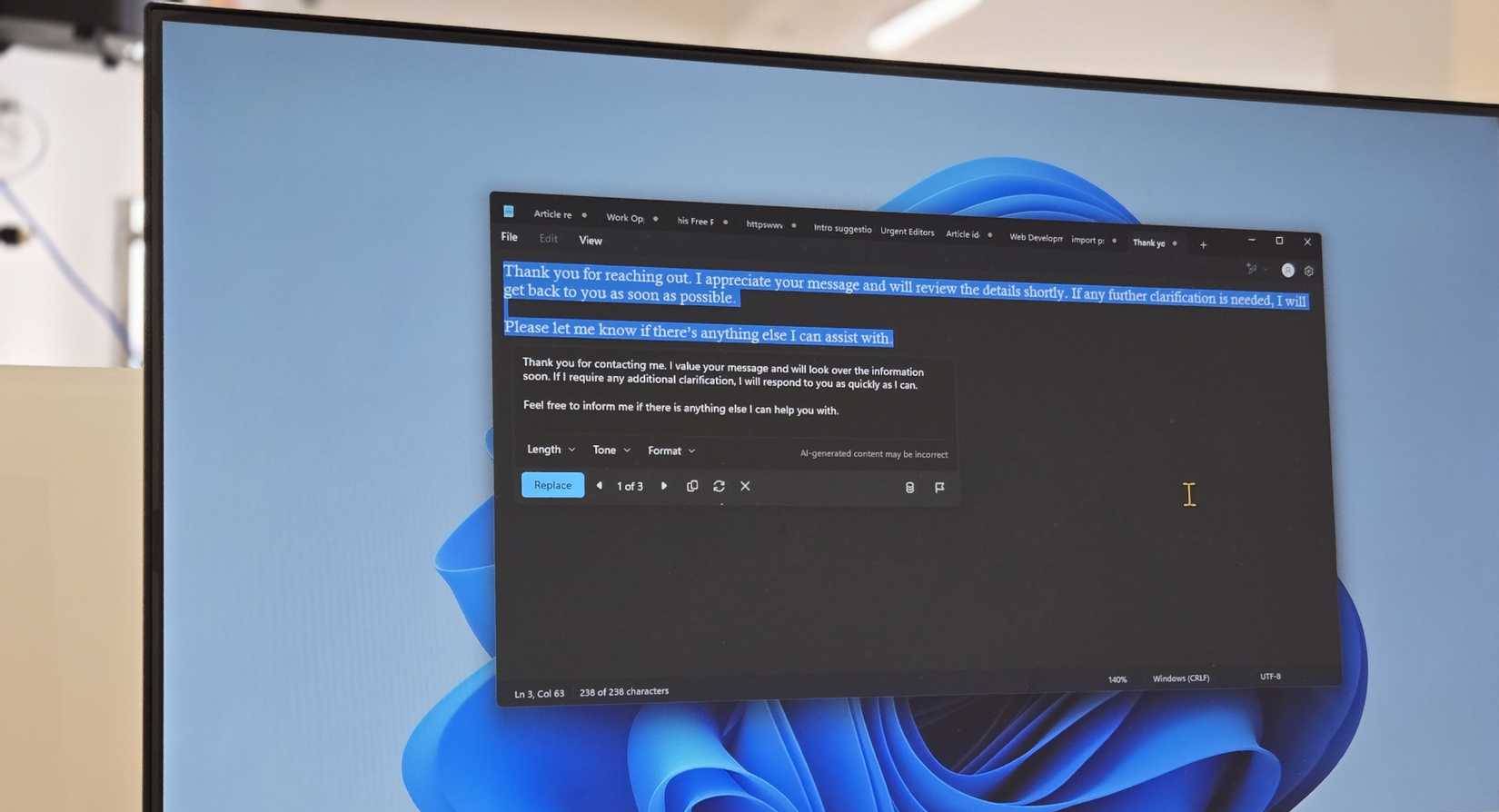
Notepad has quietly survived decades of Windows redesigns, remaining the default text editor for over 30 years. Microsoft tried to nudge people towards WordPad (now gone), but nothing has matched Notepad's instant launch, clean simplicity, and sheer charm. It's just a program that still feels light and reliable, no matter how Windows changes.
Remote Desktop Connection
Modern remote working platform
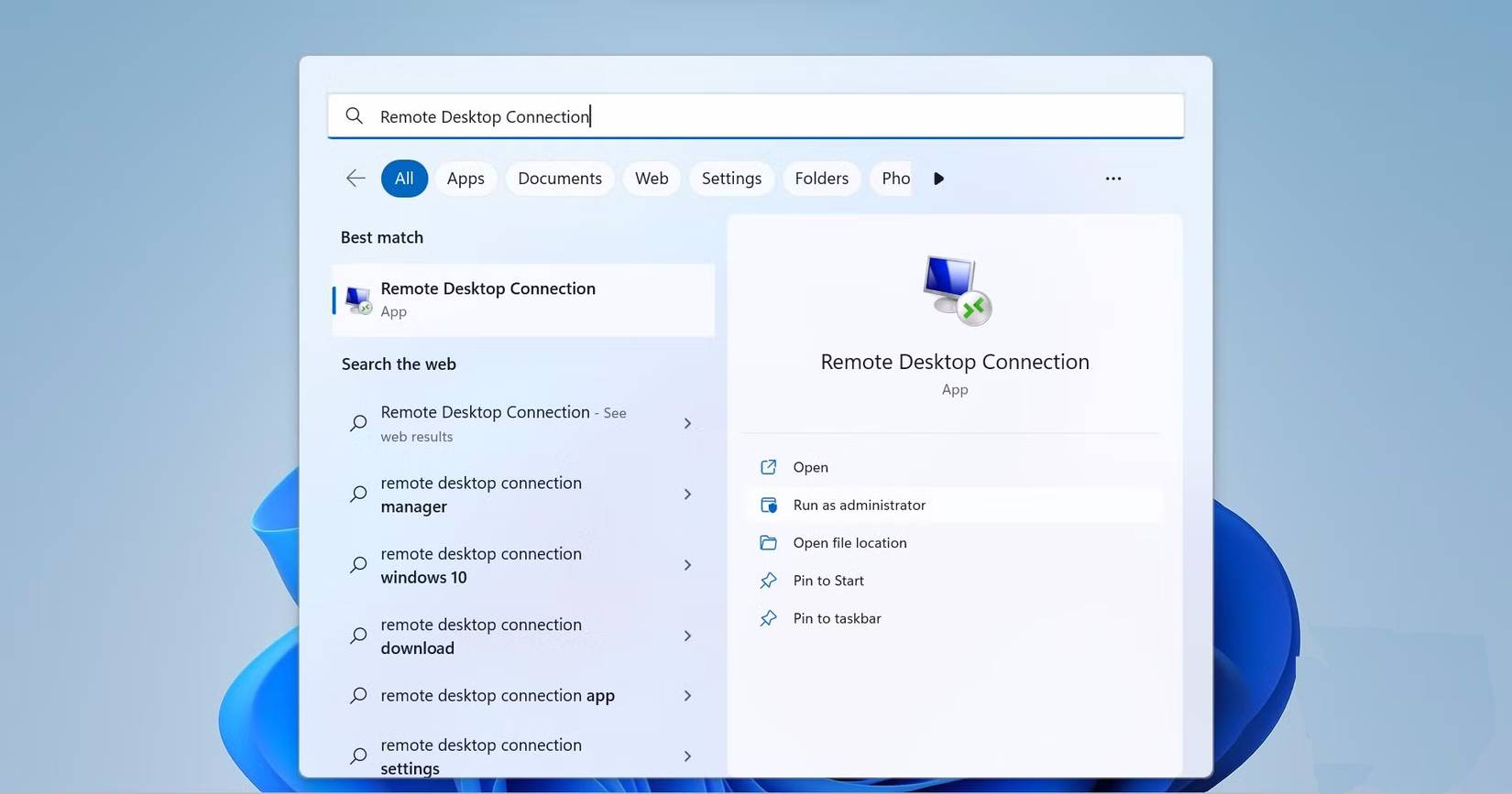
Remote Desktop Connection, or MSTSC, has been quietly keeping Windows systems connected for over 20 years—and it's still very useful. First introduced in the Windows NT era, this legacy tool remains a popular way to access computers remotely, whether in the office, classroom, or home. Even as Microsoft discontinues support for the newer Remote Desktop UWP app and encourages everyone to move to the modern Windows app, MSTSC isn't dead.
Control Panel
The interface that Microsoft cannot ignore
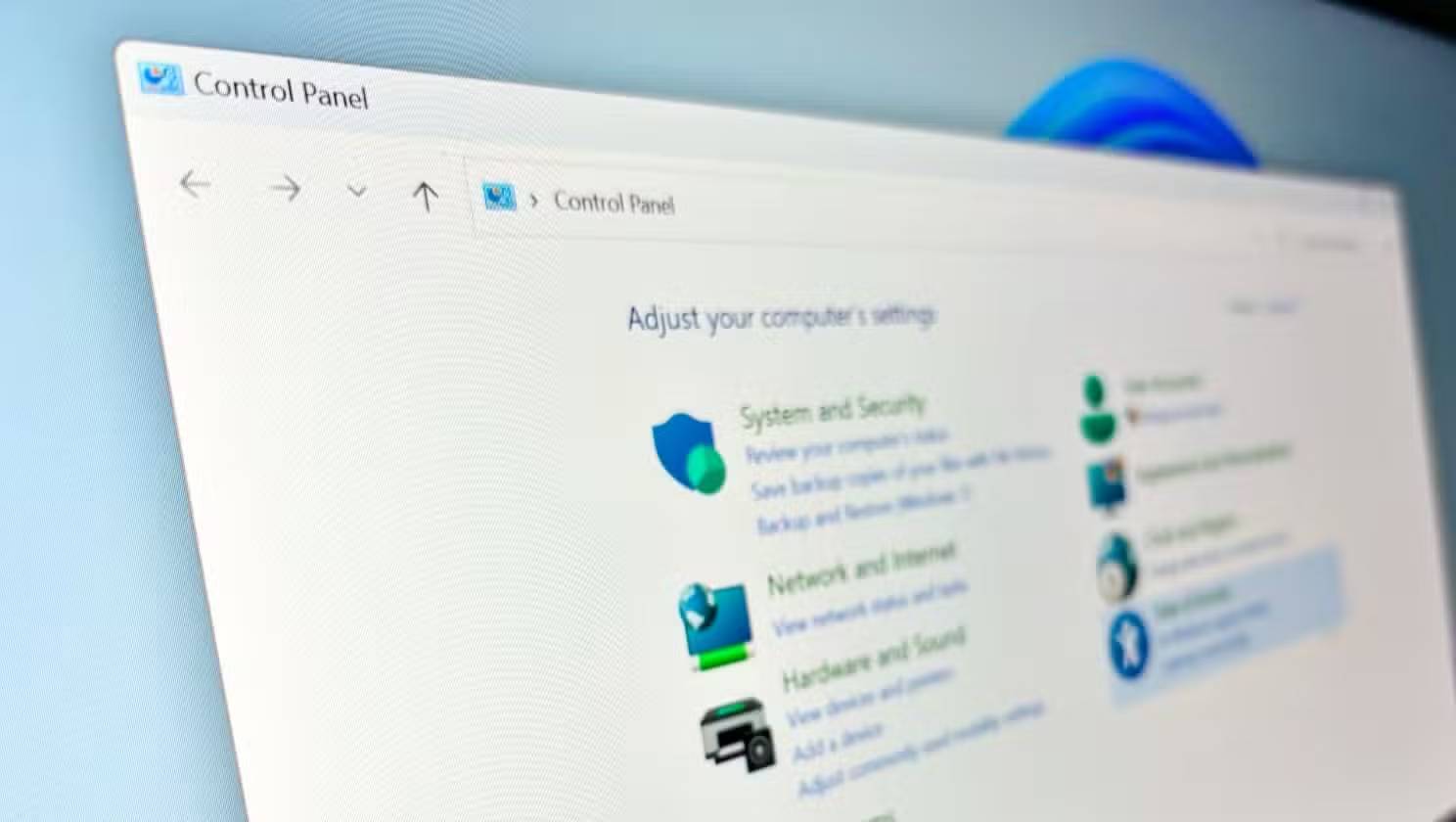
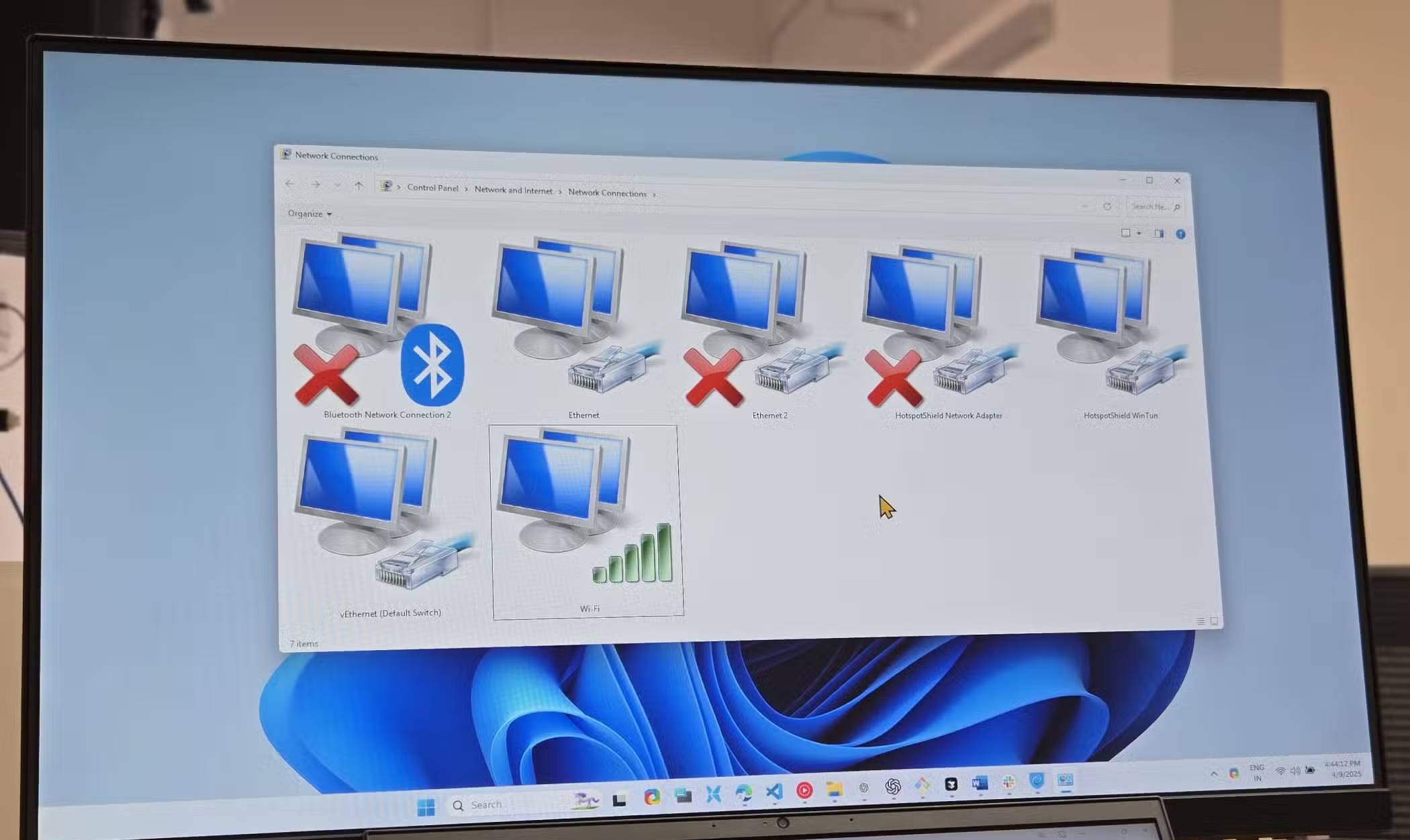
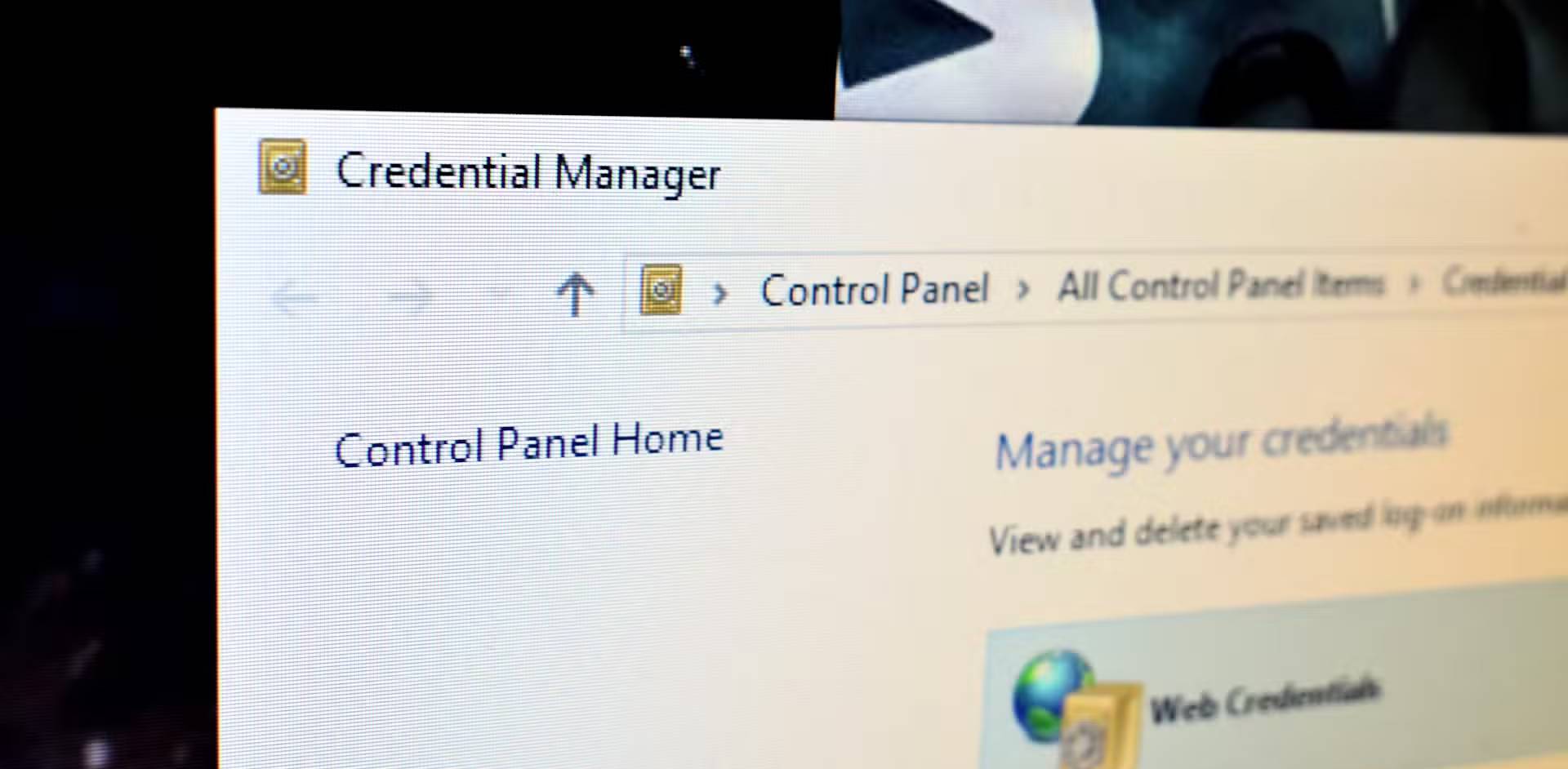
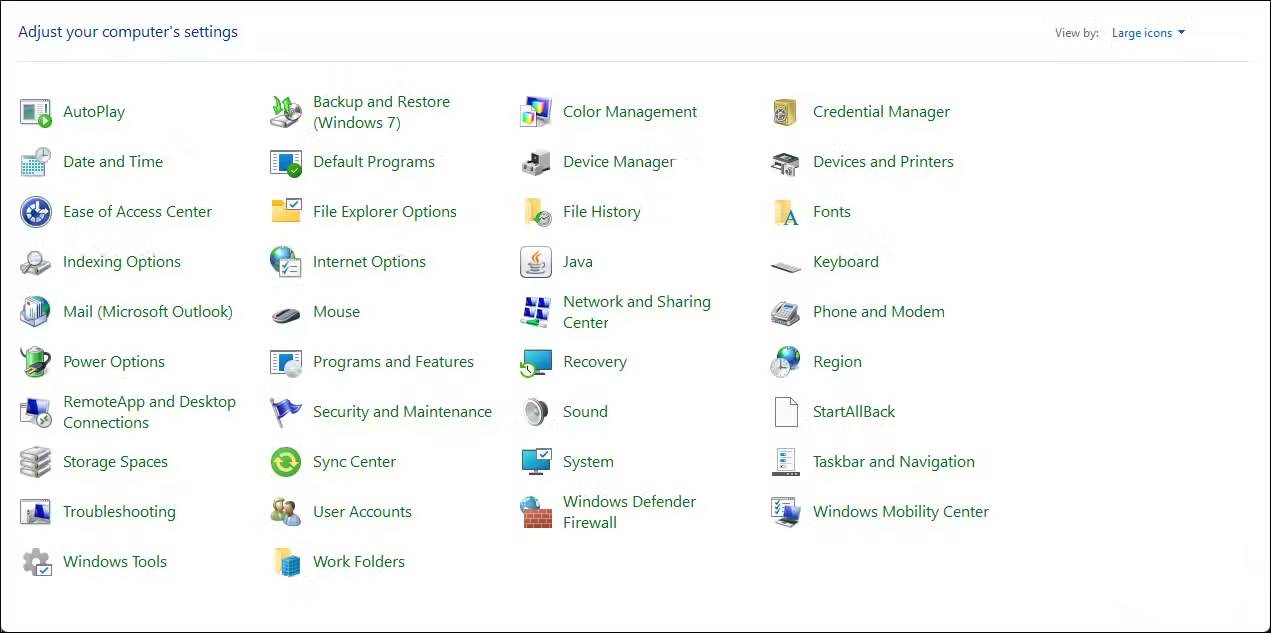
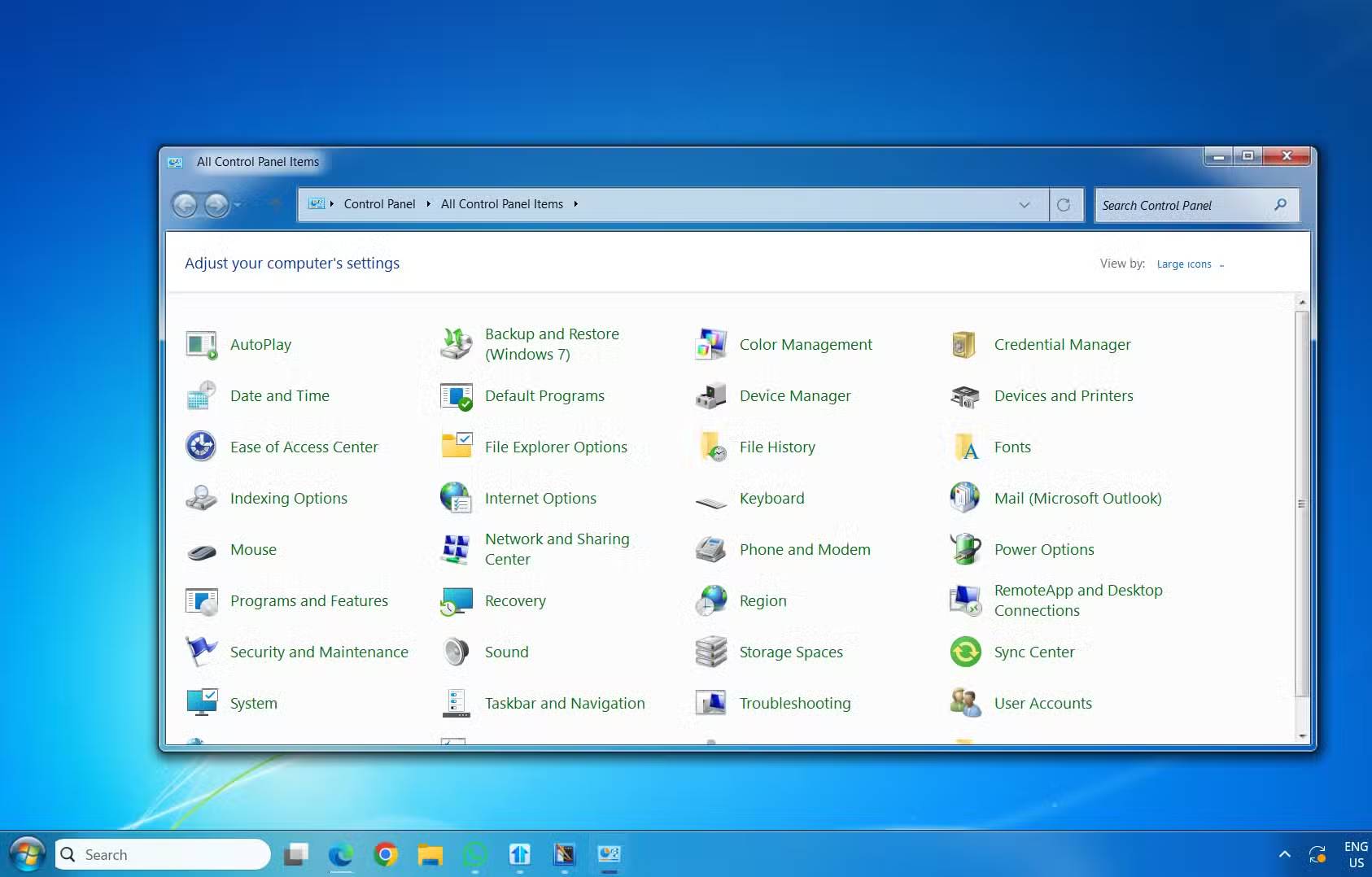
If there's one Windows app that's never going away, it's the Control Panel. Since the earliest versions of Windows, it's long served as the central hub for system configuration through various "applets," allowing you to manage everything from devices and user accounts to networking, drivers, and accessibility settings. While it's less prominent than it once was, there are still a few quick ways to open the Control Panel.
Microsoft has spent over a decade trying to move everything to the modern Settings app, and yet somehow the Control Panel still exists.
Task Manager
From emergency tool to performance dashboard
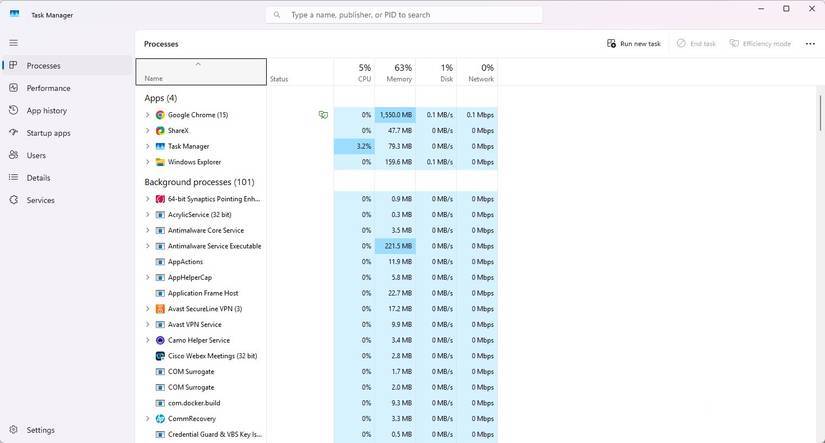
For most of us, Task Manager started out as just a 'force quit' button: Press Ctrl + Alt + Del To quit a frozen app and hope nothing else crashes. But over the years, it has evolved into one of the most powerful productivity tools built into Windows.
Task Manager now shows more than just CPU and memory stats. You can see GPU load, network activity, and even how much power each app is using.
Registry Editor (regedit)
The heart of Windows configuration
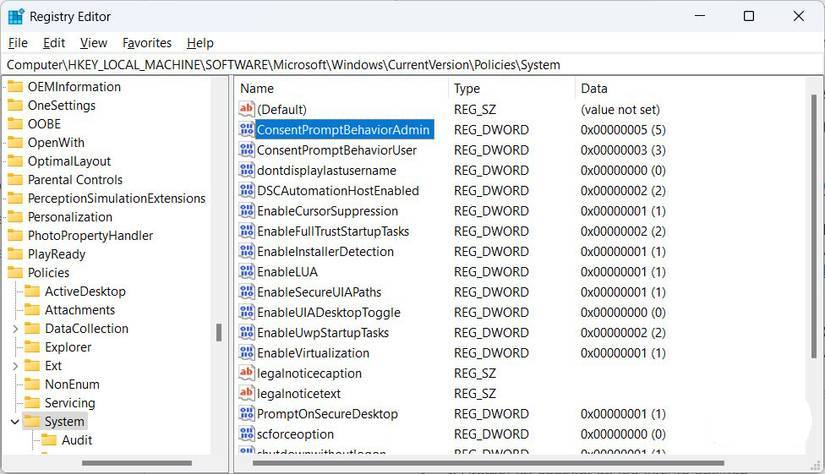
Tweaking the Registry Editor comes with a warning note that says something like 'Back up your registry first' or 'Create a restore point.' This built-in tool gives you direct access to the Windows Registry, the hierarchical database that stores all your operating system settings, driver configurations, application preferences, and system policies. One wrong move and things can go horribly wrong. But done right, you can fix problems that no other menu can.
Visually, it hasn't changed much in decades. The familiar tree layout and stern launch warnings are still there, and that consistency is part of its appeal.
Command Prompt and PowerShell
Where commands become actions
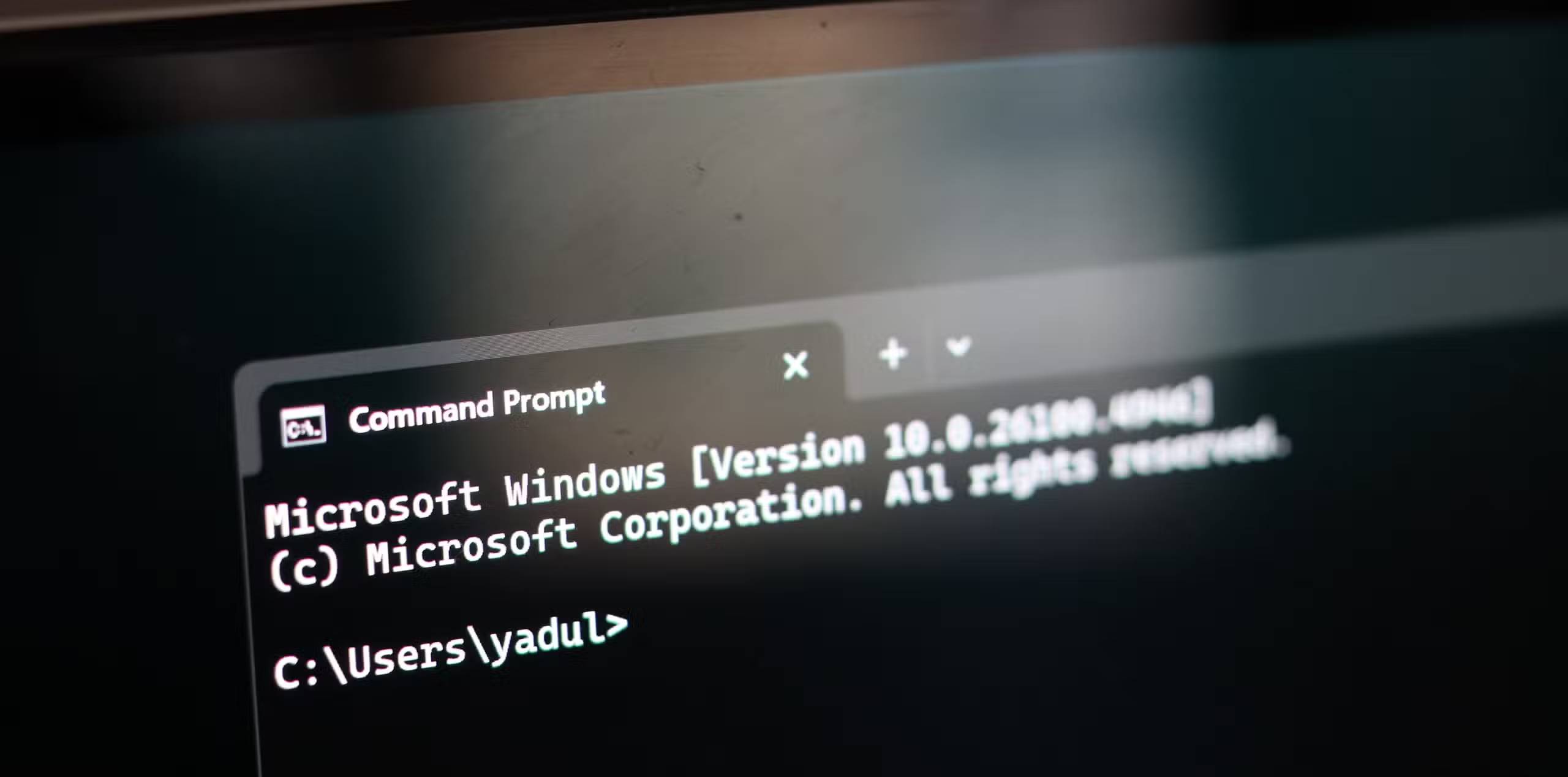
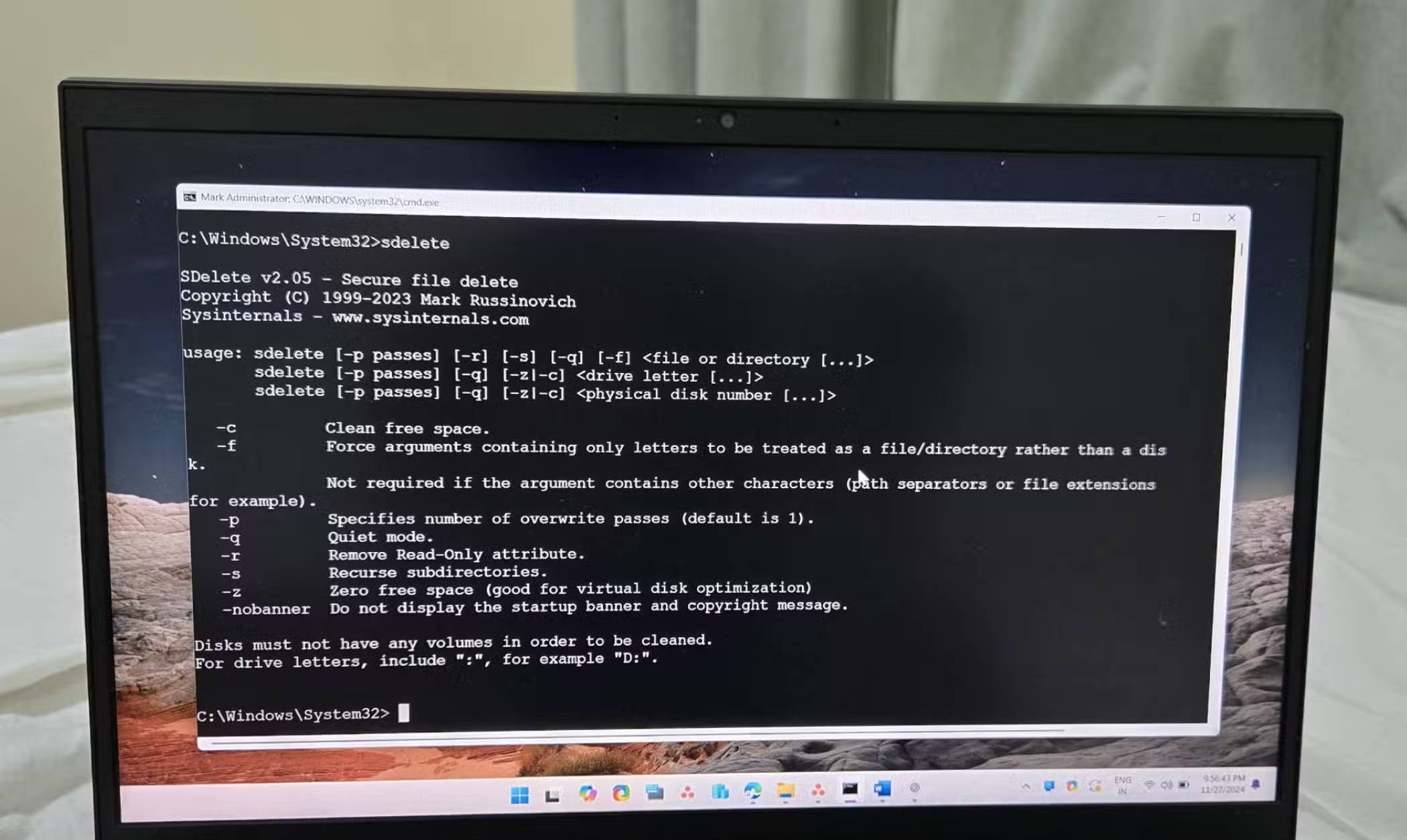
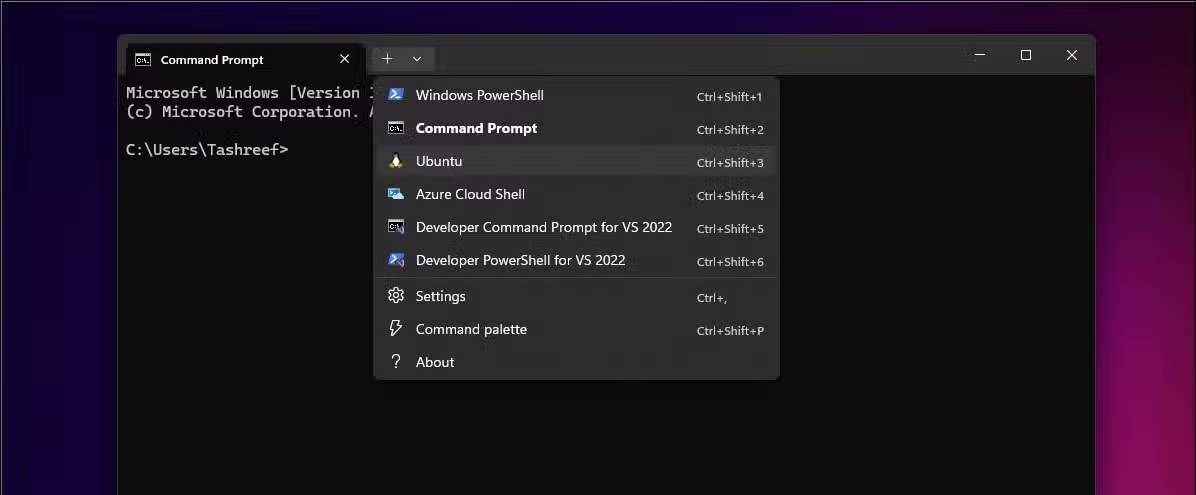
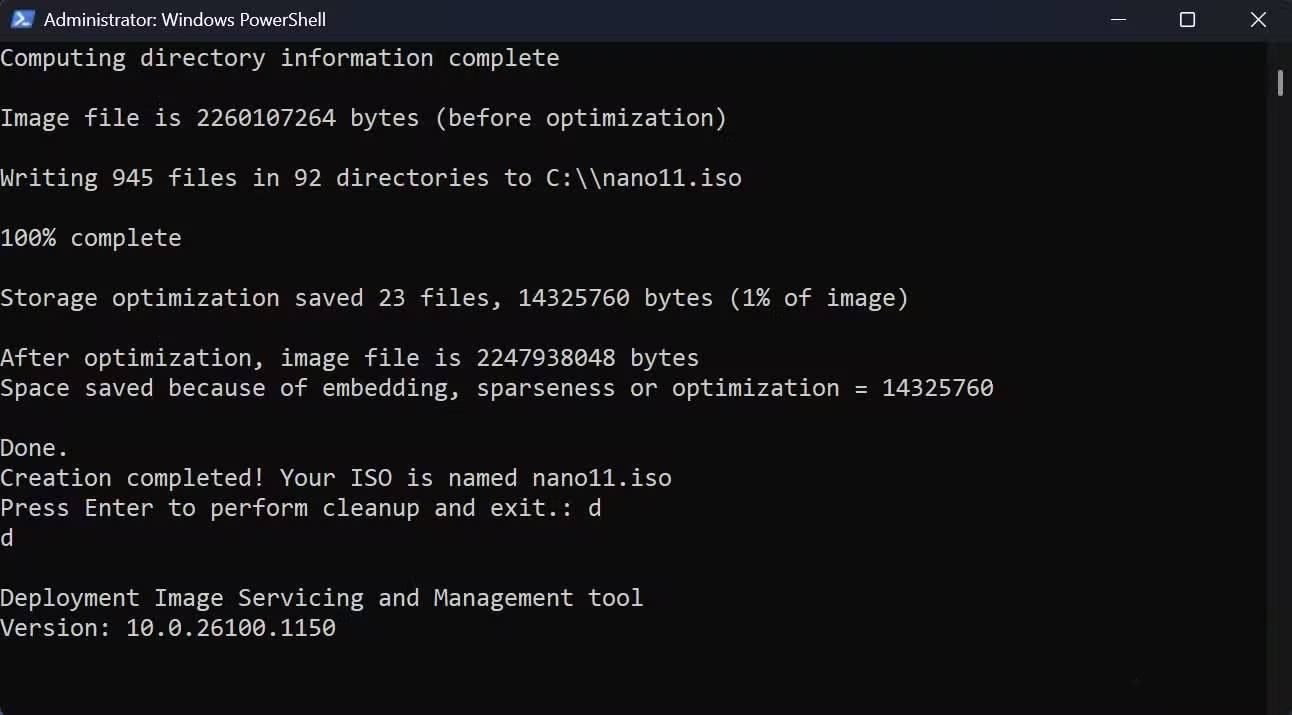
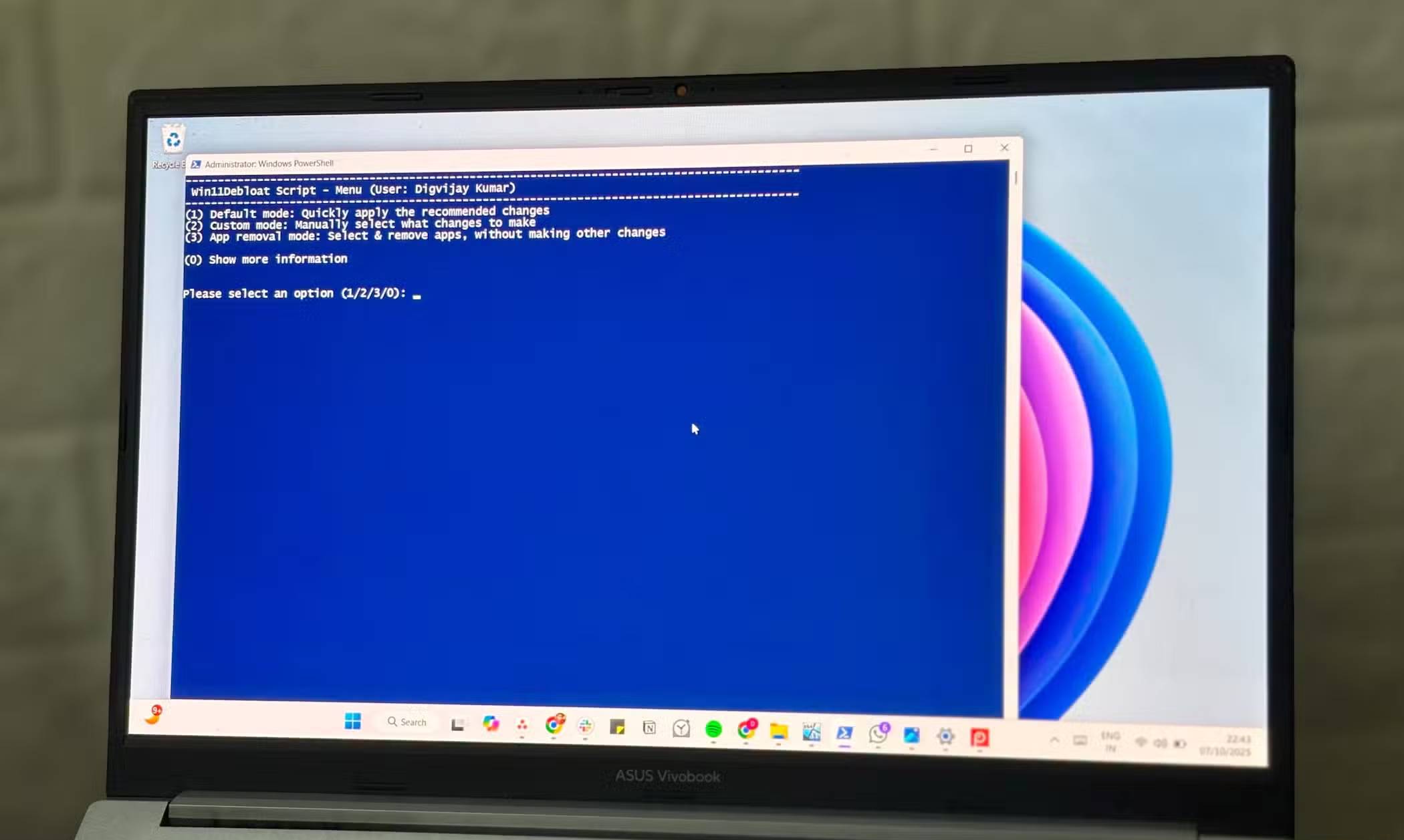
Command Prompt, or cmd.exe, is still used mostly for its simplicity and the benefits of legacy software that still relies on it. It's fast, lightweight, and great for things like moving files, running network tests, or creating batch scripts. Meanwhile, PowerShell has evolved into something much more powerful. It's a full scripting environment built for advanced system management and automation.
FAQ
What should you know about the options in this guide?
In practical terms, unlike the apps that Microsoft has quietly retired over the years, these old favorites seem to be the backbone of what still makes Windows feel special.
Which option is the best choice?
The best choice depends on your priorities, compatibility, budget, and the specific features discussed in the comparison.
What should you compare before deciding?
Compare core features, limitations, ease of use, compatibility, and long-term value before making a decision.
Related Articles
 3 Ways to Install Classic Software and Games on Windows 103 minutes read
 10 Classic Sega Games That Can Be Played on Your Phone10 minutes read
 Gog Sale Collapsed, Dropping to 90% of Classic PC Games2 minutes read
 Windows Terminal Is About to Have a Retro Version with a3 minutes read
 Classic Shell: What It Is and How to Use It to Customize Menu on Windows4 minutes read
 Over 200 Genres of Classic Games Emulated on PC3 minutes read
Reader Comments 0
Sign in with email or Google to join the discussion.