Table of Contents
A slow computer is not proof of a virus, and a fast computer is not proof that it is clean. Better decisions come from checking the source of a warning, keeping software supported, and using security tools alongside cautious account and download habits.
Malware is the broad category of malicious software. A virus is one type; ransomware, spyware, and other threats do not all behave like traditional self-replicating viruses. These six misconceptions blur those distinctions.
1. “Macs and Linux cannot get malware”
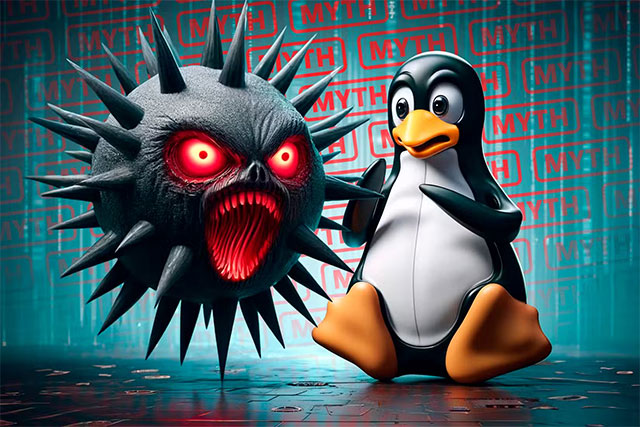
No operating system is inherently immune. Threats differ by platform and the software running on it; desktop market share alone does not explain the risks to servers, browsers, extensions, or accounts.
Apple includes Gatekeeper, notarization, and XProtect as overlapping macOS defenses. Keep those protections and software updates enabled. On any platform, avoid bypassing a security warning just because an installer promises a useful feature.
2. “Opening any email always infects you—or can never harm you”
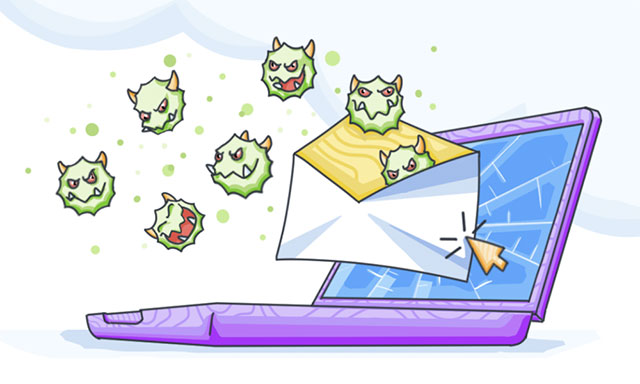
Both absolutes are misleading. Many email attacks depend on a link, attachment, credential request, or another action. Software vulnerabilities can also change what is possible, so a mail preview should not be described as universally risk-free.
Keep the mail app and operating system updated. Do not enable document macros, install an unexpected program, or sign in through an email link merely because the message looks familiar. Attachment scanning reduces risk but cannot certify every message as safe. Use safe link and file inspection when checking suspicious material.
3. “Antivirus makes every action safe”
Security software is an important layer, but a missed detection is possible. It also cannot make an intentional payment to a scammer or disclosure of a password harmless.
Use a reputable, updated security product, supported software, multifactor authentication, and recoverable backups. Do not install several competing real-time scanners in the hope that more is automatically better.
4. “A website says I have a virus, so it must be true”
A dramatic webpage warning is not a trustworthy diagnosis of your device. Scareware and tech-support scams imitate familiar brands to push a download, a phone call, a payment, or remote access.
Close the page without using its proposed fix. Open your security application independently if you want to scan. The FTC's tech-support scam guidance explains why warnings that demand a support call deserve particular suspicion.
5. “A slow PC must be infected”
Low free storage, background work, overheating, startup apps, and hardware faults can all affect performance. Malware is one possibility, not a conclusion.
Check resource use and recent changes, and scan if there are suspicious signs. TipsMake's slow-computer troubleshooting guide helps separate common causes without resorting to random cleanup tools.
6. “Malware always produces obvious symptoms”
Some malicious software tries to stay unnoticed. A lack of pop-ups or crashes does not establish safety, just as one unusual process name does not establish an infection.
Review protection status and alerts, unexpected account activity, and unexplained browser or startup changes. If a scan finds something, follow the security product's quarantine guidance and seek help when the scope is unclear. See using built-in malware protection for a measured response.
Related Articles
 10 misconceptions about electronic devices that we have long believed
 10 common myths about computers that you often believe
 7 computer viruses you should be careful
 7 tech misconceptions that sound smart but are actually a waste of money
 Use the CMD command to remove viruses on Windows computers
 5 Misconceptions about RAM (Random Access Memory)
Reader Comments 0
Sign in with email or Google to join the discussion.