Table of Contents
Learn how to remove your antivirus software! Windows security will help keep your computer with clear steps.
It seems like nothing is happening. But in fact, everything seems smoother. There are no more annoying crashes, and the browser is no longer lagging. The reason is that Windows does a lot to protect users' computers. Anyway, it's a surprising truth - Windows Security has a lot of features built in, and users don't need to pay for antivirus software.
The Myth of the Third-Party Safety Net
Modern operating systems have done the difficult things
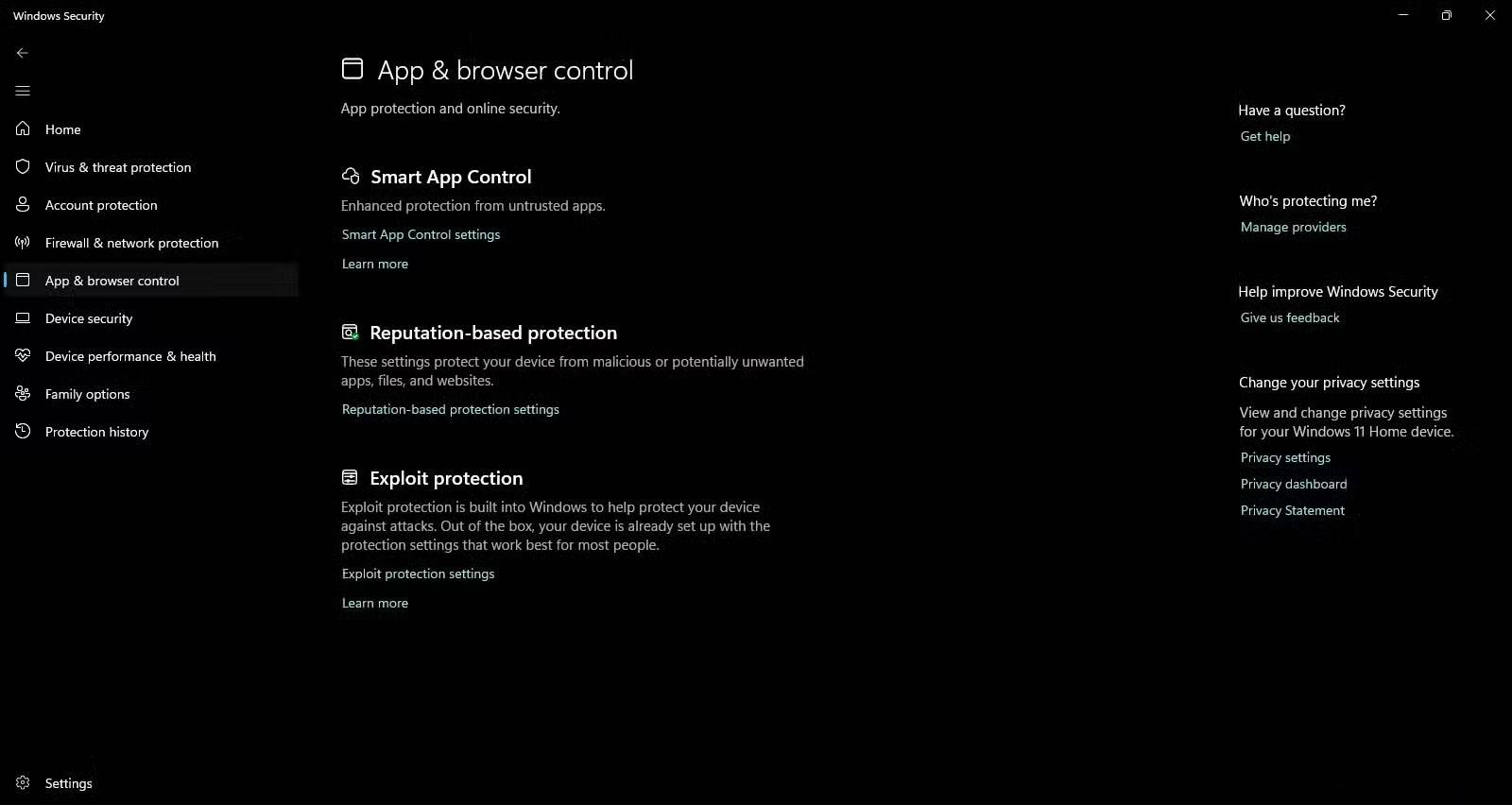
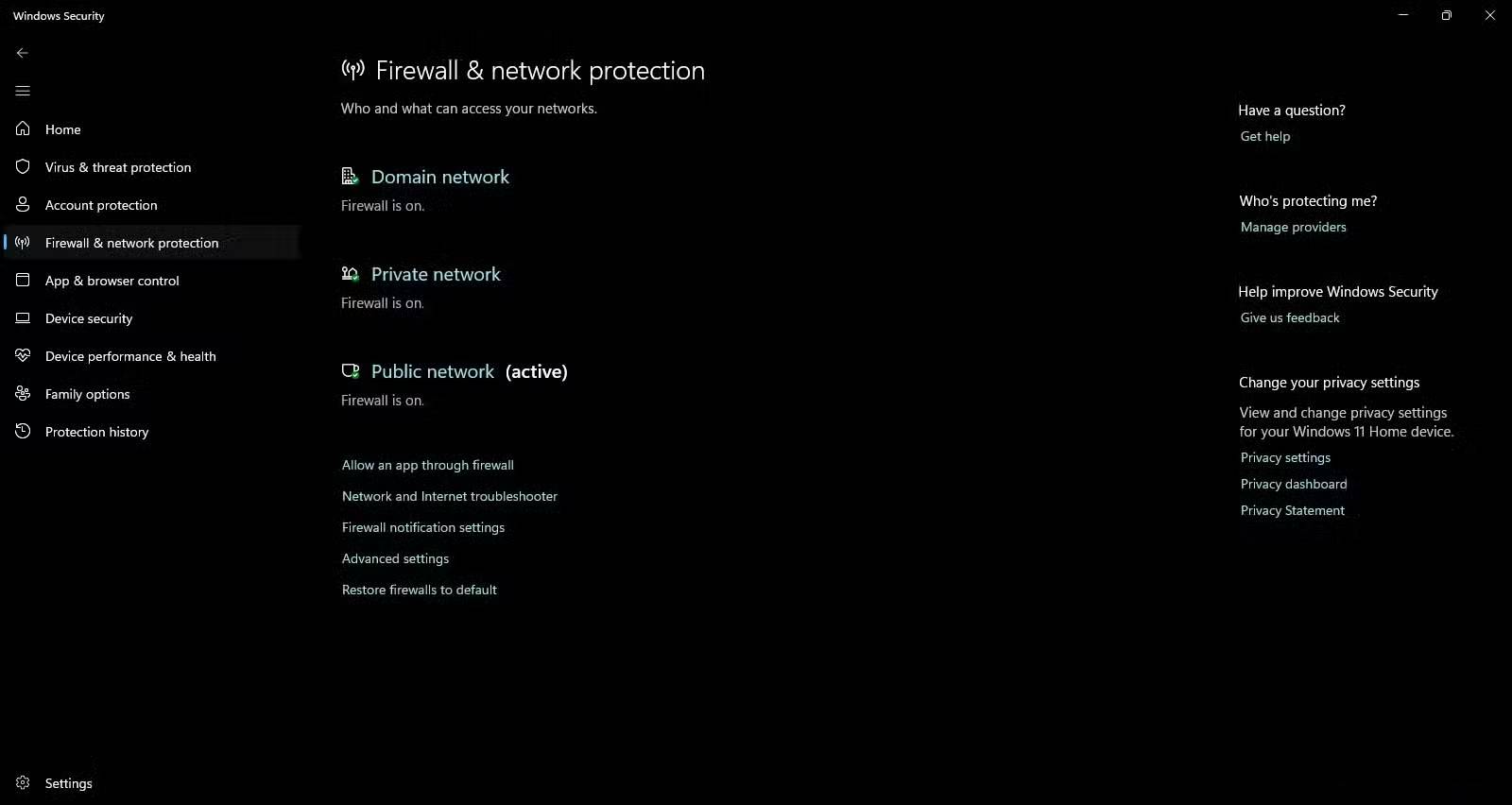
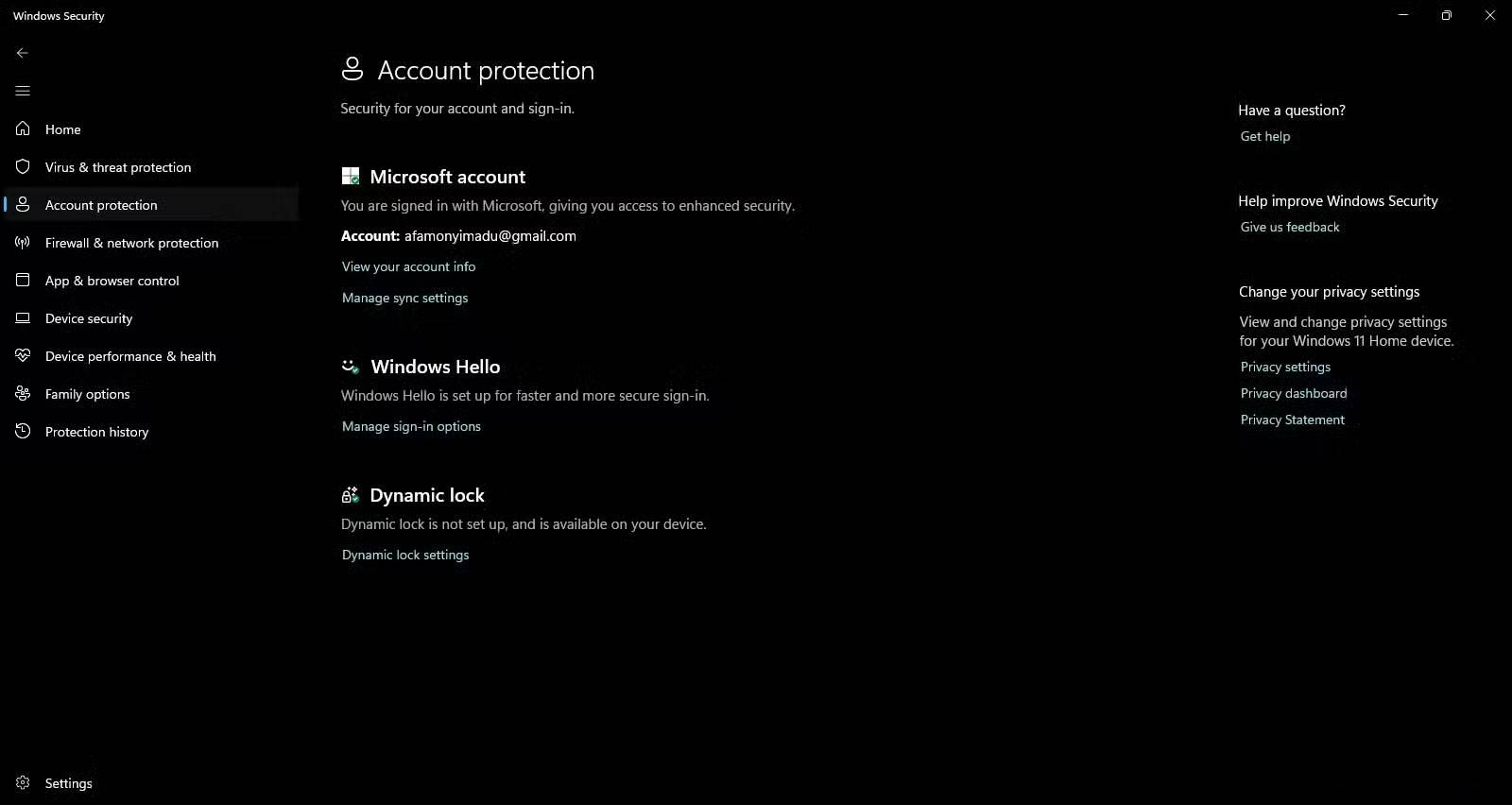
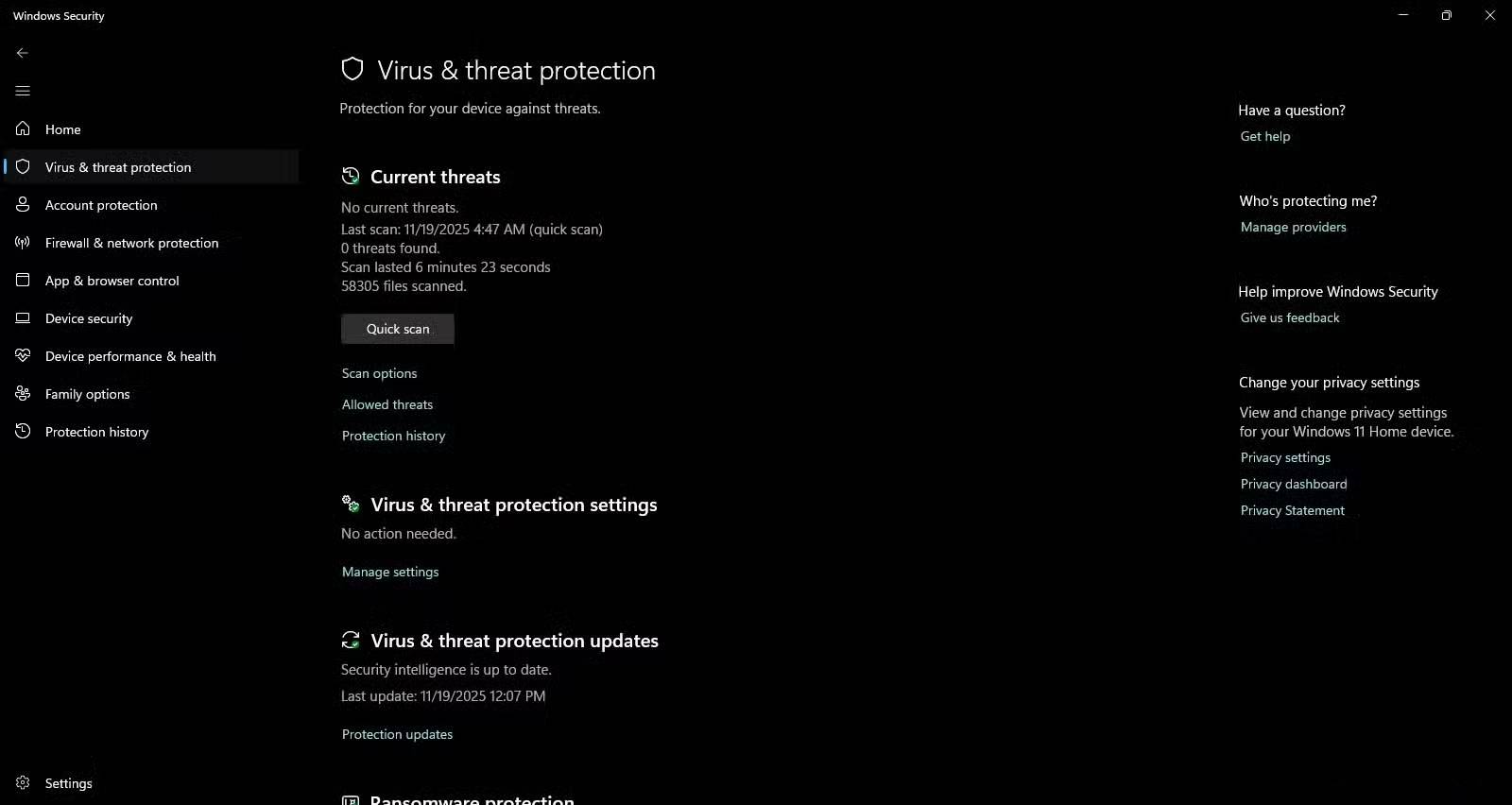
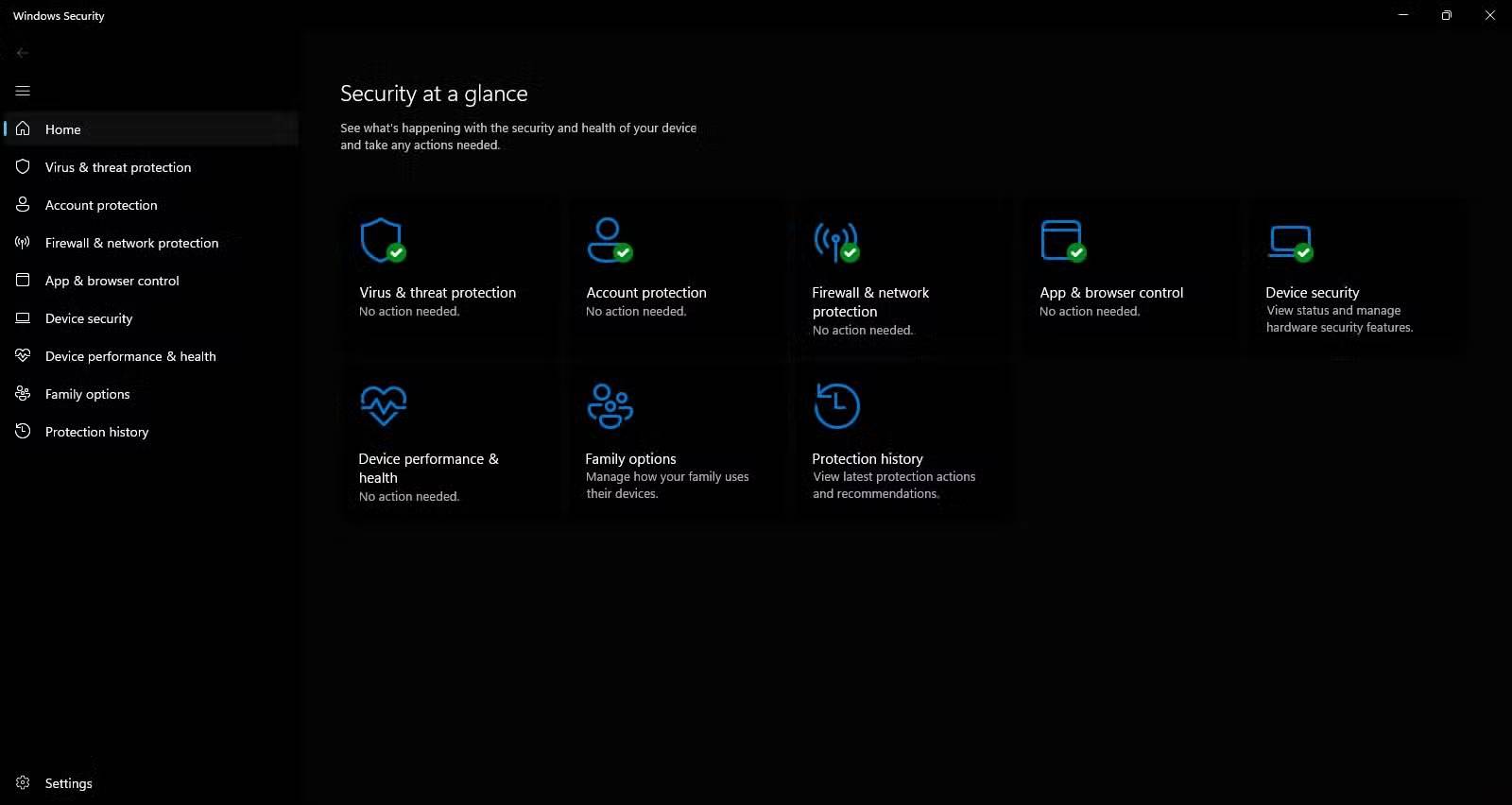
The first thing many people do on a new PC is install antivirus software. But that changed after the experience of uninstalling antivirus software. The biggest surprise was seeing the level of security that Microsoft built into Windows by default. Many people thought Windows Defender was still as basic as it was in Windows 7, but it has improved significantly. It now uses cloud-based machine learning, automatic sample submission, SmartScreen reputation checks, and kernel-level integration.
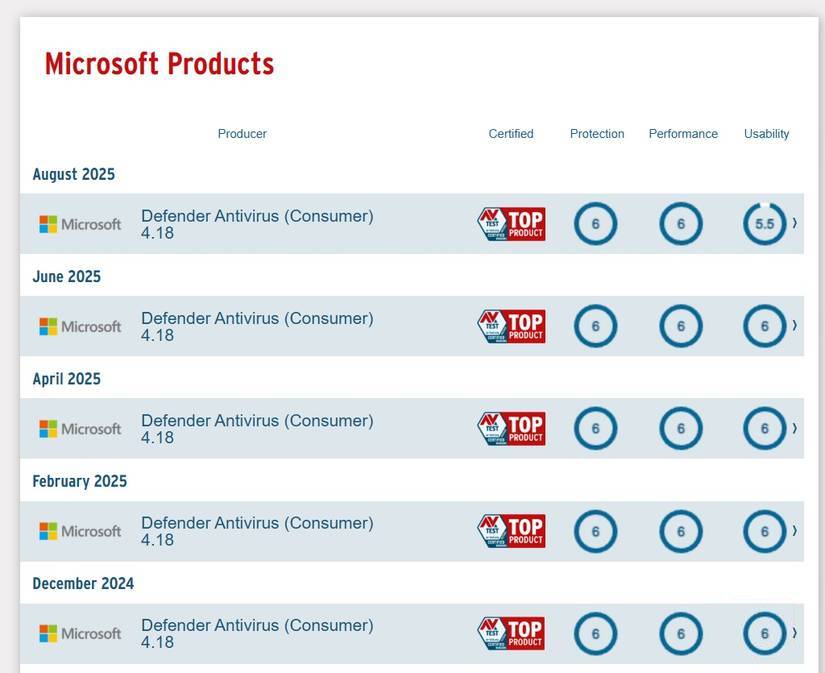
From 2013 to 2016, Windows Defender ranked between 0.5 and 3.5 for protection in independent security testing by AV-TEST. However, it has steadily improved since then and now has a near-perfect rating of 6 for protection. This puts it near the top of the protection ladder, on par with some reputable paid options – and often outperforms them.
Of course, premium security suites often come with additional features like identity monitoring, VPNs, or more robust parental controls, so it really depends on your needs.
Additional antivirus software actually extends the attack surface
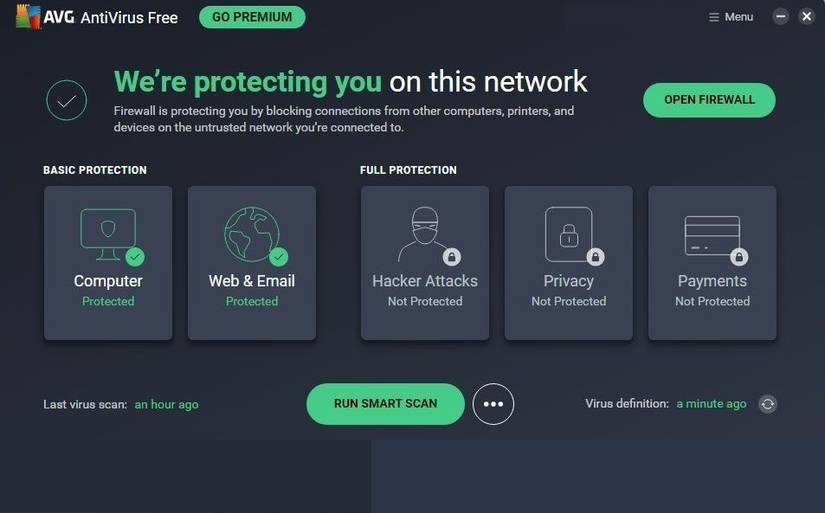
You probably never thought about how many antivirus applications have become their own primary targets until recently. They have to install drivers deep into your system, allowing for comprehensive scanning and making them work effectively.
According to security researchers at Google's Project Zero, several popular anti-malware tools have serious vulnerabilities. These flaws range from unsafe network filters to faulty file parsers. Since antivirus software runs with full system privileges, any vulnerability in it is a golden ticket for attackers. For example, in 2024, Tech Monitor reported on malware that exploited a vulnerability in the Avast/AVG kernel driver, allowing attackers to disable security software and target other parts of the system.
Old antivirus software slows down your computer and, ironically, causes you to ignore warnings
Performance degradation and pop-ups pose their own risks
Performance is another issue. While computers aren't inherently slow, virus scans are stressful. They slow down boot times, cause applications to lag, and occasionally cause background processes to spike. This isn't uncommon.
Slow speeds can also depend on your antivirus software, hardware, and specific configuration. Most modern antivirus software works well.
The constant pop-ups from some antivirus tools are like marketing tools. You get upgrade prompts and the recurring banner 'Your computer may be at risk!' , making you feel security fatigued. After a while, you get used to these warnings and pop-ups. You assume it's all just a sales pitch and stop paying attention, putting your computer at risk when there's a real threat.
Modern malware doesn't follow old antivirus rules
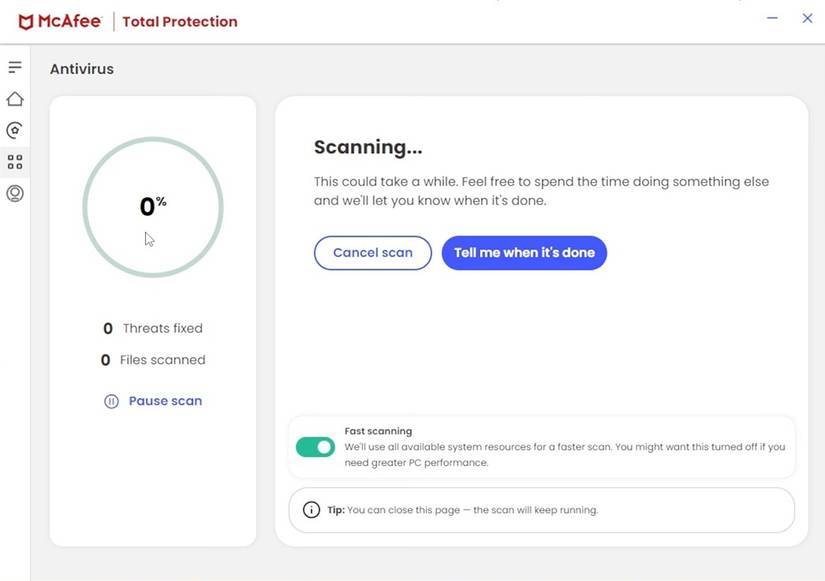
Antivirus vendors have added heuristics, but they still rely on the core signature engine, which uses lists of known malware samples. The problem is that modern software threats don't wait to be classified. Some of the latest threats are fileless and script-based, often blending seamlessly into legitimate system processes.
Examples include PowerShell abuse, Office macro exploits, and "outlaw" techniques. These are behaviors, not just files you download like in the 2000s, and today's operating systems are much better at behavior-based detection.
Final Thoughts
Use this guide as a practical checklist for how to remove your antivirus software! windows security will help keep your computer safer. Work through the steps in order, verify each result, and adjust the options to match your needs.
FAQ
What do you need before following this How to Remove Your Antivirus Software! Windows Security Will Help Keep Your Computer Safer guide?
Review the required tools, accounts, settings, or materials mentioned in the article. Learn how to remove your antivirus software! Windows security will help keep your computer with clear steps.
What are the main steps for how to remove your antivirus software! windows security will help keep your computer safer?
Follow the sections in order, especially The Myth of the Third-Party Safety Net, Modern operating systems have done the difficult things, Additional antivirus software actually extends the attack surface. Complete each step before continuing and verify the result as you go.
What should you do if the process does not work as expected?
Recheck the prerequisites, update the relevant app or service, review the settings, and repeat the step that caused the issue. Use any troubleshooting notes included in the guide.
Related Articles
 9 Best Antivirus Software for Mac12 minutes read
 Top 10 Best Antivirus Software in Early 2018 for Windows 102 minutes read
 7 Best Free Antivirus Software for Mac7 minutes read
 Top 7 Best Free Antivirus Software for Linux7 minutes read
 10 Most Effective Antivirus Software for Windows 201910 minutes read
 How to Remove Avast Free Antivirus Software from the Computer4 minutes read
Reader Comments 0
Sign in with email or Google to join the discussion.