Table of Contents
Before leaving, switch your phone to airplane mode and try opening a map, translating a sentence, playing a download and finding your accommodation address. The test takes a few minutes and exposes the things that still need a connection.
1. Download entertainment on the device you’ll take
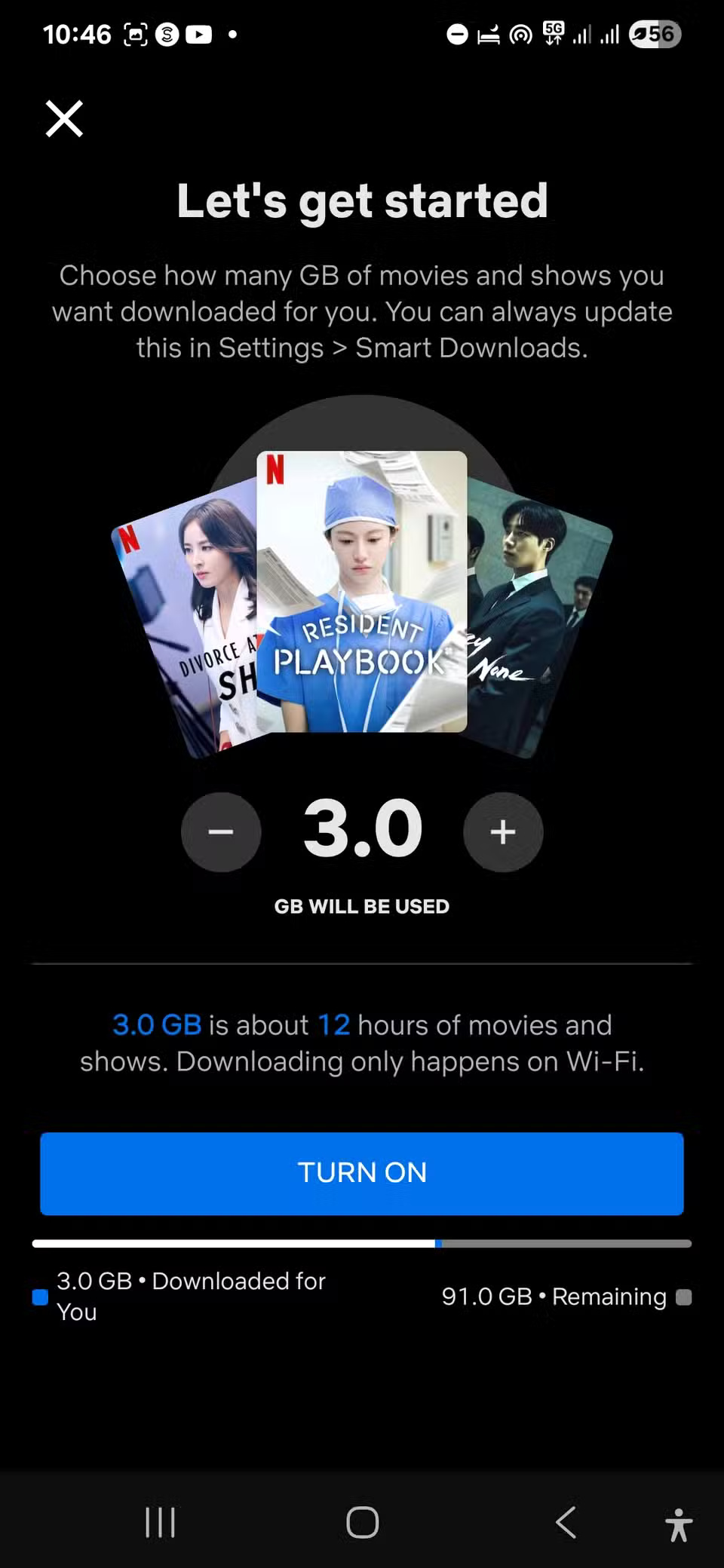
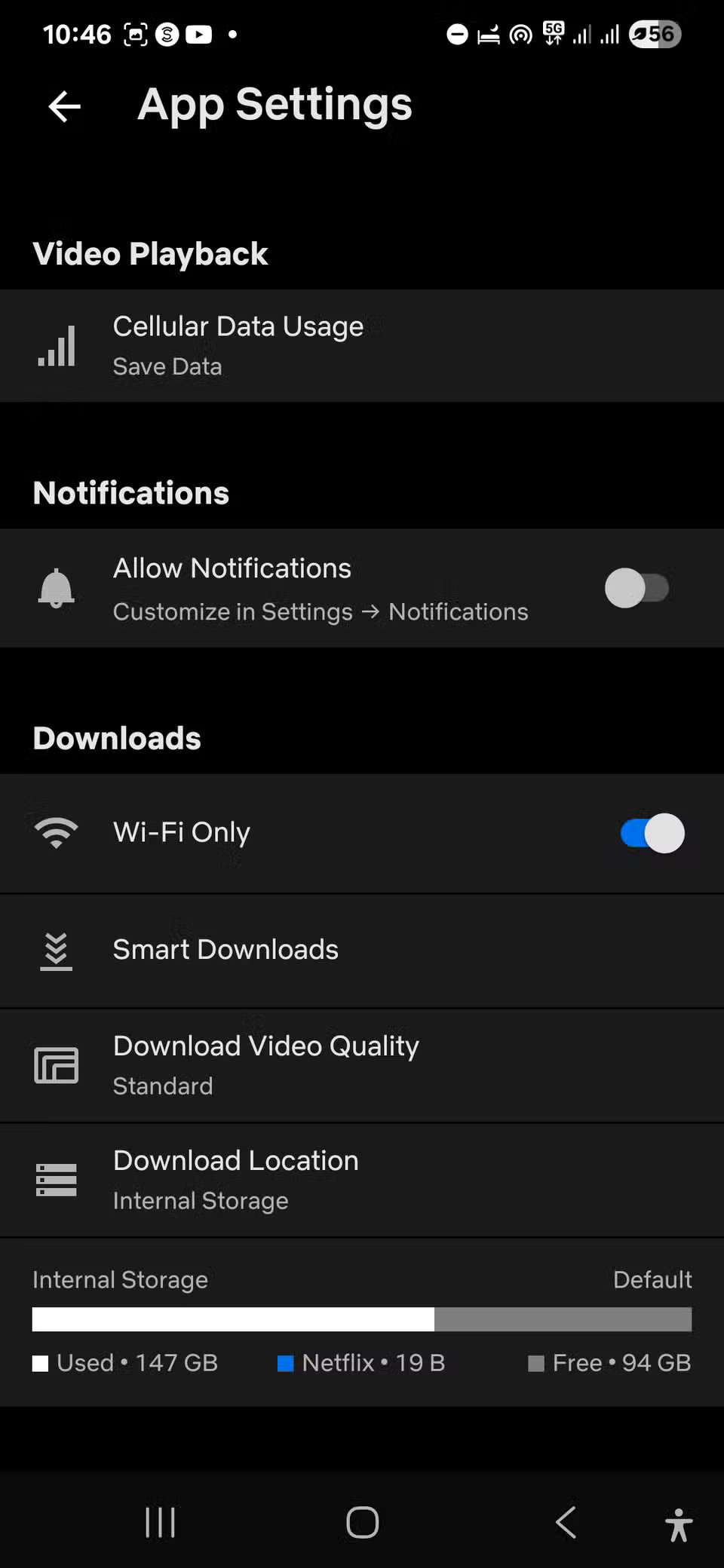
Open each streaming, podcast or audiobook app and save content over Wi-Fi. Start playing a title from the Downloads tab with airplane mode on. Check that the download will still be valid for your return journey. See how to download Netflix titles for offline viewing.


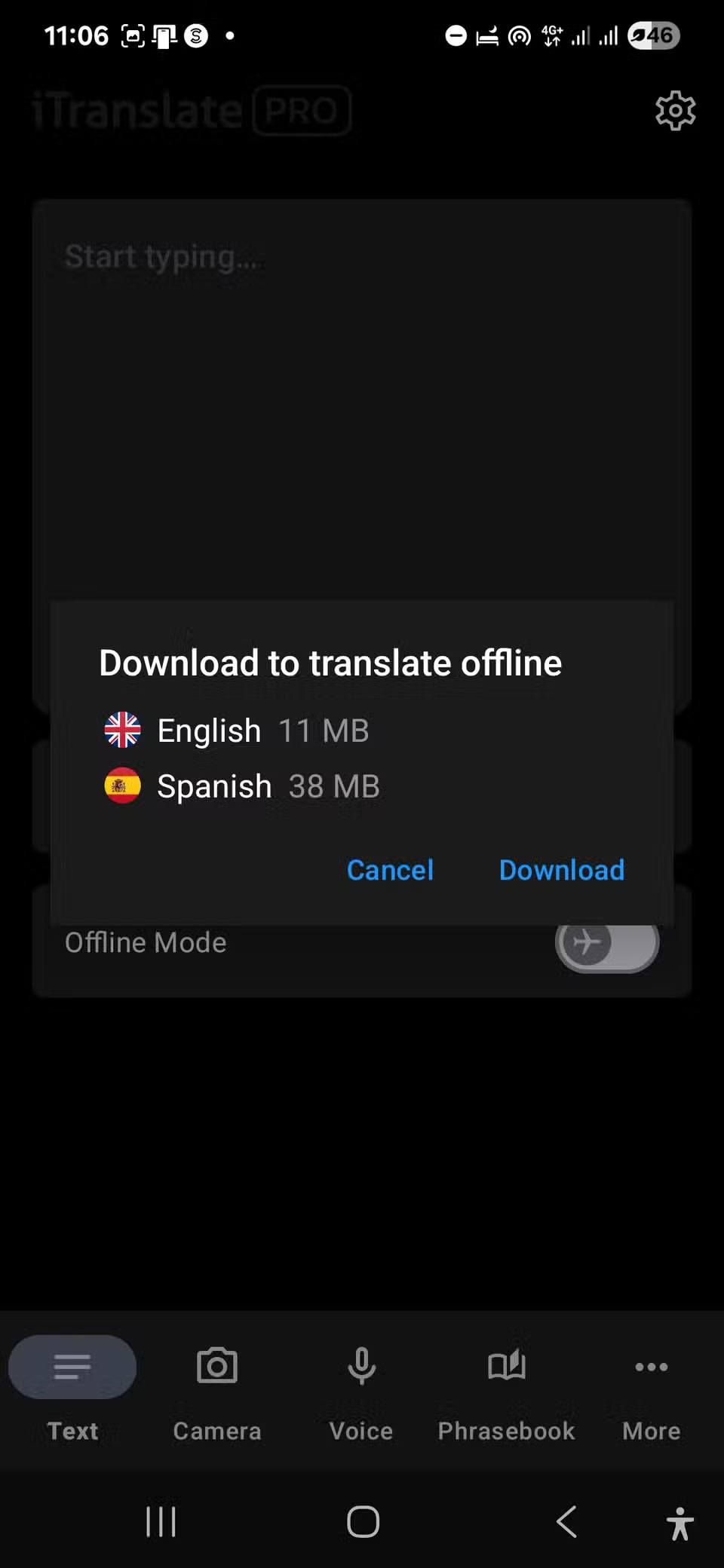
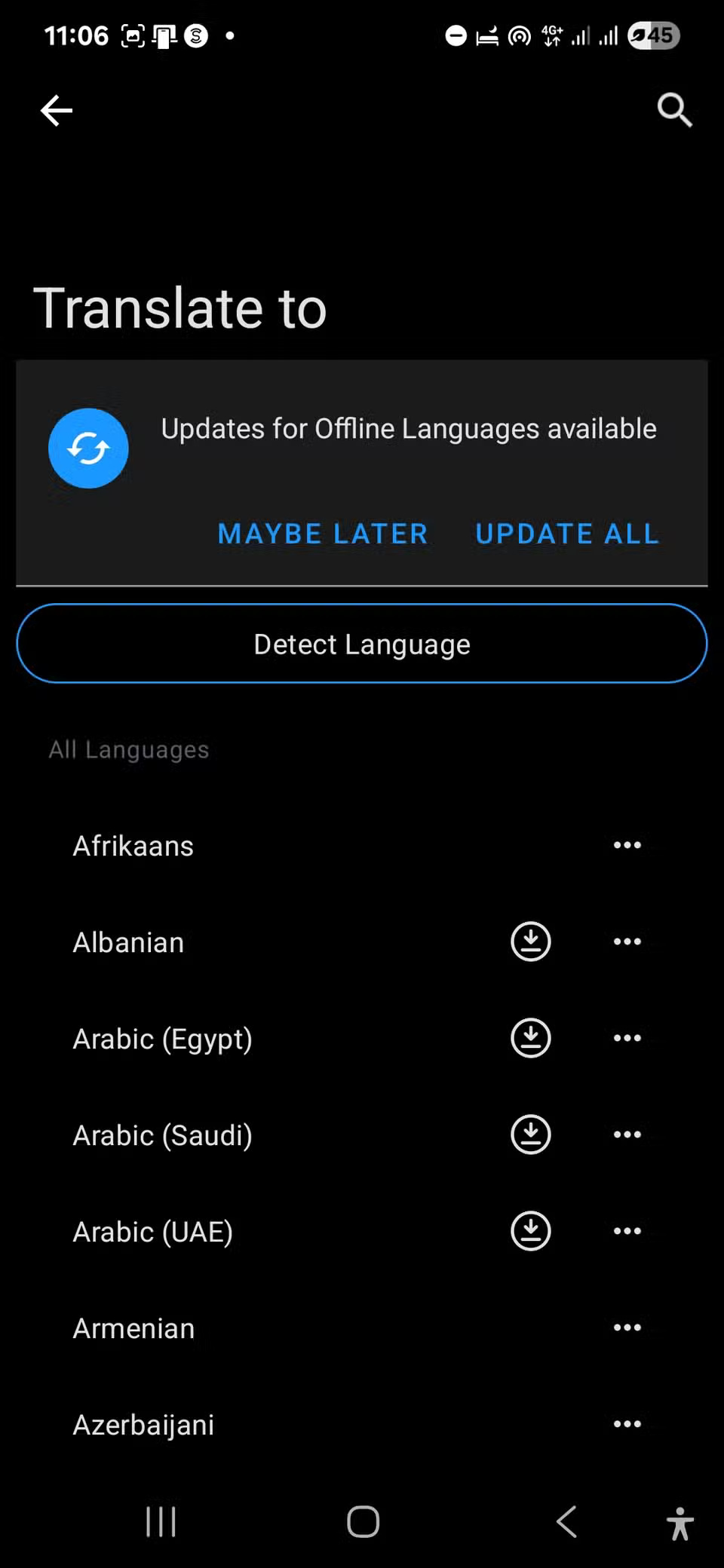
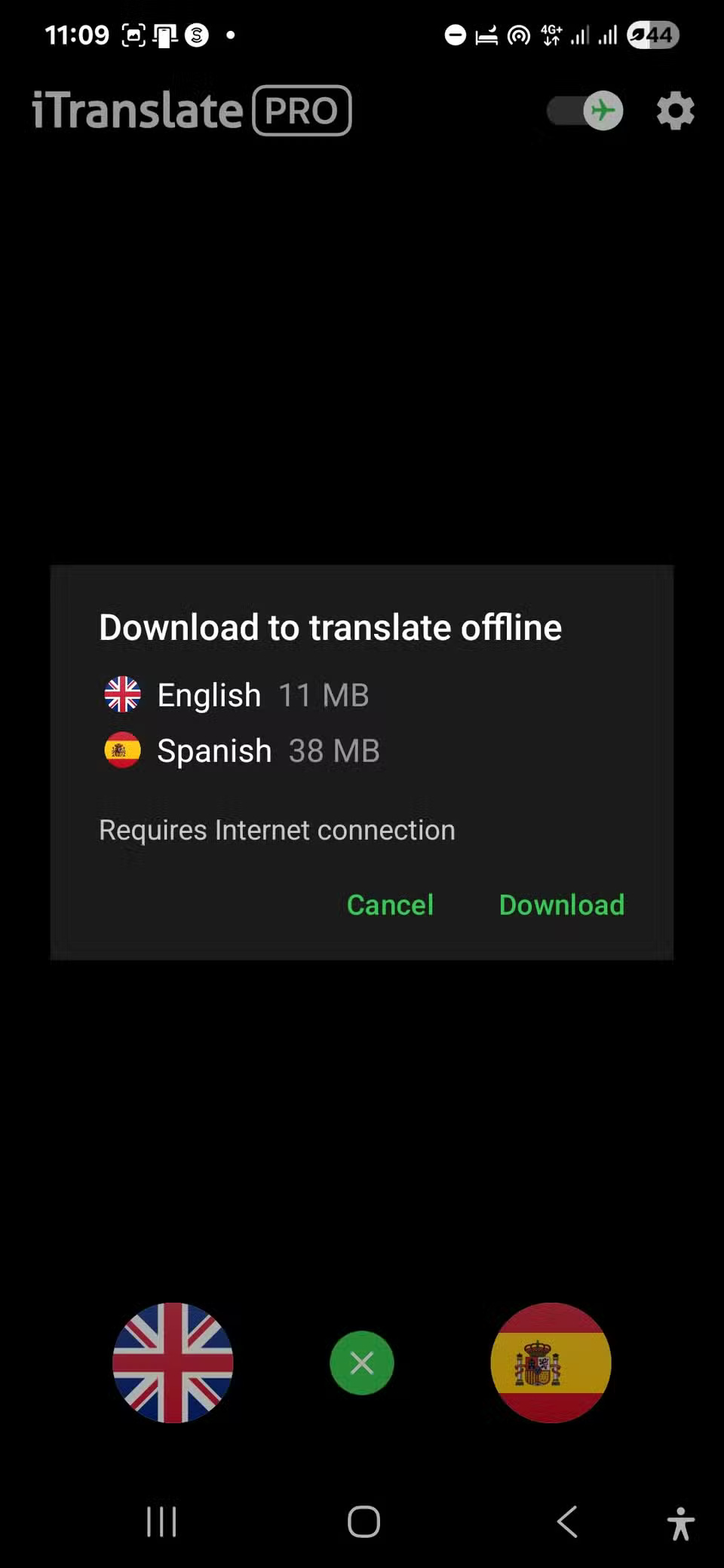
2. Save both languages in your translation app
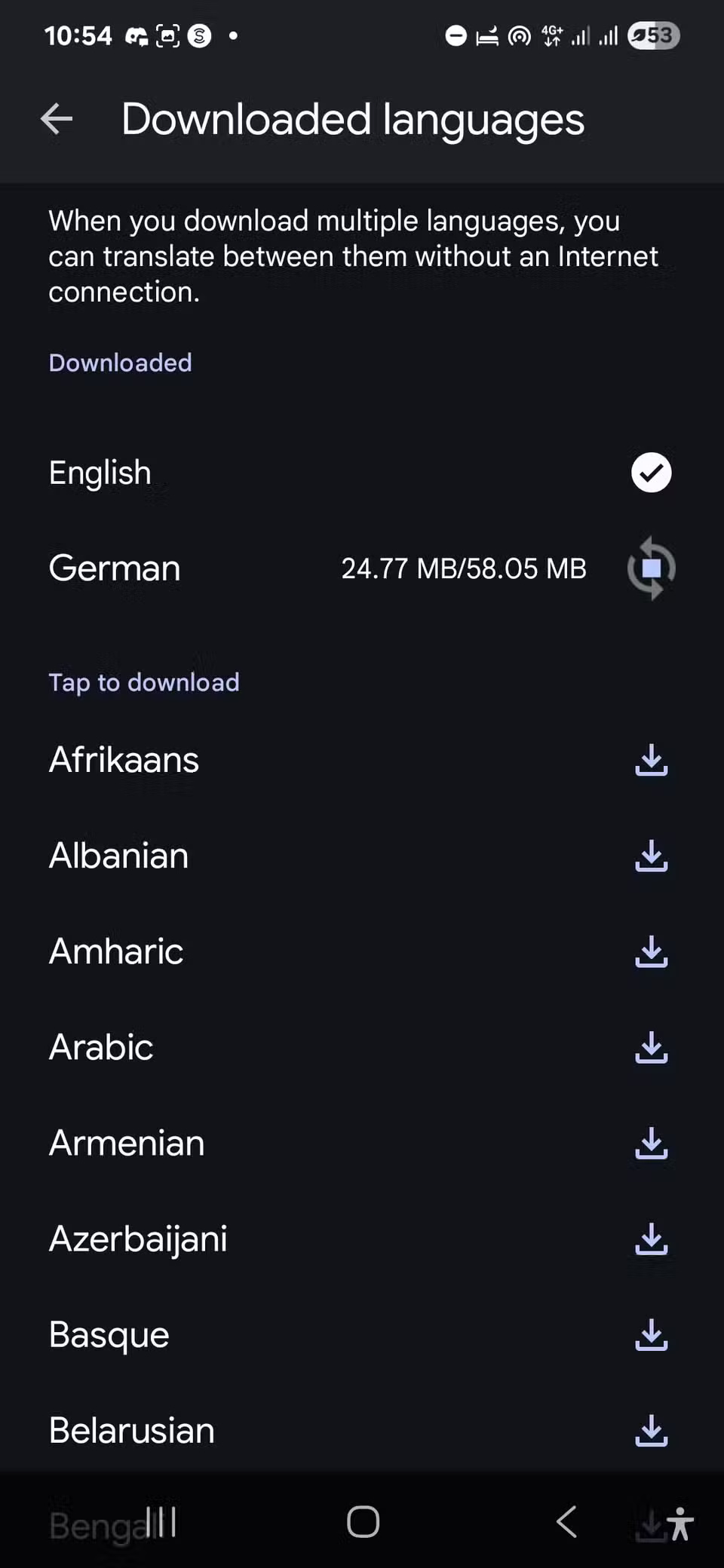
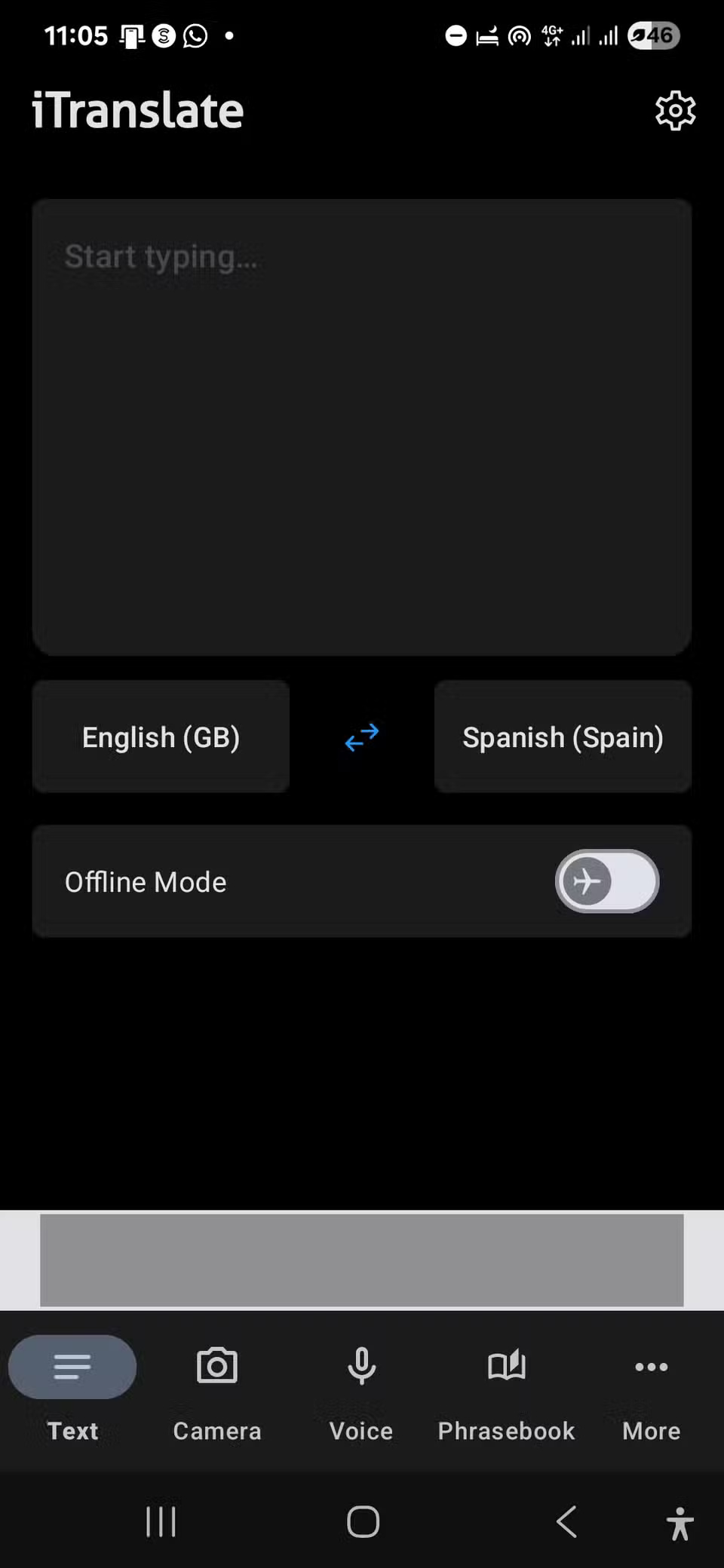
Download the languages you’ll translate between. Test a typed sentence and, if you plan to read menus or signs, test camera translation separately. Offline support varies by language and feature. Some apps require a paid plan for offline use.

3. Prepare maps, storage and charging
Download the map area that covers your airport or station, accommodation and day trips. Check which travel modes the app supports offline and save a screenshot of any important transit route. Back up photos before clearing space, update essential apps and test the charger, cable and plug adapter you’re taking.
4. Check which services work at your destination
Look up local availability for the messaging, ride-hailing and payment apps you rely on. Install any permitted local alternatives before leaving and check whether they require a local phone number or payment method. Save a second way to reach anyone who needs to hear from you on arrival.
5. Keep emergency details accessible offline
Save local emergency numbers from an official government or destination travel advisory. Keep your insurer’s assistance number and your accommodation’s address and phone number in an offline note, ideally with the address in the local language. Carry a paper copy of essential numbers in case the phone loses power. The international travel checklist covers other documents to prepare. If you downloaded details as PDFs, check where your phone stores downloaded files before you leave.






Reader Comments 0
Sign in with email or Google to join the discussion.