Table of Contents
Not only do these apps take up storage space, they also constantly run in the background. Combined, they can take up a significant amount of processing power and slow down your phone more than it needs to.
Your new Android phone is packed with features, power, and. too many apps. Some of them are essential—Phone, Messages, Calendar, Gmail—the apps you really need every day. Others are just 'nice-to-haves,' like YouTube, Gemini, and Google Maps, that really add value. But then there are the rest—unnecessary, redundant, and often annoying apps that seem to exist only because the phone maker or carrier decided you needed them.
Not only do these apps take up storage space, they also run constantly in the background. Combined, they can take up many processing power and slow down your phone more than it needs to. The good news is that you don't have to live with them. You can safely uninstall most of them without rooting your Android phone.
Weather apps
Always running, even when you don't check the weather forecast
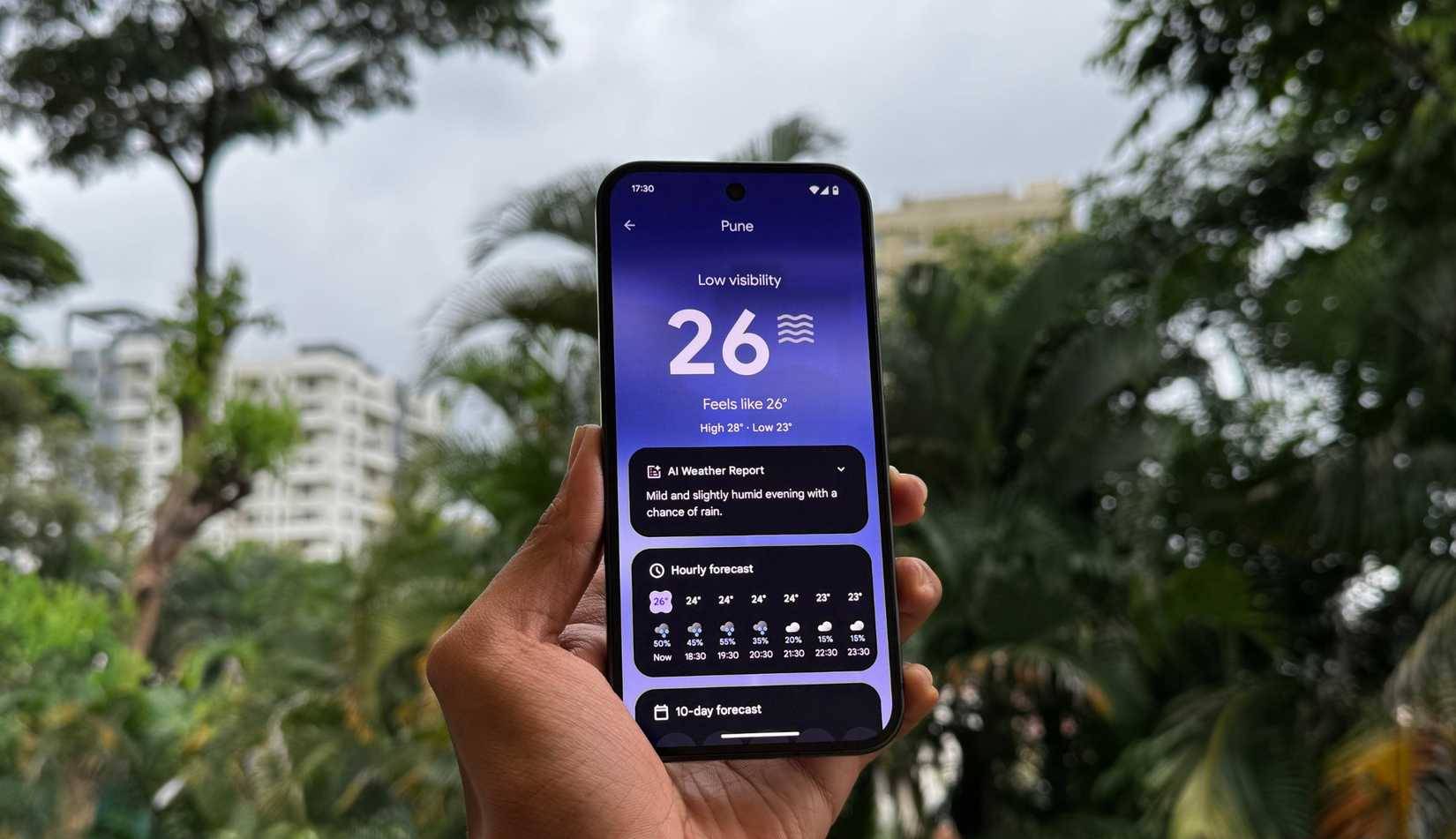
The humble weather app prepares you for unexpected rain, blistering heat, or a sudden hailstorm in July. Depending on where you live, it's an app you either open every day or never touch.
Regardless, the important thing is that these weather apps, including the pre-installed ones, often run background updates, fetch data, track your location every few minutes, and issue 'hot' weather alerts. While that may sound helpful, those background processes slowly drain your battery and take up memory.
Social networking and shopping apps
These "free" apps may be slowing down your phone
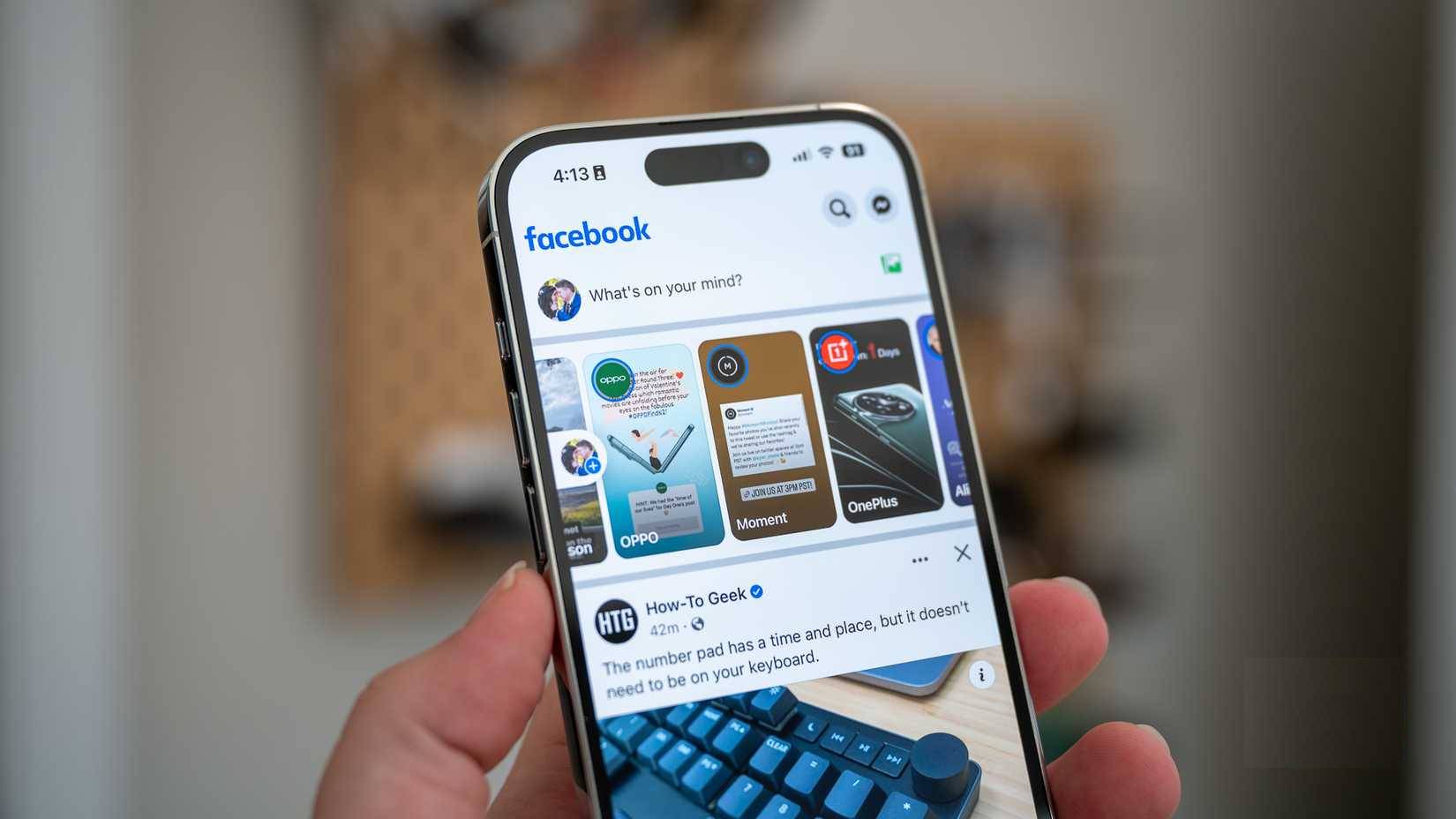
Most Android phones come with a few social media apps pre-installed. This isn't a thoughtful gesture from the phone manufacturer to get you "started." The problem is, even if you've never touched the Facebook icon, you'll probably still see it in your battery and storage usage lists.
Shopping apps aren't much better. Many Android phones come with apps like Amazon or brand-specific store apps pre-installed. These are often left running in the background by default, constantly collecting data, using up memory, and demanding your attention.
OEM app stores and voice assistants
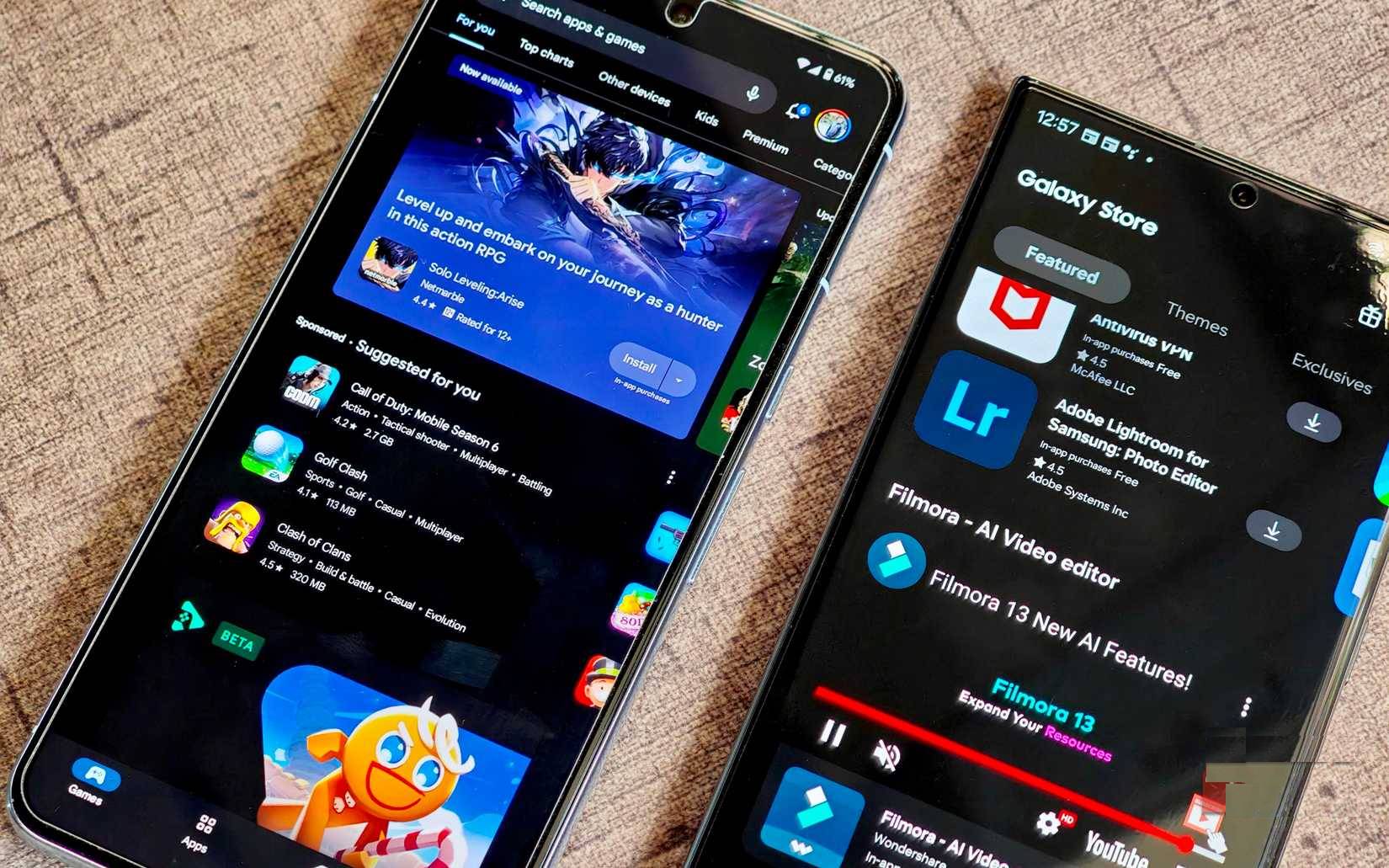
OEM app stores often run in the background scanning for updates, sending 'recommended apps' notifications, and sometimes even auto-installing. While they claim to offer exclusive content or deals, in reality they mostly just copy what the Google Play Store already does.
And then there's the built-in voice assistant. Virtual assistants like Bixby on Samsung phones are built in, so even if you never say "Hey, Bixby," the service is still running in the background, waiting for a command you probably won't ever give. If you don't use these OEM extras, you should dig into your settings to turn them off completely.
Duplicate applications from the manufacturer
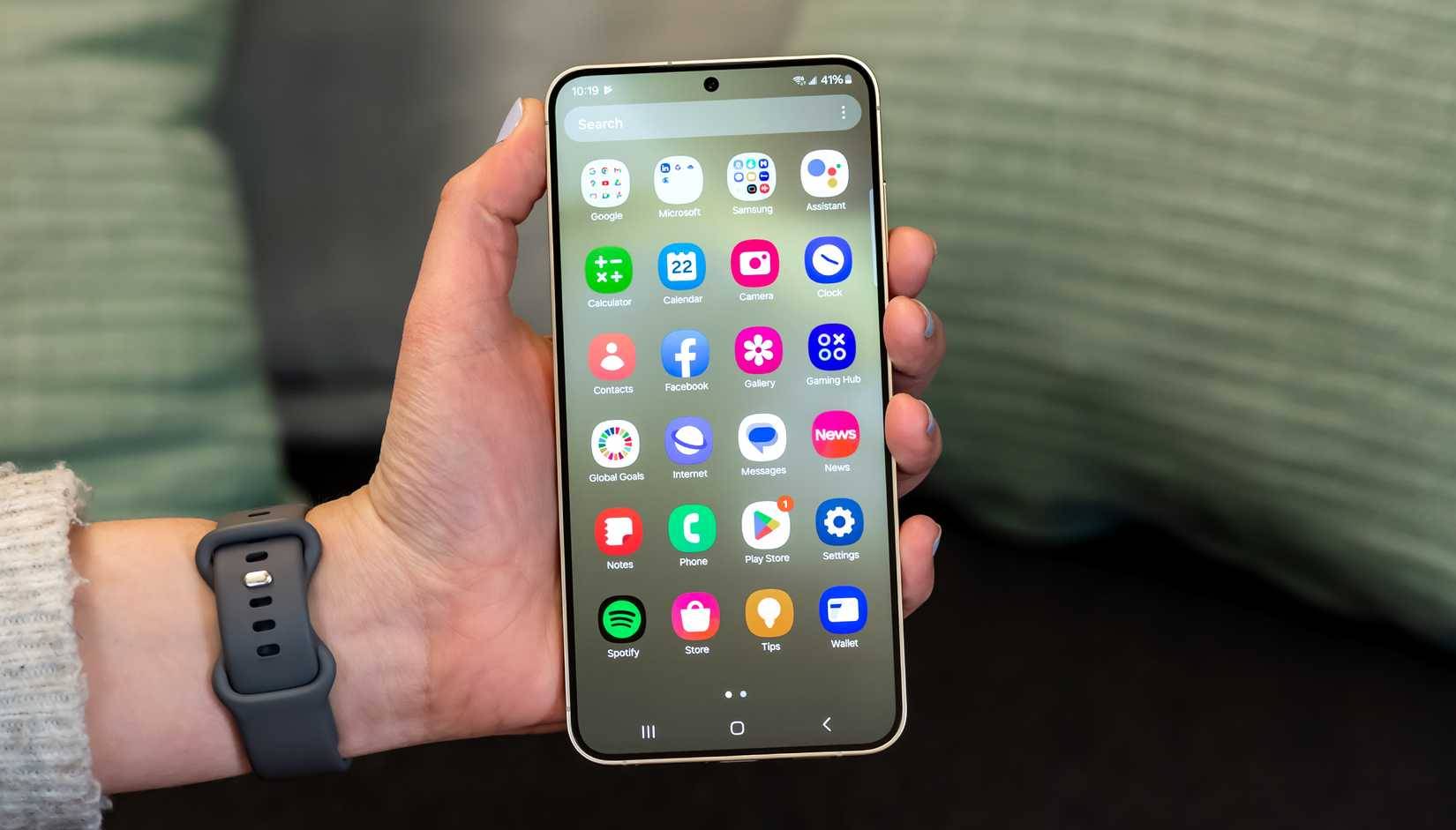
One of the most annoying things about many Android phones is unnecessary app duplication. You open the app drawer and suddenly there are two browsers, two photo galleries, two messaging apps, and maybe even two keyboard apps.
To be fair, some of these apps aren't bad. In fact, many people prefer some of Samsung's apps over Google's. But duplicates are duplicates. The best approach is to pick one version of each app you actually use and uninstall or disable the rest.
Carrier bloatware
The hidden costs of carrier "discounts"
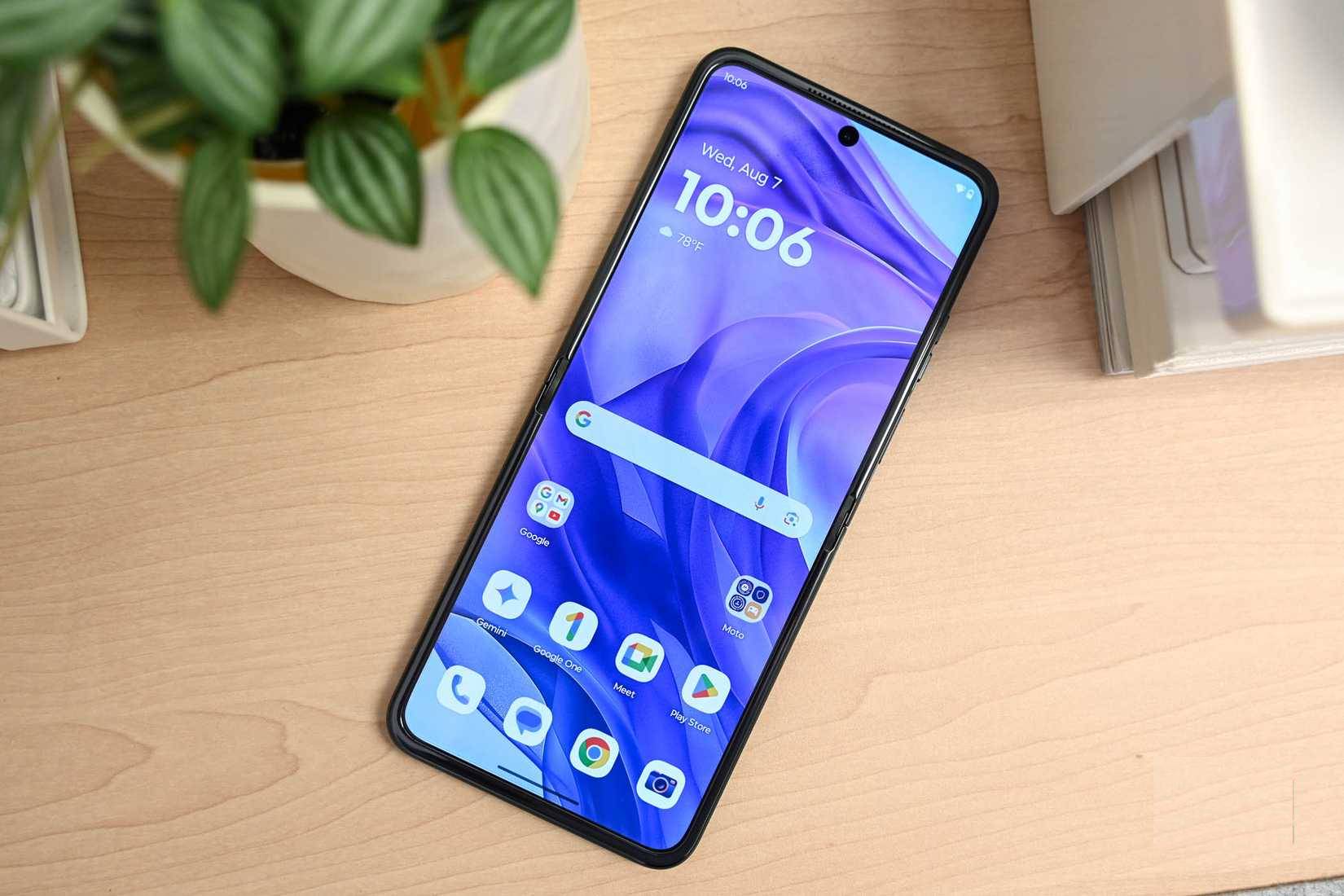
If you've ever bought a phone directly from a carrier, you've likely encountered even more bloatware—the apps and services that the carrier installs before you even turn on your device for the first time. It's one of the hidden trade-offs that comes with that 'discounted' phone price.
The truth is, you probably don't need most of them. Individually, they may not seem like a big deal, but together they can slow down your phone. If you're stuck with carrier bloatware, your best bet is to disable what you can in your phone's settings. Some apps can be uninstalled entirely, while others can only be disabled.
FAQ
What should you know about the options in this guide?
In practical terms, not only do these apps take up storage space, they also constantly run in the background. Combined, they can take up a significant amount of processing power and slow down your phone more than it needs to.
Which option is the best choice?
The best choice depends on your priorities, compatibility, budget, and the specific features discussed in the comparison.
What should you compare before deciding?
Compare core features, limitations, ease of use, compatibility, and long-term value before making a decision.
Related Articles
 Backup and Restore Installed Applications on Android Using5 minutes read
 7 Settings That Slow Down Your Android Phone10 minutes read
 If Using an Android Phone, Be Careful: You May Be Being Tracked Without Knowing11 minutes read
 How to Speed Up the Android App Startup4 minutes read
 9 Useful Google Apps That Don't Come Pre-Installed on Android Phones8 minutes read
 9 Apps You Should Install First on Your New Android Phone: Recommended Choices7 minutes read
Reader Comments 0
Sign in with email or Google to join the discussion.