Table of Contents
Google Vids is a collaborative video-creation app for work, training, presentations, and internal communication. You can begin with a prompt, a Google Slides deck, a recording, uploaded media, a template, or a blank project, then edit the result scene by scene.
Basic Vids features are available to some personal Google Accounts, while Gemini features, higher limits, and advanced options depend on the account, plan, administrator, region, and rollout. Check Google's current Vids feature-availability guide instead of assuming every AI tool is free.
Google Vids, Slides, or NotebookLM?
| Tool | Best starting point | Typical output |
|---|---|---|
| Google Vids | You need an editable, scene-based video for communication or training | Video with script, recordings, media, narration, captions, and transitions |
| Google Slides | A presenter will lead a meeting or the audience needs a slide deck | Slides with layouts, notes, charts, and presenter controls |
| NotebookLM | You want a source-grounded explanation or overview from a collection of materials | Notebook-based summaries and supported audio or video overviews |
Vids does not “replace” the other tools. Choose it when the final experience should be watched as a video and edited on a timeline or as scenes.
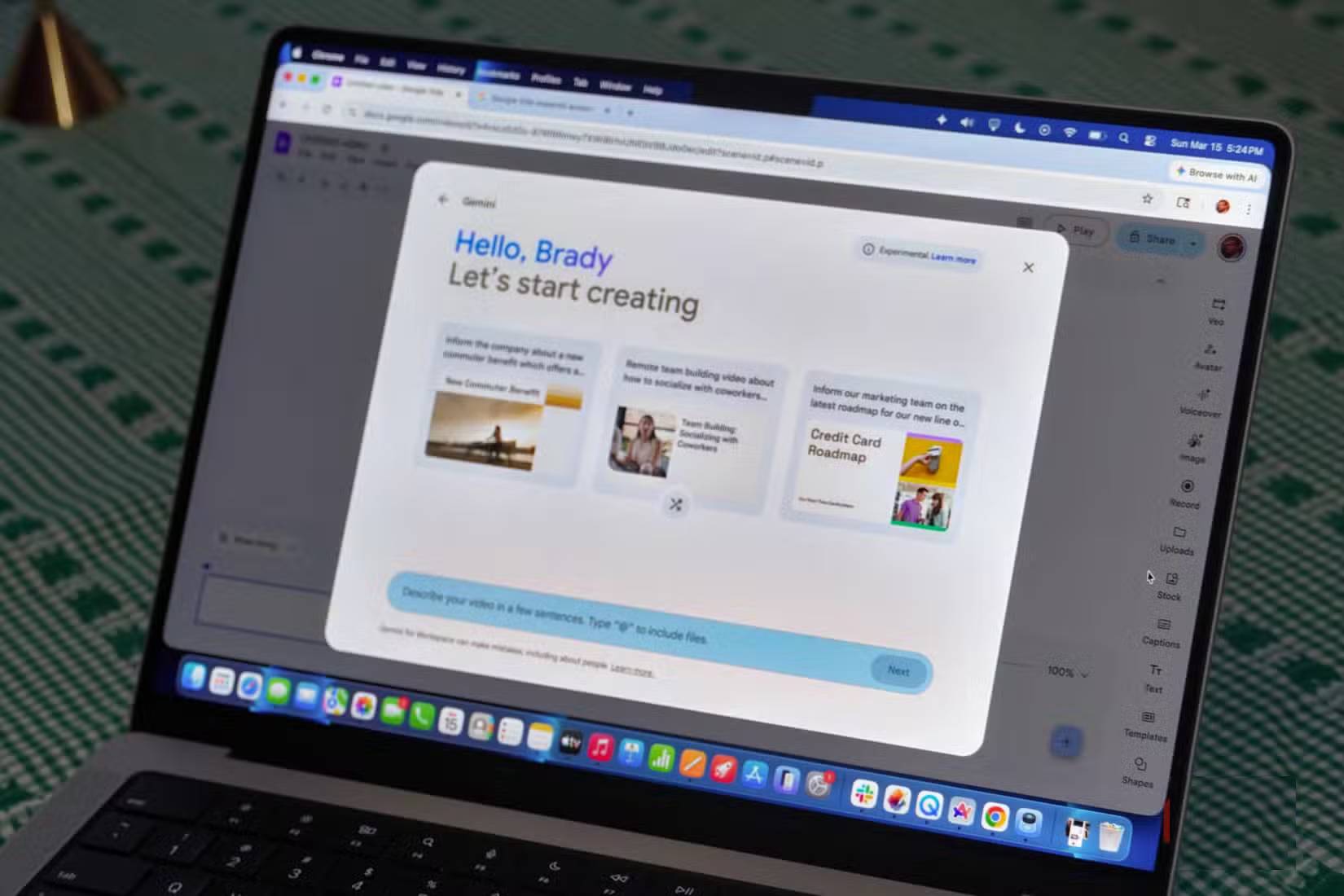
Ways to start a Google Vids project
On a computer, open Google Vids or enter vids.new in the browser. The current start screen can offer options such as:
- Create AI videos: generate or transform content from prompts and supported inputs.
- Convert Slides: turn slides into scenes and use speaker notes as script material.
- Record: capture your camera, screen, or both.
- Upload: begin with existing clips, audio, or images.
- Templates: use a designed structure.
- Blank Vid: build the sequence yourself.
Options appear only when the account has access. For work or school accounts, an administrator may disable Vids or its generative AI features.
Create a first draft from a prompt
When an AI planning or creation option is available, describe the audience, purpose, desired length, tone, required sections, and source material. A useful prompt is specific:
Create a concise onboarding video for new customer-support agents. Audience: first-week employees. Cover account verification, escalation rules, and where to document outcomes. Use a calm professional tone and end with three reminders.
Avoid asking Vids to invent company policies. Attach or reference approved Workspace files when the interface permits, then verify that the draft matches those sources.
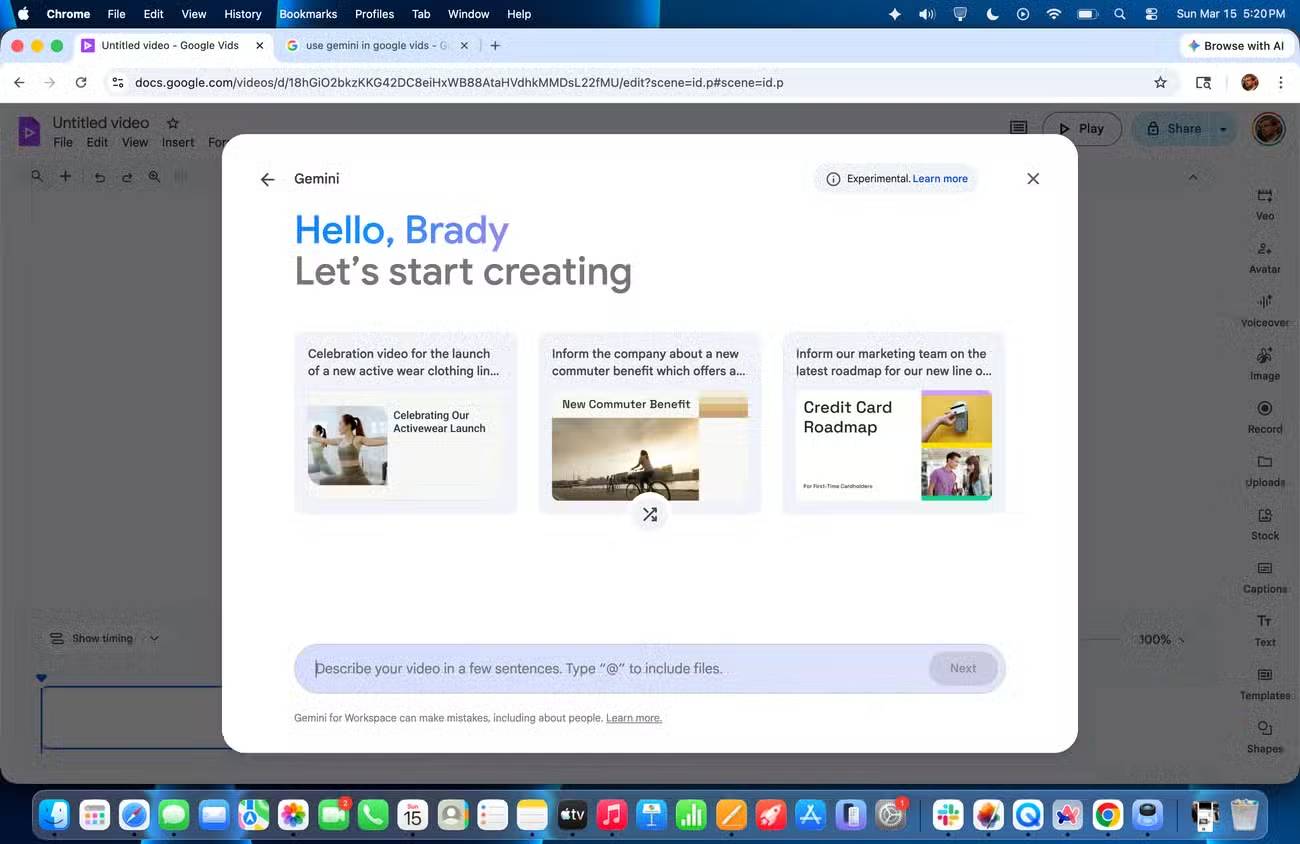
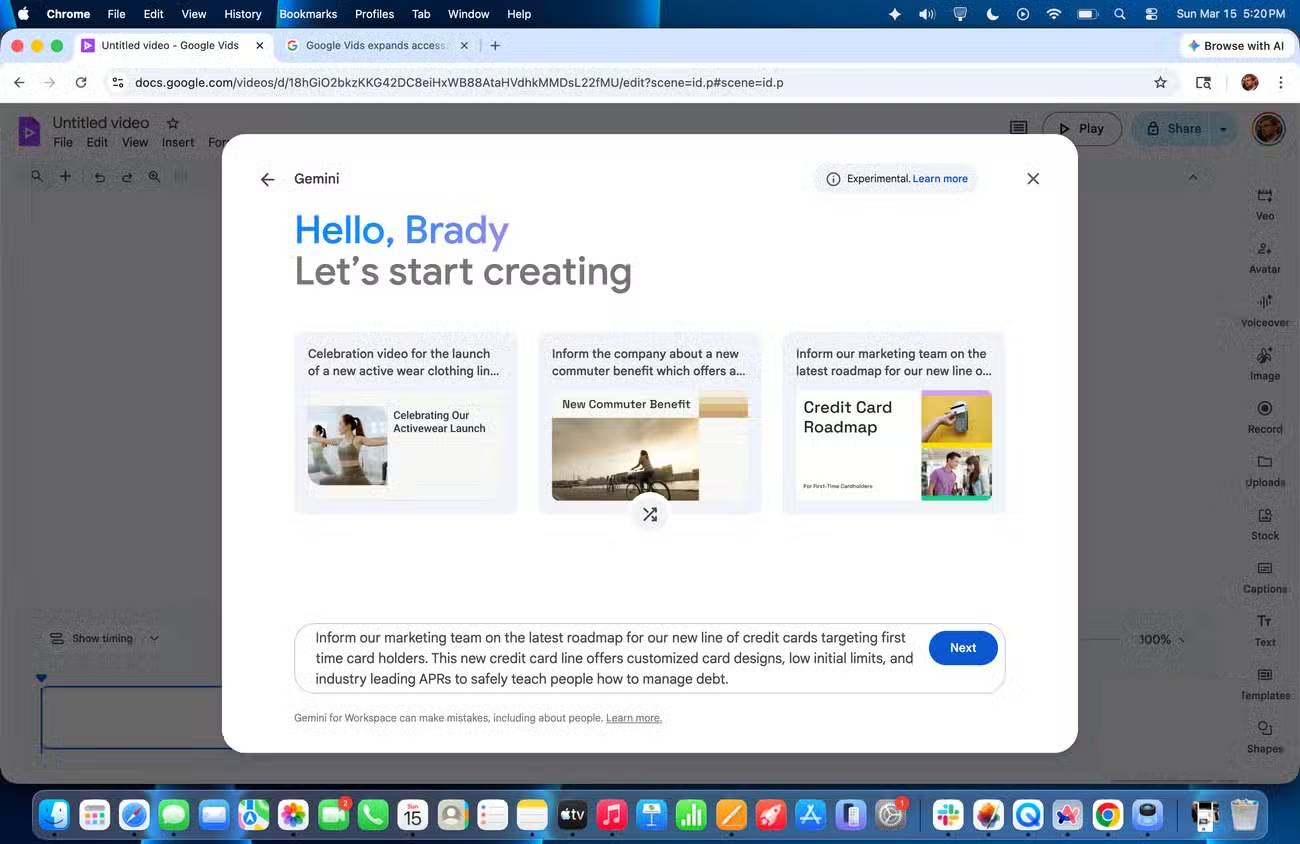
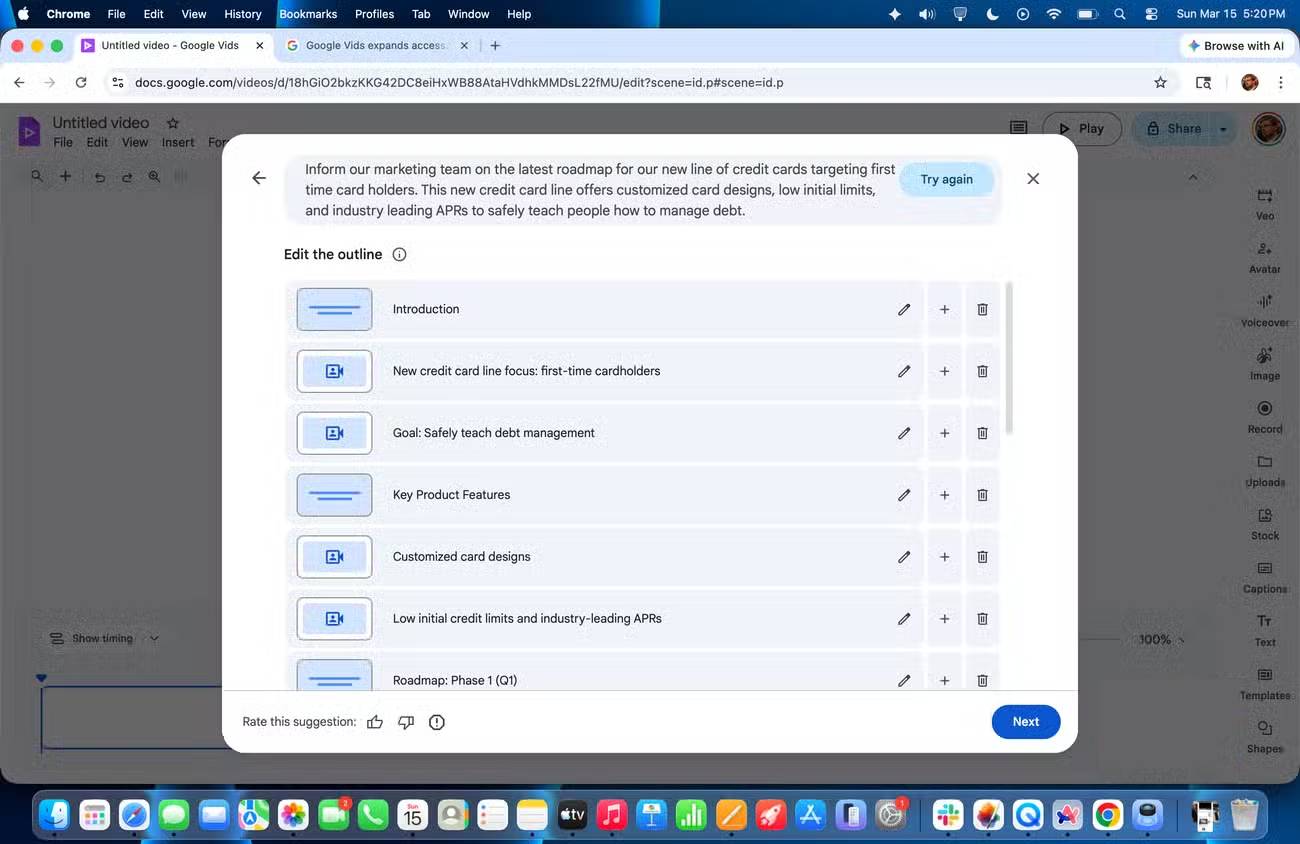
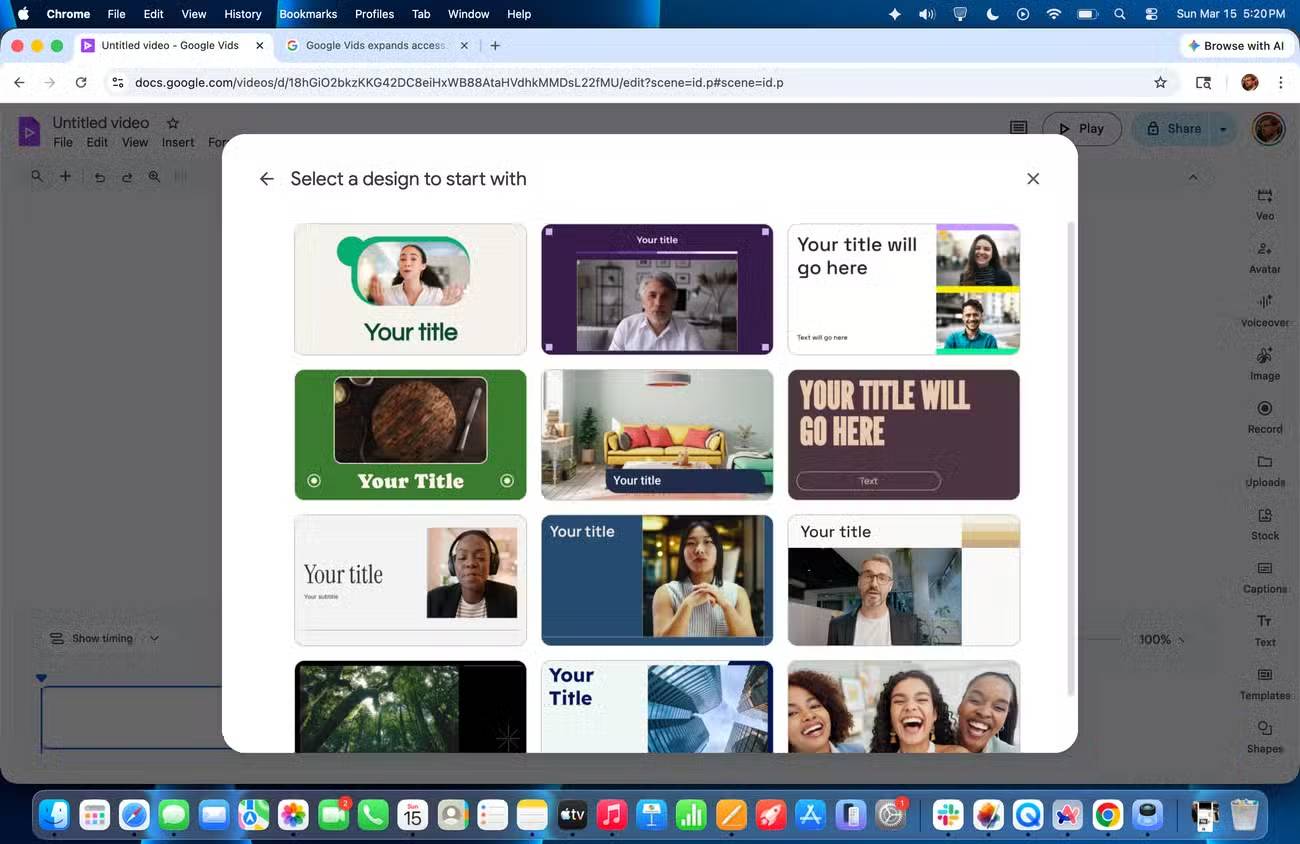
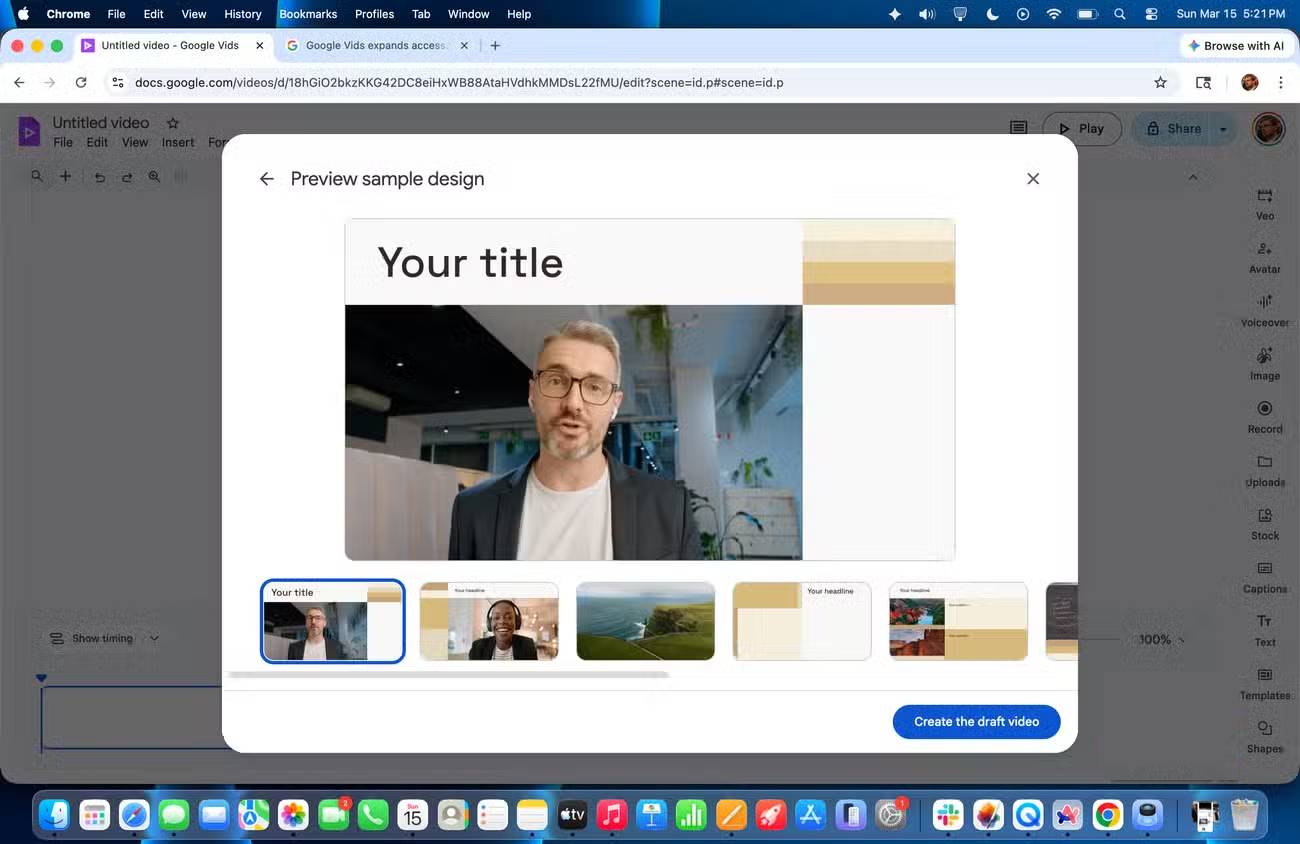
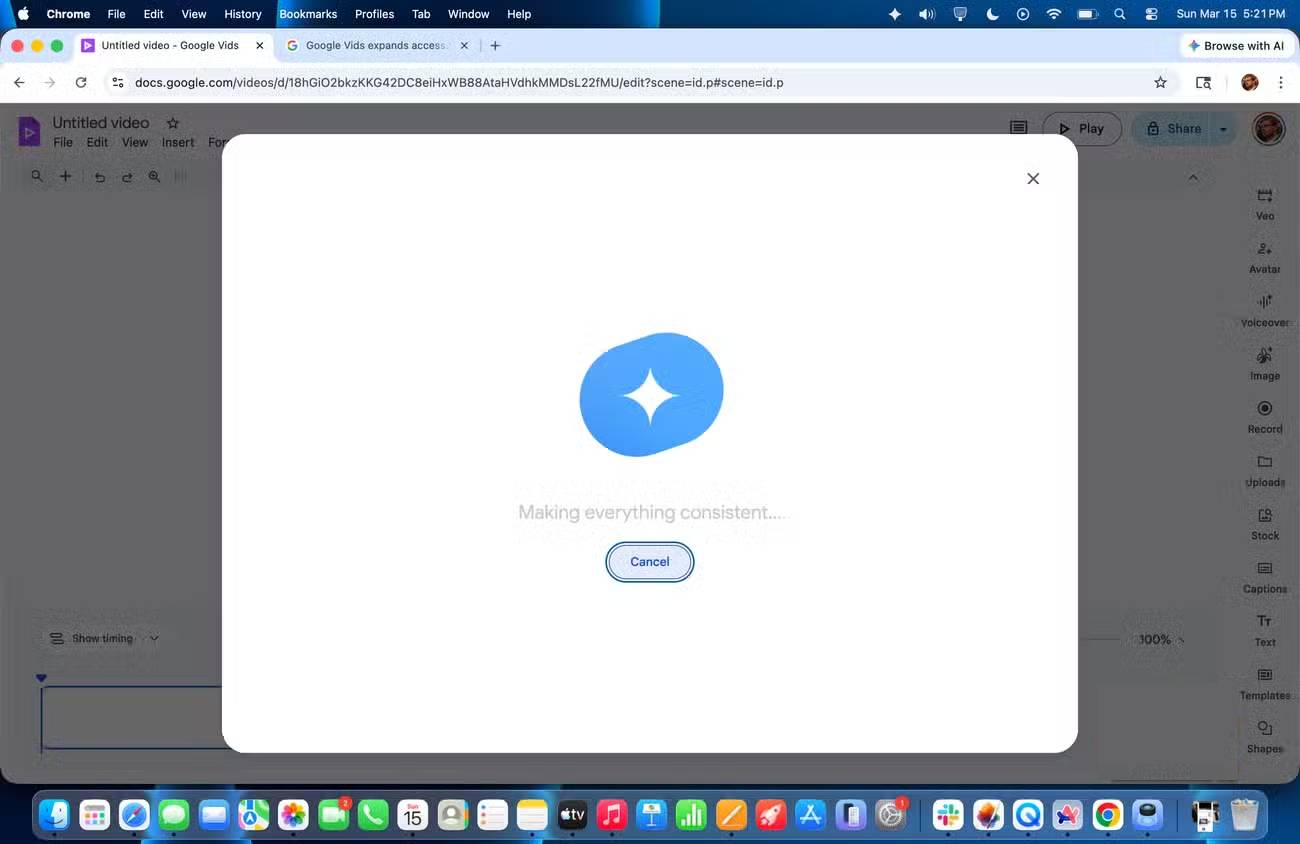
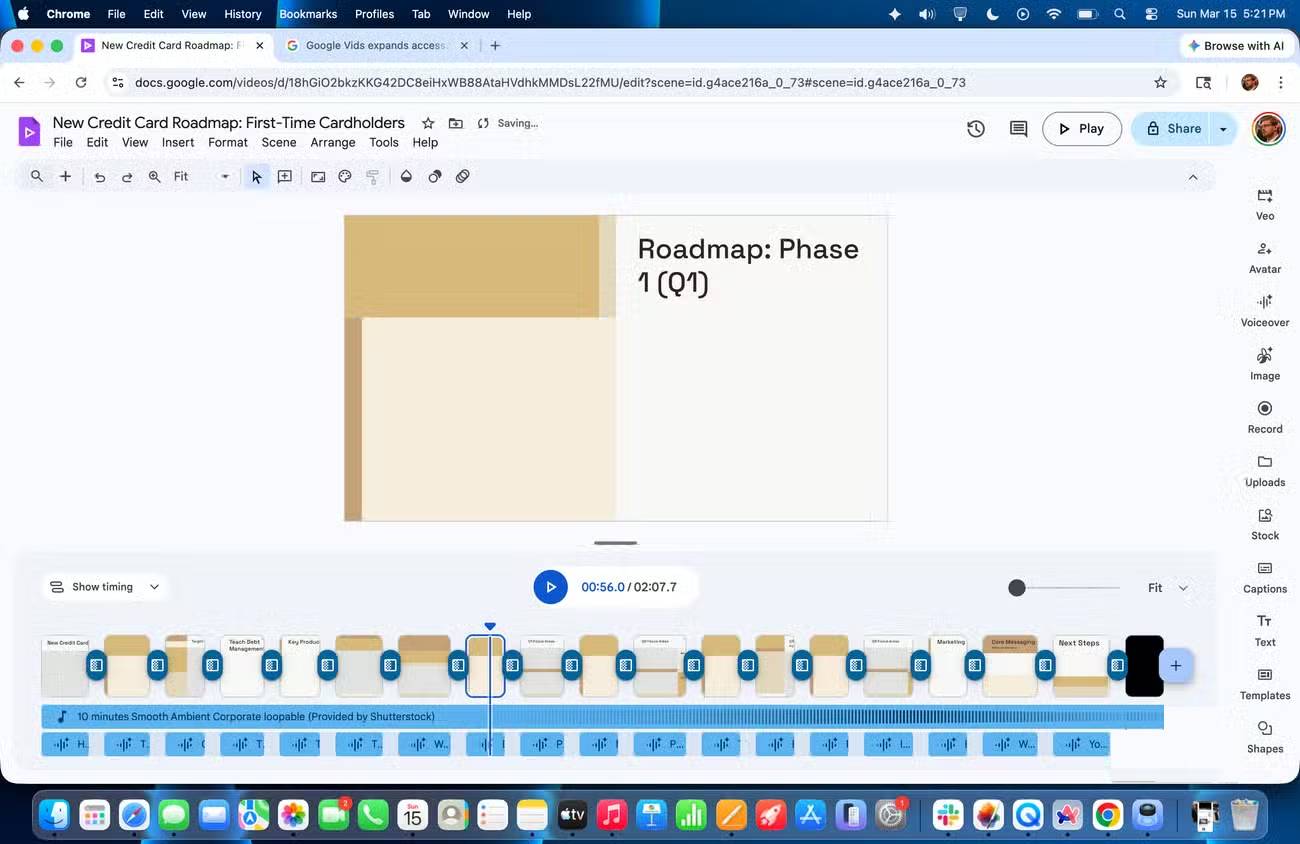
The first draft may include an outline, scenes, draft narration, music, stock media, or generated elements. Treat it as a starting point. Replace generic visuals, correct unsupported claims, shorten repetitive scenes, and make sure each scene advances the message.
Convert Google Slides into a video
If the content already exists in Slides, conversion can preserve the structure and turn each selected slide into a scene. Speaker notes can become scripts, and eligible Gemini features can suggest voiceover, animation, or background music. Review the setup before creating the draft because generated scripts may not match the speaker notes you intended to keep.
This workflow is useful for asynchronous training or a narrated update. If the material relies on live discussion, audience questions, or complex charts, the original Slides presentation may still be the better format.
Add narration, recordings, and captions
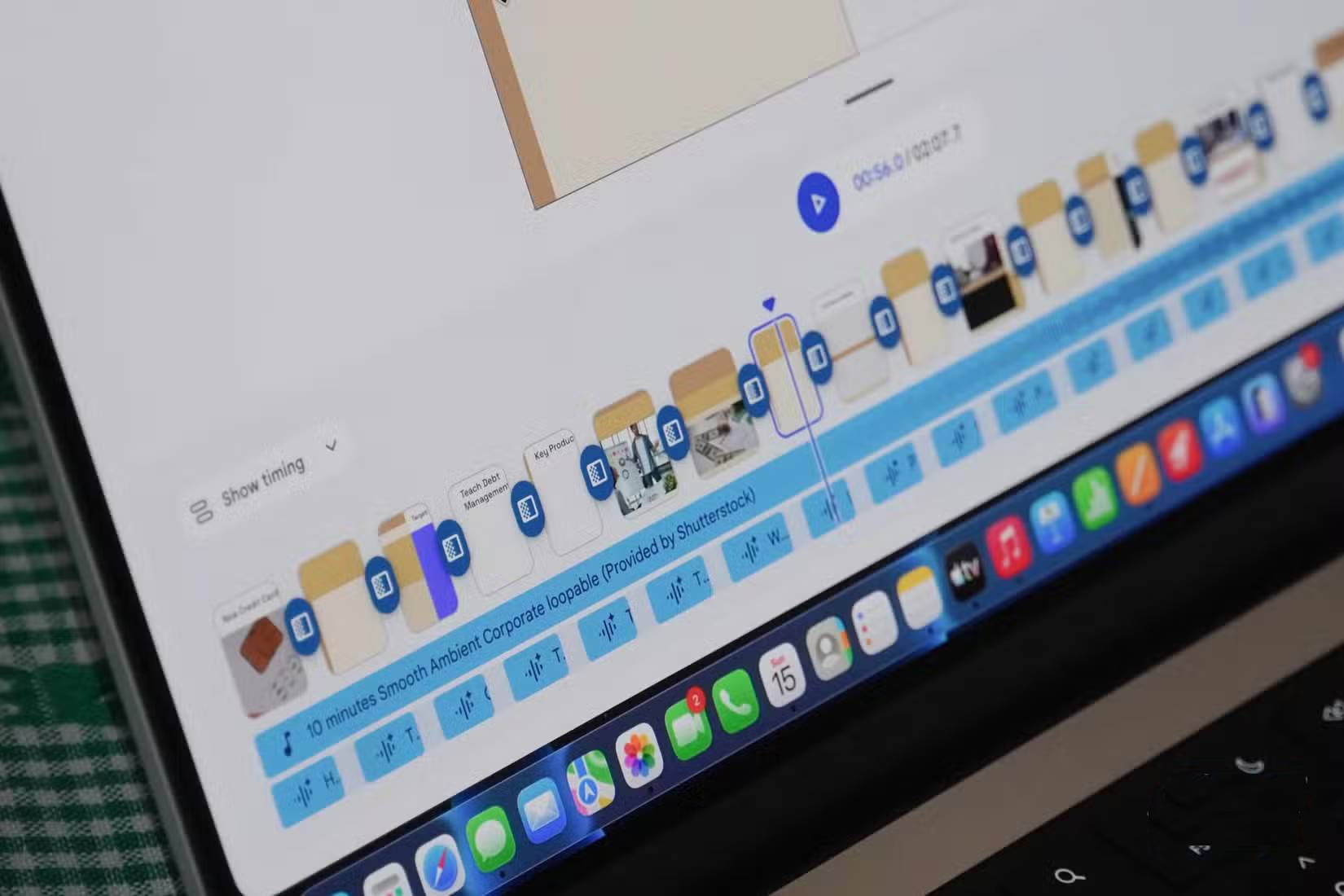
Google Vids can combine several forms of audio and presentation:
- record your voice, camera, screen, or a combination;
- use a teleprompter or scene script while recording;
- generate an AI voiceover when the account has access;
- edit an automatically created transcript and captions;
- add background music at a level that does not obscure speech.
Use AI avatars and generated clips
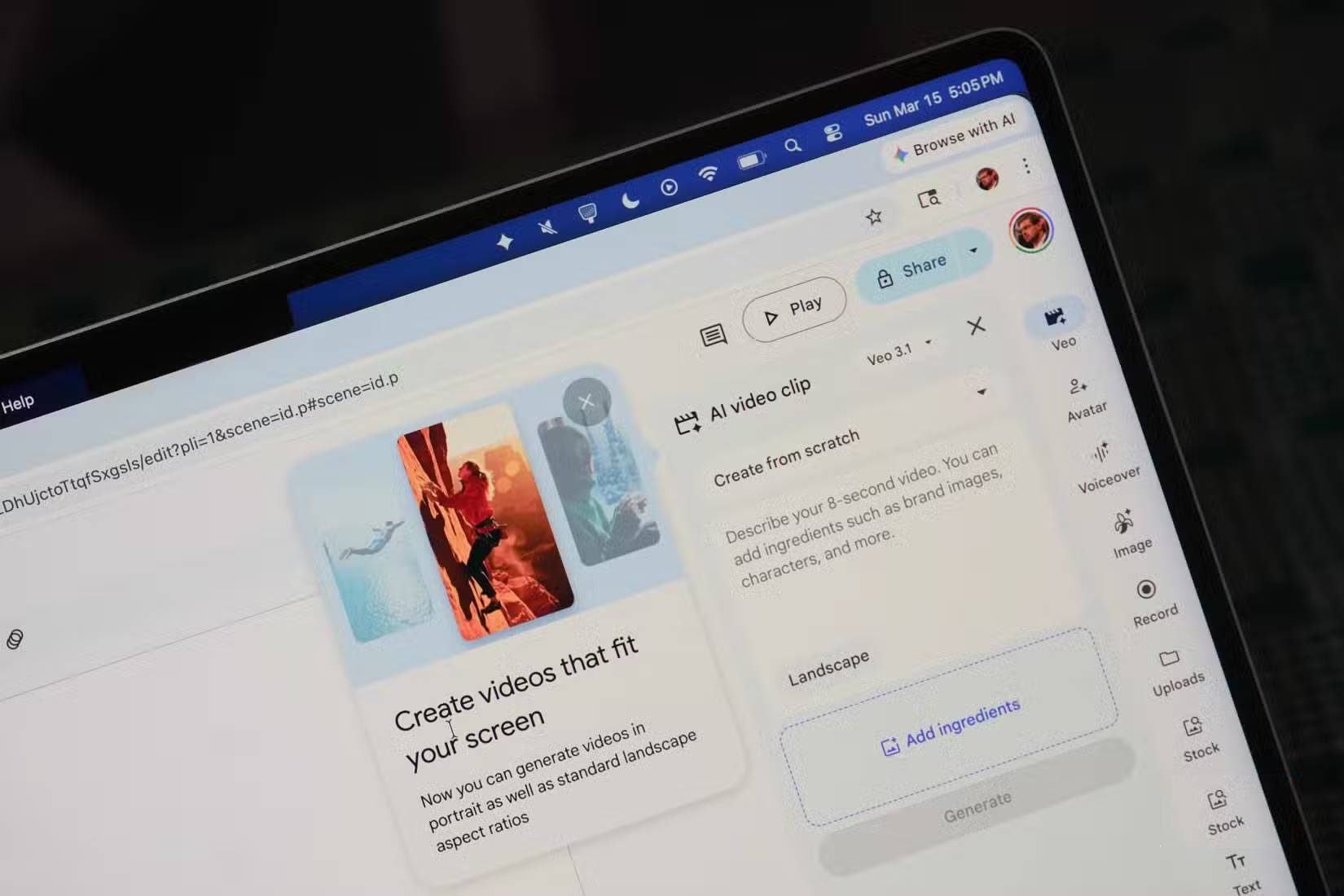
Eligible Vids accounts may offer preset or custom AI avatars, generated voiceovers, image generation, and short generated video clips. These features have plan-specific limits and may roll out gradually. An avatar is useful when a consistent presenter is needed without a camera, but it should not impersonate a real person without permission.
Generated footage can contain visual mistakes or misleading details. Check hands, text, logos, products, maps, safety procedures, and any scene that viewers might treat as evidence. Use approved brand assets and licensed media where accuracy or ownership matters.
Edit the draft instead of accepting it
- Read the whole script without visuals and remove repetition.
- Confirm every name, number, date, policy, and product claim.
- Keep one main idea per scene.
- Replace decorative media with visuals that explain or demonstrate.
- Use captions and check their timing and spelling.
- Balance music beneath narration and listen on ordinary speakers.
- Preview the video from start to finish before sharing or exporting.
Google Vids is intentionally simpler than a professional nonlinear video editor. That makes routine workplace videos faster to assemble, but projects requiring advanced color grading, audio mixing, motion graphics, or frame-level control may need dedicated editing software.
Share, collaborate, or export
Vids supports collaboration in a way similar to other Workspace apps. Depending on access and organization policy, you can share the editable Vids file with viewers, commenters, or editors. A finished project can also be processed and shared in supported video formats or destinations.
Before sharing, check the file's permissions. Referenced Drive files do not automatically become safe to expose, and a video can reveal names, browser tabs, notifications, customer records, or internal URLs captured during screen recording.
When Google Vids is the better choice
- Recorded weekly updates that do not require a live presenter.
- Employee onboarding and repeatable process demonstrations.
- Sales or product explainers built from approved assets.
- Screen-recorded walkthroughs with narration and captions.
- A Slides presentation that needs to become an asynchronous video.
What to check before relying on an AI feature
- Whether the account and Workspace plan include it.
- Whether an administrator has enabled it.
- Current generation and duration limits.
- Supported languages, browsers, aspect ratios, and export options.
- How prompts, uploaded content, generated media, and feedback are handled.
Google's official Google Vids getting-started guide reflects the current interface and rollout. Use it when a button in an older screenshot no longer appears.
Google Vids is most effective when it accelerates production while a person remains responsible for the message. A polished draft still needs accurate source material, purposeful editing, accessible captions, and appropriate sharing controls.
Related Articles
 How to Create an AI Avatar Video in Google Vids8 minutes read
 Guide to Creating Short AI Videos Using Google Vids5 minutes read
 Google NotebookLM Mobile App No Longer Requires a Computer7 minutes read
 How to Add AI Background Music to Videos on Google Vids3 minutes read
 How to Create Infographics with AI Simply: Step-by-Step Guide7 minutes read
 NotebookLM vs ChatGPT: Which AI tool is better?18 minutes read
Reader Comments 0
Sign in with email or Google to join the discussion.