Table of Contents
Bazzite, Nobara and Ultramarine build on Fedora for different desktop needs. Qubes OS also uses Fedora components and templates, but its compartmentalized architecture makes it a different kind of system. None is universally “better than Fedora”; choose according to your games, applications, hardware and willingness to manage a different workflow.
Bazzite: a gaming-focused atomic desktop
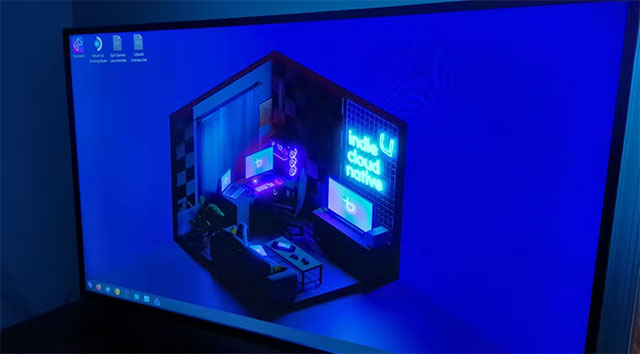
Bazzite is a Fedora Atomic Desktop-based system with desktop and handheld or living-room gaming options. Its KDE images build on Kinoite and its GNOME images on Silverblue, as described in the project's Fedora comparison.
The atomic update approach lets you return to a previous system deployment if an update causes trouble. Applications commonly use Flatpak or other workflows suited to this design. That can make maintenance convenient, but it differs from freely changing a traditional system with package-manager commands.
Choose Bazzite if you want a gaming-oriented setup and are comfortable with that model. Check the installer for your GPU and device: desktop support does not automatically mean Steam Gaming Mode supports every machine. It is a community alternative to SteamOS, rather than Valve's own distribution.
Nobara: gaming and creator tools on a conventional system
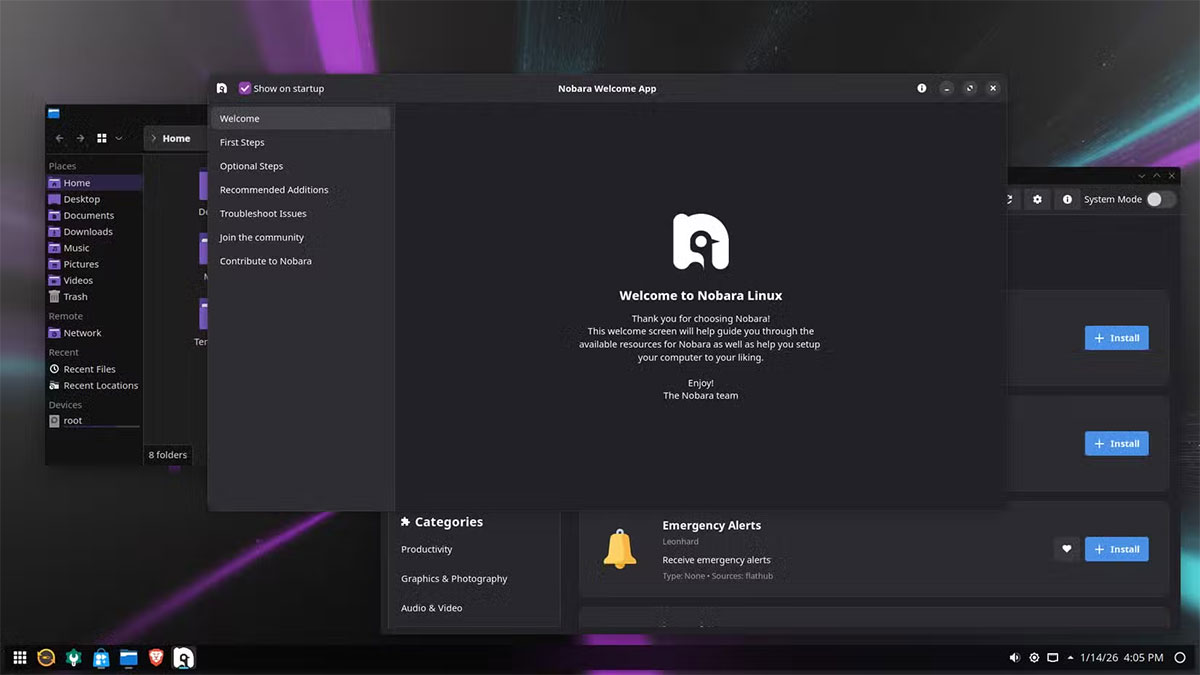
Nobara combines Fedora packages with its own modifications and additional repositories for a gaming and content-creation desktop. It offers a more conventional package-based workflow than Bazzite. The Nobara project explains its scope, and its new-user guidance covers installation and updates.
Its customizations can save setup work, but they also mean a Fedora command or third-party repository is not automatically appropriate. Use Nobara's update instructions and support resources. Read the Nobara overview for more context.
Qubes OS: separation between activities
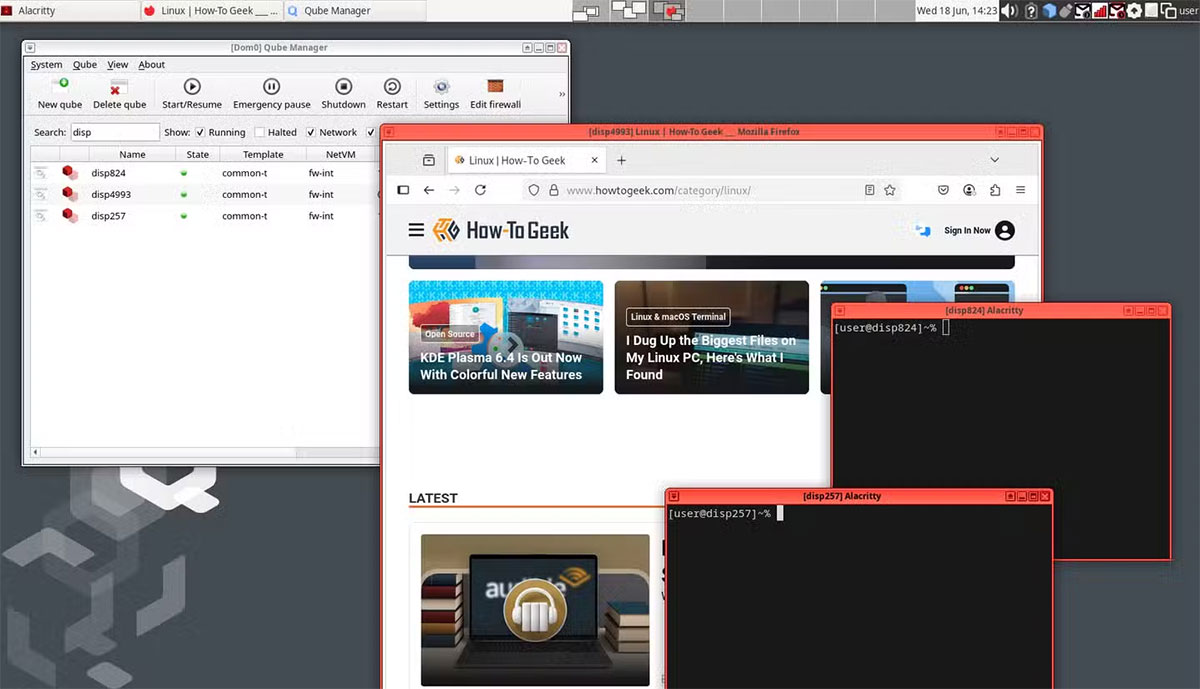
Qubes separates activities into compartments called qubes, using virtualization. For example, work, personal browsing and untrusted files can run in separate environments. Its goal is to limit what a compromise of one compartment can affect.
Fedora is not restricted to its administration domain: Fedora and Debian templates can supply software for application qubes. The Qubes introduction and template documentation explain that arrangement.
This is a specialized choice with hardware requirements and a learning curve. Isolation depends on how you separate activities and move data; it does not make every application or decision safe. Qubes is not a straightforward gaming-focused Fedora replacement.
Ultramarine: a ready-to-use Fedora-based desktop
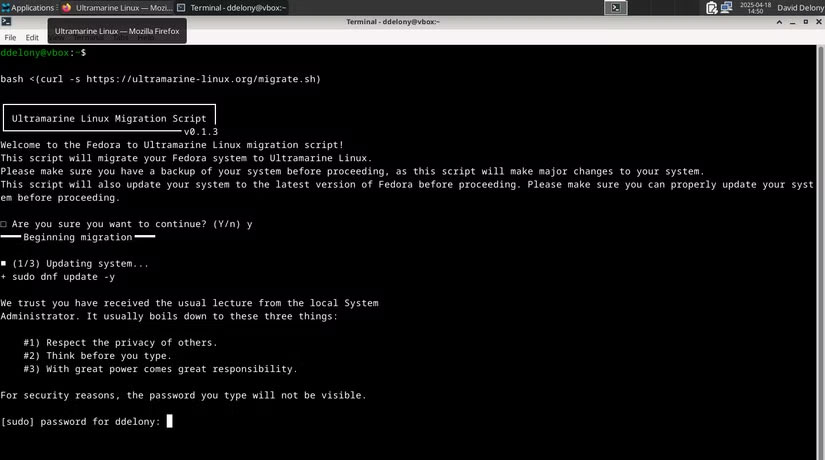
Ultramarine adds repositories, software choices and desktop defaults intended to reduce initial setup. Its documented differences from Fedora include multimedia codecs from Terra and wider use of Flatpak for desktop applications.
Choose it if those defaults match your needs, while checking the current edition and included software. Installing Ultramarine does not make arbitrary Windows applications run natively; Linux versions, web apps or compatibility tools are still needed.
Choose by testing your actual workload
- Gaming appliance or handheld: Start by checking Bazzite's device and Gaming Mode support.
- Conventional gaming desktop: Compare Nobara's defaults with what you would configure yourself on Fedora.
- General desktop: Try Ultramarine alongside Fedora Workstation or a Fedora Spin.
- Compartmentalized work: Evaluate Qubes' hardware compatibility and workflow before installing.
Back up files before changing operating systems. Check your essential games, especially multiplayer titles with anti-cheat, and test peripherals where possible. These Linux gaming considerations help frame the comparison, but the current support status of your own games is the deciding factor.
Related Articles
 How to Manage Packages on Rpm-based Linux Distributions with7 minutes read
 7 Best Linux Distributions Based on Red Hat7 minutes read
 Linux: Compare Fedora and Ubuntu11 minutes read
 What Is the Difference Between Linux Distributions?7 minutes read
 Run Linux from USB Flash Drive18 minutes read
 Fedora 18 Operating System Has Completed the Beta6 minutes read
Reader Comments 0
Sign in with email or Google to join the discussion.