Table of Contents
Discover why is browser autofill a security risk and explore the main causes, risks, practical effects, and recommended actions.
Because browsers are the gateway to the internet, they can also connect you to third-party features and tools that may endanger your privacy. Untrustworthy browser extensions are notorious for security vulnerabilities, and in-browser password managers are arguably weaker than standalone options. People have used 1Password for this reason. What many don't know is that another popular browser feature, autofill, also poses similar risks.
Browser autofill is a weakness
It stores your most important information in one place
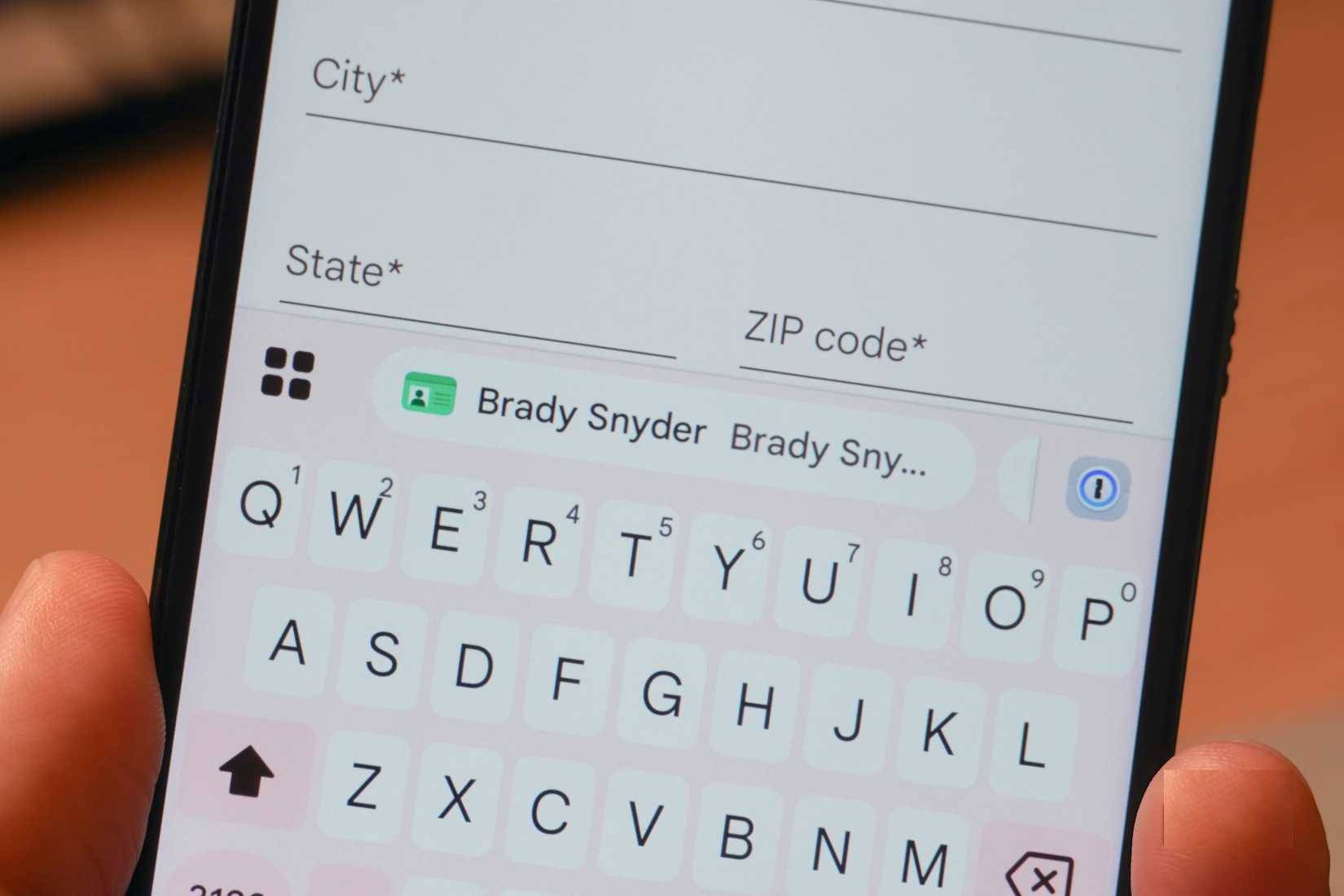
Whenever you choose to store information in a specific location, whether digital or physical, there is a risk that information could be compromised. However, the risks associated with using browser autofill or autocomplete features are negligible. These features store important information in your browser so it can be easily accessed when filling out web forms. Common use cases include completing online purchases or booking airline tickets.
When using autofill features on web browsers, there isn't a significant risk of brute-force attacks aimed at checking data encryption. The risks in practice are much simpler. For example, if you leave your laptop unlocked and open at a coffee shop and decide to get up to use the restroom, someone could open your browser and view whatever you've saved for autofill. Similarly, if your Google account is compromised, a malicious actor could access your saved passwords and autofill information in Chrome.
You might be sharing more information than you realize
A researcher has shown how websites can trick users using autofill features
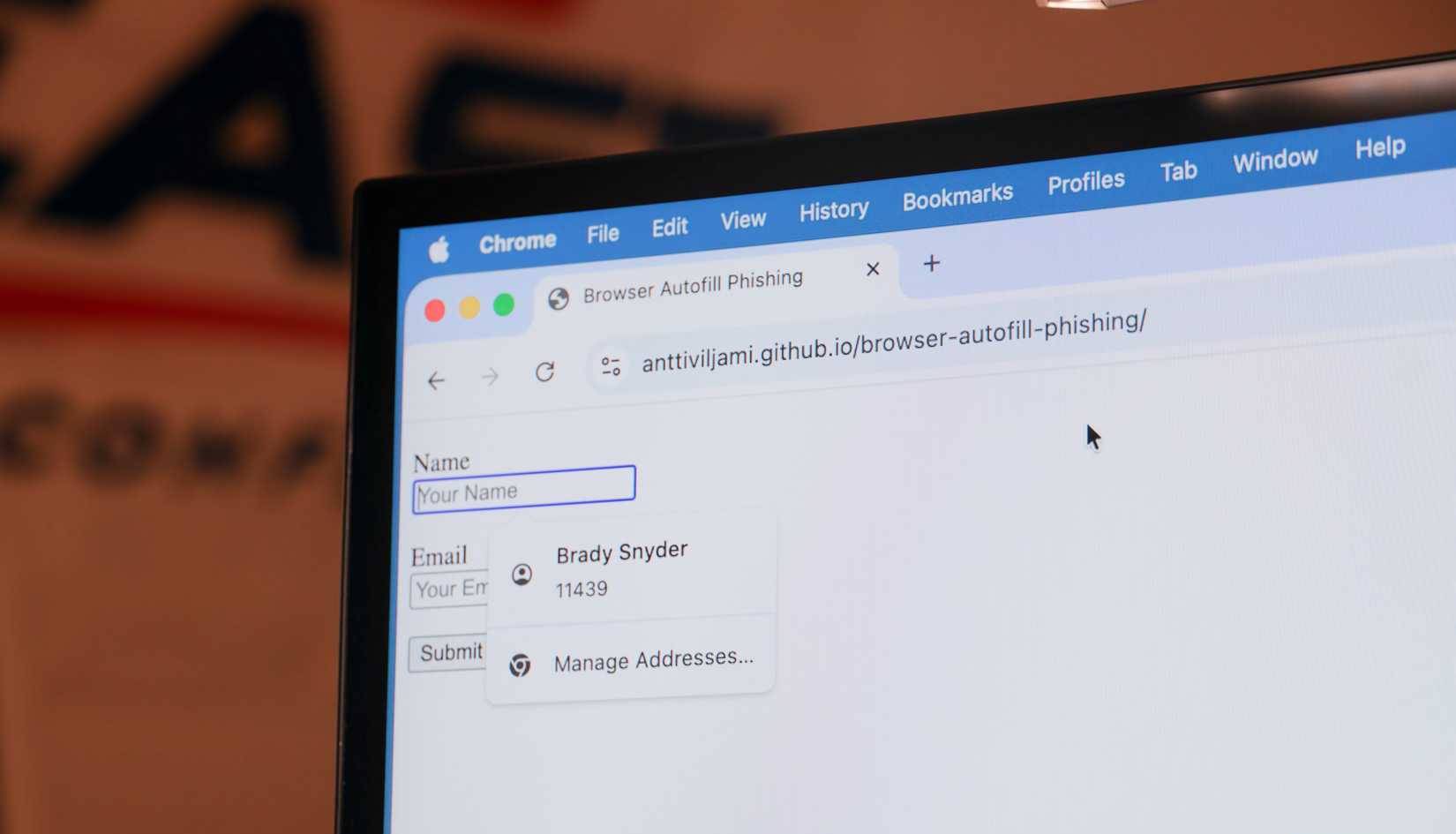
Even if your account or device isn't compromised, you can still share more information than you intended with websites when using autofill features. A security researcher demonstrated years ago that, theoretically, websites can obtain autofill information by using fields not visible to the end user. This was explained in a GitHub project, and users can see it in action on this test site.
Note : It is currently unclear whether phishing attacks based on autofill features have ever been used in practice. This GitHub project is simply a demonstration of how these tactics can be used to obtain information from users.
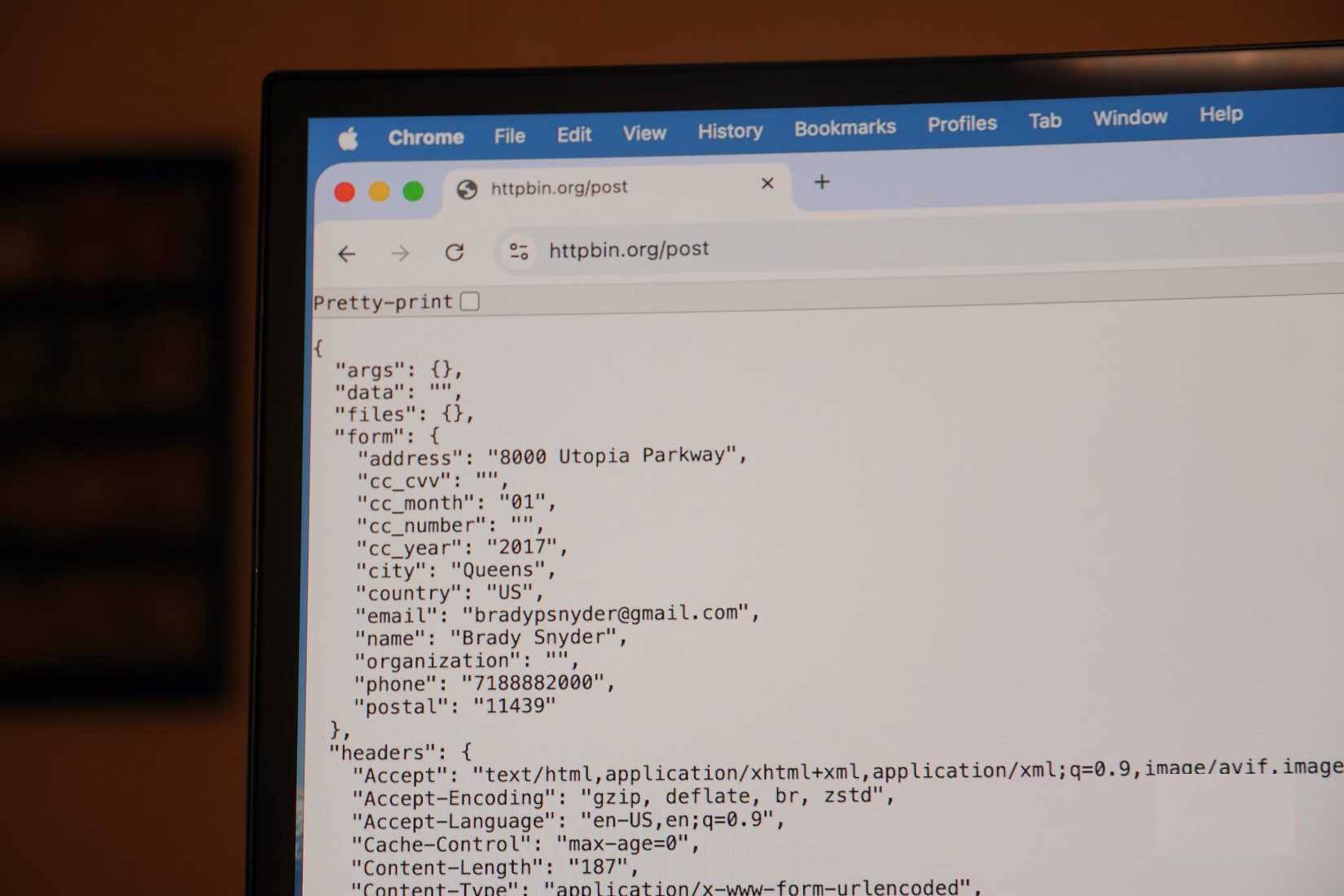
The sample website displays fields for entering a name and email address, but after using the autofill feature in Google Chrome, the website steals your saved phone number, organization, and address. Users think they are only sharing information in the displayed fields. In reality, they are providing everything in the autofill profile they selected. You can see all the stolen data in the image below:
It's time to reconsider the use of autofill features
Security is almost always a trade-off between convenience
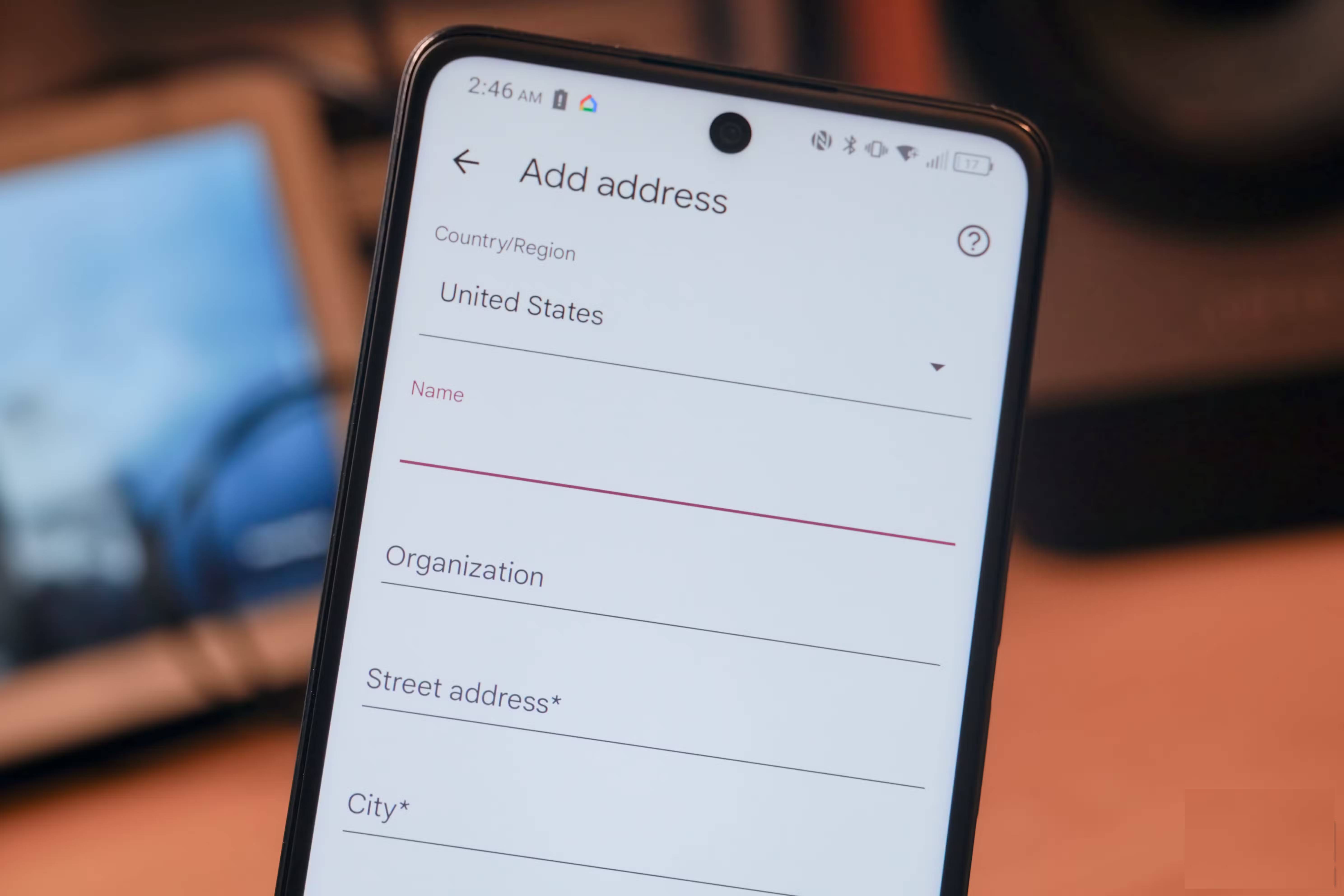
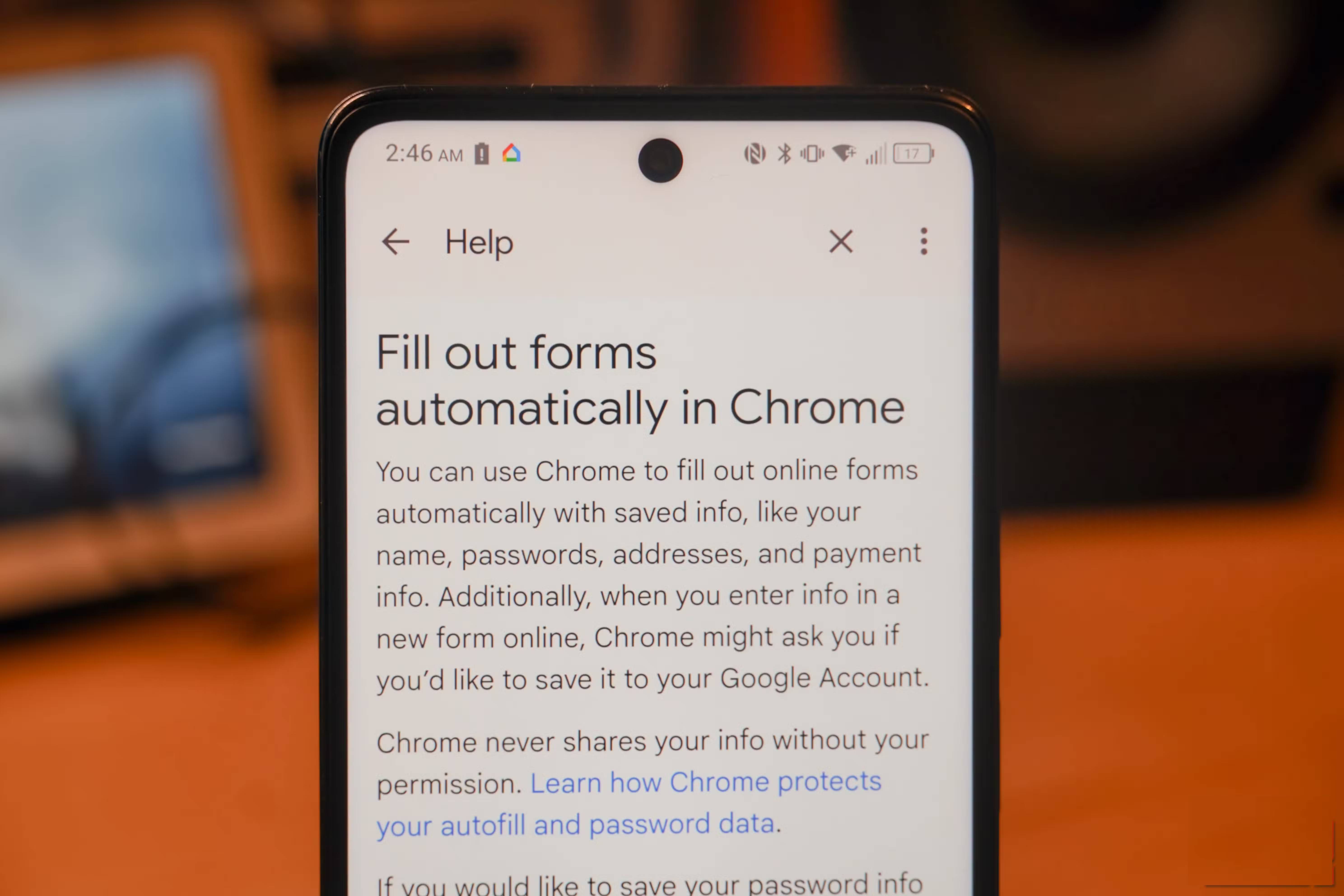

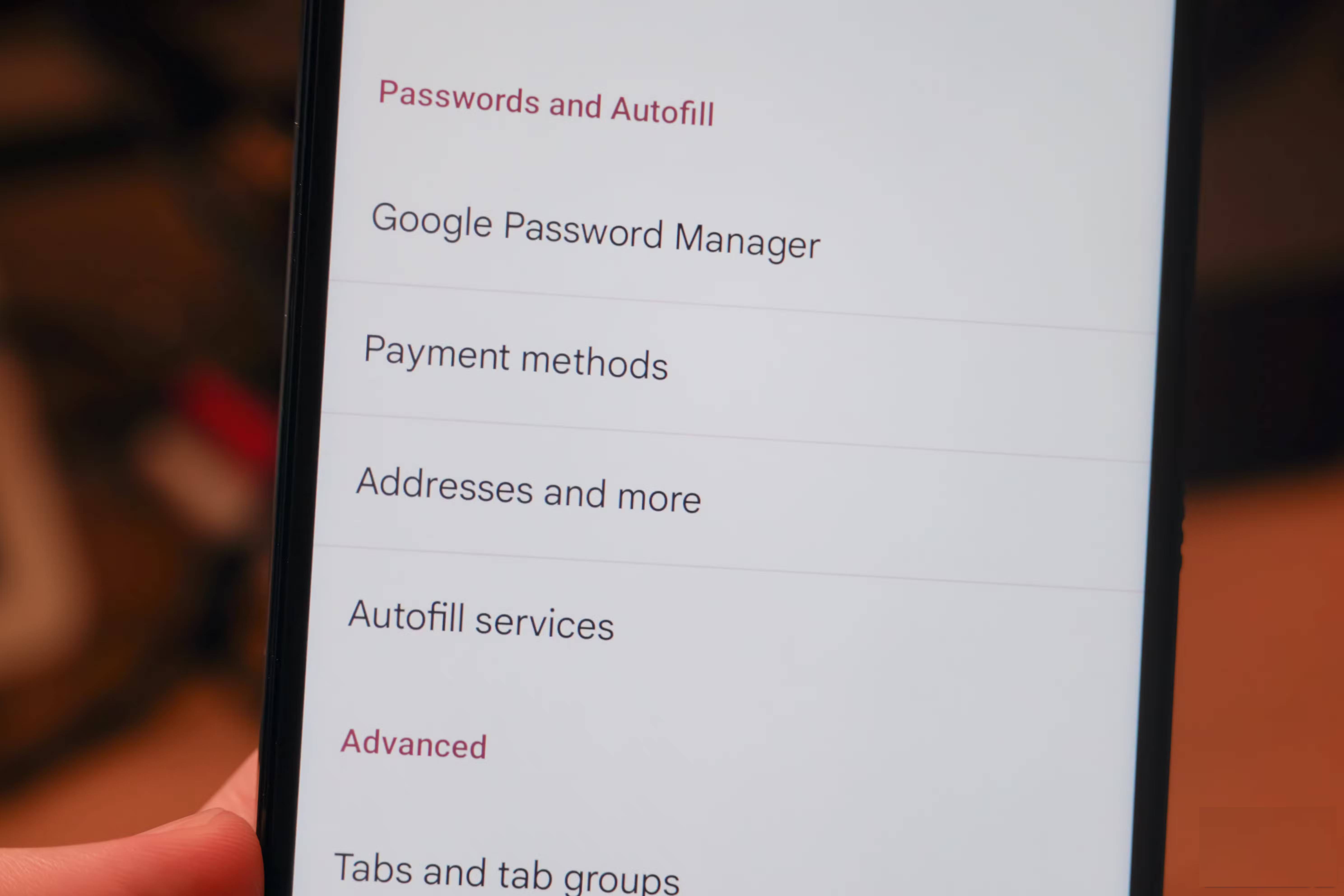
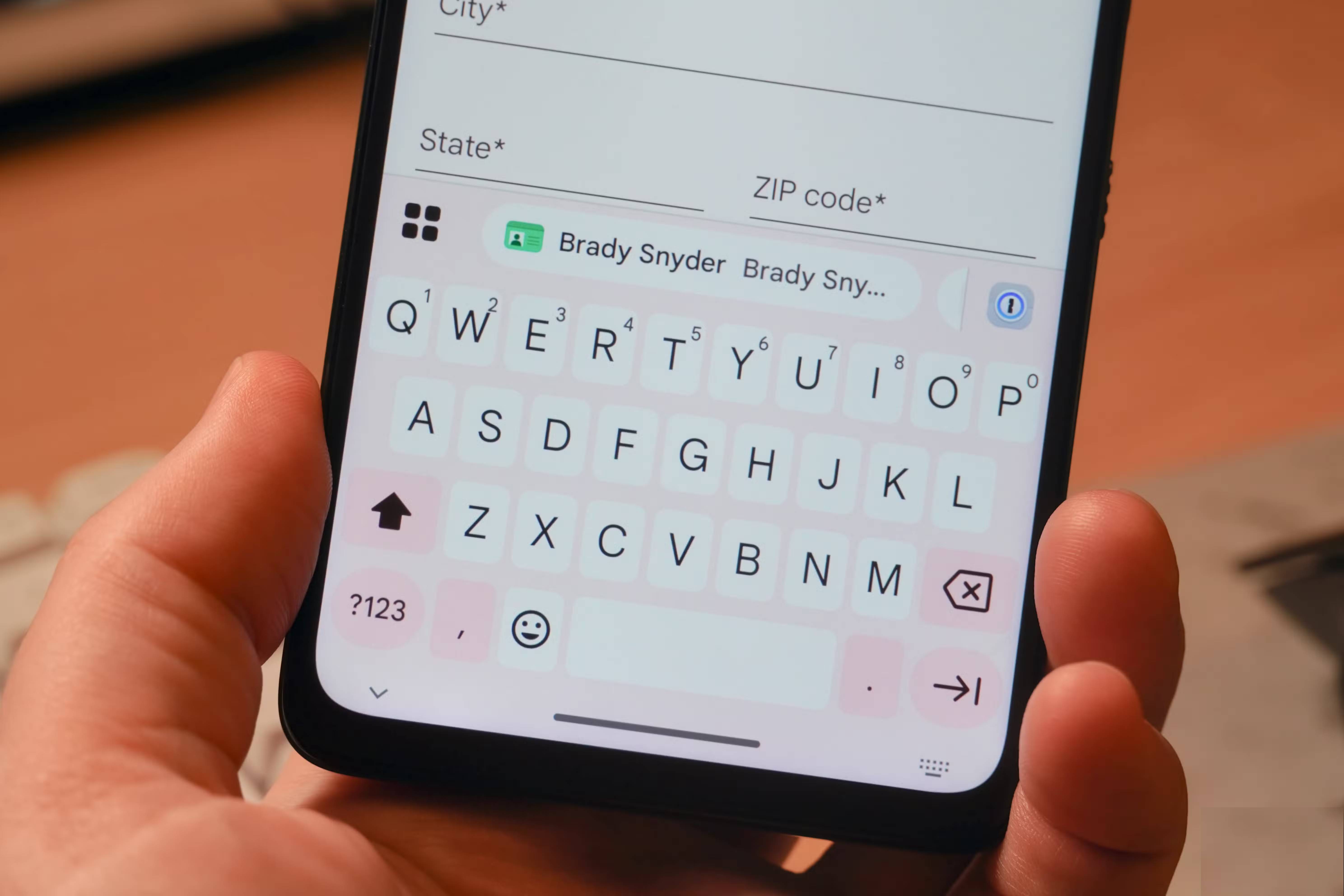
The risk associated with using autofill or autocomplete features is simple – it puts some of your most valuable data behind a single password. If you log into a browser or computer with weak or no security, someone could access your phone number, address, and sensitive information like your ID number or license plate number without entering your password.
Because many browsers maintain autofill information across multiple devices using cloud computing, the risk is higher. If that account is compromised, someone could access everything stored there. This is in stark contrast to the experience of using a secure password manager, which typically requires a master password and a setup or transfer code to access information stored on a new device.
Above all, the potential for malicious actors to use fake autofill forms to steal far more personal information than people are willing to provide is what has convinced many to stop using autofill altogether. Convenience is certainly good, but some useful features simply aren't worth the security risks.
Final Thoughts
Understanding why is browser autofill a security risk makes it easier to evaluate the information and apply the most relevant recommendations. Focus on the key points above and verify details that may change over time.
FAQ
What is why is browser autofill a security risk?
Discover why is browser autofill a security risk and explore the main causes, risks, practical effects, and recommended actions.
What key points does this article cover?
The article focuses on Browser autofill is a weakness, It stores your most important information in one place, You might be sharing more information than you realize, with practical explanations and examples.
How can you use this information in practice?
Use the explanations to compare options, verify important details, and make a more informed decision. Apply the recommendations that best match your goals and situation.
Related Articles
 Google Chrome Upgrades Autofill: Smarter, Deeply Integrated with Many Payment Services5 minutes read
 How to Use AutoFill on iPhone7 minutes read
 How to enable or disable AI for Autofill on Microsoft Edge4 minutes read
 How to Turn Off Password Autofill on Microsoft Edge: Step-by-Step Guide2 minutes read
 How to Fix Autofill Errors in Excel5 minutes read
 If Possible, Make Sure Your Web Browser Is Always Running on6 minutes read
Reader Comments 0
Sign in with email or Google to join the discussion.