Table of Contents
Buying a laptop for school is a big decision. While Apple devices may seem like the obvious choice, there are a few factors to consider before you make your purchase.
5. You will most likely encounter compatibility issues
Before you buy a Mac or iPad for college, you should review your courses and see what kind of software you need. Many majors, especially in fields like engineering or design, still rely on older or Windows-only programs that don't run well on macOS.
I've seen people spend $2,000 on a MacBook for their design course, only to find that SolidWorks, one of the core tools they needed, didn't have a macOS version. Despite trying a bunch of workarounds, it was a disaster.
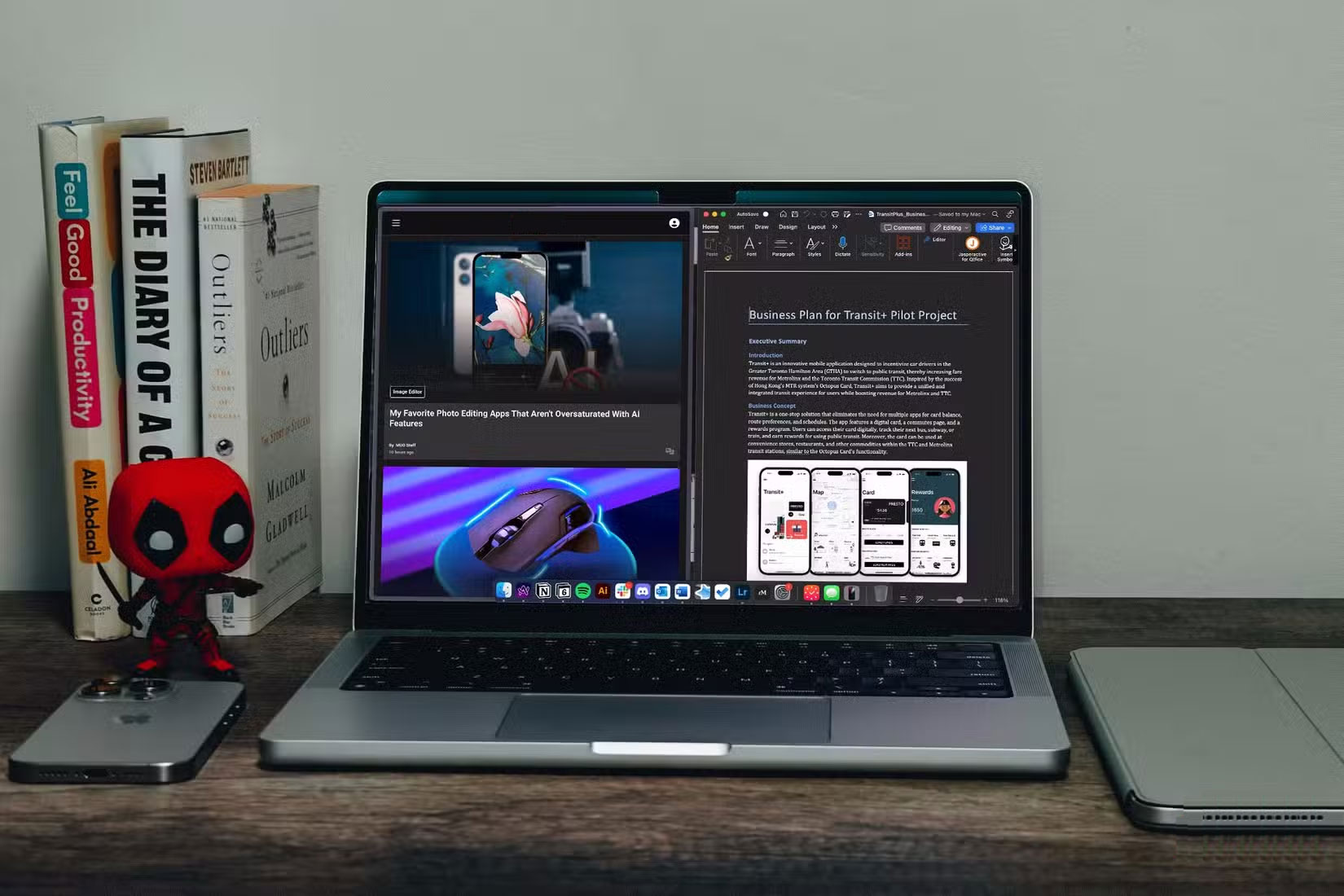
The best advice this article can give is to find out what software your course depends on before you buy an Apple device. It can be managed, but it will be more work than it needs to be.
4. You can't upgrade anything later
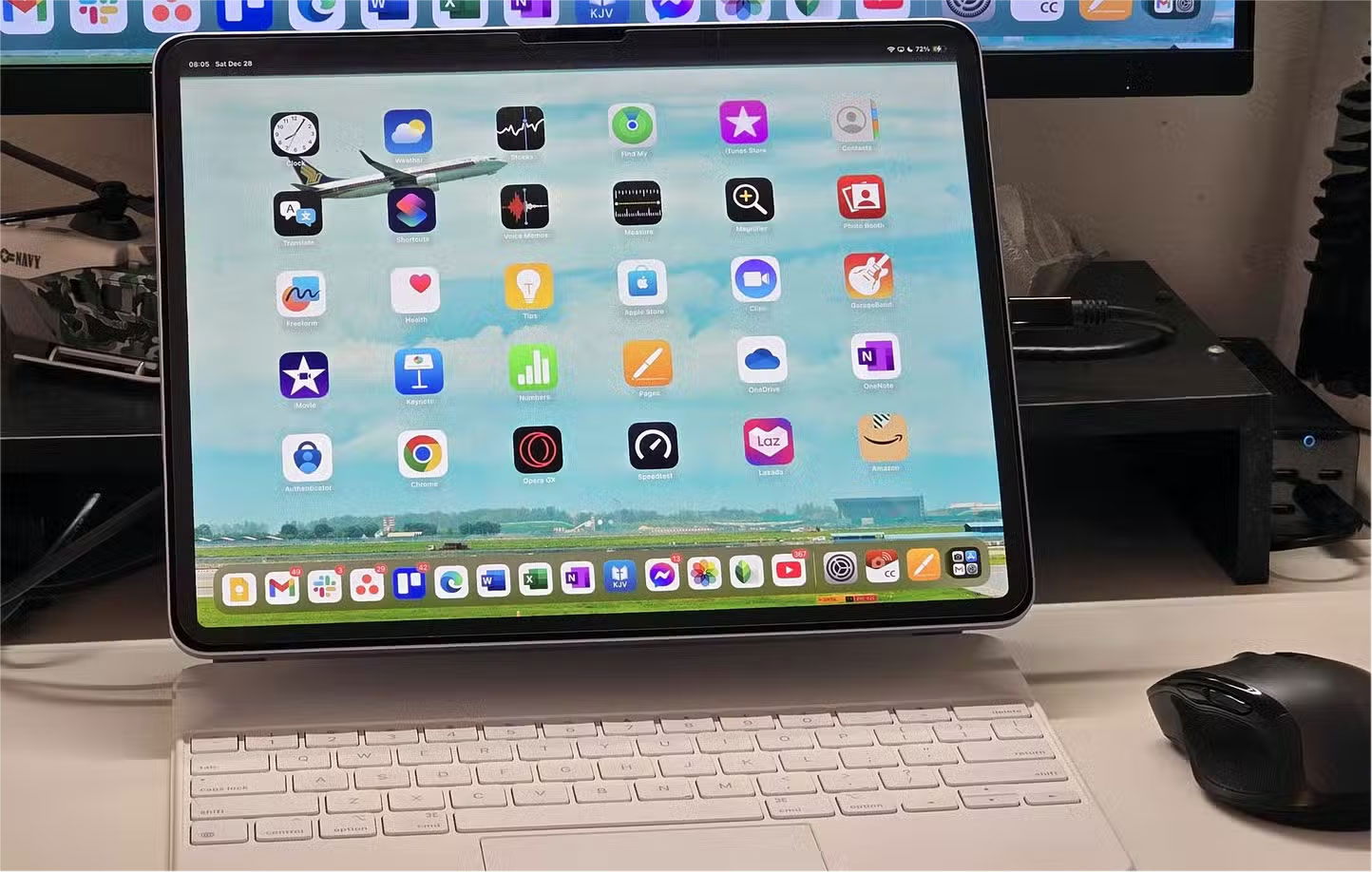
Once you buy a Mac or iPad, you're stuck with whatever configuration you chose at checkout. Unlike many Windows laptops, there's no option to upgrade the RAM or storage later.
Apple uses a different type of RAM called Unified Memory that is soldered to the motherboard, so there's no way to add more RAM if your needs increase. Storage is no exception. While Apple's SSDs are standard in terms of performance, they're built into the system and there's no way to replace or expand them later.
3. You're paying more for less hardware
In addition to being locked into whatever configuration you choose, Apple charges exorbitant prices for basic upgrades. Upgrading beyond the base option isn't really worth the cost.
Take Macs, for example. Most base models come with just 256GB of storage. If you want to upgrade to 512GB, Apple will charge you $200. To put that in perspective, you can get a faster NVMe SSD with the same storage capacity for about $50.
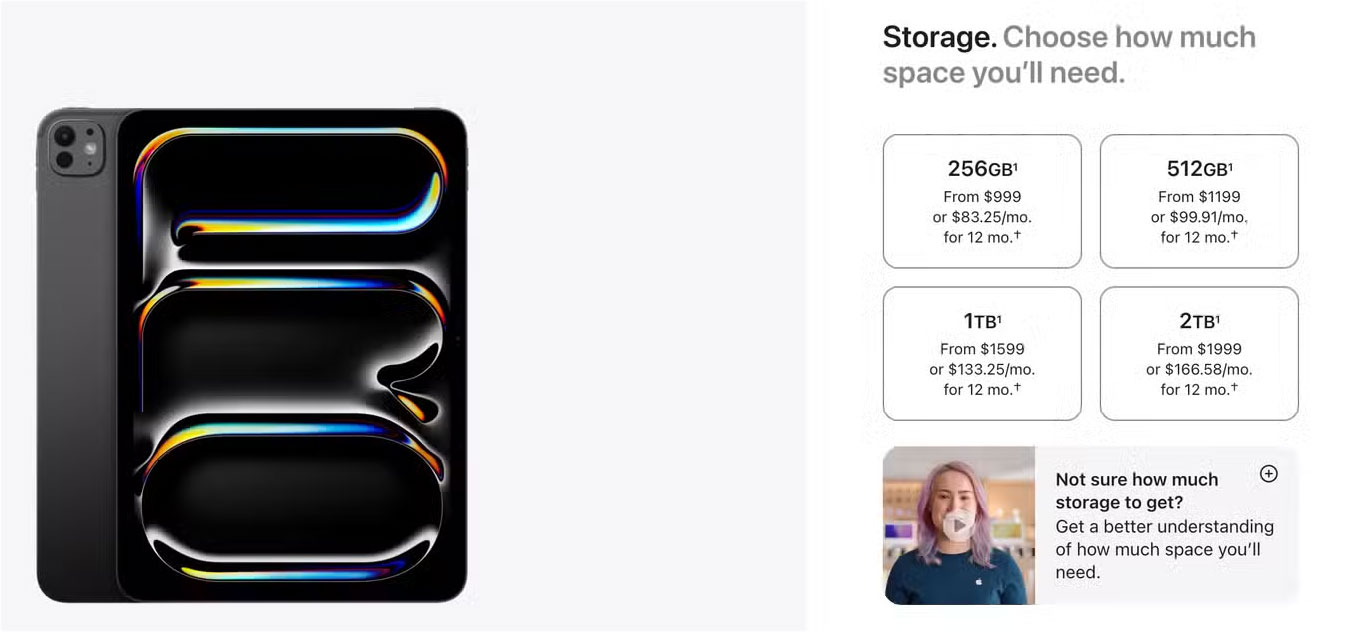
It's a similar story with Unified Memory. Apple charges an extra $200 just to upgrade from 8GB to 16GB of RAM, even though the actual hardware cost is much less (usually around $30). It's ridiculous when you can buy high-quality 16GB of desktop RAM for $50. These price differences are hard to justify, but Apple knows that you'll either pay for it now or have to replace the entire machine in a few years.
2. Repairs are a nightmare
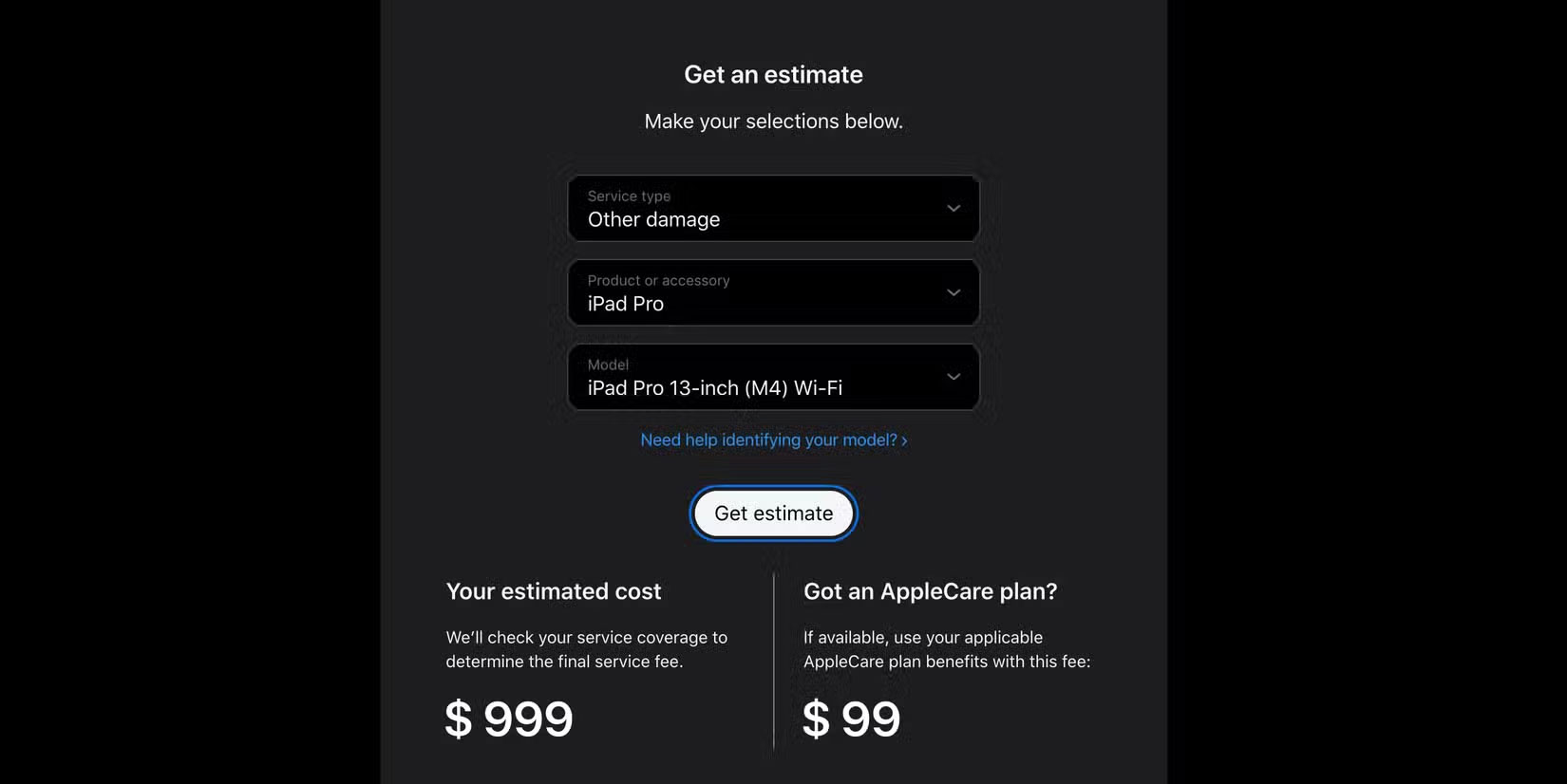
One of the biggest drawbacks to Apple hardware is how tightly packaged everything is. Almost every major component — the storage, the memory, even the ports — is built directly into the motherboard. This means that even the smallest problem can render the entire device unusable.
Take memory, for example. If your SSD fails and you take it to Apple, a technician won't just replace the drive. Instead, they'll replace the entire motherboard, including the CPU, GPU, and RAM. Such a repair can cost nearly as much as a brand new device.
1. Windows laptops are more versatile
As someone who prefers macOS for most traditional laptop tasks, I have to admit that Apple does a pretty good job with the day-to-day experience. But even then, Windows laptops are still more versatile overall.
There have been many times when people wish their Mac had a touchscreen. Whether it's during class or while studying for an exam, people really want the ability to take notes with a stylus. Many Windows laptops offer this feature through their 2-in-1 designs, and they do it quite well.
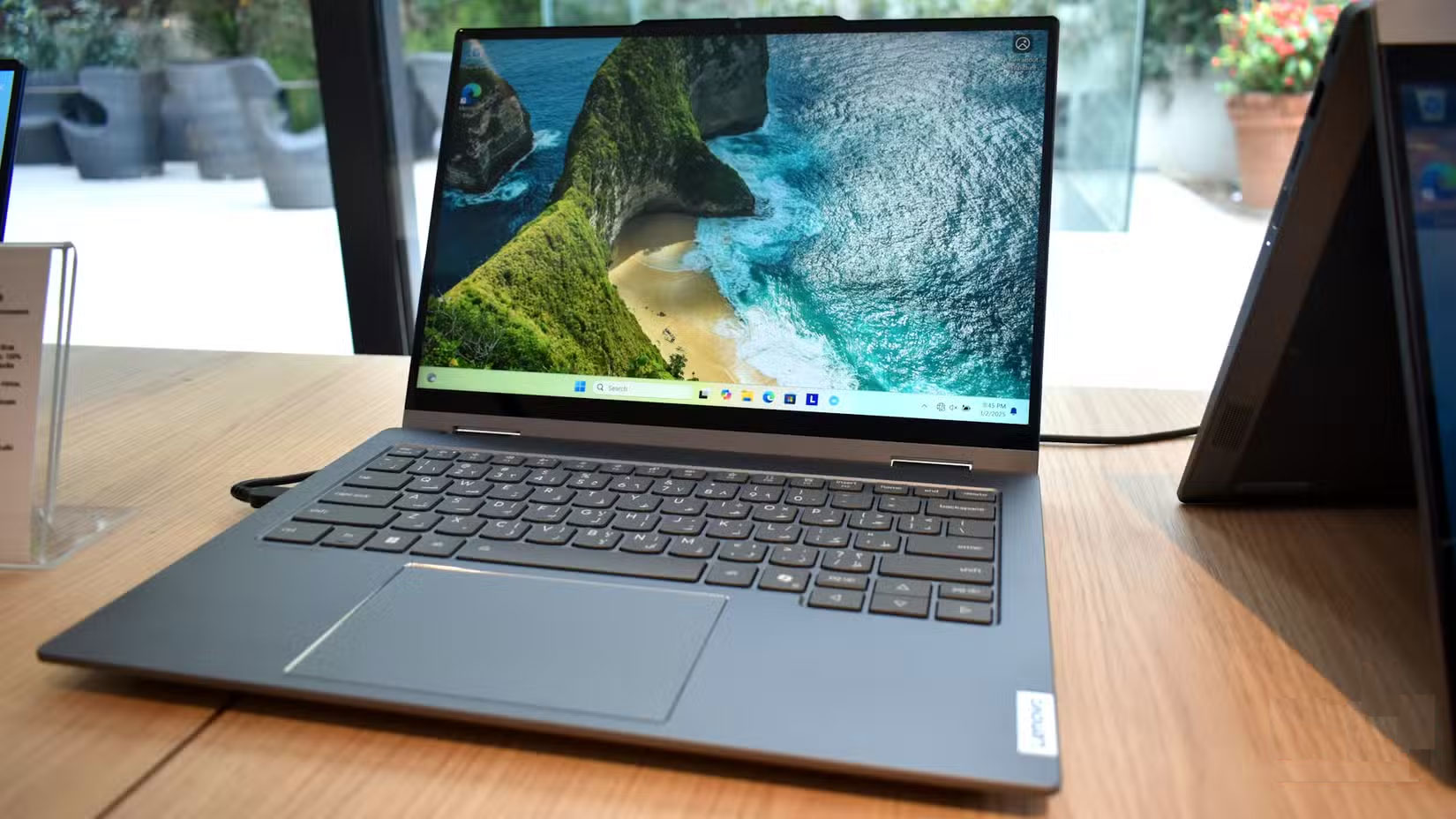
Windows laptops may lag a bit in terms of battery life or heat, but they make up for it by letting you do more without feeling constrained. While people prefer macOS for most tasks, Apple needs to take the realities of college life into account. When one device has to do it all, versatility and value are much more important than a device ecosystem.
Final Thoughts
The key takeaway is that Why You Shouldn't Waste Money Buying Apple Hardware as a Student is easier to evaluate when its benefits, limitations, and real-world use are considered together. Review the details above before applying the information to a specific situation.
FAQ
What is the main point of Why You Shouldn't Waste Money Buying Apple Hardware as a Student?
Buying a laptop for school is a big decision. While Apple devices may seem like the obvious choice, there are a few factors to consider before you make your purchase.
What should you know about 5. You will most likely encounter compatibility issues?
Before you buy a Mac or iPad for college, you should review your courses and see what kind of software you need. Many majors, especially in fields like engineering or design, still rely on older or Windows-only programs that don't run well on macOS.
What limitations should readers keep in mind?
The answer can depend on the product version, source, use case, and date of publication. Review the article's context and confirm time-sensitive details before applying the information.
Related Articles
 5 Things to Keep in Mind When Buying Student Laptops4 minutes read
 The Truth About Recycling E-waste and Its Effectiveness10 minutes read
 Different Ways to Classify Waste: Complete Guide5 minutes read
 How to Register Sim Student Vinaphone6 minutes read
 7 Tech Misconceptions That Sound Smart but Are Actually a Waste of Money7 minutes read
 4 Specifications to Prioritize When Buying a Cheap Phone6 minutes read
Reader Comments 0
Sign in with email or Google to join the discussion.