Table of Contents
Keeping an M1 MacBook Air is sensible if it still runs your essential apps comfortably, has a usable battery and receives the software support you need. Its age alone is not a reason to replace it. The better question is which specific limit, if any, is getting in the way of your work.
Why the M1 Air can still suit everyday work
The M1 MacBook Air was introduced in 2020 with an eight-core CPU and configurations offering 8GB or 16GB of unified memory. Its compact design, keyboard and trackpad can still suit writing, browsing, study and other moderate workloads. Whether a particular unit remains reliable depends on its condition and use; no model is guaranteed to be the most reliable laptop for everyone.
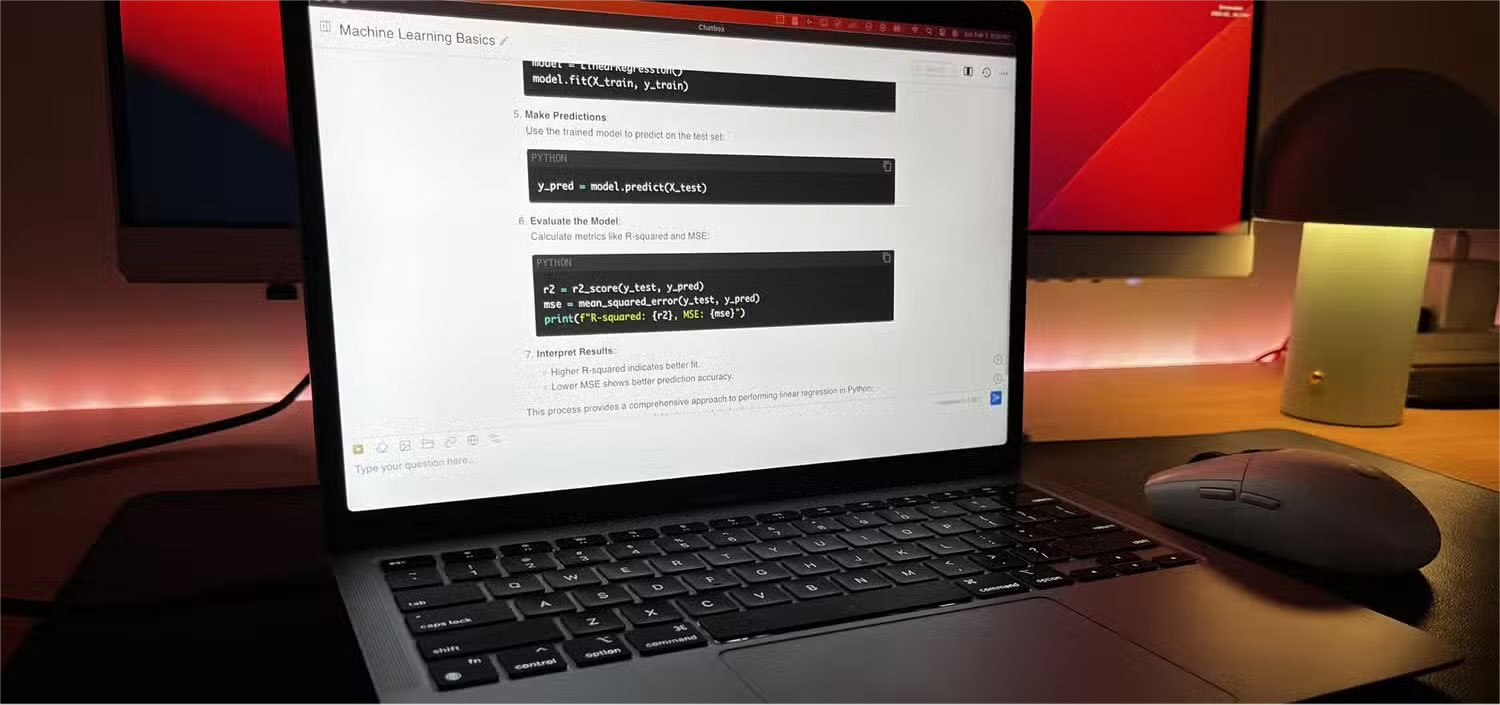
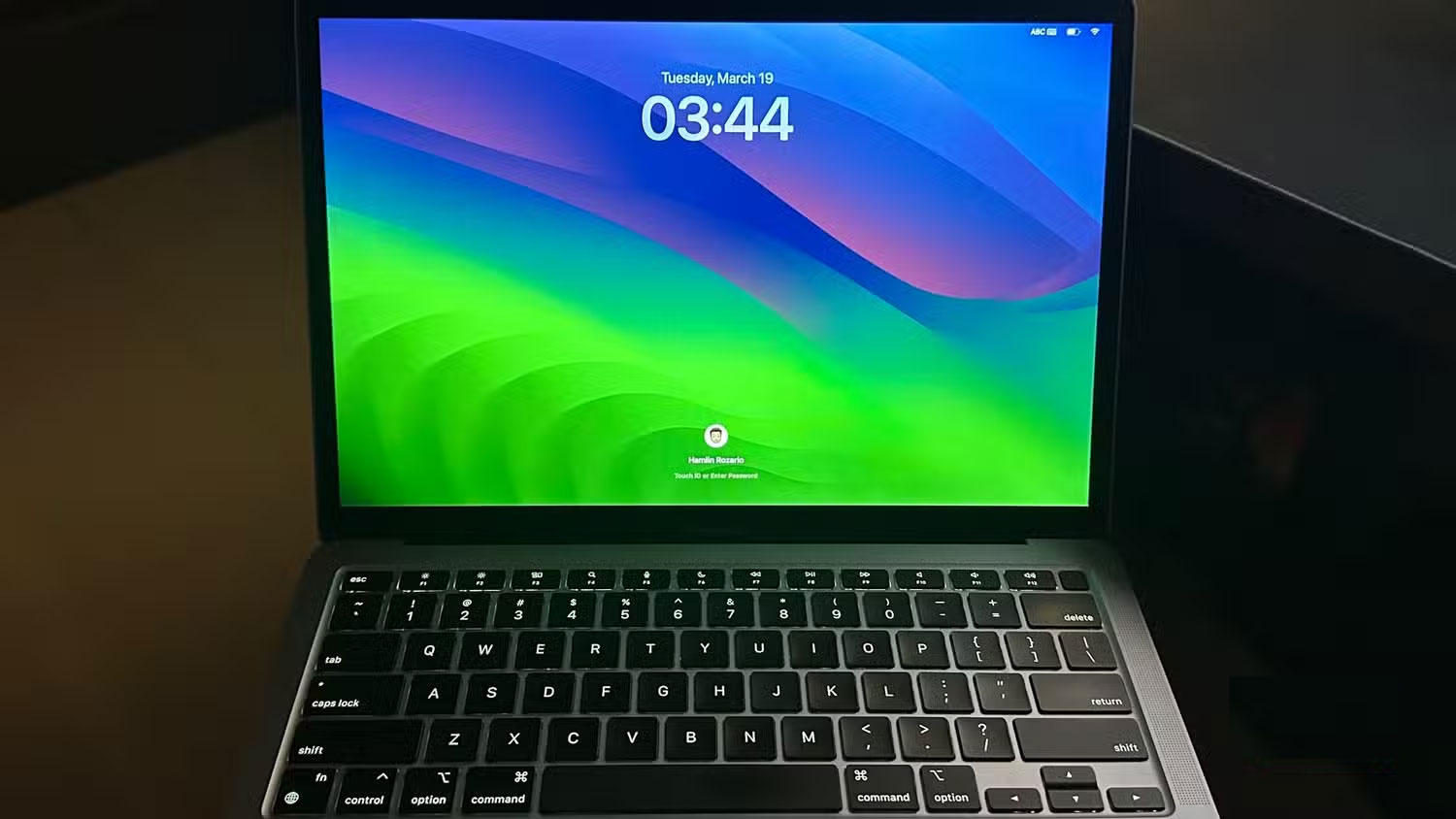
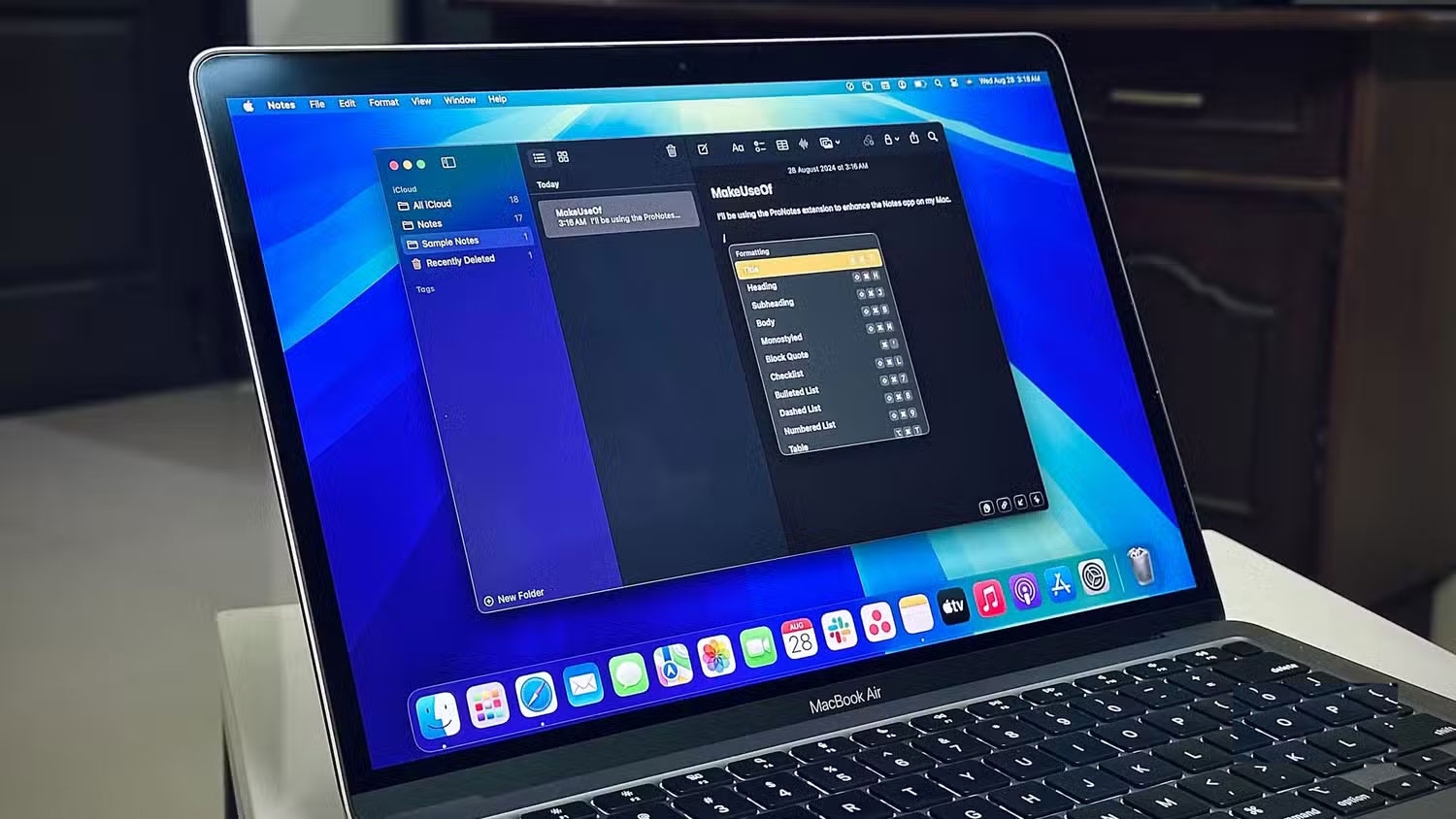

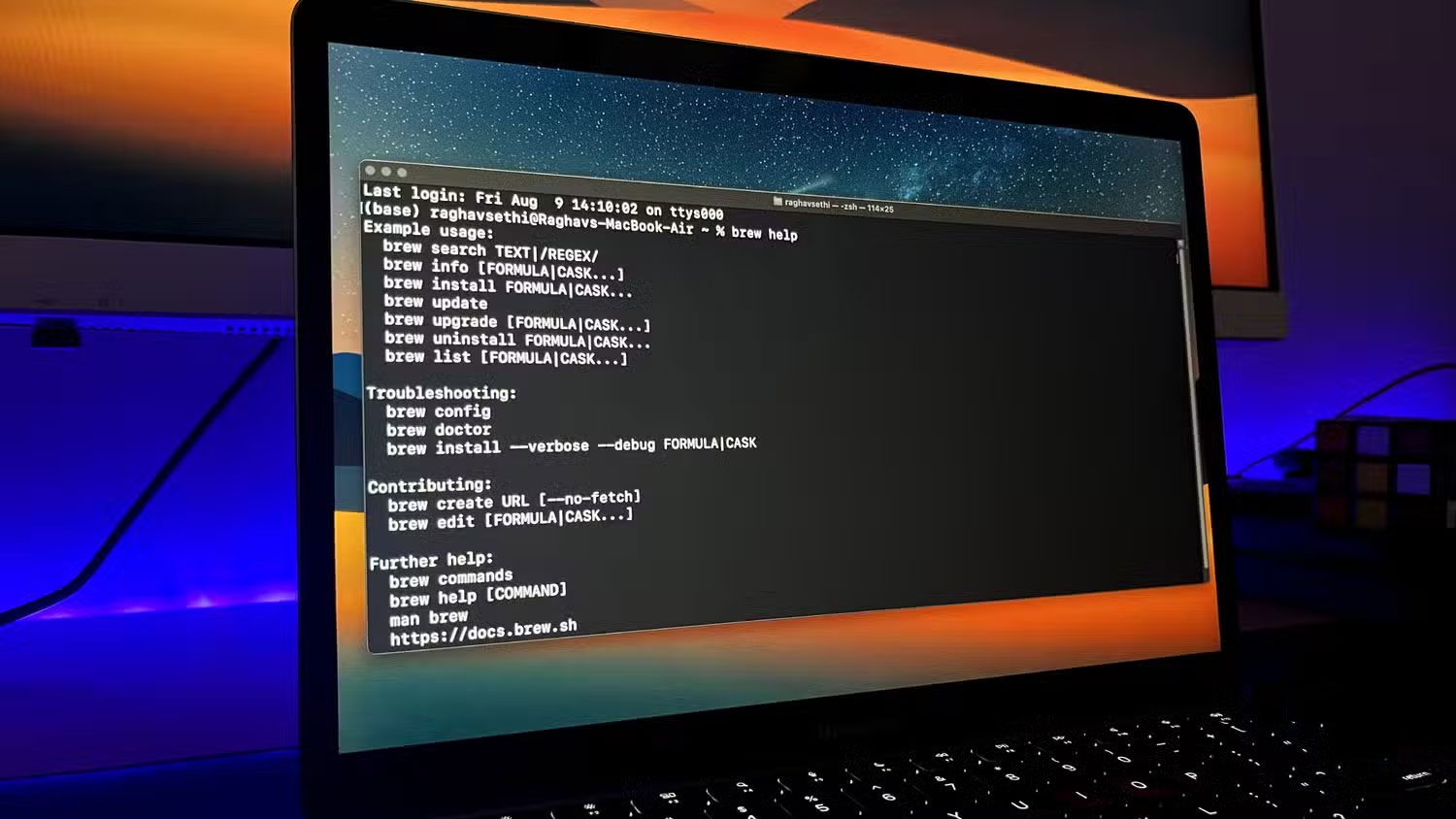
Check your exact configuration in About This Mac. Apple's M1 Air specifications describe the original hardware, but launch battery ratings are not a forecast for a battery that has been used for years.

Check the bottleneck before changing the workflow
When the Mac feels slow, open Activity Monitor and reproduce your normal workload. Look for sustained CPU use, memory pressure and the process responsible. High memory use alone is not proof that the computer needs replacing; the pressure graph and actual delays are more useful.
If one browser or app causes the problem, test a supported alternative with the same tabs and tasks. Avoid assuming all Apple apps are lighter or that you must change subscriptions to keep the computer usable. Our Activity Monitor guide explains the main panels.

Practical ways to keep using it
- Update macOS and apps to versions supported by the machine and required by your work.
- Remove unnecessary login items and investigate apps that repeatedly consume resources while idle.
- Keep enough free storage for your workload and updates; back up important files before removing anything.
- Close heavy projects when you finish with them, and compare performance before and after the change.
- Review battery condition and service options if runtime is the main problem.
The 8GB and 16GB versions are purchase configurations; do not treat the larger memory figure as a simple user-installable upgrade. Extra memory can help some workloads, but it does not automatically provide longer battery life.
When an upgrade becomes useful
| What is happening? | What to investigate |
|---|---|
| Only one app is slow | App version, extensions, project size and a comparable alternative. |
| Routine work repeatedly stalls under memory pressure | Whether a workflow adjustment is acceptable or a higher-memory machine is needed. |
| Battery runtime is inadequate | Battery service cost and the laptop's overall condition. |
| Required software or security updates are unavailable | Current support requirements and an appropriate replacement. |

If the cause is unclear, work through a slow-computer checklist before buying hardware. For a replacement, specify the memory, storage, ports, display and sustained workload you need, then compare available models against that list. Rumored designs and a guessed support end date are weak reasons to retire a working machine.






Reader Comments 0
Sign in with email or Google to join the discussion.