Table of Contents
Explore reasons why many people uninstall ChatGPT atlas, including the key concepts, practical examples, important considerations, and useful guidance.
Many people genuinely thought OpenAI would do something different. So, when the new ChatGPT Atlas browser launched, they used it as their daily browser for a whole week. But, like Dia, Comet, and others, ChatGPT Atlas disappointed them. After seven days of trying it, many eventually uninstalled it. And the search for a truly innovative browser continues.
Interesting AI features don't guarantee a better browser
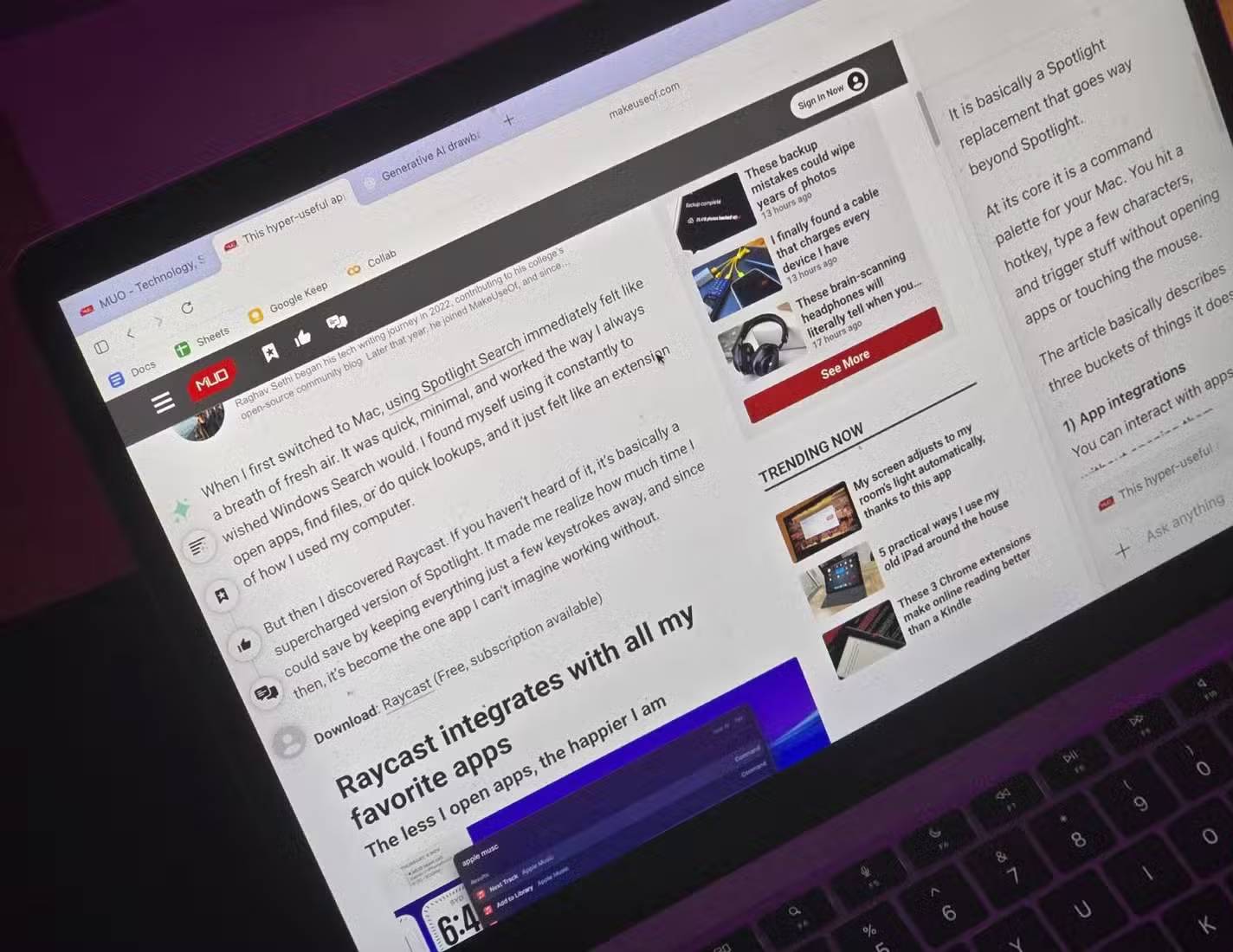
ChatGPT Atlas is touted as the next step in browser development, in the same league as Perplexity's Comet. And in theory, sure, it sounds impressive. This browser routes all searches through ChatGPT, it has a sidebar that follows you from one website to another, and it can even "act" on your behalf with Agent Mode. That's a familiar list of AI browser features we've seen dozens of times already. But once you use it for more than a week, the excitement wanes surprisingly quickly. Because the problem is: AI alone isn't enough to make a browser better.
Currently, every new browser (Dia, Comet, etc.) is doing exactly the same trick. They take Chromium and add a chatbot on top of it. That doesn't make the core experience any smarter, faster, or more enjoyable. It just adds another UI element to something that's already good. After a while, it starts to become repetitive. You don't have to switch browsers just to have another place to ask LLM questions. You can do that anywhere already.
Agent Mode is slow and unimpressive
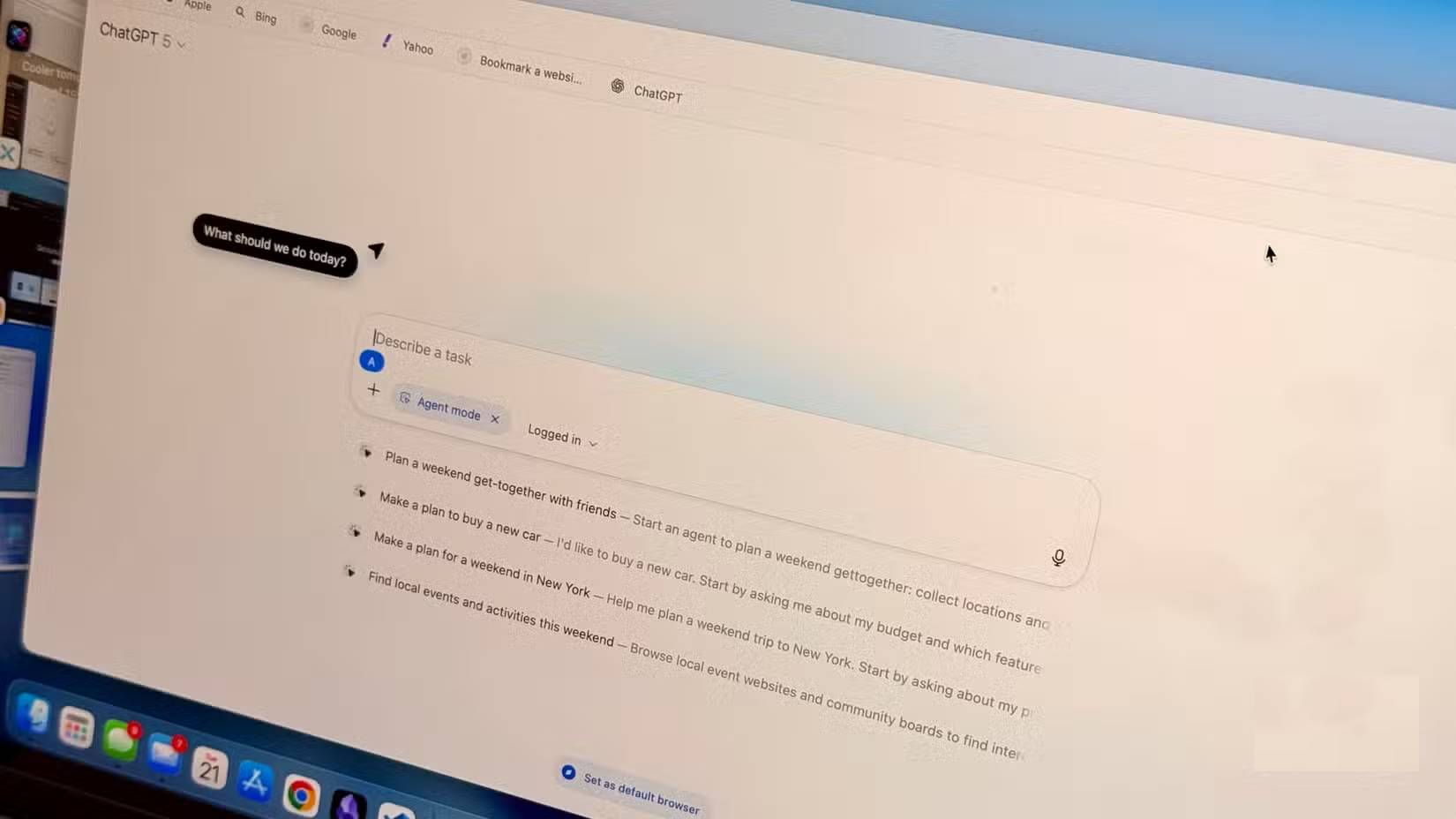
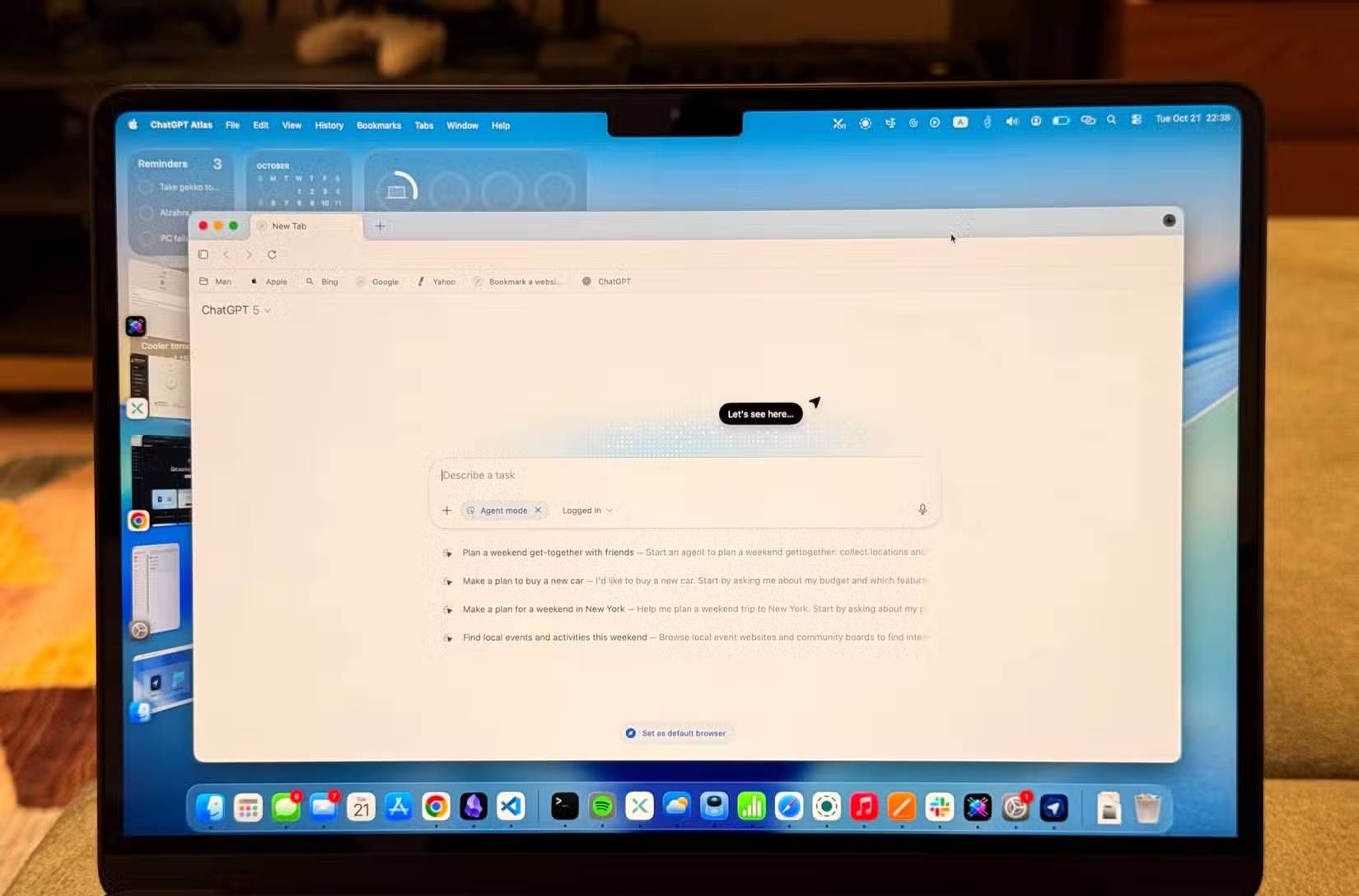
The idea behind Agent Mode is simple: Instead of just answering your questions, the browser can actually do many things for you. It can open websites, click through pages, fill out forms, search for products, and supposedly complete tasks within the browser without your intervention. In theory, that sounds exactly the direction AI should be heading. A browser that automatically performs tedious tasks for you.
But in reality, Agent Mode is slow and clumsy. It constantly makes mistakes on the most basic operations. Sometimes it doesn't realize a page has a scroll bar, so it just freezes staring at the top of the page forever. Other times, it starts something and then gets stuck midway, as if it's forgotten what its task was. And when it does complete something, it habitually deviates completely from the instructions, as if it's improvising instead of following your actual instructions.
That's a big deal, especially since Agent Mode is positioned as a tool to support everyday workflows, such as adding items to a shopping cart or filling out forms. But if you still end up doing everything yourself, what's the point of having an assistant?
There are some pretty serious security risks
OpenAI even admitted there might be problems
The problem isn't just that Agent Mode is unpredictable. When a browser is allowed to click, fill out forms, and interact with websites on your behalf, the door opens to real security concerns. Because the agent reads the page to understand what to do, the page itself can influence the agent's behavior.
This is known as a Prompt Injection attack. A website can hide text instructing the agent to perform a different action than what you requested. For example, you might say something as simple as: "Compare these two phones and add the better one to my cart." However, if the website has hidden instructions telling the agent to add the more expensive item to the cart or navigate elsewhere, the agent might actually follow those instructions.
And because the whole concept of automated web browsing using agents is still new, there is currently no reliable and guaranteed way to prevent this. Even OpenAI publicly notes on the Atlas download page that using Agent Mode carries risks and you should exercise caution.
ChatGPT Atlas is still incomplete in its fundamental aspects
It's similar to Chromium but with added complex steps
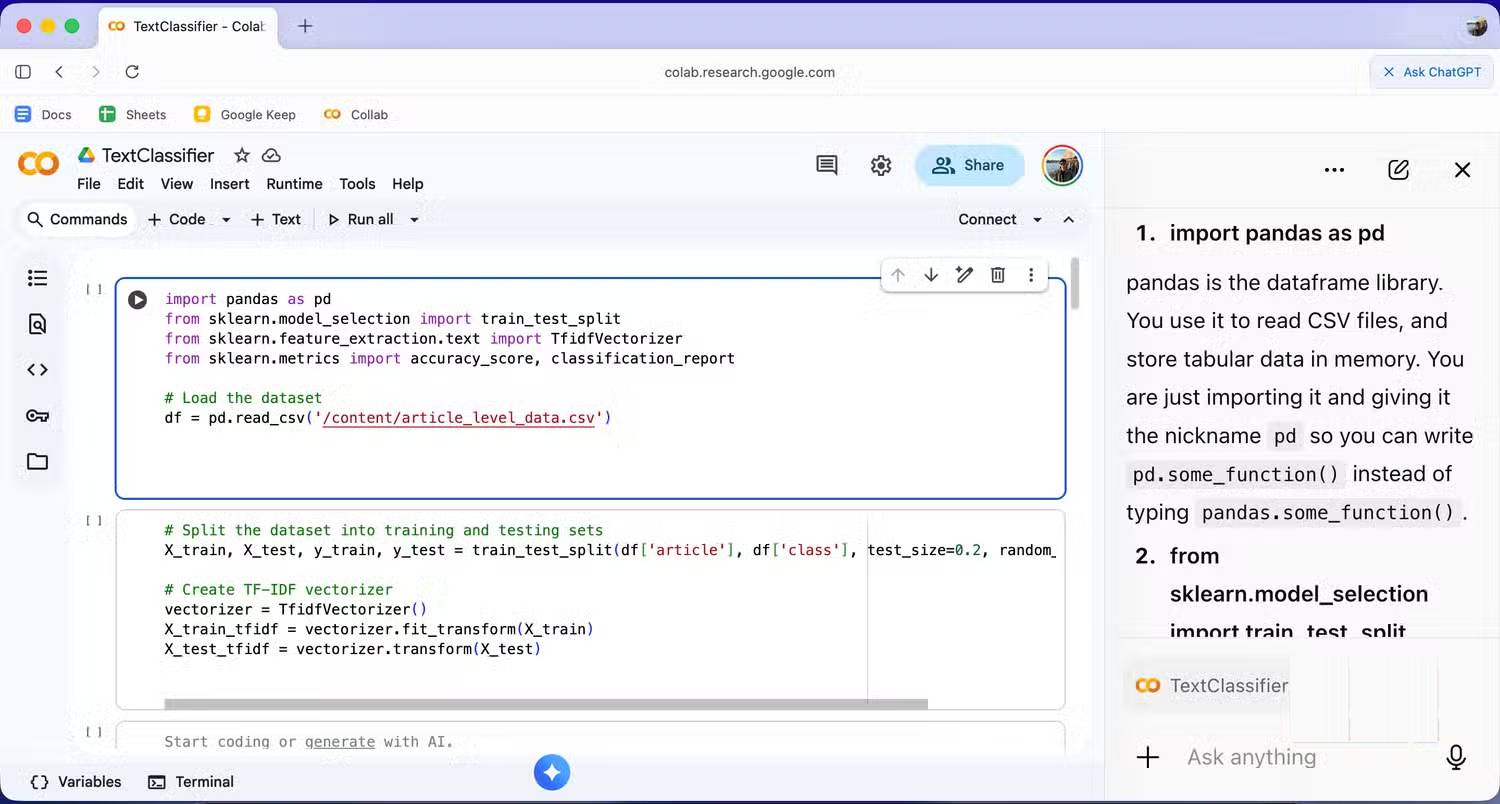
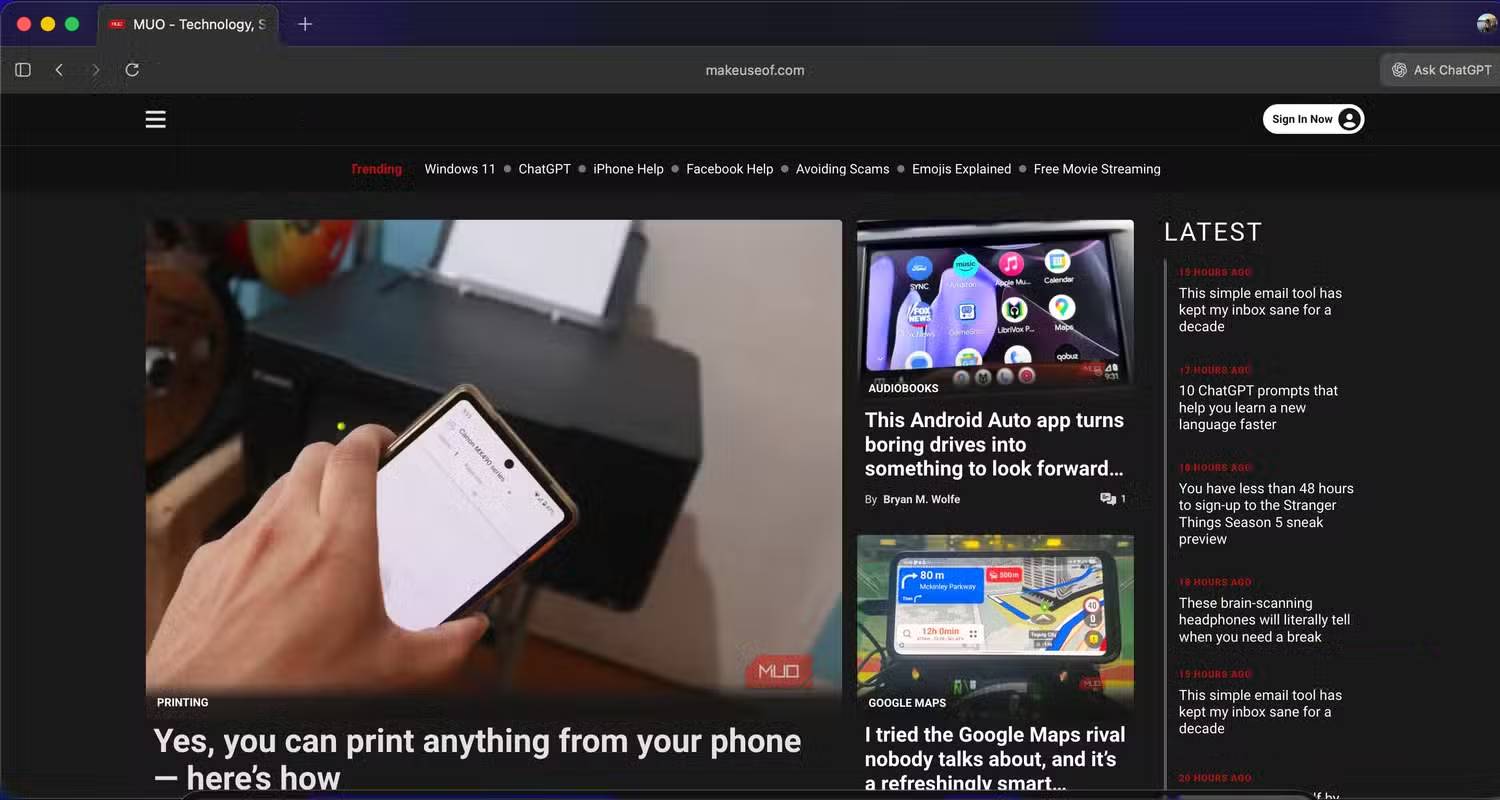
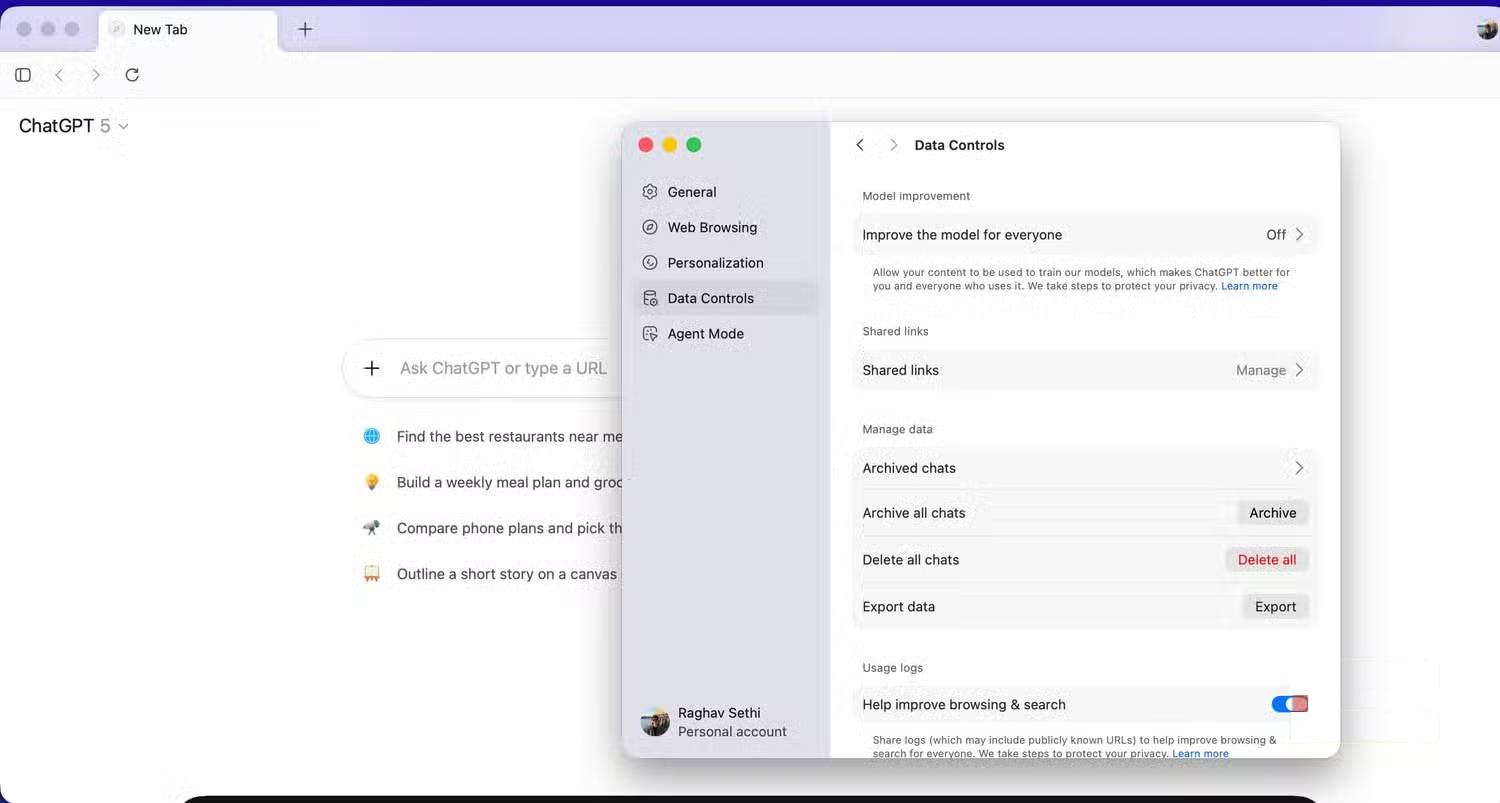
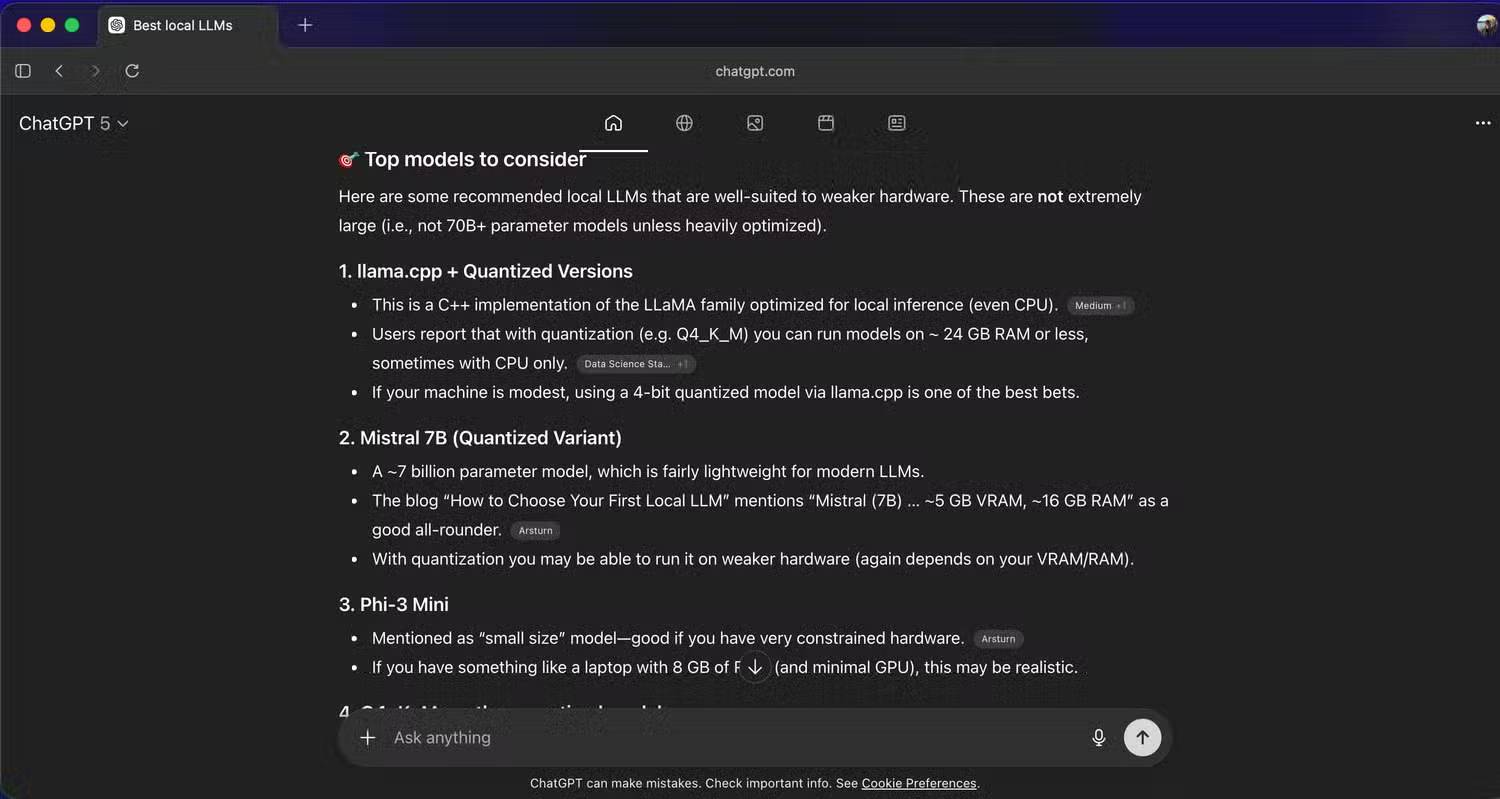
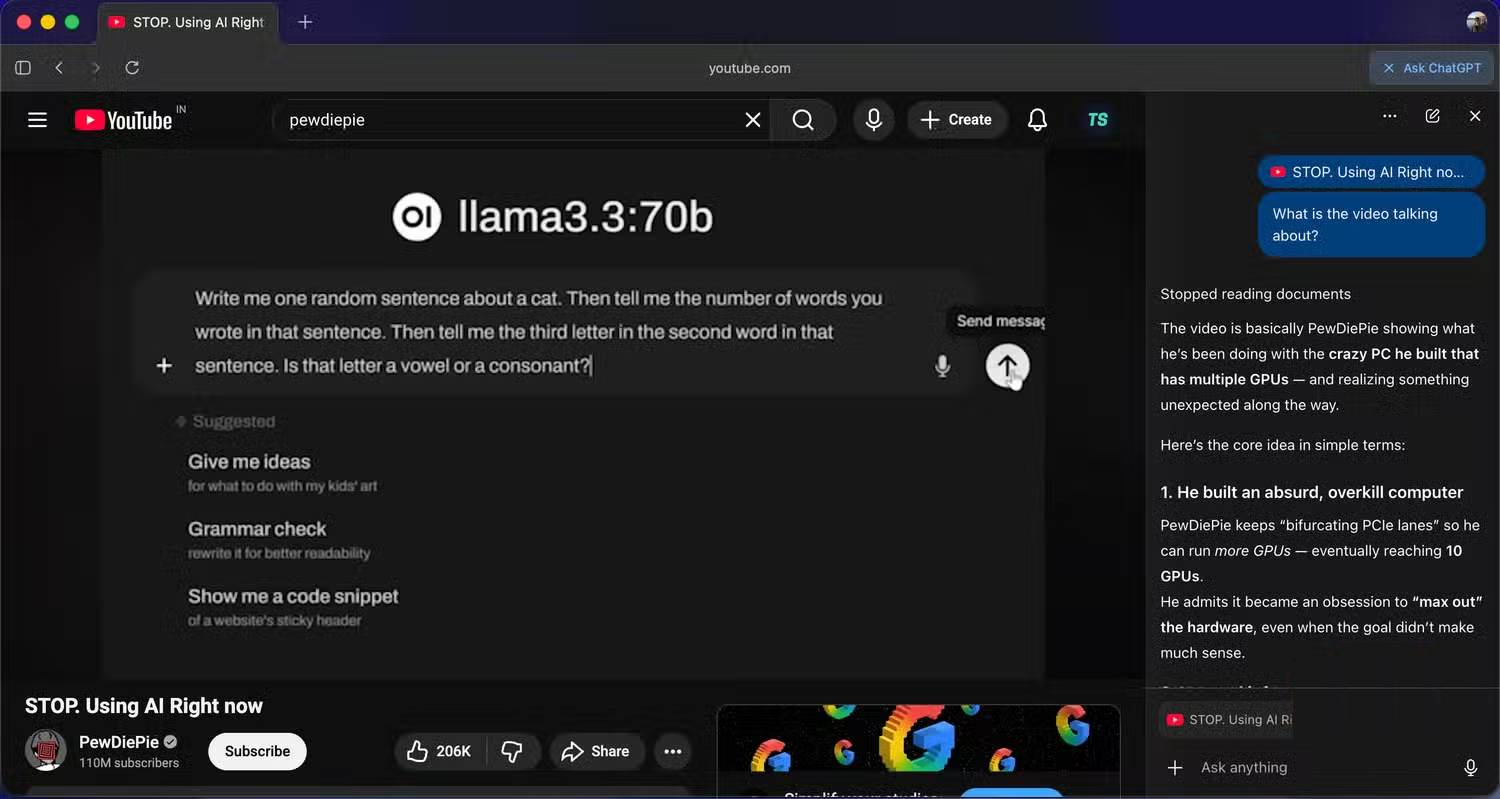
And this is where things go back to square one. Despite the hype surrounding its AI-first browser, ChatGPT Atlas struggles with the basics. If you remove the ChatGPT sidebar and the virtual assistant features, what's left is a very basic Chromium browser. There's no true multi-profile support, no thoughtful tab management features, and not even simple things like vertical tabs. That's what makes the whole experience frustrating.
In the effort to integrate LLM into every corner of the browser, the basics were overlooked. The browser is a tool we spend hours using every day. The core experience must be stable before you start adding future-proofing ideas. But Atlas is like an AI layer sitting on top of something that could have been just a Chrome extension.
There's virtually no significant customization. You can change the main color, yes, that's it. Everything else feels unfinished, as if the browser was released before the platform was truly ready. It needs more time, refinement, and thought into how users actually browse the web.
Final Thoughts
Understanding reasons why many people uninstall chatgpt atlas makes it easier to evaluate the information and apply the most relevant recommendations. Focus on the key points above and verify details that may change over time.
FAQ
What is reasons why many people uninstall chatgpt atlas?
Explore reasons why many people uninstall ChatGPT atlas, including the key concepts, practical examples, important considerations, and useful guidance.
What key points does this article cover?
The article focuses on Interesting AI features don't guarantee a better browser, Agent Mode is slow and unimpressive, There are some pretty serious security risks, with practical explanations and examples.
How can you use this information in practice?
Use the explanations to compare options, verify important details, and make a more informed decision. Apply the recommendations that best match your goals and situation.
Related Articles
 ChatGPT Atlas: Complete Guide8 minutes read
 NASA Spacecraft Nabs Stunning View of Comet Atlas Streaking Past the Sun4 minutes read
 Brightening Comet Atlas Could Soon Lift Your Gaze and4 minutes read
 Possible Superstar Comet Atlas Looks Like It's Breaking Up2 minutes read
 Top Americ AI Browsers Worth Trying In 20269 minutes read
 Hubble Space Telescope Has Just Captured the 'Crumbling4 minutes read
Reader Comments 0
Sign in with email or Google to join the discussion.