Table of Contents
Even if someone has your login information, they still need access to your email or phone number. But in reality, 2FA is more of a hassle for the user than it is for the hacker.
At this point, 2FA has become the new gold standard for security. Two-factor authentication (2FA) is what happens when you enter your username and password, then get the dreaded 'Please enter the code sent to [your email address]' prompt. In theory, it's an extra layer of security. Even if someone has your login credentials, they still need access to your email or phone number. In practice, however, 2FA is more of a hassle for users than it is for hackers.
2FA complicates access
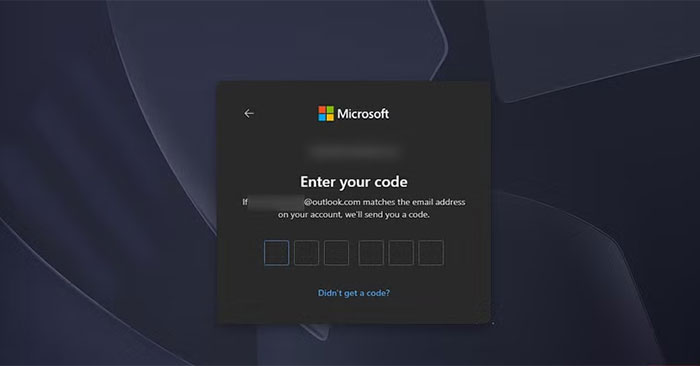
Basically, the purpose of 2FA is to make it harder to get in, not just for hackers, but for users as well. The chances of it being some hacker and not you are slim, yet you are the one who has to put up with it all. Now you need at least two windows open just to log in anywhere. First the website. Then the email to get the code. Worse yet, if it's SMS-based 2FA, you need your phone.
That's the inherent problem with any security measure. You can prevent brake failure by checking them before every drive. It makes perfect sense: If you don't want your brakes to fail, if you want to avoid accidents and live longer, you should check your brakes every time you drive. But no one does it because it's impractical. That's what's happening with 2FA.
False sense of security
Good habits are more important than constant re-validation
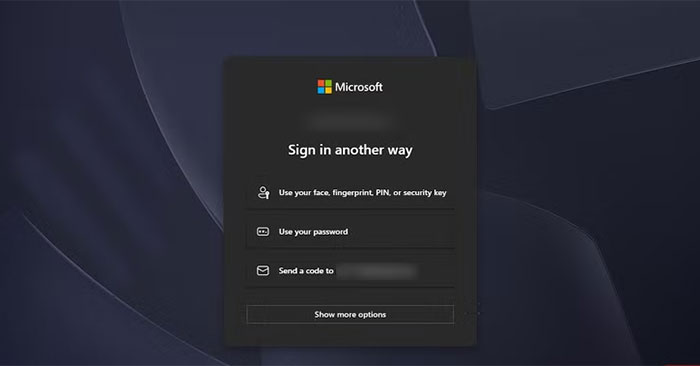
Obviously, there's a difference between having good email security habits and being forced to jump through hoops every time you log in. You don't need strict quality control if you have a good quality assurance system in place. If you drive responsibly and change your brakes regularly, you don't need to check them before every trip; the same logic applies here.
You can't count how many times you've tried to log in to your Google account on your phone, only to have the verification prompt sent to that very device. If someone has your phone, it's game over—they don't even need your password. The email or SMS code has given them the keys.
Untrustworthy
Two-factor authentication (2FA) builds on unstable delivery methods
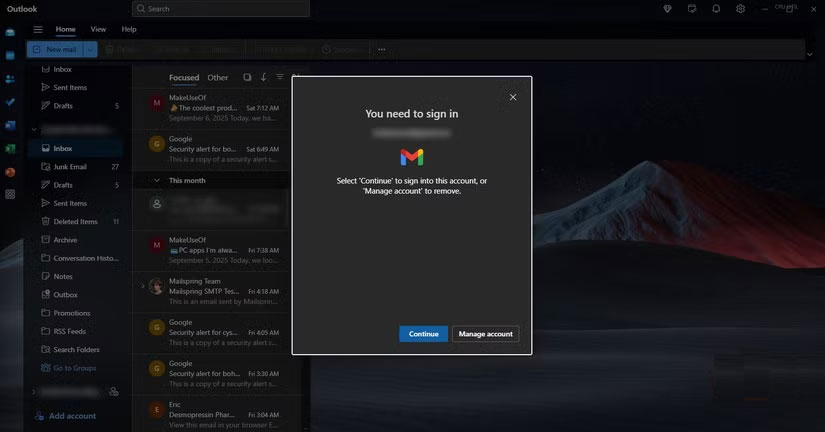
Despite being considered a cornerstone of modern security, two-factor authentication (2FA) is anything but reliable. Google's experience is good, Meta's 2FA is inconsistent, and Microsoft's is downright terrible. If the big tech companies can't do 2FA properly, what hope do smaller companies have? And if they rely on third-party services, what happens when those services go down—will we suddenly lose access to dozens of accounts at once?
If your carrier service is down, you won't be able to log into your dashboard because the SMS code never arrives. With SMS-based 2FA, even a basic network glitch can swallow the message.
Inbox clutter and privacy
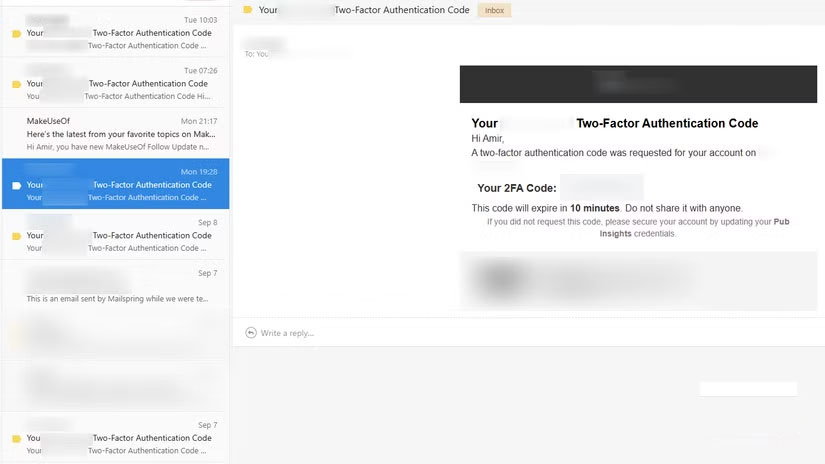
Every login becomes an email or text message you never asked for. 2FA makes it unavoidable. You keep giving your email or phone number to companies you don't want. Remember when you could just sign up with a username and password? Back then, you had to confirm your password; now you have to confirm your email. Passwords are worthless.
And there's a deeper privacy issue. When your email provider handles 2FA codes, they're essentially tracking every login. Gmail knows when you try to log in to PayPal. You don't want Gmail to know that. SMS 2FA is even worse. Your carrier, which already has your phone number and location, now knows which apps you use and when. Of course, they won't use the code to log in as you—but that's creepy enough.
Risk of permanent lockout
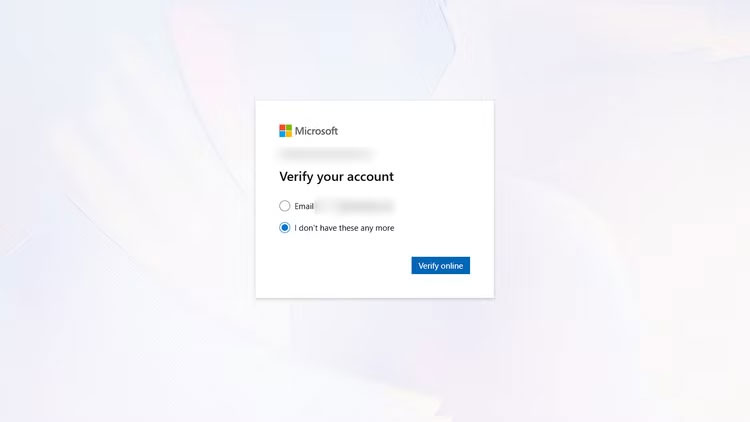
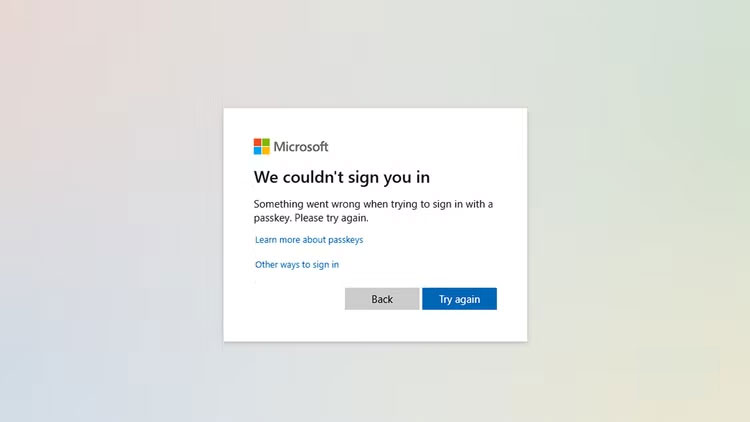
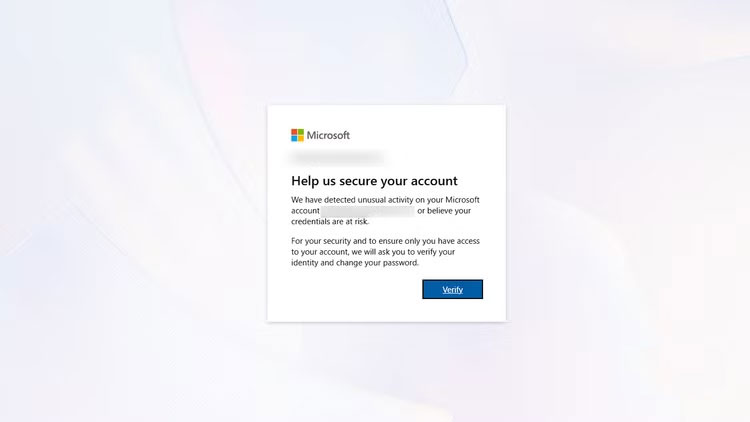
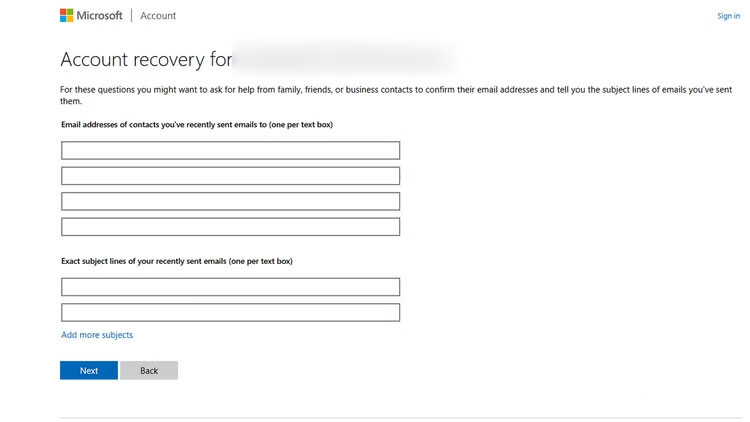
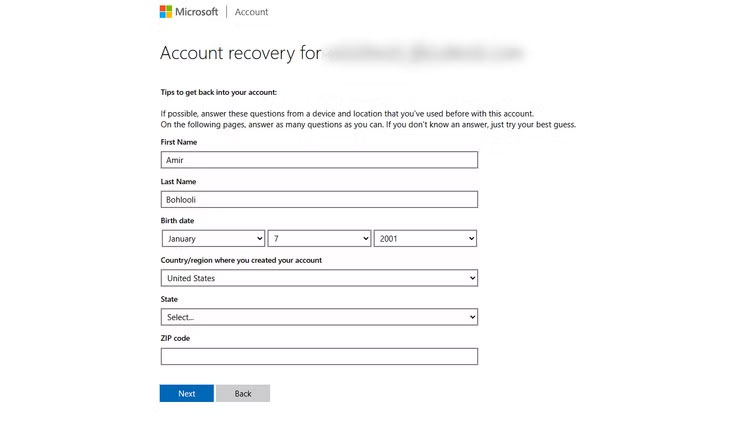
Not being able to access your email, phone, or backup devices can leave you permanently locked out of important accounts, and recovery can be difficult. Many people have gone through this nightmare with Microsoft, and more than a year later, they're still paying the price.
For example, let's say someone has an Outlook email that's associated with both their college and work. Every important account—Asana, Slack, CMS, company website, LinkedIn, university discussion groups, VPN —is connected to this address.
This person just wants to send a draft of their thesis to the professor, but Outlook is asking for re-authentication. Entering the email and password is not enough. The 2FA code is sent to the backup email. Unfortunately, the backup email is another Outlook email that also requires 2FA.
The second Outlook email backup was a Yahoo account. As expected, the whole system collapsed like dominoes. Running out of time and patience, the person was forced to reset the password. The person answered two security questions correctly, but then received a message that the account had been 'blocked due to suspicious activity.'
When this person regained access to the secondary Yahoo and Outlook, the primary account was gone. Microsoft's recovery system wants to know the subject of the latest emails (possible), recent contacts (possible), and the country they registered in (unlikely if you're always using a VPN). If you guess the wrong country, Microsoft's response is to revoke your access. You're locked out forever.
This person was forced to scramble to change their email address everywhere. Worse, some services still wouldn't let me update my login information without that Outlook address. If I was logged out, those accounts would be gone forever.
FAQ
What should you know about two-factor authentication is the worst thing we have to endure?
In practical terms, even if someone has your login information, they still need access to your email or phone number. But in reality, 2FA is more of a hassle for the user than it is for the hacker.
Why does two-factor authentication is the worst thing we have to endure matter?
The article highlights that two-factor authentication (2FA) is what happens when you enter your username and password, then get the dreaded 'Please enter the code sent to [your email address]' prompt.
What is the main takeaway?
The main takeaway is that untrustworthy Two-factor authentication (2FA) builds on unstable delivery methods Despite being considered a cornerstone of modern security, two-factor authentication (2FA) is anything but reliable.
Related Articles
 Protect Your Github Account with Two-Factor Authentication5 minutes read
 Authenticate What Two Factors Are and Why You Should Use It5 minutes read
 How to Turn on Two-Factor Authentication to Protect Your Firefox4 minutes read
 5 Multi-Factor Authentication Vulnerabilities and How to Fix Them6 minutes read
 How to Turn on Two-factor Authentication on Slack4 minutes read
 Already Able to Perform Two-factor Authentication on Instagram Without SMS3 minutes read
Reader Comments 0
Sign in with email or Google to join the discussion.