Table of Contents
One of the biggest draws to switching to open source software is the cost savings and freedom it offers. No one wants to be stuck with expensive software subscriptions, lengthy and confusing terms of service agreements, and hoping that software vendors will honor their privacy policies.
So many people have tried switching all their Windows productivity apps, from note-taking apps, task managers, browsers, and email clients, to open-source alternatives for a week to see if they are a viable option to escape the constraints of proprietary software.
There are some great positives, but you'll also learn about the hurdles people face when switching to completely open source software. It's certainly not something you should do lightly, especially if you value the online capabilities of the applications you use.
3. All your favorite apps have open source alternatives
And it's all completely free!
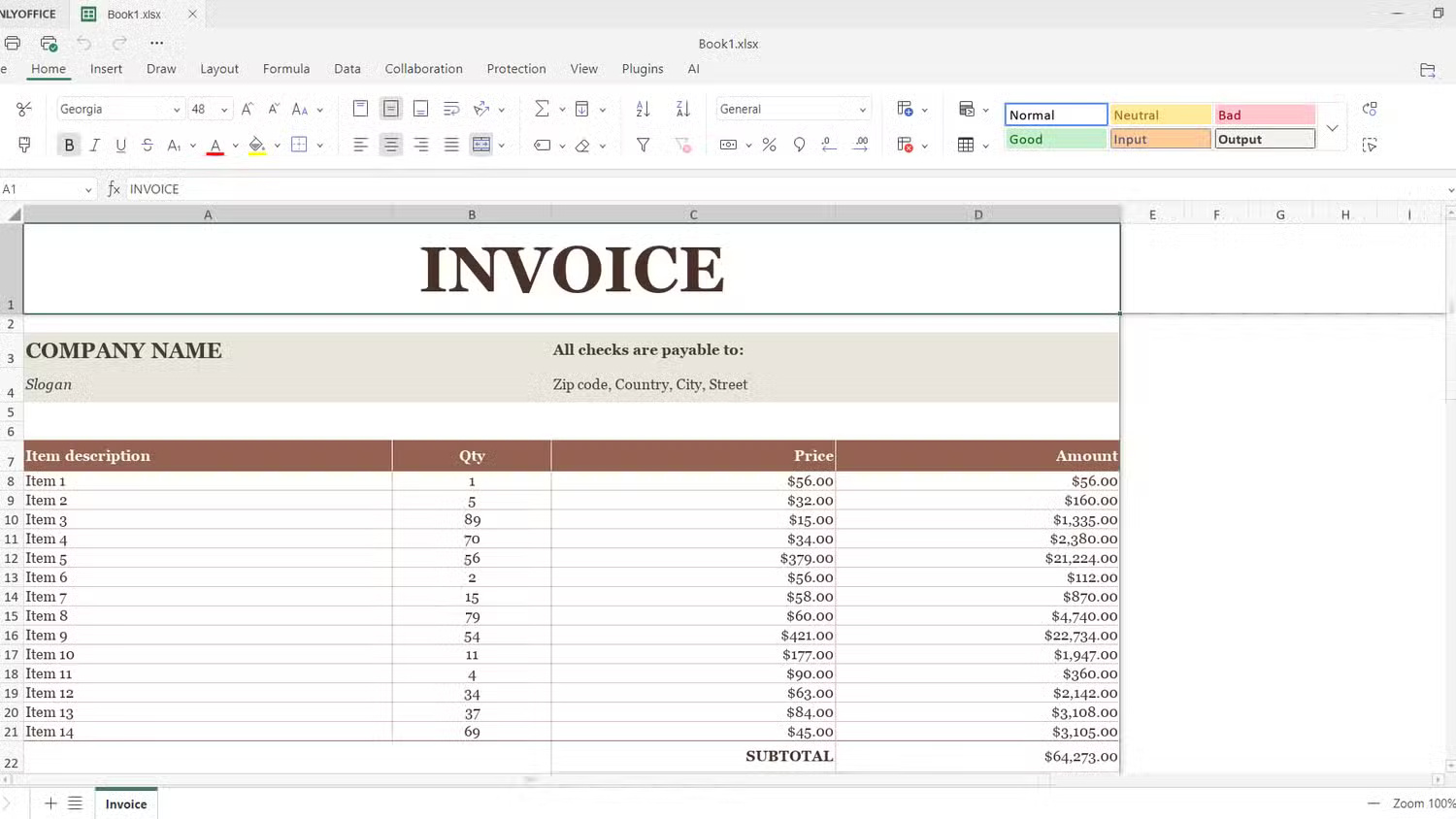
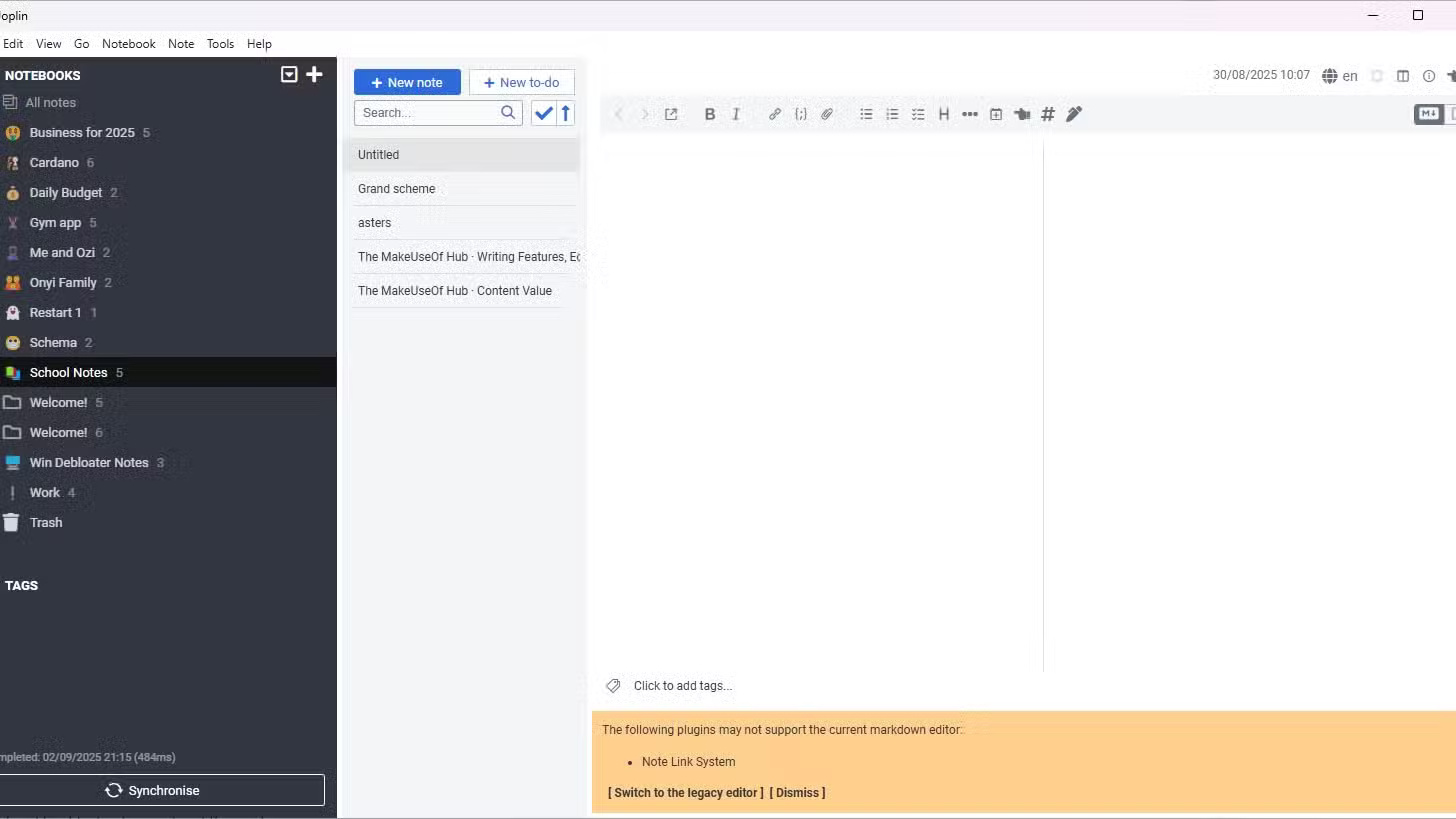
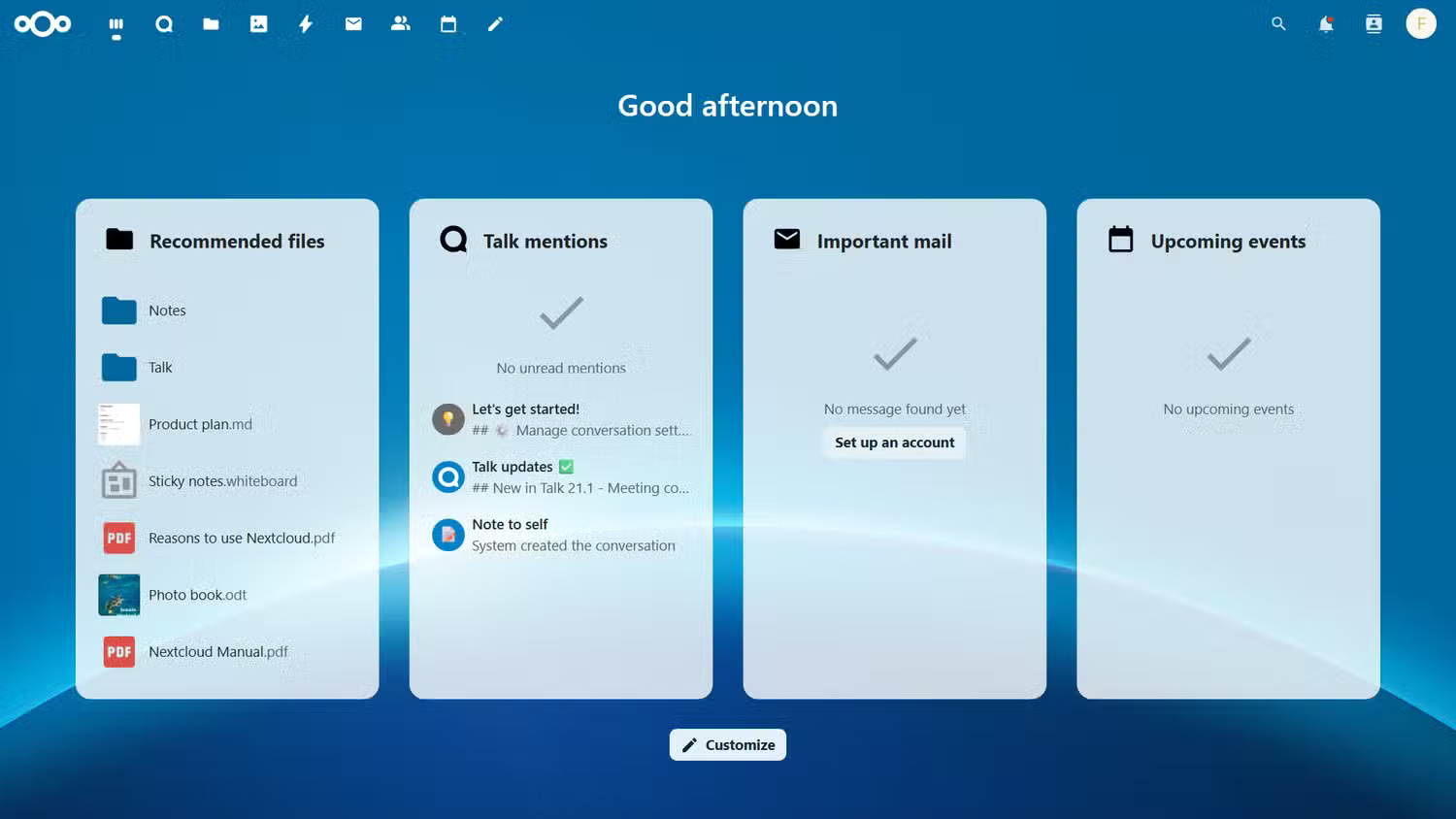
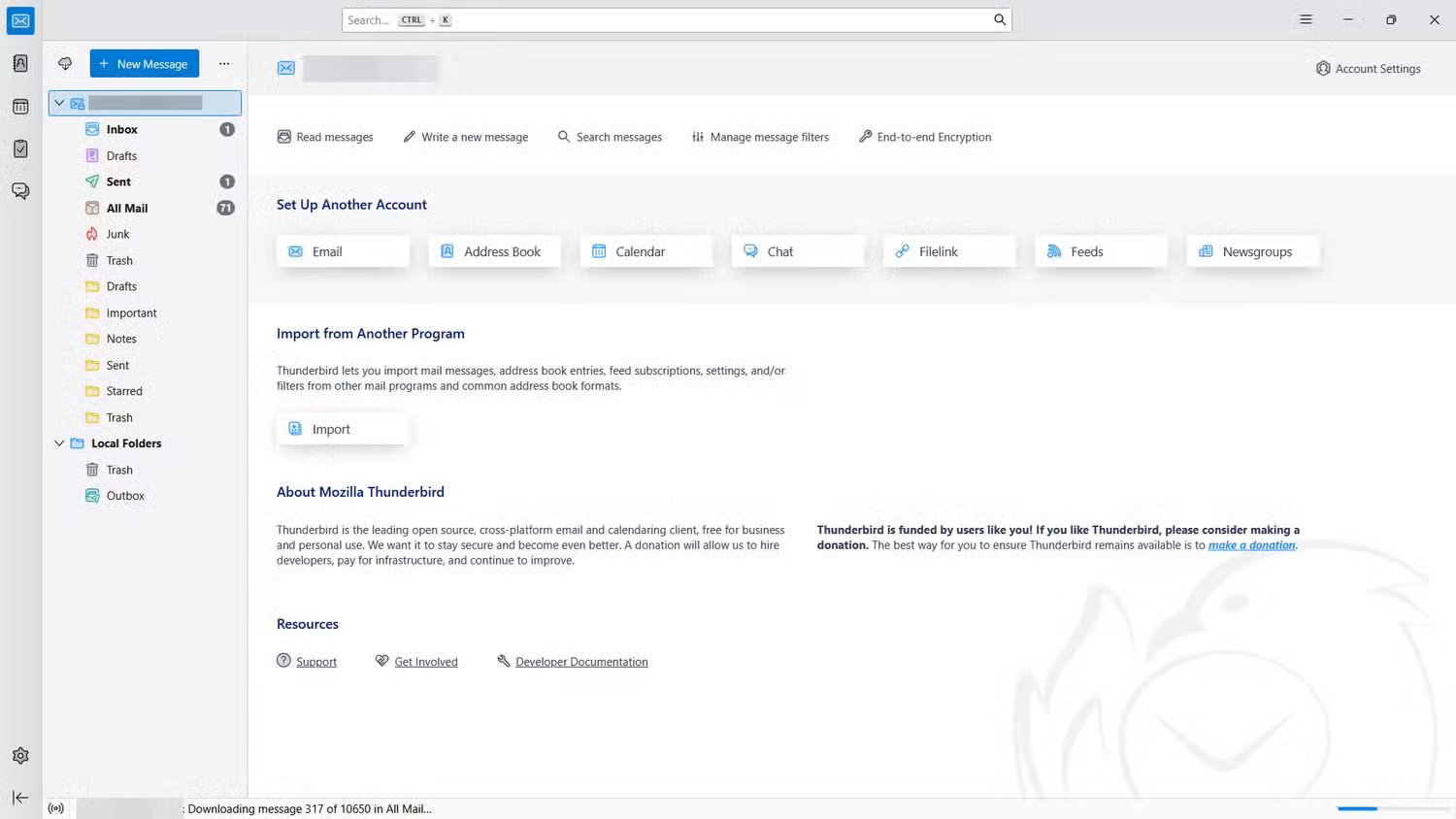
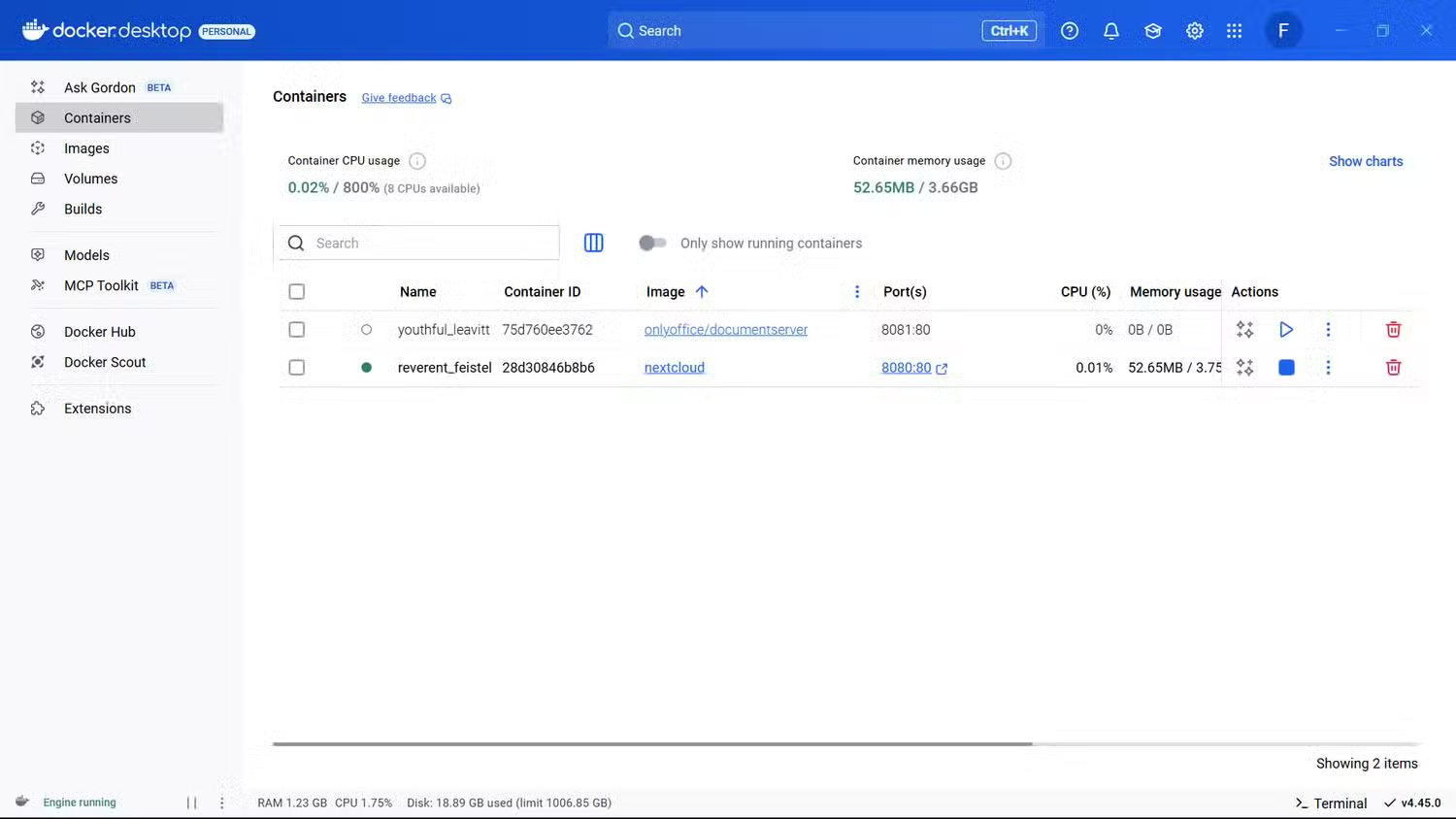
This test will use free and open source applications like OnlyOffice, Firefox, Joplin, Thunderbird, and Nextcloud. Install everything on your Windows machine — except Nextcloud, which requires Docker and a custom image. These applications handle core productivity tasks quite well, as they have all the basic features you need.
ONLYOFFICE handles spreadsheets and presentations quite well, Joplin organizes notes with a minimalist interface, and Firefox with its privacy extensions makes for a secure browsing experience. Thunderbird handles multiple email accounts and calendars efficiently, and while Nextcloud is a complex setup, its file syncing works reliably once configured (as best it can).
The apps are also highly customizable, with plenty of options for themes, plugins, and scripts to extend functionality.
2. There are some trade-offs
But nothing is impossible
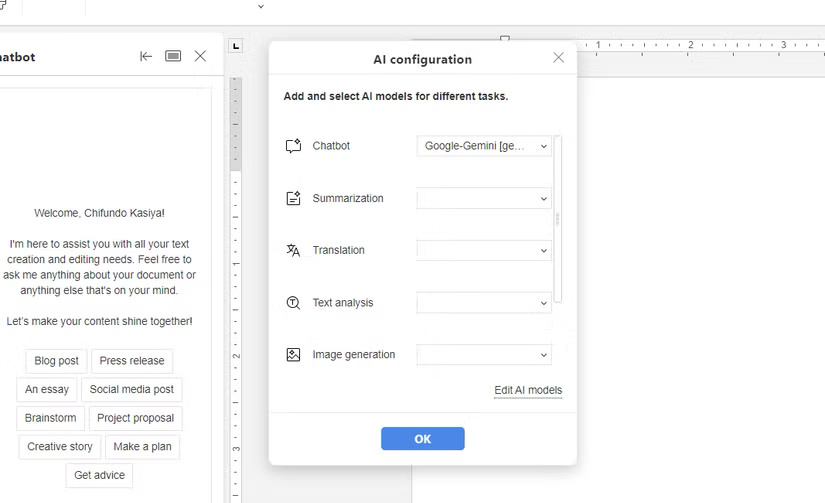
The biggest complaint people have is that the open source experience feels disjointed. For example, when using Microsoft Office, it is well integrated into its ecosystem, with OneDrive for cloud storage and Copilot for AI. In a desktop app like OnlyOffice, you have to set up AI yourself (which requires an API key) and use Nextcloud or ownCloud for cloud syncing.
Open source tools often prioritize stability and security over flashy, polished features. That means sleek user interfaces, AI assistants, seamless cloud syncing, and even mobile integration are often overlooked. Notable new features may be added later or require manual configuration (more on that later). Needless to say, you won't find Microsoft Office's advanced formatting and automation options in OnlyOffice.
1. The Worst Part of Going Completely Open Source
Freedom comes with complexity
With freedom comes complexity. This is an eye-opening experience during your experimentation. Some features that you take for granted with proprietary software require IT expertise to set up when using open source alternatives.
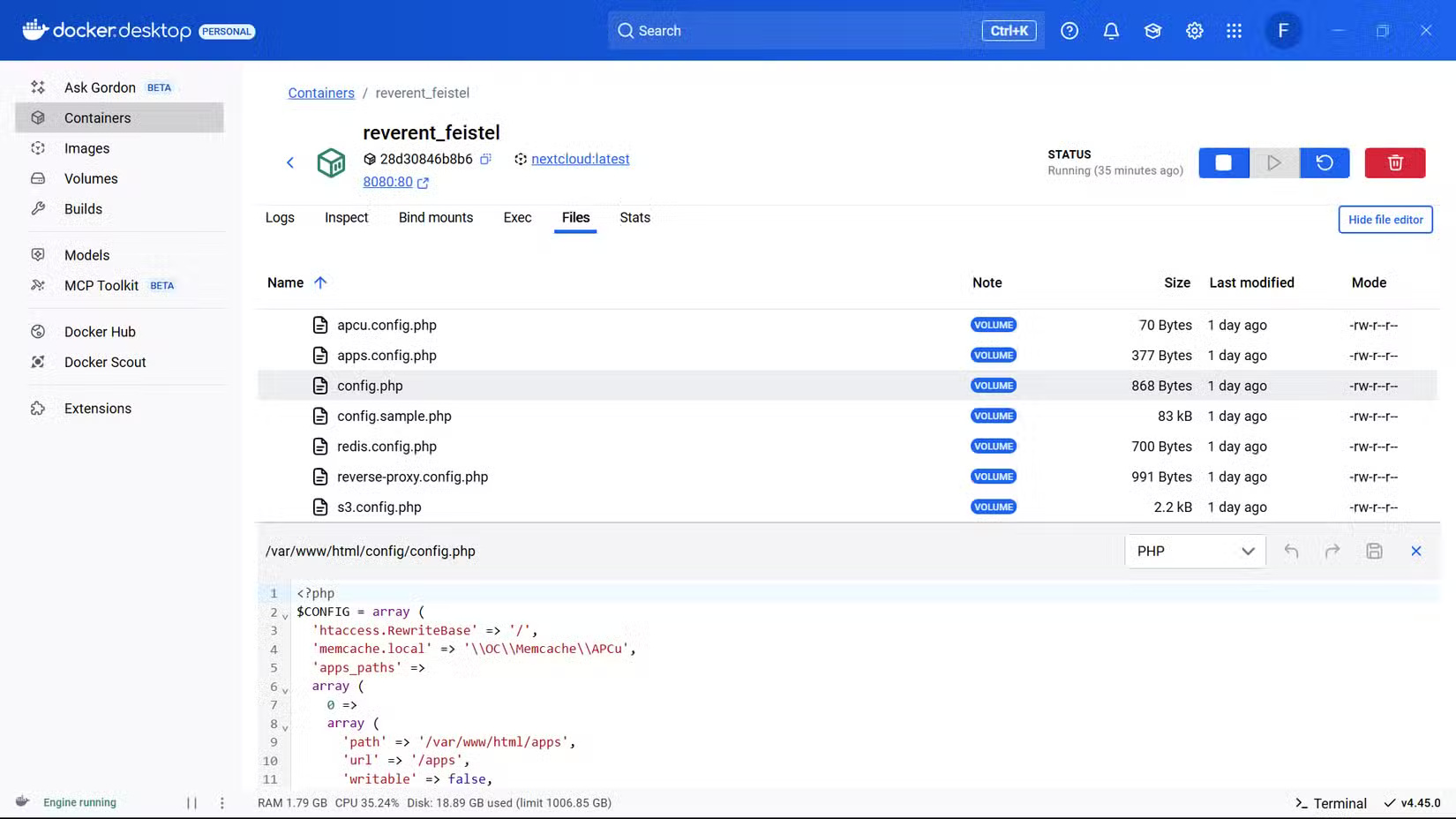
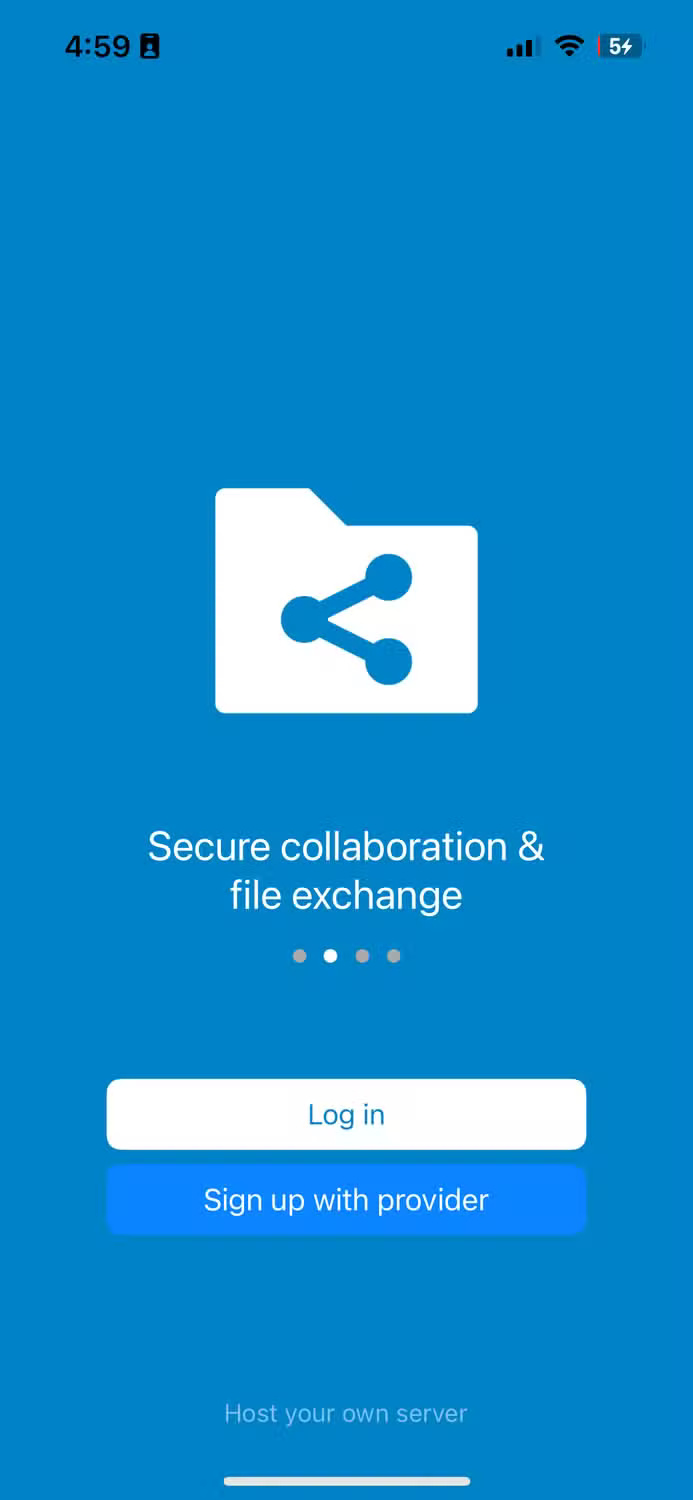
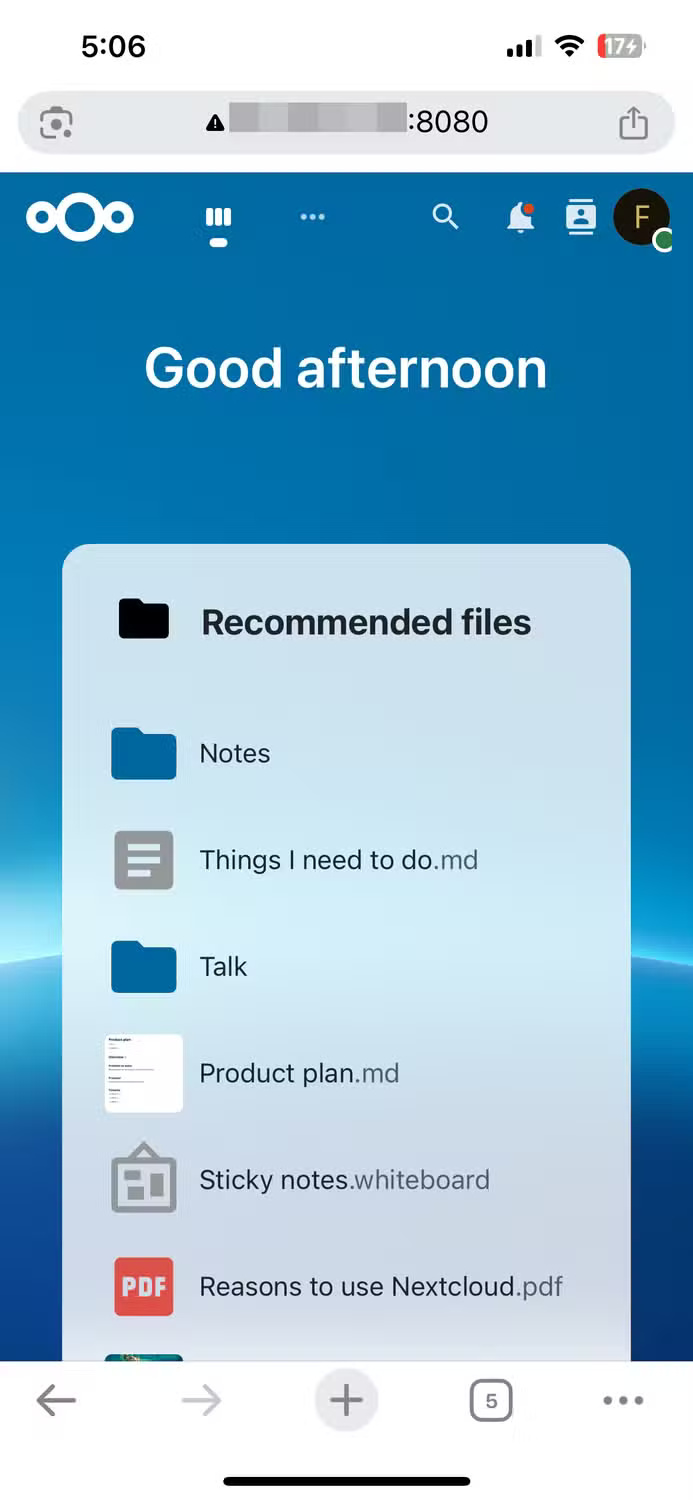
For instance, synchronizing Nextcloud between the desktop server and the mobile app is not easy. Install Nextcloud on Windows using Docker, but when trying to connect the mobile app to the server, an error appears. The big problem is that the server on the Windows computer is using HTTP, while the mobile app requires the secure HTTPS protocol, rejecting insecure connections.
Solving this problem requires knowledge of the process of tweaking configuration files and managing certificates — beyond the expertise of many people. Finally, access the Nextcloud server on your phone using a browser. But even then, you still have to tweak a configuration file to make your computer's IP address a trusted domain.

You can also set up OnlyOffice in Nextcloud and enable real-time collaboration. For devices on the same network as the server, this is as easy as using the computer's IP address. But for public or remote access, this can get complicated, as it requires information like a domain name, SSL certificate, and configuration knowledge.
Final Thoughts
Overall, Try Switching Everything to Open Source for a Week, You'll Be Amazed! is best understood by considering the main facts, practical context, and limitations together. Use the details above as a clear starting point and confirm time-sensitive information when necessary.
FAQ
What does this article explain about Try Switching Everything to Open Source for a Week, You'll Be Amazed!?
One of the biggest draws to switching to open source software is the cost savings and freedom it offers.
What should you know about And it's all completely free!?
This test will use free and open source applications like OnlyOffice, Firefox, Joplin, Thunderbird, and Nextcloud. Install everything on your Windows machine — except Nextcloud, which requires Docker and a custom image.
Should time-sensitive details be verified?
Yes. Software features, game codes, product specifications, prices, and research findings can change. Confirm important details with an official or primary source when accuracy affects your decision.
Related Articles
 Can Open Source Technology Make Money?5 minutes read
 Oracle Wants to Turn Java EE into Fully Open Source5 minutes read
 What Is Open Source Software?7 minutes read
 4 Great Benefits of Using Open Source Software6 minutes read
 10 Best Open Source Web Browsers9 minutes read
 What Is Source Code? Learn About Source Code10 minutes read
Reader Comments 0
Sign in with email or Google to join the discussion.