Table of Contents
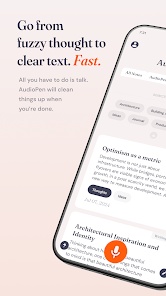
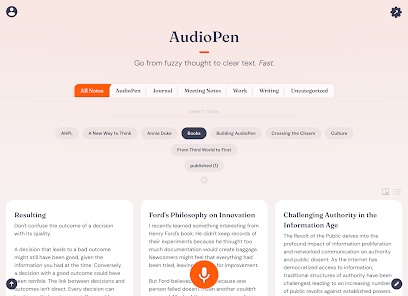
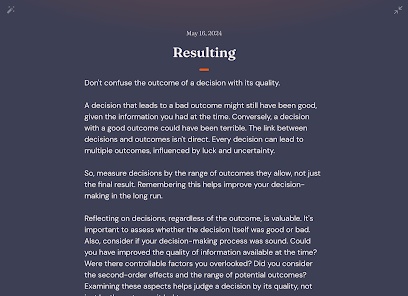
AudioPen turns a spoken voice note into an edited draft. It is useful when ideas come faster than typing, but the result still needs a human check: polished wording can change nuance, names, or technical terms.
How to use AudioPen for a first draft
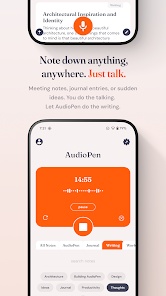
- Record a short thought in a quiet setting. State the main point, examples, and any action you want to take.
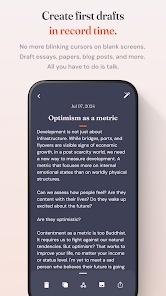
- Let AudioPen process the recording, then compare the output with what you intended to say.
- Correct names, numbers, and meaning. Add missing context before sharing the text or using it in an article.
This workflow suits brainstorming, personal notes, and rough emails. It is less suitable when you need a word-for-word record of an interview or meeting: rewriting spoken language into prose is different from faithful transcription. For that use case, compare a dedicated meeting transcription tool.

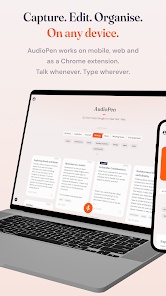
Features and best uses
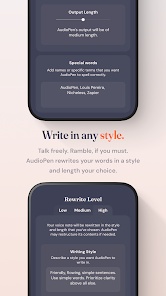
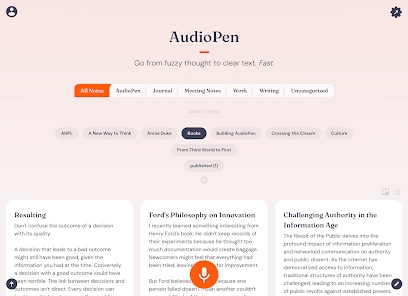
AudioPen combines voice-to-text conversion with editing and note-handling options. Availability and subscription features may change, so check AudioPen's current plan details before relying on a particular import, export, or device feature.
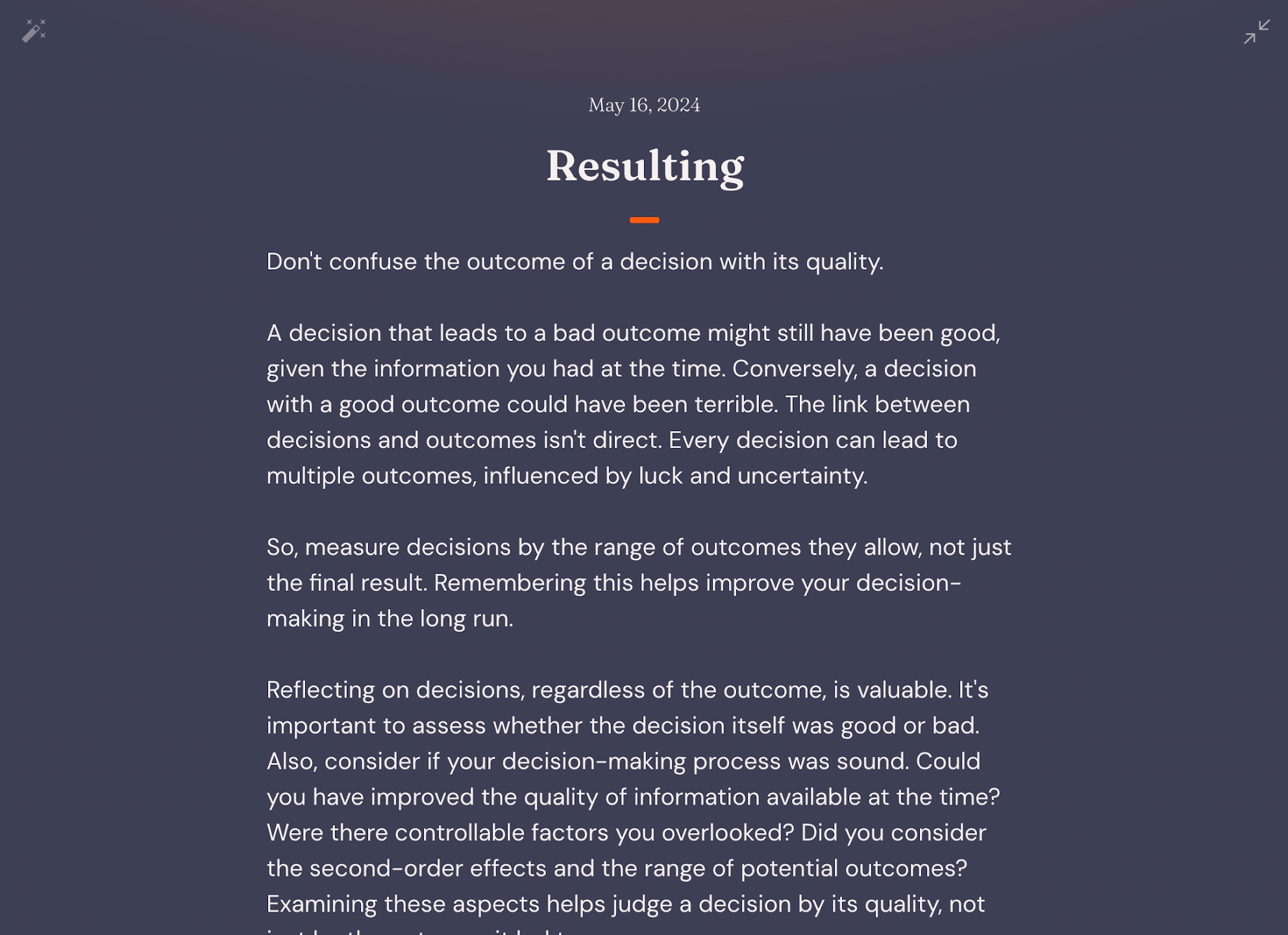
Students and writers can capture a thought without interrupting it to edit sentences. For longer work, use the output as source material: group ideas, verify facts, and write transitions yourself. If you simply need dictation inside another app, a browser voice-typing extension may fit better.
Practical limits
Clear audio helps, but background noise, accents, and specialized vocabulary can still lead to errors. Avoid treating an edited note as a verbatim quotation. Get permission before recording other people, and check the service's privacy and retention options before dictating sensitive information.
Related Articles
 7 Best Text-to-speech Transfer Apps for Android8 minutes read
 How to Convert Text to Speech Using Zalo AI Text to Speech4 minutes read
 How to Enable Speech-to-Text on Android10 minutes read
 How to Convert Text into Viettel's Text to Speech Voice4 minutes read
 How to Use FPT. AI Speech Reads Text Like Google: Text to Speech3 minutes read
 Enable Text-to-speech Feature in iOS3 minutes read
Reader Comments 0
Sign in with email or Google to join the discussion.