Table of Contents
SlimToolkit, formerly DockerSlim, can analyze a running container and build a smaller image from the original. It combines inspection with observed runtime activity to decide what to retain. It can reduce unused material without rewriting your Dockerfile, but the result must be tested: files unused during observation may still be needed by another workload.
Check what makes the image large
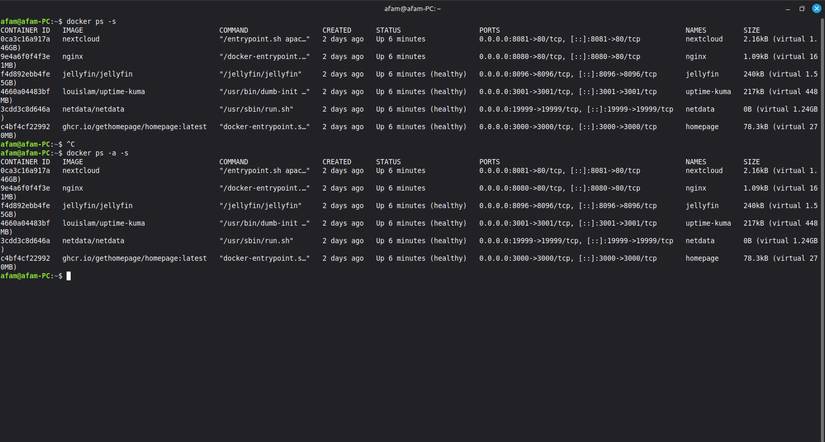
Start with the image you actually deploy, not an assumed size from someone else’s test. Image tags, architectures and releases change, and shared layers complicate total disk usage.
docker image ls
docker history your-image:tag
History shows the image’s layers and build steps; it does not prove which files are unnecessary at runtime. First consider a suitable base image, a multi-stage build and avoiding package caches or build tools in the final stage. SlimToolkit complements these techniques rather than making them obsolete.
If these terms are unfamiliar, start with the Docker learning roadmap.
How runtime analysis works
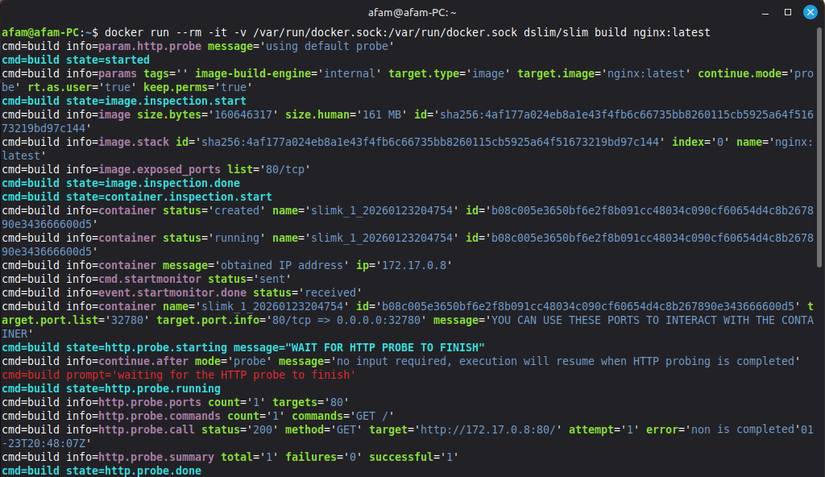
SlimToolkit starts a temporary container and observes activity while probes or your test workload exercise it. An HTTP probe can cover a simple web endpoint, but it may miss authenticated routes, scheduled jobs, error paths, optional plug-ins and files loaded only after startup.
Review the project documentation for workload, inclusion and runtime options. Explicitly retain required files that the observation cannot reach, and use representative test data.
Try the containerized tool on Linux
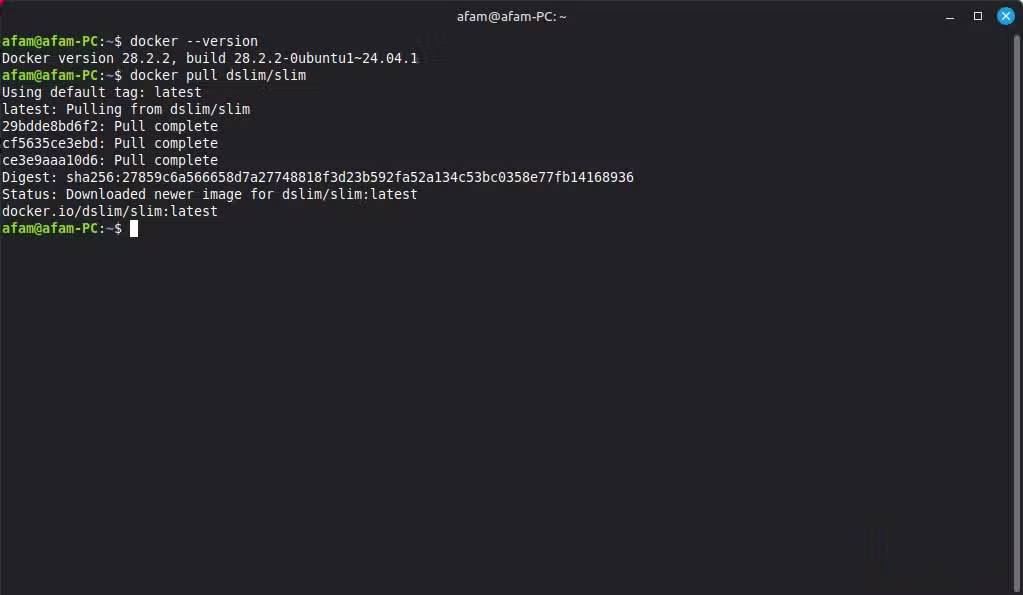
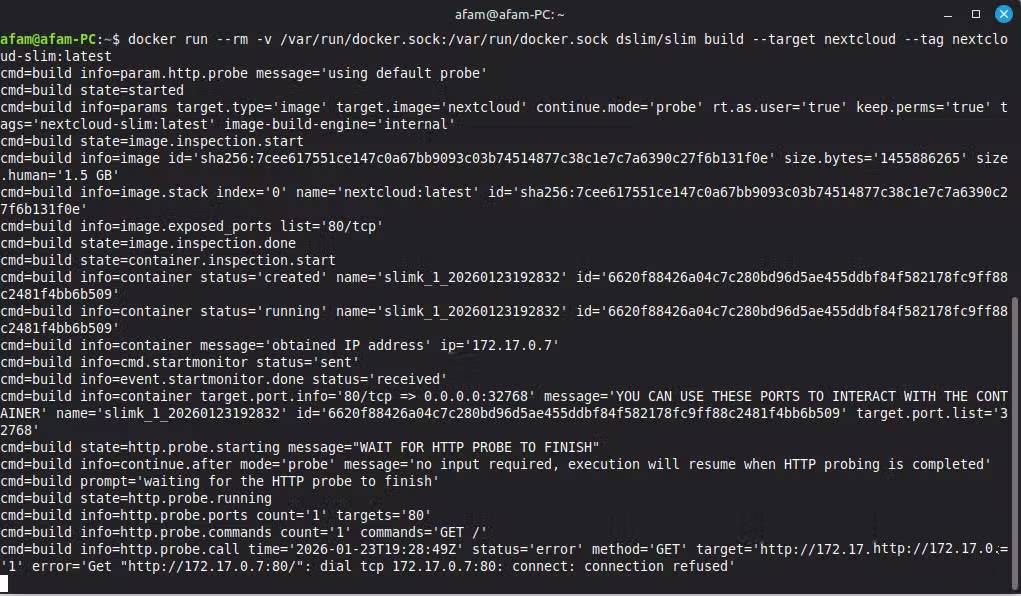
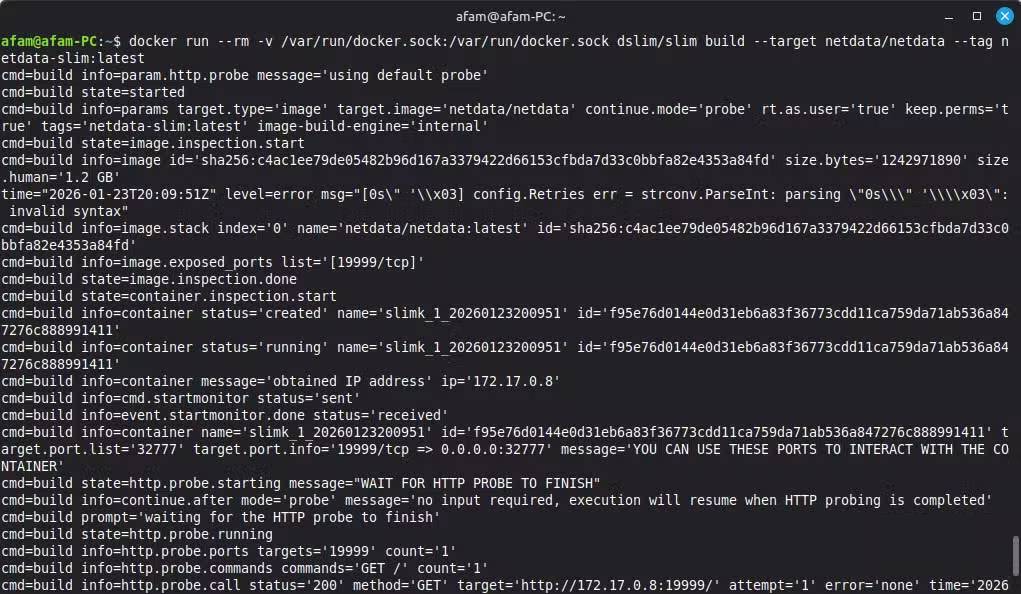
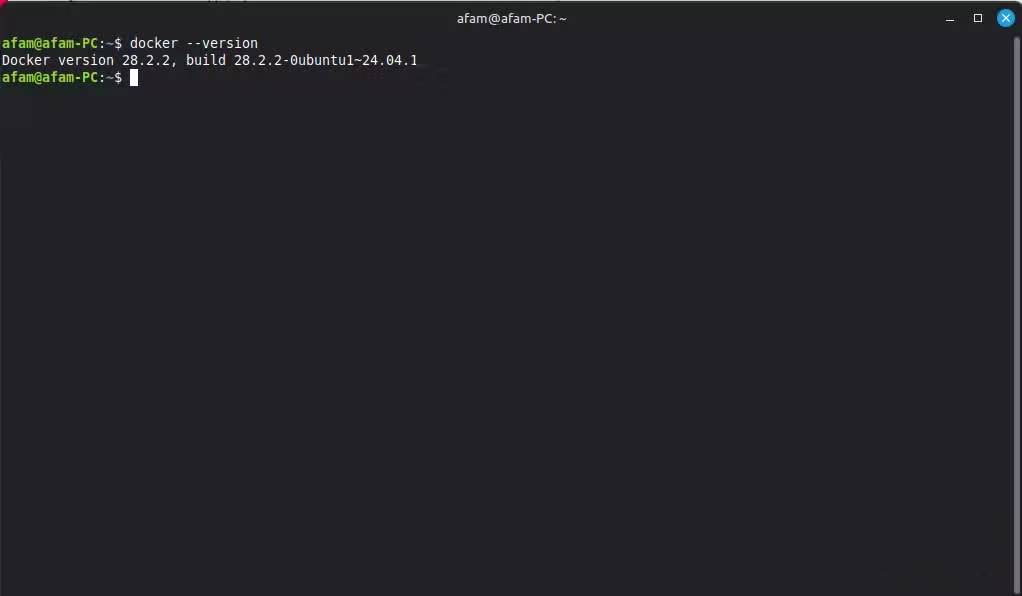
Use a development machine or disposable test environment. Confirm Docker is installed and that its daemon is available:
docker --version
docker info
On a Linux installation managed by systemd, start the service if needed:
sudo systemctl start dockerOther installations, including Docker Desktop and rootless Docker, use different startup methods or socket locations. There is no need to enable automatic startup merely to run this test.
Pull the tool and a sample target, then create a separate output image:
docker pull dslim/slim
docker pull nginx:latest
docker run -it --rm -v /var/run/docker.sock:/var/run/docker.sock dslim/slim build --target nginx:latest --tag nginx-slim:test
The socket mount gives the tool control of the Docker daemon and potentially broad access to the host. Use a trusted tool build, avoid a production host and pin versions for repeatable work. Follow the CLI output; probing and interaction requirements depend on the target.
Validate before using the smaller image
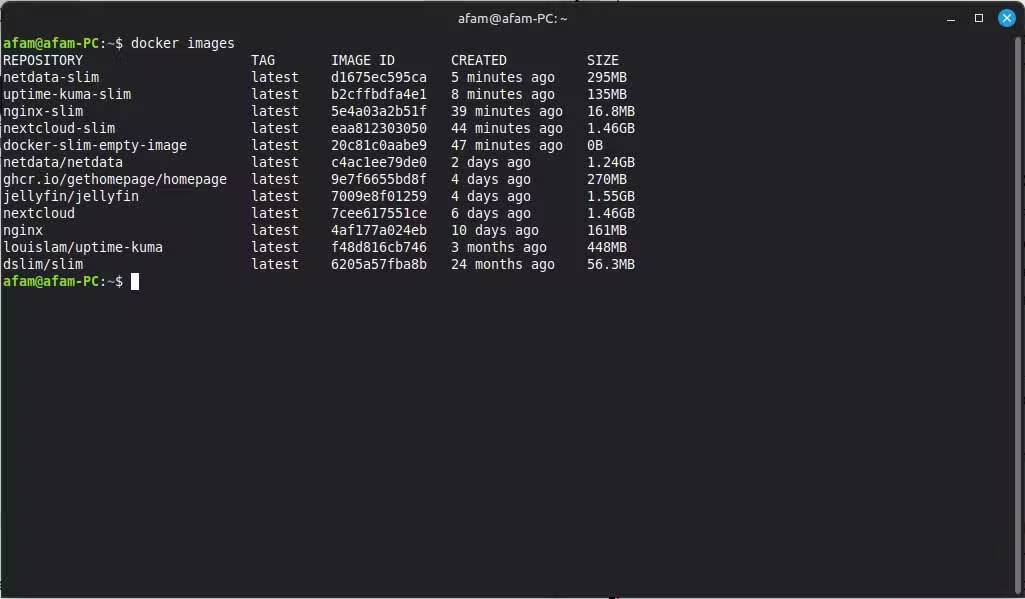
- Compare the source and output sizes with
docker image ls. - Run the optimized image with the same required configuration, environment variables, networks and volumes.
- Test startup, normal requests, authentication, background work, error handling and restarts.
- Check certificates, time zones, locale files, dynamically loaded libraries and health checks where the application uses them.
- Keep the original image available for rollback.
A smaller image may reduce transfer and storage costs, but it does not establish that the application is secure or faster. Continue updating dependencies and checking runtime configuration. The Docker container labs cover practical image and runtime checks.
Related Articles
 How to Make Permanent Changes to a Docker Image Immediately8 minutes read
 Instructions for Reducing Image Size with Fileminimizer Pictures6 minutes read
 Reduce Image Size, How to Compress Images Online for Free8 minutes read
 Reduce Image Size Using Radical Image Optimize Tool (RIOT)4 minutes read
 10 Best Docker Alternatives 20229 minutes read
 Memorize These 7 Commands to Stop Messing Around with Docker Containers8 minutes read
Reader Comments 0
Sign in with email or Google to join the discussion.