10 AI Tools for Excel Formulas, Analysis, Charts, and Automation
Compare native Excel assistants, spreadsheet add-ins, and file-analysis tools for writing formulas, cleaning rows, finding insights, and building charts.
Fix Windows problems, troubleshoot devices, understand AI, secure your accounts and get more from your technology with tested step-by-step guides.
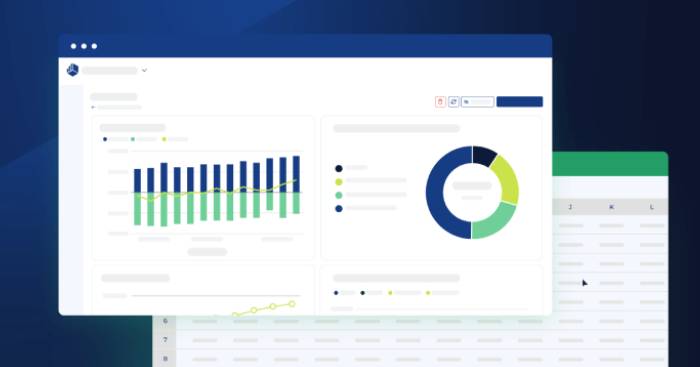
Compare native Excel assistants, spreadsheet add-ins, and file-analysis tools for writing formulas, cleaning rows, finding insights, and building charts.
DiffusionGemma is Google's experimental open-weight Gemma 4 model that generates text by refining blocks in parallel. Here is how it differs from ordinary LLMs and where it fits.

Change your Spotify password from the account page, reset it if you cannot sign in, and secure the account after suspicious activity.

Use AI companions more safely with seven practical boundaries for time, privacy, emotional attachment, relationships, decisions, and crisis support.

Move useful context into Gemini when import tools are available, or download your Gemini activity through Google Takeout before changing AI assistants.

Turn Minecraft into a tense horror game with darkness, stalking creatures, parasites, hostile dimensions, and unsettling sound mods—plus compatibility tips before installation.

Compare Blender, GIMP, Inkscape, Kdenlive, and Darktable by task, strengths, learning curve, and the paid workflows they can realistically replace.

Use these reliable Los Santos and Blaine County areas to look for sports cars, off-road vehicles, trucks, and motorcycles, with separate guidance for Story Mode and GTA Online.
Compare F-Droid, Aurora Store, APKMirror, Uptodown, Aptoide, TapTap, Itch.io, and Obtainium—and learn how to sideload apps without weakening Android security.
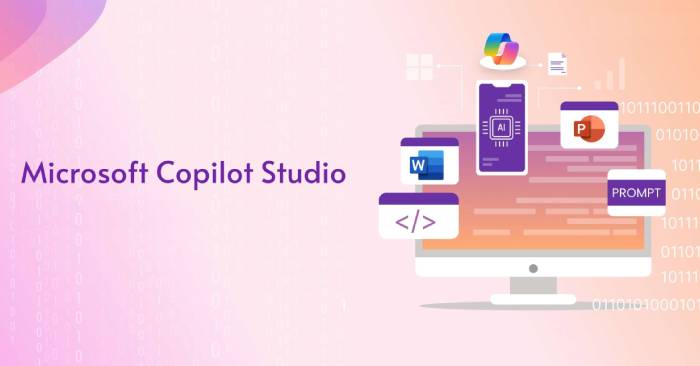
Change an agent's primary response model in Microsoft Copilot Studio, confirm administrator and regional access, and test a preview model safely before using it.

Reduce the personal data connected to ChatGPT by using Temporary Chat, controlling model training and memory, deleting old conversations, and securing your account.

Introduce two Miis, create more chances for them to interact, respond to friendship events, and understand which parts of their relationship remain outside the player's control.
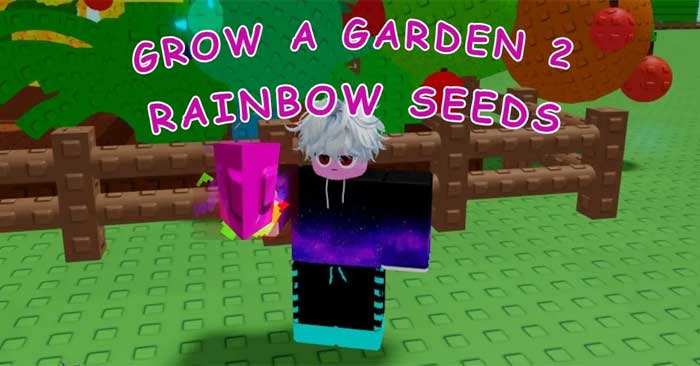
Collect Rainbow Seeds during the nighttime Rainbow Moon event, distinguish it from regular Rainbow weather, and prepare a fast route before the short event begins.
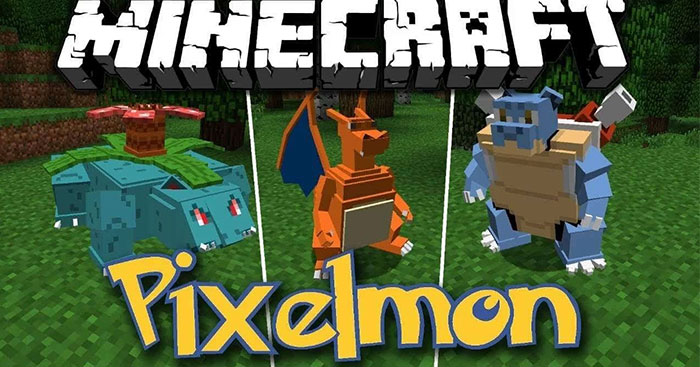
Use Pixelmon commands to heal, inspect, give, edit, or spawn Pokémon, with correct syntax, permission notes, Pokémon Spec examples, and warnings for destructive admin tools.
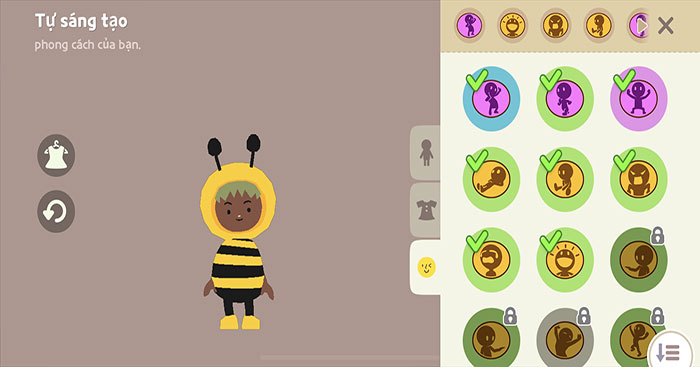
The Play Together action is a fun activity. Want to know how to create Play Together actions, including dance moves and expressions?

Build and fuel the campfire, gather food and scrap by day, survive night threats, rescue missing children, craft beds, and organize a team for a successful run.
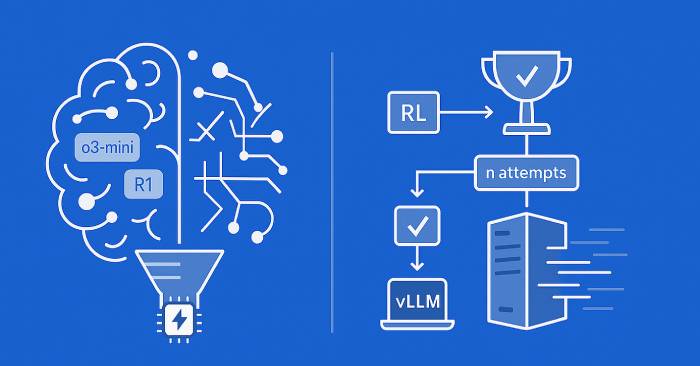
Enable Deep Reasoning for a Copilot Studio agent, target it with the 'reason' keyword, test the added latency and credit use, and review executions in Activity.
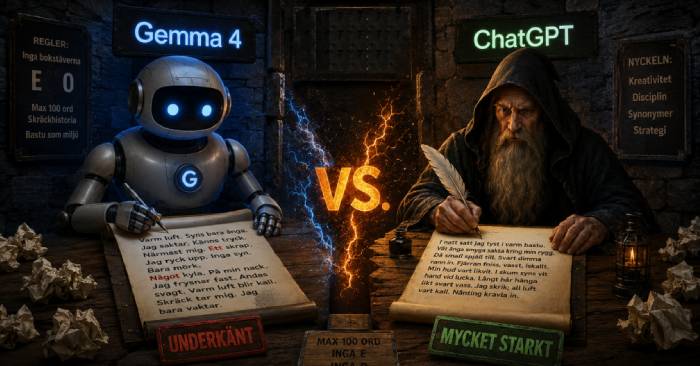
Choose ChatGPT for a managed, ready-to-use AI assistant or Gemma 4 when you need open weights, local deployment, fine-tuning, and control over the inference stack.
Compare Gemini, ChatGPT, Grammarly, Notion, Comet, Canva, and Perplexity for Android by use case, limitations, permissions, and whether the free tier is enough.
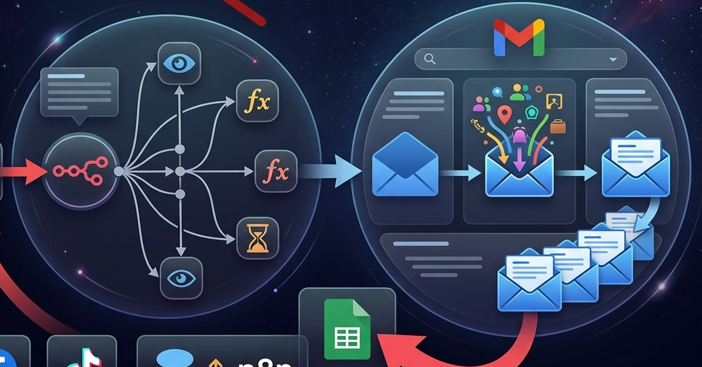
Configure a Gmail credential in self-hosted n8n by enabling the Gmail API, creating a Google OAuth client, adding n8n's exact redirect URL, and authorizing a test user.